

Worklog · 2002
Anemone
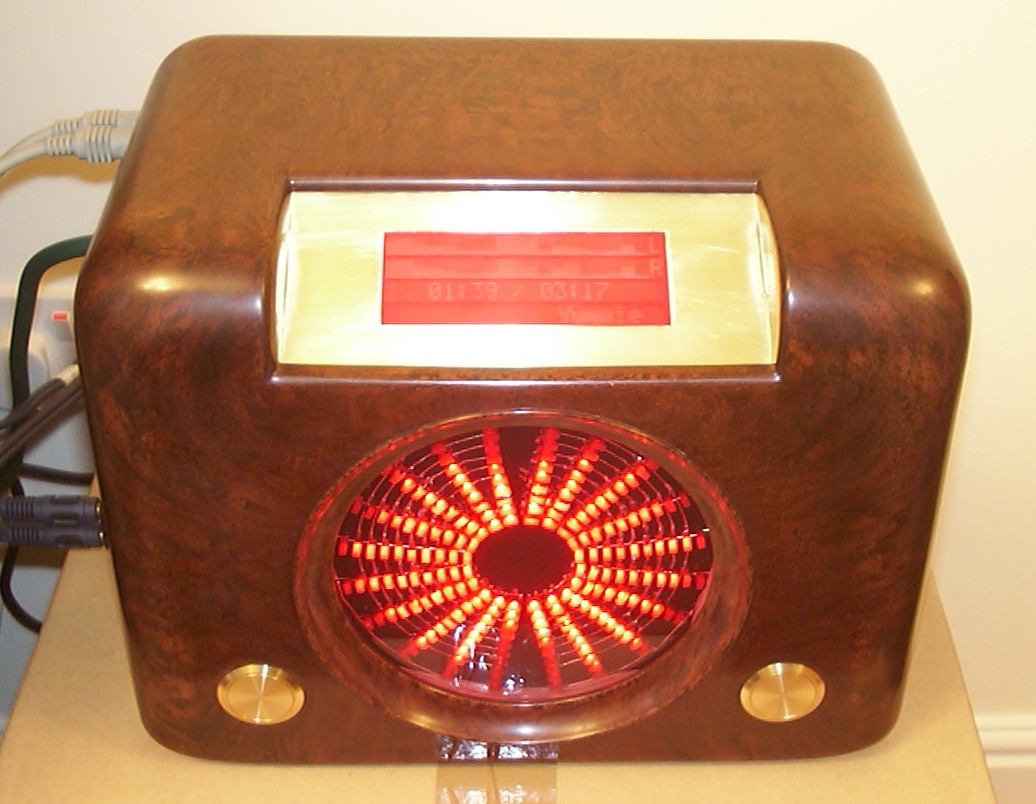
A 1946 Bush DAC 90 radio converted into a home entertainment PC, with a ten-channel spectrum analyser set in clear resin.
- CPU
- Intel Celeron 1200 MHz
- Motherboard
- Shuttle FV-25
- Videocard
- Integrated on-board
- Case type
- 1946 Bush DAC 90 radio conversion
- Purpose
- Competition entry
- Year
- 2002
Sometimes you just wake up and realize, this is what I want to build. Well so far so good, next step as always is to scribble it down on paper for later review when you are fully awake. The idea I had on paper was for a home entertainment PC, it should have a retro look, or even better, a futuristic look viewed by a person living in the 1940’s.
As many times before I ended up looking at Ebay for further inspiration. After some time looking around I finally found an interesting shape, a picture of a 1940’s Bush DAC 90 tube radio was on my screen. Oh yes, this was exactly what I was looking for, a piece of brown plastic with a huge potential. My thoughts started to run away again, the square hole was easy, that one should be enough to fit a LCD. The big round hole used for the speaker was a different beast. I let an old idea pop up from back of my head, all those new fancy japanese compact stereos with complex graphical displays had always caught my eye in stores. Especially those with massive graphical spectrum analyzers… time to hit google for more research. I ended up with a webpage showing off a Velleman K4300 Spectrum Analyzer Kit. After I read about the 100 LEDs divided in 10 channels I saw one little line that almost ruined my day “This product has been discontinued”. Oh dear, I sent an email to the Velleman head quarters in Belgium just to be told that they didn’t have any left in stock but that I might be able to find some store that did… Time to give google a go again. I managed to locate quite a lot of places online that still had the K4300 in their price lists. Emails were sent to all of them just to be returned with the note that they were out of stock and couldn’t get any more from their distributors. I had so far only searched in Europe so now it was time to source whatever I could get from anywhere around the globe. Plenty of emails later I finially found a place in Canada that still had two kits in stock. Three minutes later both of them were heading their way to UK.
Project Anemone had started.
Part 2
I still neded a case so I started to bid on Ebay, unfortunately some radio collectors were more keen than me to get their hands on the radios offered. Time for plan B, after yet some google searching I ended up with the frontpage of Past Times Radios. After a couple of emails, an empty bakelite shell for a Bush DAC 90 anno 1946 was delivered.
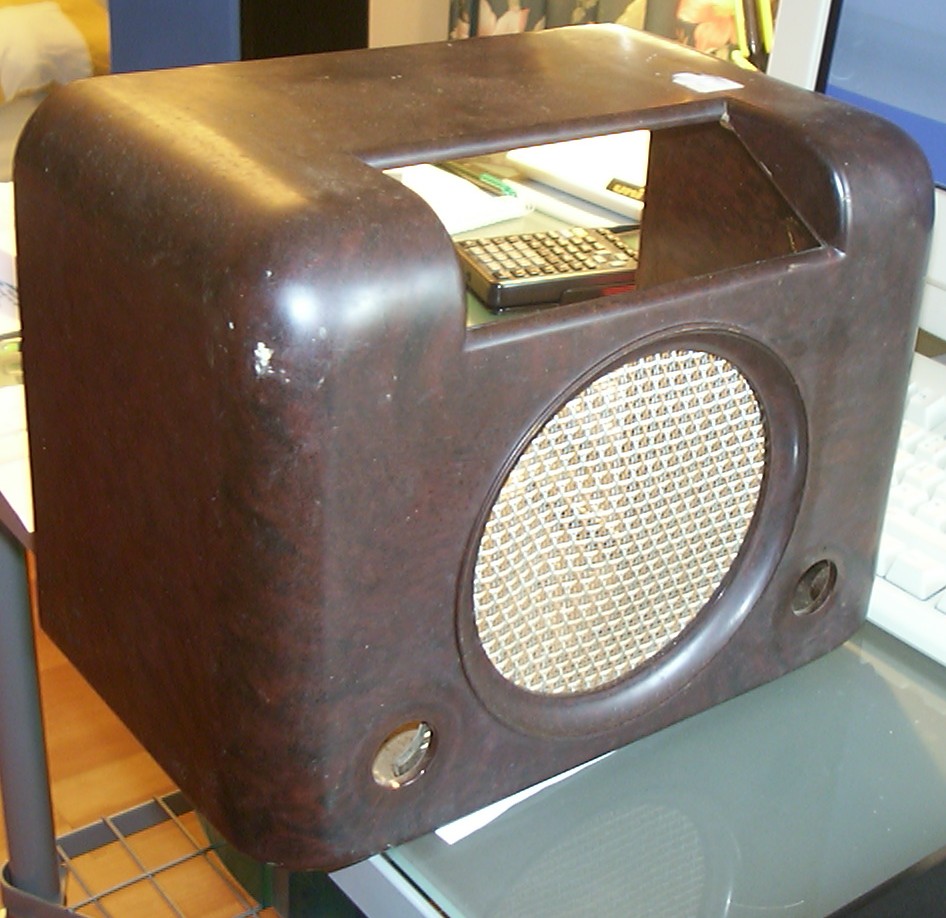
I wonder what it has been up to for the last 20 years, it was anything but clean. Except for the dirt it was in an excellent condition, no cracks or damages anywhere.
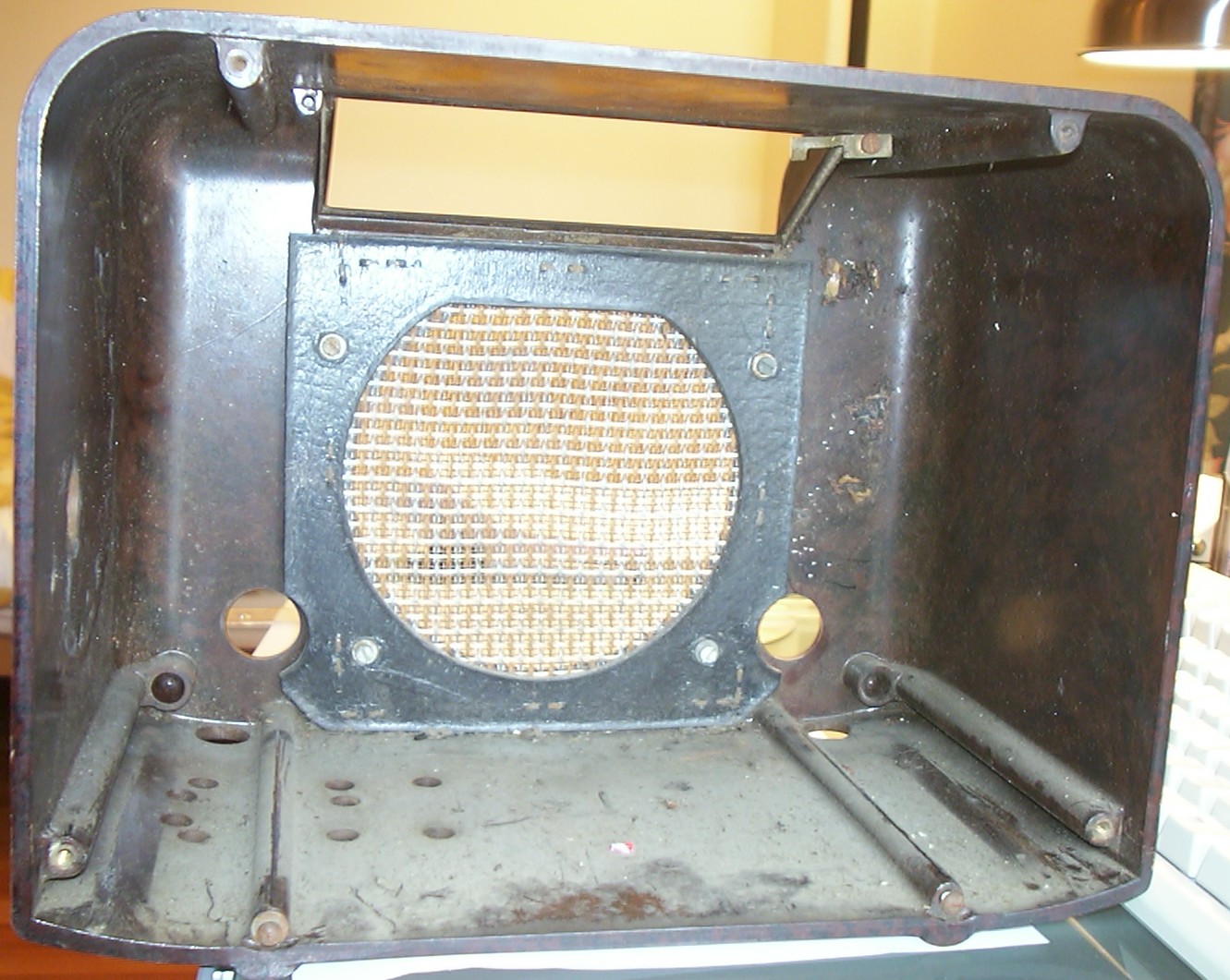
The inside was full of dead bugs, wasps and other nasty things. The speaker grille was removed and the bare case had to stay in the sink over night to dissolve all dirt.
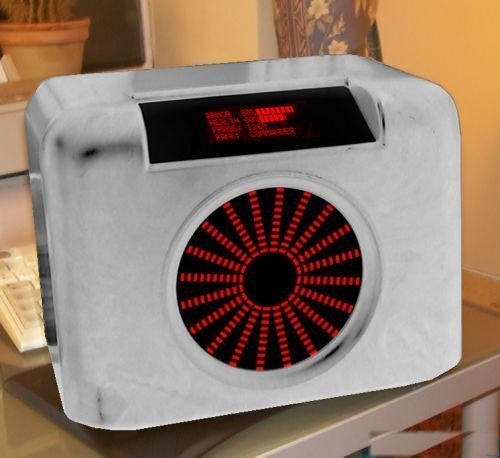
With the case cleaned I took a photo and did some editing to give a little idea of how the end result might look like. I also played around with different shapes of the spectrum analyzers. This was the design I preferred. I did some careful measurements of the case to help the planning of the remaining system. The shell is tiny: 305mm (12") wide, 182mm (7.2") wide and 232mm (9.1") deep. The selection of motherboard was simple though, only the Shuttle FV-24 could fit inside.
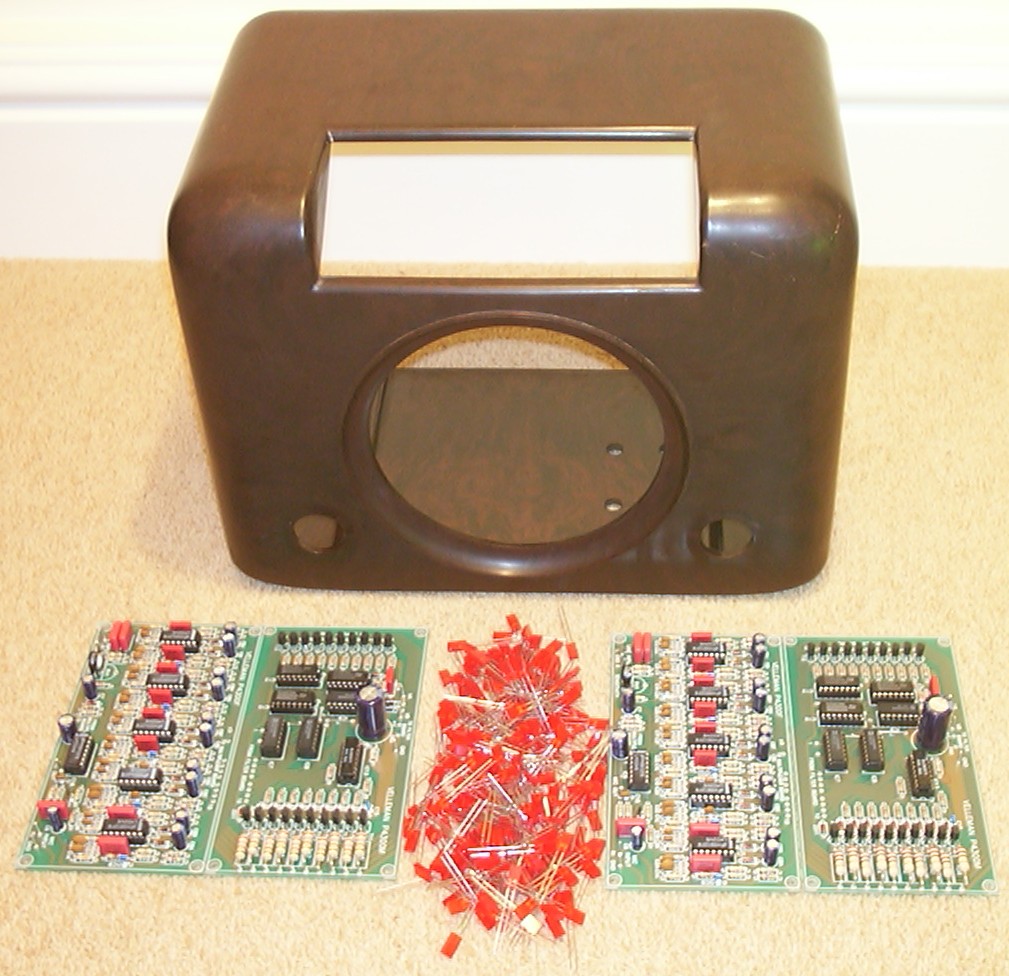
The Velleman K4300 kits arrived. I started with the easy part, soldering on all the components on the circuit boards. It wasn’t very difficult but it took a weekend since each board had about 100 components.
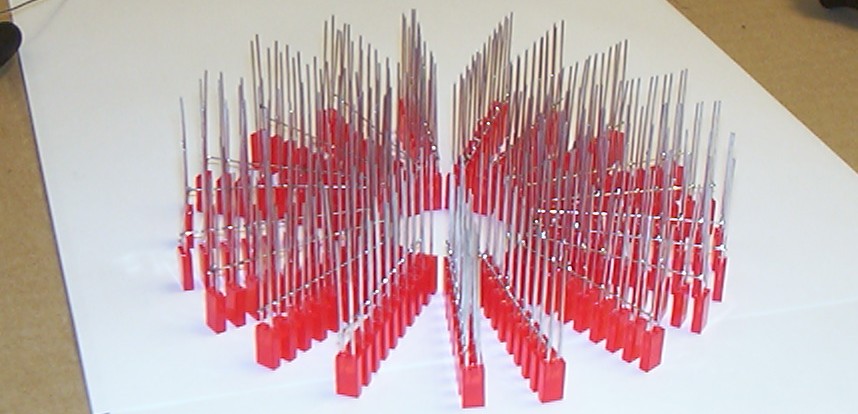
Now I had to figure out how to solder 200 LEDs in a circular pattern without a PCB. Easy, just solder them one by one to tinned copper. Bad idea, didn’t work at all. I had to build a small jig so the LEDs would stay in place and also so the wire wouldn’t roll away. After some trial and error including killing ten or so LEDs I had found a working procedure. They were soldered ten by ten in the first stage as you can see above.
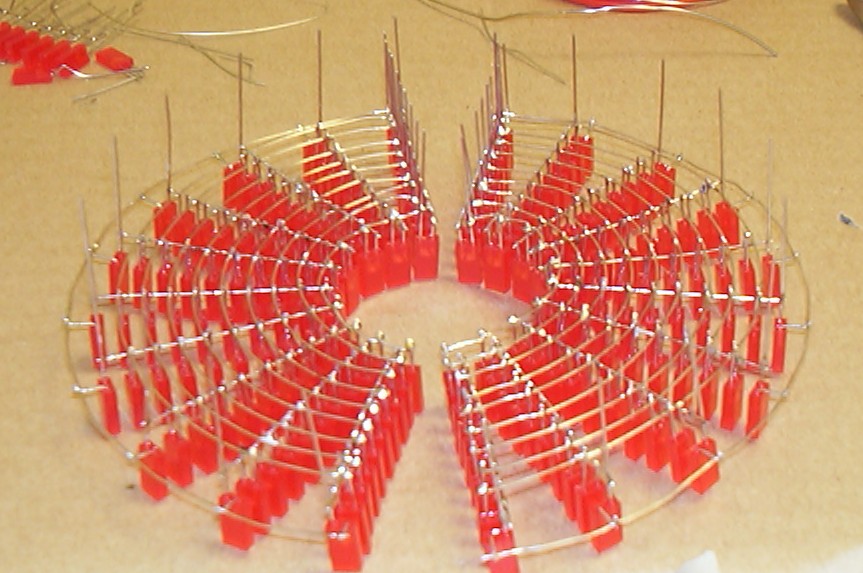
Time for the round wires, no jig used this time, I simply soldered the soon to be outer ring as a straight line. Had to dust off my math knowledge and calculate how much 1/20th of the outer circumference would be, that was the distance between each “LED bar”. Then just solder the two ends together and a ring was created. Next step was to solder the inner ring. When I was happy with the inner and outer ring I added the remaining eight rings…
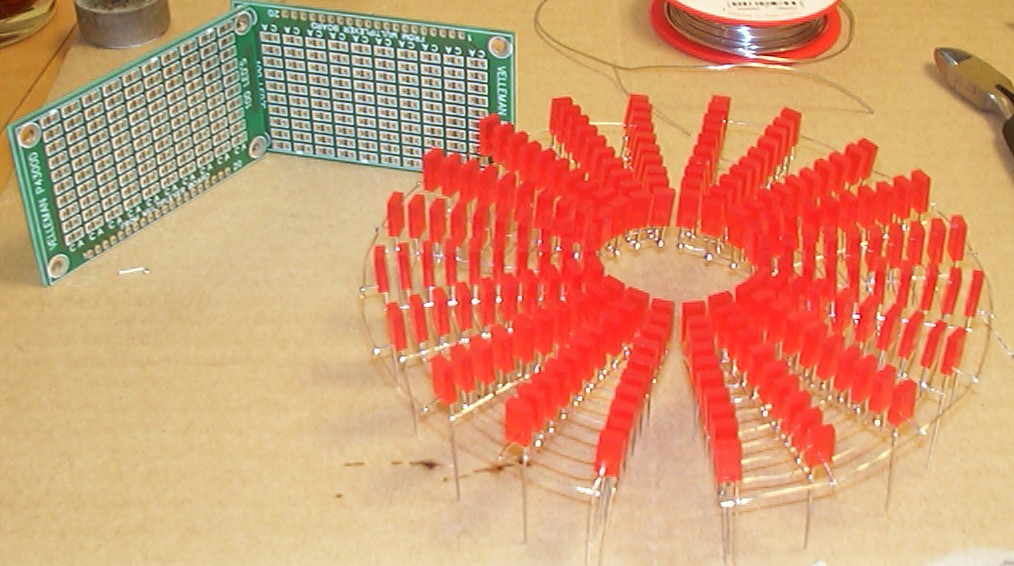
The PCBs supplied with the kit are at the top left corner and wire mesh, mashie style at the bottom right.
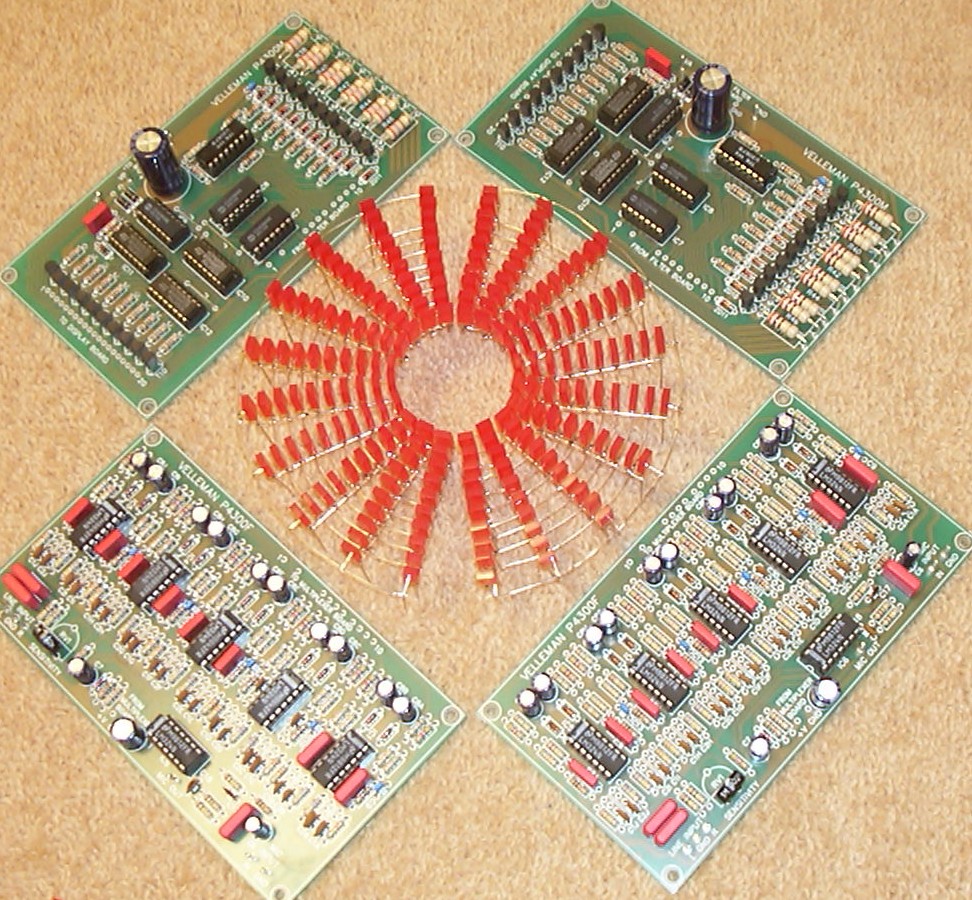
The result after two very productive weekends with the soldering iron.
I had to test to see if they worked before I could continue so here is an animated gif from the first ever test run (100k).

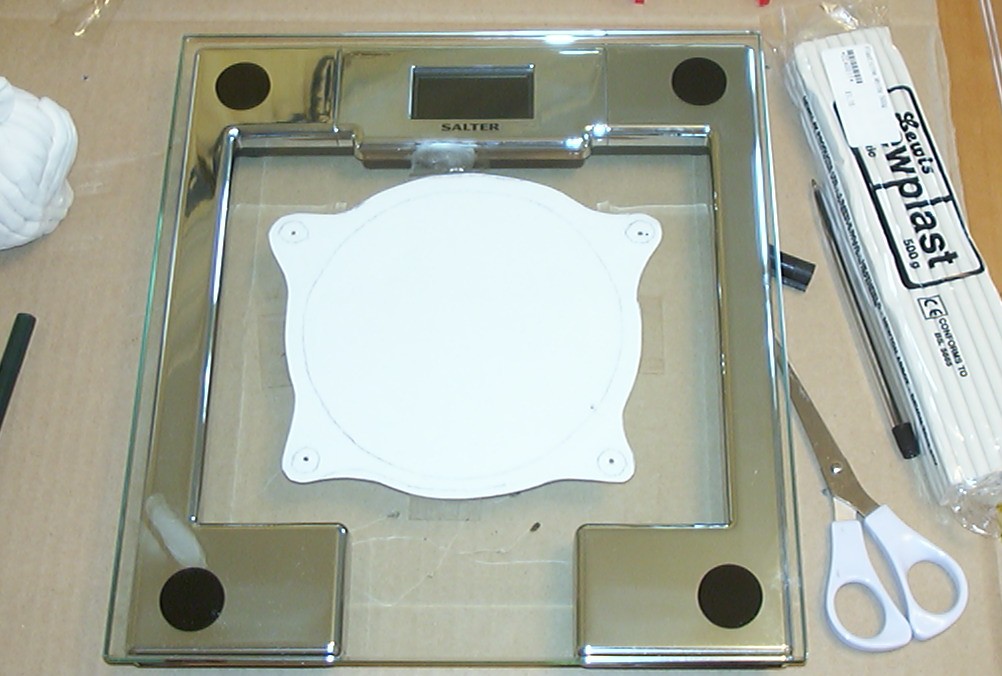
It is not easy to mount square LEDs in a panel so a different solution was needed. Time to embed the LEDs in a nice protective plastic block. Clear cast resin was bought from 4D - The Model Shop. I made a paper cutout of the desired shape and mounted it under a piece of glass to get a nice flat surface to use as bottom of the mould. A bathroom scale had to do this time.
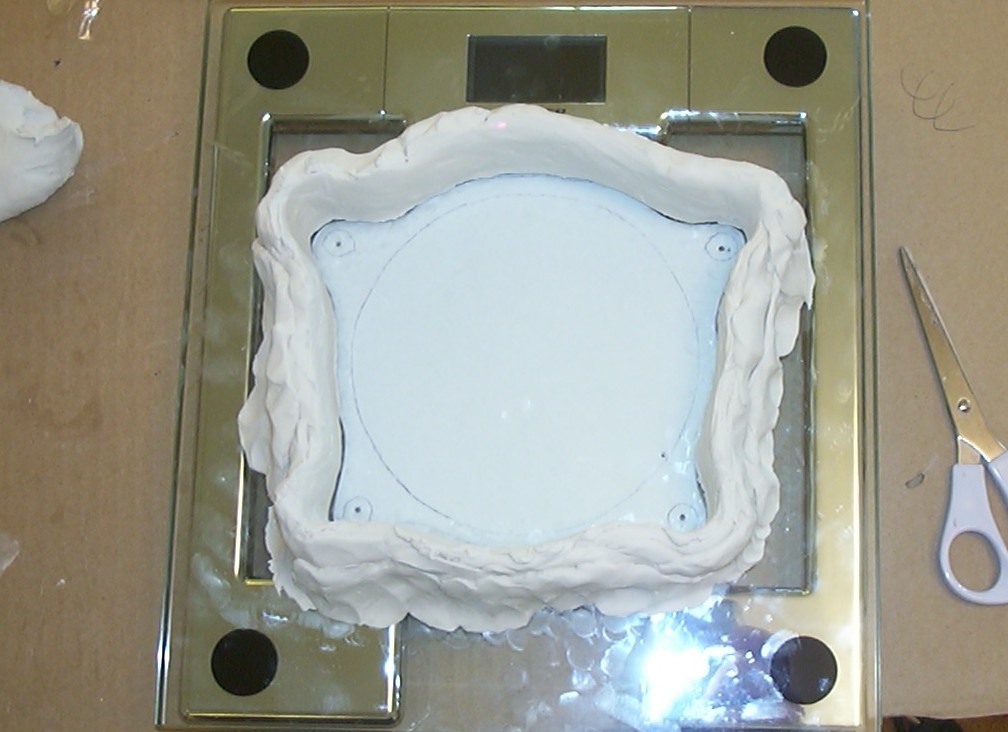
To keep the resin in place, a frame out of Plasticine clay was made.
Part 3
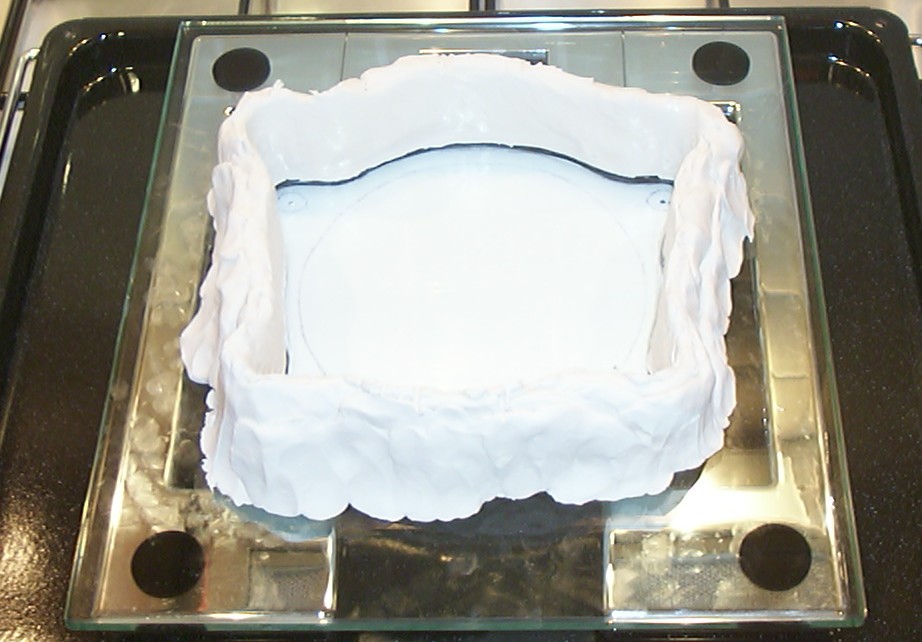
When I was happy with the shape it was time to add a release agent so it should be easy to remove the finished cast later. Normal Vaseline petroleum jelly (lip therapy) was used in a very thin layer on all parts that would be in touch with the resin.
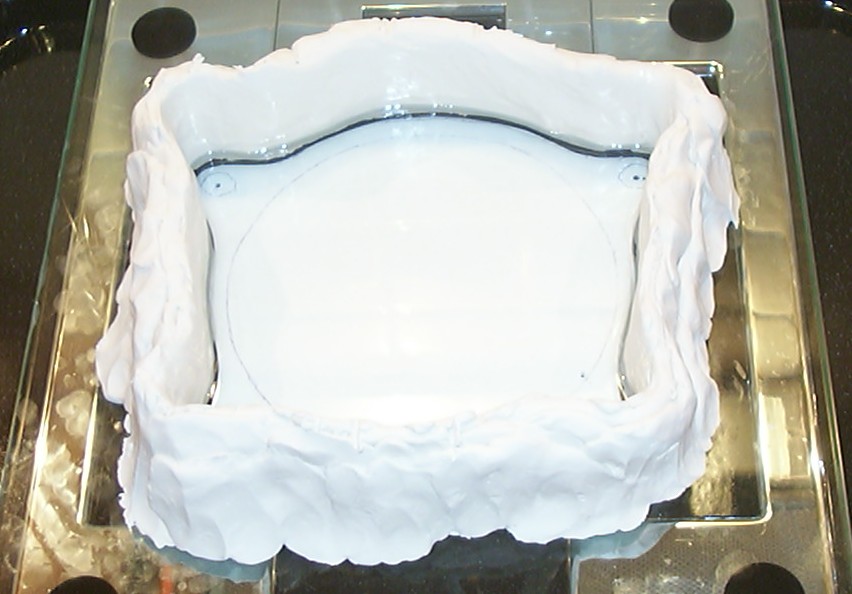
Clear cast resin has to be applied in layers or it will crack because of the heat created while it harden. First layer done, time to wait 30 min. This stuff has a terrible smell, if you plan to use make sure you have a very well ventilated area.
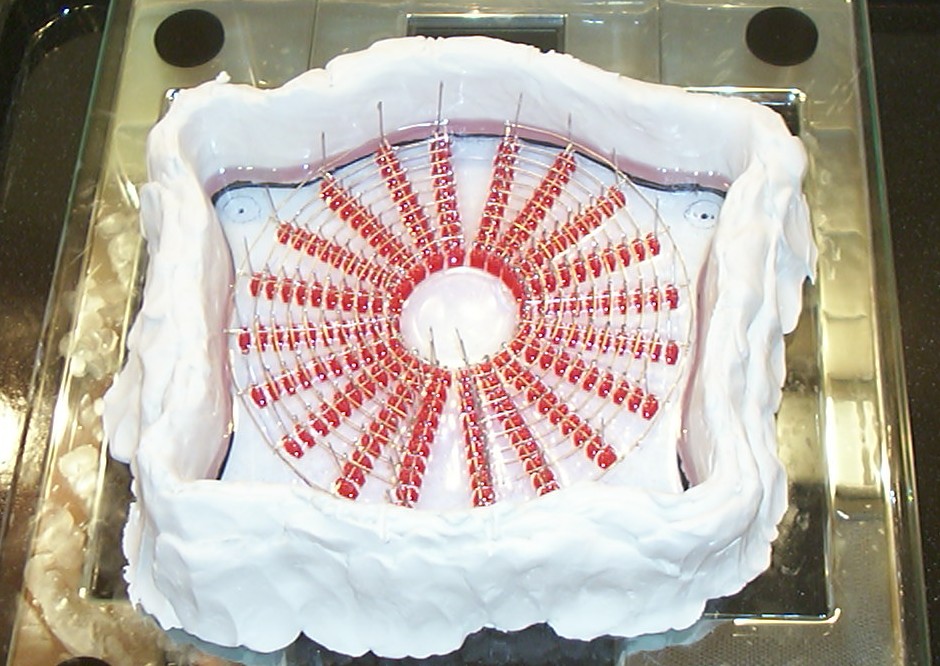
LEDs and one more layer of resin applied, wait another 30 min.
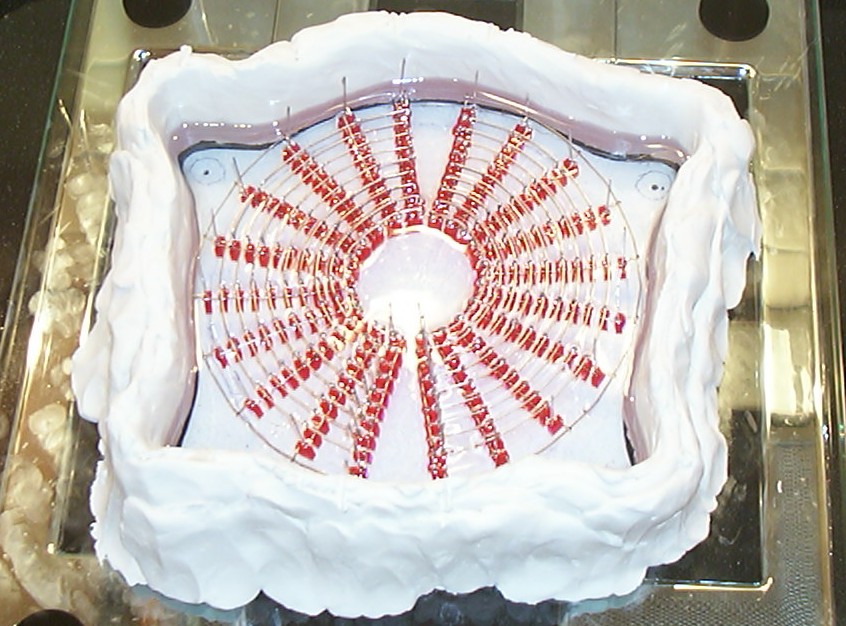
Slowly layer by layer the LEDs are covered.
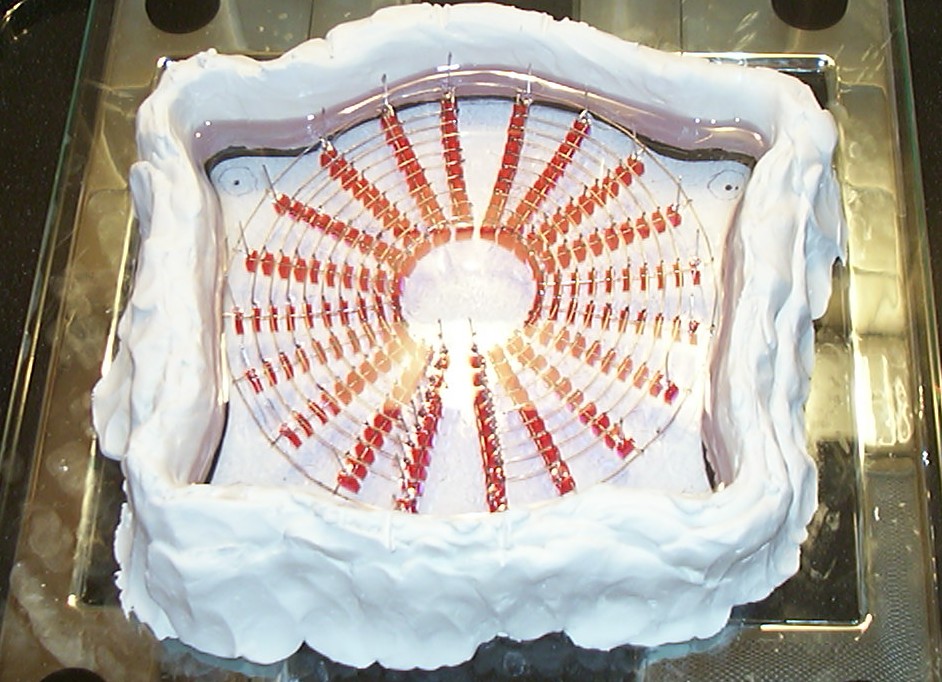
The final clear layer done, the LEDs and the wire mesh are completely covered now.
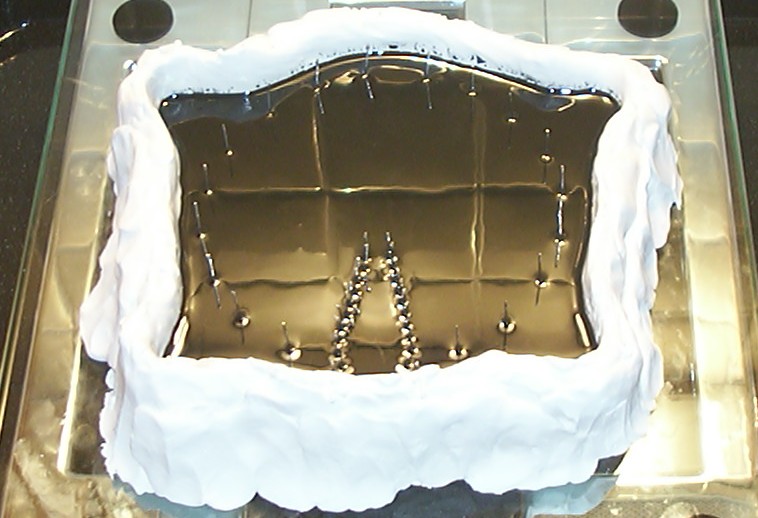
As a final layer black dye was added to the resin since I didn’t want to make a window even if that should be fully possible.
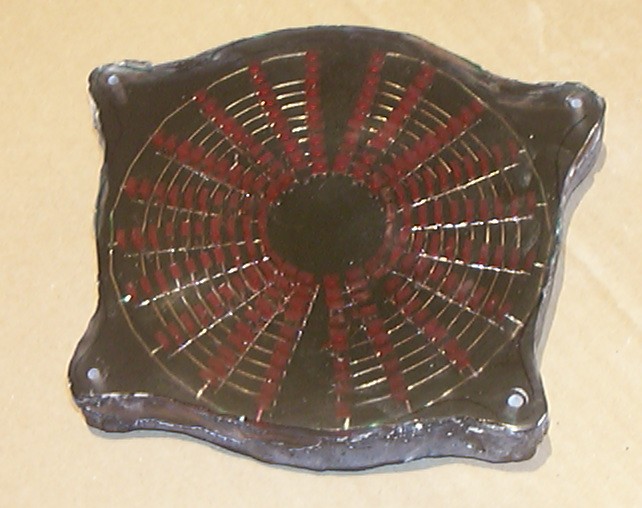
After 24 hours, the LED block was hatched. It turned out a bit messy since I was a bit slow to add the black layer and the cast got time to shrink so the black resin got into the gap between the frame and resin. You always learn something when you try out new stuff.
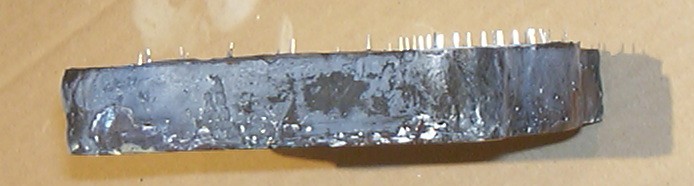
Looks more like a rock then a piece of clear plastic…
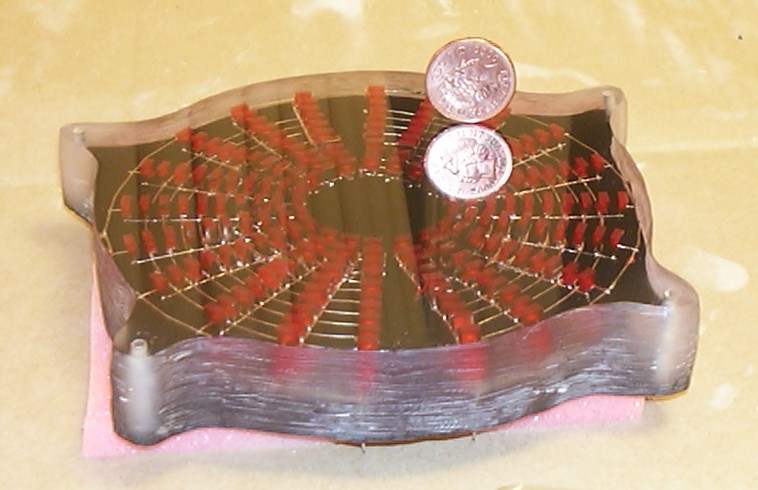
Well, nothing that can’t be fixed, time to do a bit of Dremel action with a 60 grit sanding wheel to clear up the edges. To get the front sorted, wet sanding from 180 to 600 grit sandpaper was required. To get the true glory back two hours of rubbing in front of a nice DVD movie was all that was required…
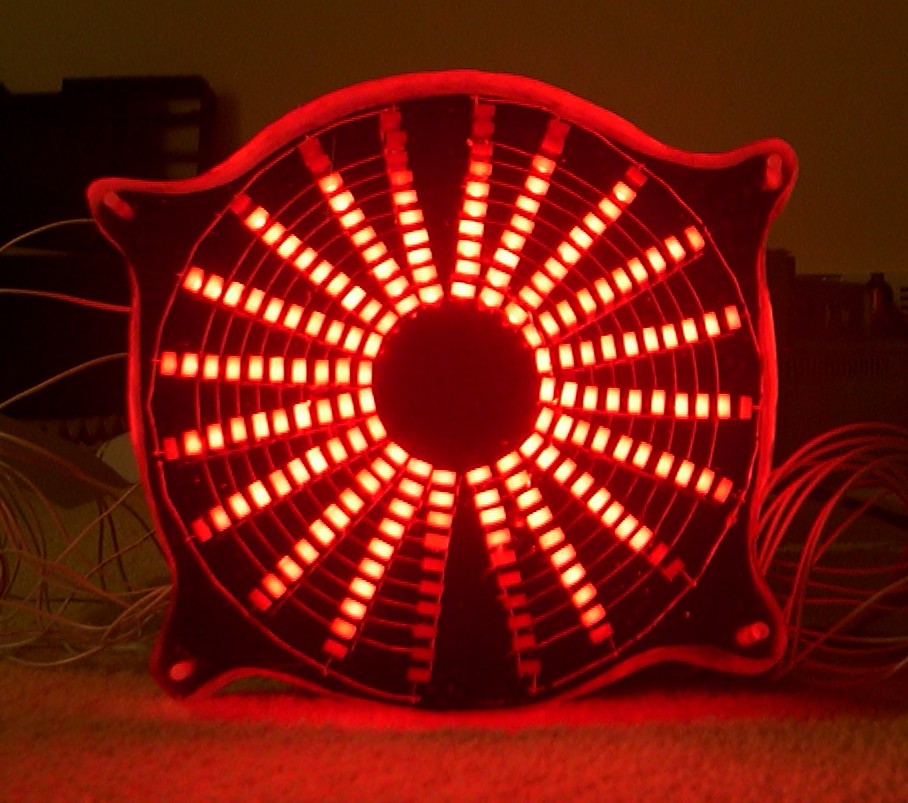
This was a very scary moment, had the soldering joints survived the 2% shrinkage the casting did? Well as you can see all 200 survived, woohoo.
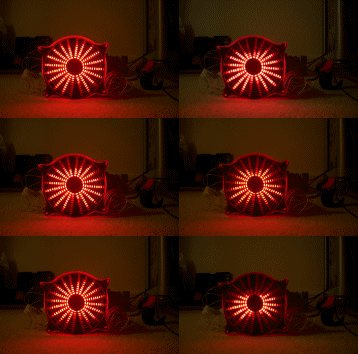
I soo had to make another little animated gif (125k) to enjoy the success.
Part 4
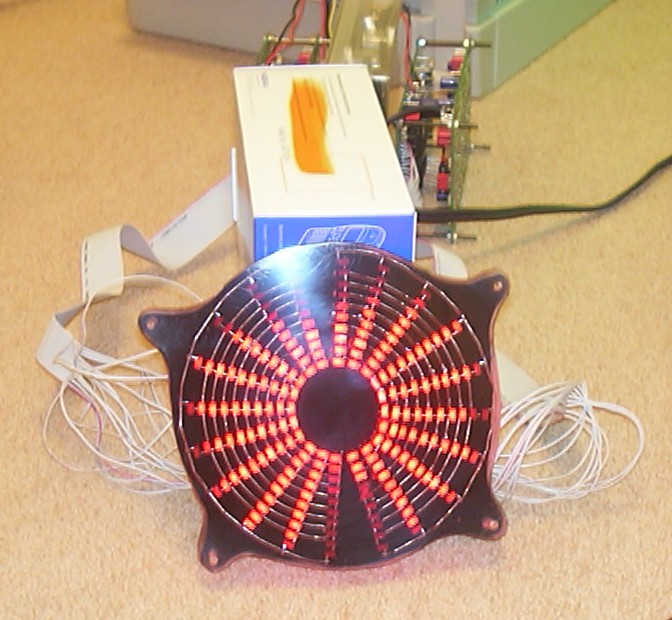
Yet another test run, just for the fun of it and also because I was waiting for parts to arrive.
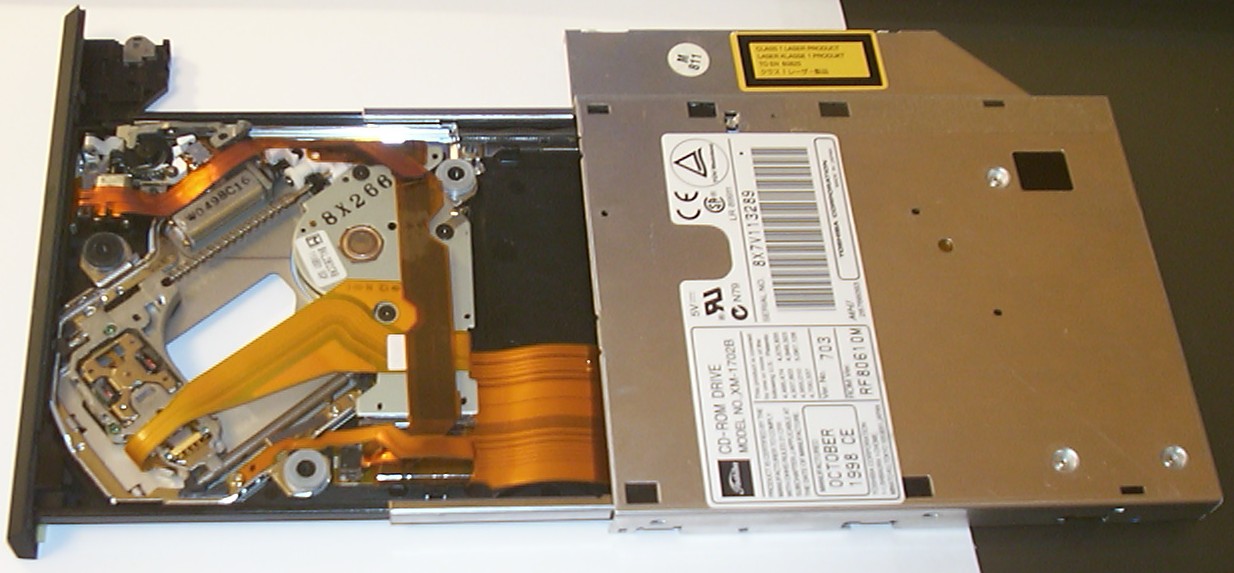
An IBM 24X laptop cd-rom arrived from an ebay auction. Not much to do on it except replace the front plate and relocate the eject switch.
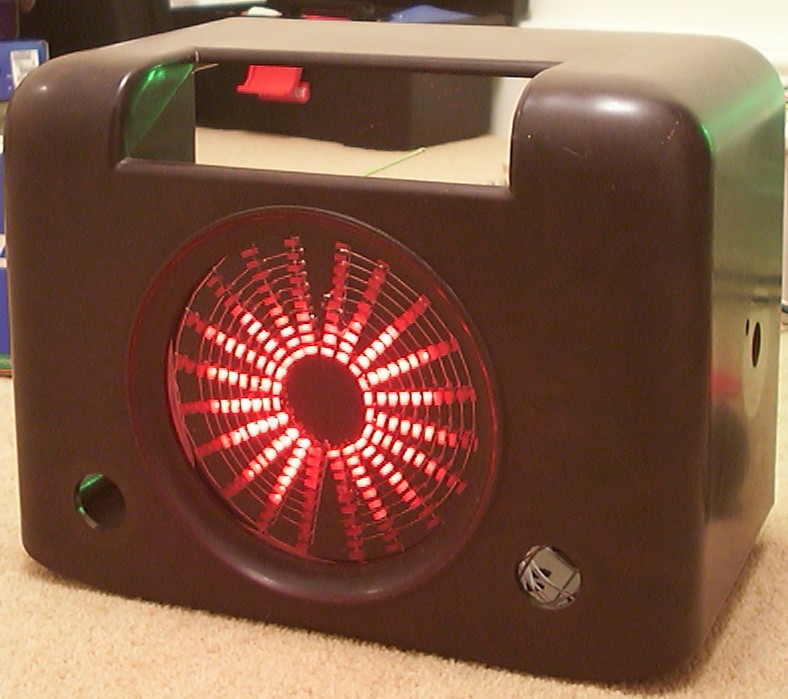
An early test to see if the LED block would fit inside the case, it did.
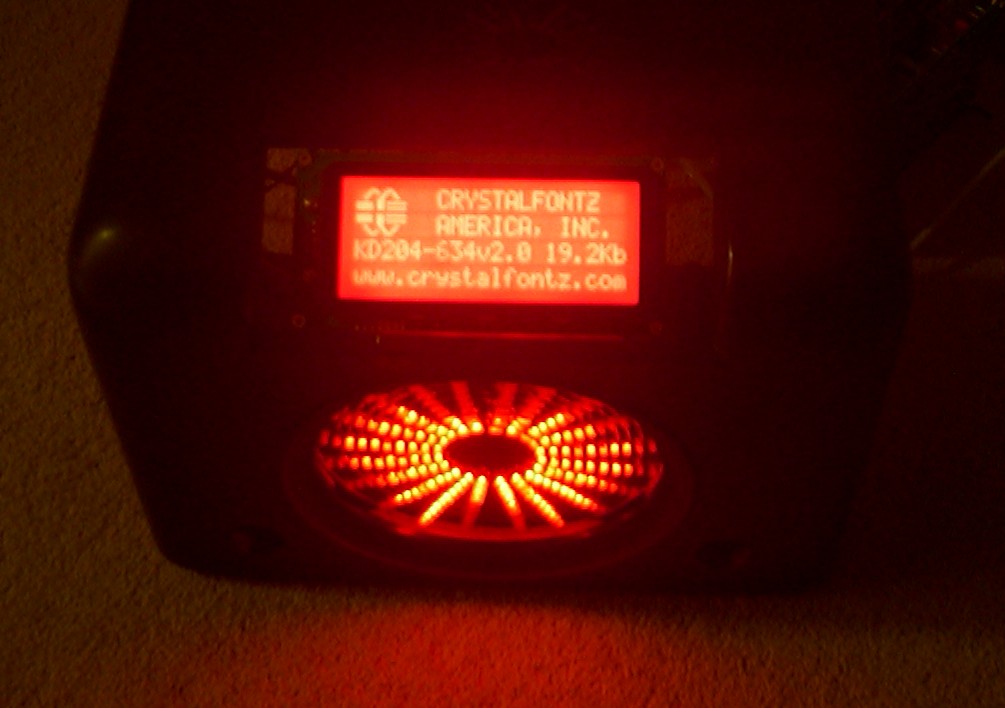
A CrystalFontz 634 LCD arrived in the mail and was modified by a friend since I didn’t fancy replacing 70 green LEDs with red ones. It was also inverted. Here it is mounted with tape just to get a feeling of how the end result would be.
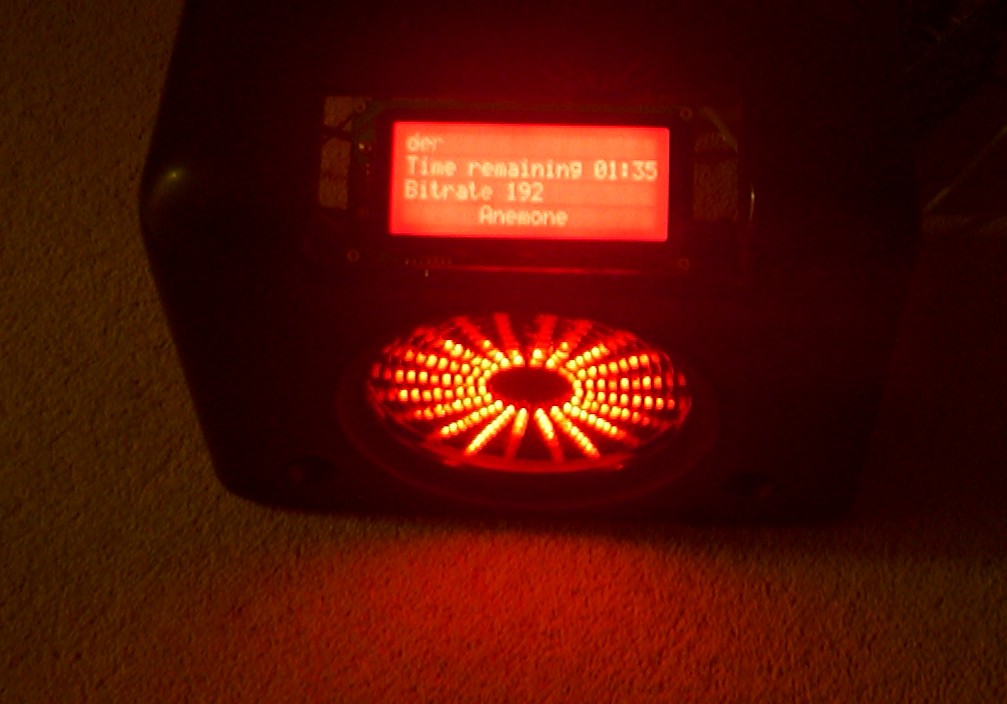
I played around with CrystalControl since this is the first LCD I had.
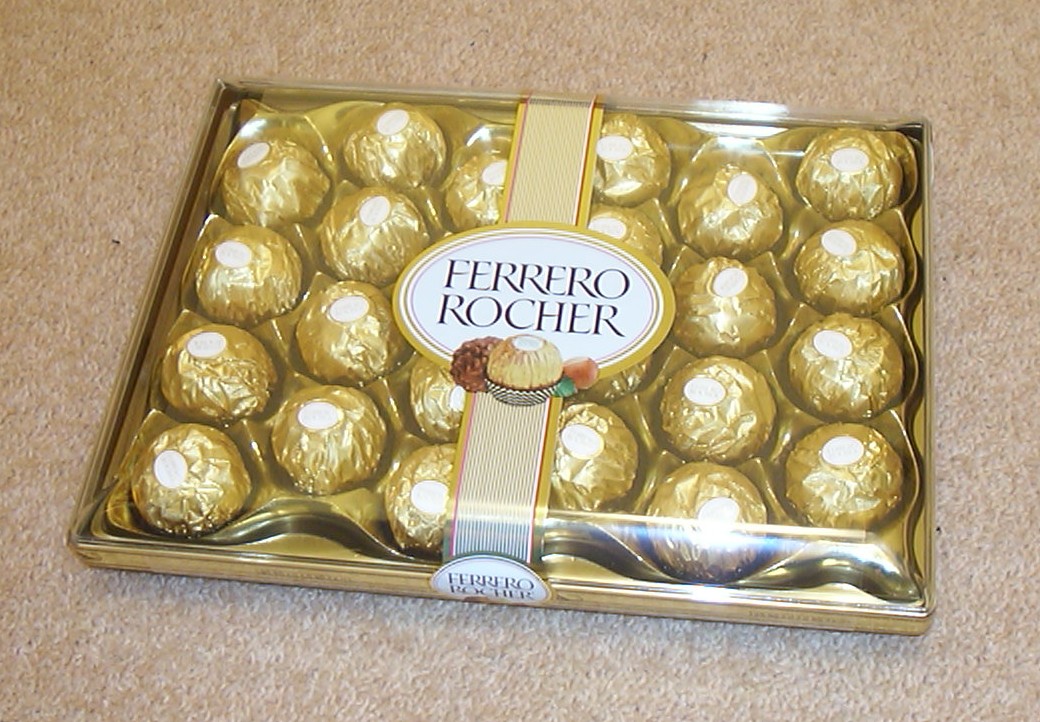
This is the sweet part of casemodding, I guess you wonder what Ferrero Rocher have to do with casemodding?
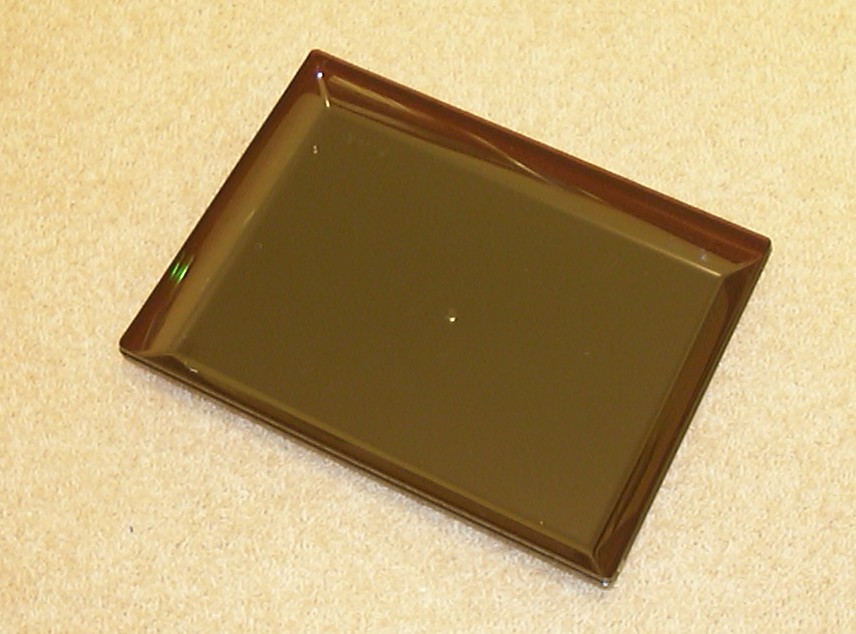
Except that it is really nice to eat, the plastic box has potential since it is made out of dark transparent brown ABS.
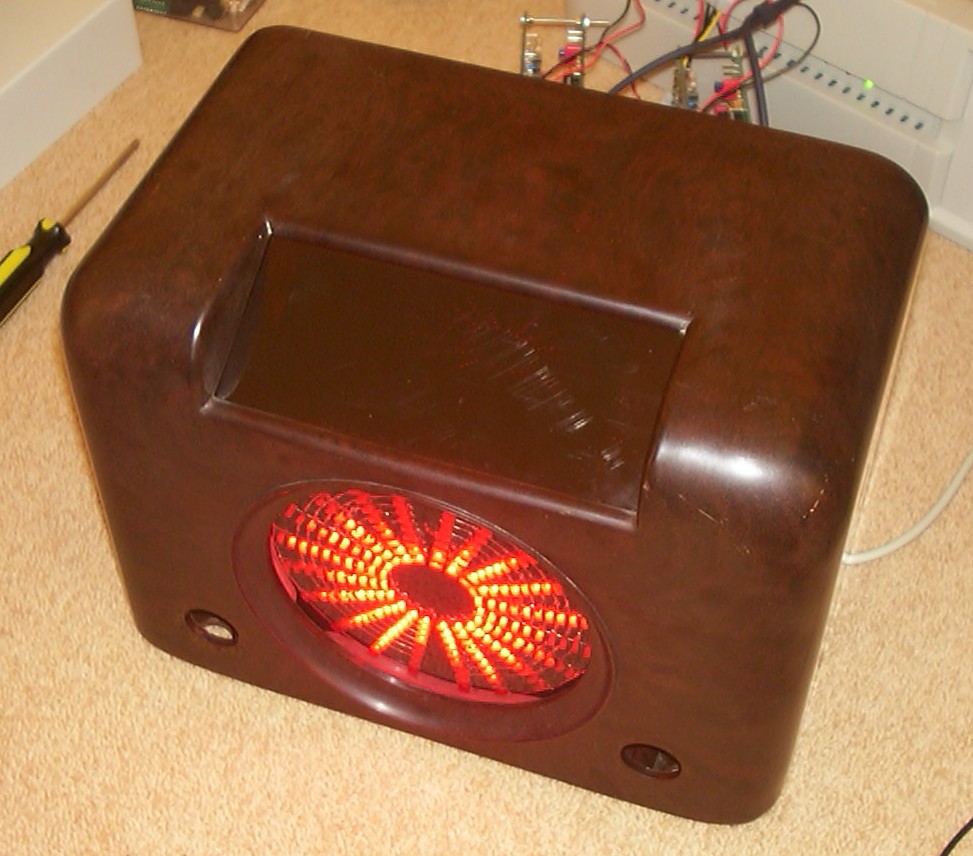
Ferrero Rocher panel mounted with the LCD underneath it, no LCD visible at all…
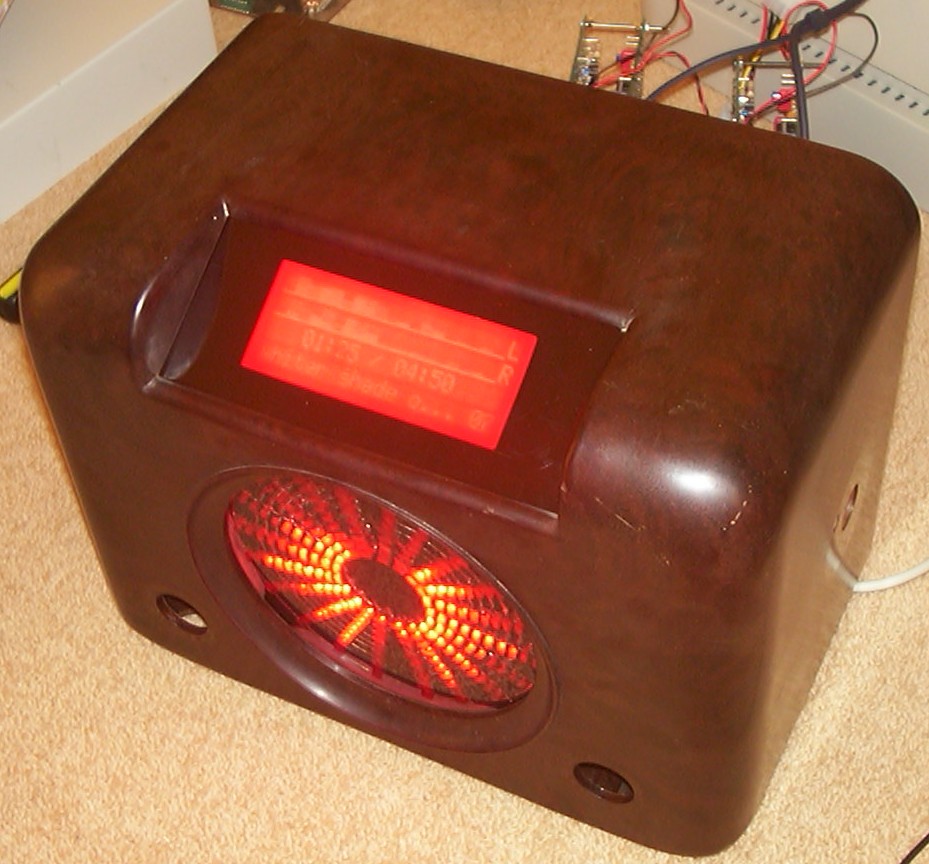
Until the LCD is switched on.
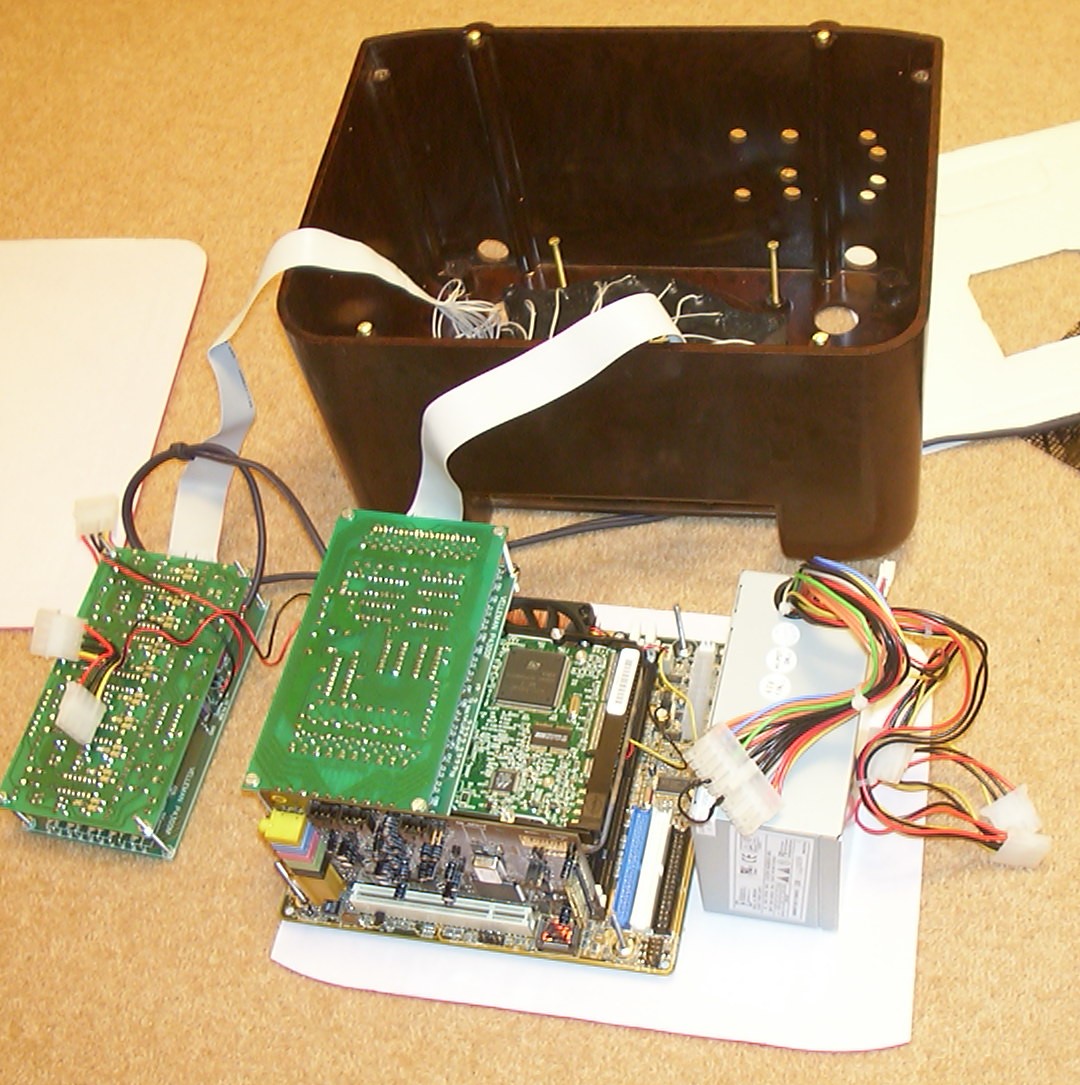
It’s time for some serious planning and measuring, as you can see the available space is quite limited.
Part 5
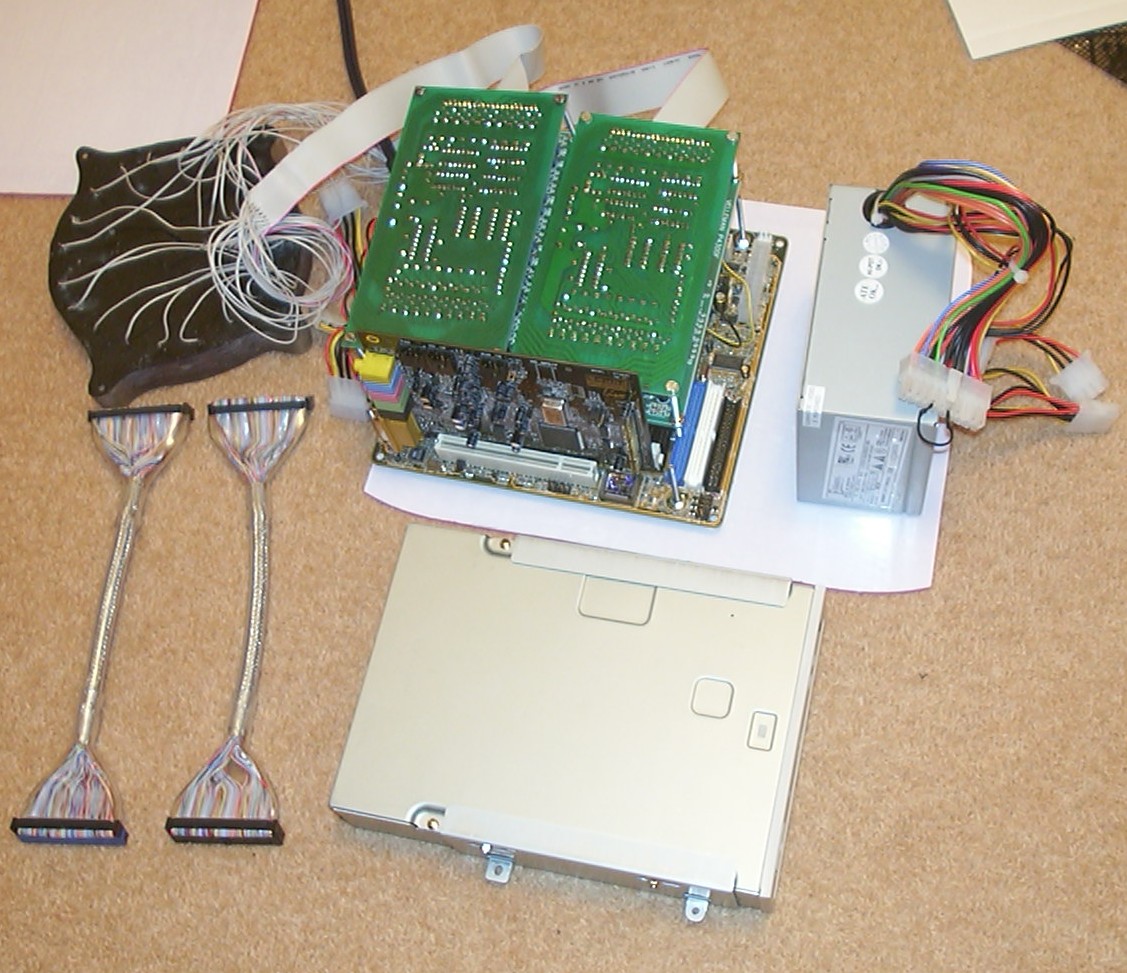
Two 9" IDE cables and a normal CD-ROM drive added just for size reference.
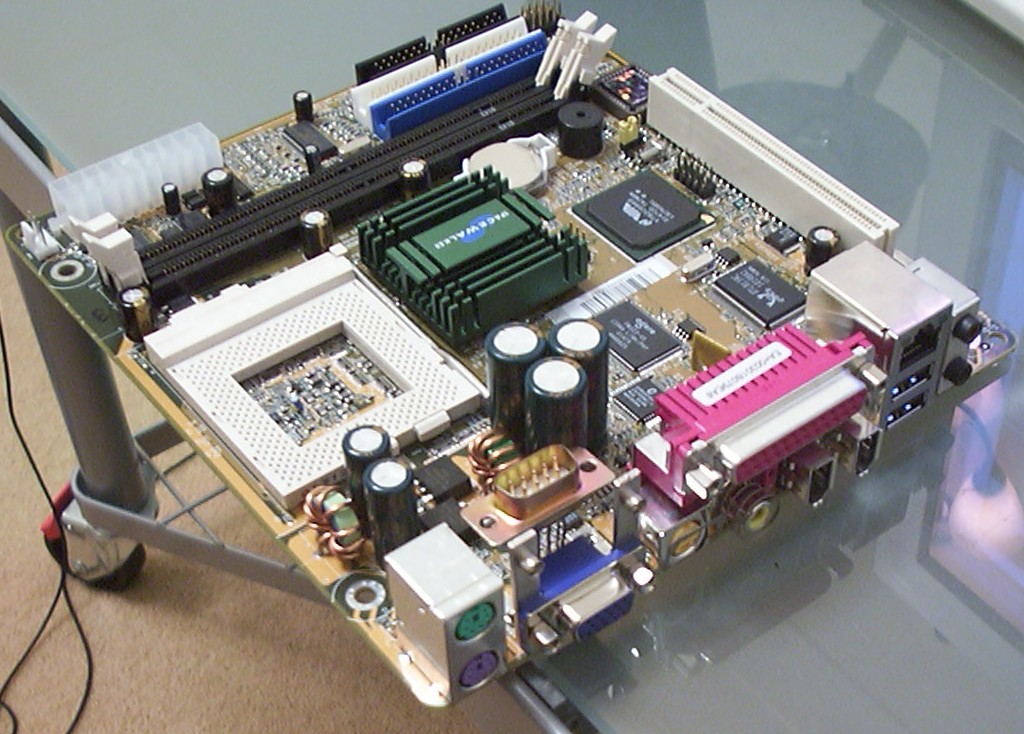
The Shuttle FV-24 motherboard from So-Trick Computers was slightly modified so the external serial port became internal. I simply cut off the old connector and replaced it with a new straight one. Oops, I think I voided the warranty.
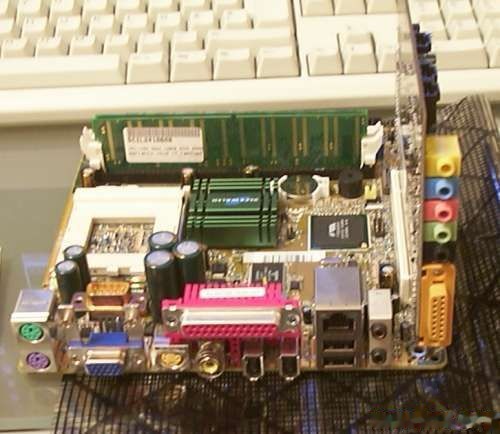
Plenty of ports that needs a new I/O plate.
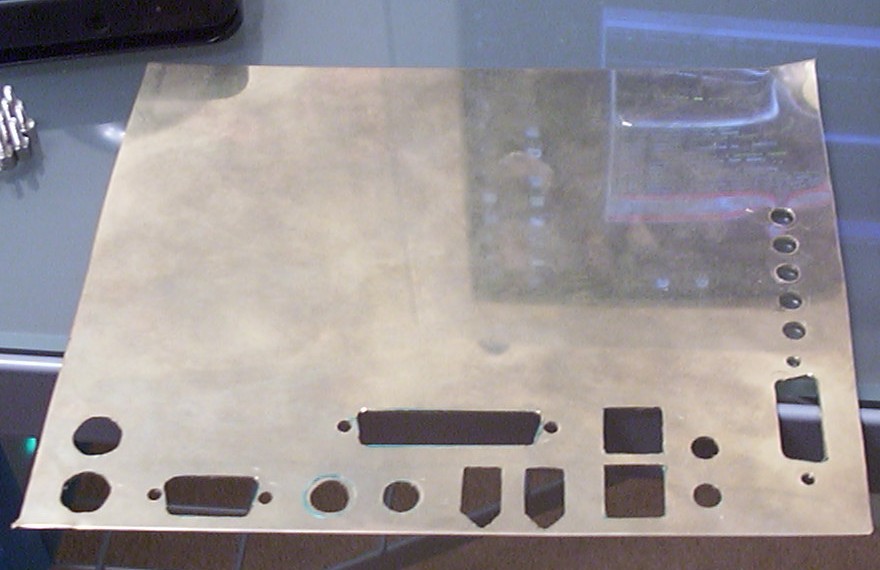
A brass plate with 24 holes suites the needs fine, but it was a bit of a pain to make using a powerdrill and files.
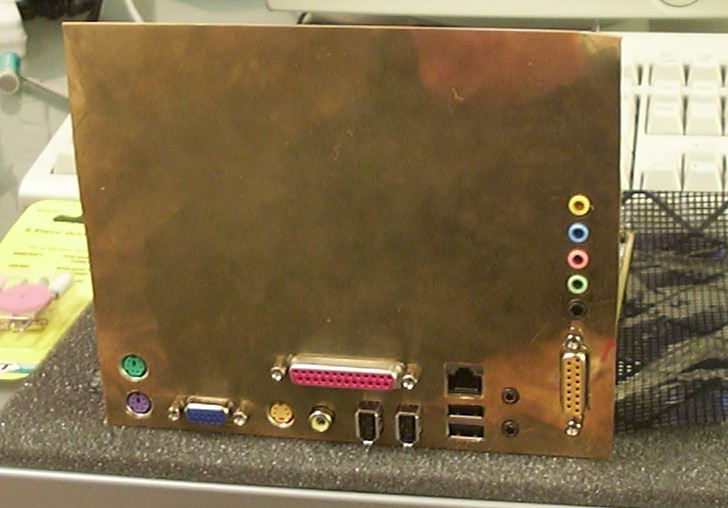
After some minor adjustments of the PCI slot, everything did fit.
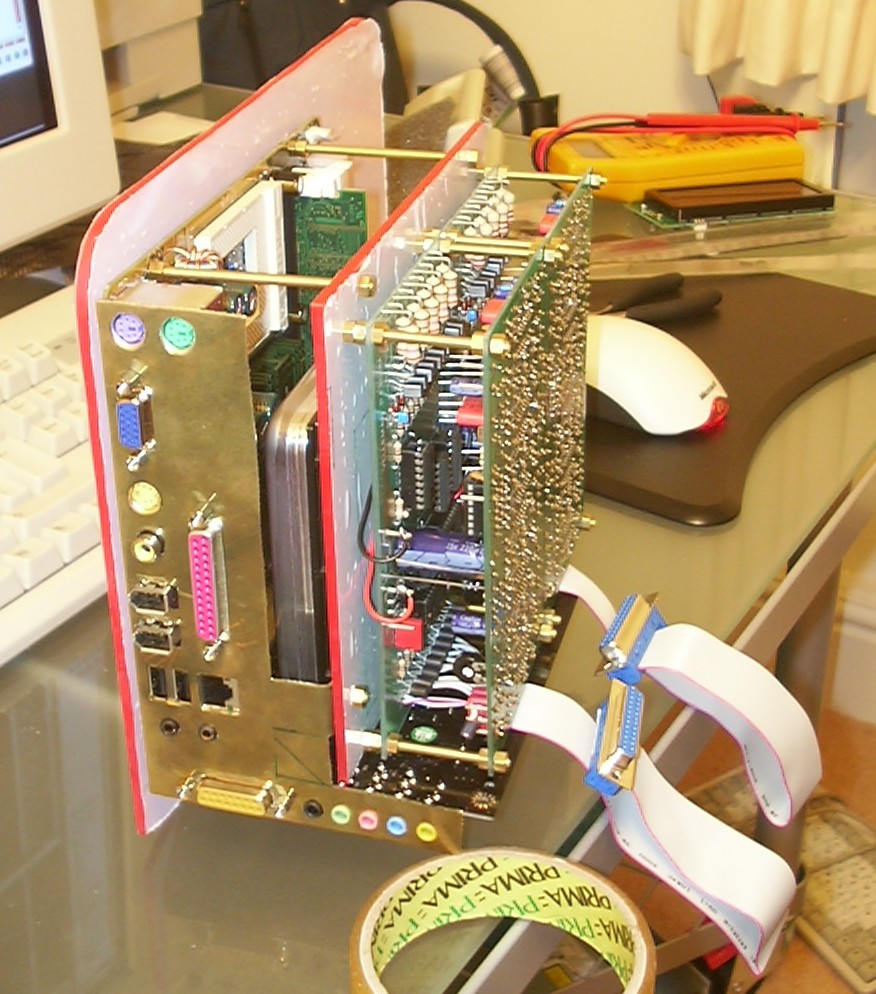
The I/O plate was cut to shape and a first test assembly of the internals was done. I went for a sandwich construction since it is the most space saving and also easiest to build. The motherboard is mounted on the back plane while the controller cards and harddrive is mounted on the next layer. The protective film on the 4mm red acrylic will stay on as long as possible to prevent scratches. The two flat cables will carry the signals to the LED block.
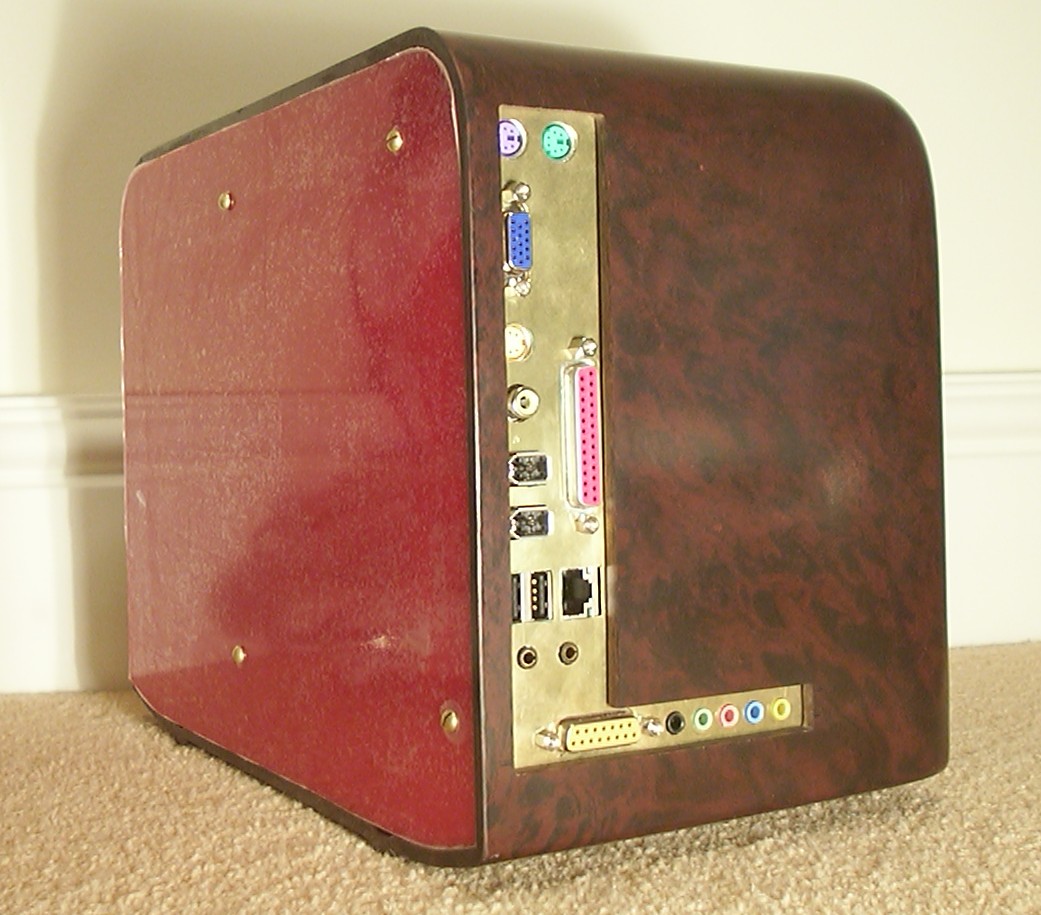
First cut in the Bakelite It is a really strange material, it is very hard and a dremel is of no use. Drills and files had to do the job.
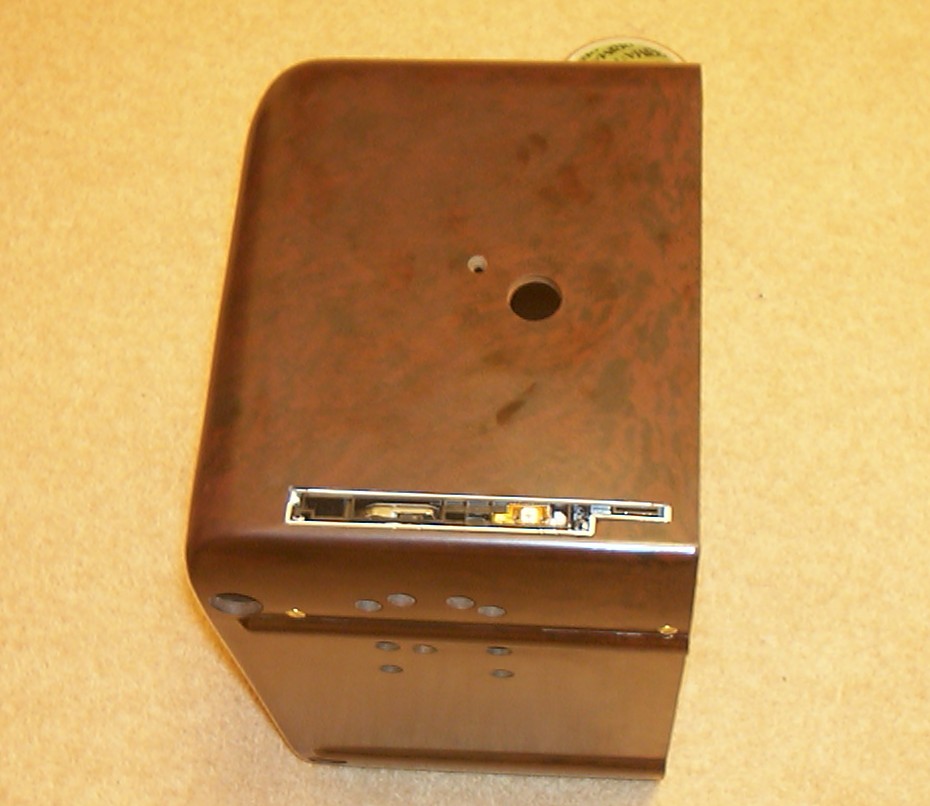
A slot for the now defaced CD-ROM was also cut. The big and small hole above it are old remnants since this was a radio and will be taken care of later.
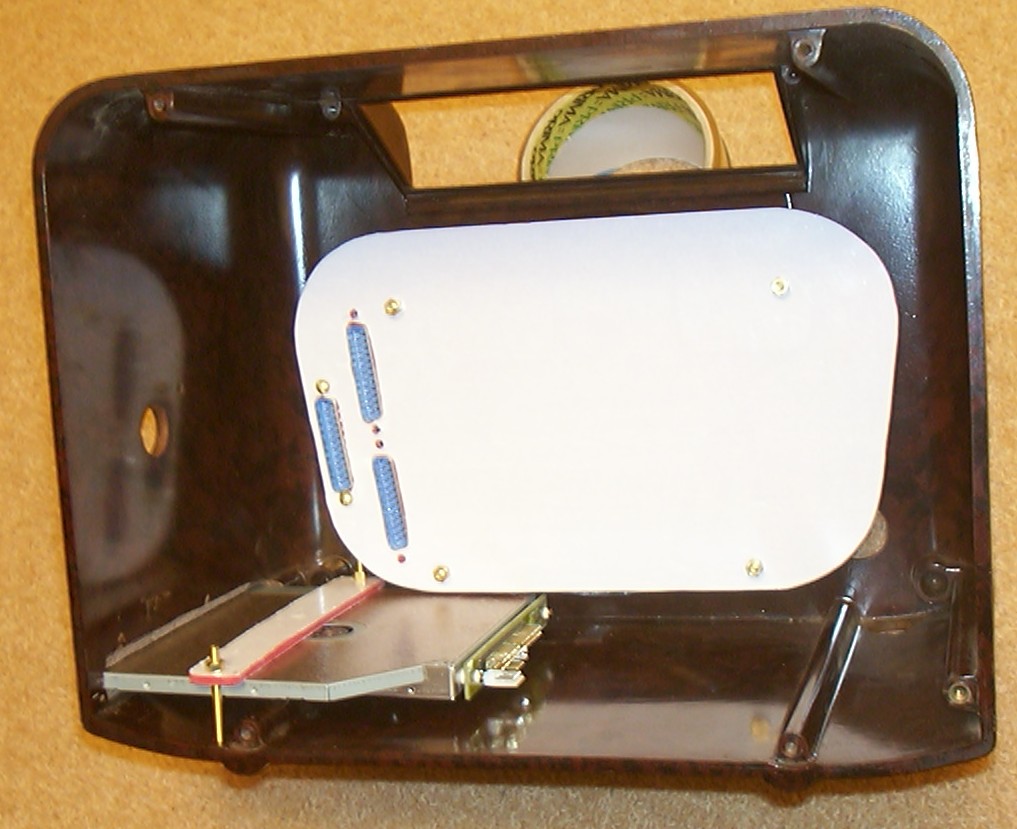
The backside of the LED block is covered by acrylic to give a clean look and also to be able to manage and protect all wires. The three 25 pin DIN connectors are used for all signal transfer such as LED block (40 pin), power, reset, serial to LCD, audio cable to CD-ROM and power to CD-ROM and LCD.
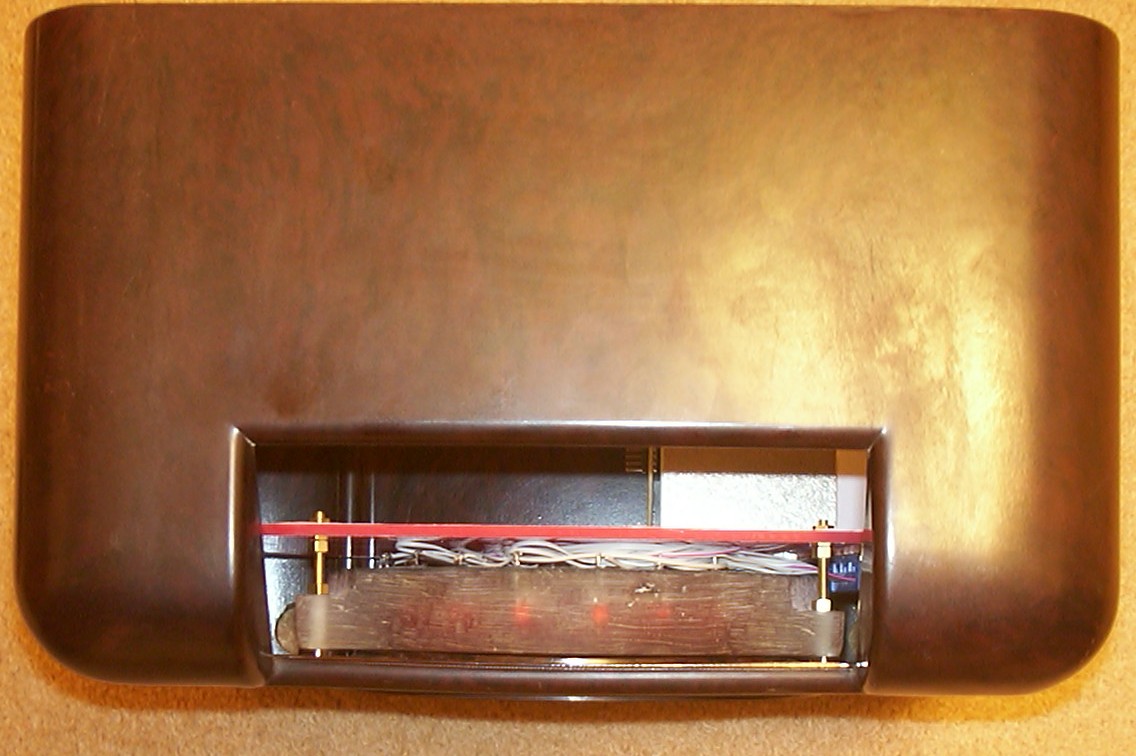
The cables are well squeezed in place. The LED block takes up quite a lot of valuable space but the margins are still on the right side.
Part 6
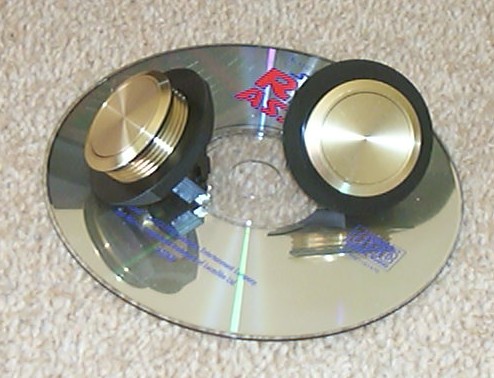
I found some nice brass buttons at RS Online in UK. They have a mounting hole of 30.4mm (1.2") so they are huge as you can see in comparison with the CD.
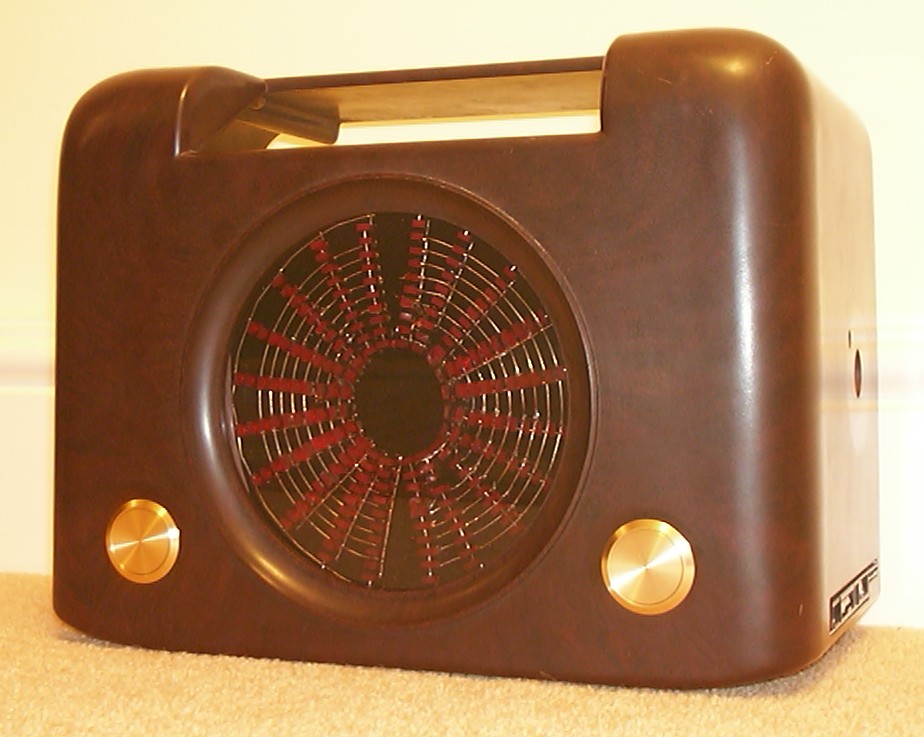
The old holes had to be expanded a little bit to make the buttons fit. I like the colour cobination of brass and the brown bakelite. I have now decided to not paint the case in chrome.
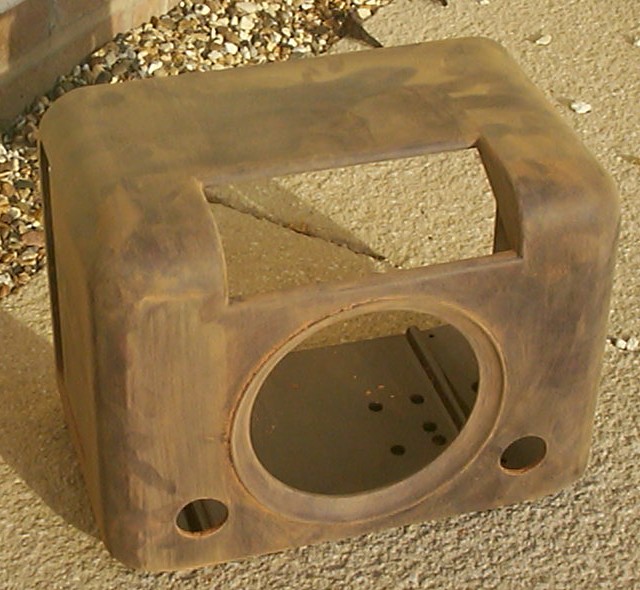
Now when all cutting has been done it was time to get some nice finish. I started with 180 grit and went on to 600 grit. And to get a nice finish I used normal Brasso metal polish.
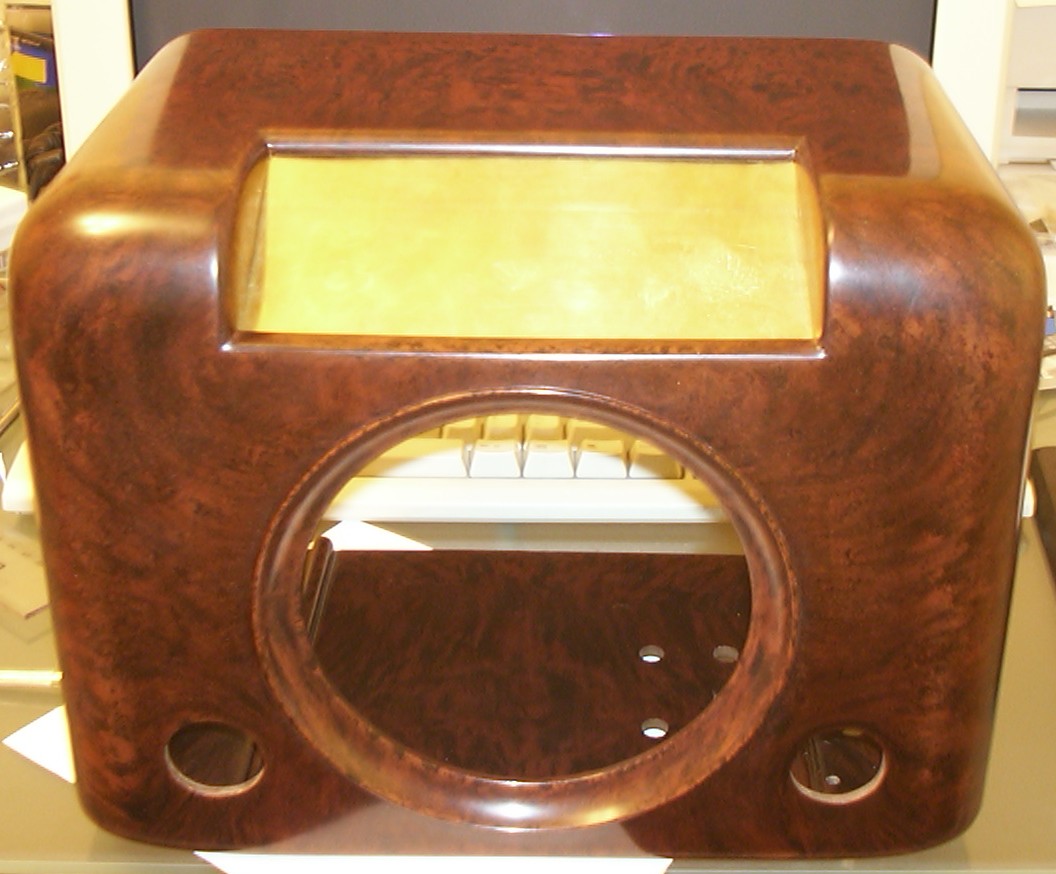
Looks a bit more shiny now, eh? I did another major design change, instead of using Ferrero Rocher to cover the LCD hole, a brass plate was chosen.
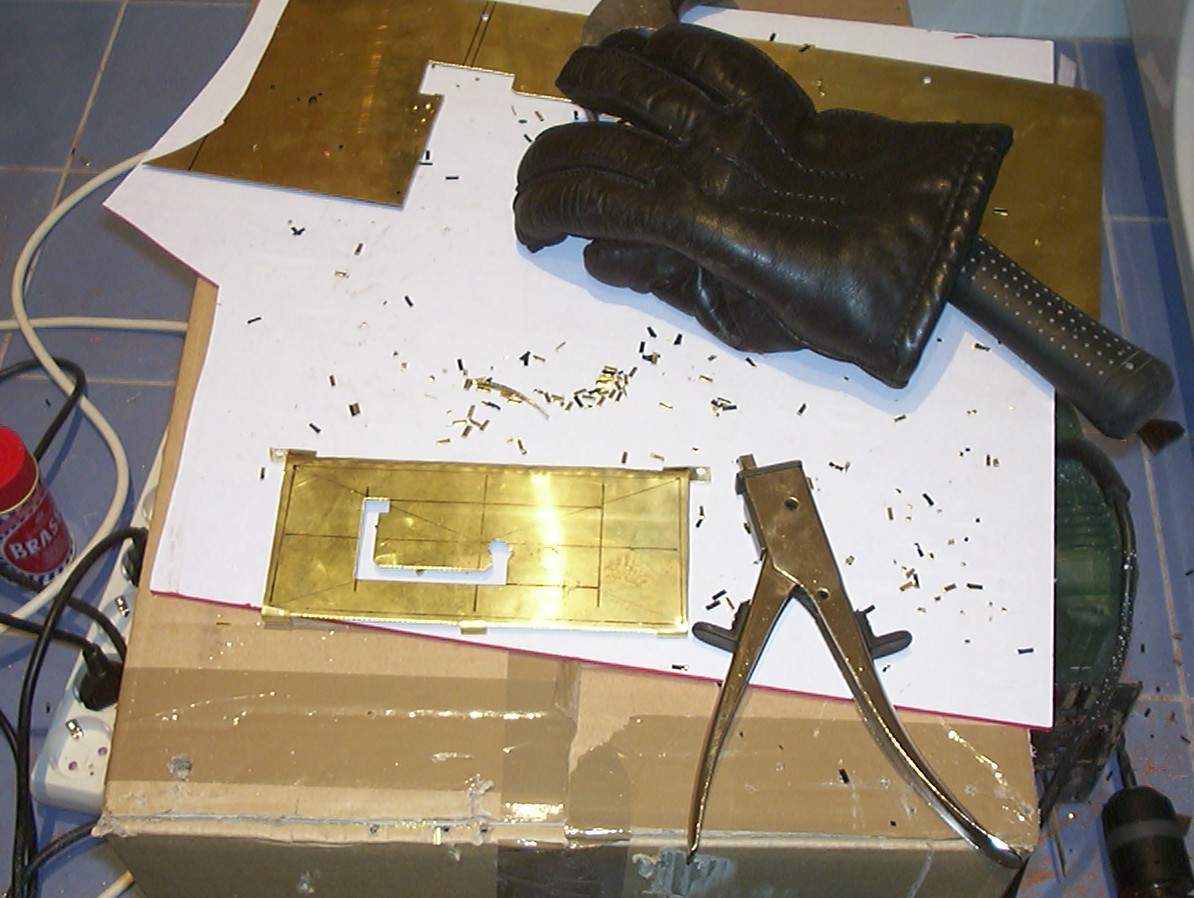
It had to be shaped quite a bit to be able to use the old mounting holes in the Bakelite. Here I am half through the cutting of the LCD window with one of the best modding tools ever invented - hand nibbler. The glove is used to not get any blisters, trust me, you will get them after you squeezed that handle a couple of hundred times.
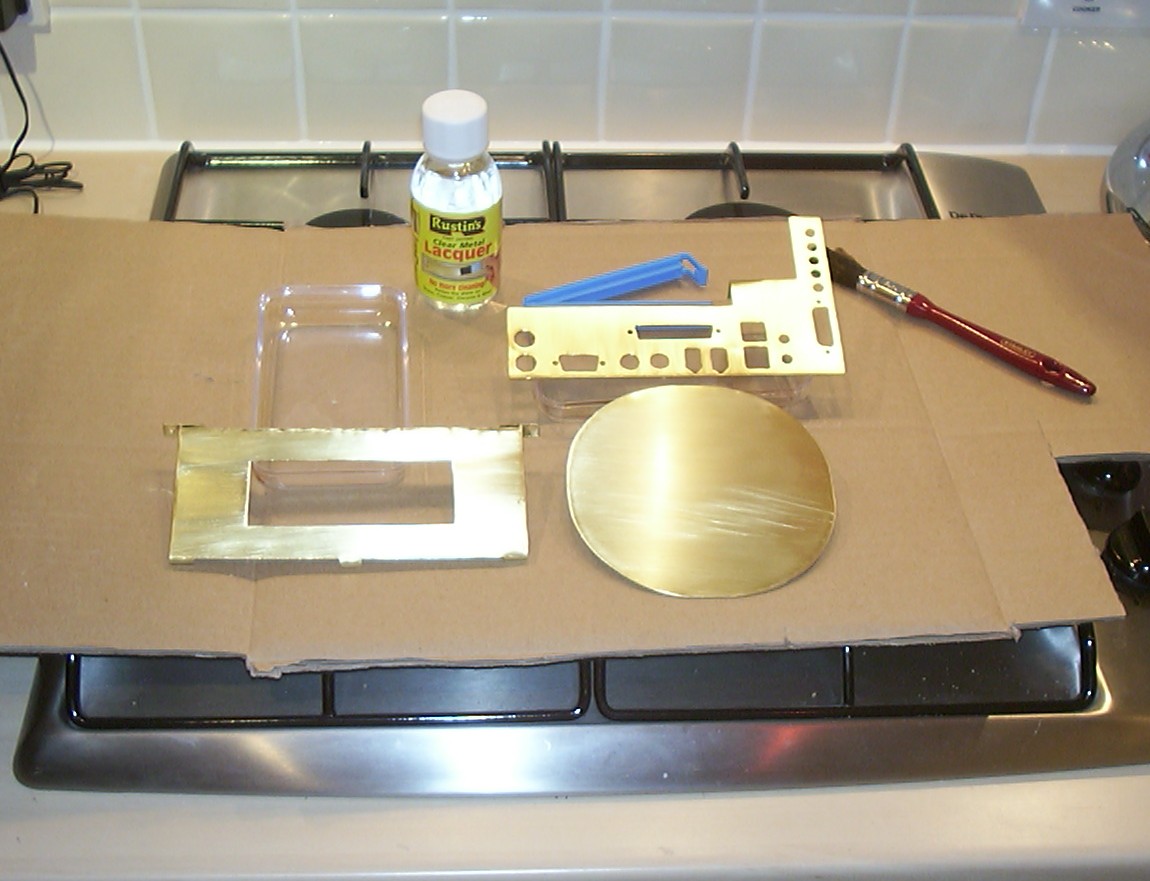
Cutting done. To give all brass a common texture, they were sanded with 180 grit paper in one direction which gives a brushed look. A coat of clear metal lacquer makes sure that they stay shiny.
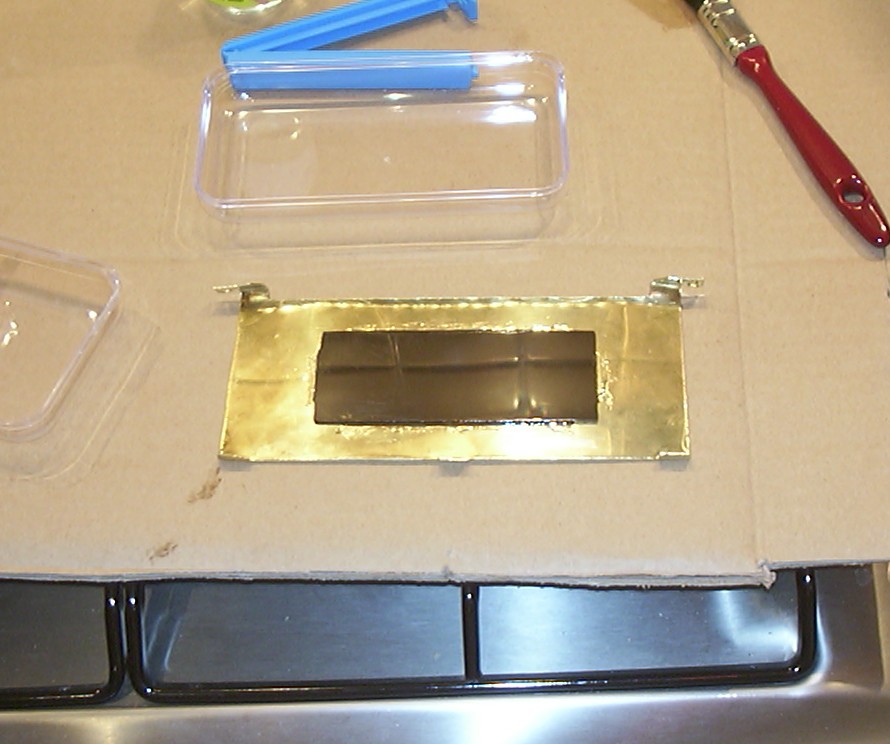
The Ferrero Rocher box will still be used as a window for the LCD. It was simply glued on with epoxy.
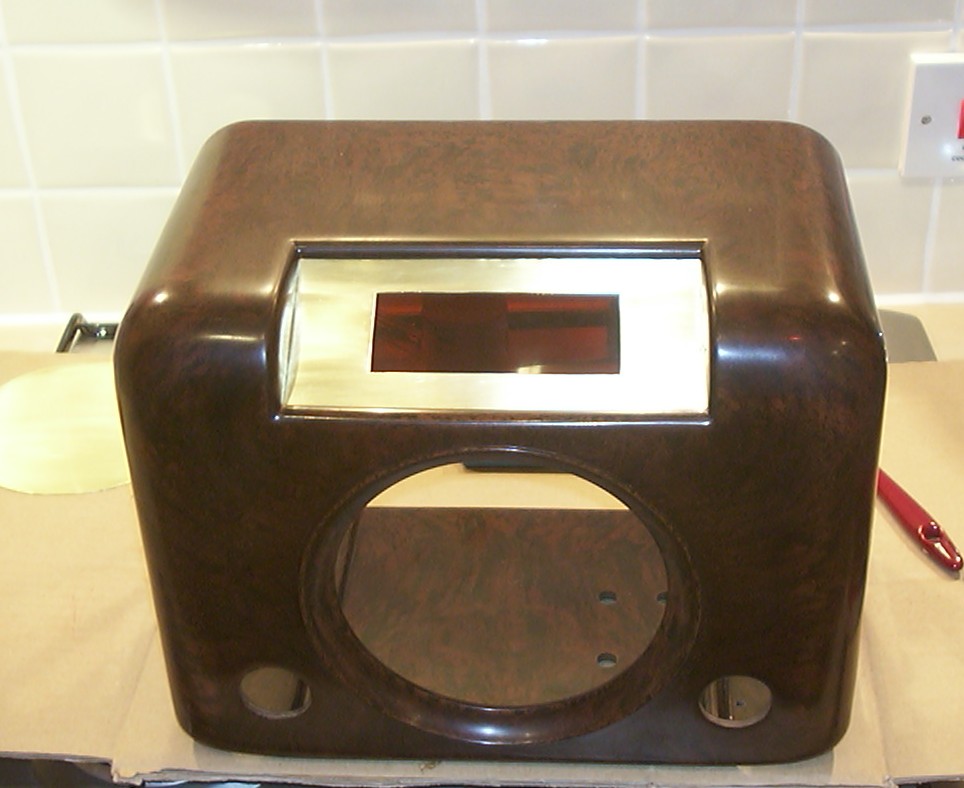
So far so good.
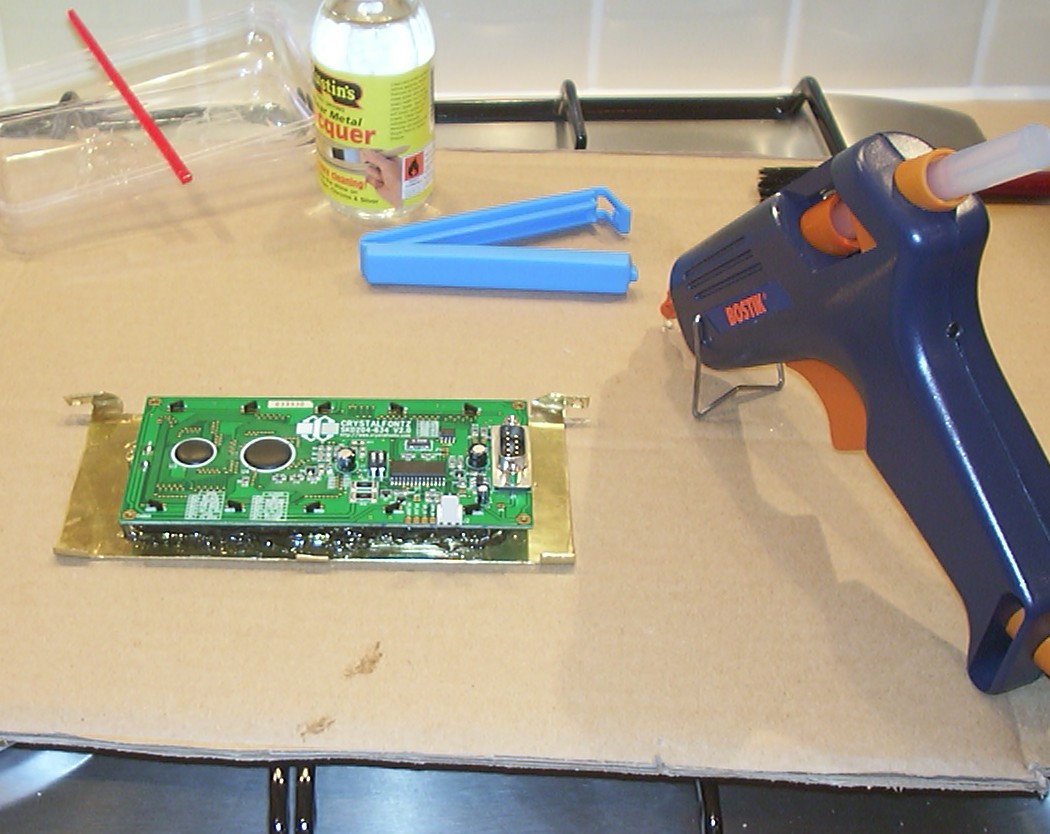
Time to add the LCD, melt glue was very useful for this job.
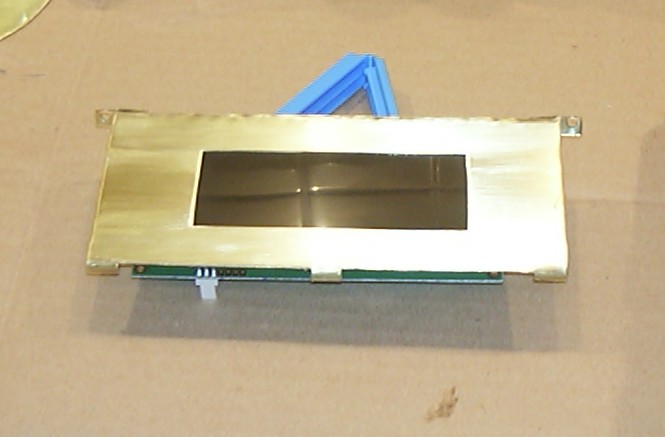
Finished unit.
Part 7
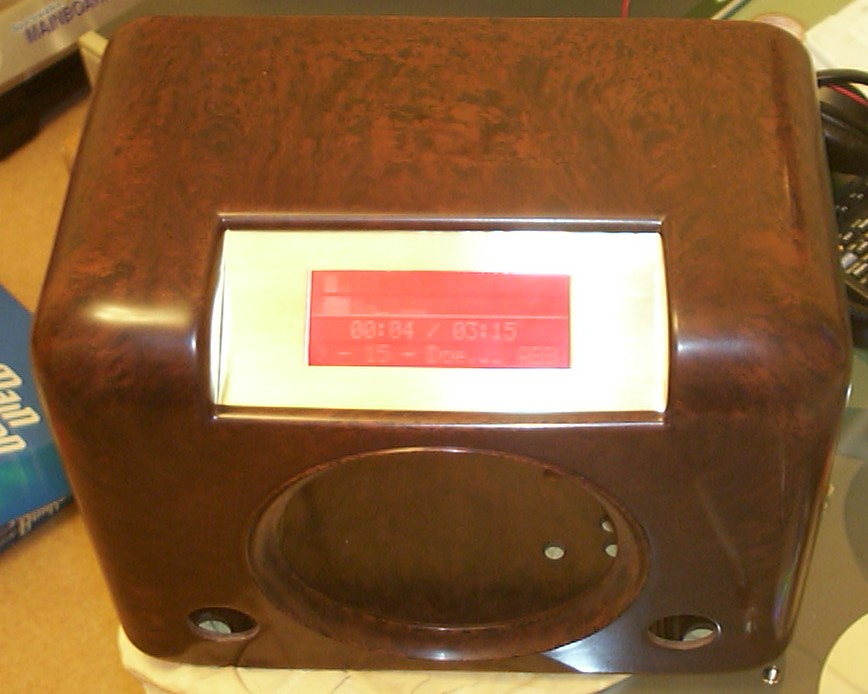
Yet another test run to make sure everything still is working.
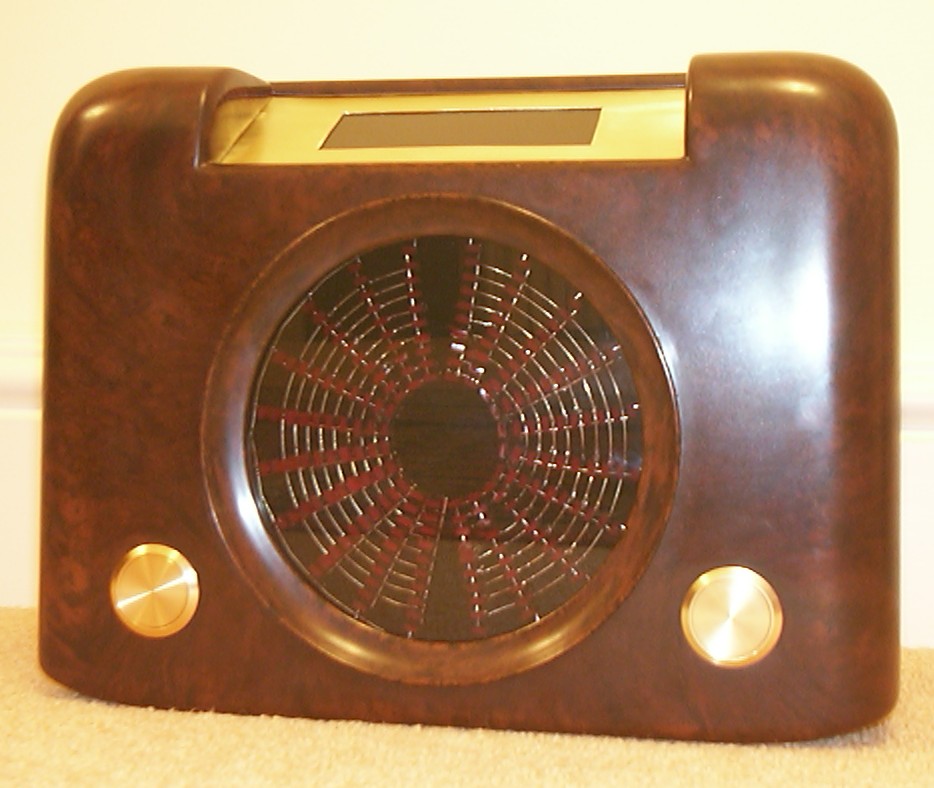
The outside of the front is done!
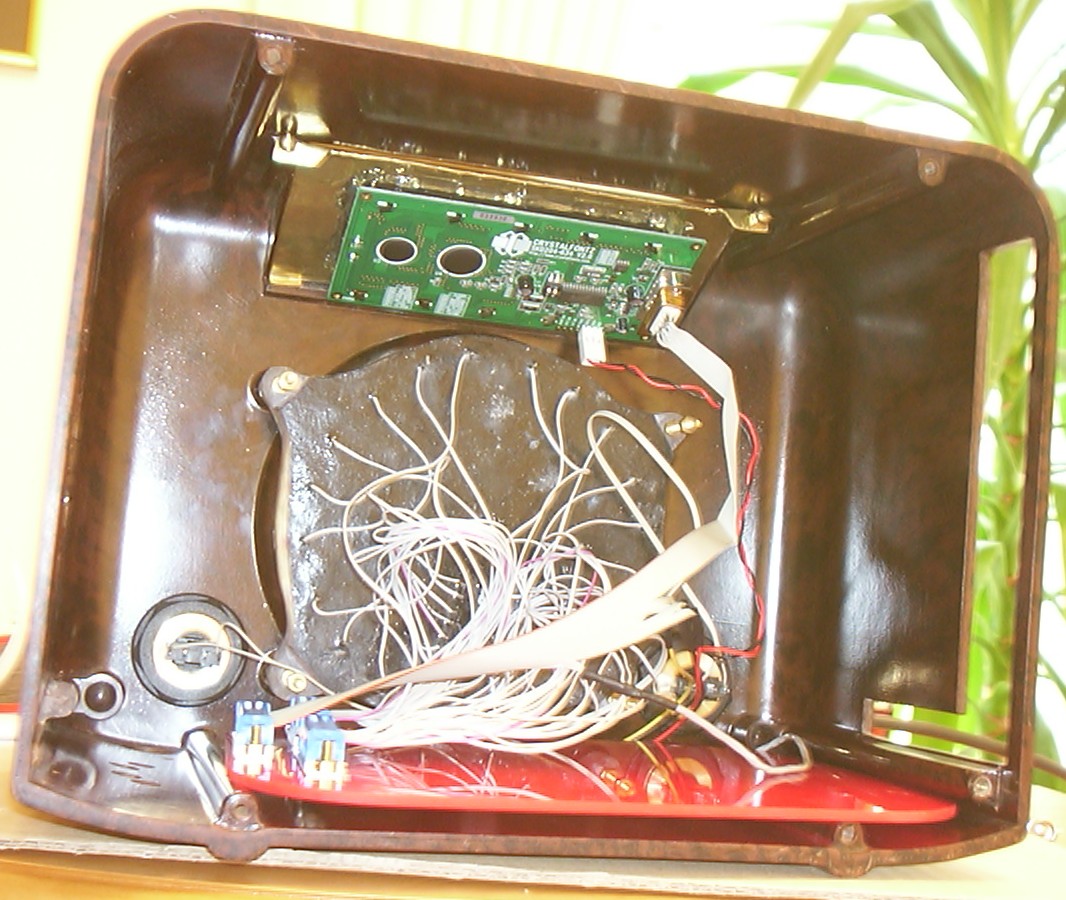
Final assembly of the electronics. It is a couple of wires in there…
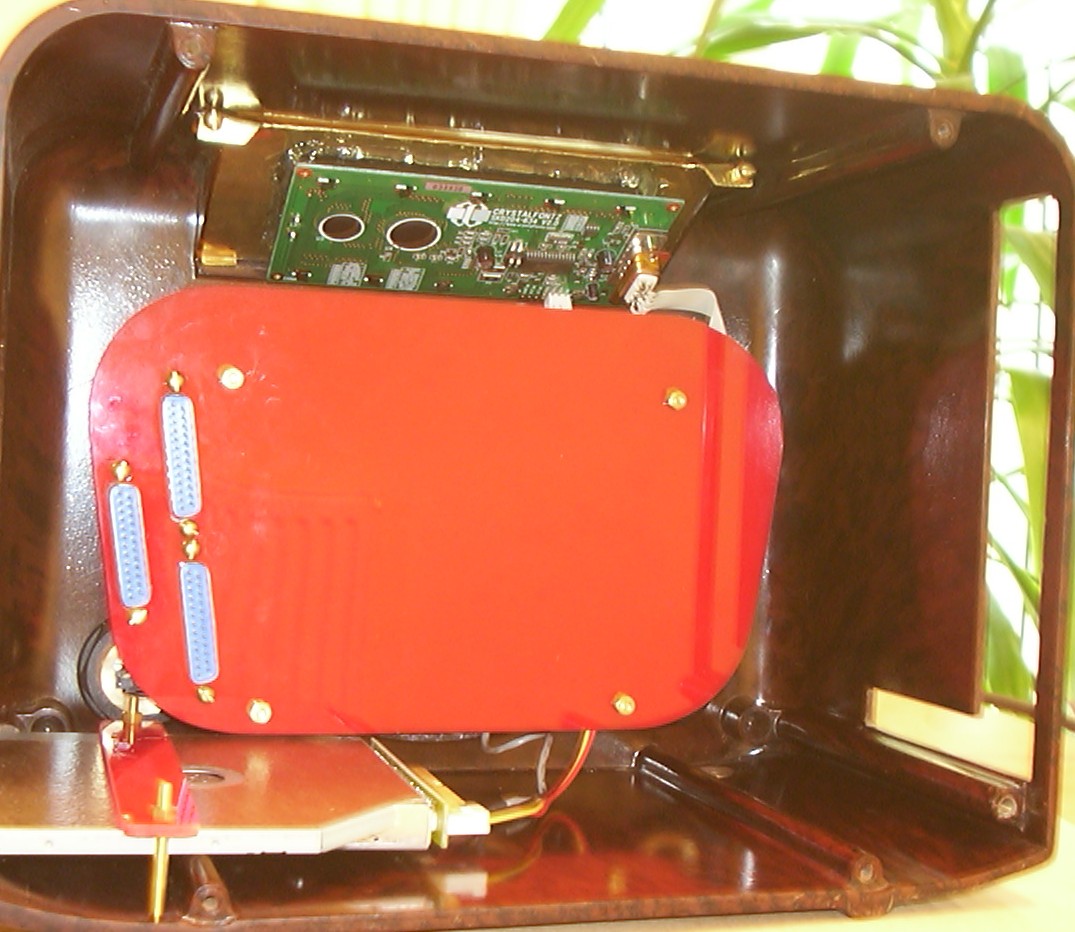
Now you can see why I went for a cover plate to clean it up.
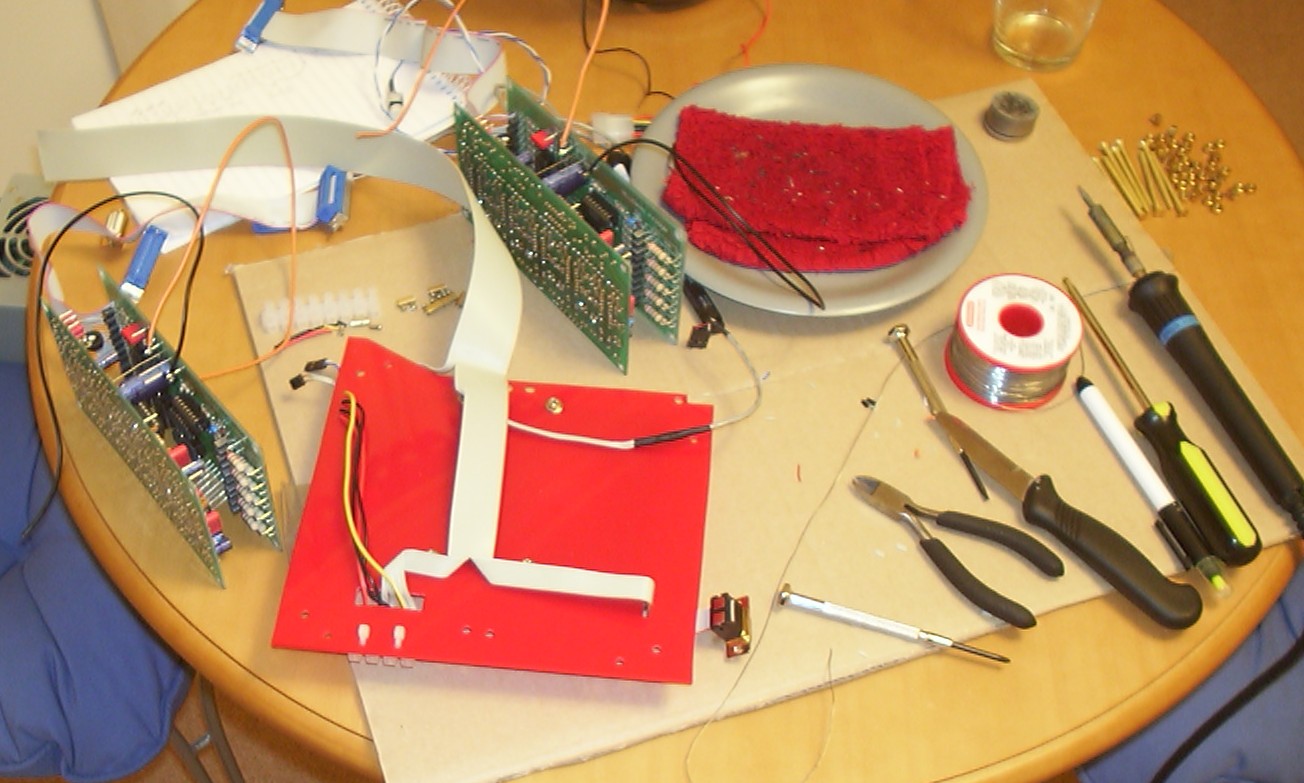
And here is the final assembly of the remaining electrical connectors. The red plate is the piece sitting between the HDD and controller cards.
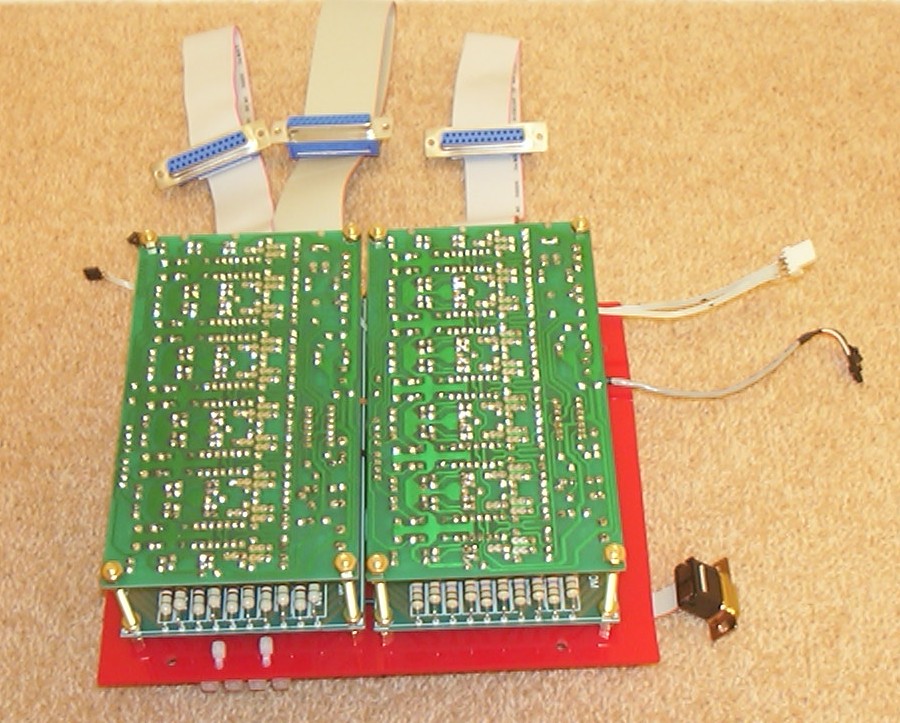
It’s always nice to hide wires behind PCB:s, both spectrum analyser controllers installed.
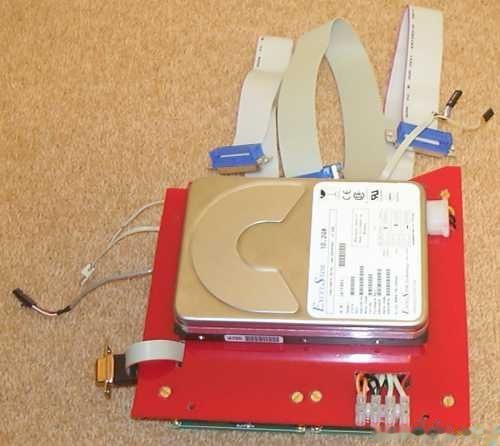
Same piece seen from the other side, with HDD and all connectors going everywhere.
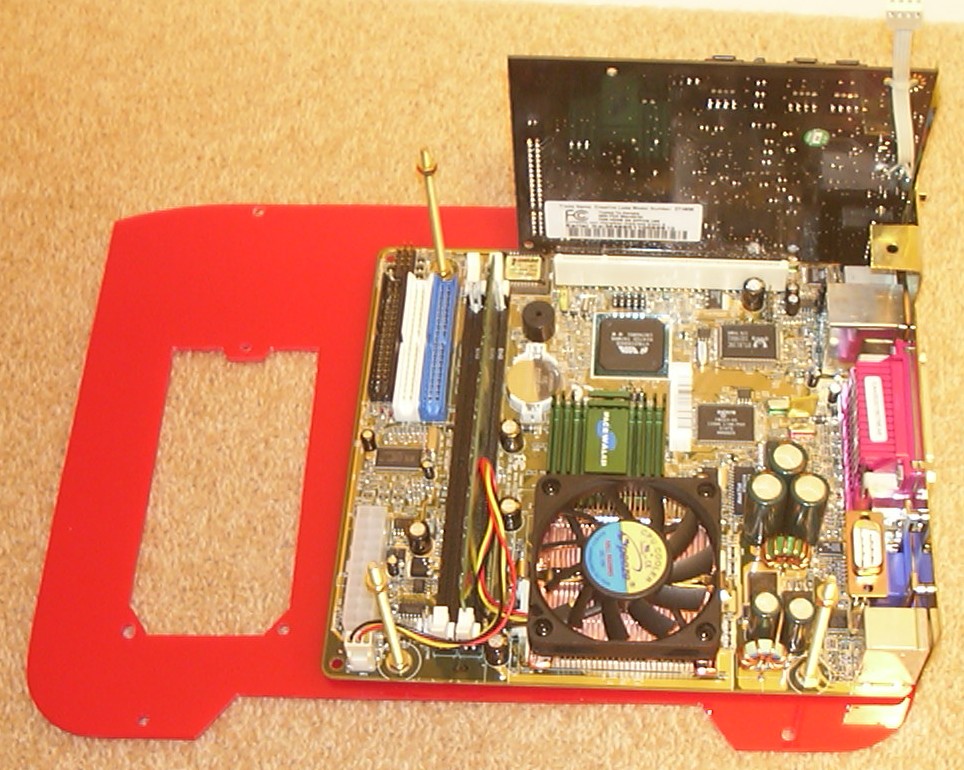
Motherboard waiting to get connected to the second layer of parts. The cut out in the acrylic is for the PSU.
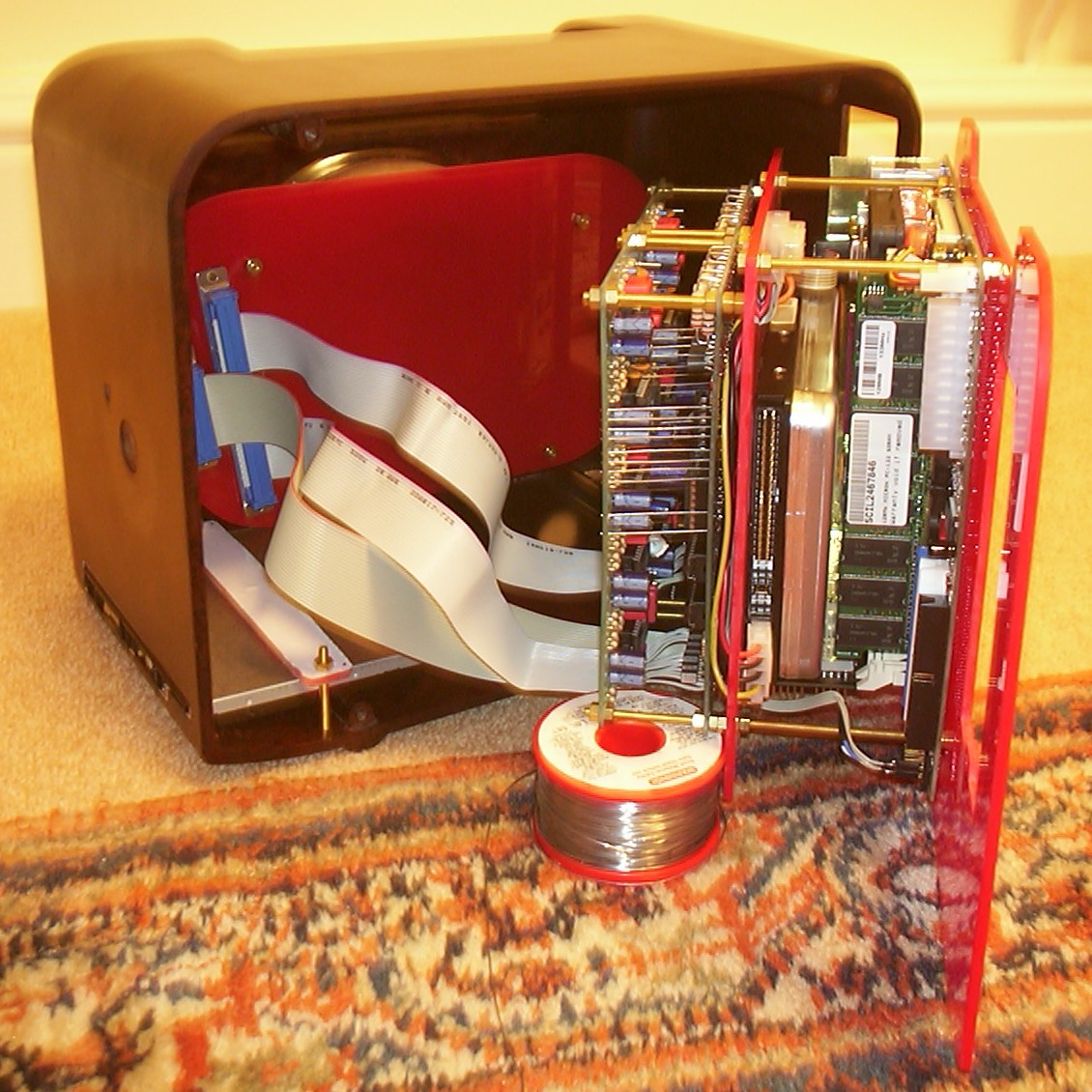
Most things are connected in this picture, PSU is missing here since it blocks the view. The nice 9" silver rounded IDE cables was too big so I had to remove everything including the silver braid to make them fit. The flat cables have also been rounded to make them fit inside the case.
Part 8
Anemone is done!!!
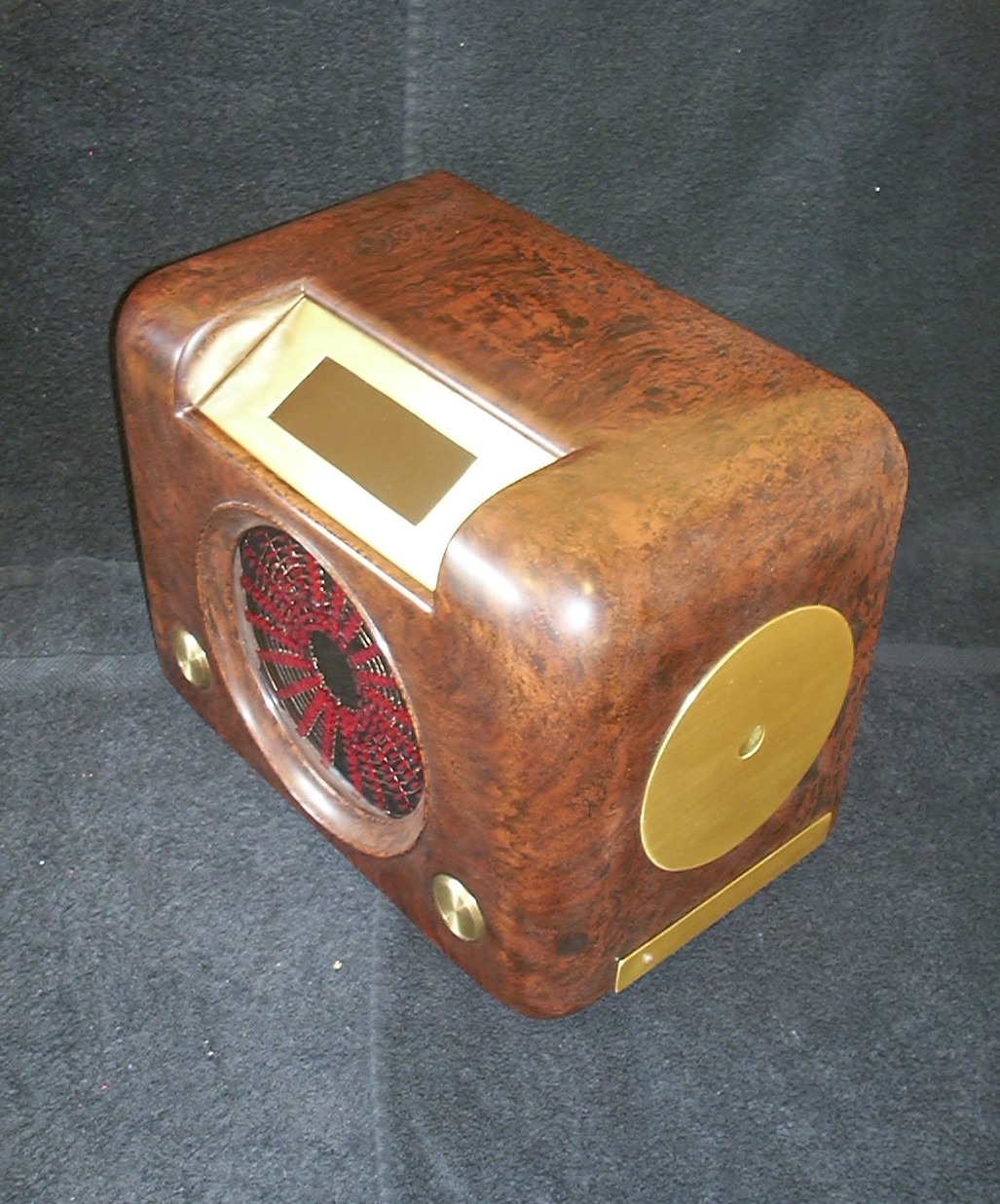
This is how Anemone ended up looking. The big brass buttons on the front is power and reset switches. Between them are the spectrum analyzers connected to left and right channel on the sound card. On the side is the CD-ROM drive mounted with it’s new faceplate. The big round brass plate is just decoration.
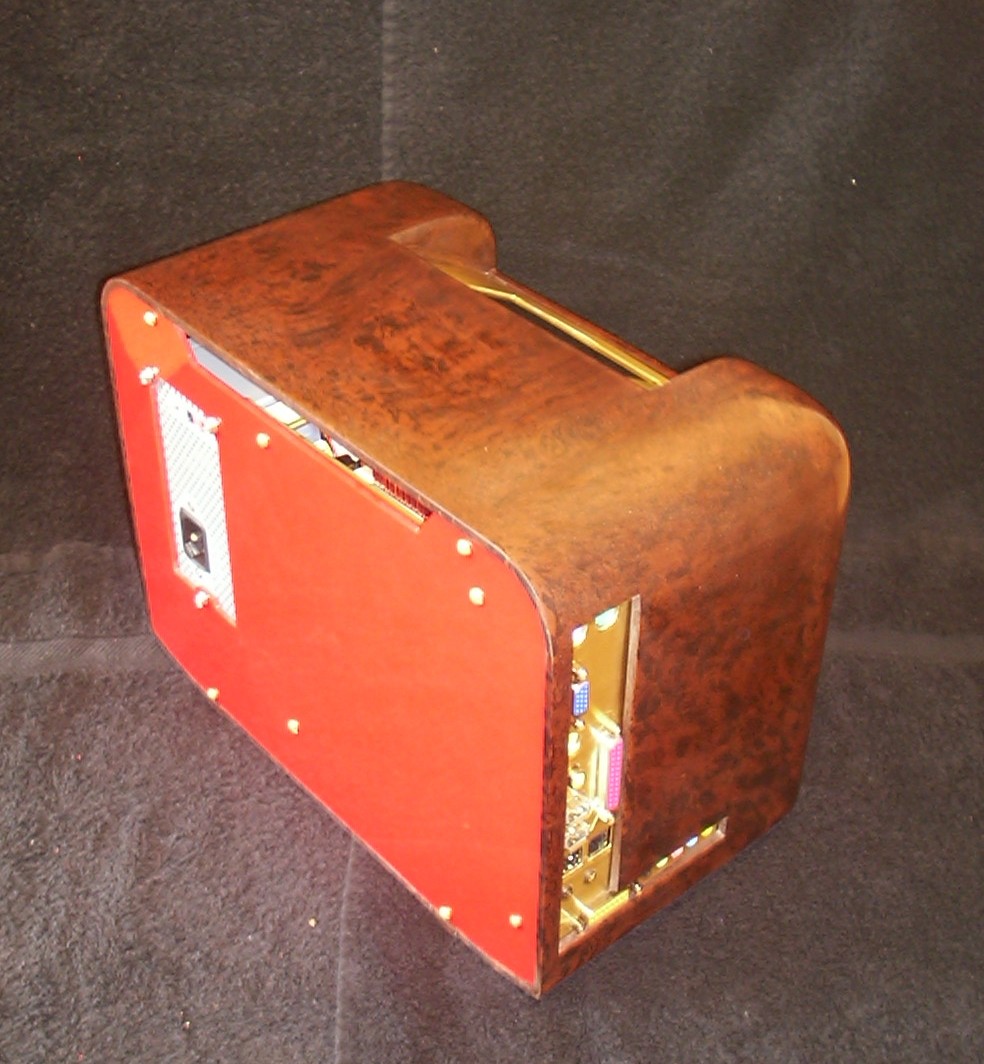
And a picture from the opposite side.
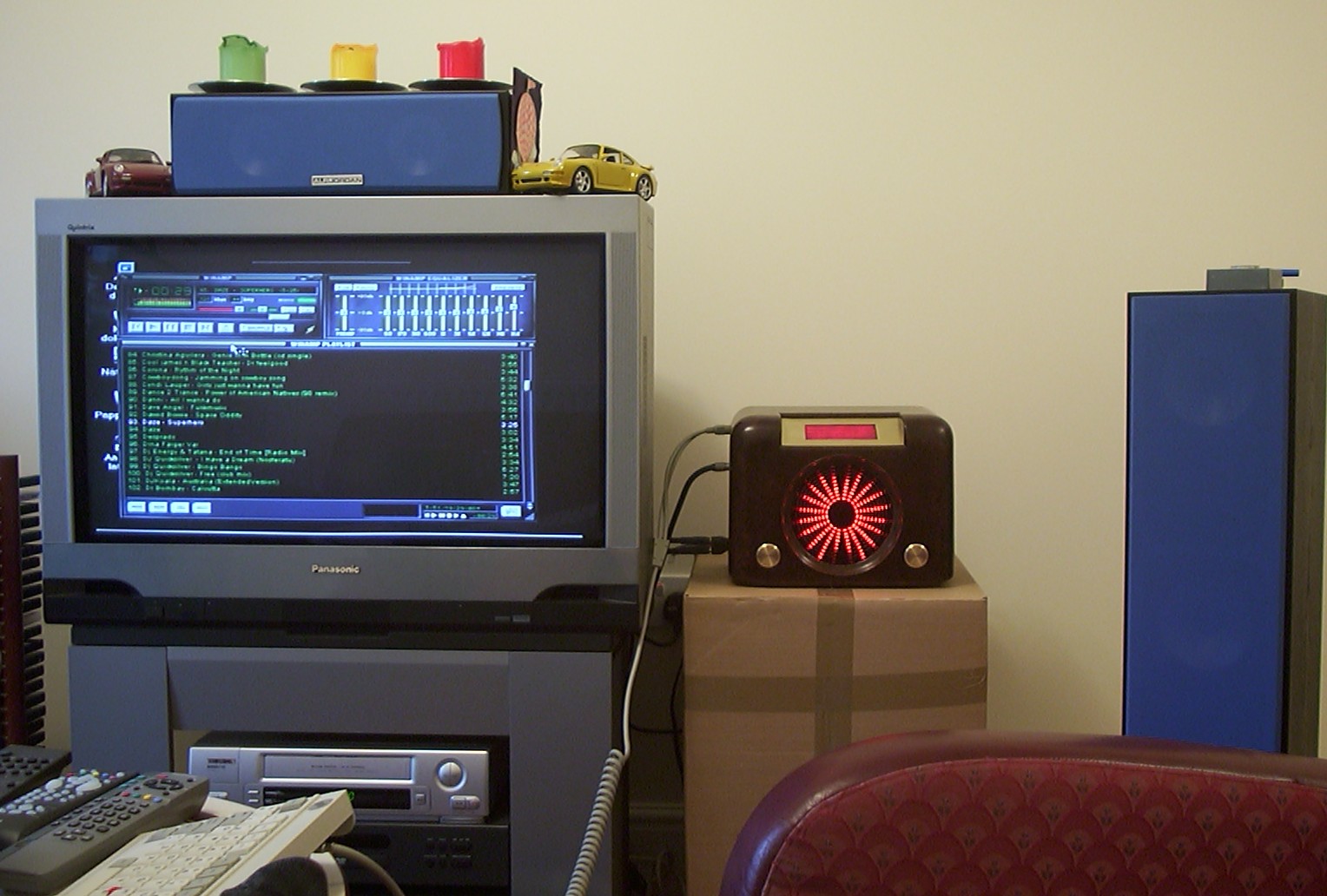
Anemone in action, she makes a nice addition to the home cinema. The box has now been replaced with a proper table…
For those of you that managed to read this far, you can a QuickTime video clip: