

Worklog · 2004
Asteroid
The result of mixing styrofoam, papier-mâché, paint and a bit of imagination.
- CPU
- Intel Pentium 4 2.4 GHz
- Motherboard
- Intel D850EMD2
- Videocard
- ATI 9700 Pro 128 MB
- Case type
- Scratch built
- Purpose
- Custom case for my sister
- Year
- 2004
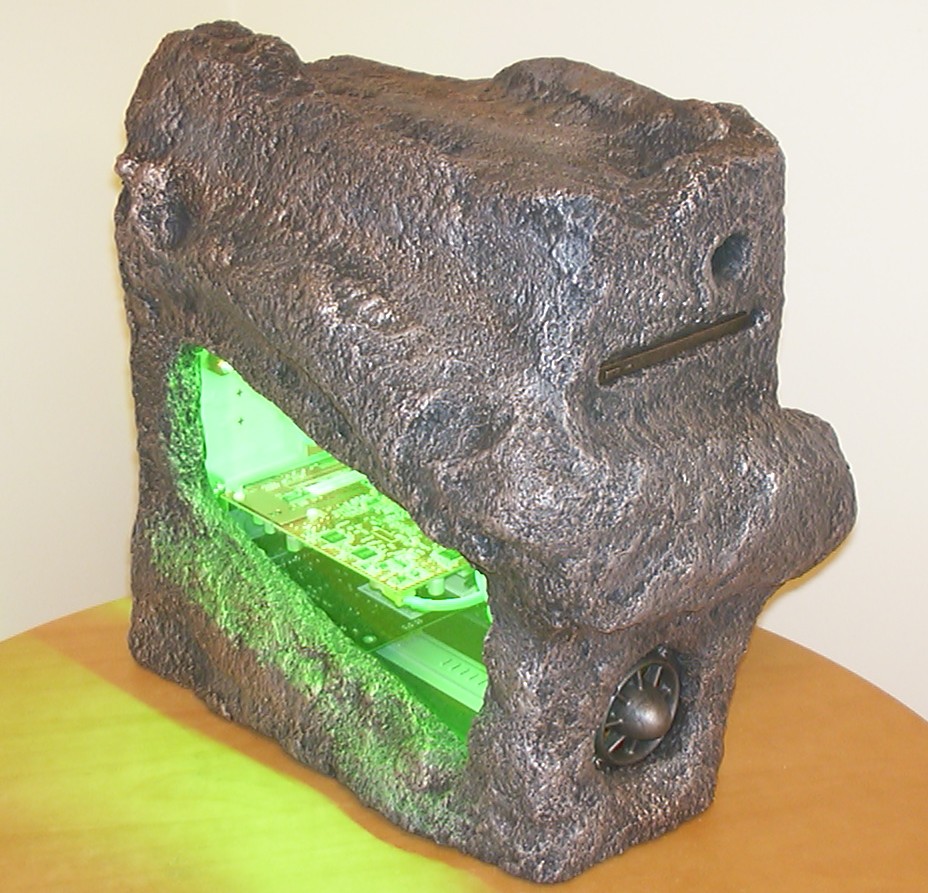
This project started when my sister asked me nicely if I could build her a new computer. She had an old P3 600MHz that really couldn’t cope with todays software. Luckily for her the Oenone case had just had it’s hardware decommissioned pending a complete rebuild so a P4 2.4GHz and an ATI 9700 Pro should produce a descent speed increase.
Since I didn’t want to be blamed for being too nice I decided to make her a case in the shape of a dirty snowball, also known as an asteroid…
Part 2
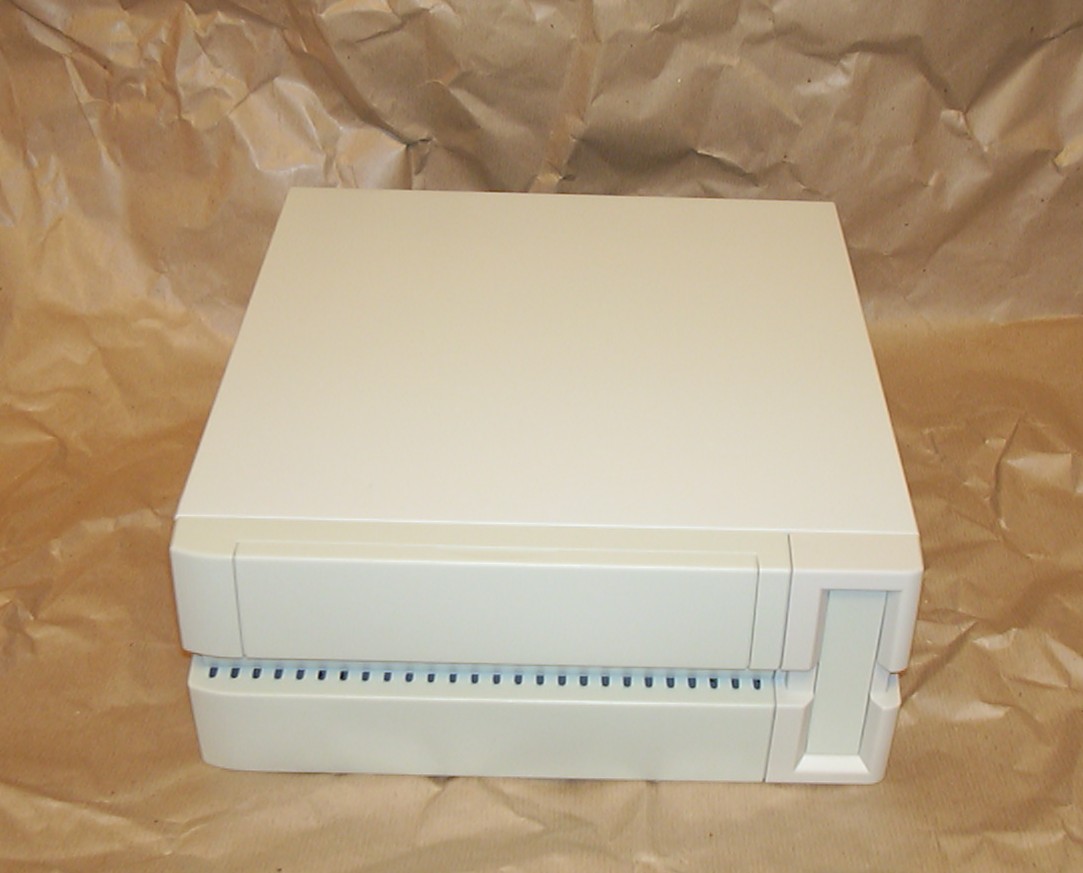
Here is the lucky winner for this project, an Yeong Yang A-101 microATX case, that will be hacked up and used for the internal structure.
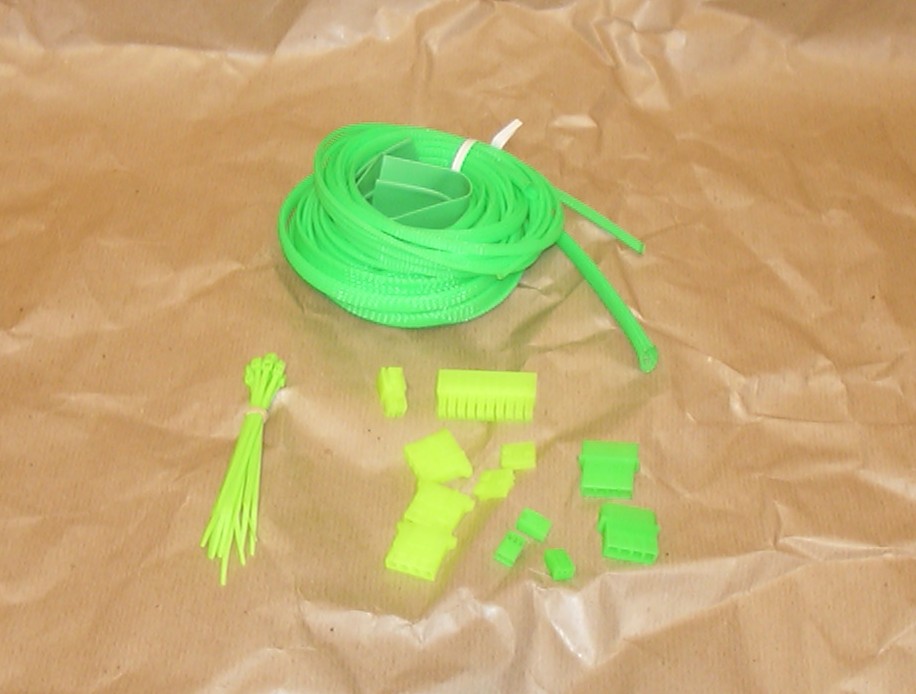
For an alien look all wires will be covered with green cable braiding and all connectors will be changed from white to green.
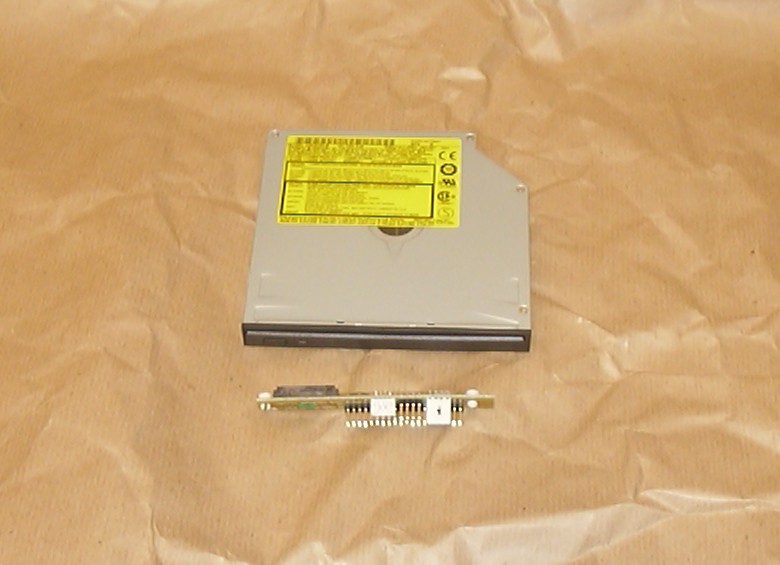
The first time I used a Panasonic 8123 CD-RW/DVD was in the Y2k-bug. Considering how suitable this drive is for scratch built cases due to the size and the slot loading I have a feeling this won’t be the last project you will see one in.
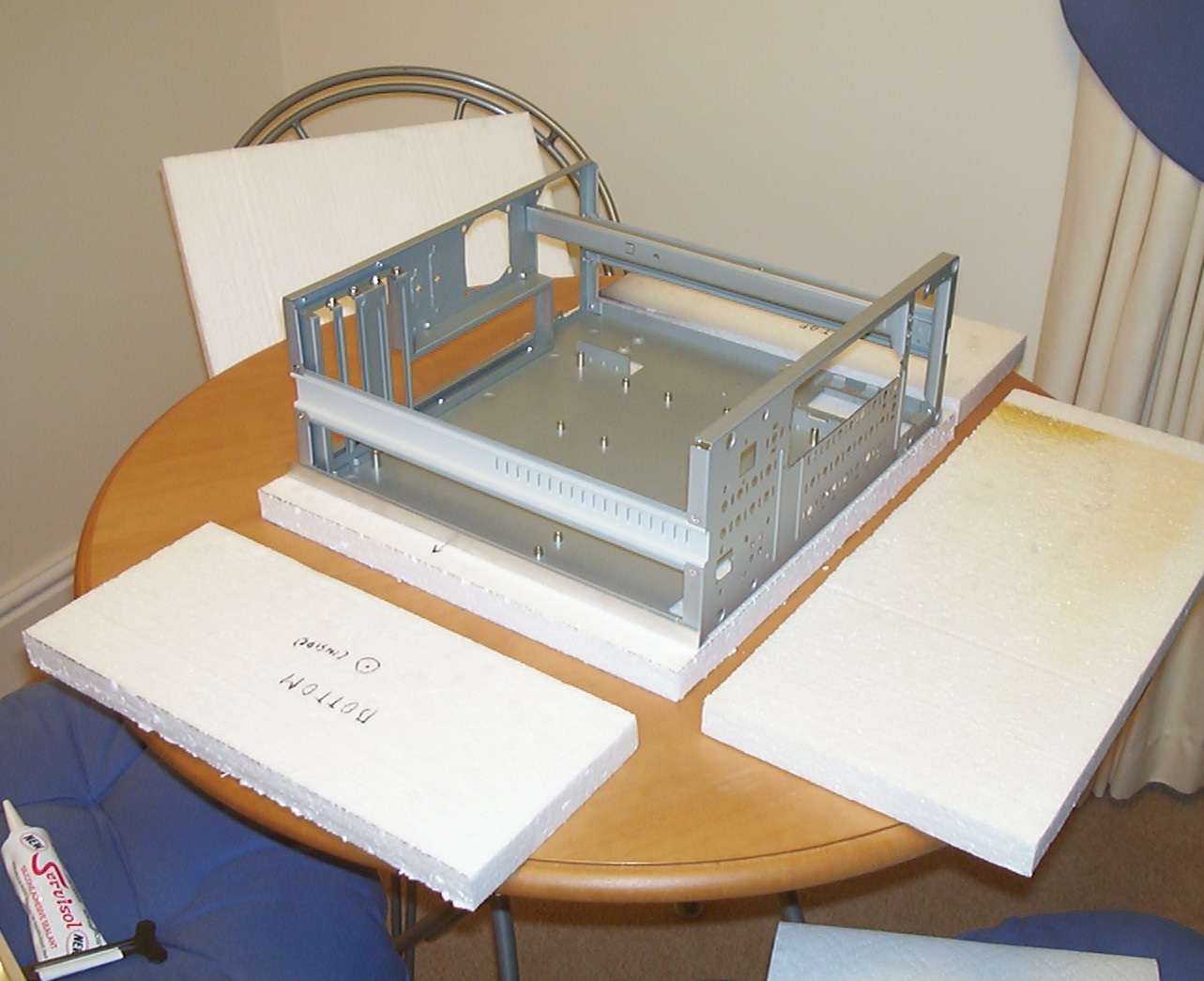
The YY A-101 case has been stripped from all unscrewable parts and ready to be covered with 1" styrofoam sheets. To make the insertion and removal of the internal structure easier further on, L shaped aluminium profiles will be added to the inside corners to act like sliding rails.
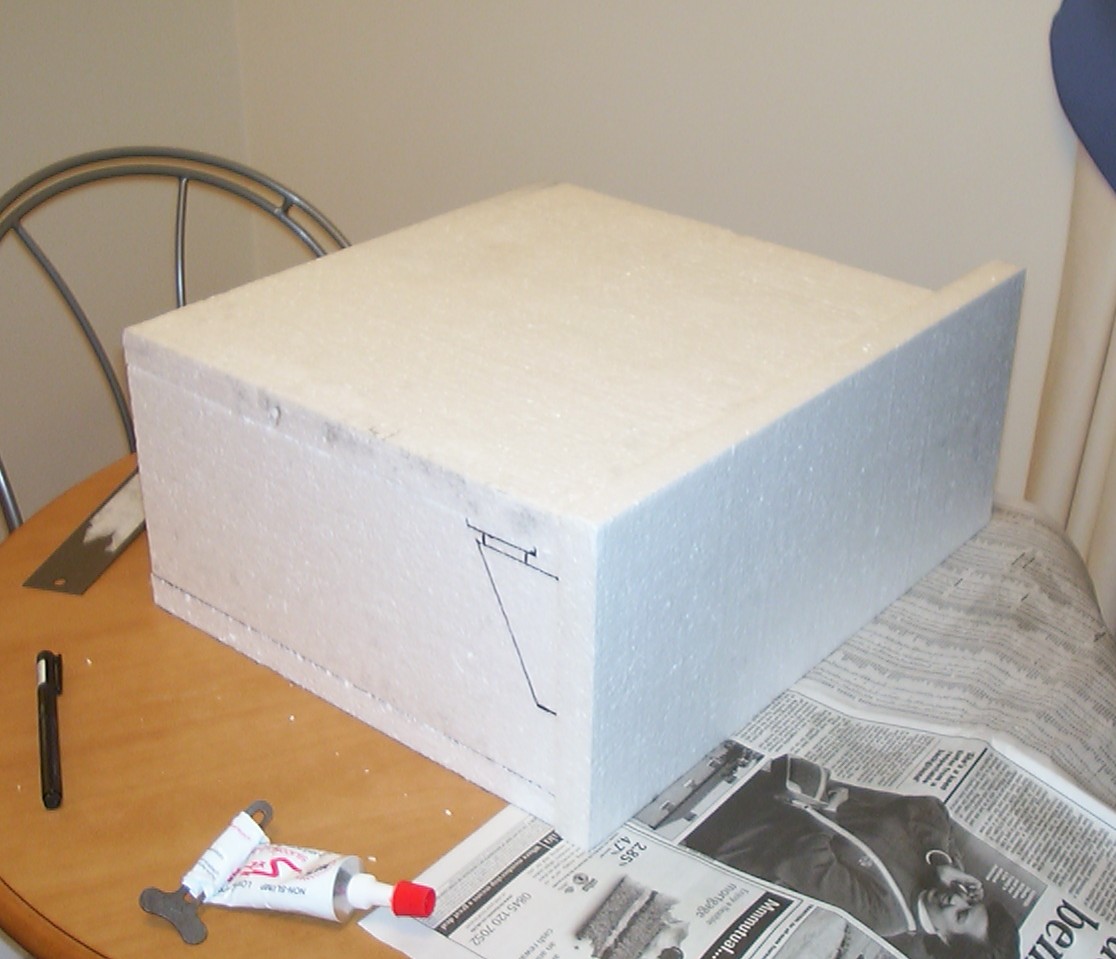
The basic box glued together with silicone, one good feature by using aluminium profiles is that they increase the area the styrofoam can adhere to.
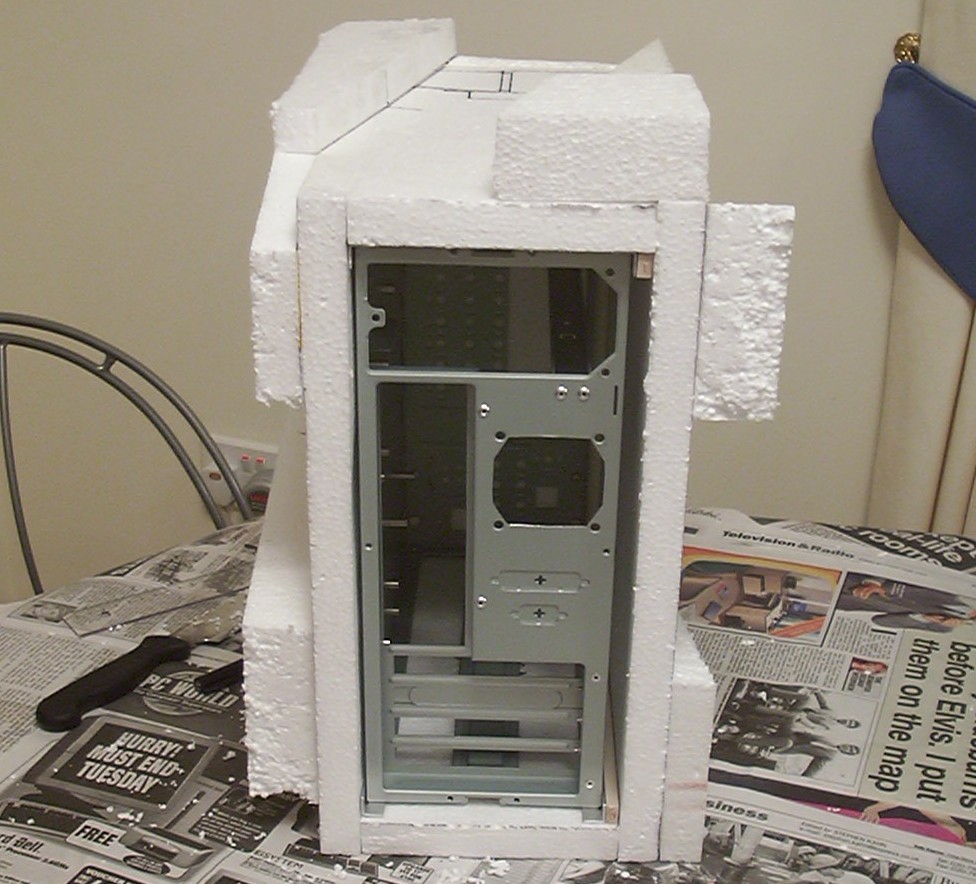
View from the rear, you can see the aluminium profiles and also some pieces of balsa used as spacers to allow a window to be glued to the inside of the styrofoam.
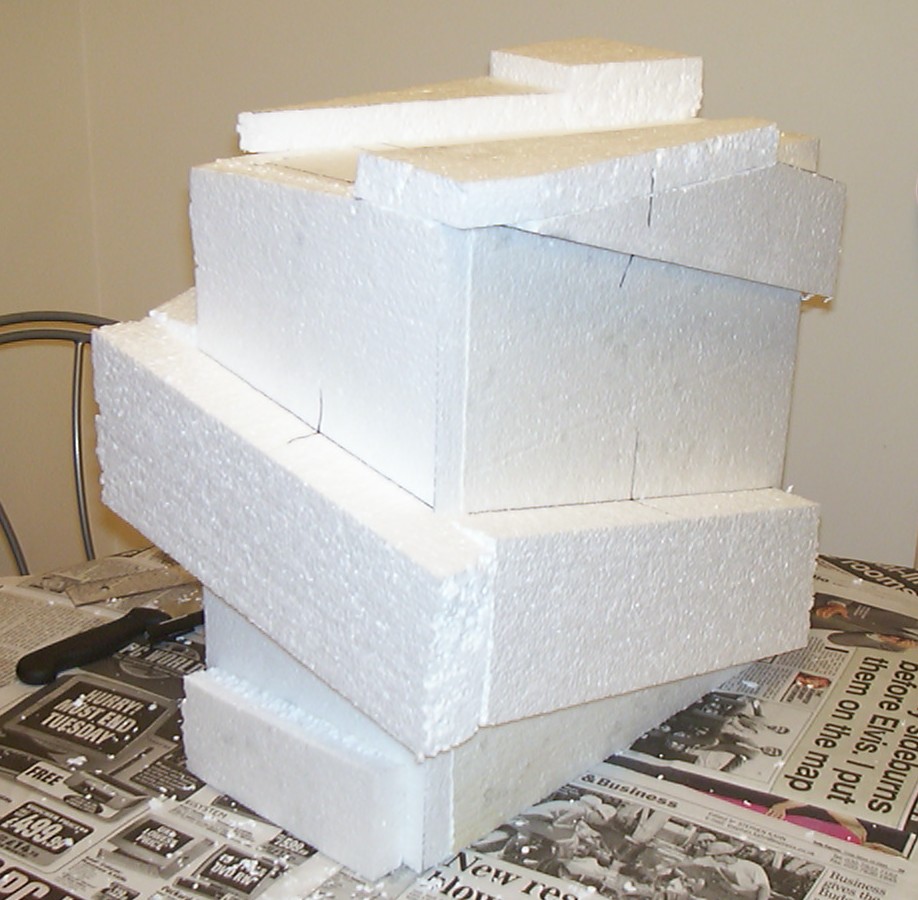
To make the case look less like a box some more styrofoam is added.
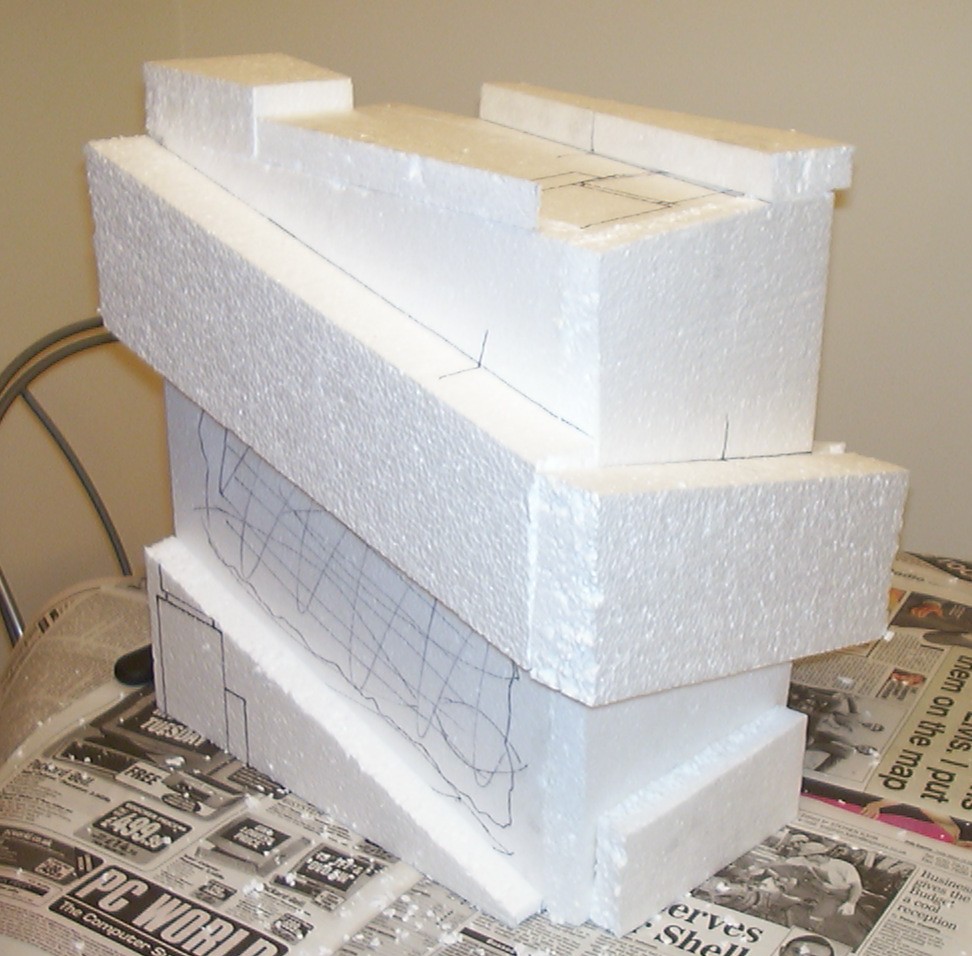
All done, it almost looks like it is from another world…
Part 3
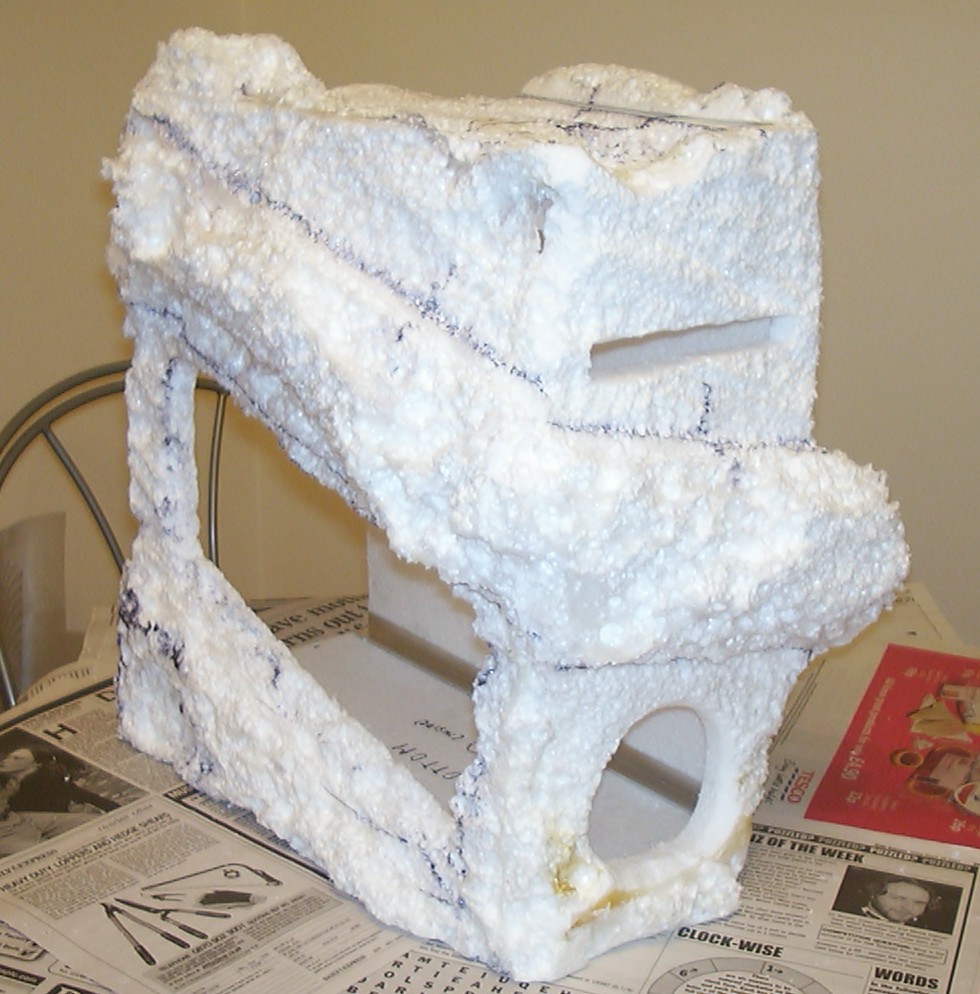
Now this was a fun part, the styrofoam was “painted” with cellulose thinner with a big brush causing it to dissolve rapidly. Must say the square shapes were gone in an instant, if you get too excited the whole case could be dissolved…
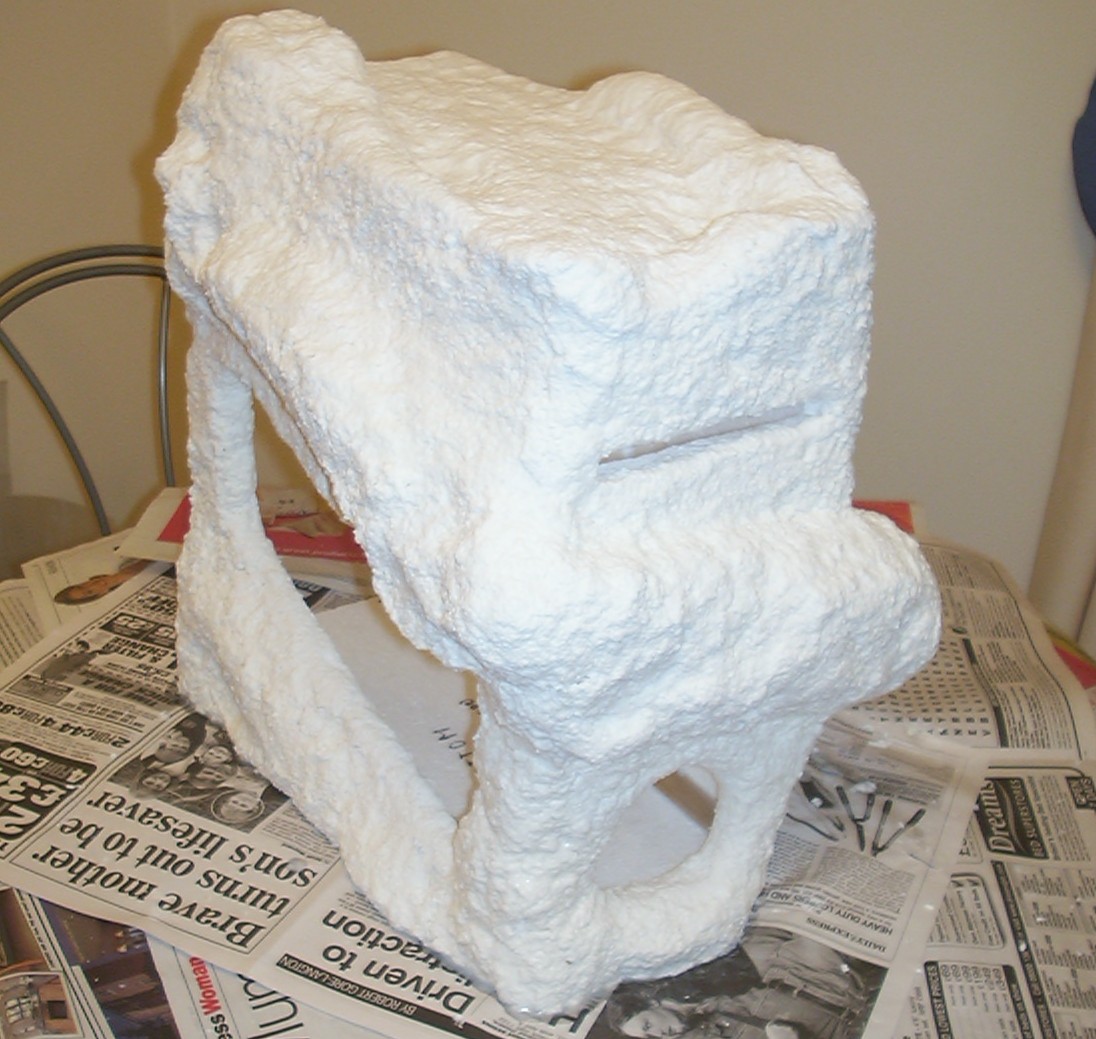
Dissolved styrofoam is not very usable as it is so the solution was to add a layer of Claycrete instant paper mache on top. It did adhere nicely to the rough surface and did add a nice texture itself in the process.
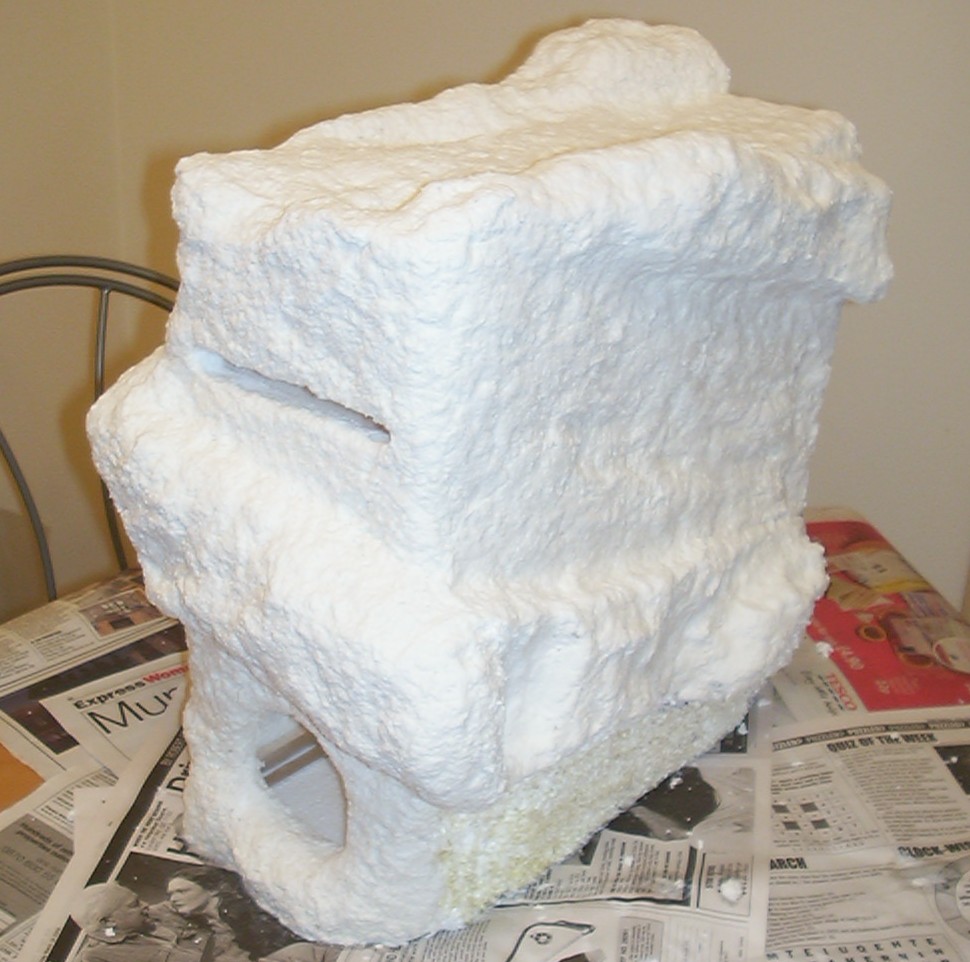
One bag of Claycrete was unfortunately not enough to cover the whole case as you can see at the bottom.
After one more trip to the craft store the case was completely coated.
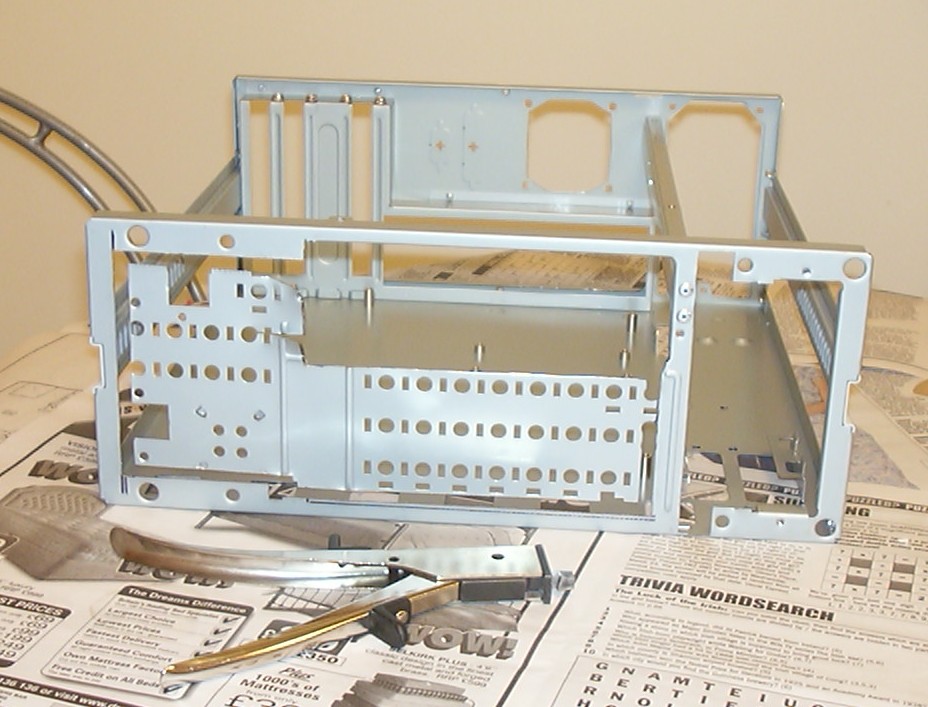
While the paper mache was drying the chassis itself got a bit more modding done. That the front of the chassis looked like a cheese didn’t help the plans to mount the HDD against it. The good old hand nibbler came to the rescue.
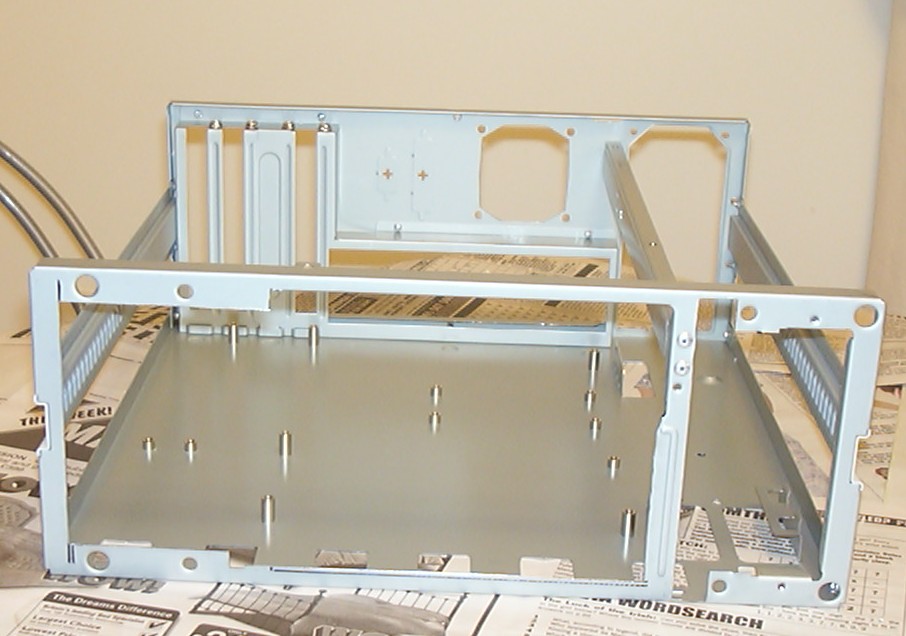
With the front clean it could be measured so aluminium sheets could be cut to shape.
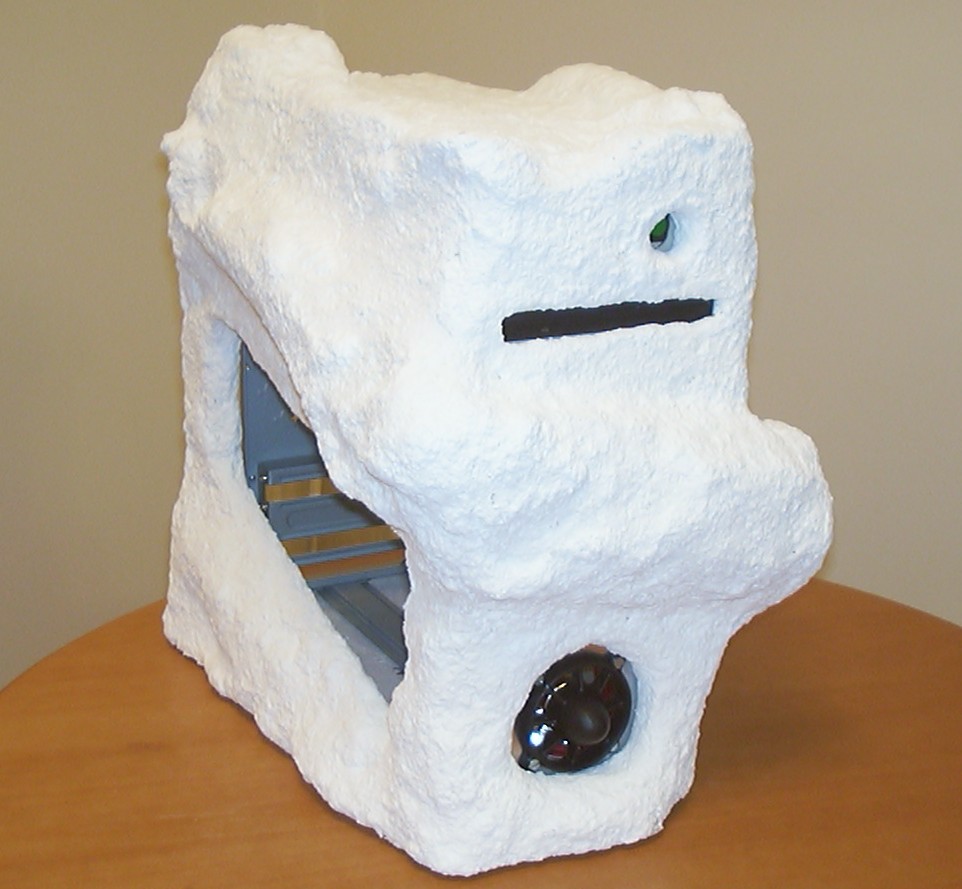
A quick test assembly to measure everything a second time.
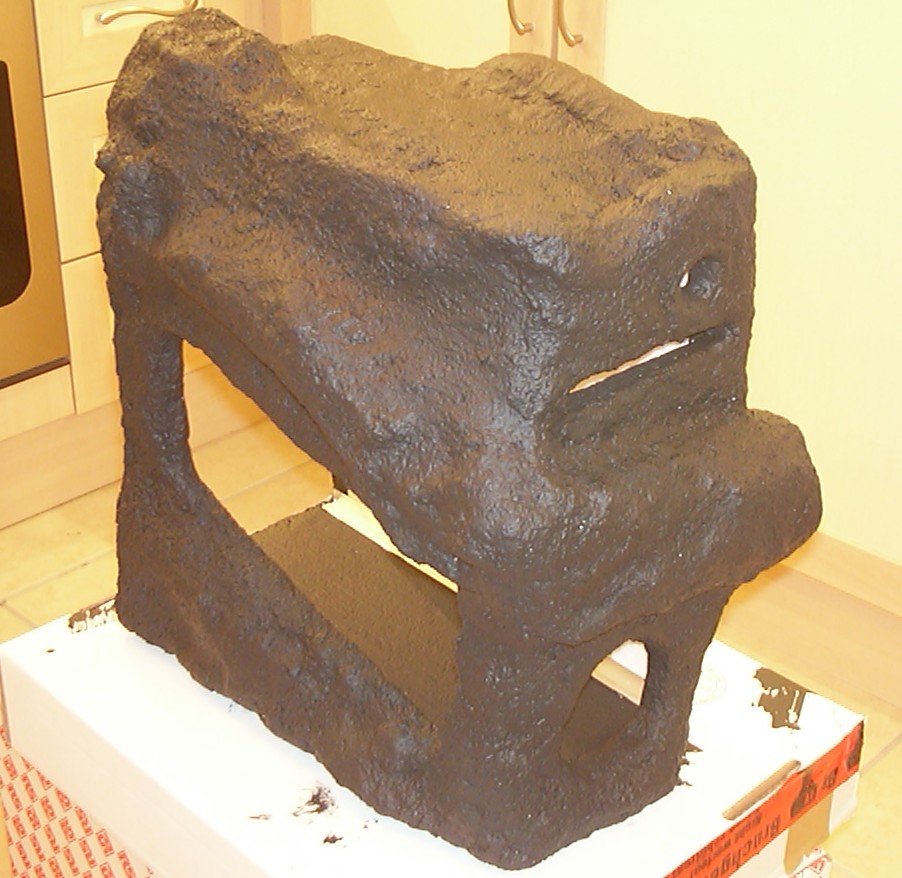
Normally I’m not too keen on painting as you might have noticed by the lack of it on most previous cases, but this was fun, mainly because no tedious preparation work was needed. The first layer was flat black acrylic to give a good contrast for the following layers. The main reason to go for waterbased paint was simply so it wouldn’t dissolve any styrofoam in case some bit wasn’t covered 100% with paper mache.
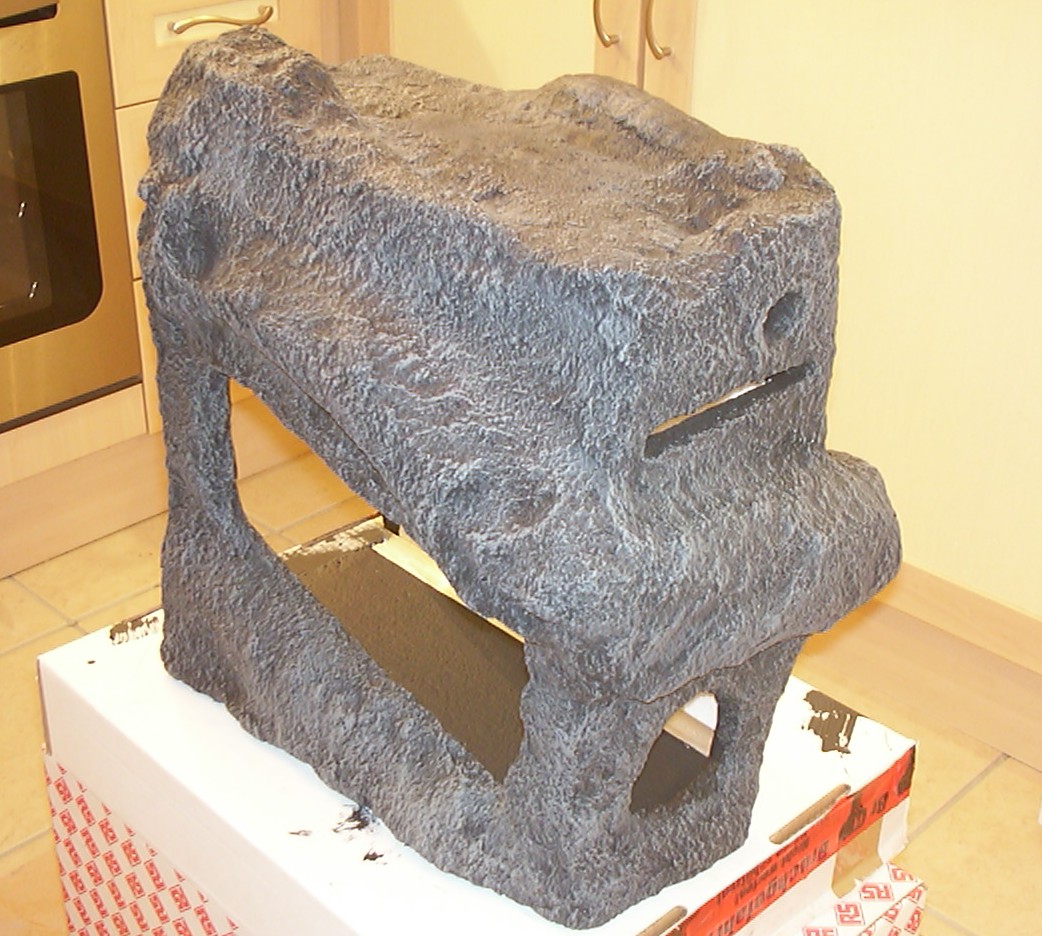
With the black layer done grey acrylic paint was added using drybrushing with a 2" brush. It is nice to see how the texture of the case comes to live.
Drybrushing is a fairly simple concept, you add very little paint to the brush, then you try to rub off as much as possible on a piece of cardboard. When the brush is almost dry you start brushing the intended surface. What will happen is that only sections that are protruding will get any paint. The rule of thumb is to start with dark colours and go to lighter using less and less paint for each layer.
Part 4
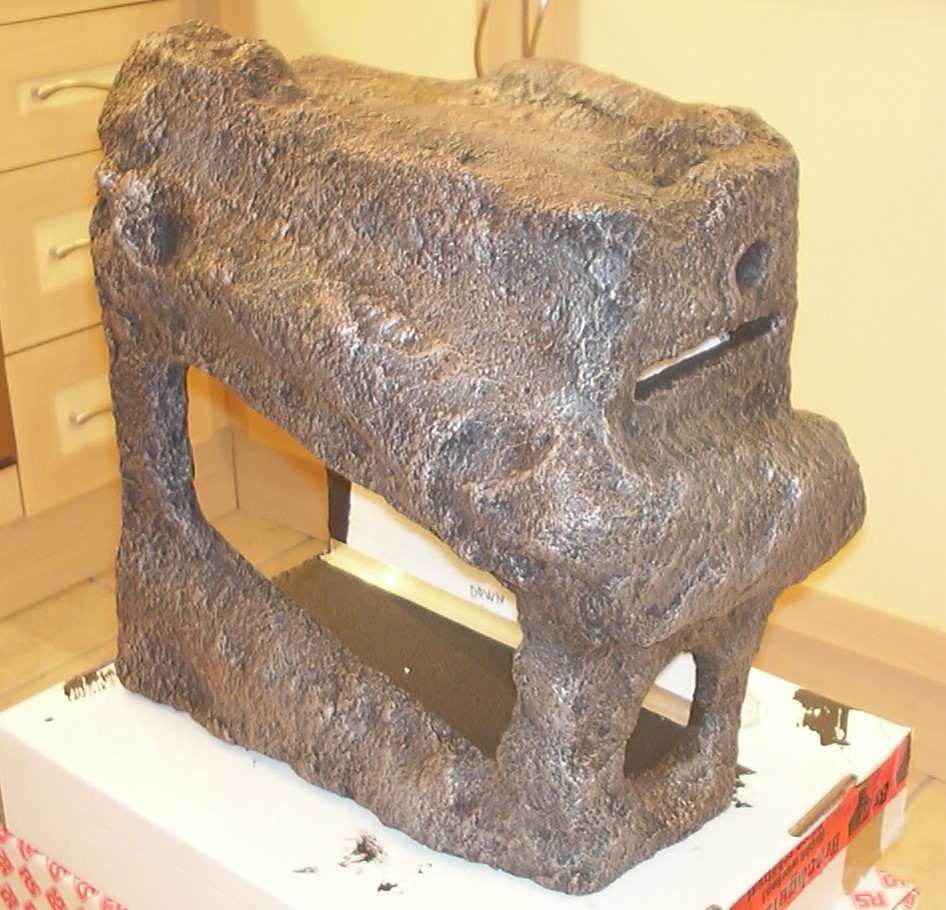
Two more layers done with drybrushing, first bronze and then some nickel as a final layer. The case is definately looking a bit alien now.
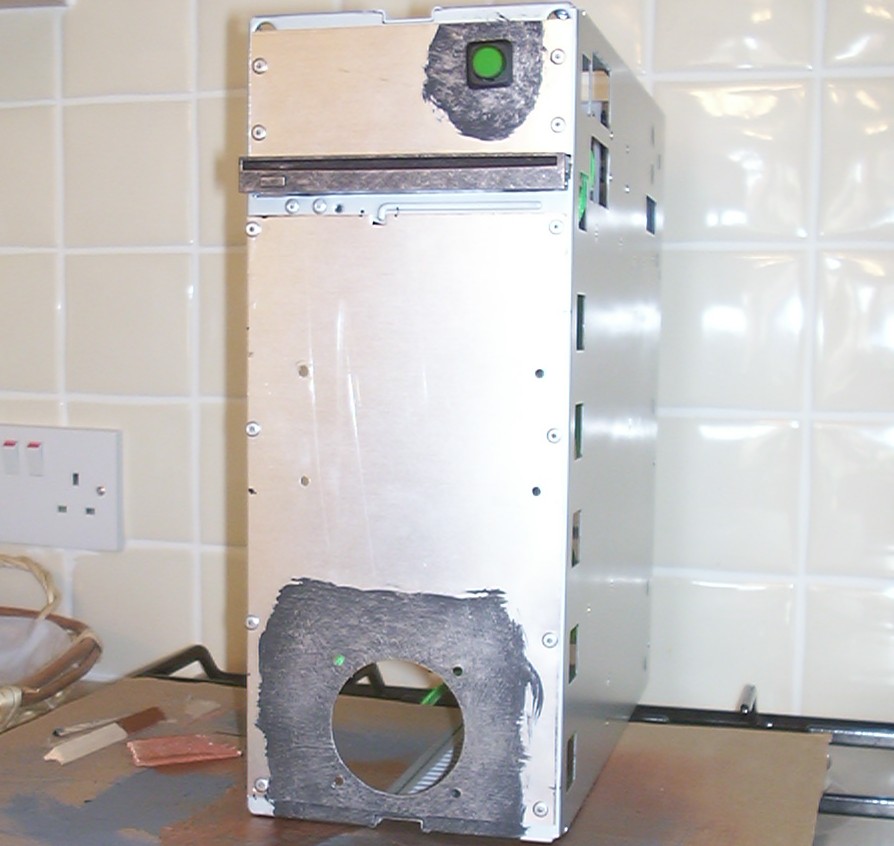
Pop rivets were used to attach the front aluminiumhe to the chassis.
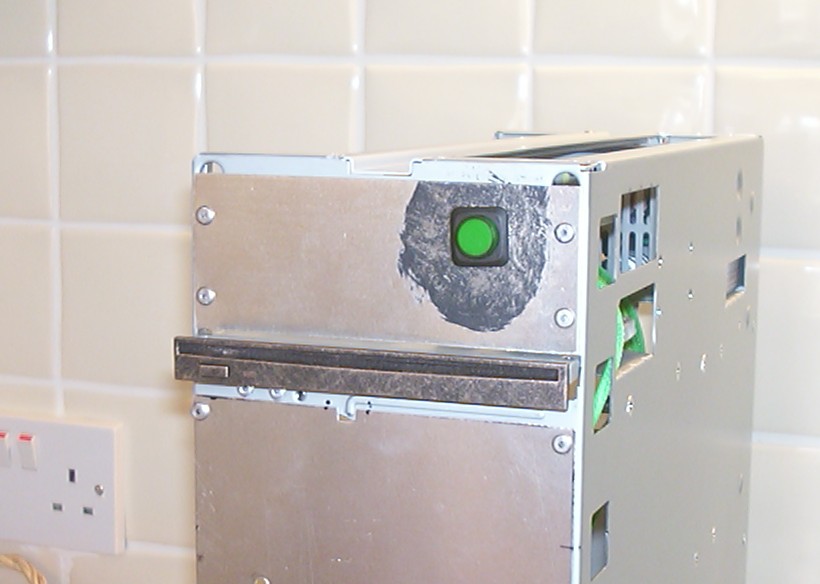
The area around the power button and the CD-RW faceplate got a bit of drybrushing as well to blend in better with the rest of the case.
The power button is illuminated and as a nice little feature it is connected to the +5vsb line from the PSU. The result - a power button that you will find even when the computer is off in the dark.
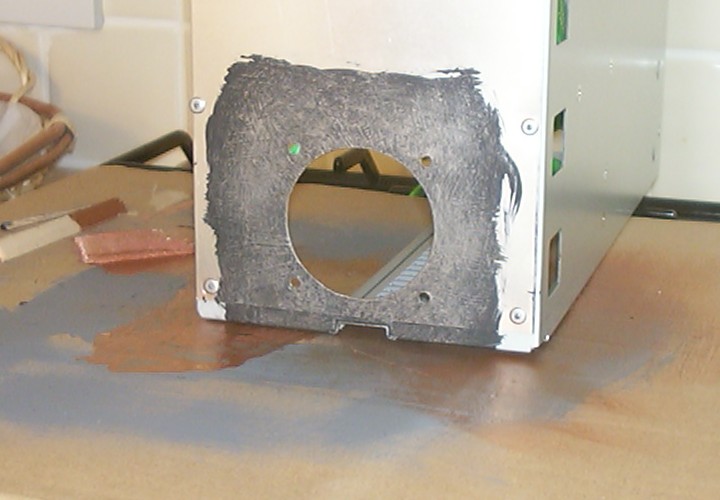
With all the good insulation from the styrofoam a 60mm fan will be mounted in the front crater.
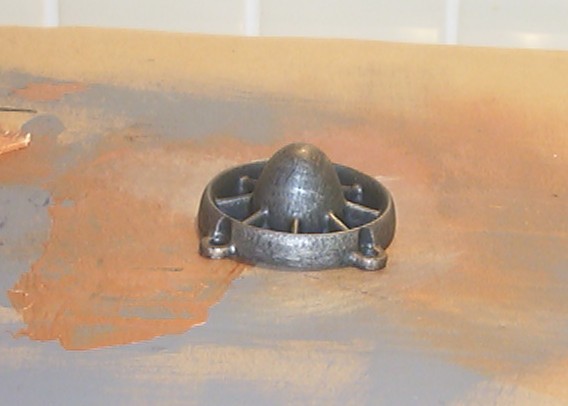
This is a drybrushed grill I made for a 60mm fan using 3D Printing (Fuesed Deposition Modelling). The model was first created in SolidWorks, then the file was sent to Prototype Parts Ltd and a week later I had the grill printed in 100dpi ready to be painted.
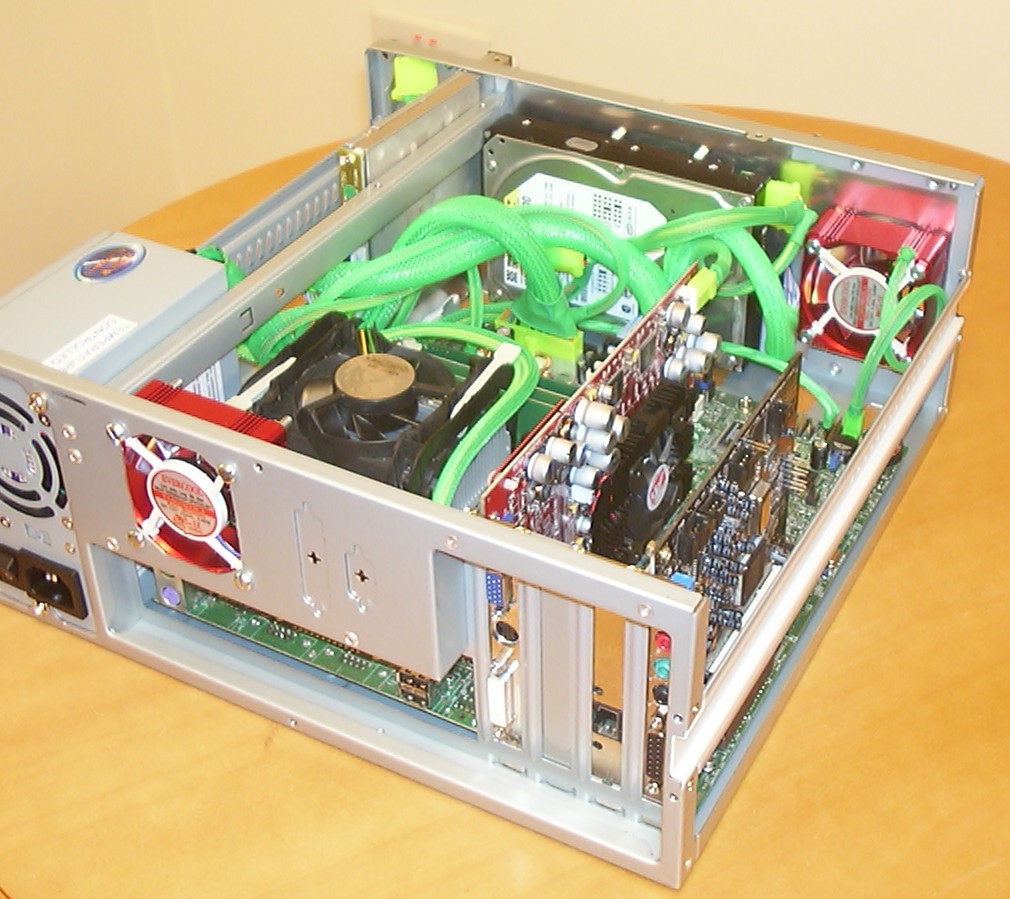
Almost everything is installed, only the CCFL left to add. Every cable is braided and all connectors are switched to green versions. With a bit of light in there it will hopefully make the asteroid look like a seed of life travelling between stars… I know, I know, I have read a fair number of sci-fi books over the years.
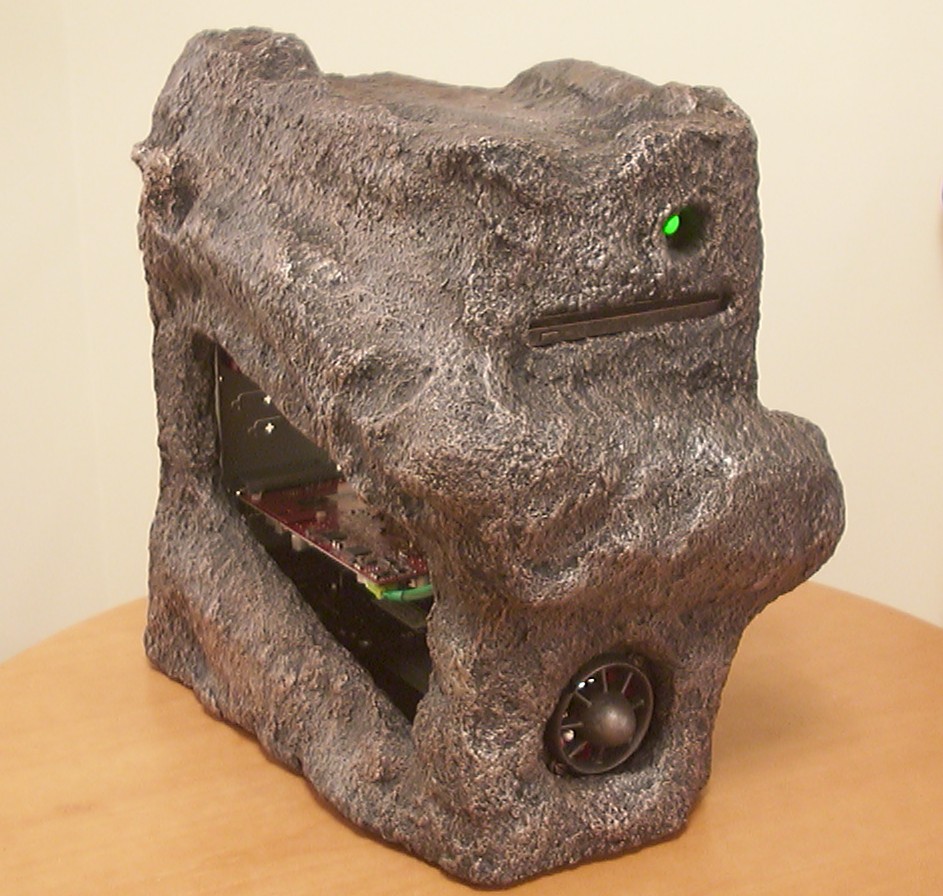
So here we are, first full assembly. If it wasn’t for the missing window and CCFL it could almost be considered done.
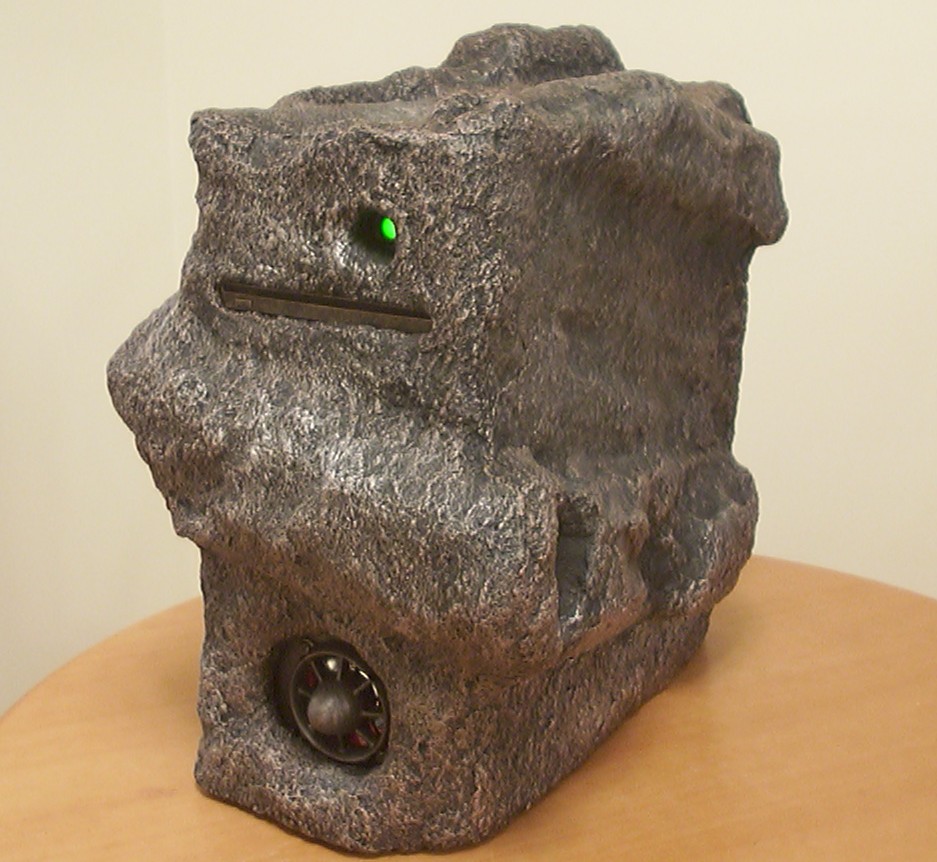
You can see how the start button is illuminated while the computer is off, all it require is that the mains power is connected.
Part 5
After the installation of a 12" CCFL and a window I’m happy to announce this project done.
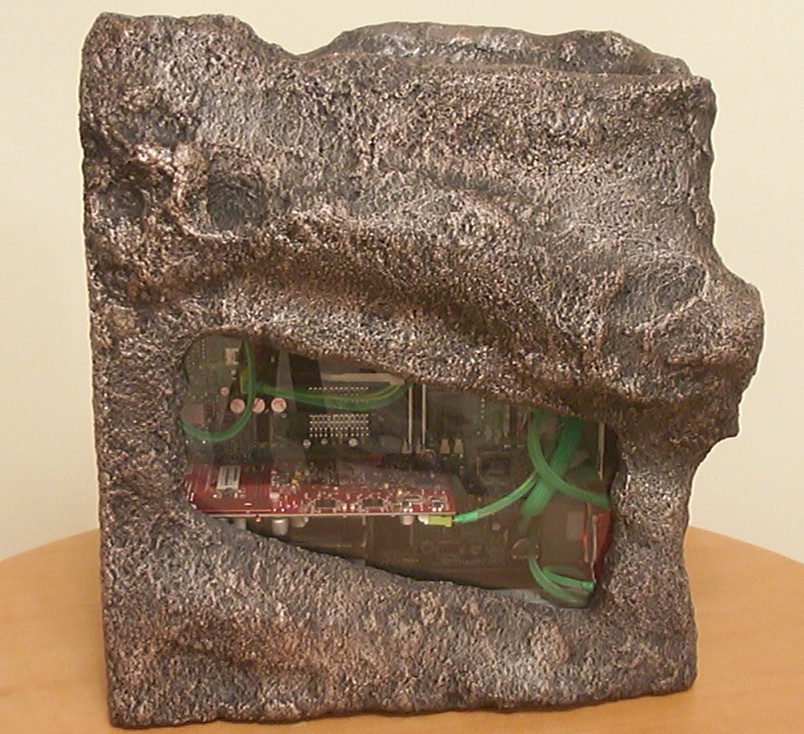
No flash used in an attempt to show the texture and shape of the left side of the case.
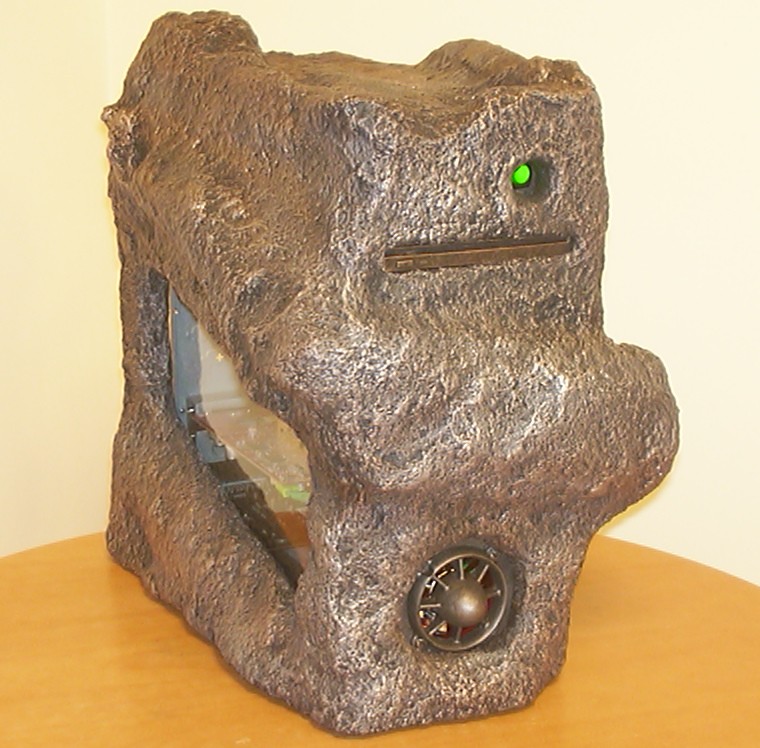
With the flash on it looks a bit more golden. The JetGrill do melt in nicely with the rest of the front.
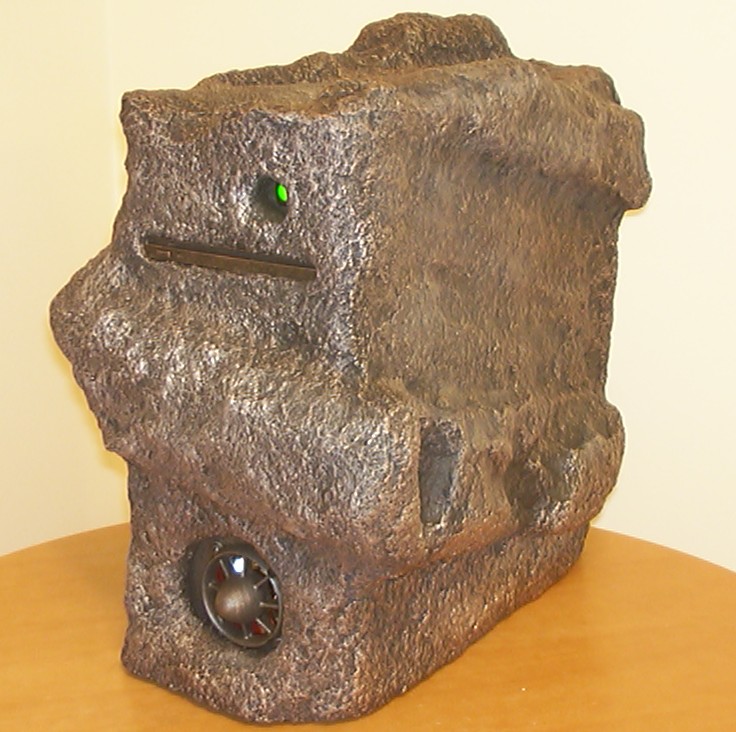
The right side of the case do definately have the most interesting shape.
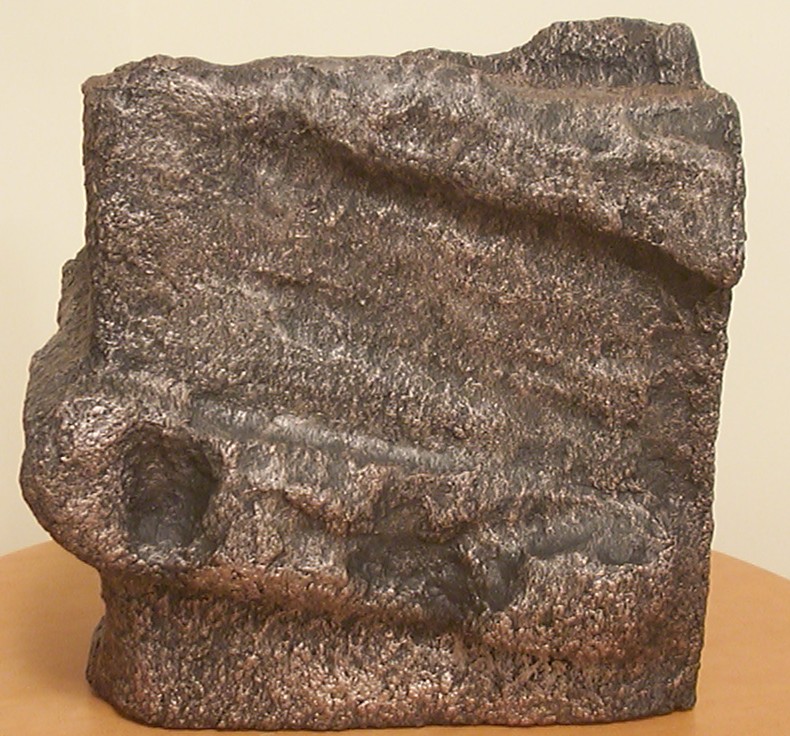
You can almost imagine how it has been beaten and shaped over the millennia.
The green light is very intense, I had to use flash and full light in the room to not end up with just a green blob in the picture.
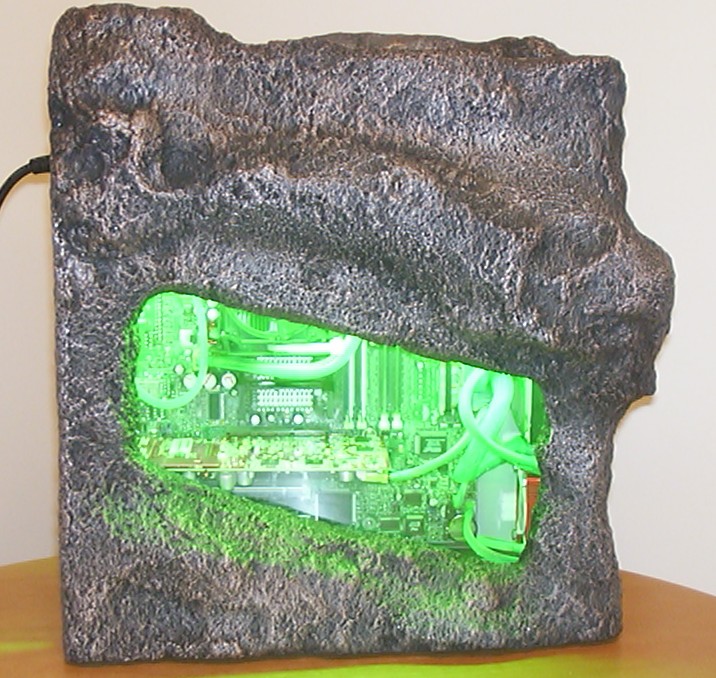
And here, finally a pic to show off the very green interior.
That’s all for now, until next time, have fun.