

Worklog · 2004
Doom 3: Hell Inside
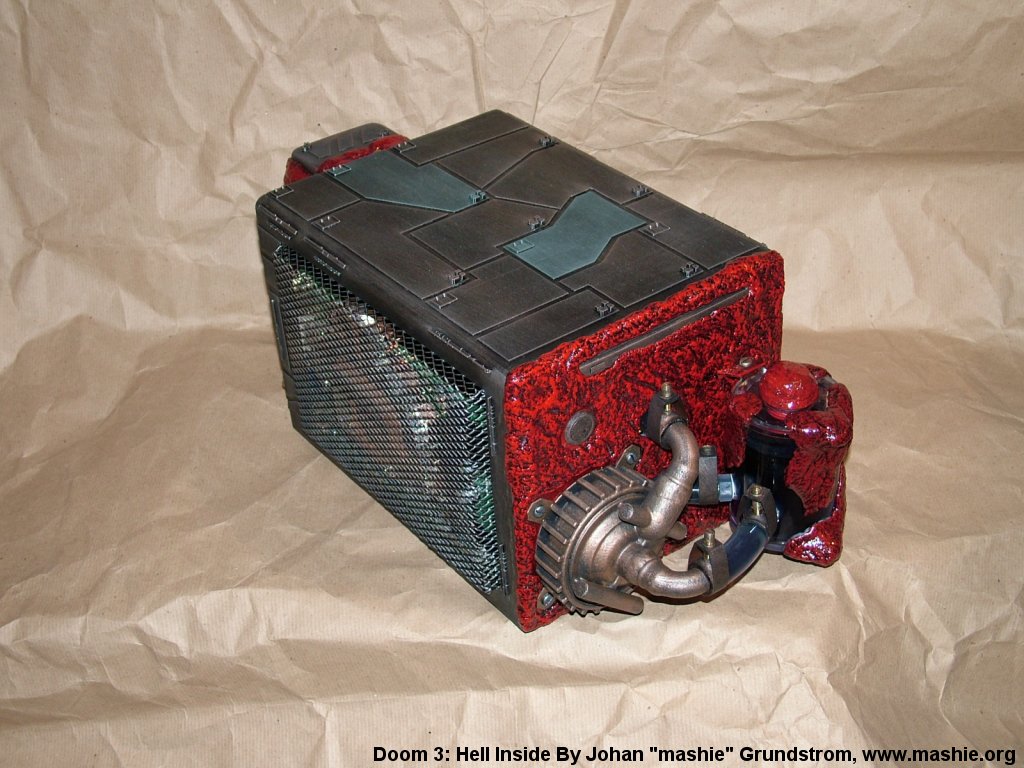
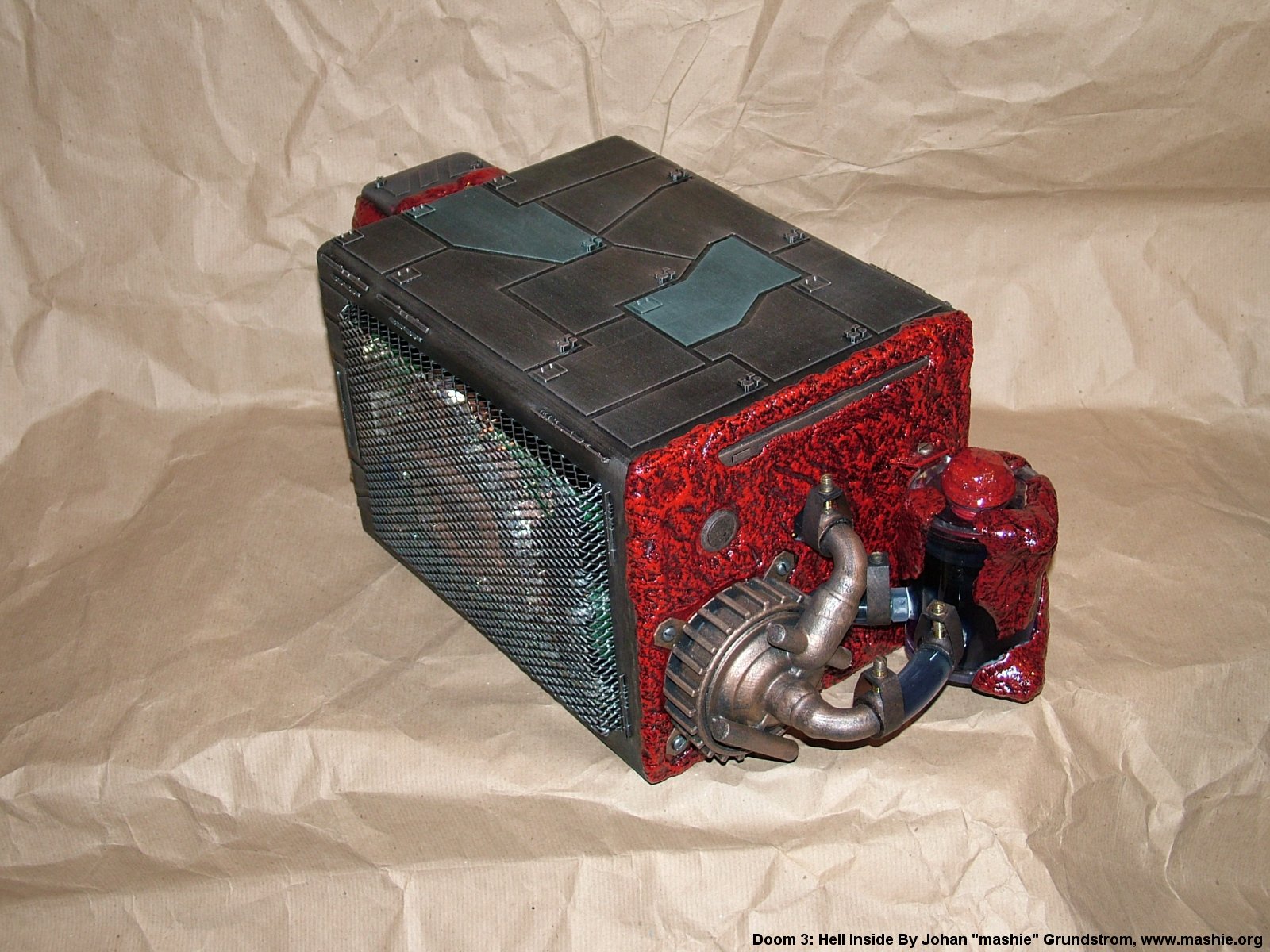
A Shuttle SK83G infested by Hell after inspiration from id Software's Doom 3.
- CPU
- AMD Athlon 64 3400+
- Motherboard
- Shuttle FX83
- Videocard
- BFG 6800 GT OC 256 MB
- Case type
- Converted Shuttle XPC
- Purpose
- Gaming machine
- Year
- 2004
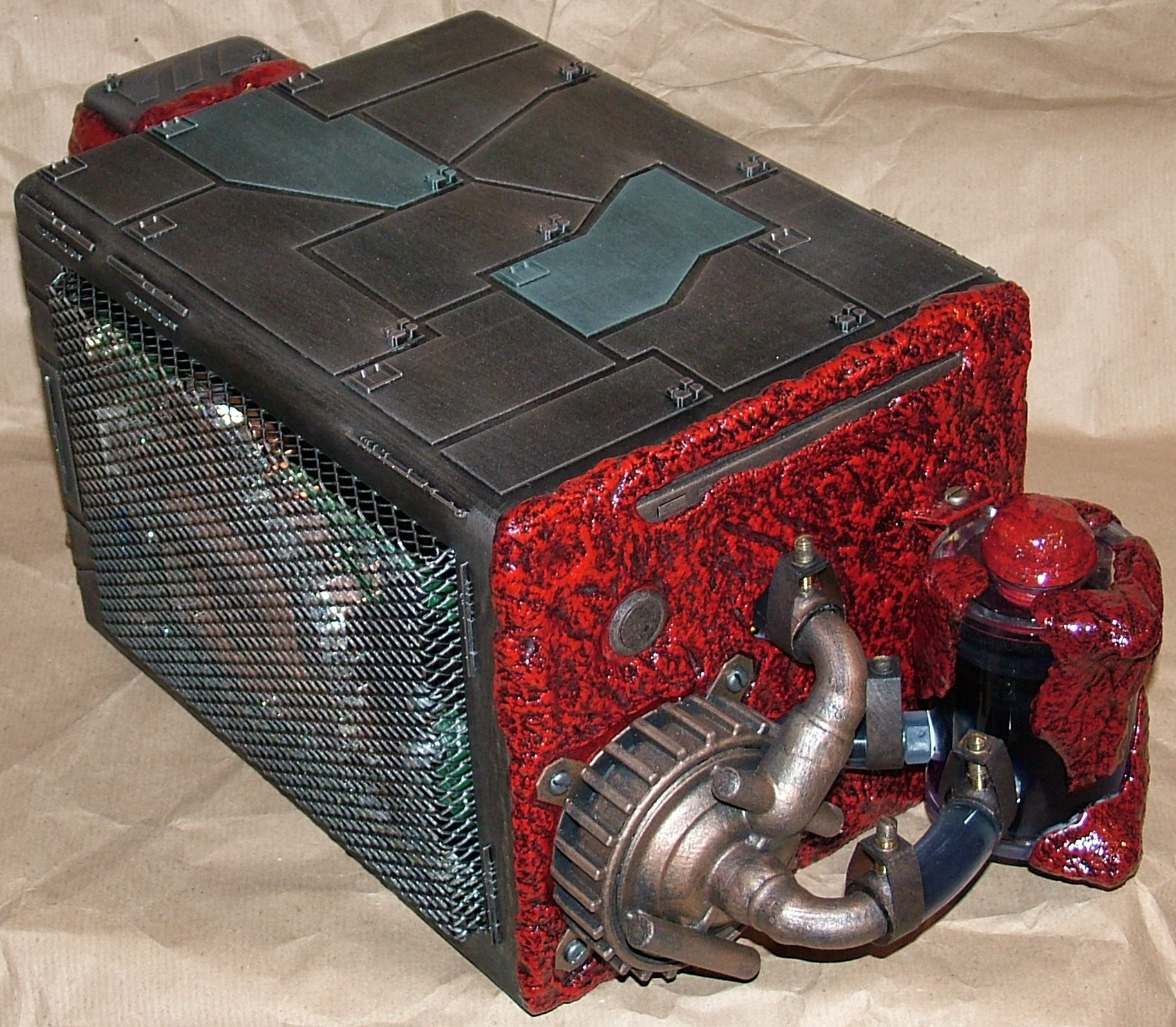
Doom 3 has inspired a fair number of casemods and even more will come, this is my take at it. The general idea is to make a case that looks like some poor unsuspecting machinery that has been infested by Hell.
The canvas this time is a Shuttle SK83G that somehow will house the following:
AMD64 3400+ BFG 6800 GT OC 256MB 1GB OCZ Platinum PC3200 74GB WD Raptor Panasonic slim slot in CD-RW/DVD Dangerden TDX block with nozzle 5 Dangerden NV-68 block Laing D4 12V pump BI Micro radiator (replaced by Thermochill HE80.1) 1/2" tubing just for the challenge.
Ok enough talking about the hardware, let the worklog begin.
Part 2
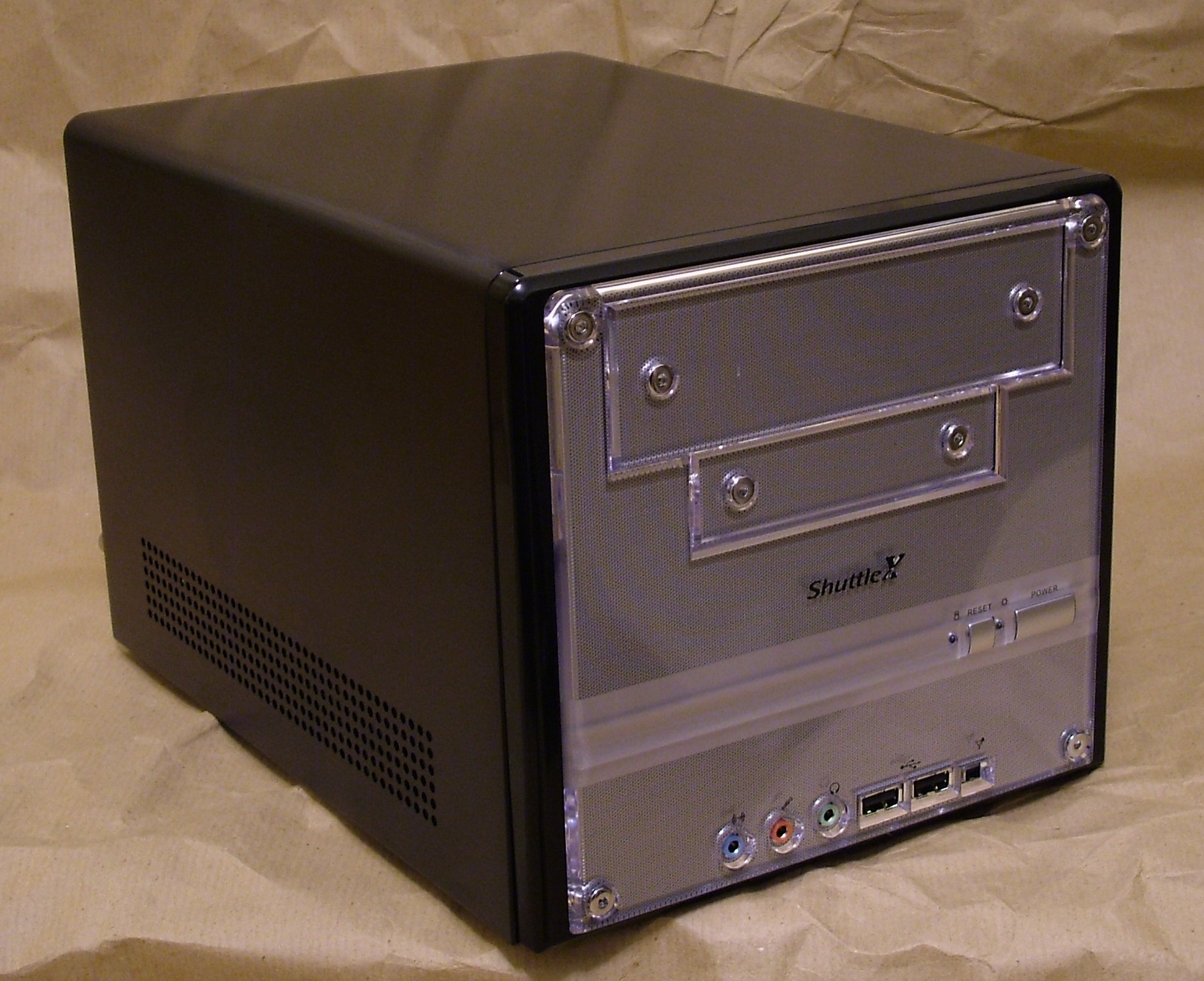
A nice innocent stock case. Now it would be bad if anything bad would happen to it…
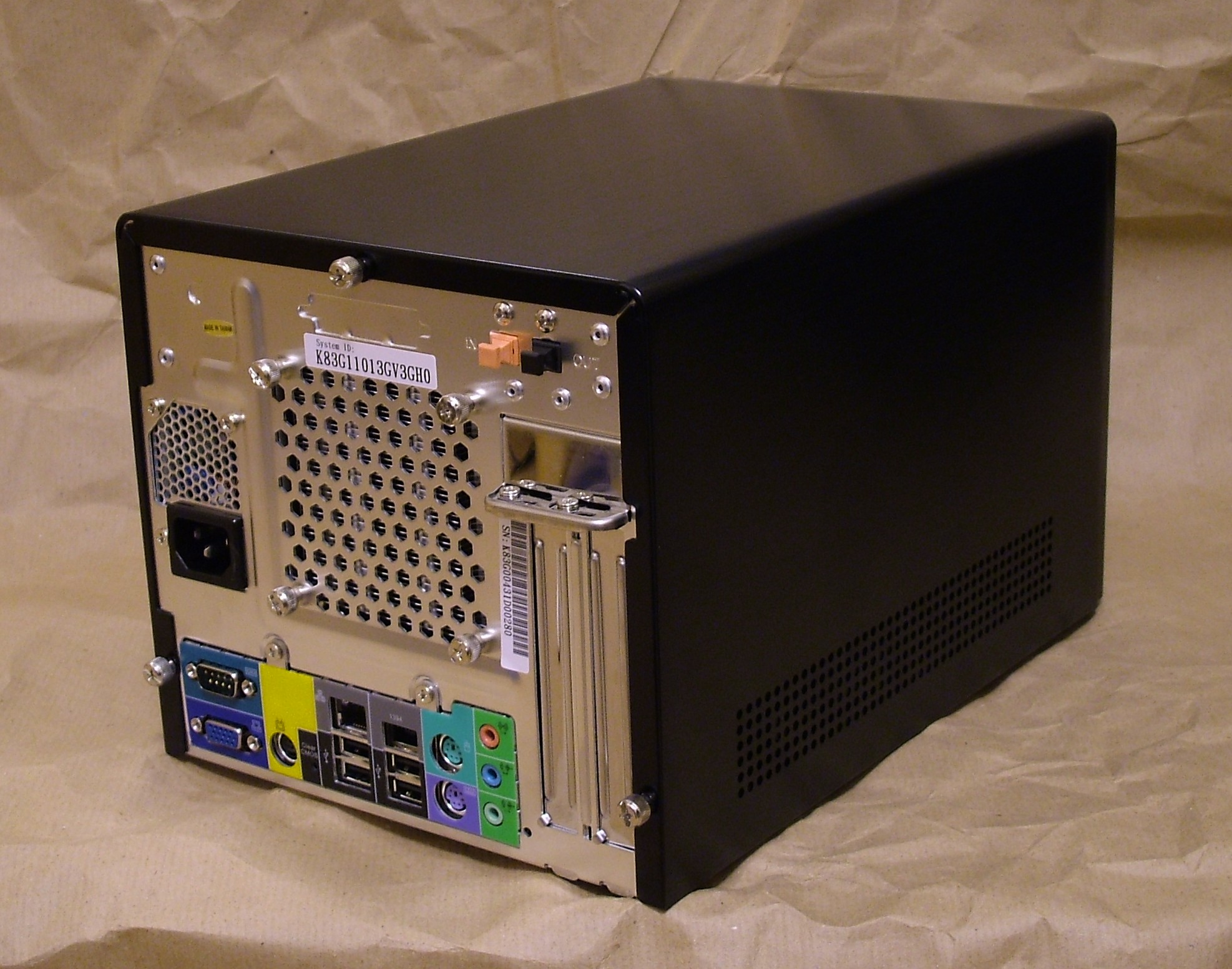
It is quite amazing how small these systems are considering the performance they can provide.
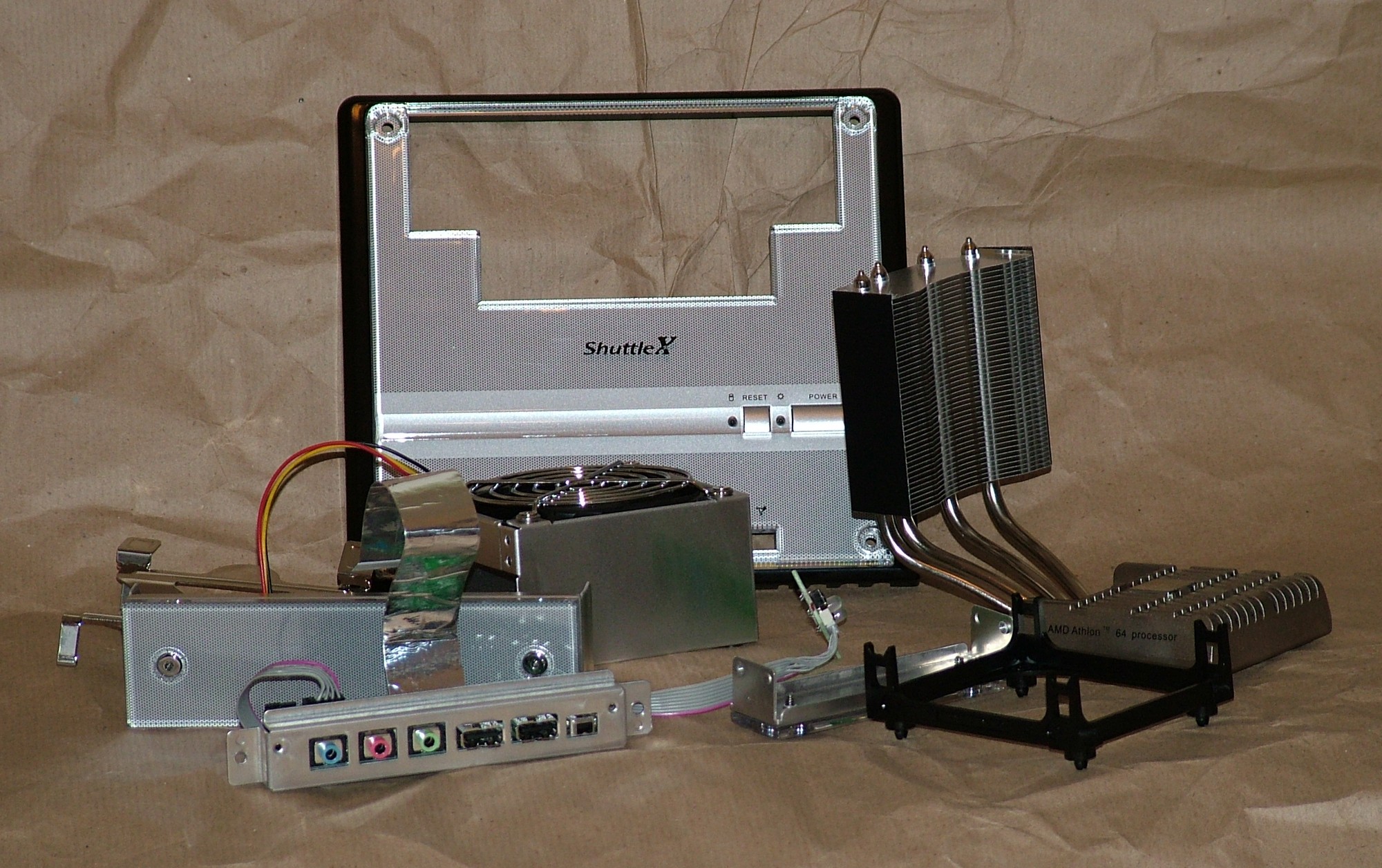
Innocence be gone, this stuff will not be needed again.
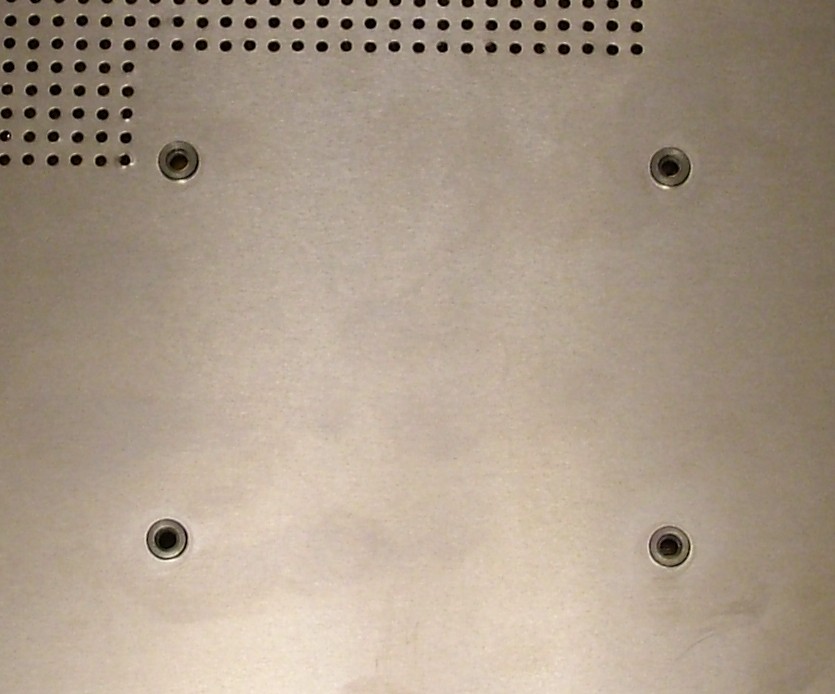
This is a nice feature of the Shuttle case, threaded HSF mounts on the bottom for heavy heatsinks.
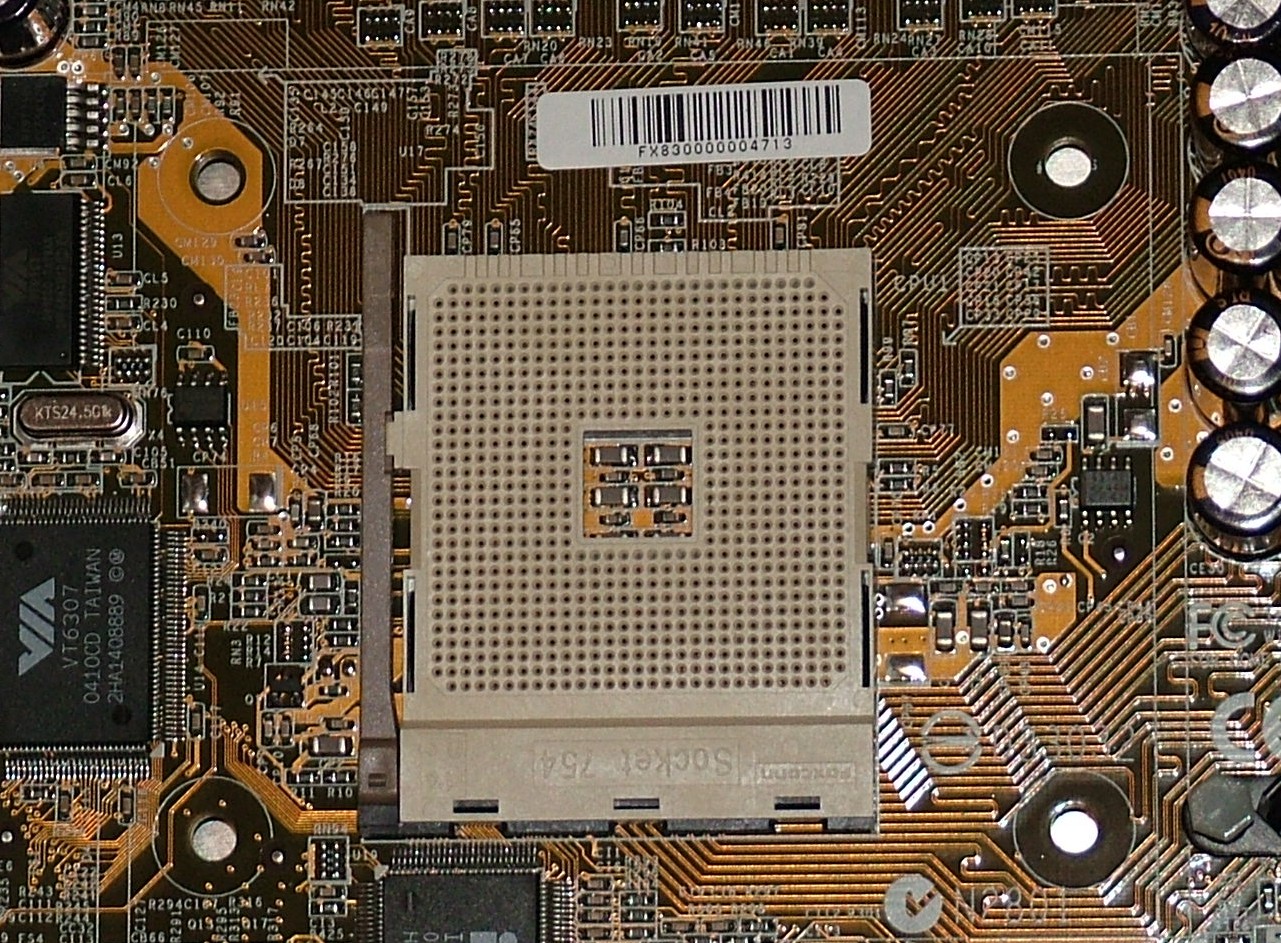
Unfortunately they didn’t line up with the holes in the motherboard so completely useless. Had been nice to a attach the waterblock to them.
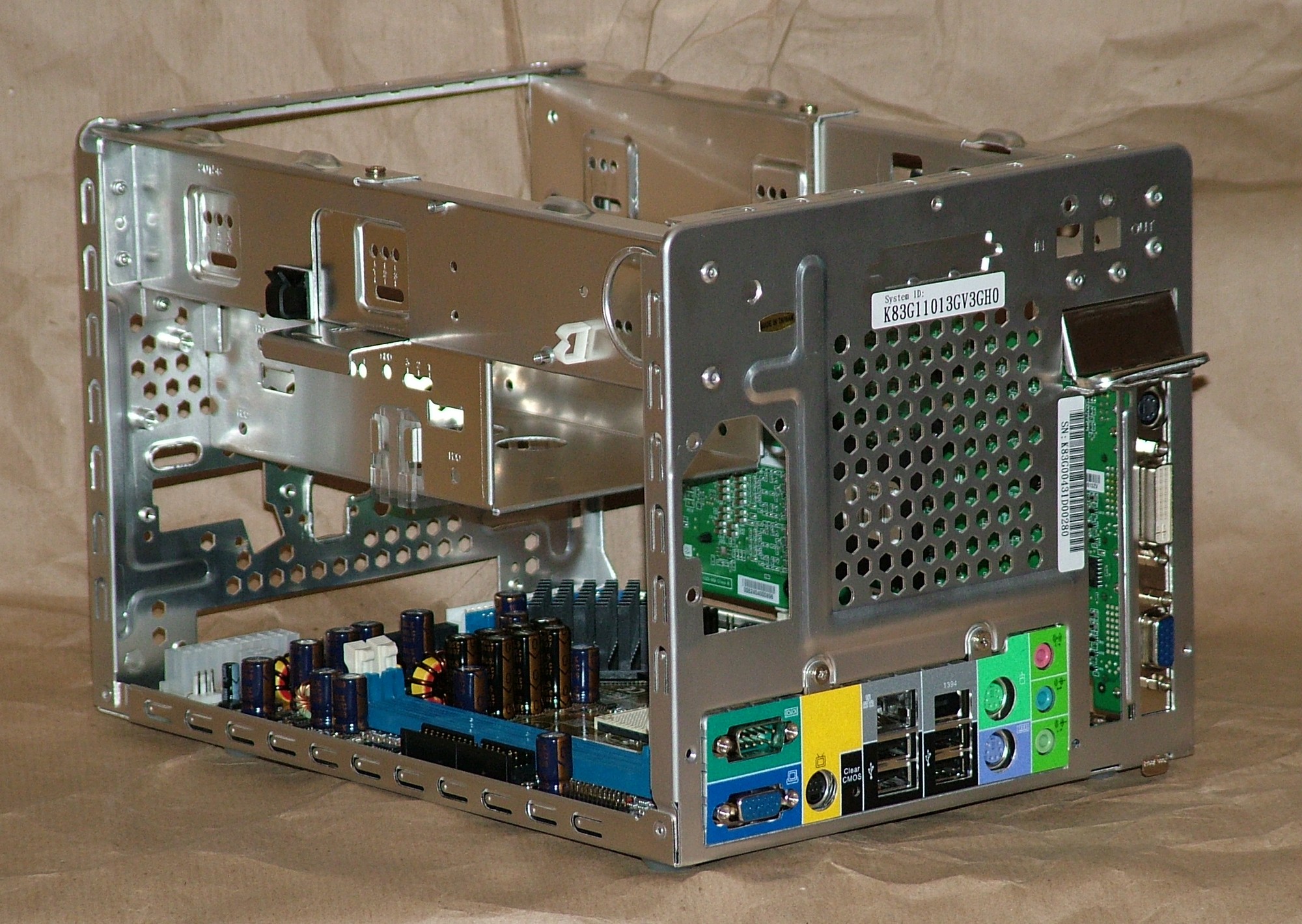
Some view of what’s under the hood after the cleanup.
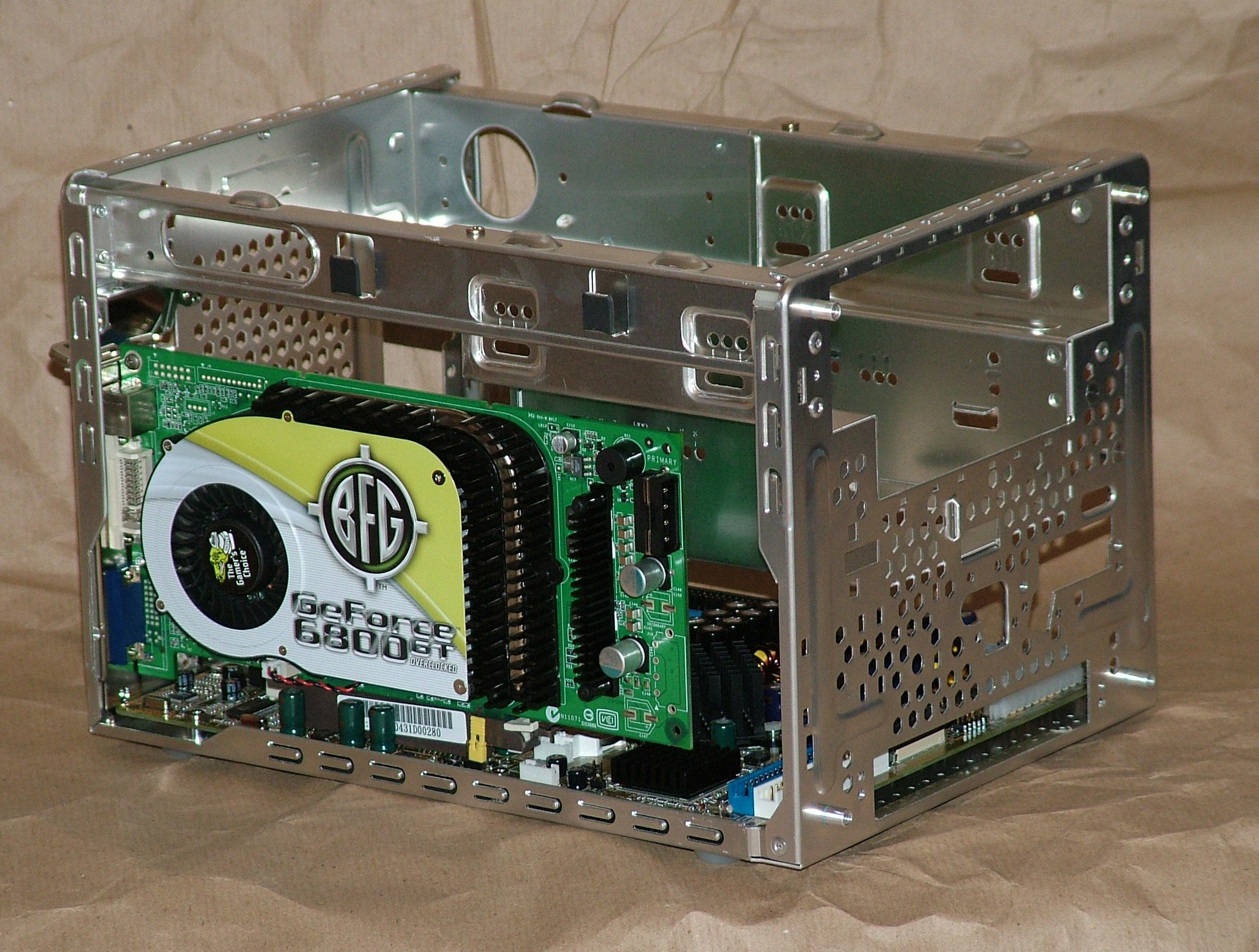
The BFG 6800GT OC fit nicely inside.
Part 3
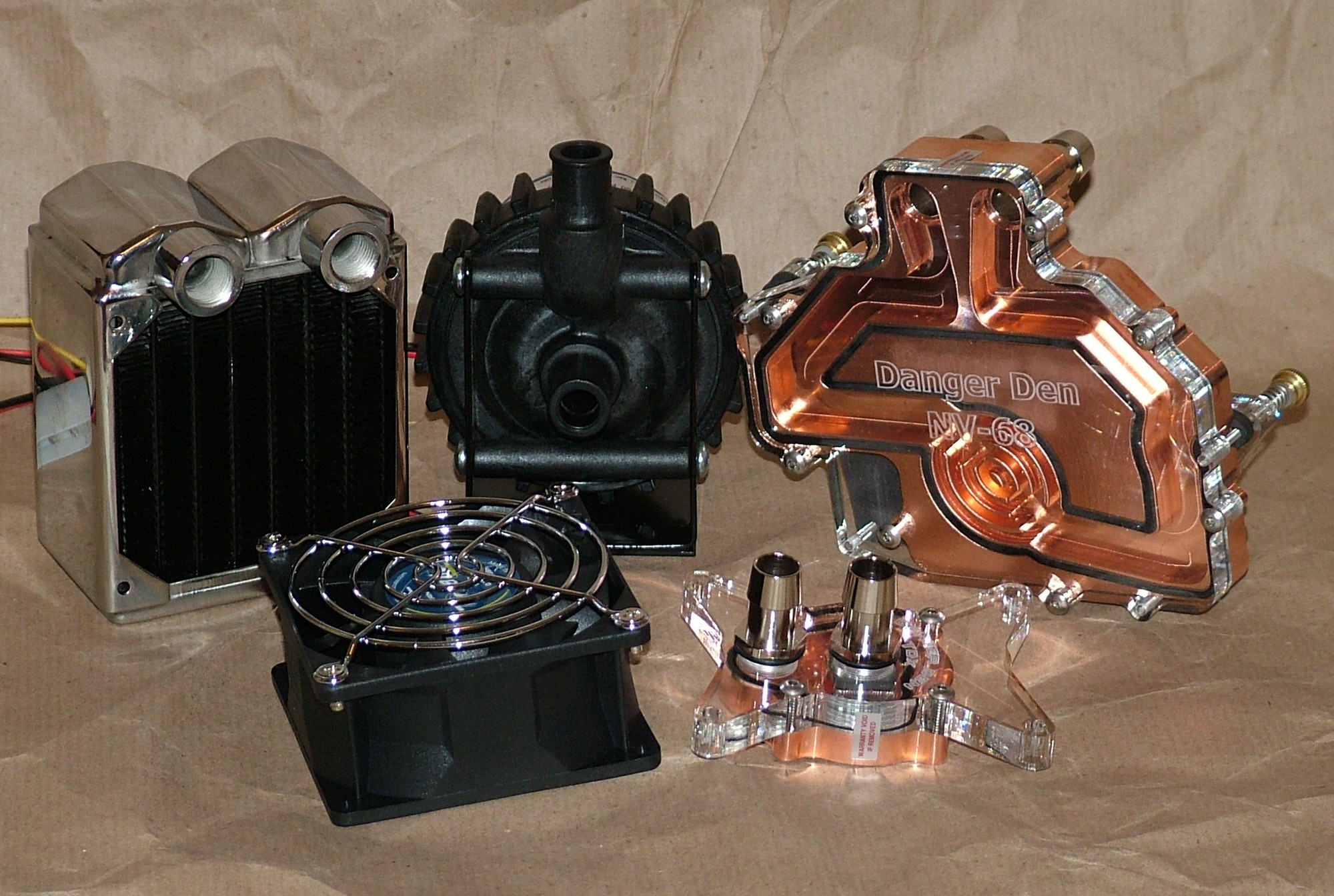
The watercooling gear has arrived. From the top left we have: Black Ice Micro radiator, Laing D4 pump, DangerDen NV-68 block. And the front row a Vantec Tornado 80mm fan and a DangerDen TDX block.
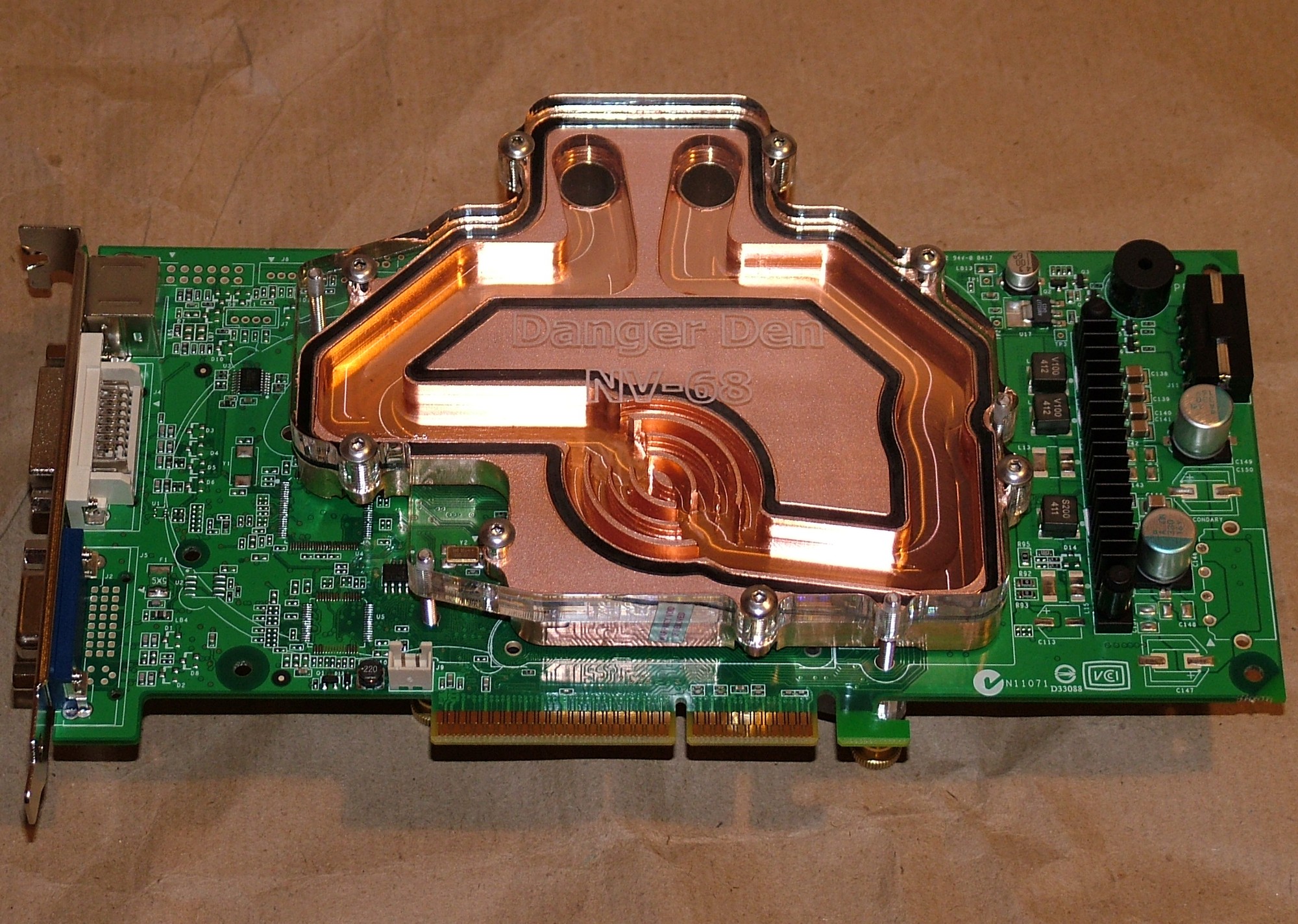
The NV-68 block was easy to install, took longer to remove the stock cooling than adding the new block.
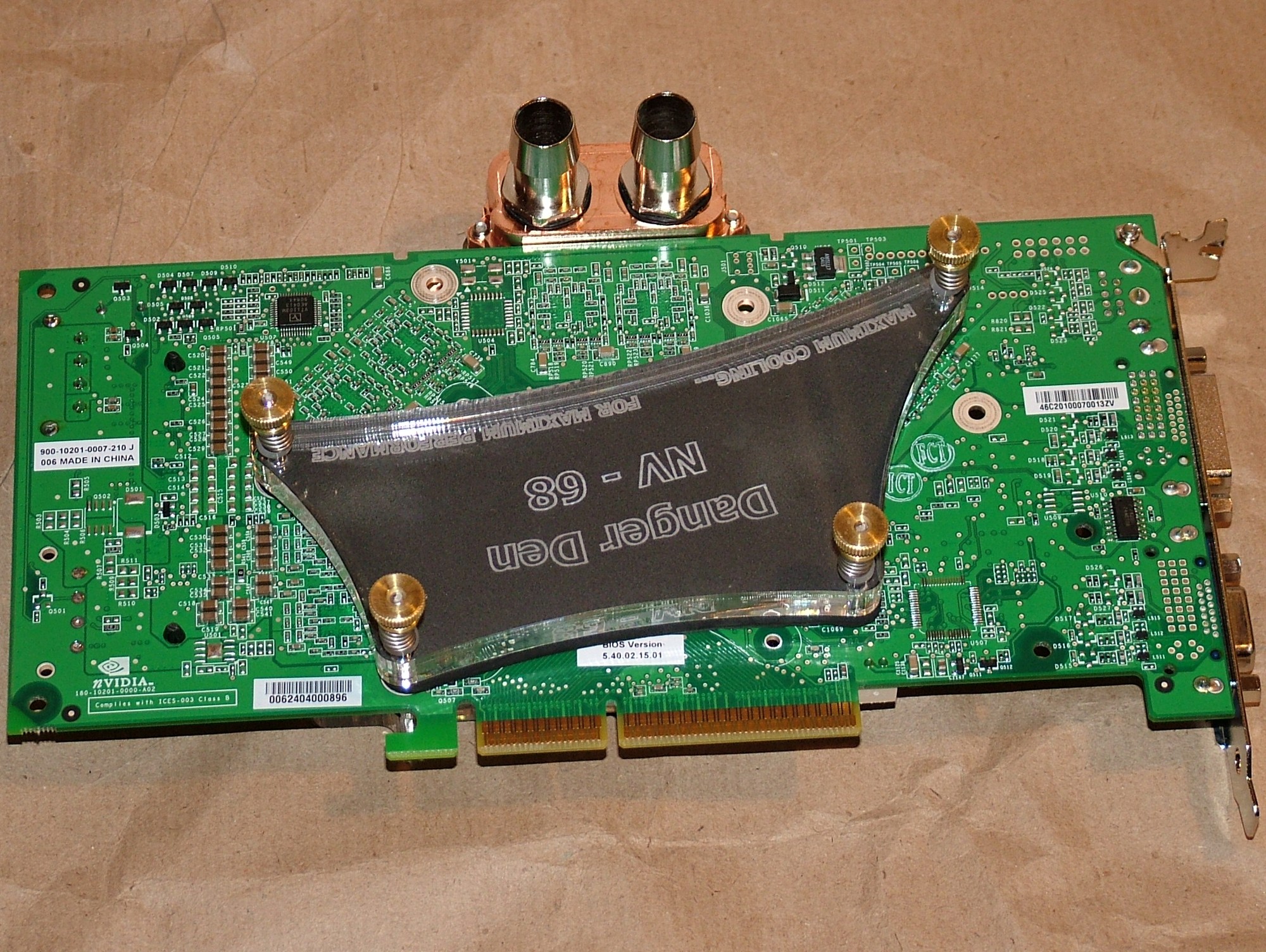
This is the big hold down device that successfully stop any attempt to use the PCI slot, had been nice to use for a gigabit NIC but never mind.
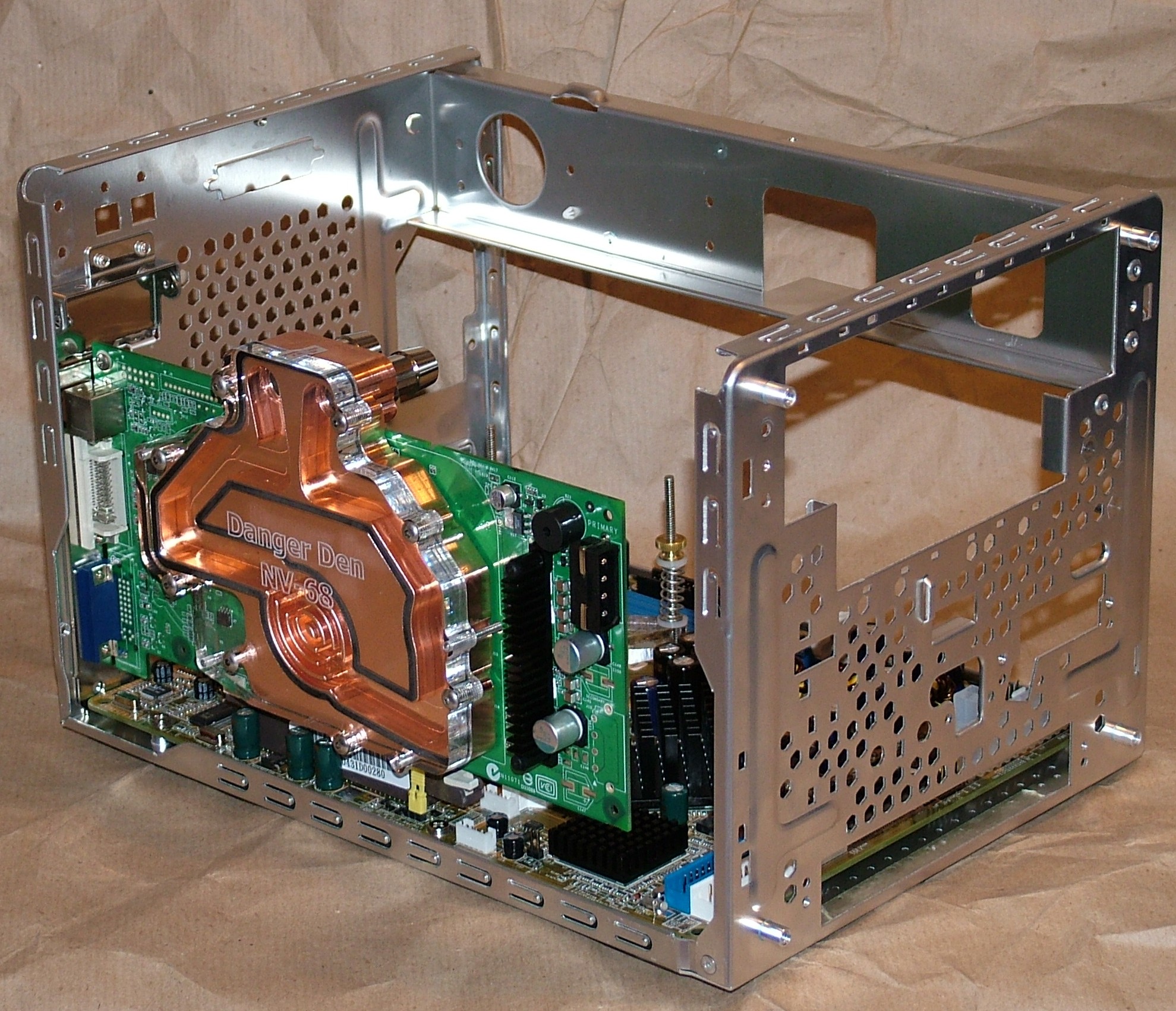
To be able to fit the card in the AGP slot the aluminium crossbar had to be removable. So with four rivets drilled out the card is finally in place.
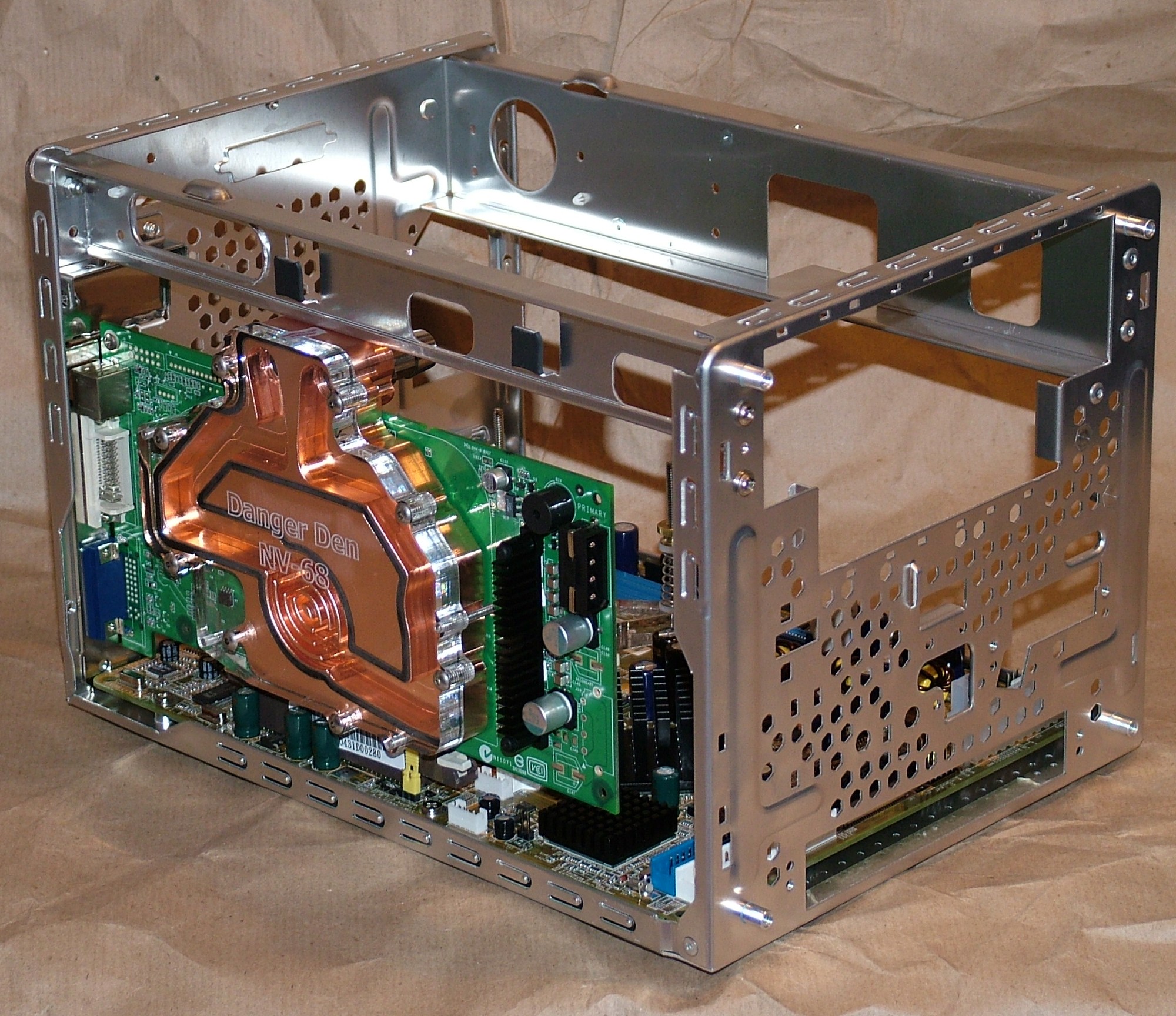
With the crossbar installed again you can see why it had to be removable…
Some good and bad news regarding the NV-68 block, it do indeed fit inside the shell of an XPC with a good 0.5mm to spare. It will however block the space needed by a normal CD-player.
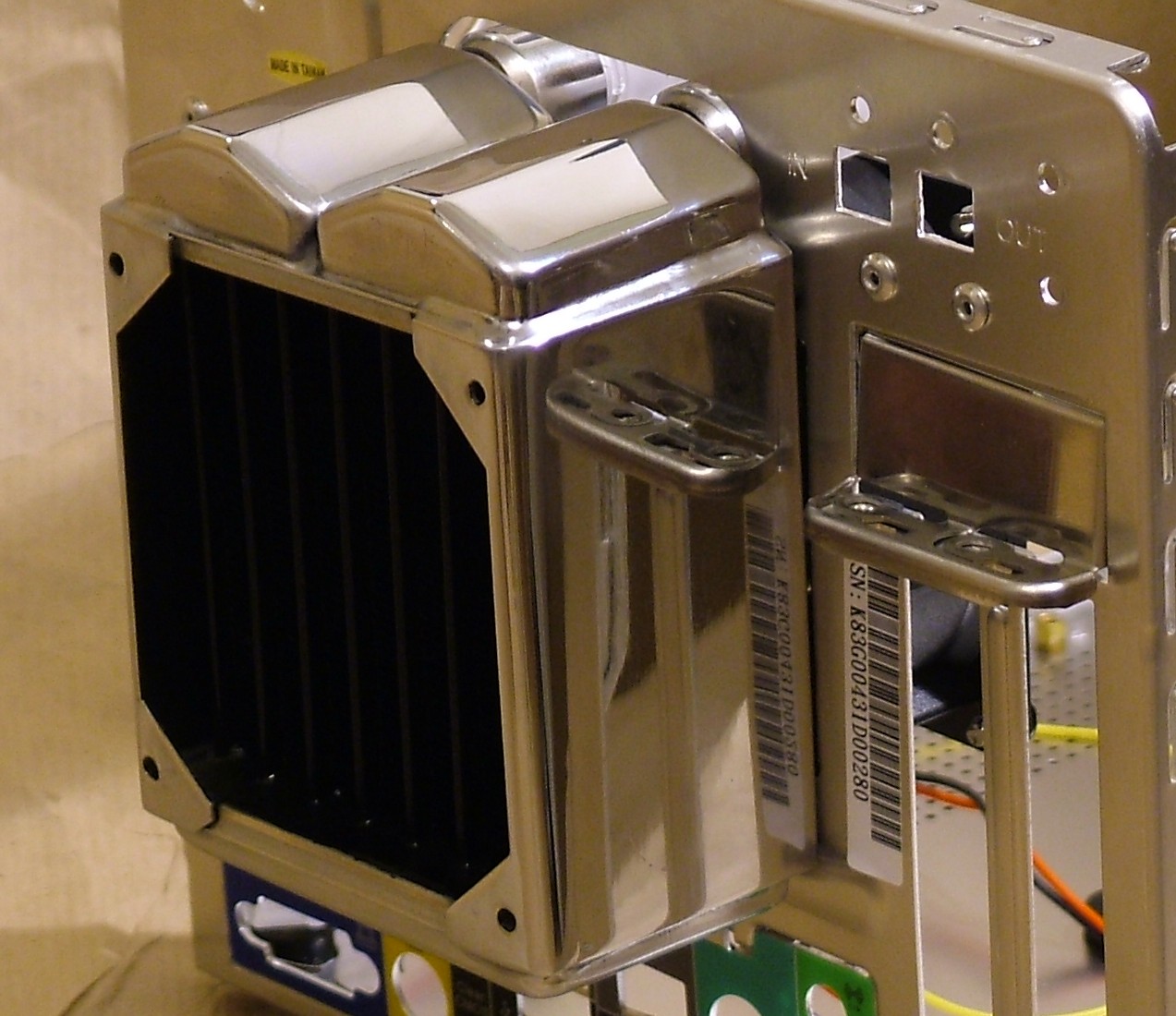
The perforated area for the stock cooling was cut away to give unrestricted airflow to the radiator. Nice and shiny chrome, isn’t it?
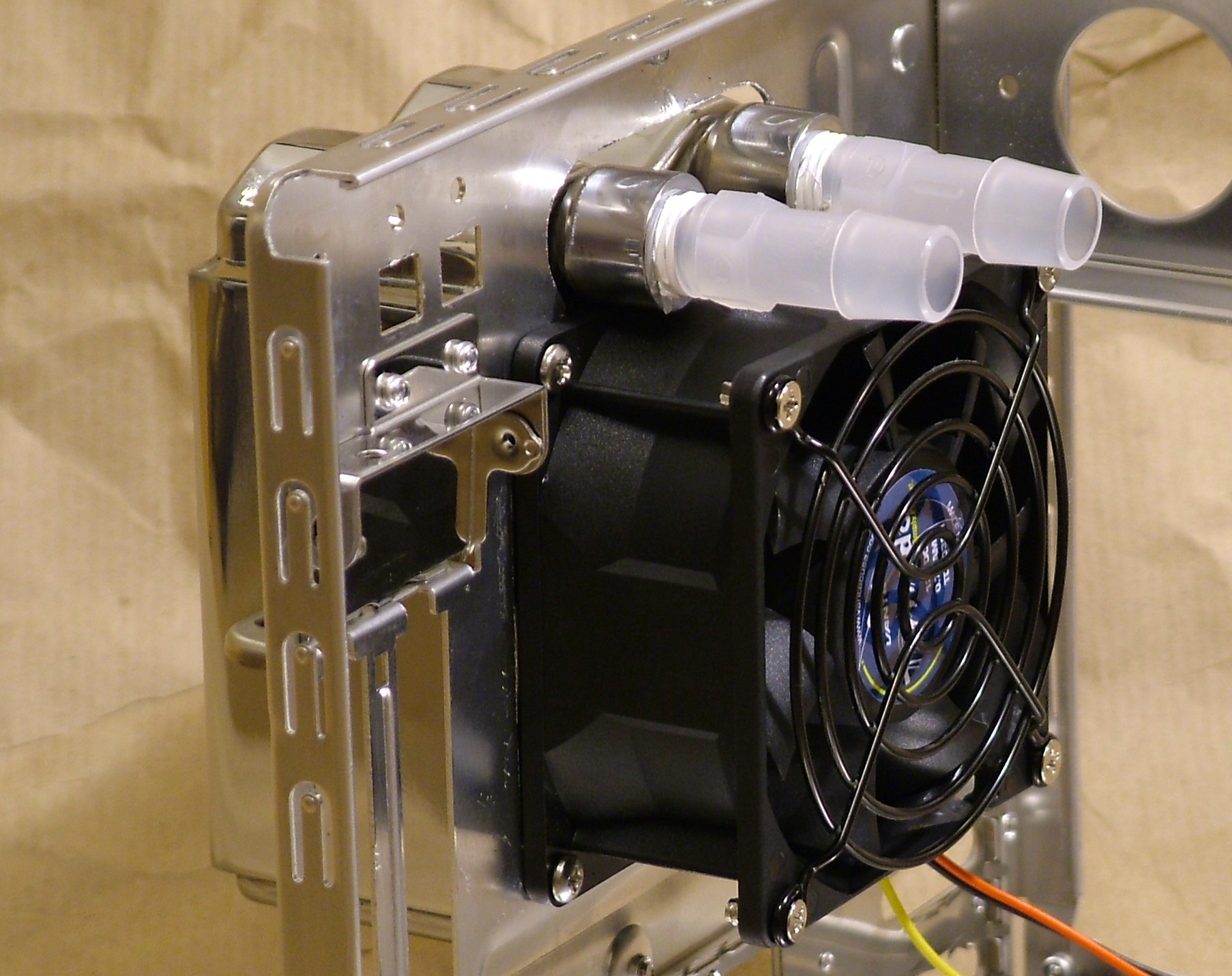
On the inside the Vantec Tornado will reside.
Part 4
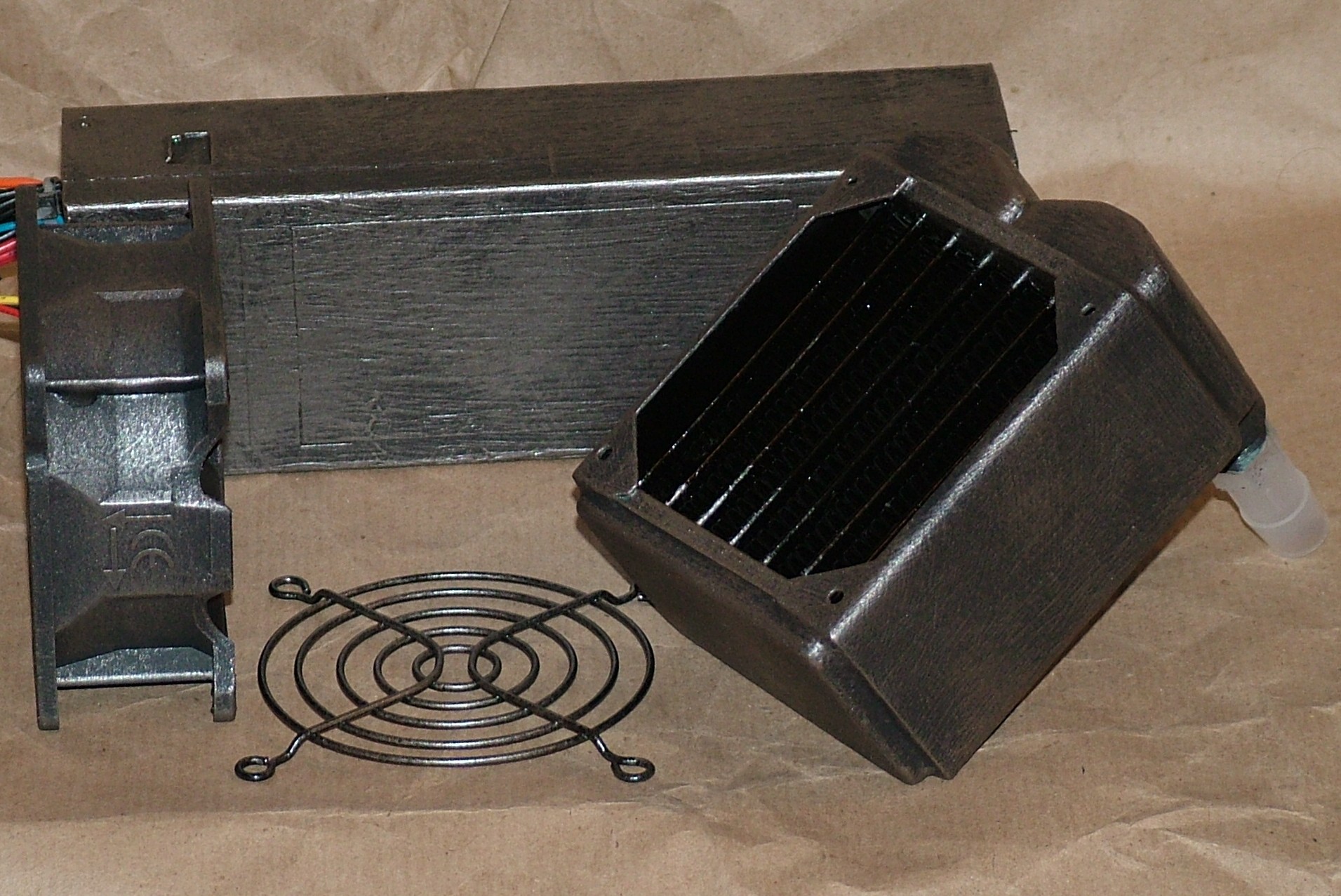
Shiny stuff do not belong in the world of Doom so here we are a few layers of paint later… It is a black base coat with some pewter and brass added with drybrushing.
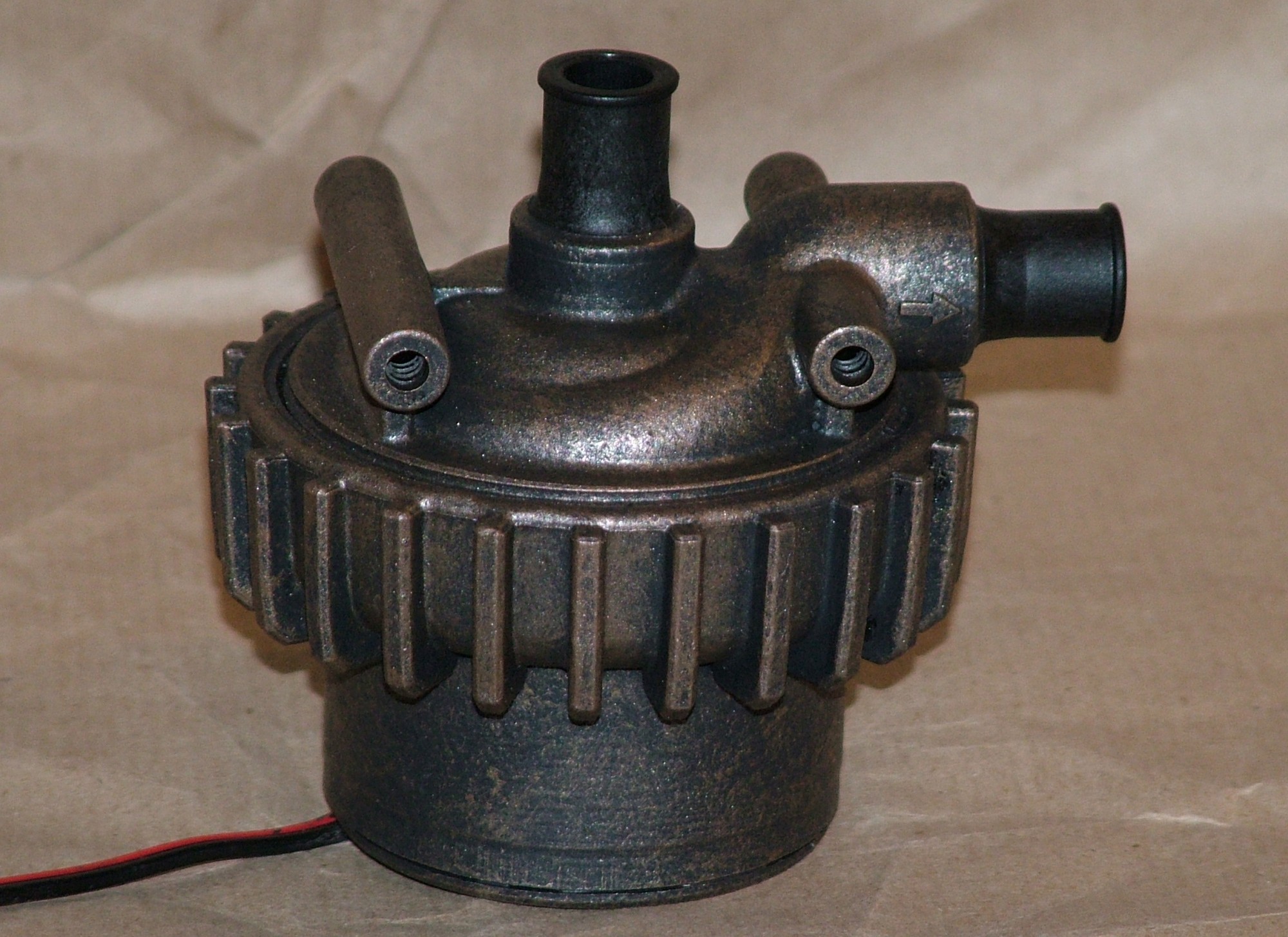
The Laing D4 pump got to taste some paint as well.
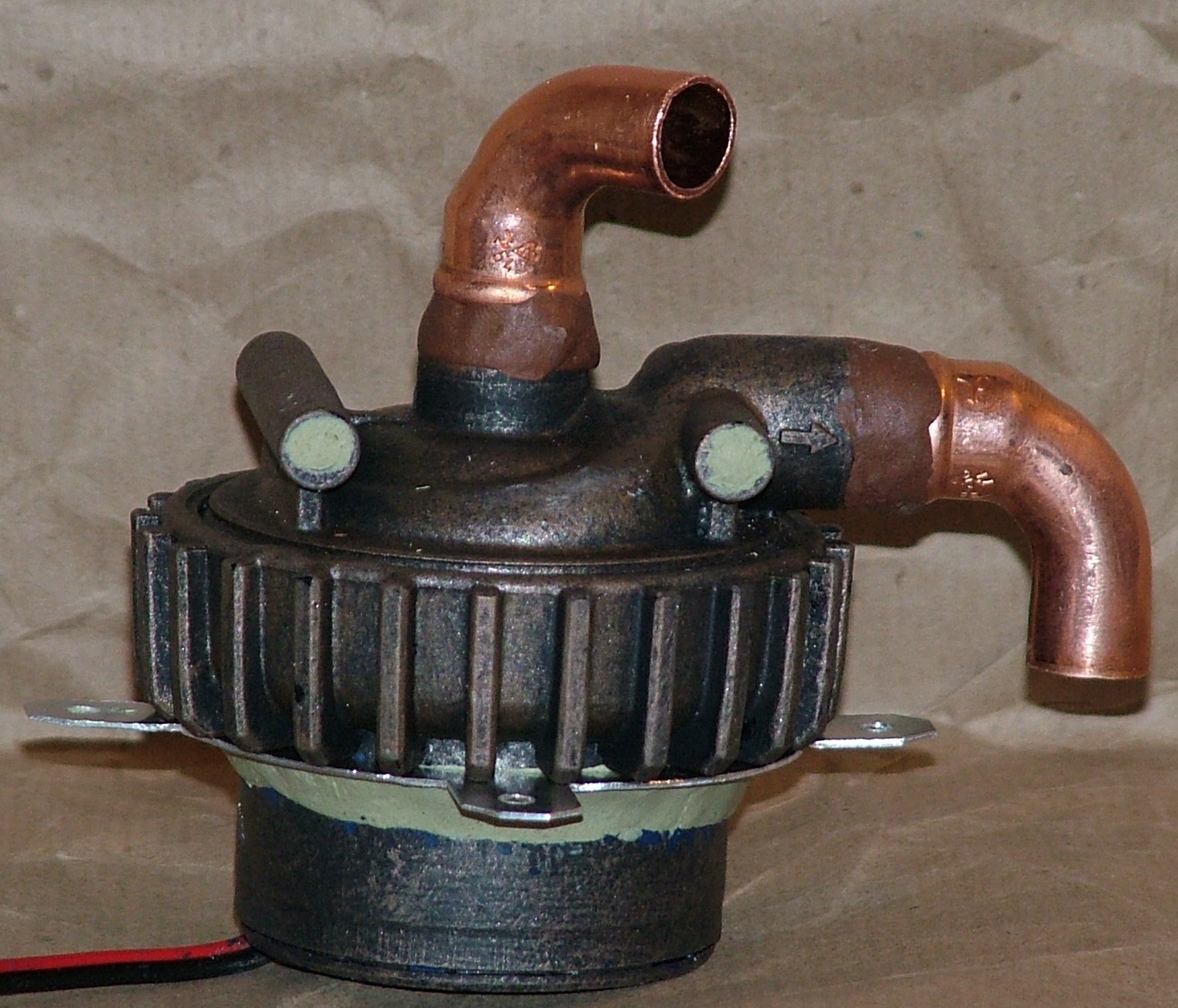
When testing out the placement of the pump and reservoir I noticed the barbs pointing in the wrong directions. It was however something I had expected so a bit of plumber putty and two copper bends were added. Also a bit more testing revealed the need of a different mounting mechanism which was cut out from sheet aluminium and attached to the pump with Milliput. An hour of flow testing proved the seal around the barbs was working as expected. When everything is set tomorrow it will be painted again.
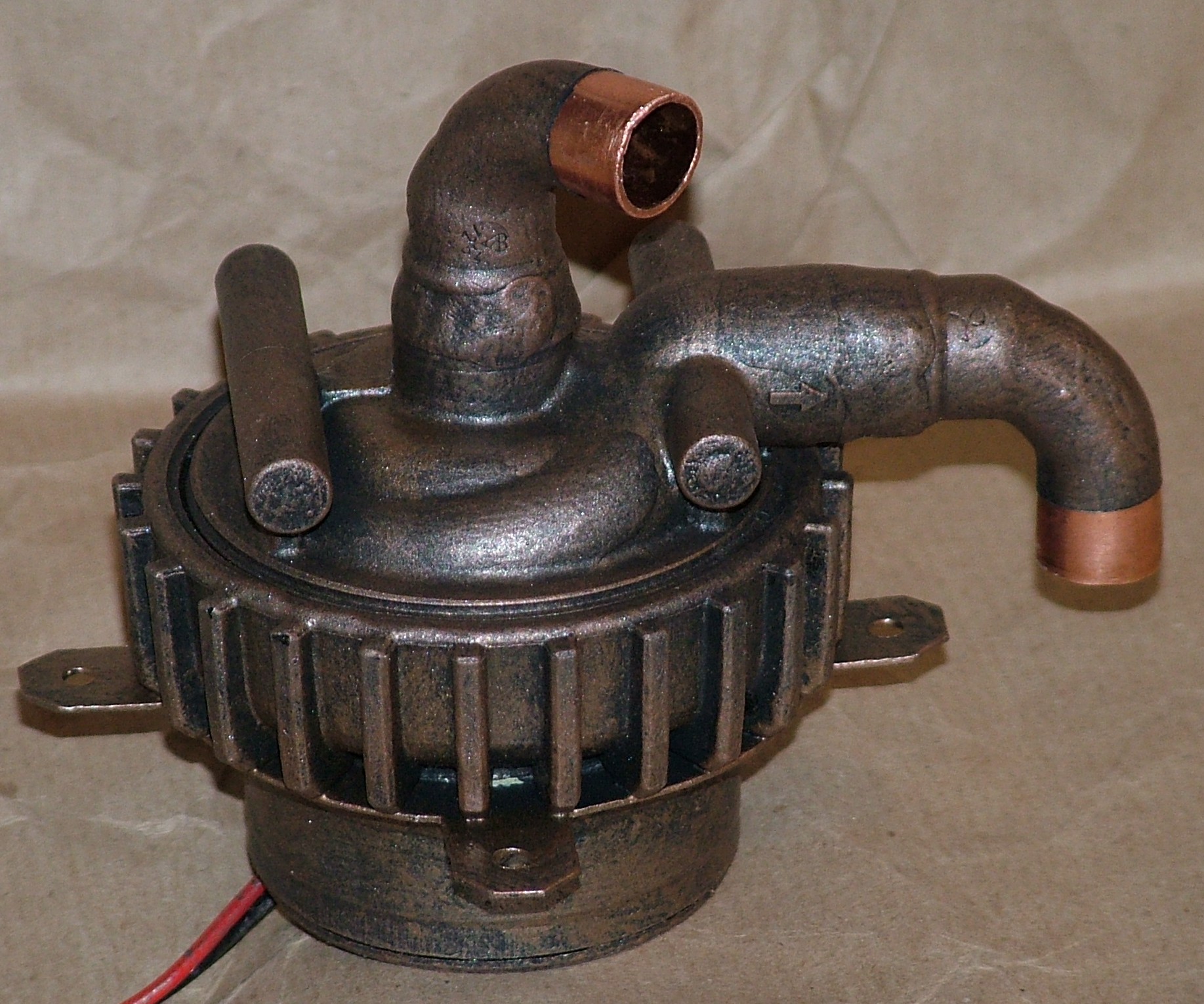
First out was to complete the paintjob on the pump.
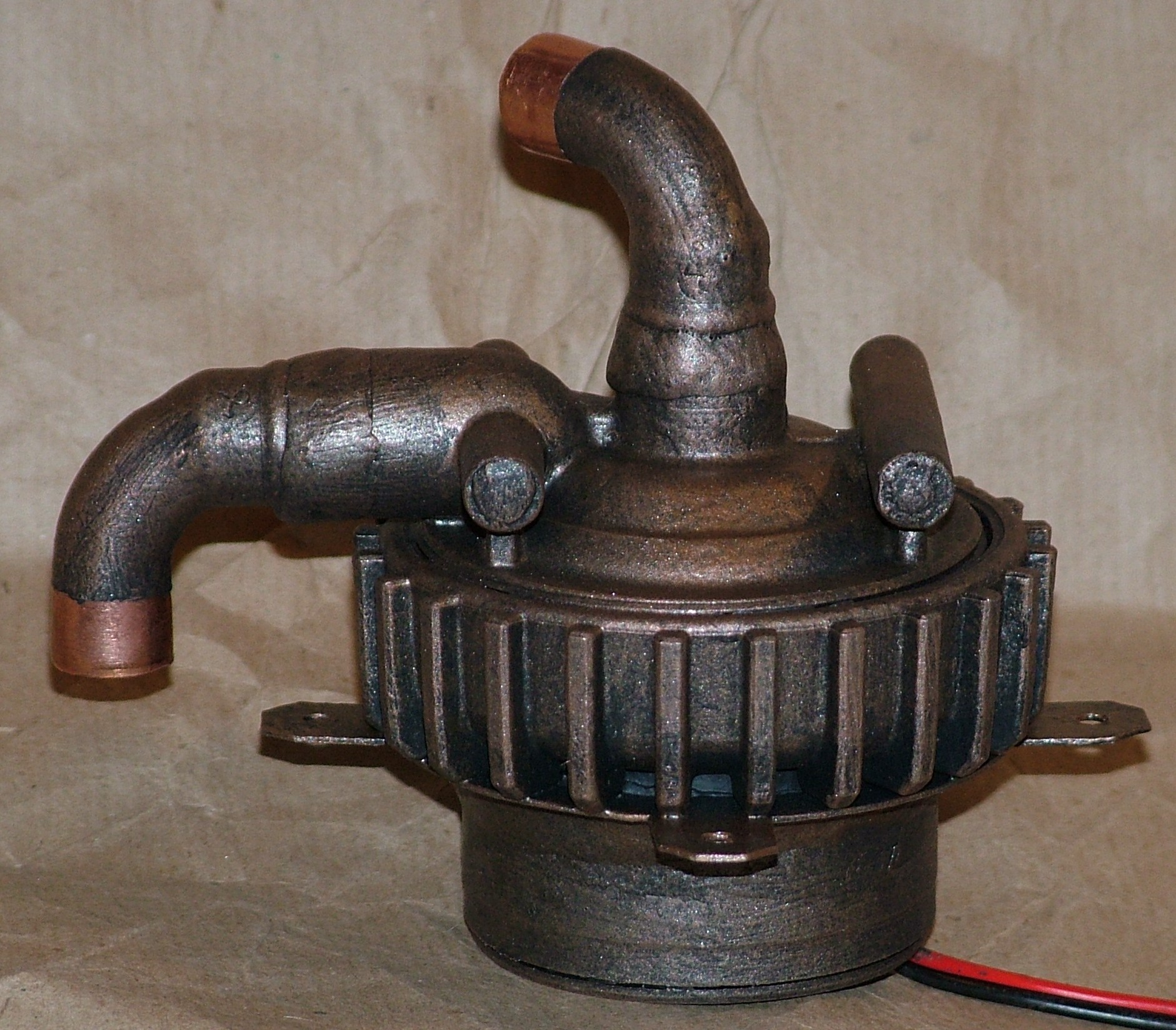
The bit with clear copper will be covered by tube and a hose clamp so the end result should be no copper visible at all.
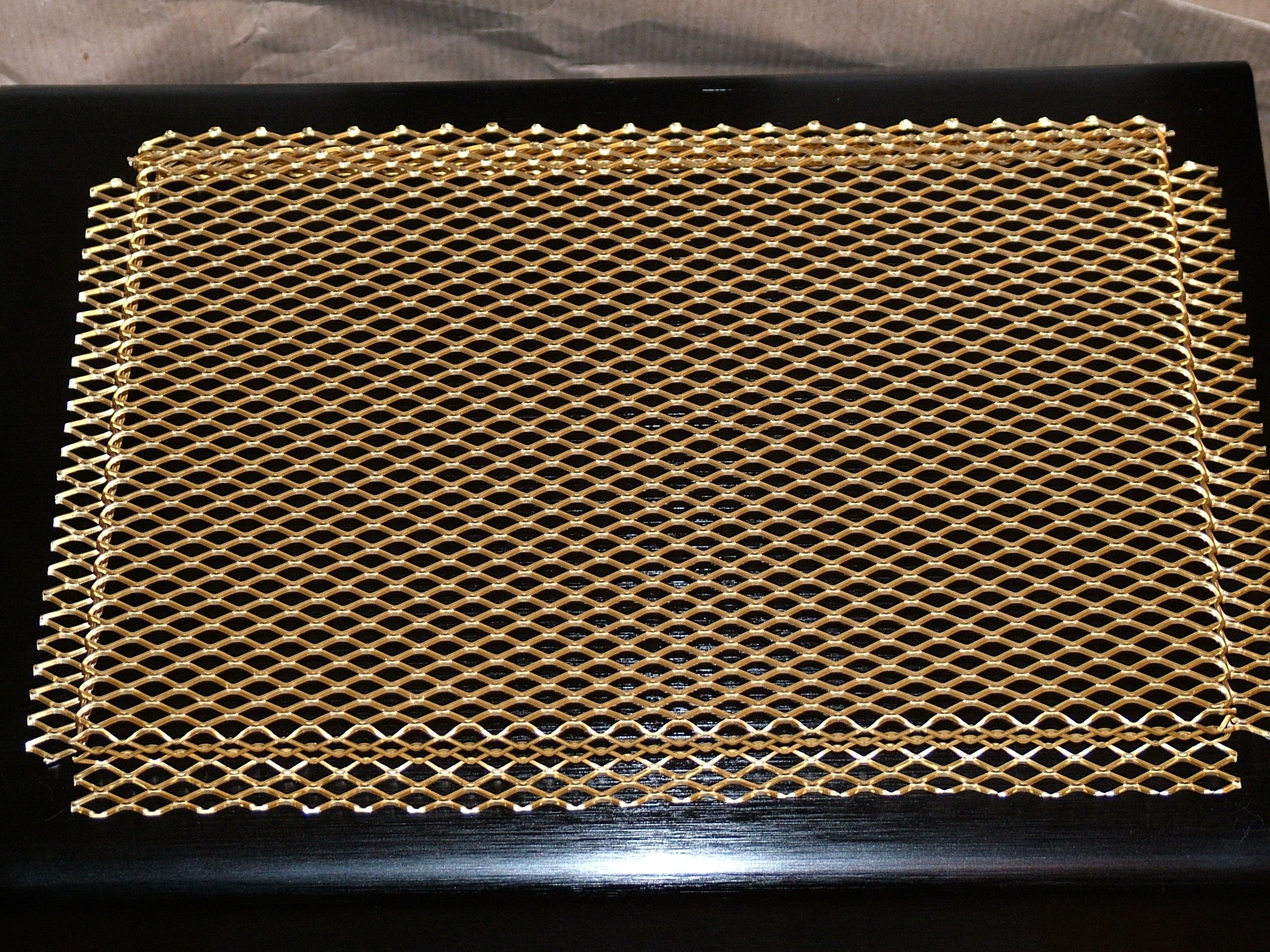
Here we have some extended aluminium (also known as mesh).
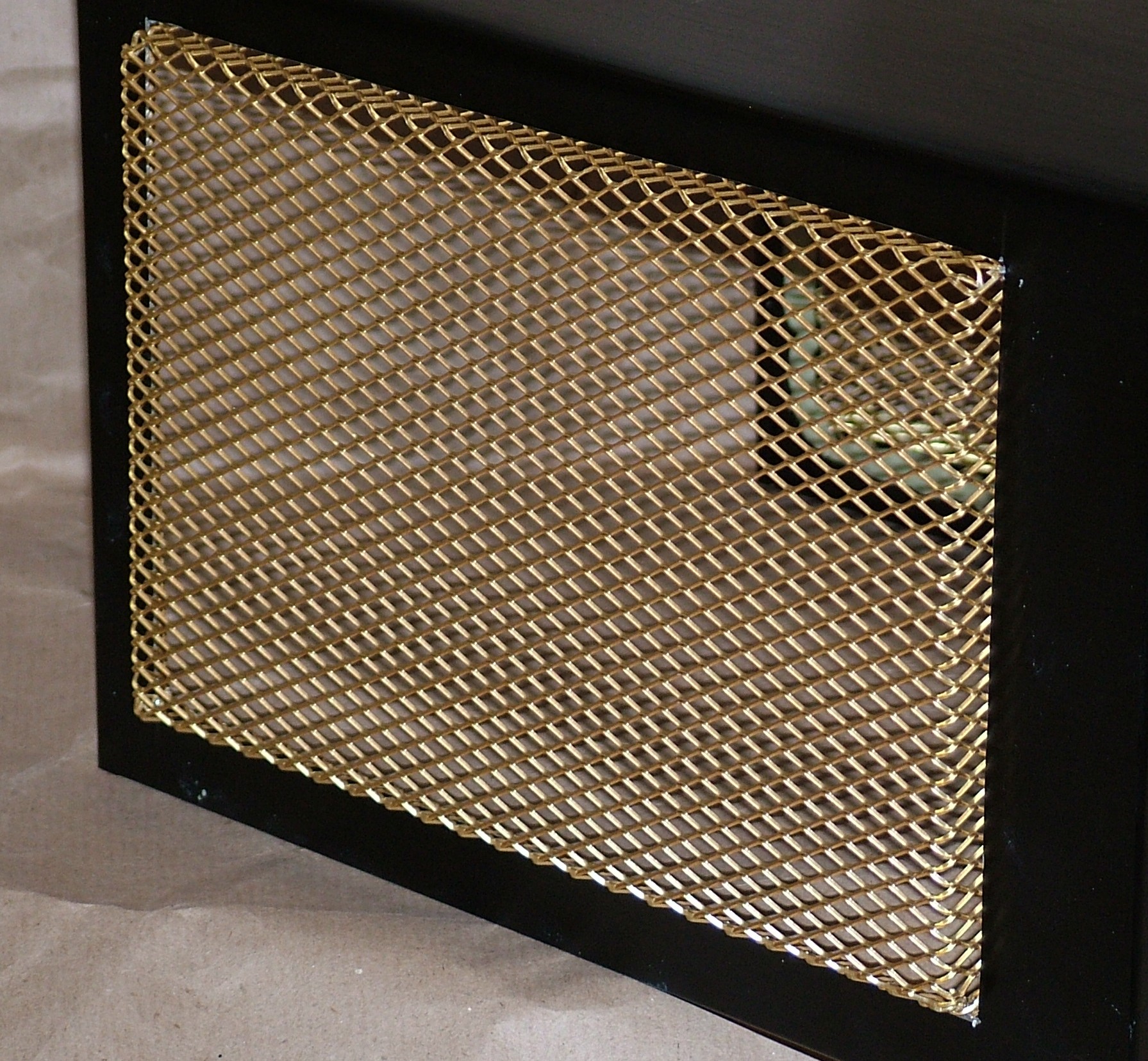
The mesh is installed on both left and right side, however I didn’t want it flush with the case panel so a few bends were added.
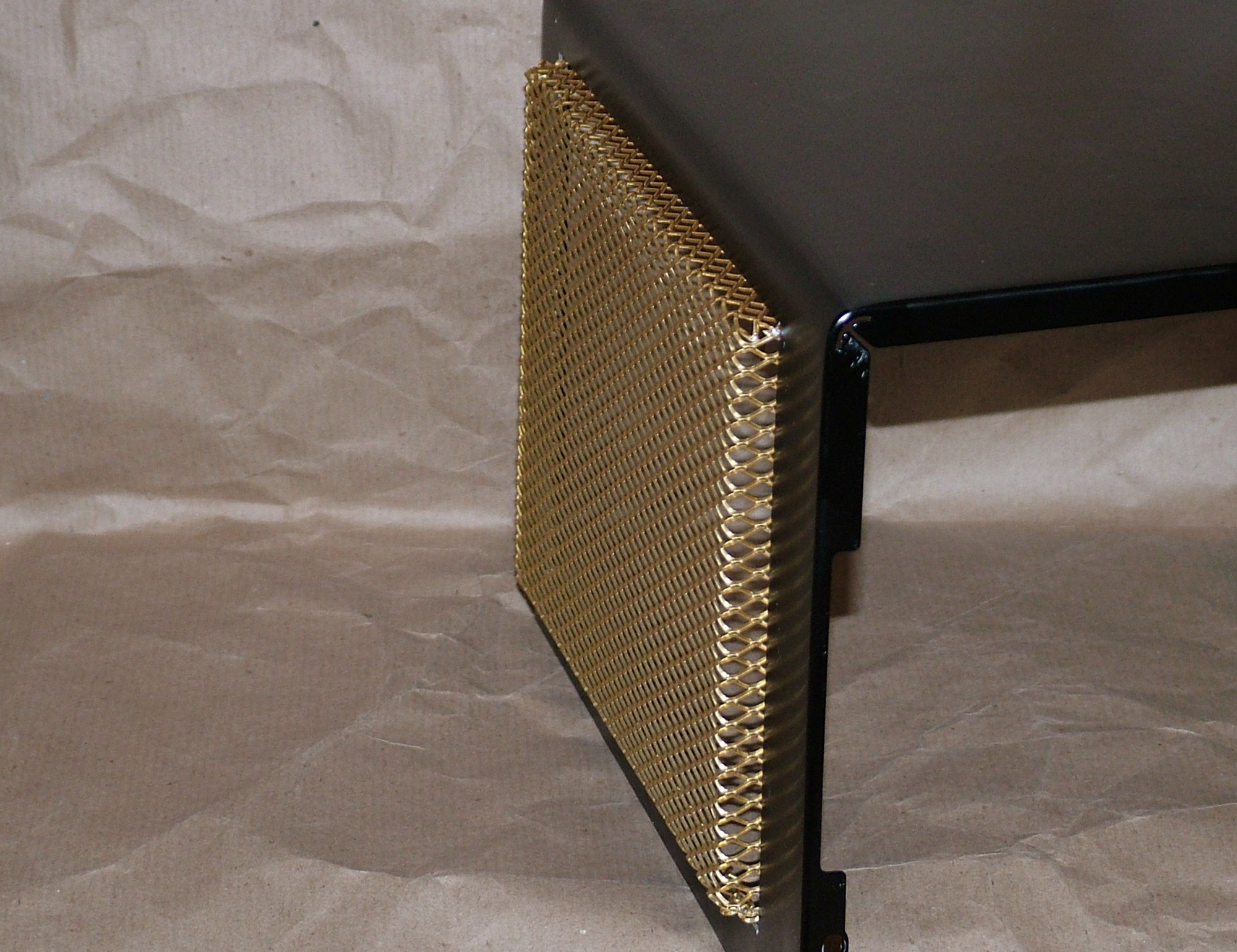
Here is a better view of the extrusion. Oh and don’t worry, it will not stay gold…
Part 5
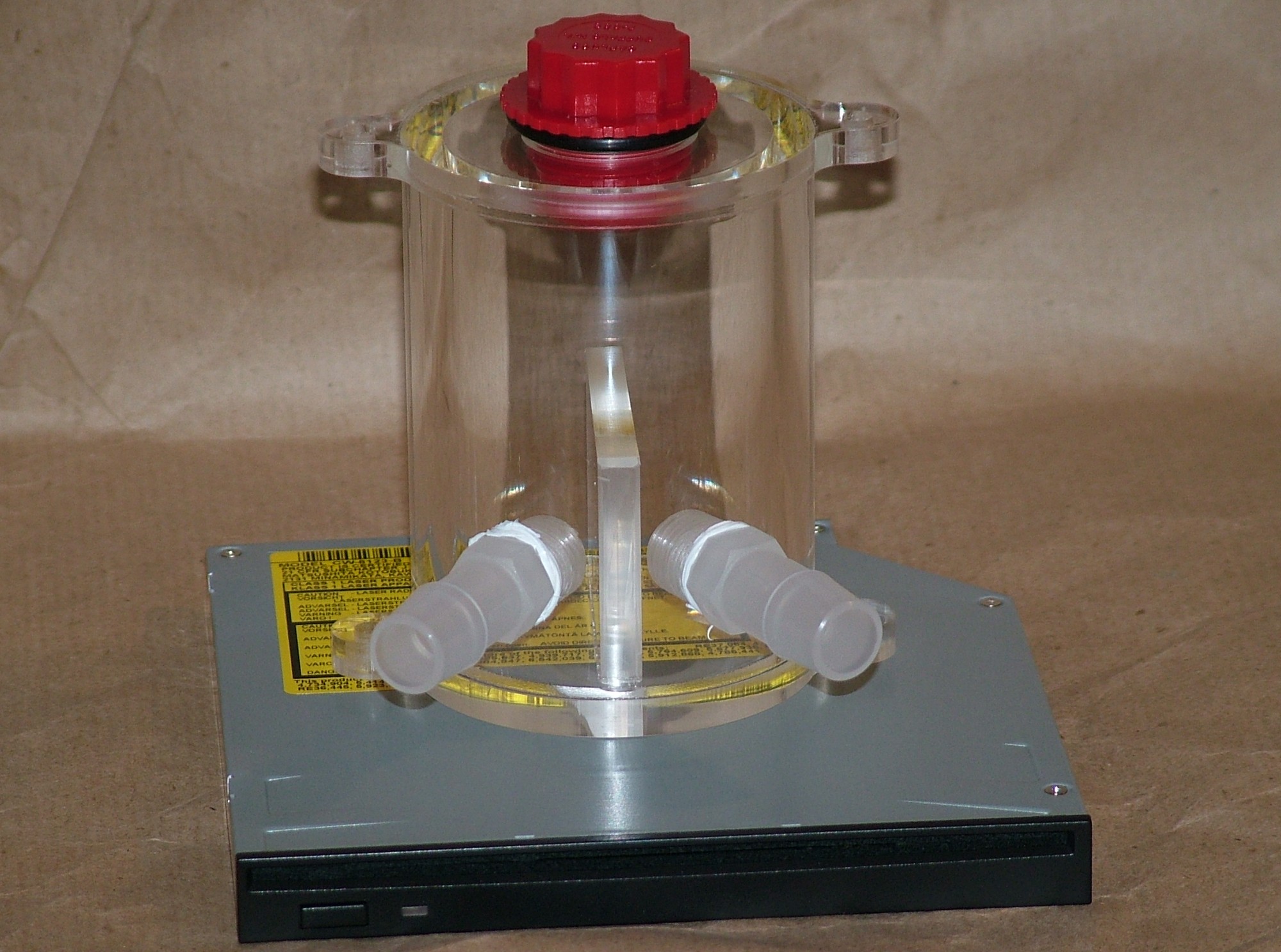
Some more hardware arrived, clear DangerDen reservoir and a Panasonic slotload slimline CD-RW and DVD reader.
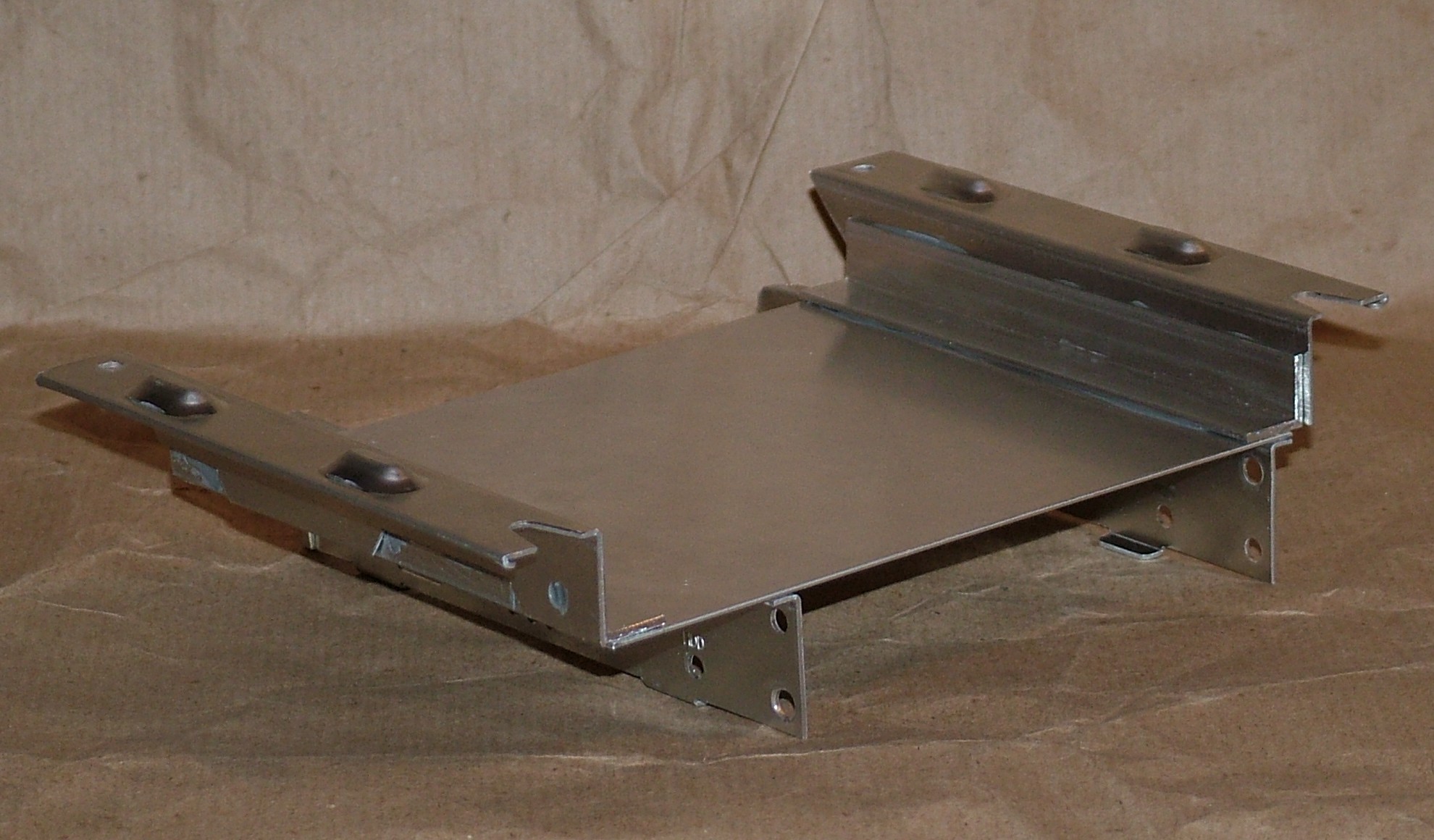
Before anything more can be done on the front the location for the slimline CD must be decided. After hacking up the drive cage to four pieces and adding another 3 this is the result.
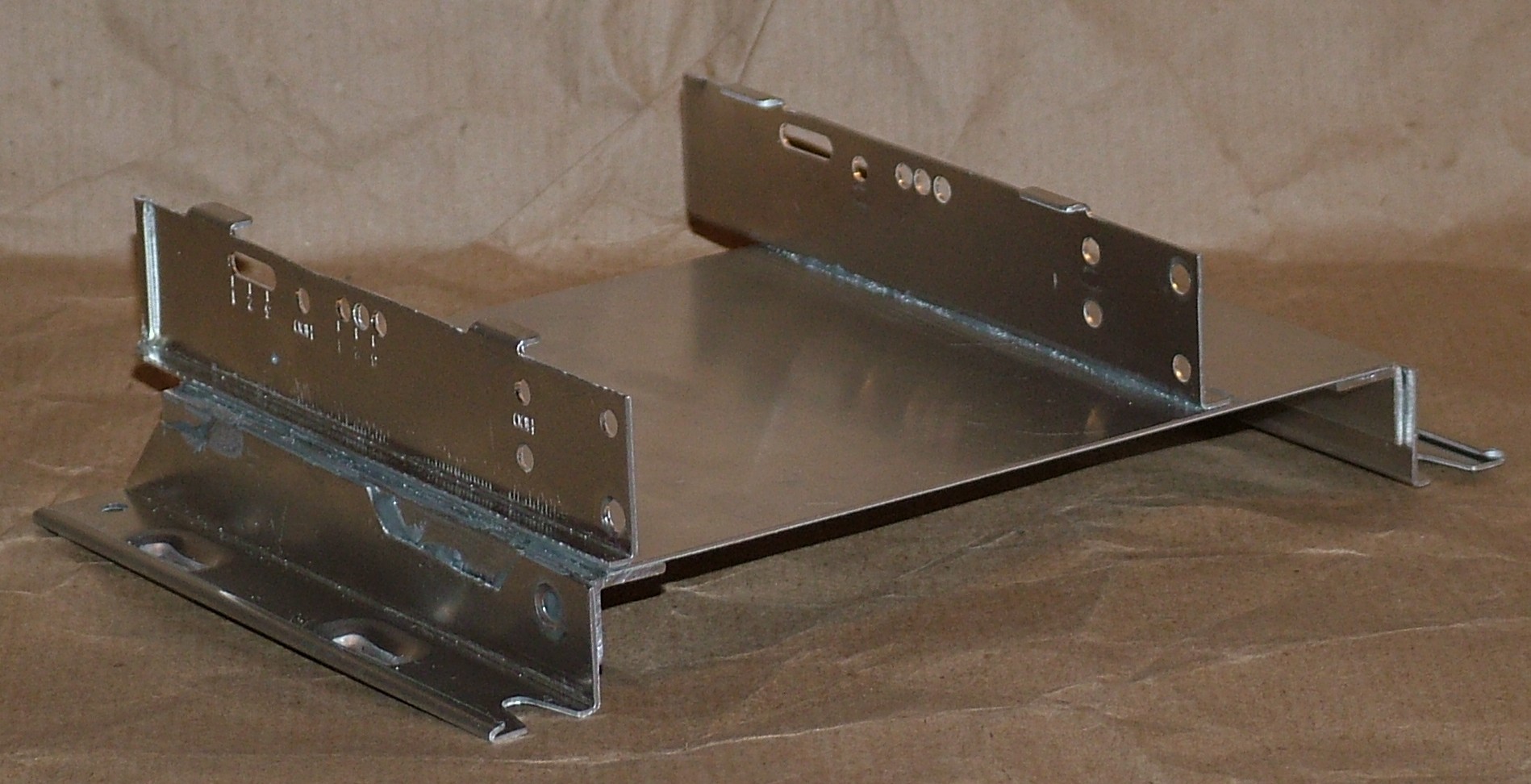
No pop rivet are used, instead Loctite Super Steel (epoxy weld) was used. Quite impressive how strong and easy to use it was.
Pop rivets are not likely to be used in any future mod…
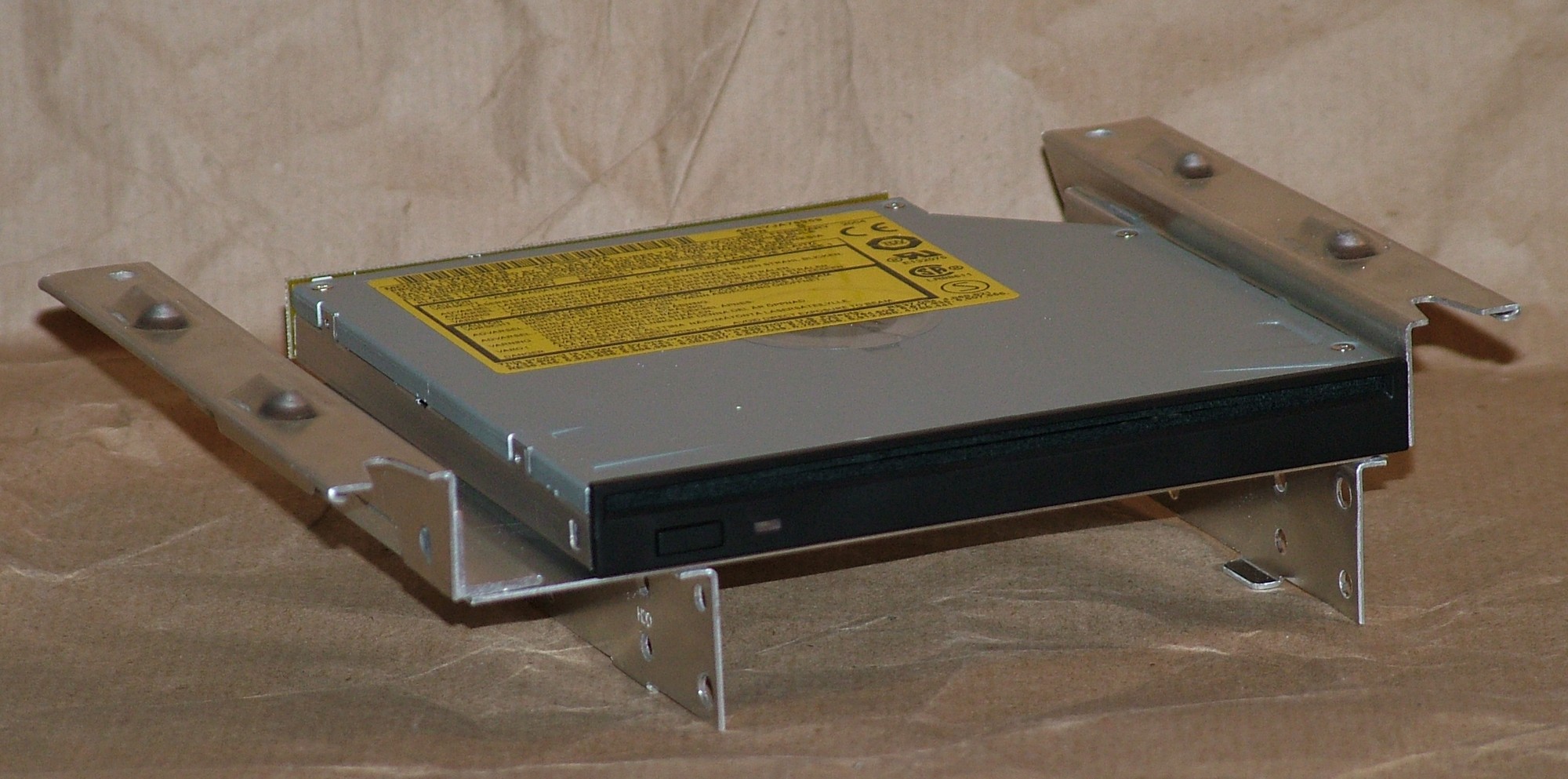
The slimline CD was installed using two strips of 3M doublesided tape.
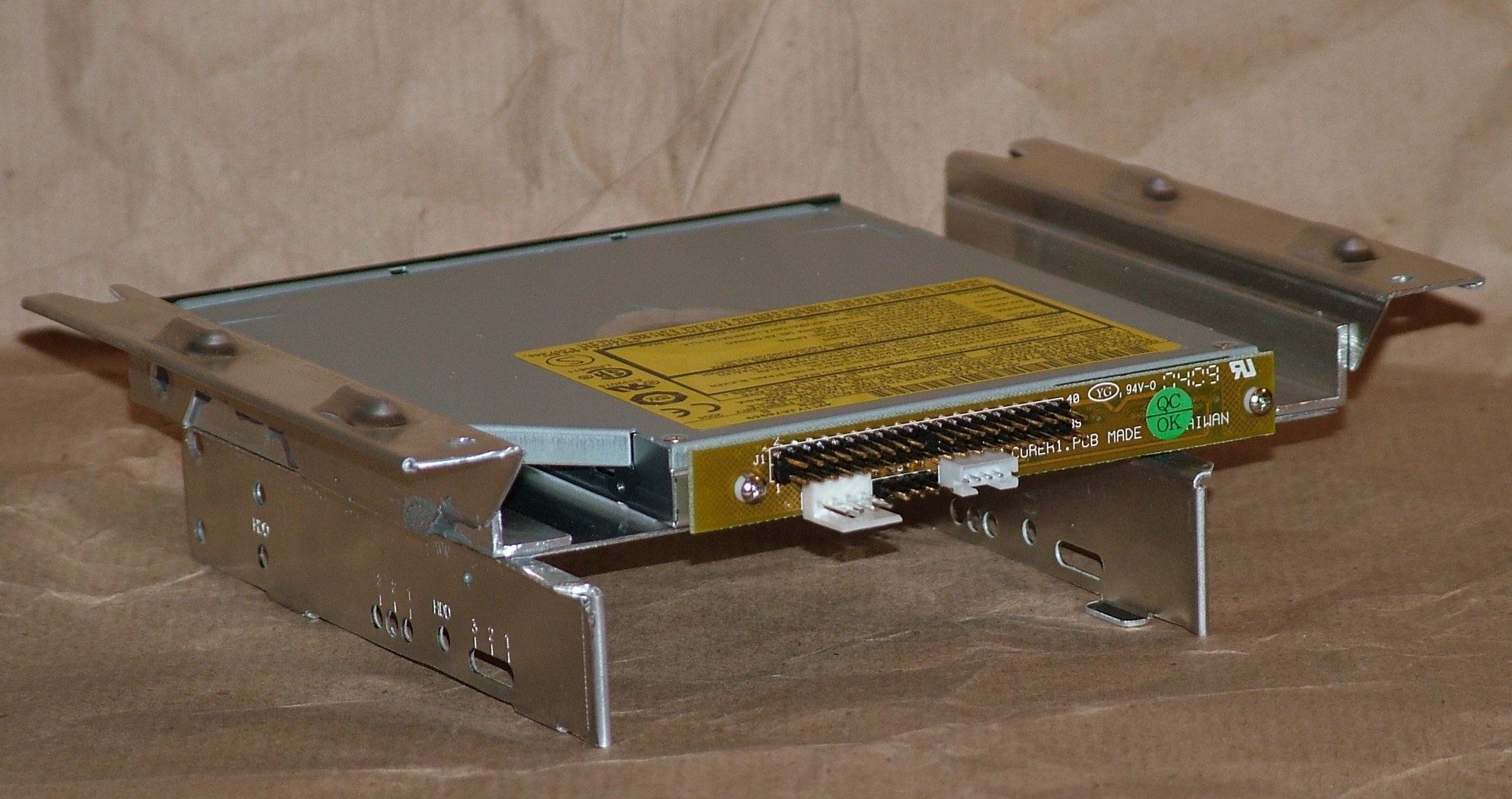
For those of you who never used a slimline drive, this is how the IDE adaptor looks like that you need when used in a normal computer.
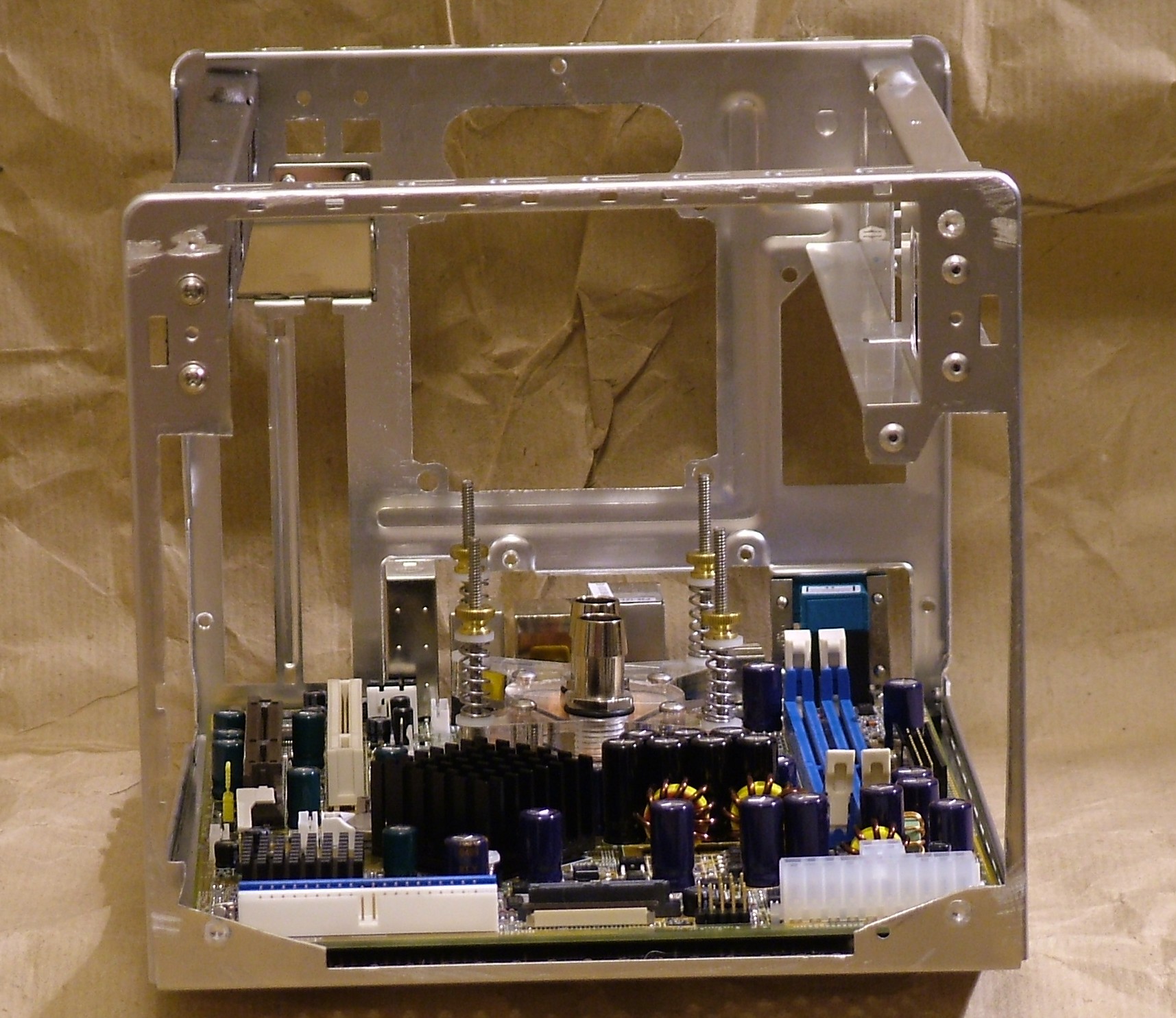
The front had to be completely rebuilt, it wasn’t much to salvage when it looked like a swiss cheese on steroids. So with a bit of cleanup this was the result, a big square hole.
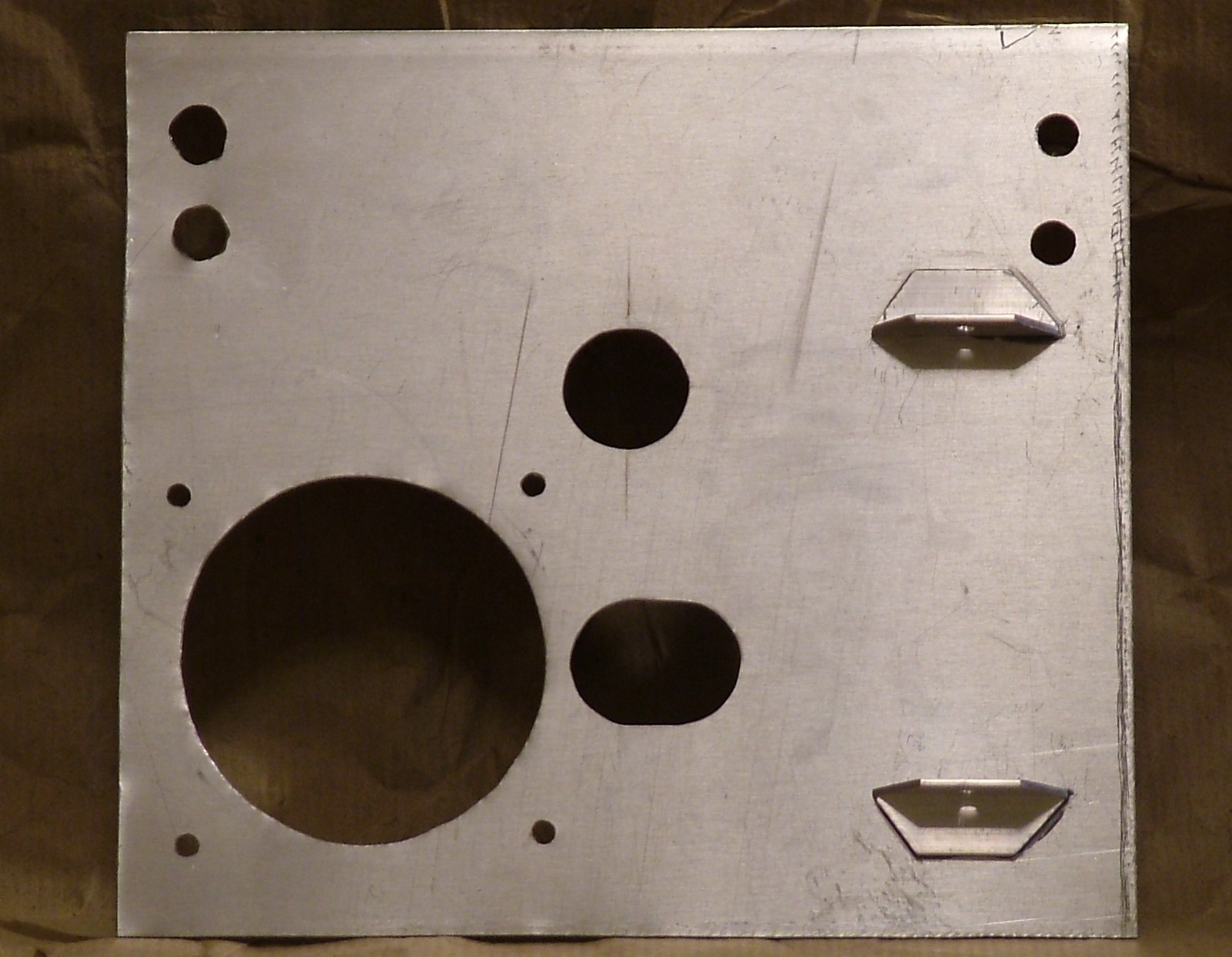
A new front panel was made from 1mm thick aluminium sheet. The angular pieces are attached with epoxy weld and will hold the reservoir in place.
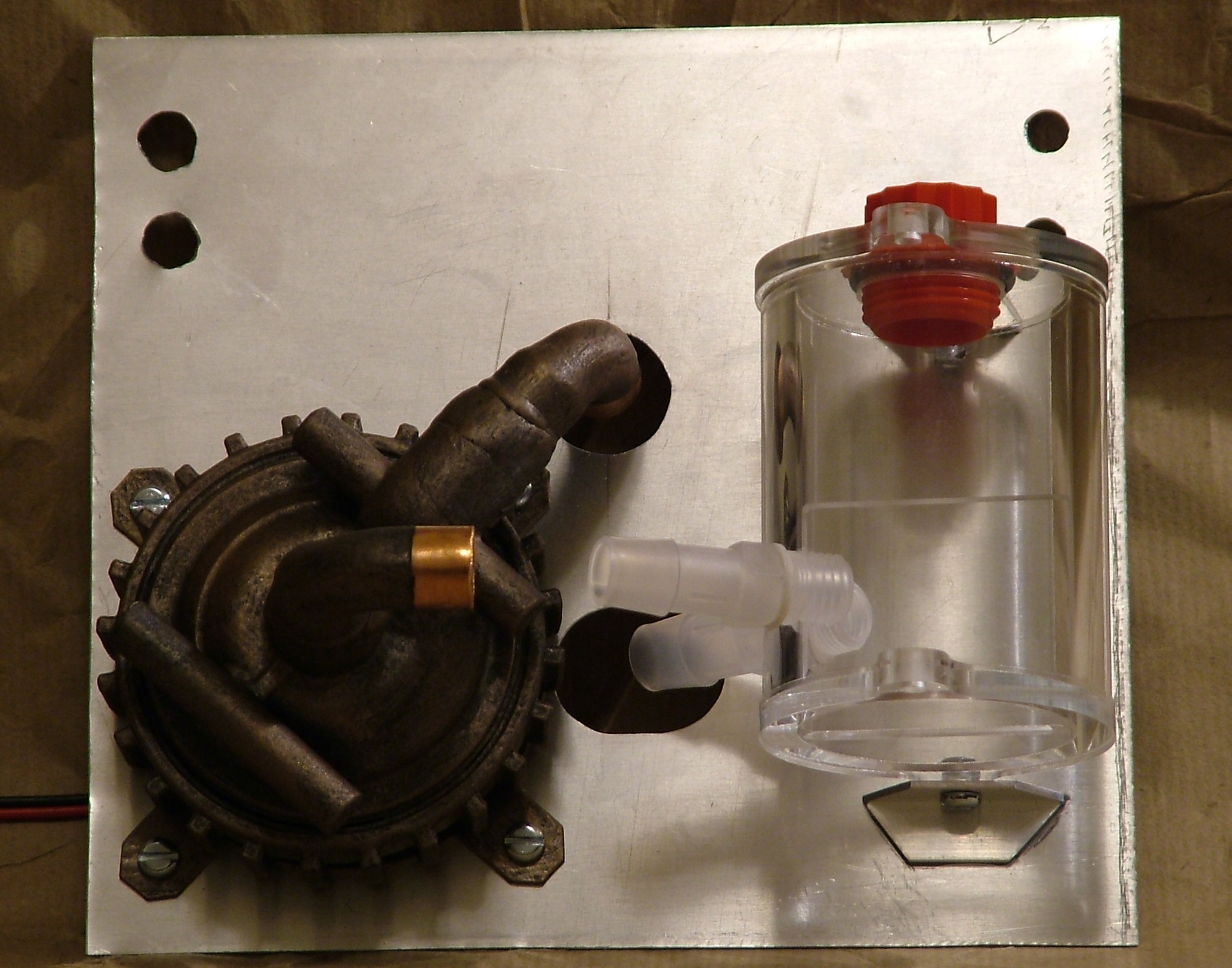
Pump and reservoir fitted for testing, it will be a very short piece of tube between the pump and the reservoir.
The only remaining bits to do regarding the cutting is a slot for the slimline CD and a hole for the powerbutton.
Part 6
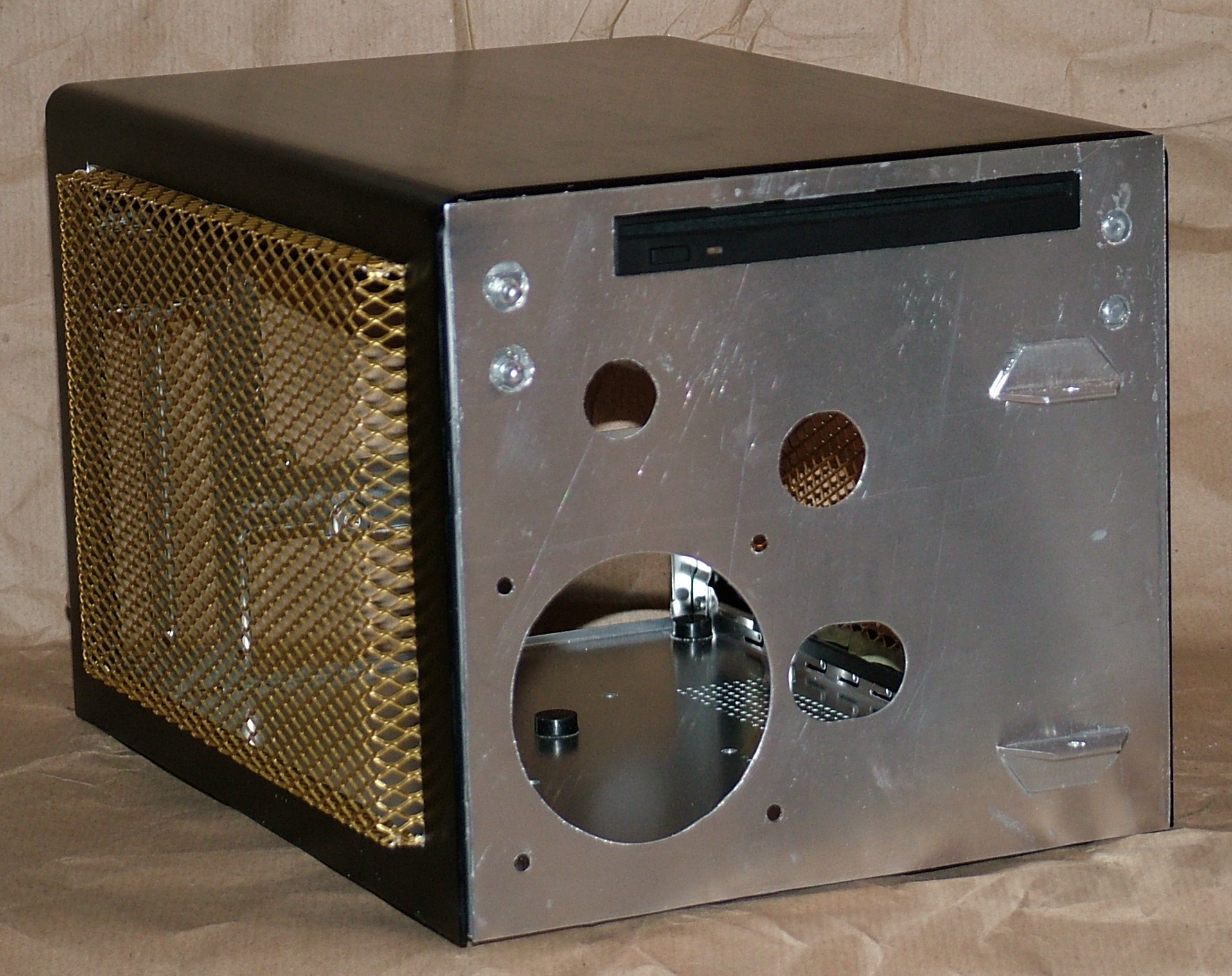
The front panel has got the final cuts done and attached to the chassis with epoxy weld.
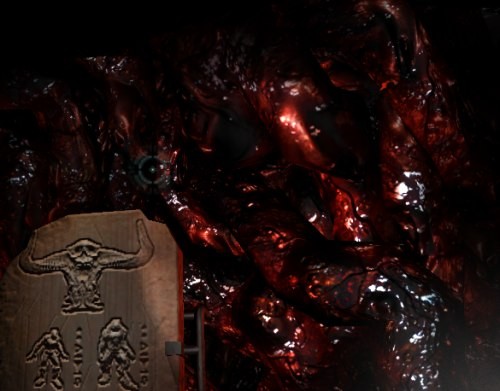
The more interesting part of the project has started, to bring hell.
This texture is the inspiration for the work to come…
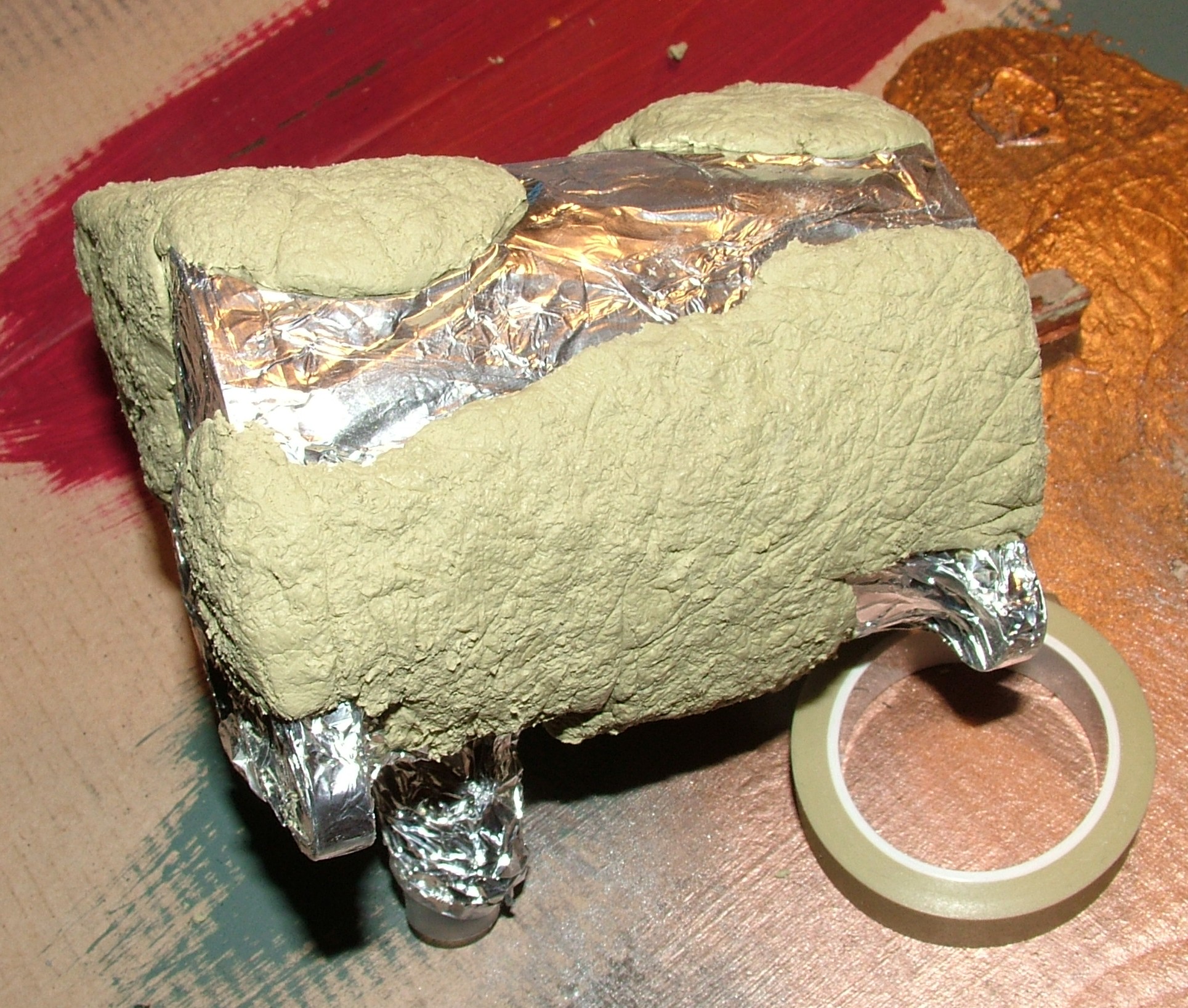
If you have problem guessing what’s under the aluminium foil, it is the reservoir. The aluminium foil is needed when working with Milliput unless you intend to install it permanently directly. Considering the reservoir is clear it could be nice to paint the milliput facing the reservoir as well.
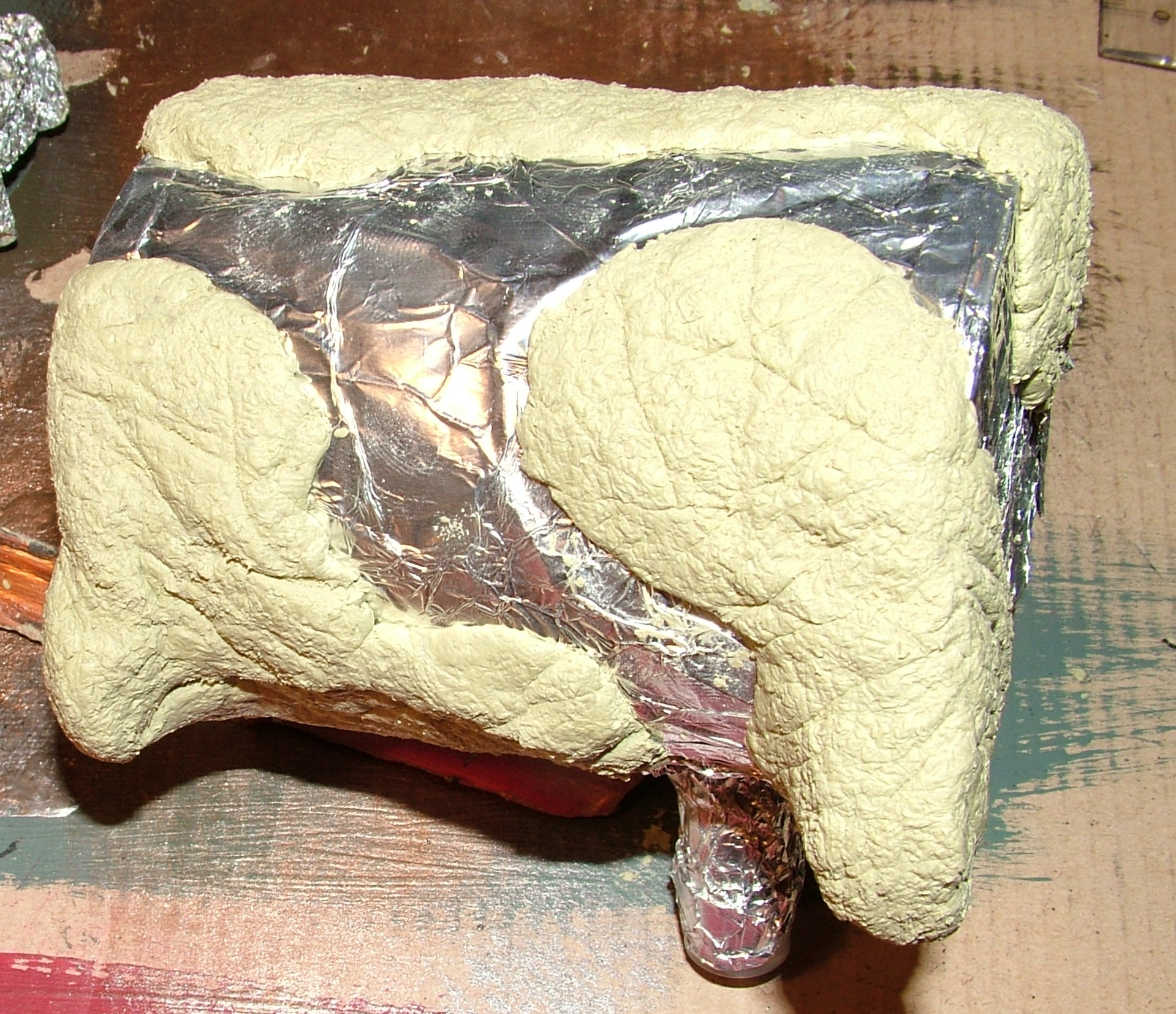
This is the opposite side so as you can see three “Milliput islands” are created. The texture was created by pressing all different kinds of objects into it.
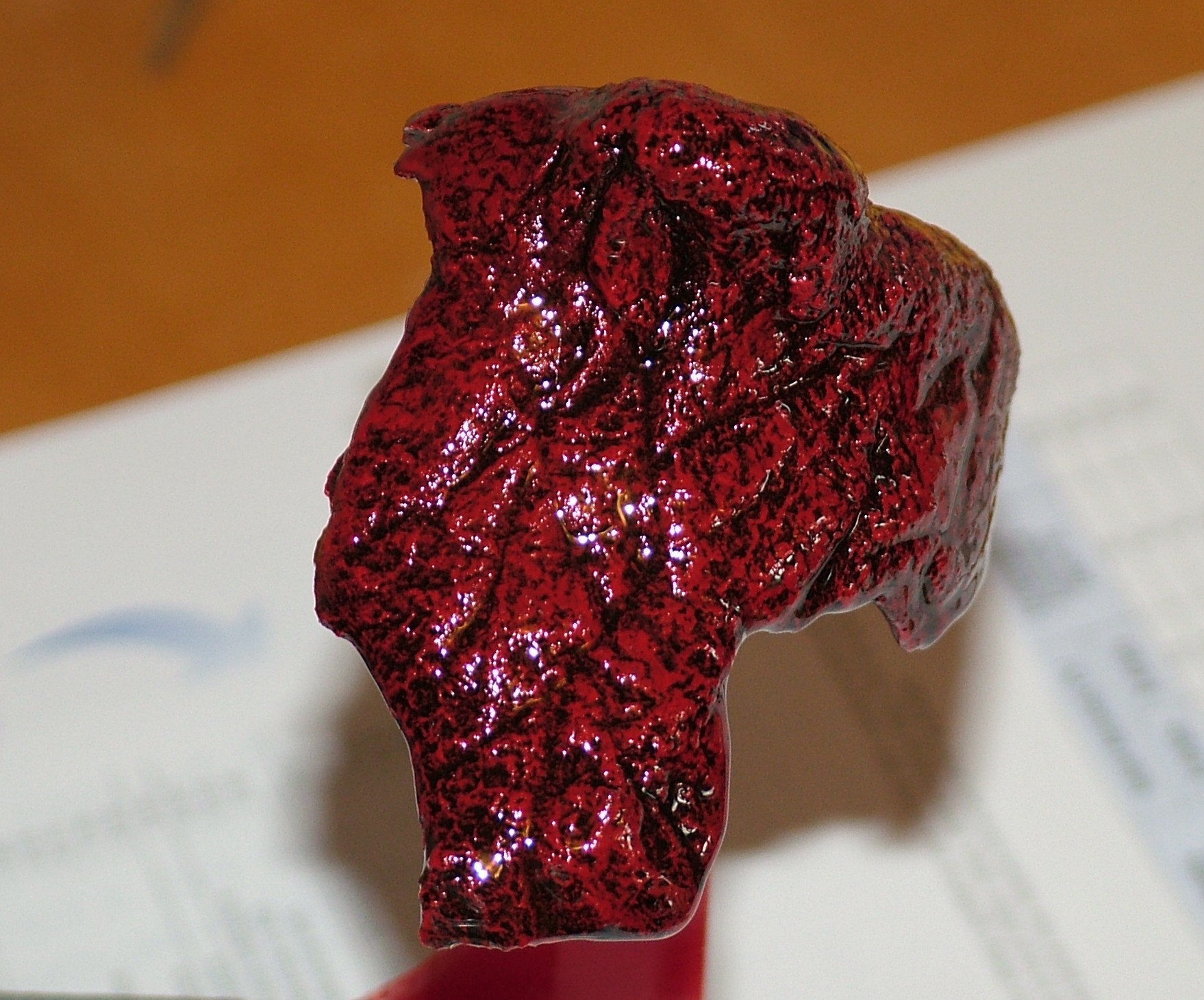
Here are the pieces again, slightly less beige this time thanks to a bit of drybrushing.
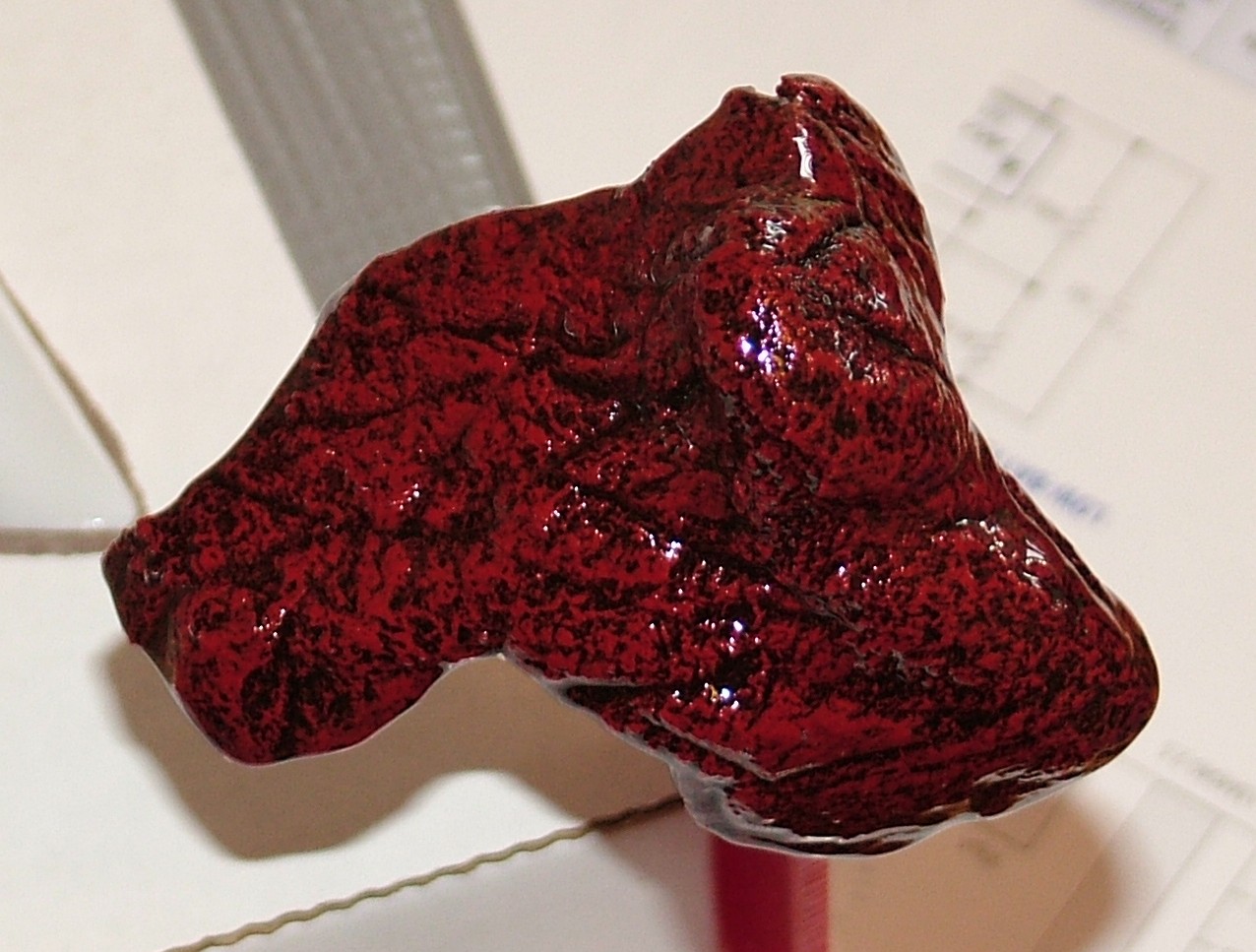
Followed by clear epoxy resin for a wet look.
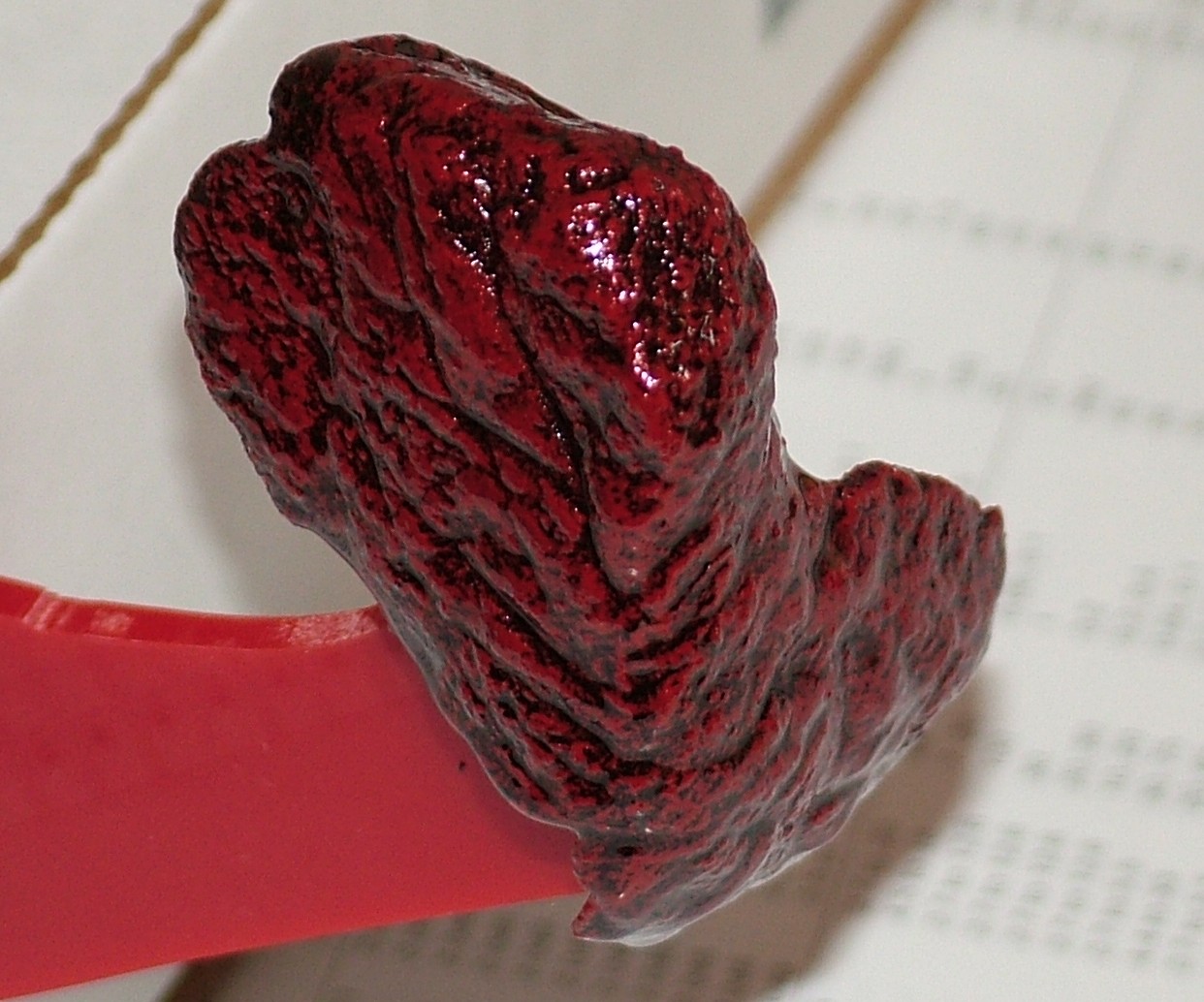
So do you want it well done, medium or just raw?
Part 7
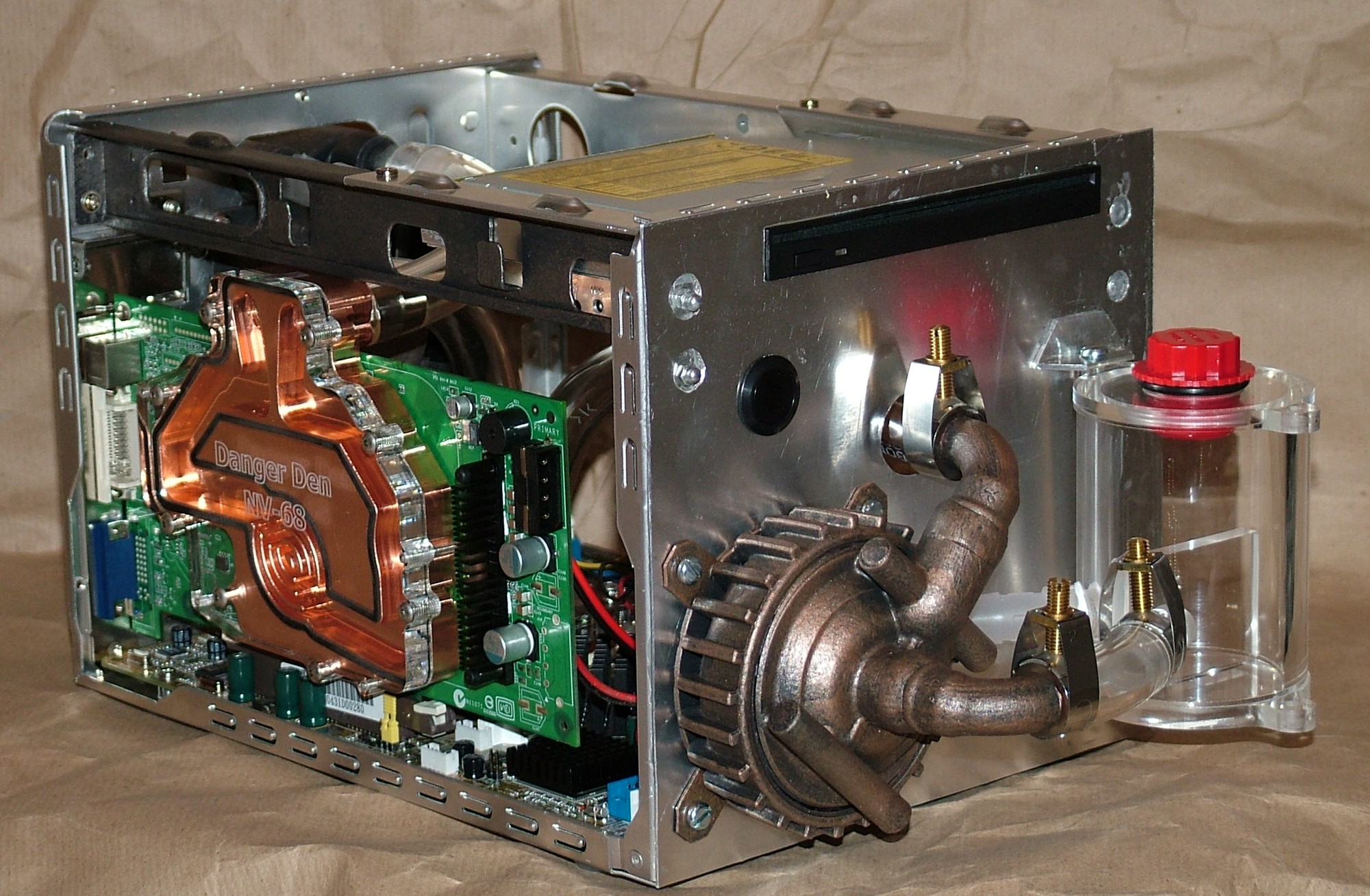
Before the final sculpting and painting can start it is time to see if everything fit as planned.
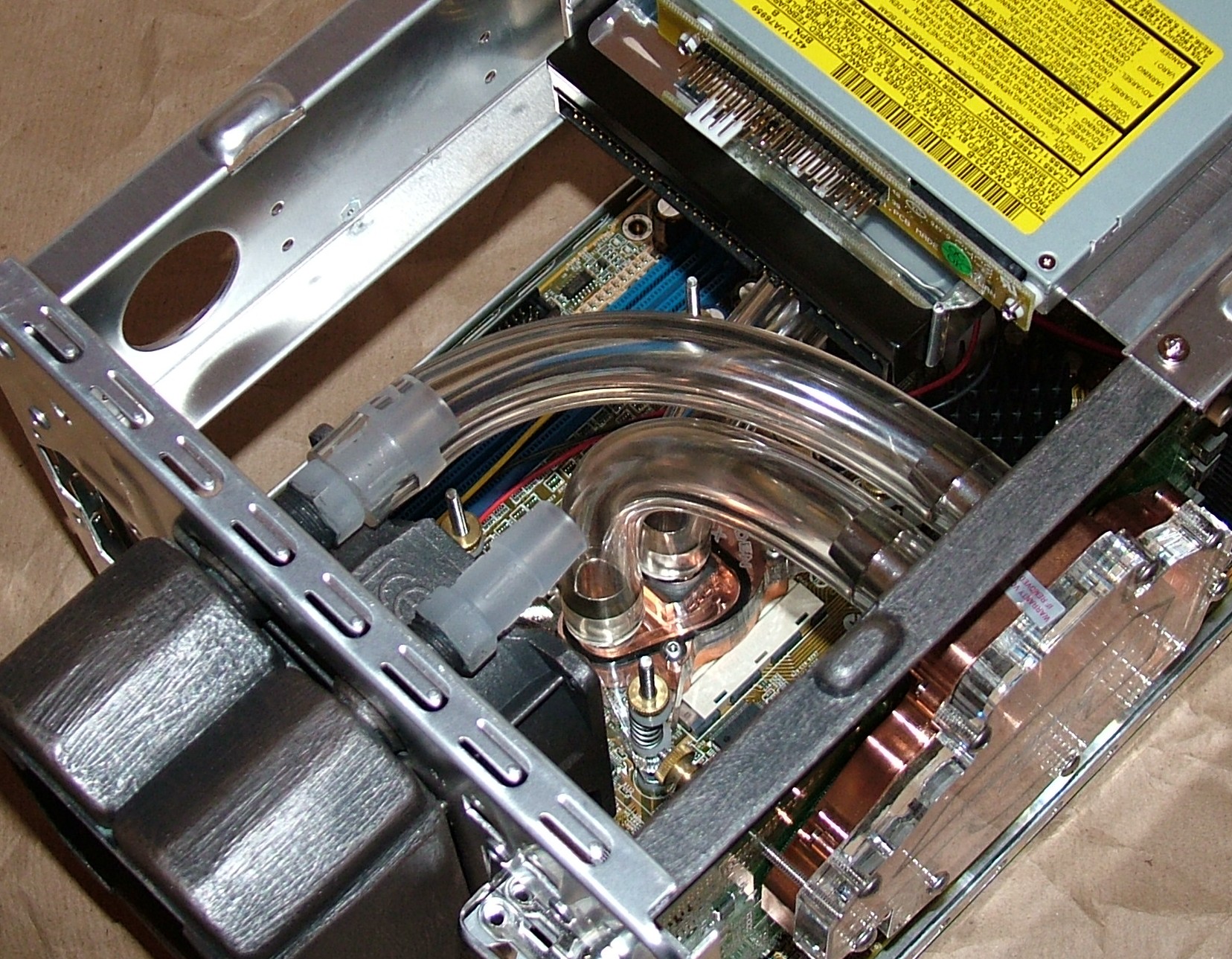
Well almost everything did fit, this nearly gave me a heart attack before I found a solution. Initially the HDD was mounted 1/2" further back effectively blocking the hose from the VGA block. But as you can see that issue was swiftly dealt with by moving the drive forward as far as a possible. The lack of space behind the power connector won’t be an issue since a SATA drive will be used that has the power on the other side.
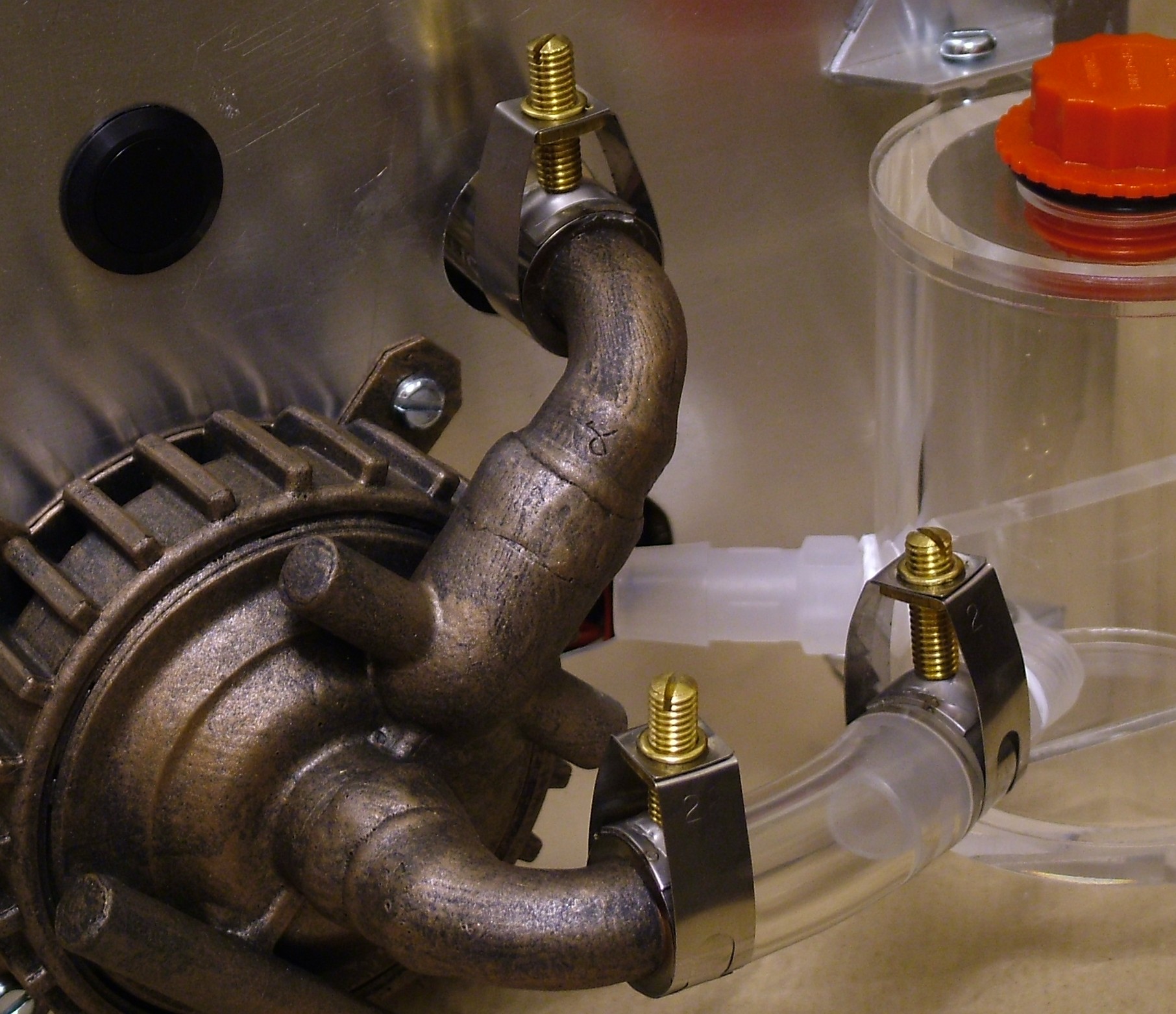
These are the hose clamps selected in the end, they look like valves and produce a nice clamping force of 2200lbs/sq inch.
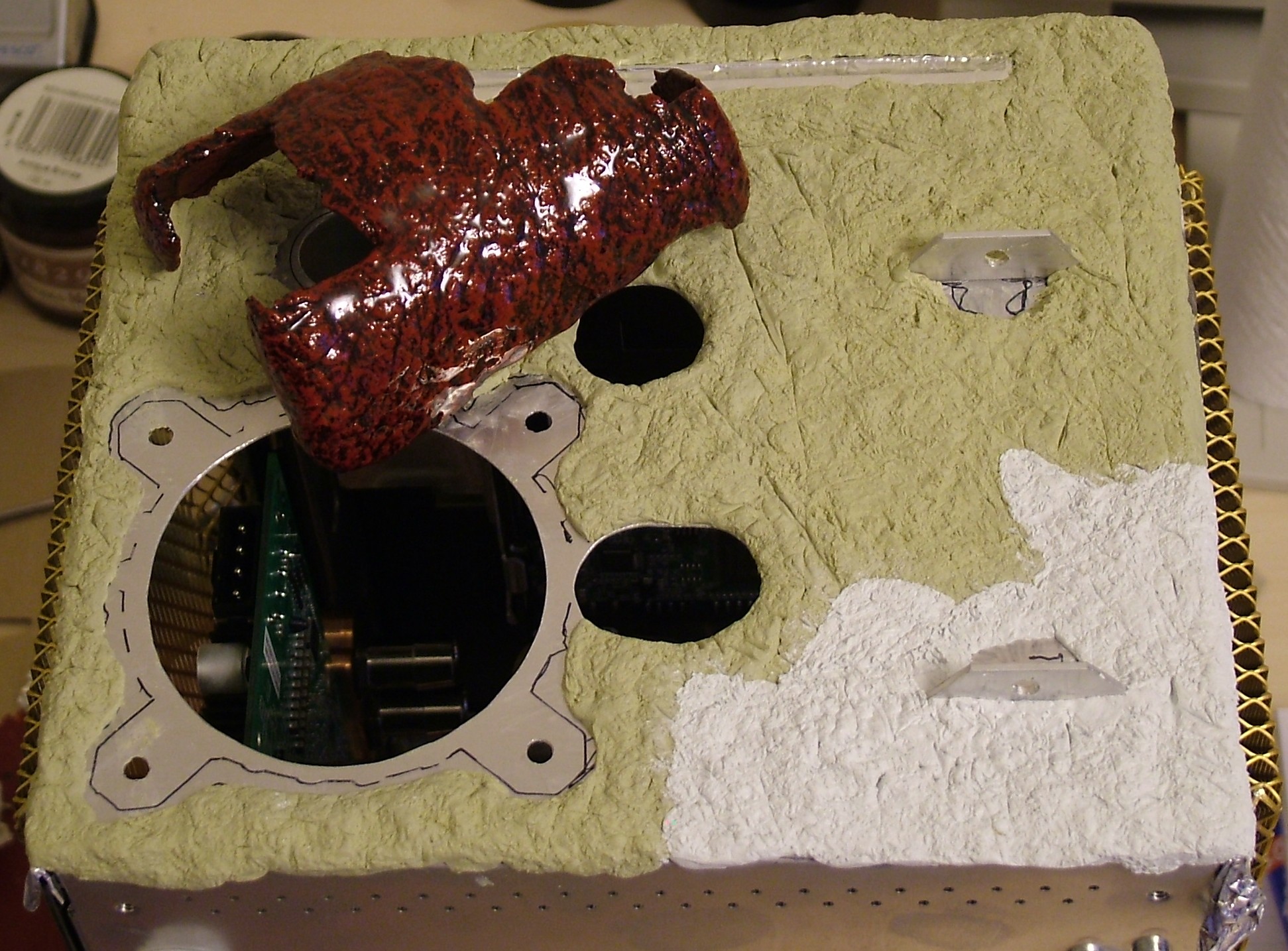
The whole front has been coated in Milliput. The yellowish section is the result from one package of normal grade Milliput, unfortunately the store where I pick up this locally decided to only stock the twice as expensive fine grade which feels identical but is white instead.
The completed piece on top was just added to give a hint of what’s to come.
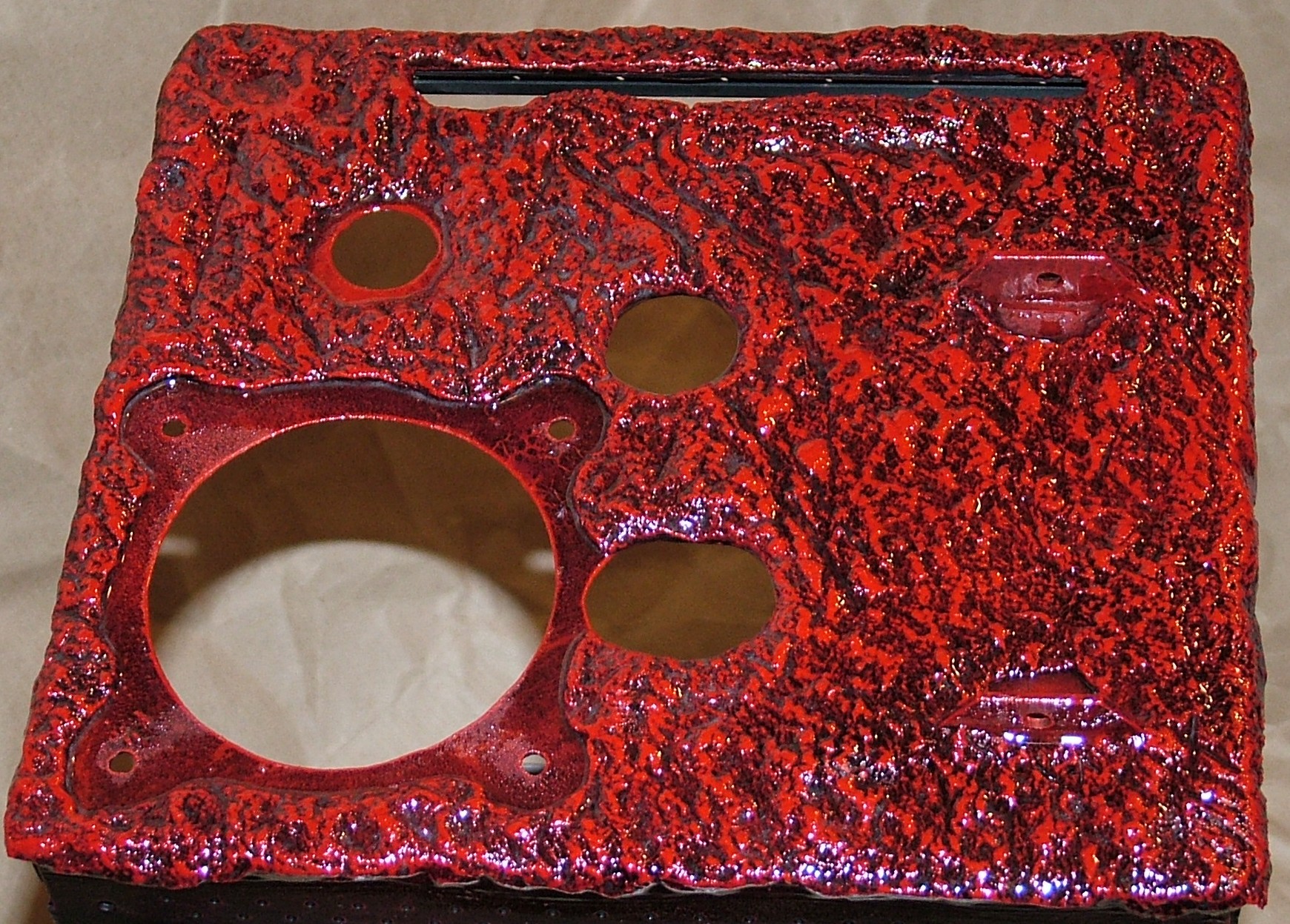
With a little bit of magic (paint) added to the Milliput on the front this is the result.
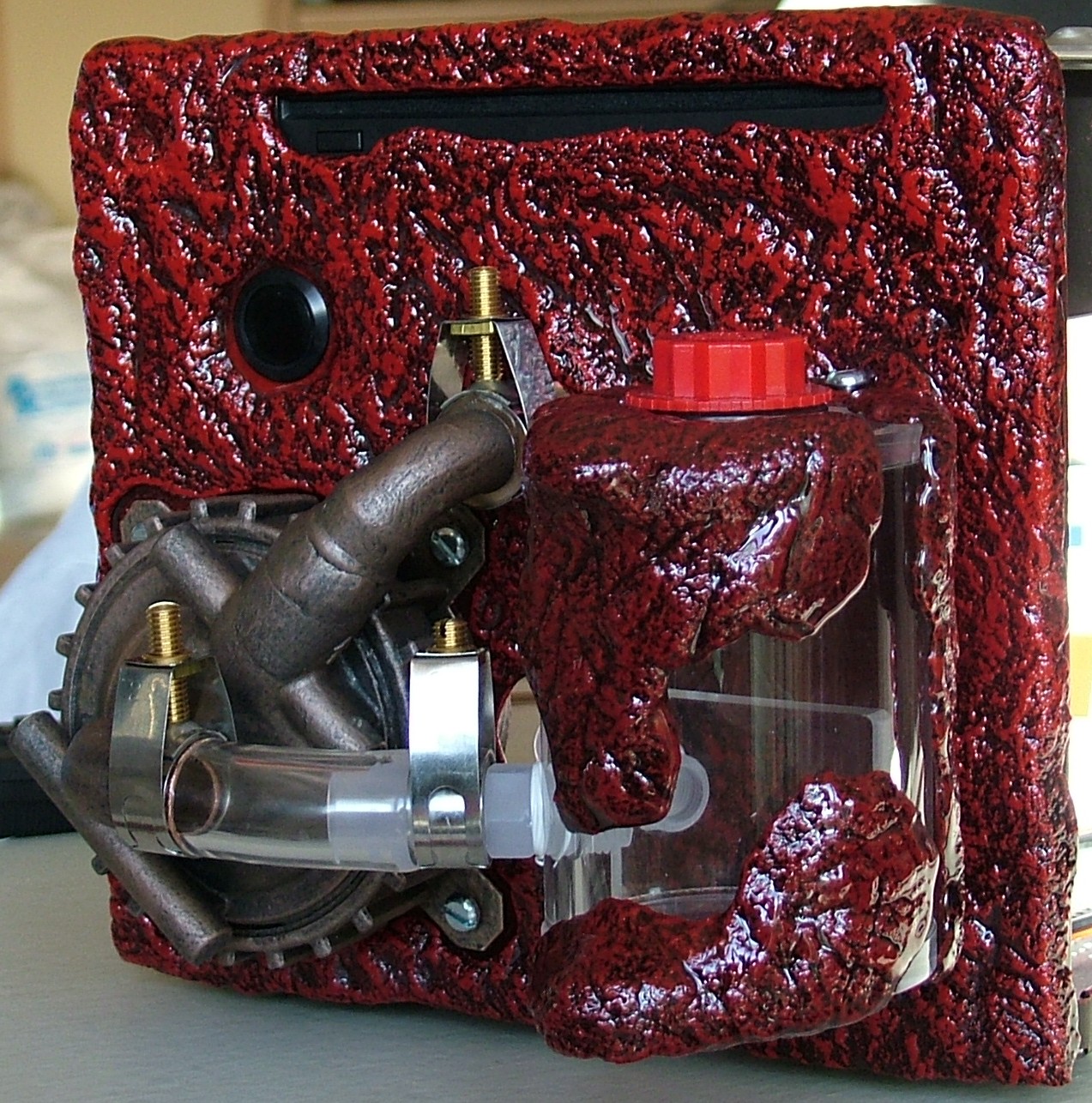
After the epoxy resin finally had set it was time again for yet another test fit, we can’t have enough of these, can we?
Part 8
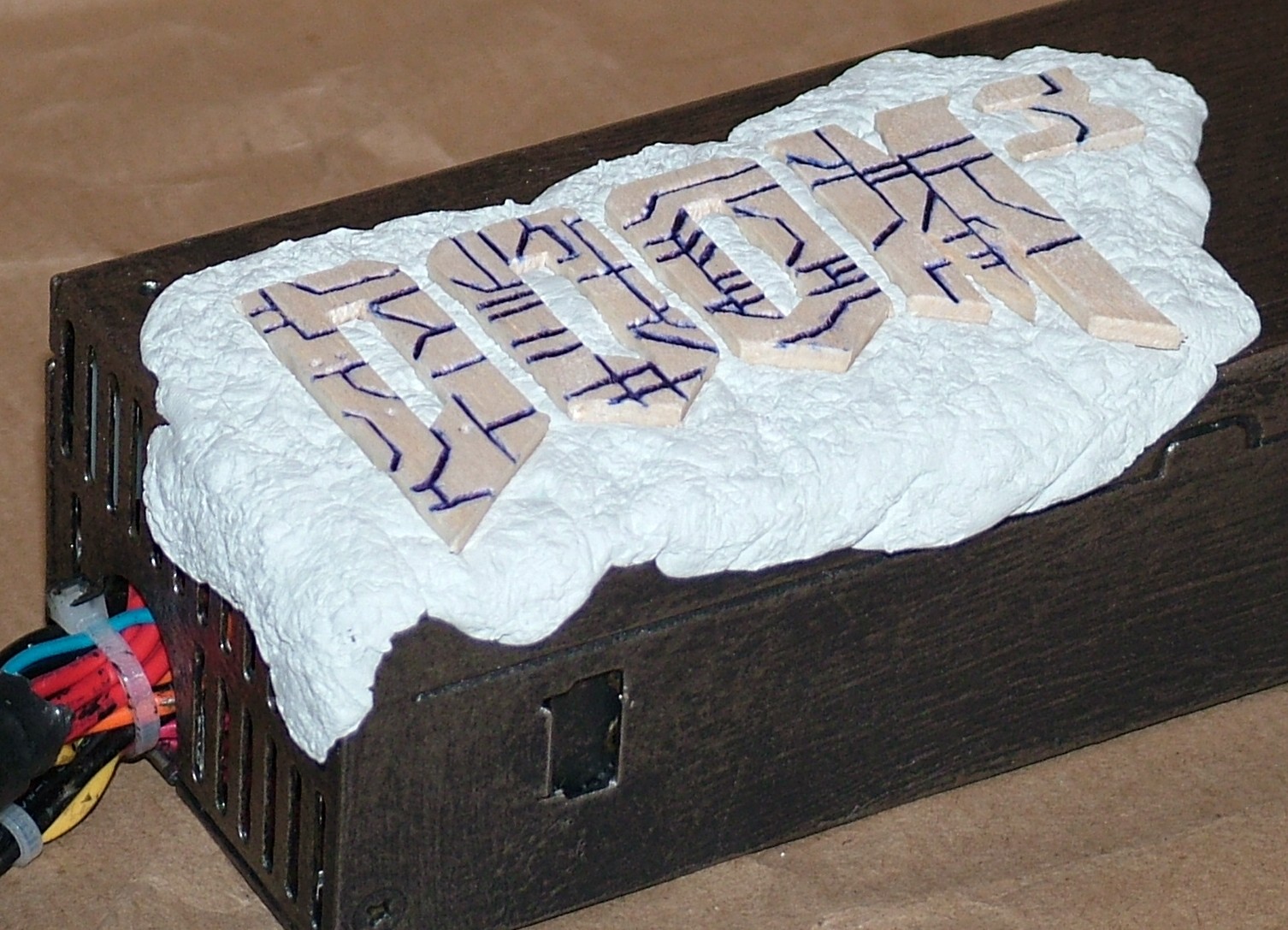
It is time to make a lump of flesh containing the DOOM 3 logo. The letters were cut out from balsa wood, then had the mechanical pattern added with a normal pen (due to the soft wood it made nice groves). Finally the letters were squeezed into… you can never guess… Milliput.
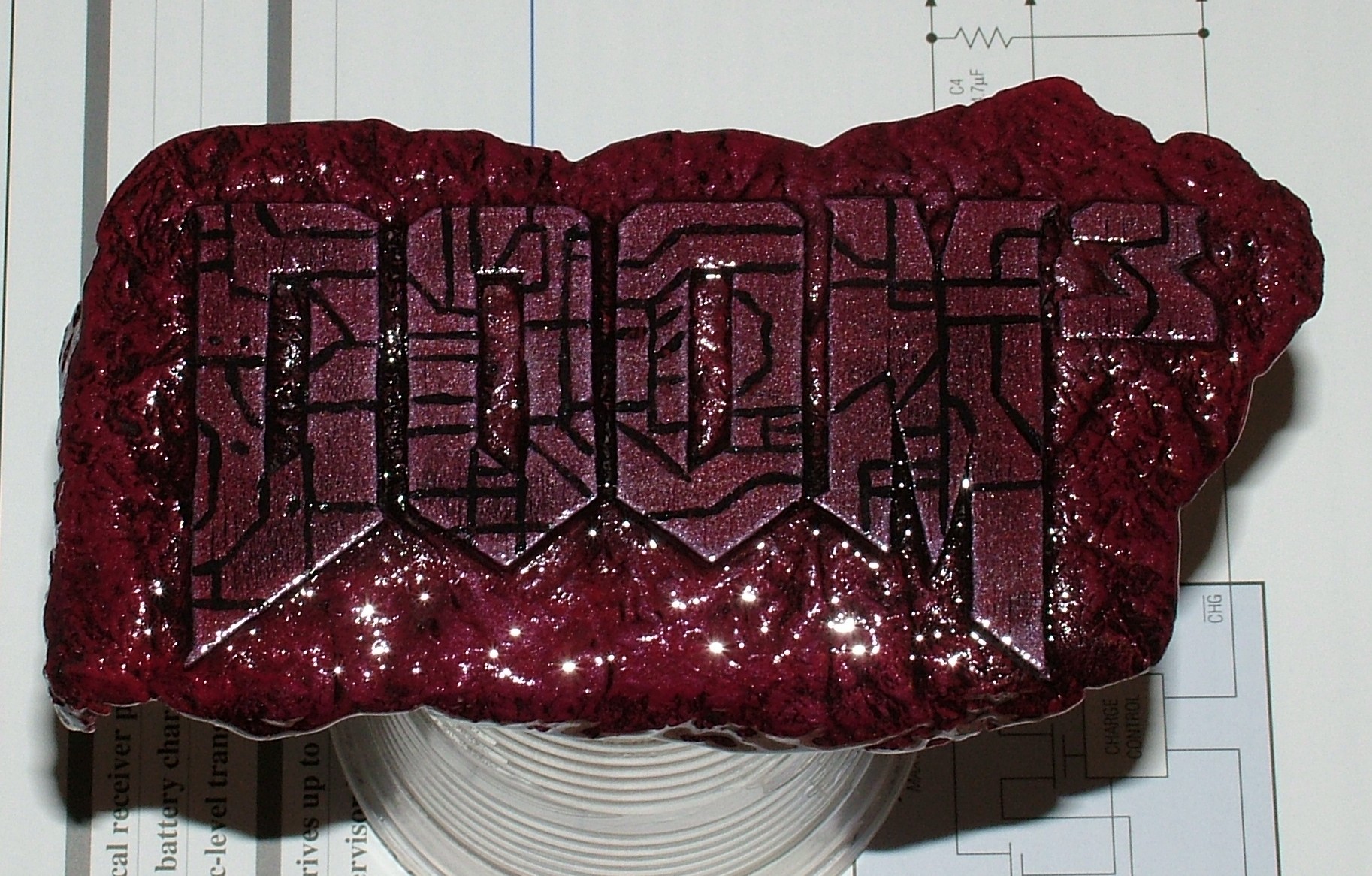
This piece required a few more steps than the previous ones. First it was all painted matt black, then drybrushing with dark red, bright red and finally pewter colour on top of the letters. The groves done by the pen in the previous posting were more or less gone at this stage so a bit of black paint had to be added before the final layer of clear epoxy resin.
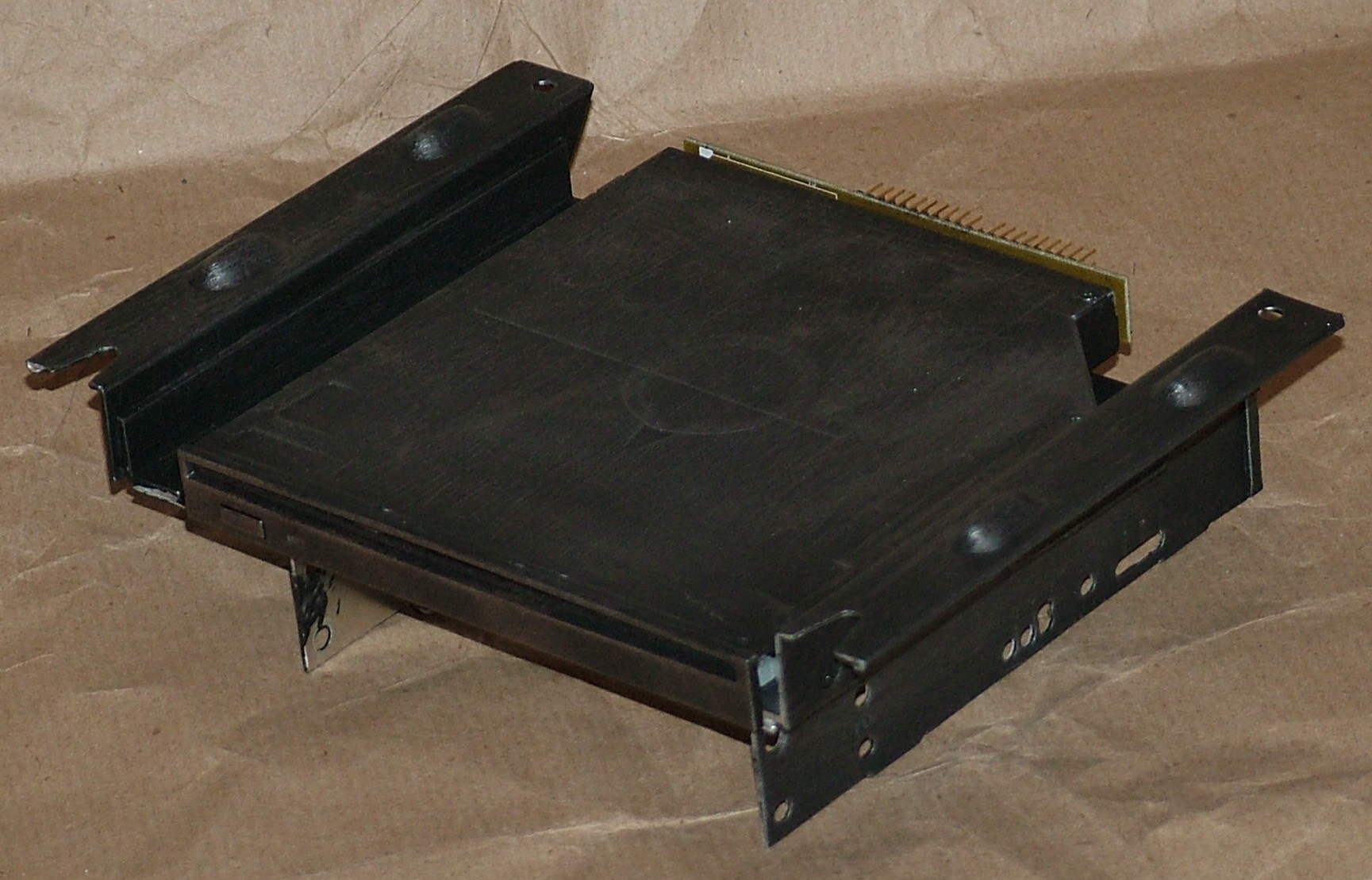
The CD player and the drive tray got a matt black base coat and a nickel coloured drybrush layer on top. The picture is a bit dark so it might be difficult to see though.
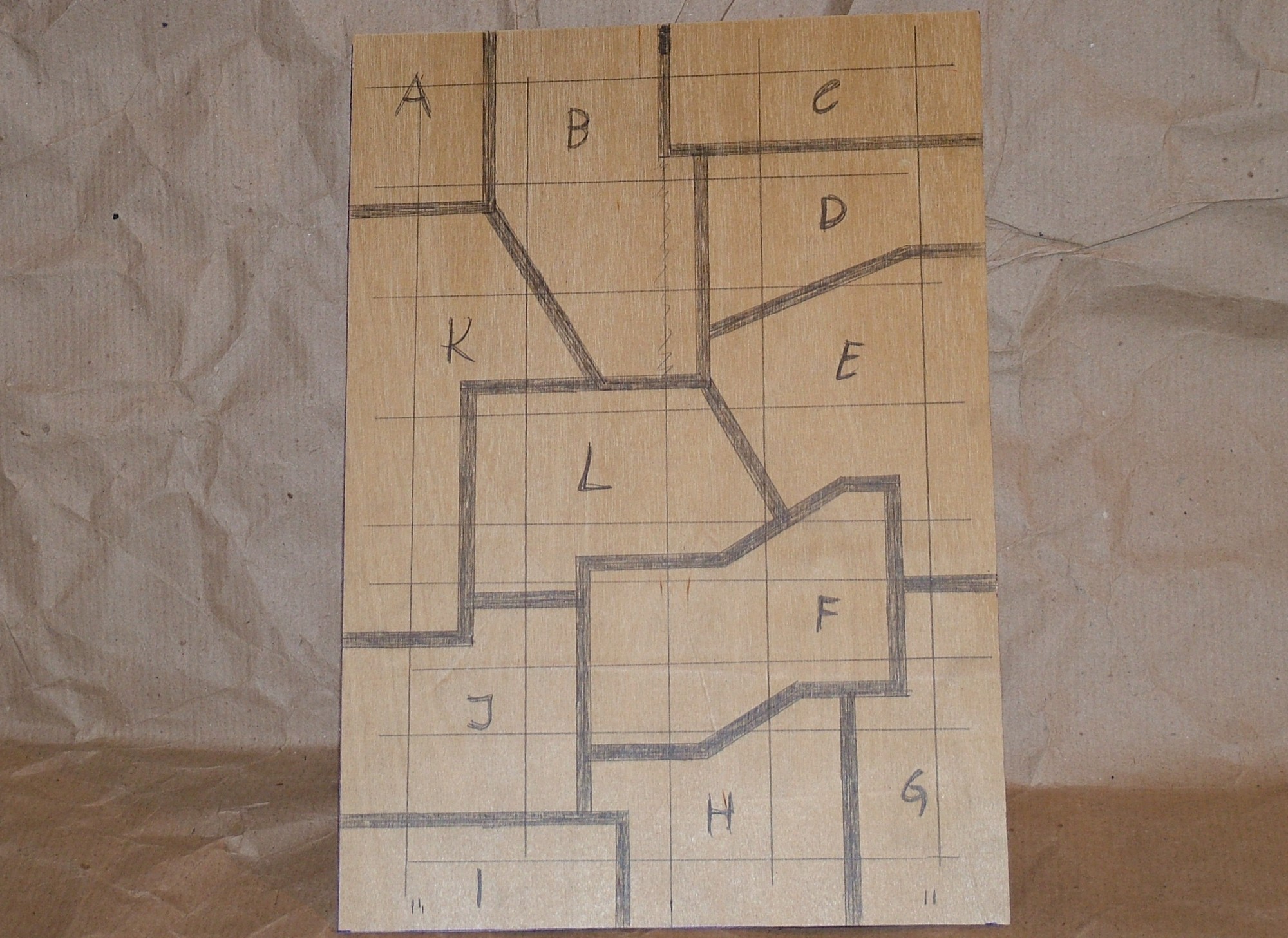
Next up was to generate a bit of texture for the outer shell. 0.5mm plywood was chosen for an armor plating look. The pattern was drawn directly on the plywood with a pencil and a ruler just to make the lines reasonably straight. The letters plus the horizontal and vertical lines were added last to be able to reassemble the pattern with the correct spacing.
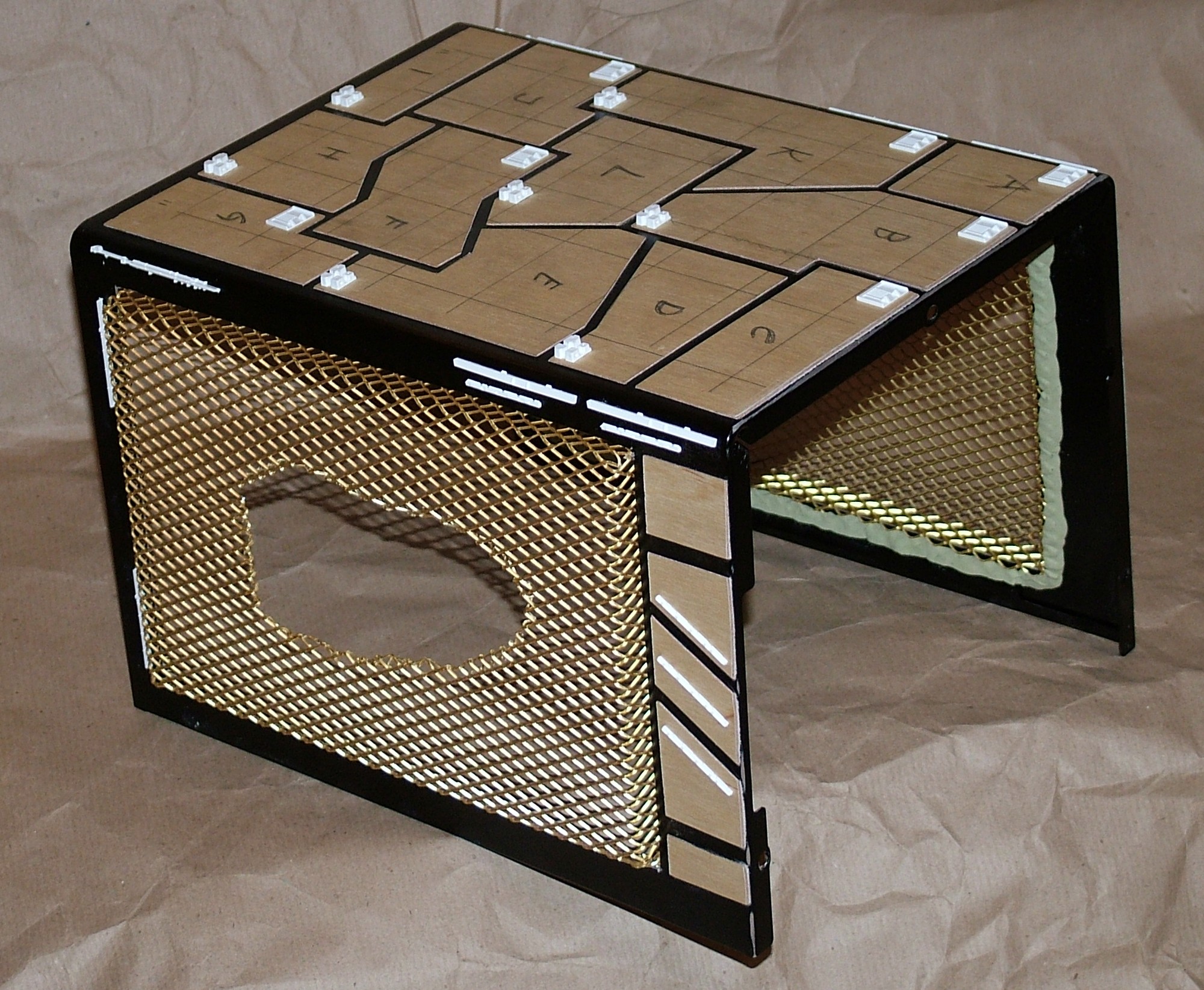
The plywood was cut to shape with a scissor and glued in place. Then some unused parts from plastic kits were added in a first ever kitbashing attempt in a mashie mod.
Last but not least a hole were torn open in the mesh right over where the DOOM3 logo will be.
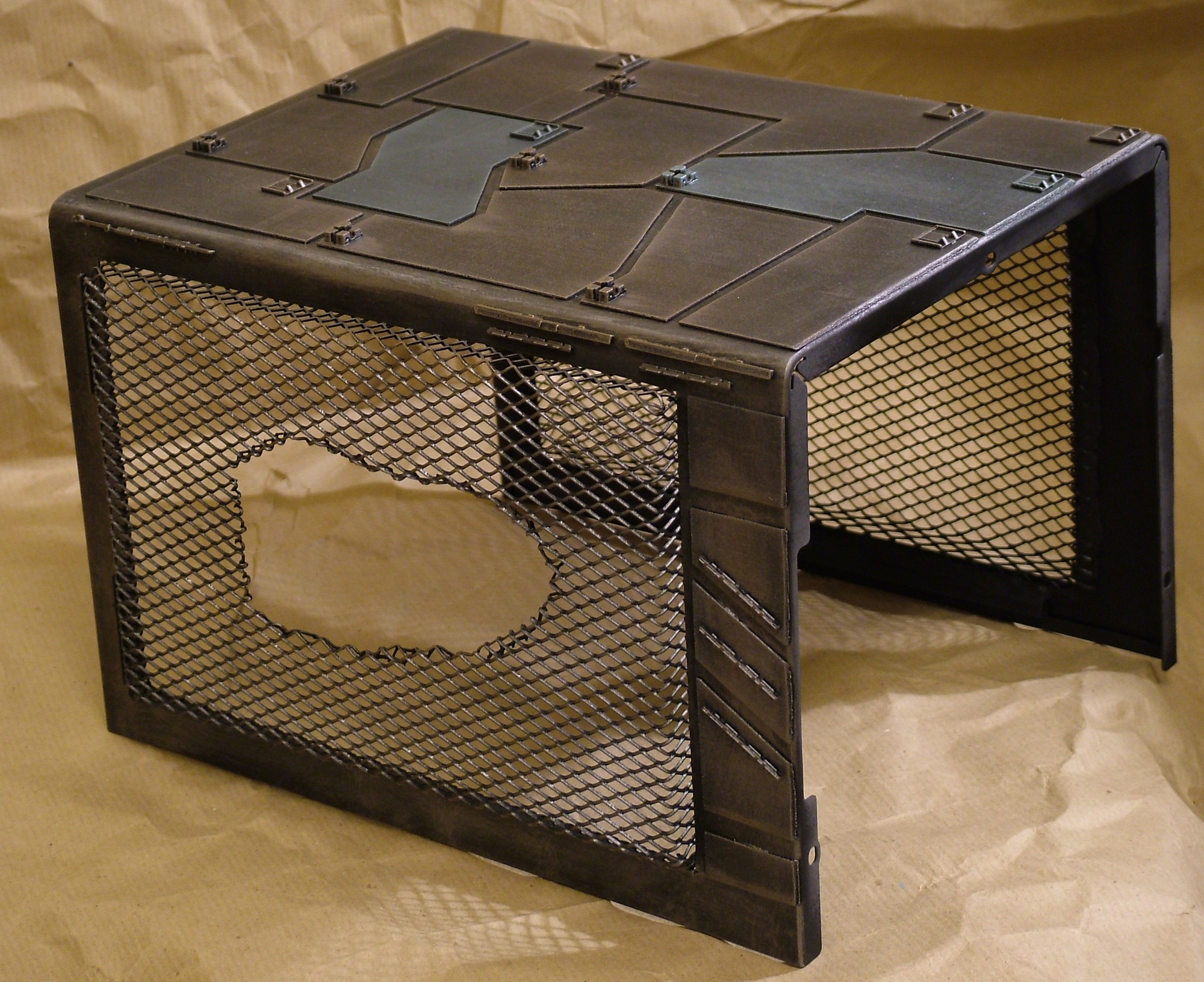
To finish off the outer shell a black basecoat was added, then drybrushed with nickel, pewter and old bronze paint.
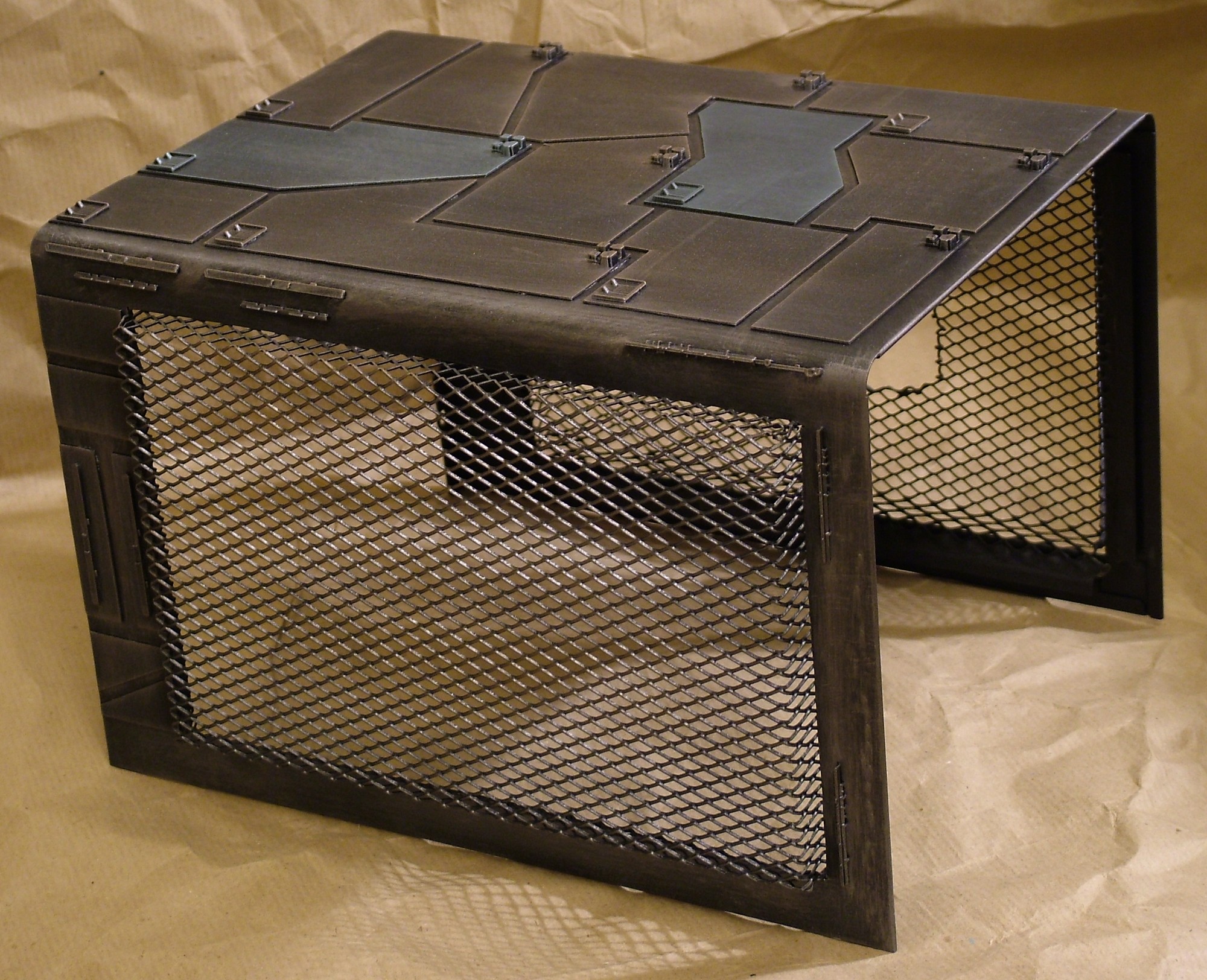
Two panels were drybrushed in a different shade to give more life to the over all look.
Part 9
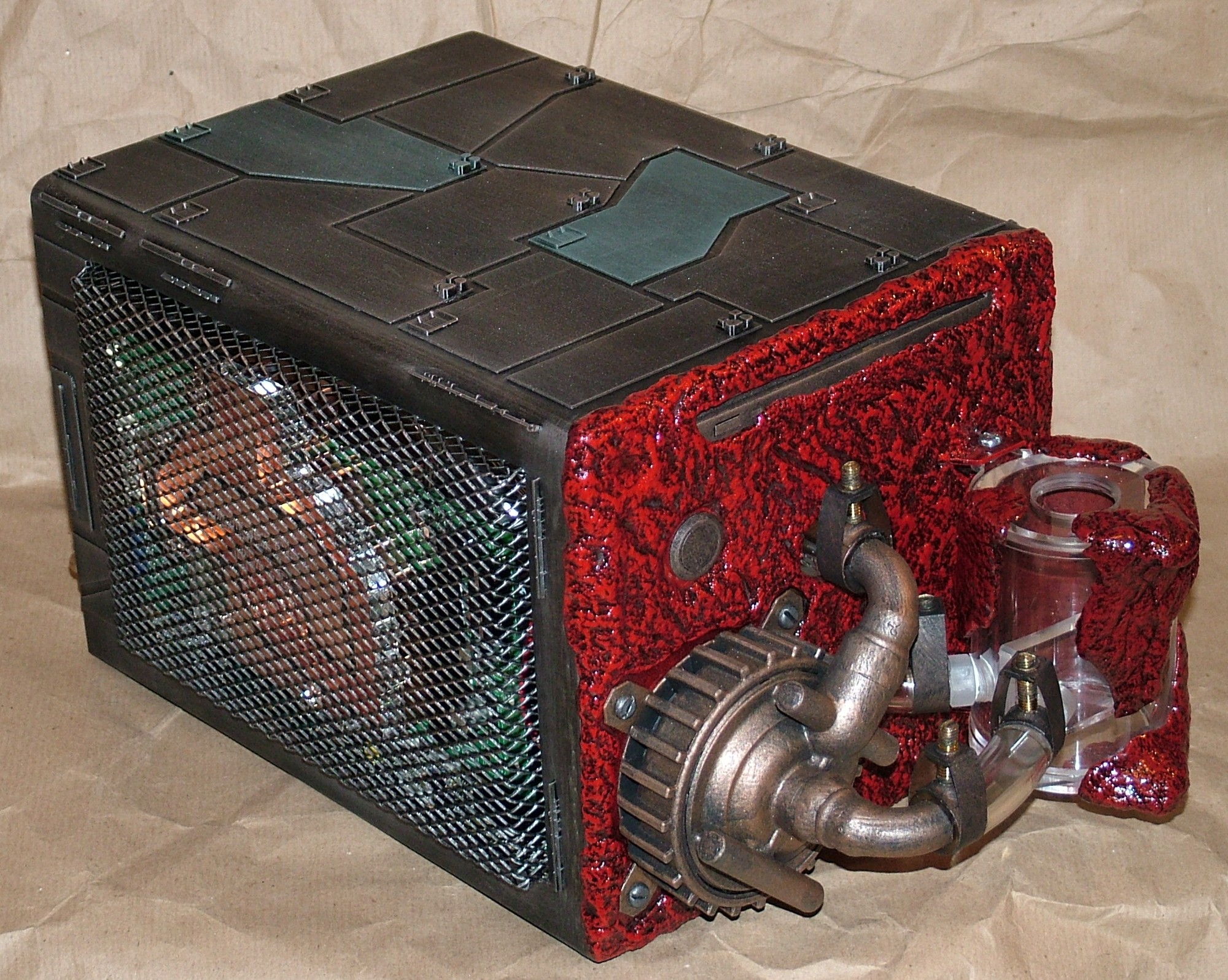
The final assembly has started and with 99% of the external look completed this is what the case will look like when done.
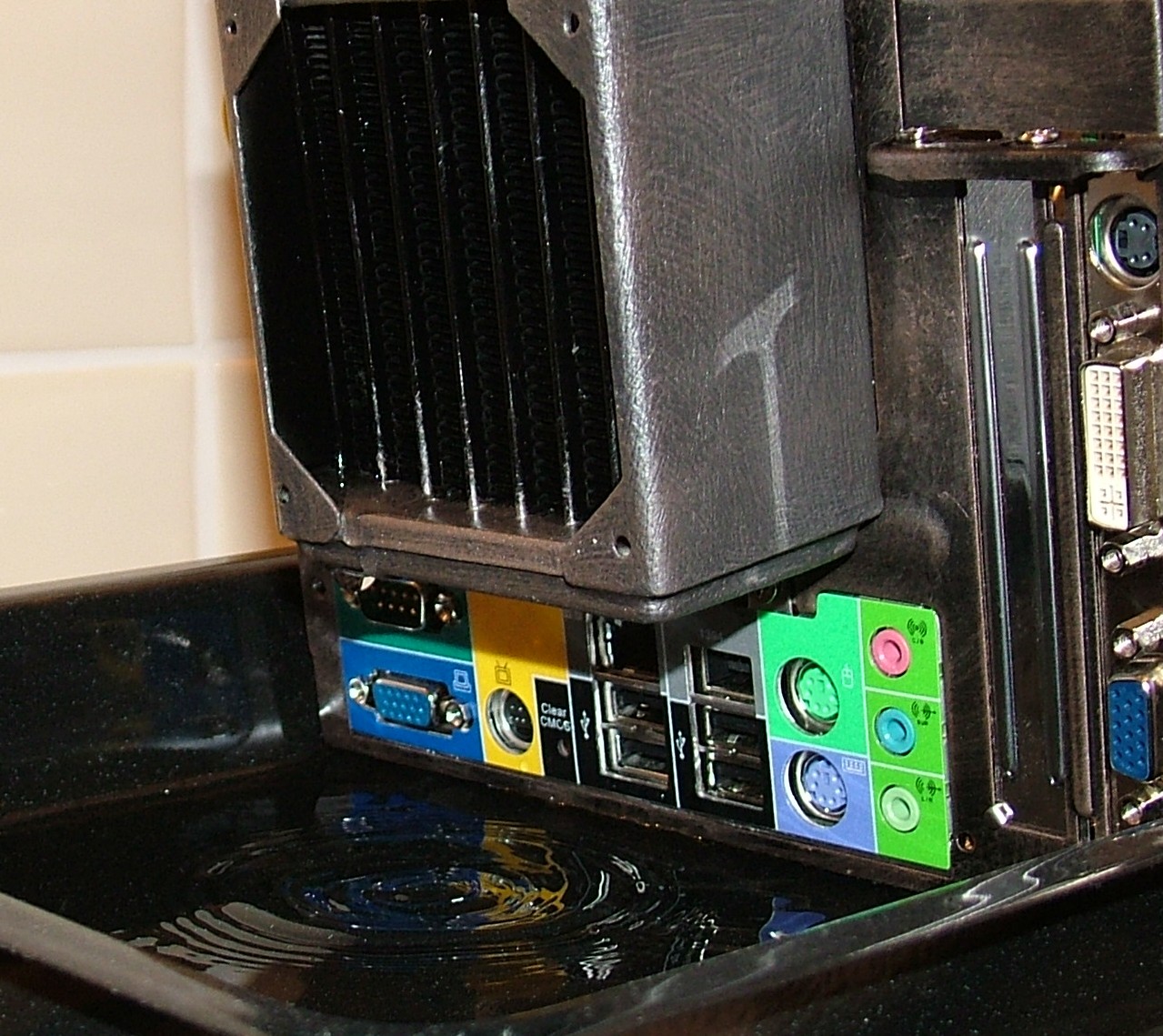
It was time for the first disaster to strike. During a test of the waterloop it became apparent that a leak existed in the system. Luckily the pump was powered from an external source and everything in the case was powered off. After quite a search to locate where the water actually came from it was found that it was the BI Micro radiator that was leaking.
Further investigation revealed it was one of the installation screws that had penetrated a water channel in the radiator during one of the many test fittings. Well I’m not impressed by the design with 1/8" clearance between the screw holes and the tubes.
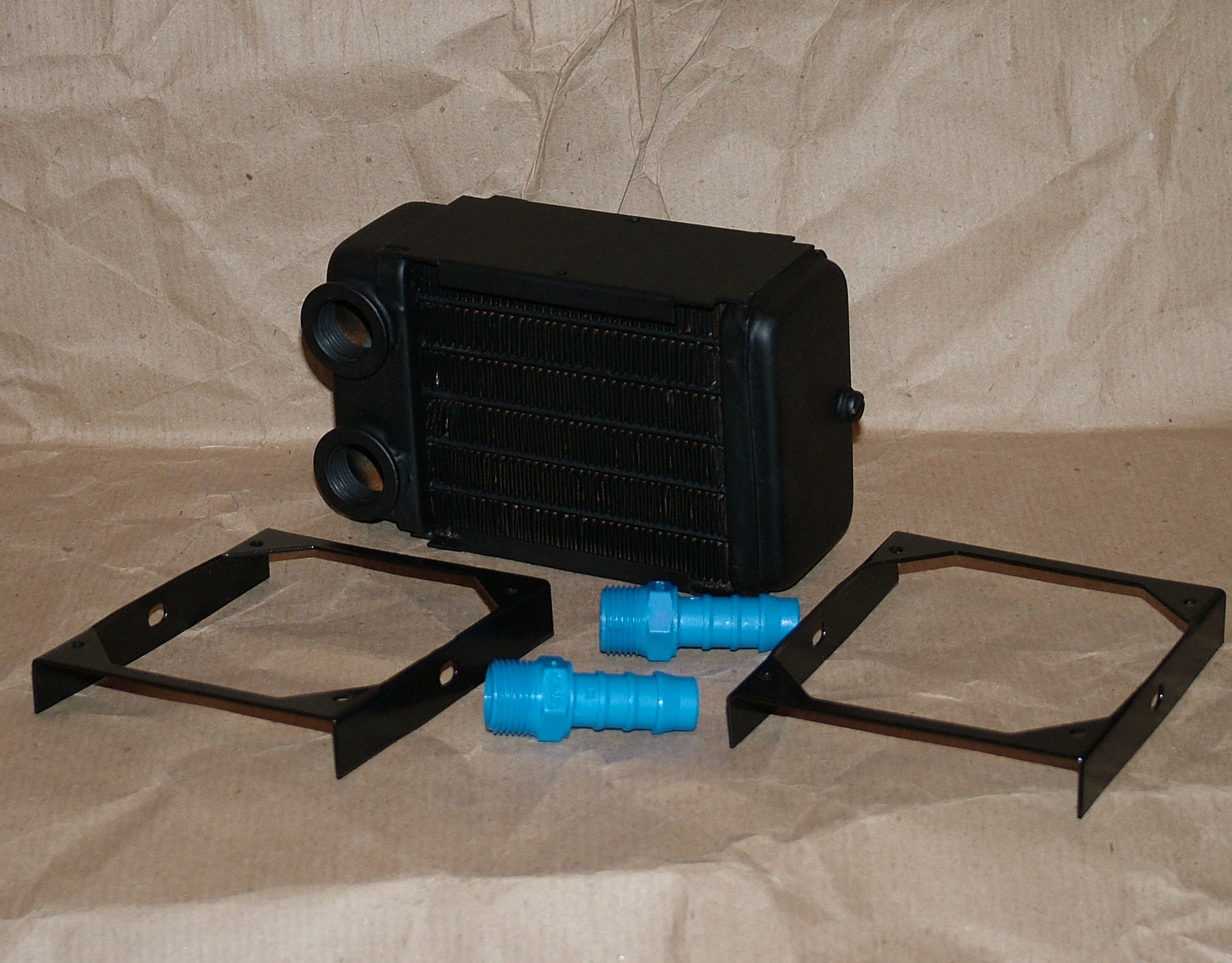
Thermochill were kind to send me a new radiator to use instead of the BI Micro, known as HE 80.1. Thanks to the different design it is not likely to rupture a tube while installing it. The blue barbs are not really the sexiest things under the sun but hey, nothing that a bit of paint can’t sort out later…
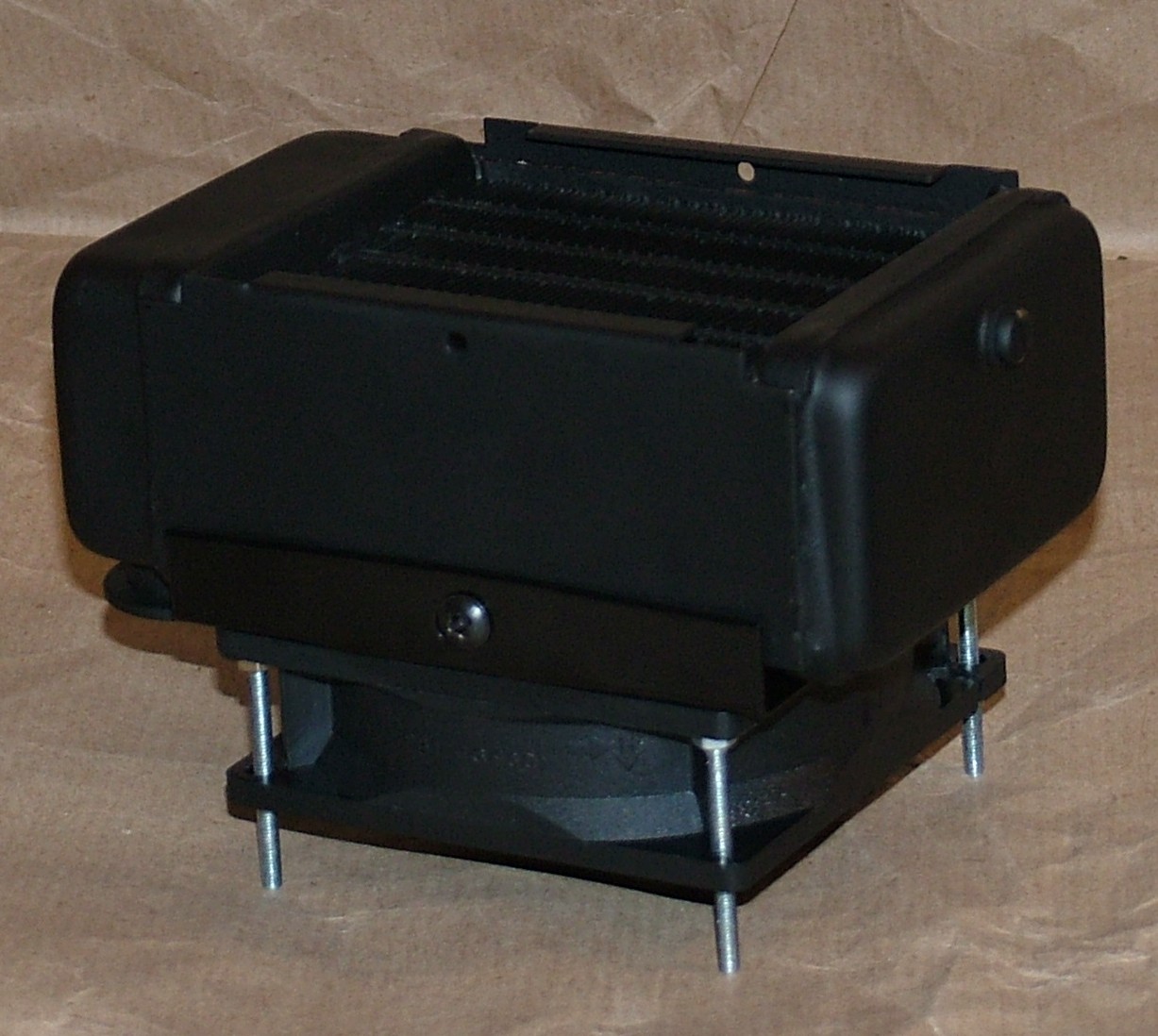
Going for a slightly different approach this time compared to previous rad. An 80 mm fan got butchered and converted to a suitable duct.
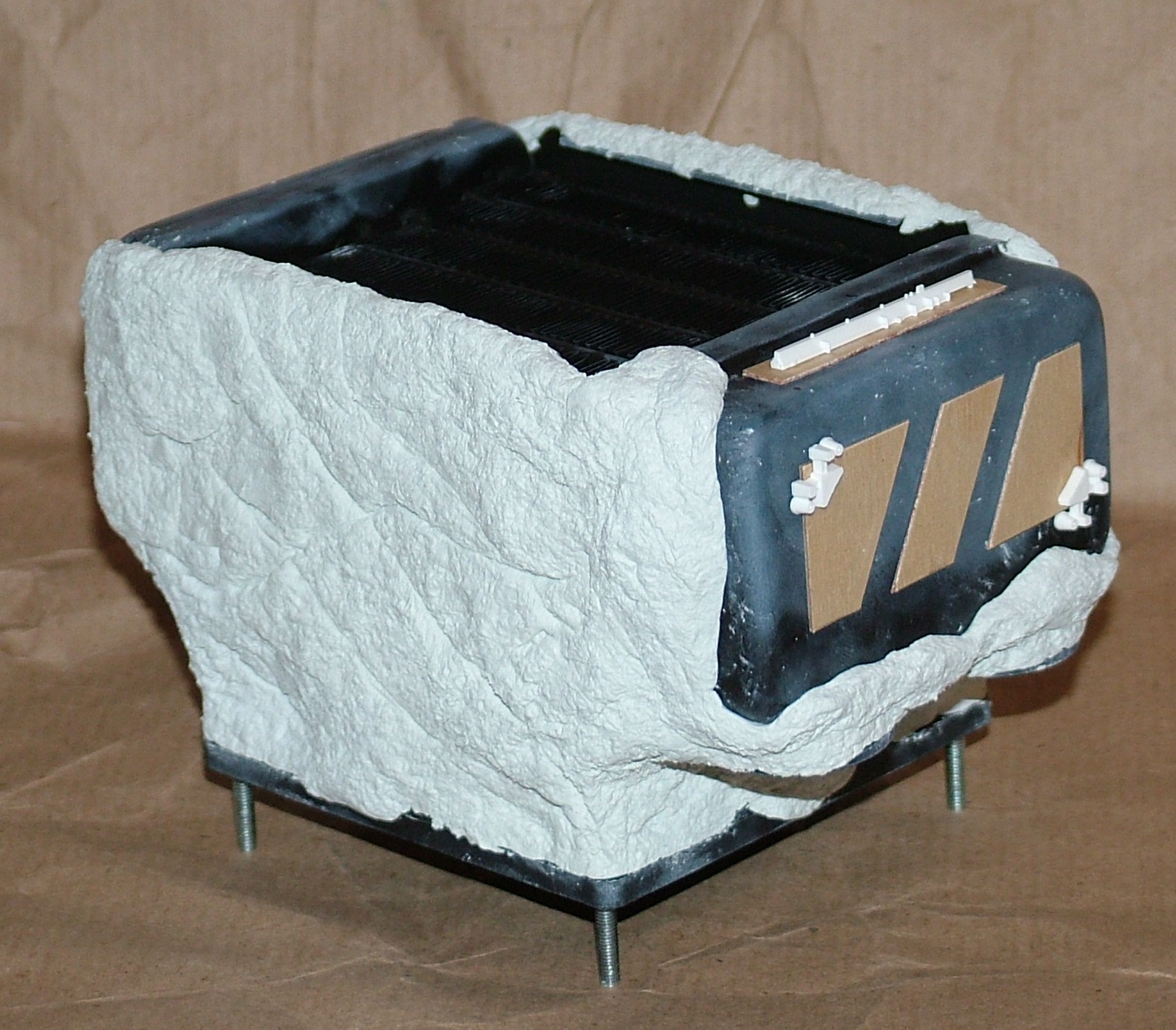
Two packages of Milliput later the radiator plus duct was looking sligtly different. Also some plywood and plastic scraps were added for the over all looks.
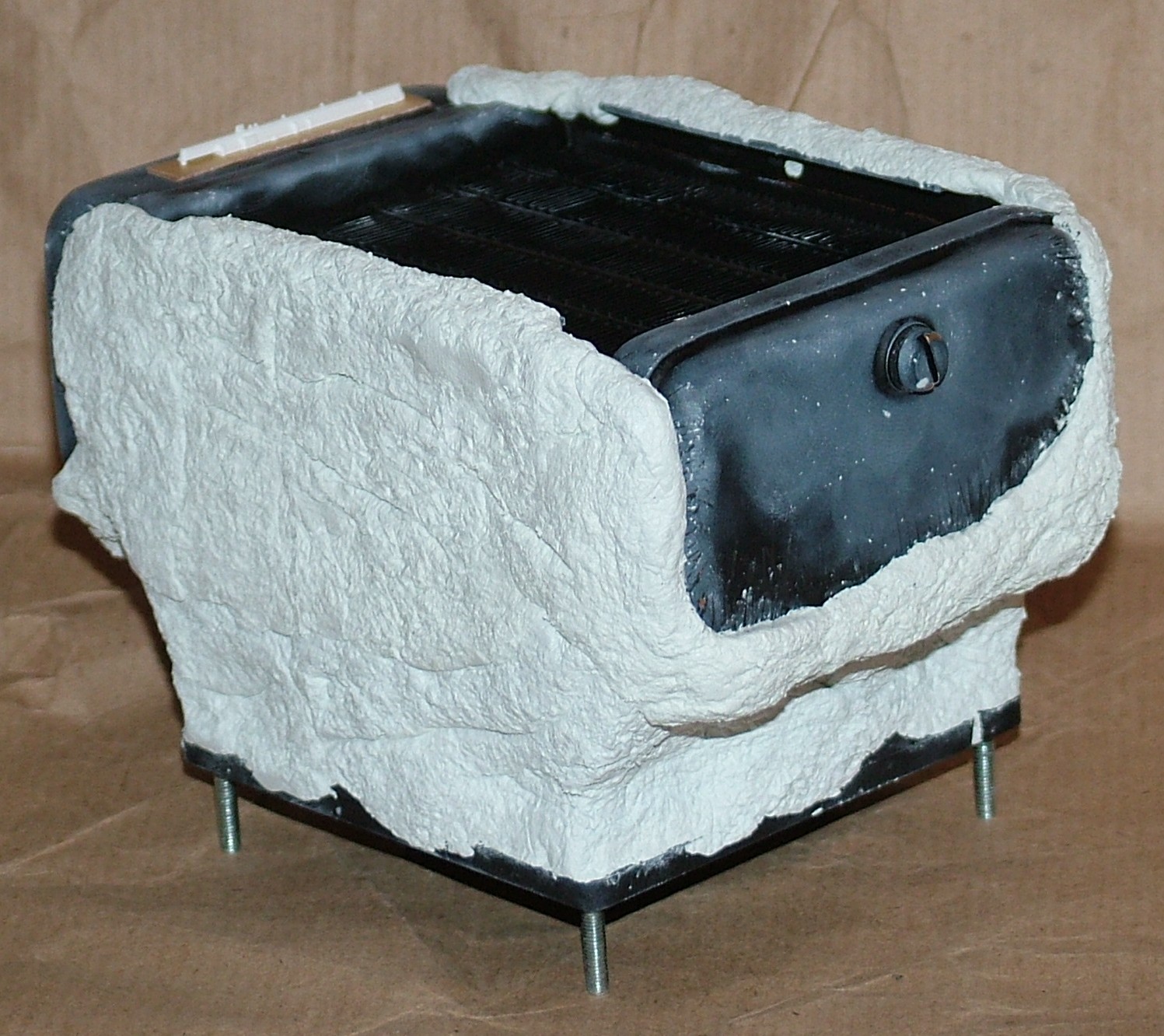
Hmm, I guess the soon to be flesh is attracted to watercooling gear.
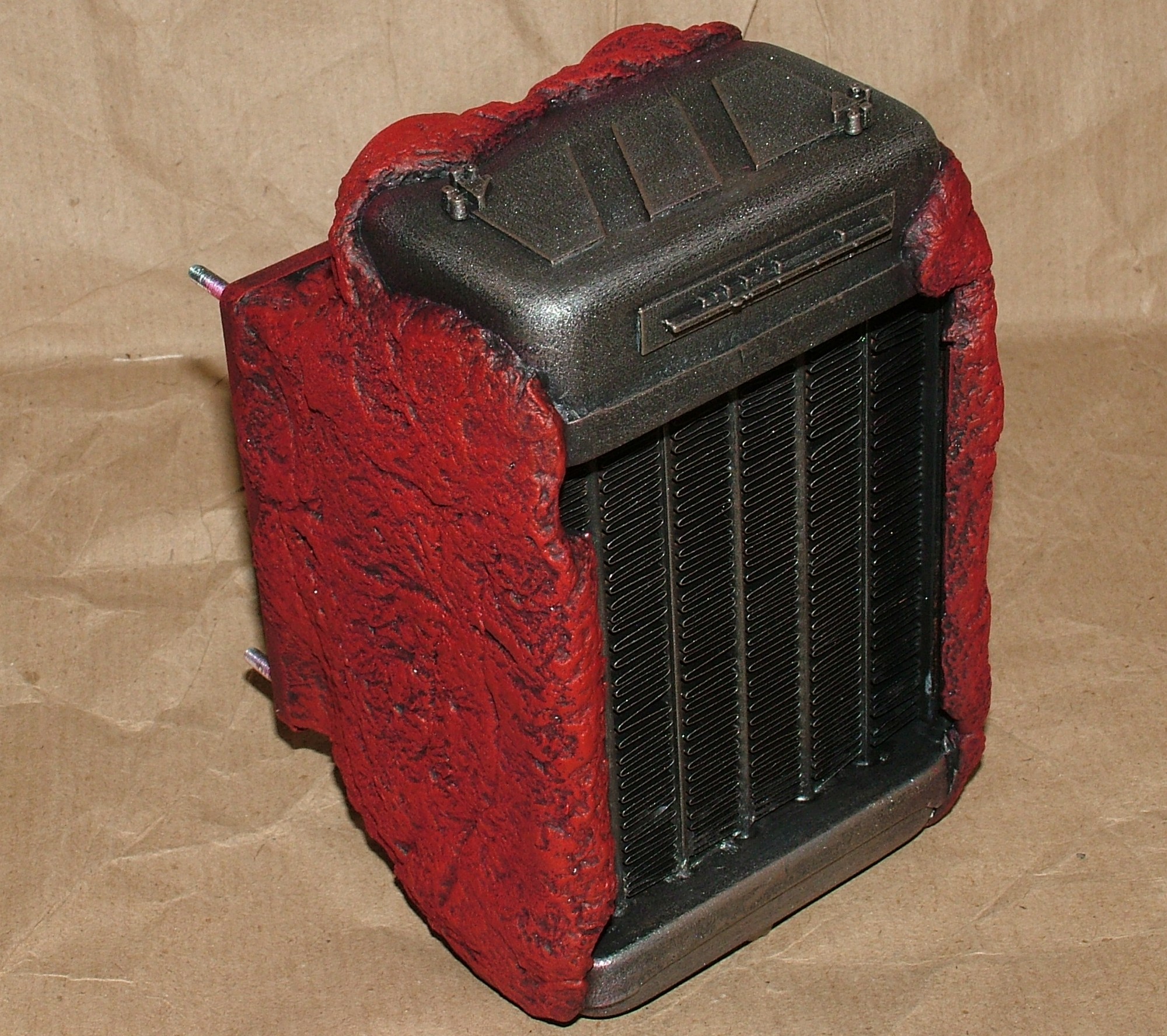
Time to bring hell yet again, a lot of painting was required this time due to both armor plating and flesh being part of the radiator.
Part 10
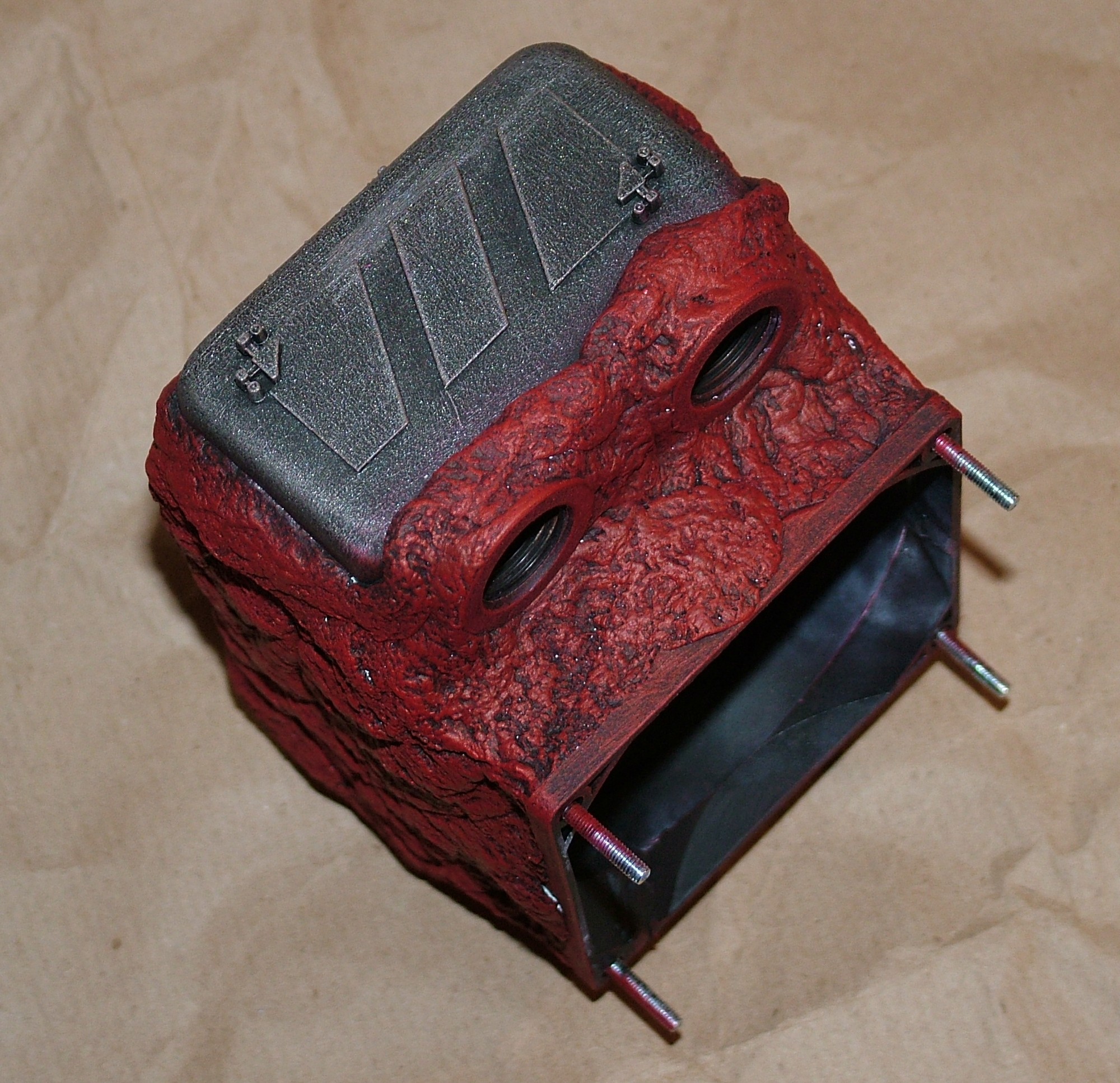
The 1" added by the duct worked really well. With the fan connected the resulting airflow was evenly distributed over the whole radiator surface with no dead spots to be found. Oh and with the radiator filled with water no leaks could be found either.
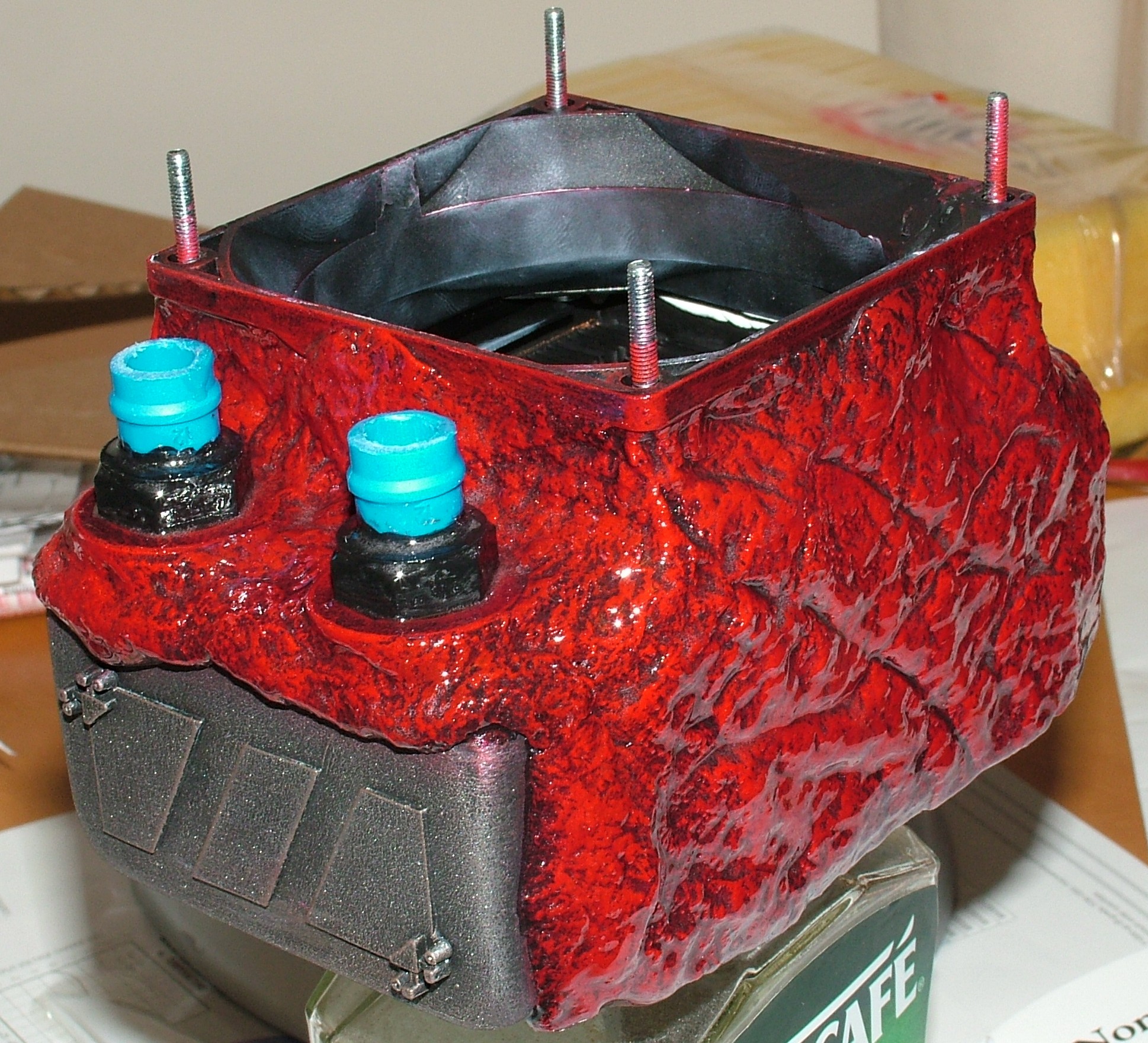
However, the flesh isn’t done until the proper wet look is added with a layer of clear epoxy resin.
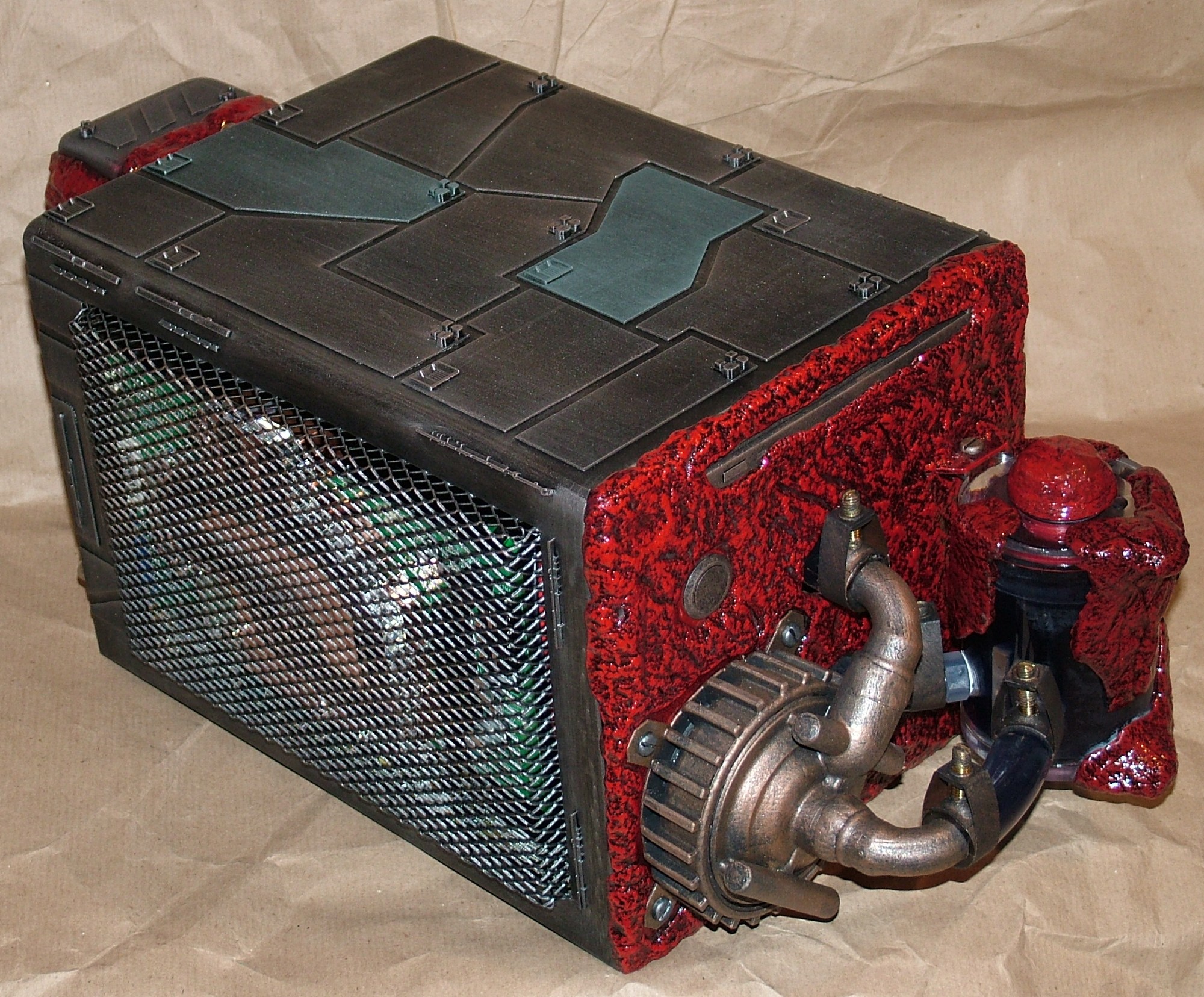
Full assembly take two.
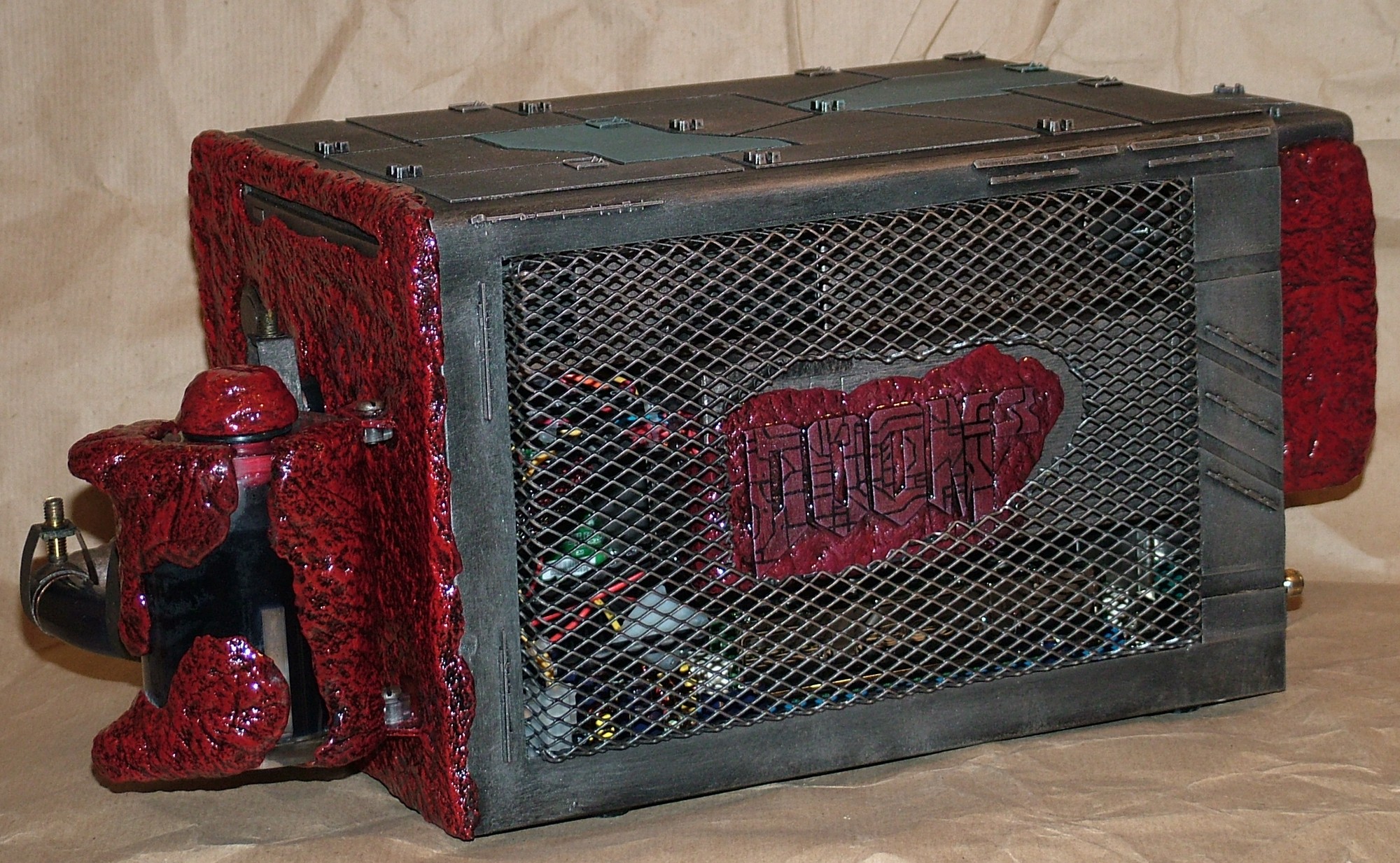
If you look closely you can see that the bright red screw cap on the reservoir has been taken care of.
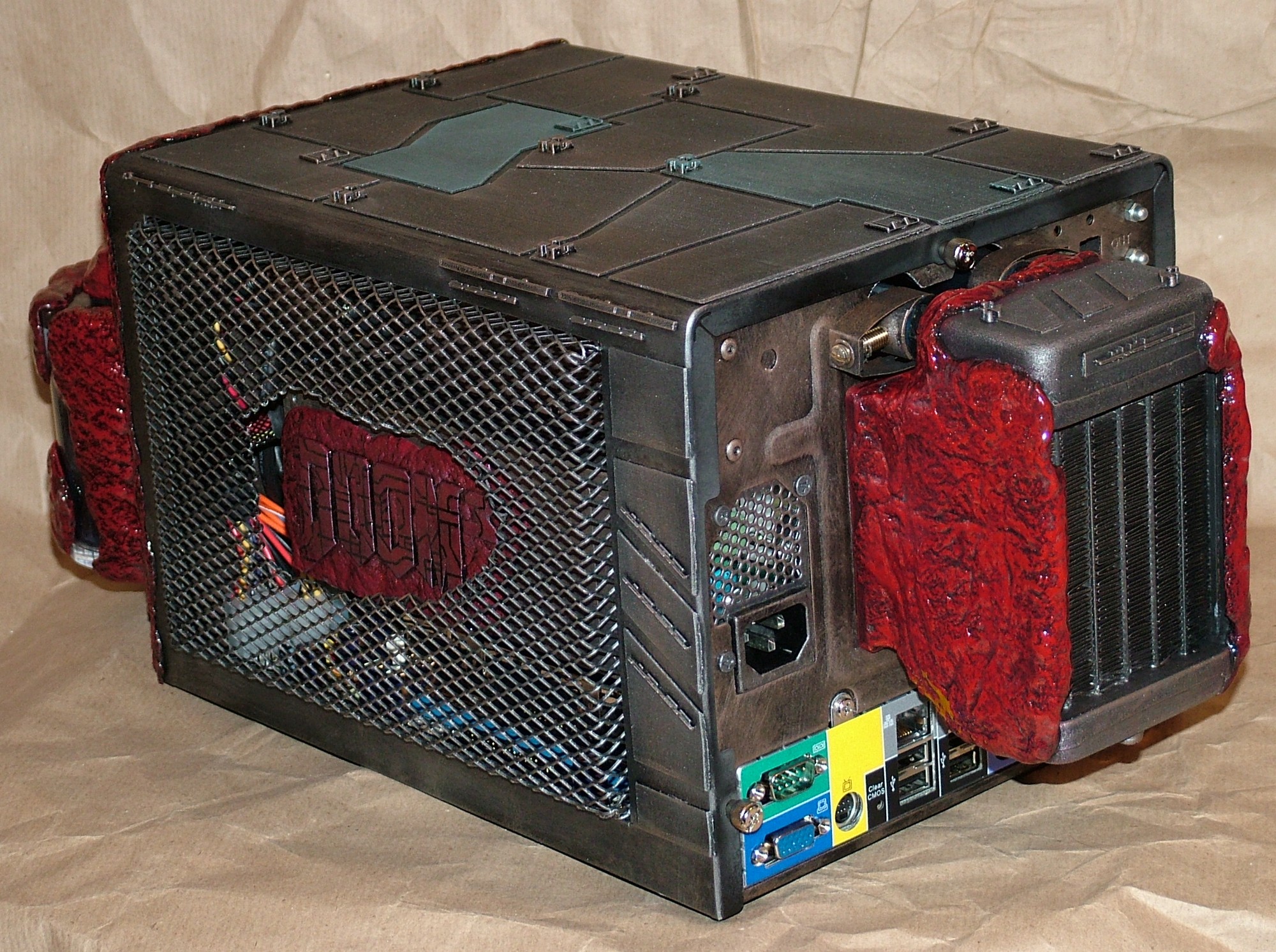
The new and improved rear view. Oh btw, the colour full I/O plate will stay just to annoy everyone.
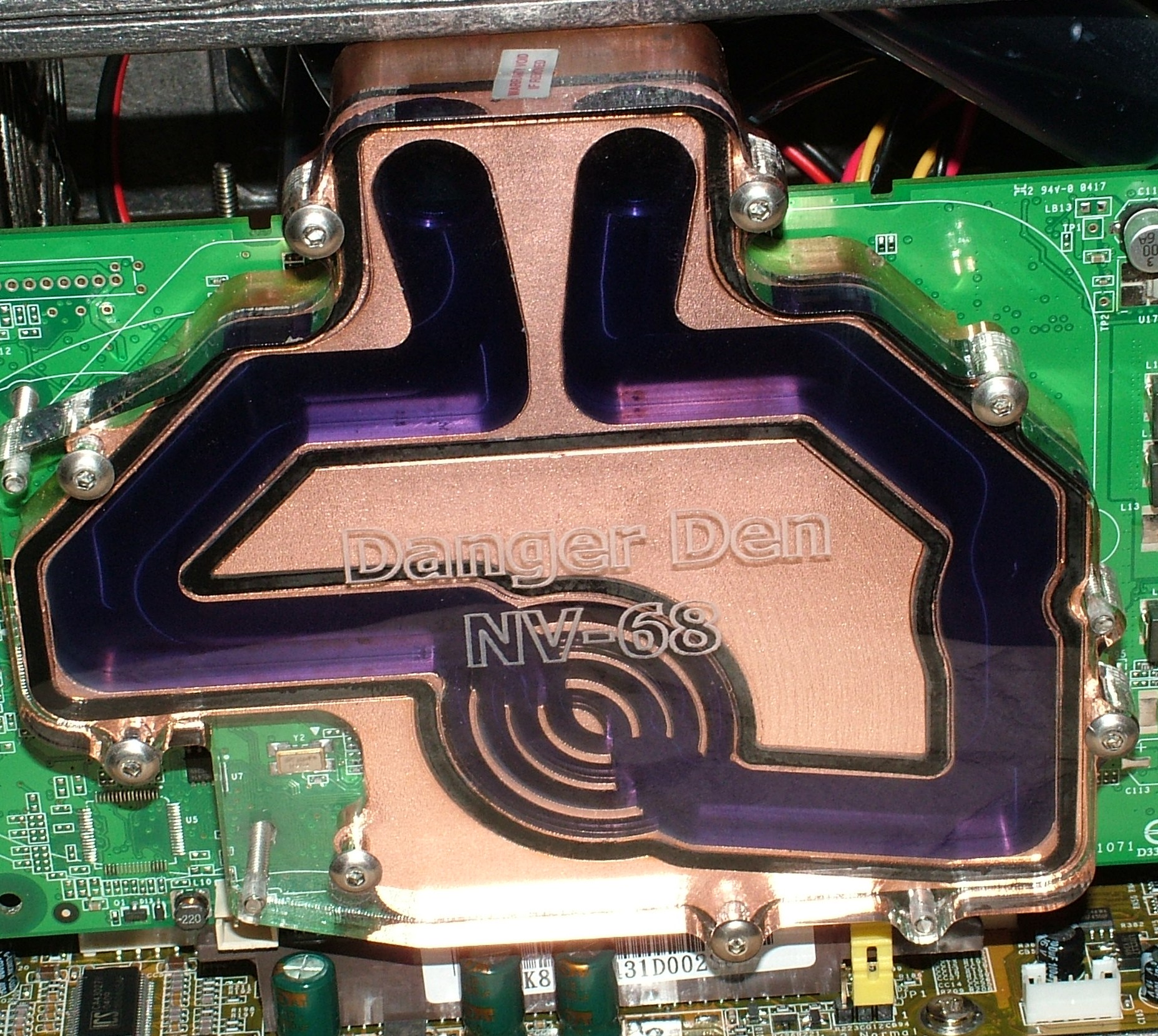
It was a bit difficult to see in the previous pics but the water is fairly dyed. Lots of food colouring was used (red and blue).
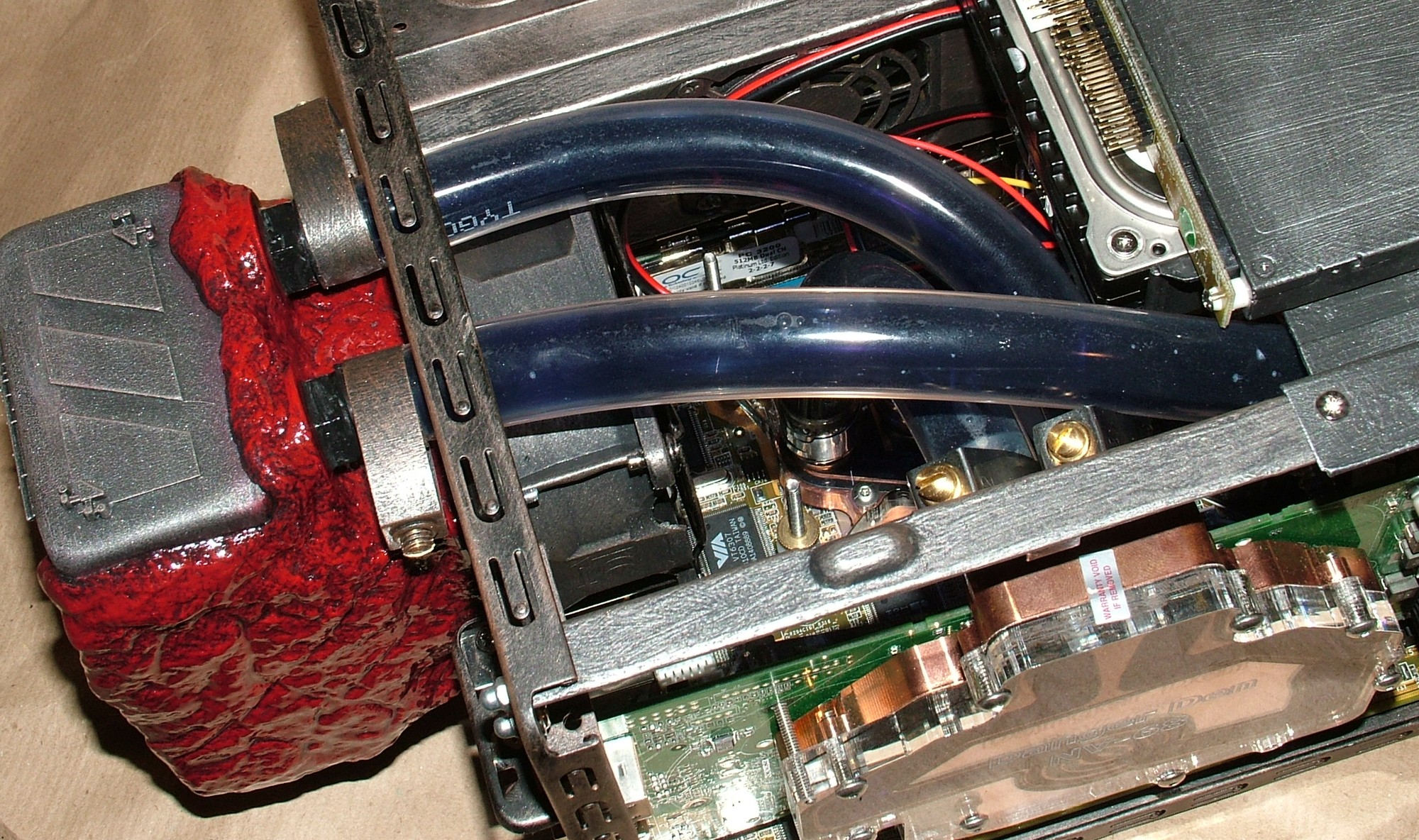
The tubes are clear, the content isn’t.
After this last picture the computer got assembled for a test run and I can gladly tell you it worked just fine after considering the less than kind treatment.
Part 11
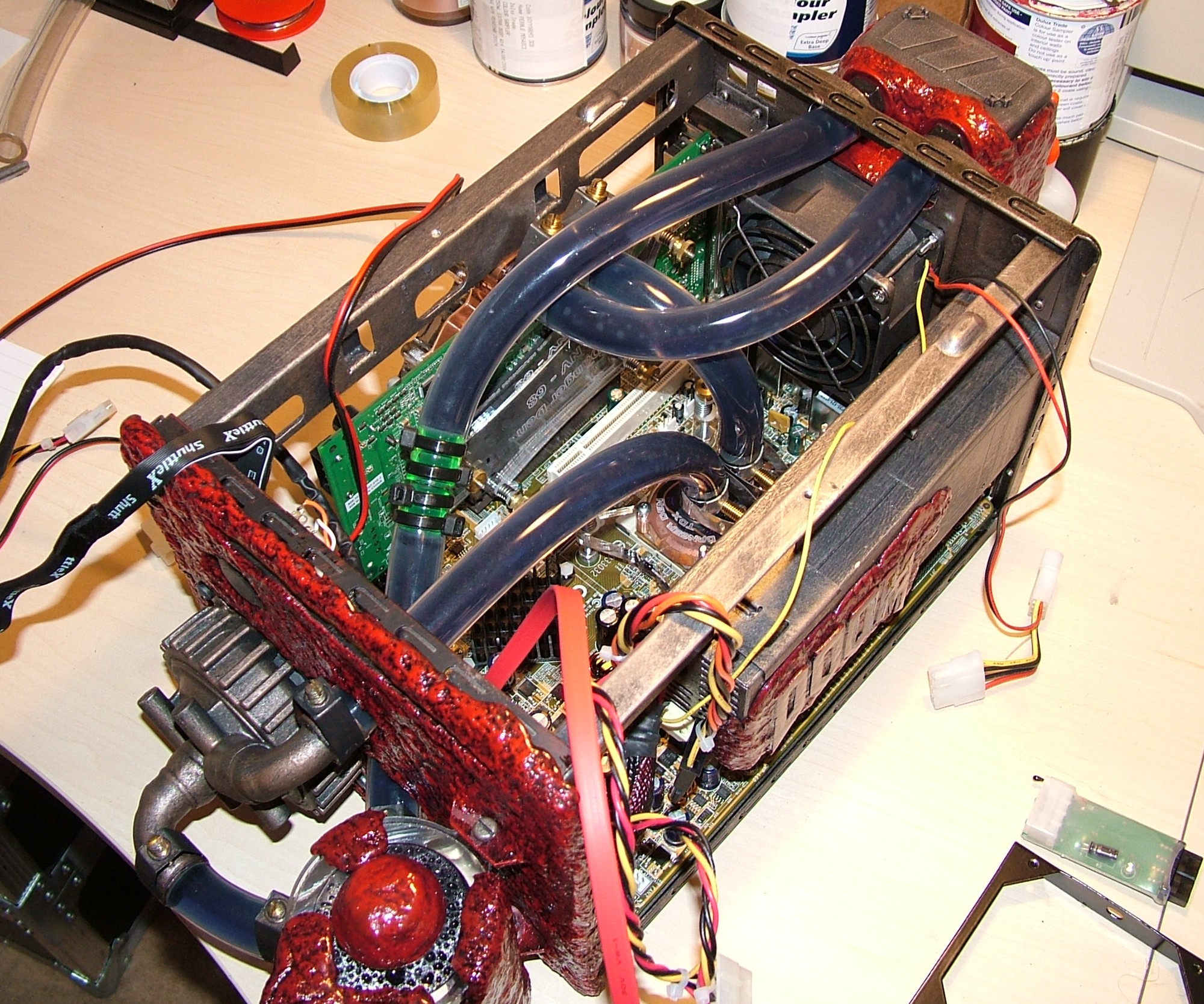
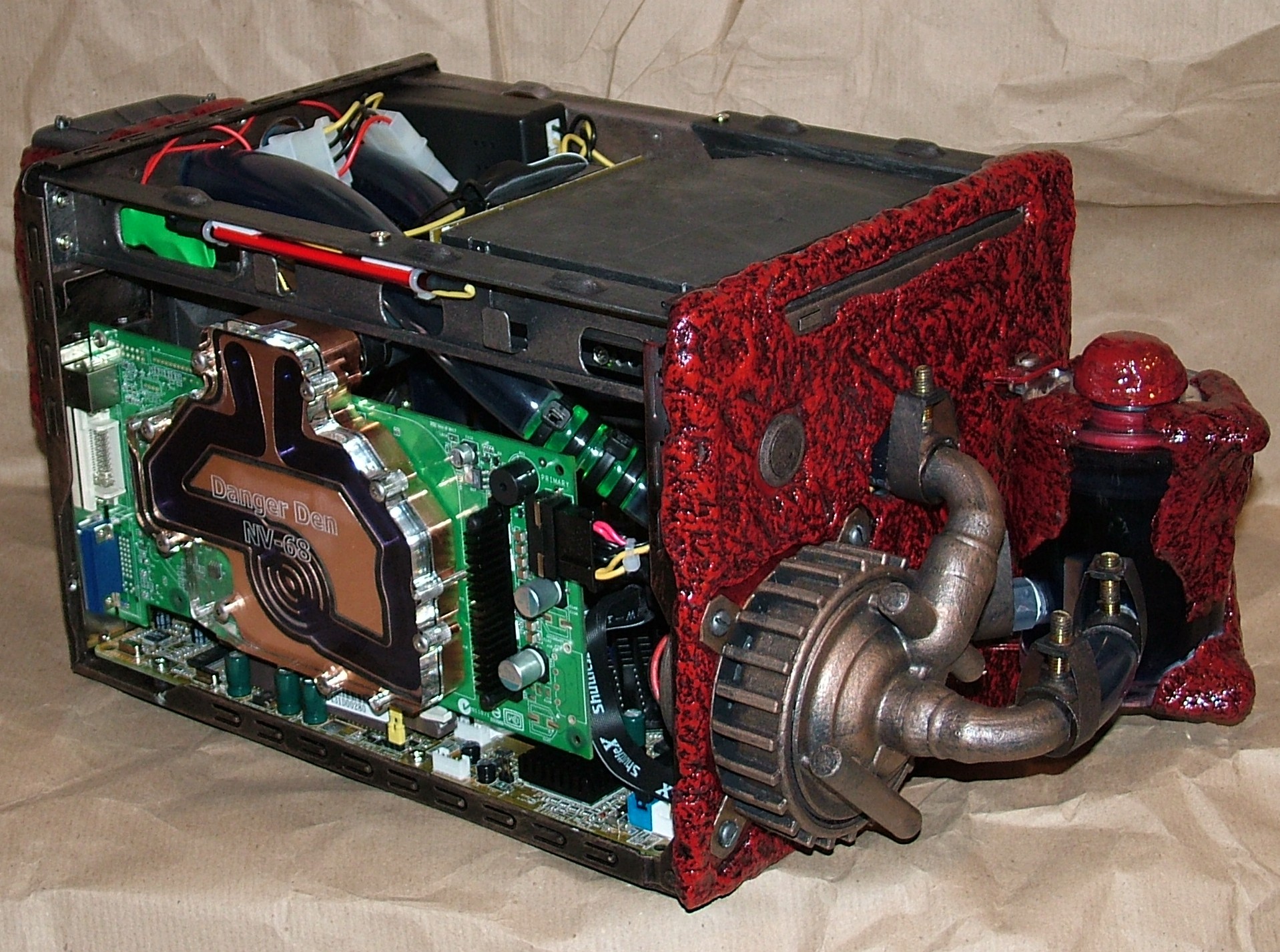
With the wet section proved working it was time to rip most of the case apart again to do the wiring. This is also the first shot where you can see the full water loop. If you wonder what the green section is on the tube it is simply an extension since I ran out of tube when the radiator ended up a further back than planned.
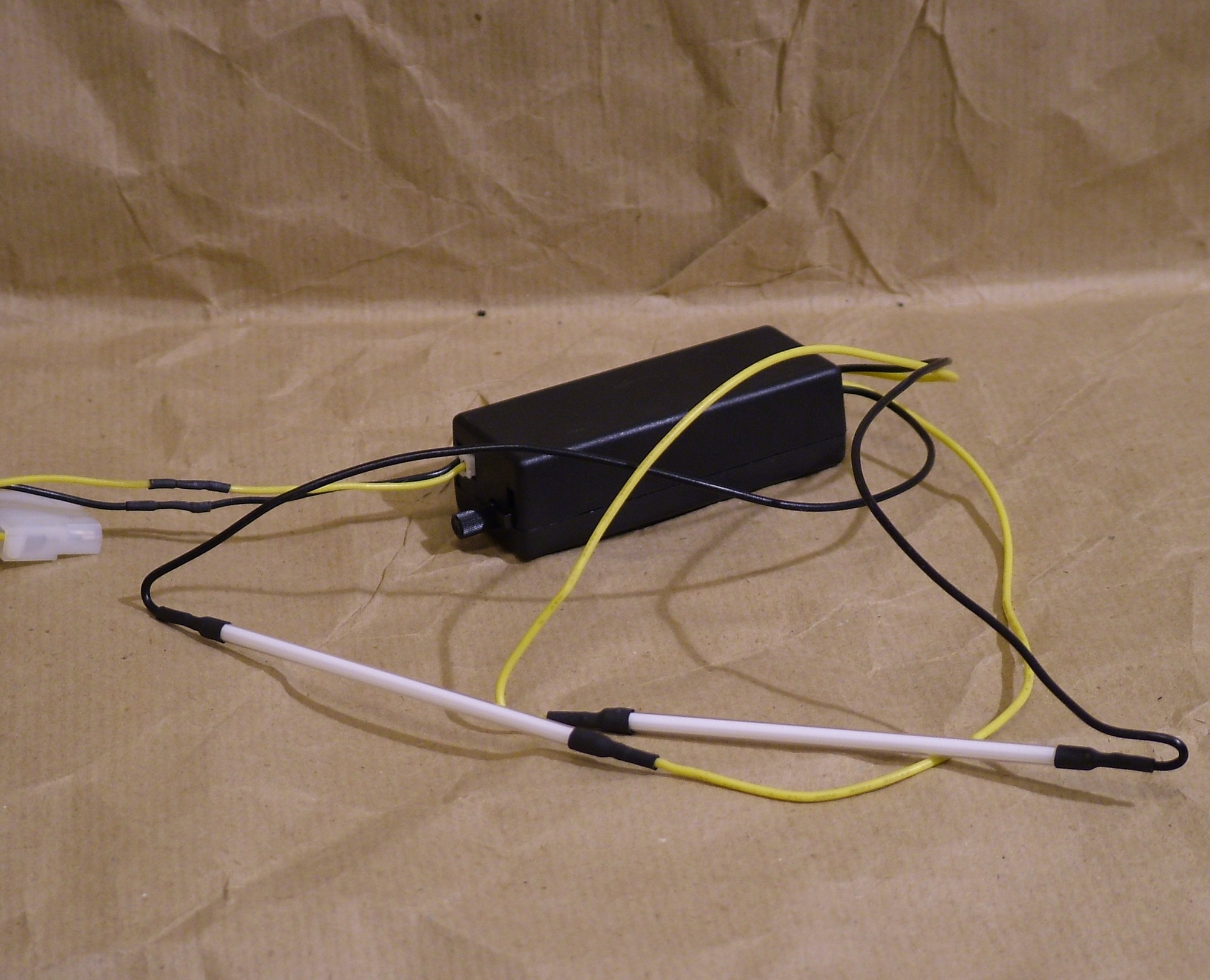
This is a dual 4" CCFL kit from ACRyan. Unfortunately I forgot to take pictures of them in their original state but here you can see them after they got stripped from the acrylic tube and the exposed wire is gone by having one wire connected to each end.
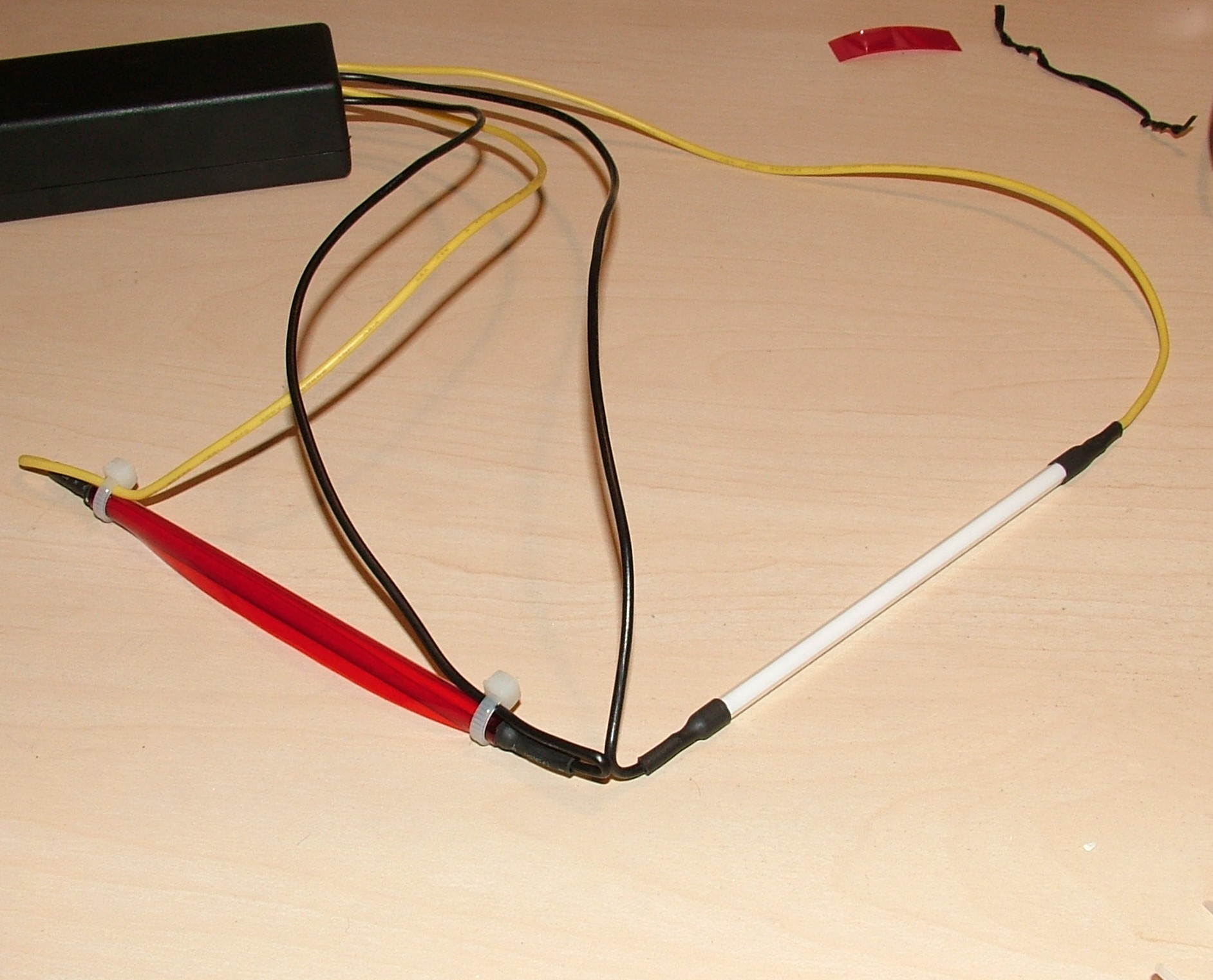
They were supposed to be red but hot pink is a better description of the colour emitted. The fix is quite simple, just adding a layer of fire red GEL sheet and a nice red colour is produced.
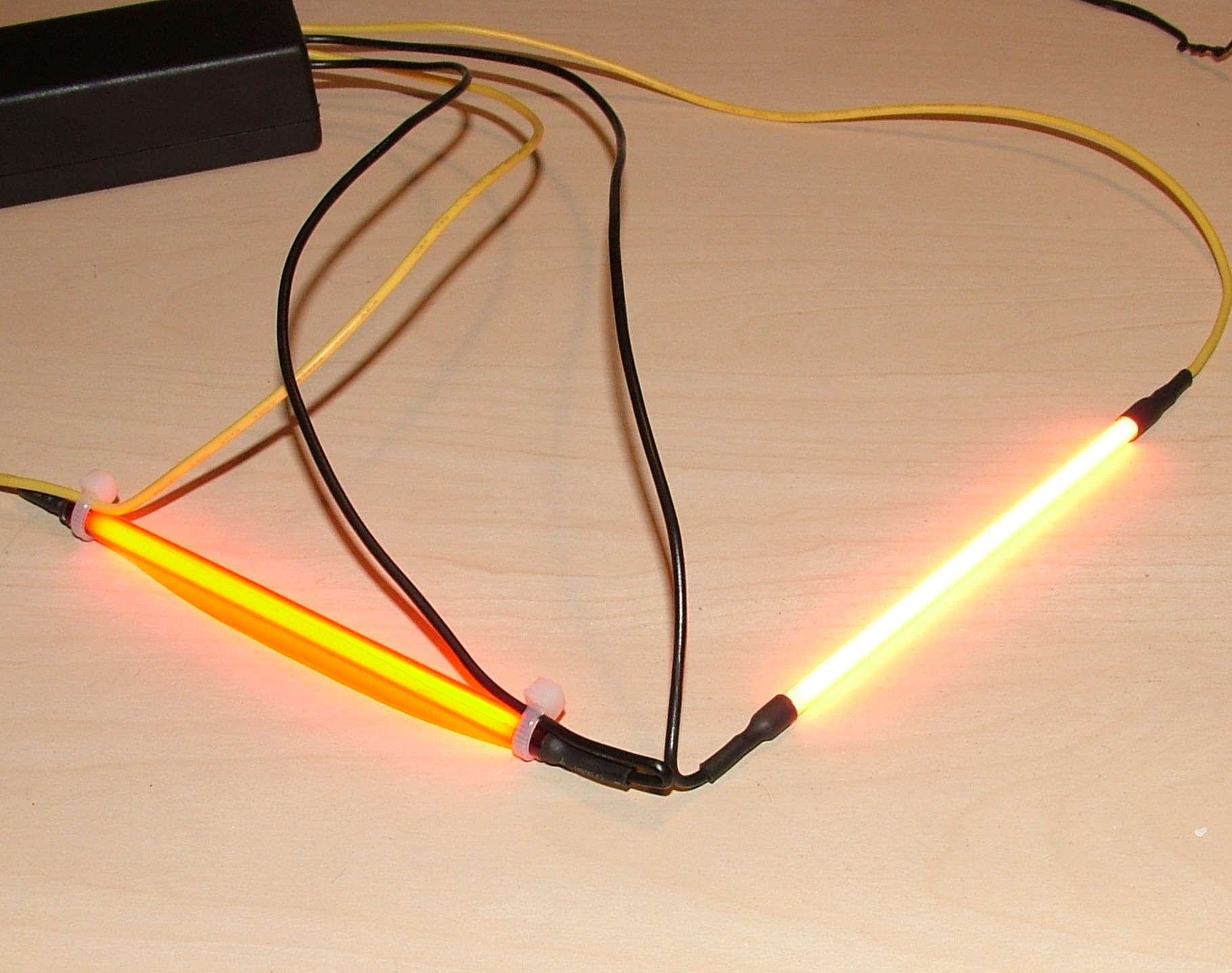
The camera did not want to play along so the colour corrected CCFL looks yellow here.
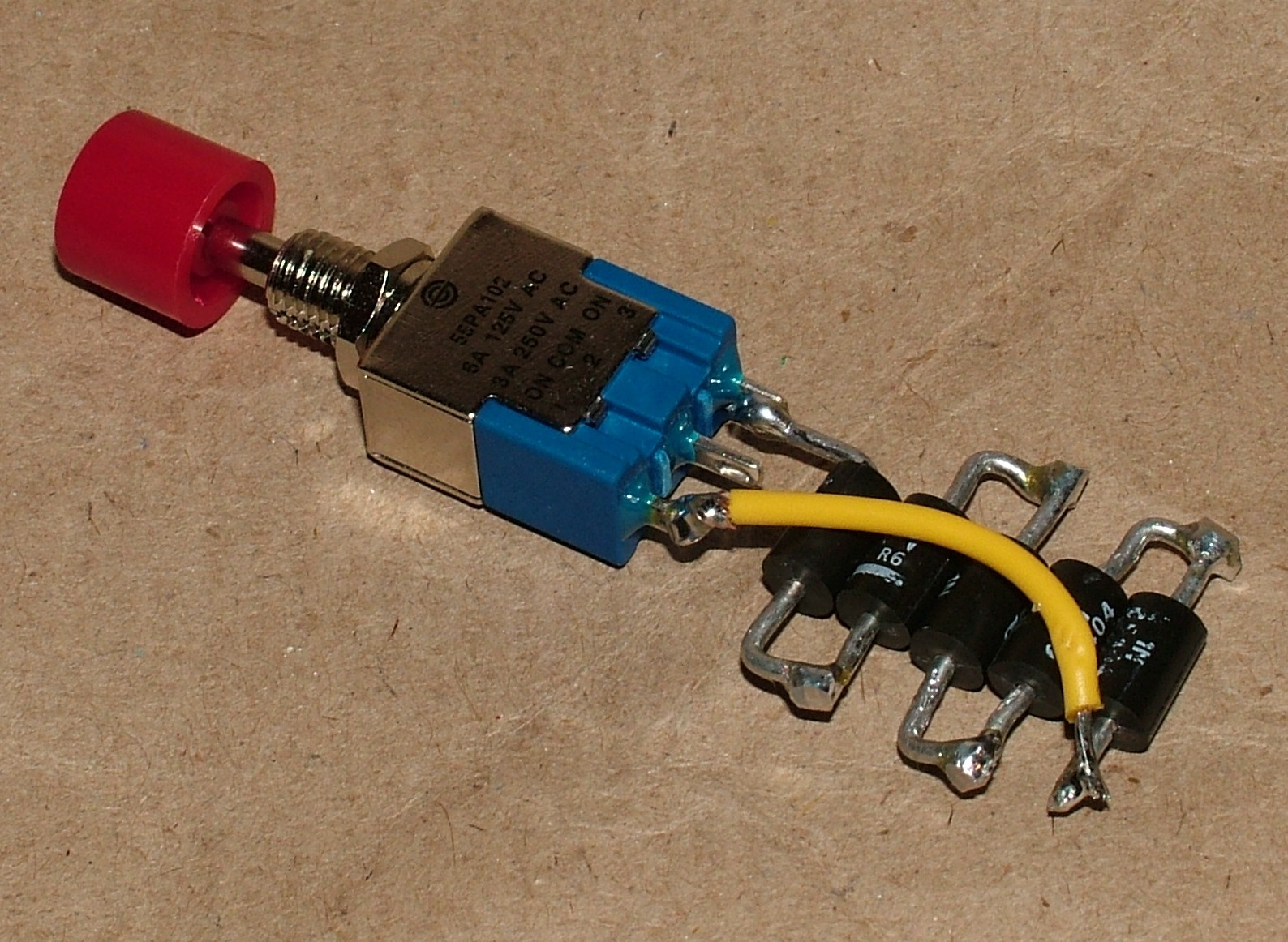
This was an unplanned solution, it is a fan controller to replace the PWM based product used earlier. It was set wrong for the temperature in my apartment so it was running 90% all the time. This new controller use five diodes to drop the voltage from 12v to 9.5v. The 12v source was connected to the same terminal on the switch as the yellow wire. The output to the fan is the terminal in the middle
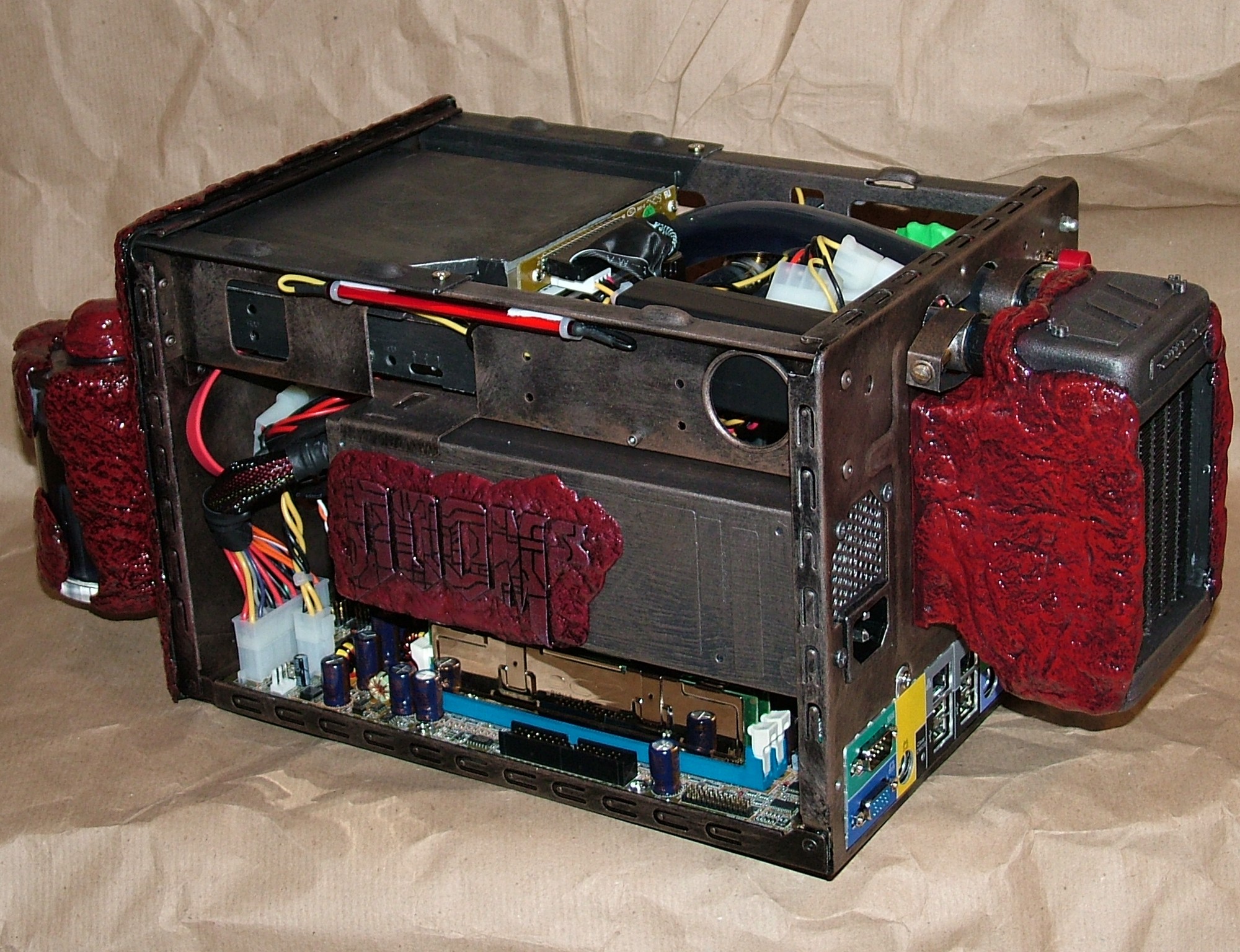
All wires done and the CCFLs are in place.
The white Molex connector got replaced with a black version to fit in better with the theme.
Part 12
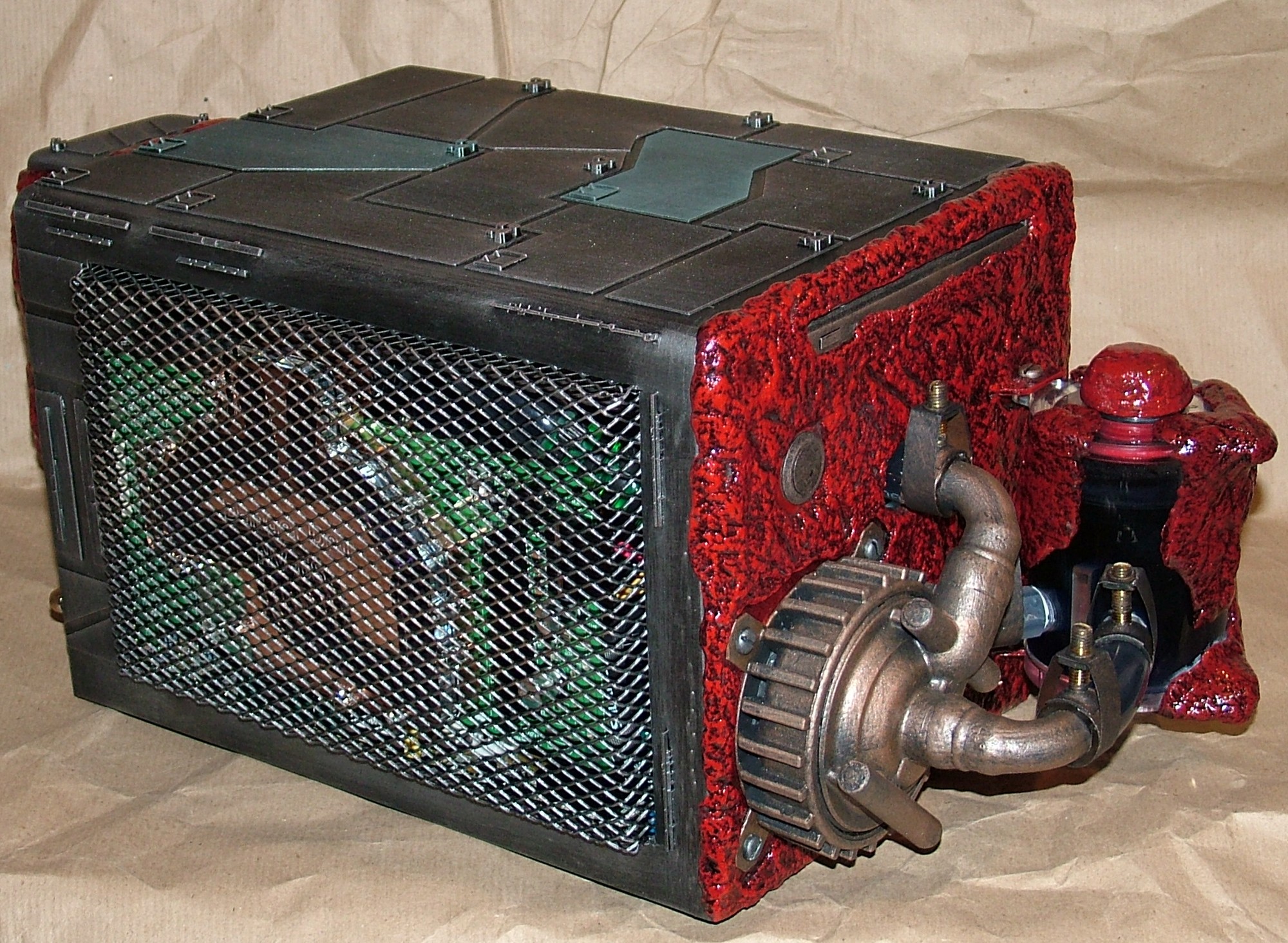
Project Doom 3: Hell Inside is completed!
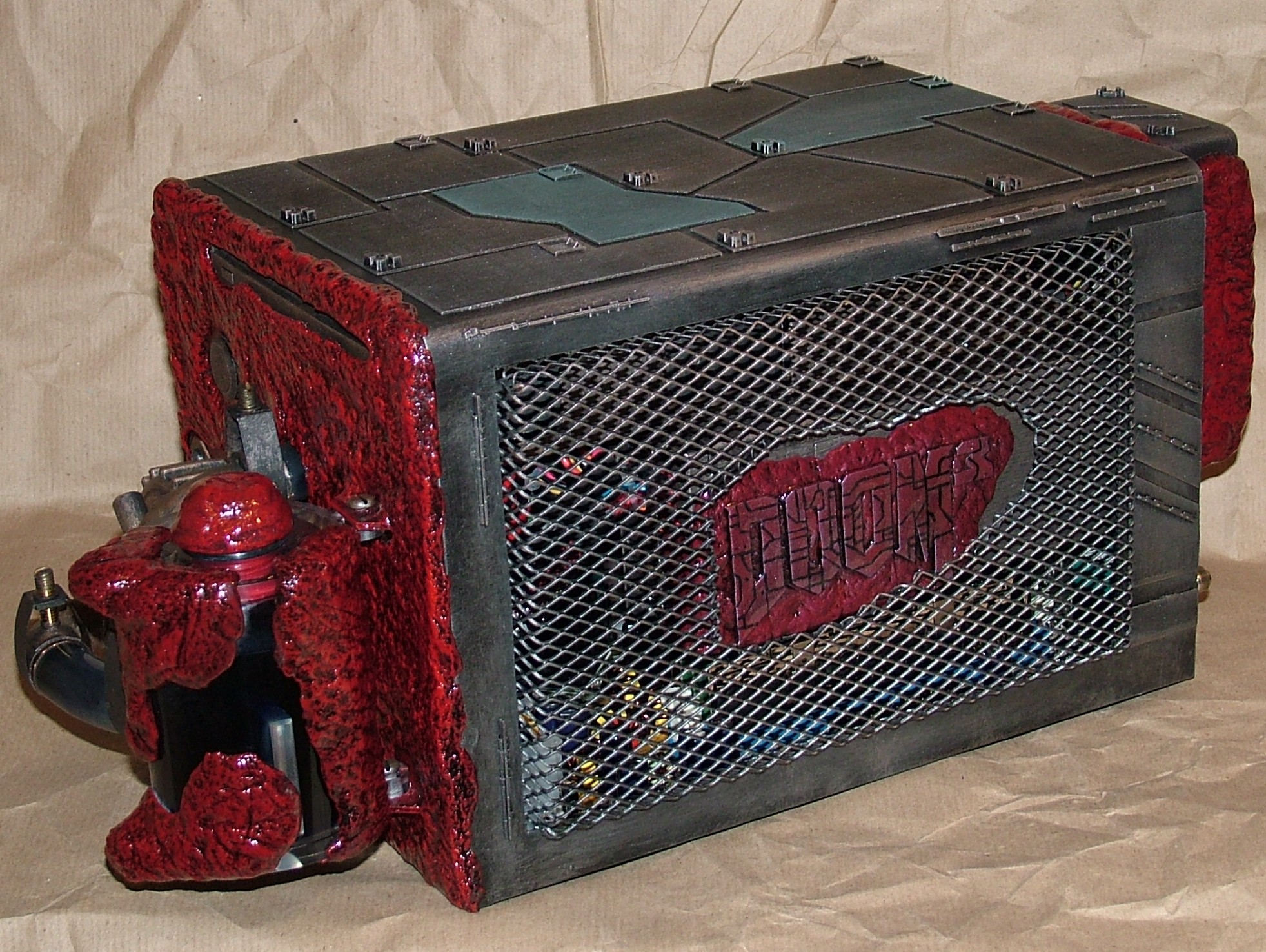
So here it is almost exactly two months after the start.
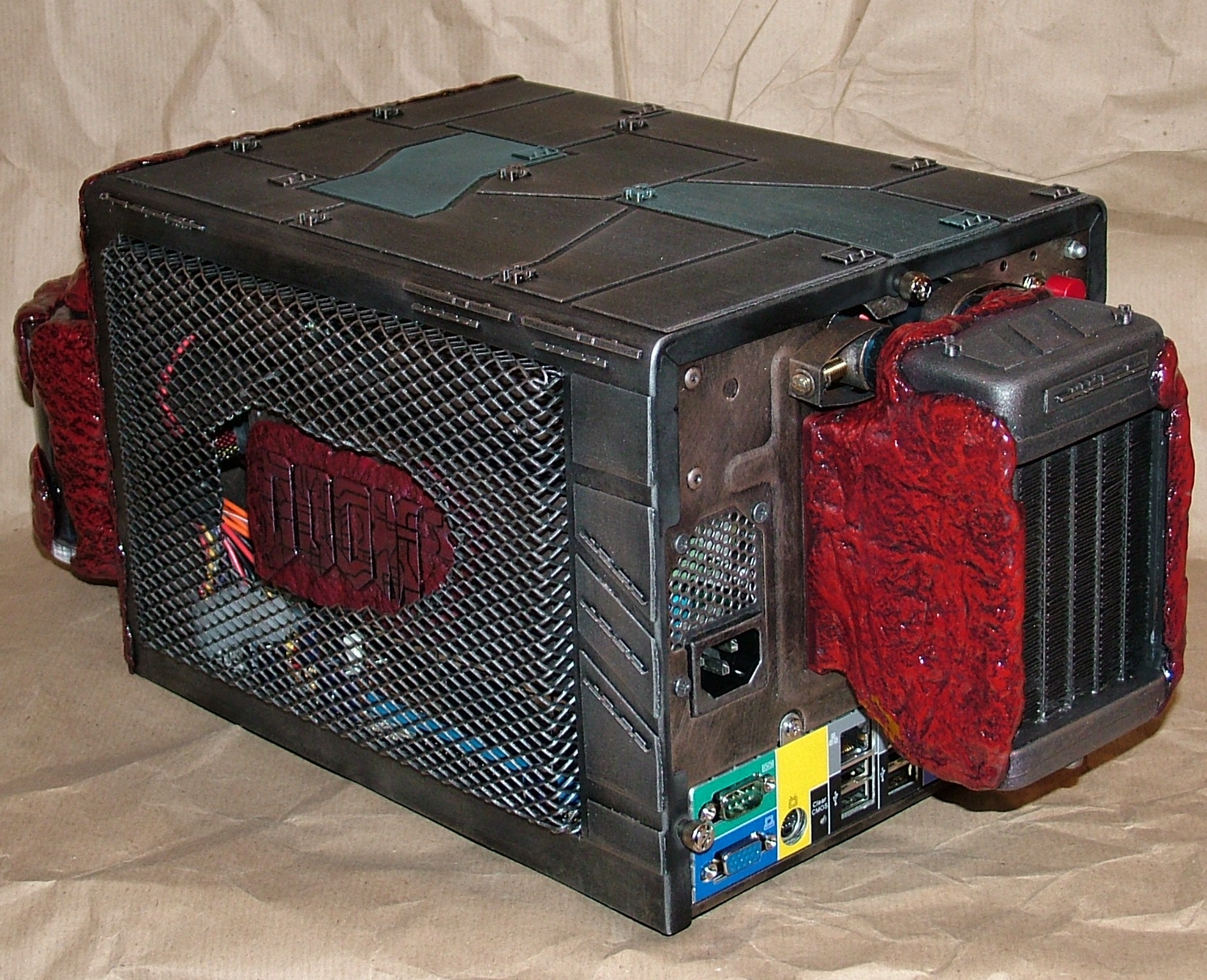
As for time spent I don’t know, a few hundred hours as always probably.
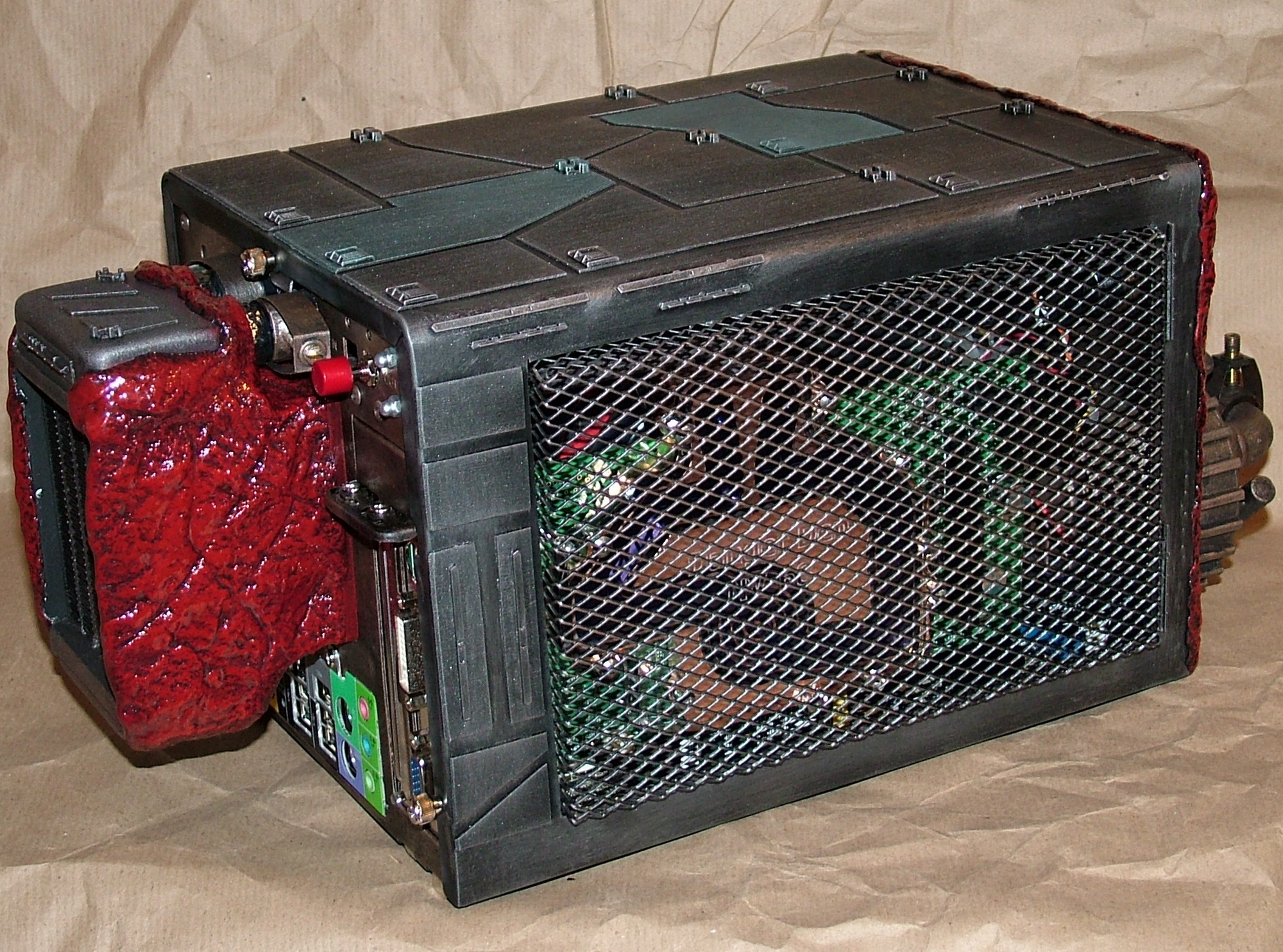
Oh, here you can see the pushbutton to select fan speed. With no overclocking it appears the silent setting is good enough for games.
And the money shot at last. There are two wallpapers based on this picture on next page.
Part 13
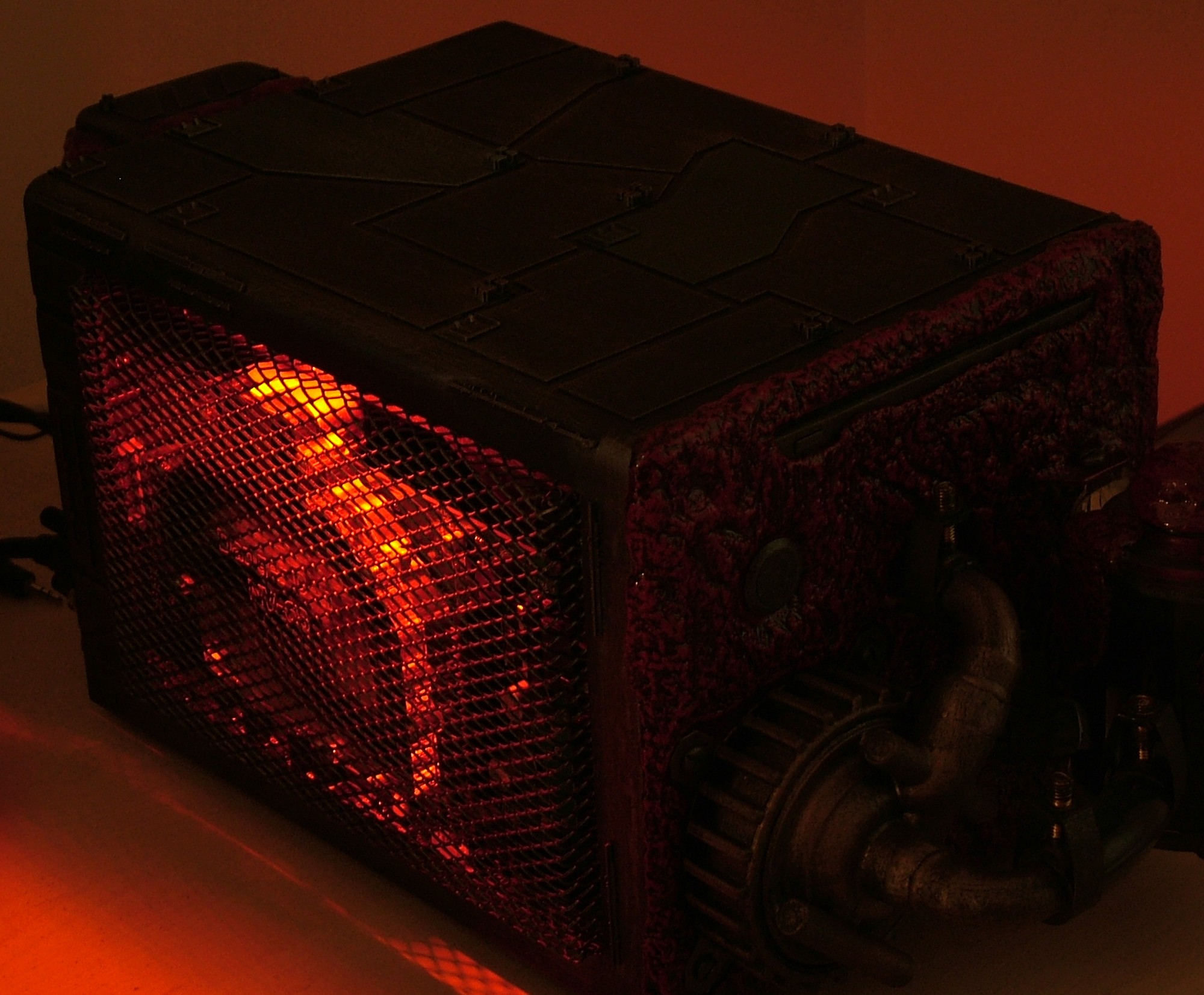
First off a night shot.
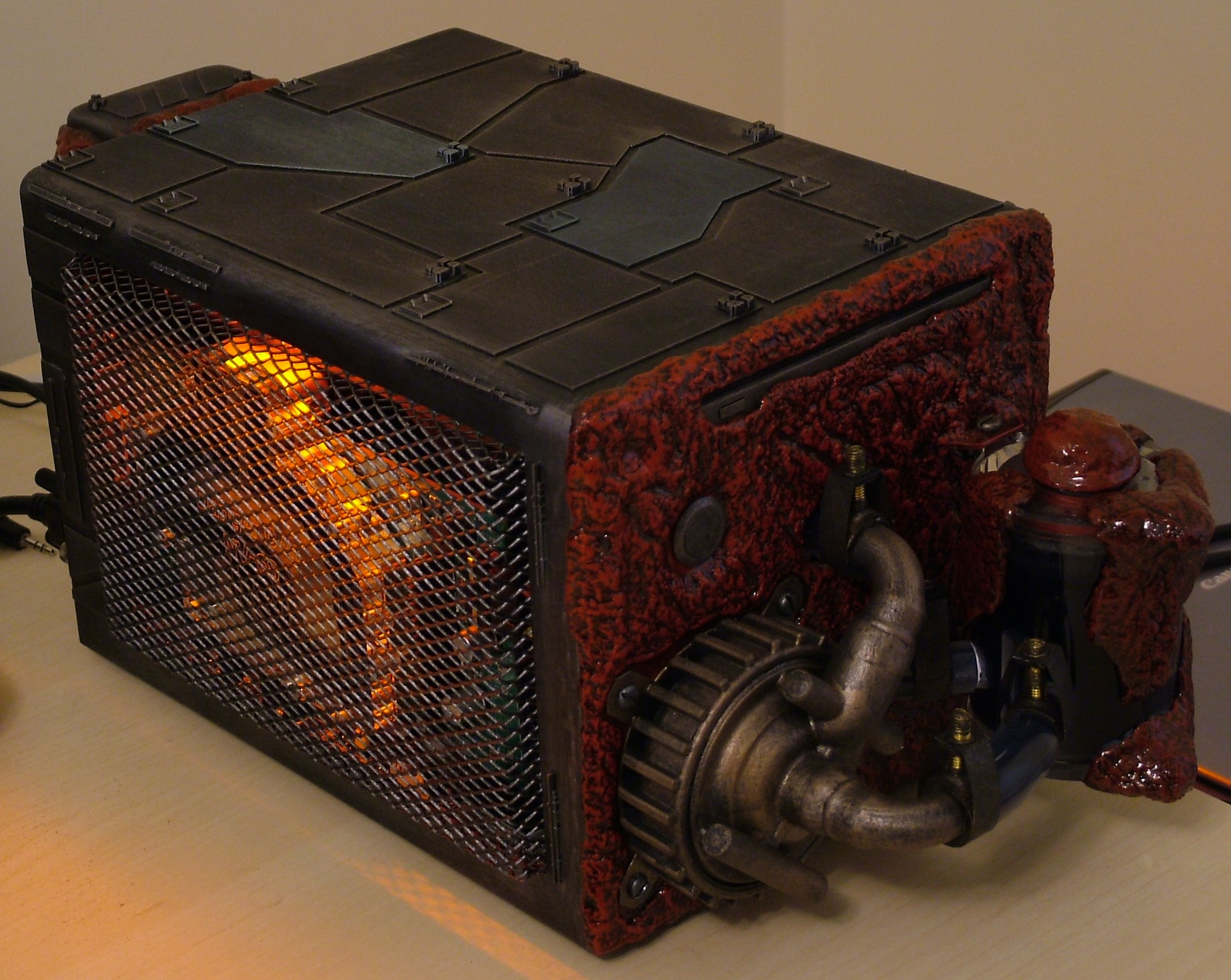
Then during normal light but no camera flash. The light is a lot more red than the camera want to show.
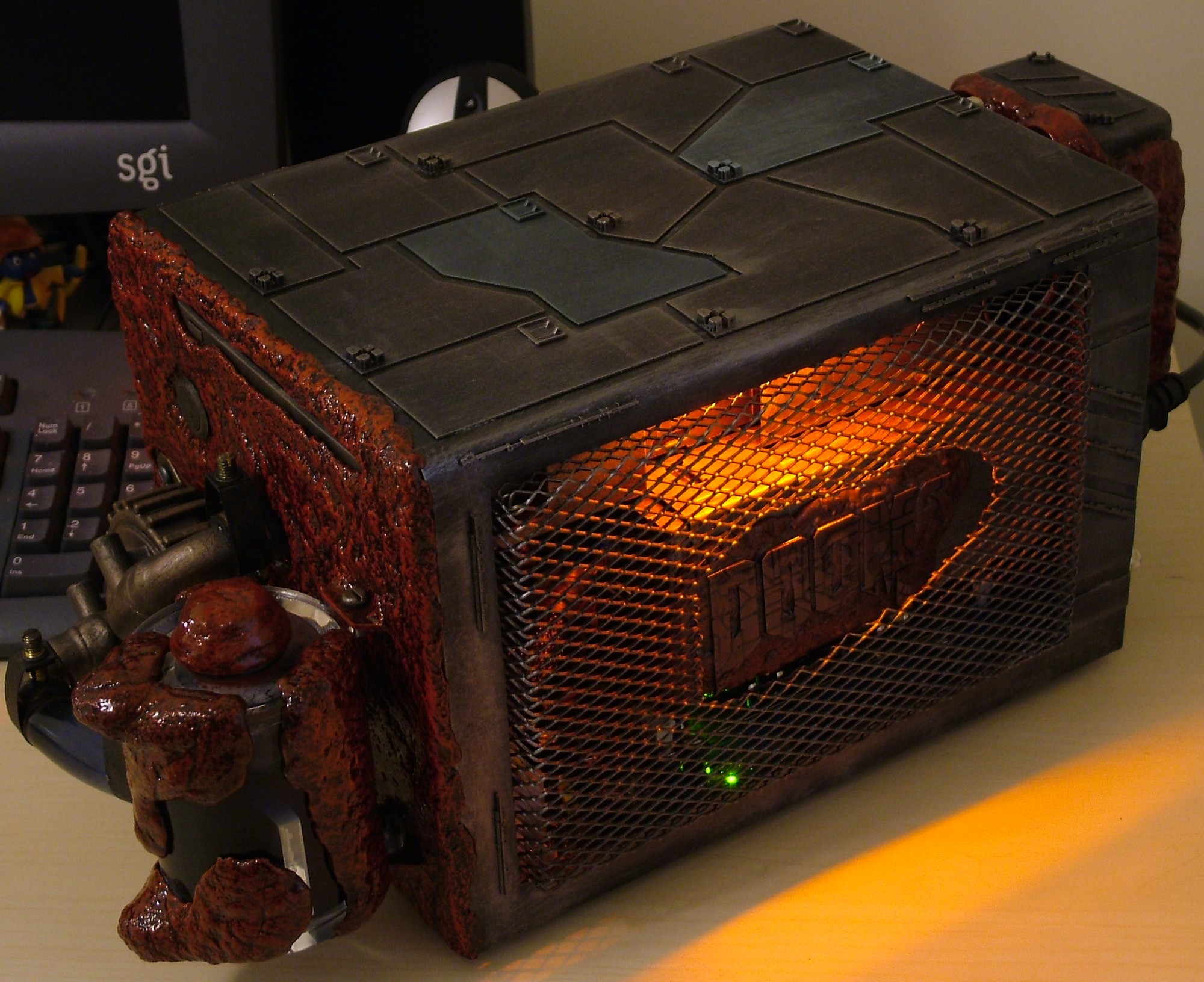
The other side, showing off the logo, still no flash.
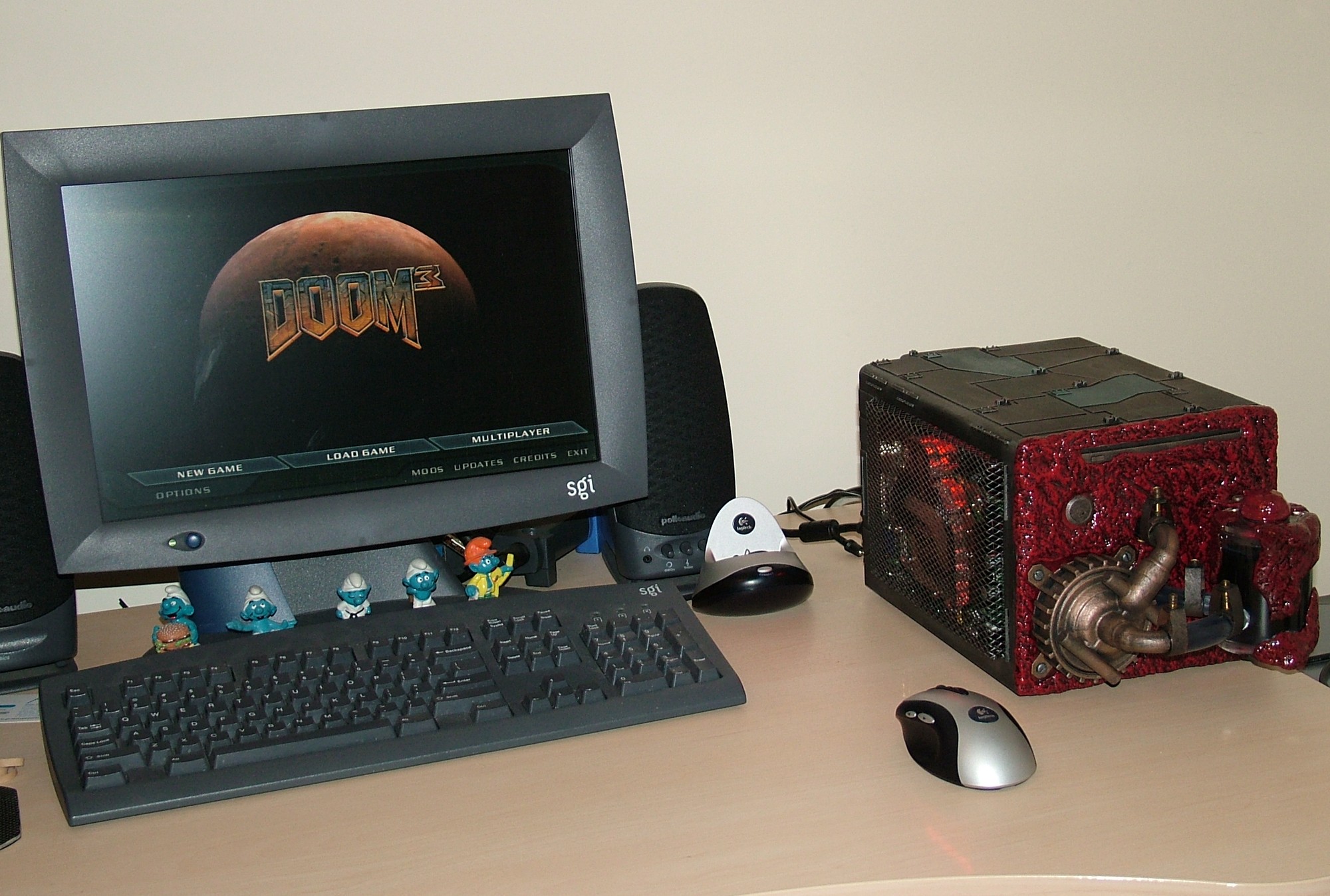
And at last the new home for this case, taking the position used to be held by Oenone.
As promised earlier here you can download the wallpapers:
Until next time have fun.