

Worklog · 2002
Oenone
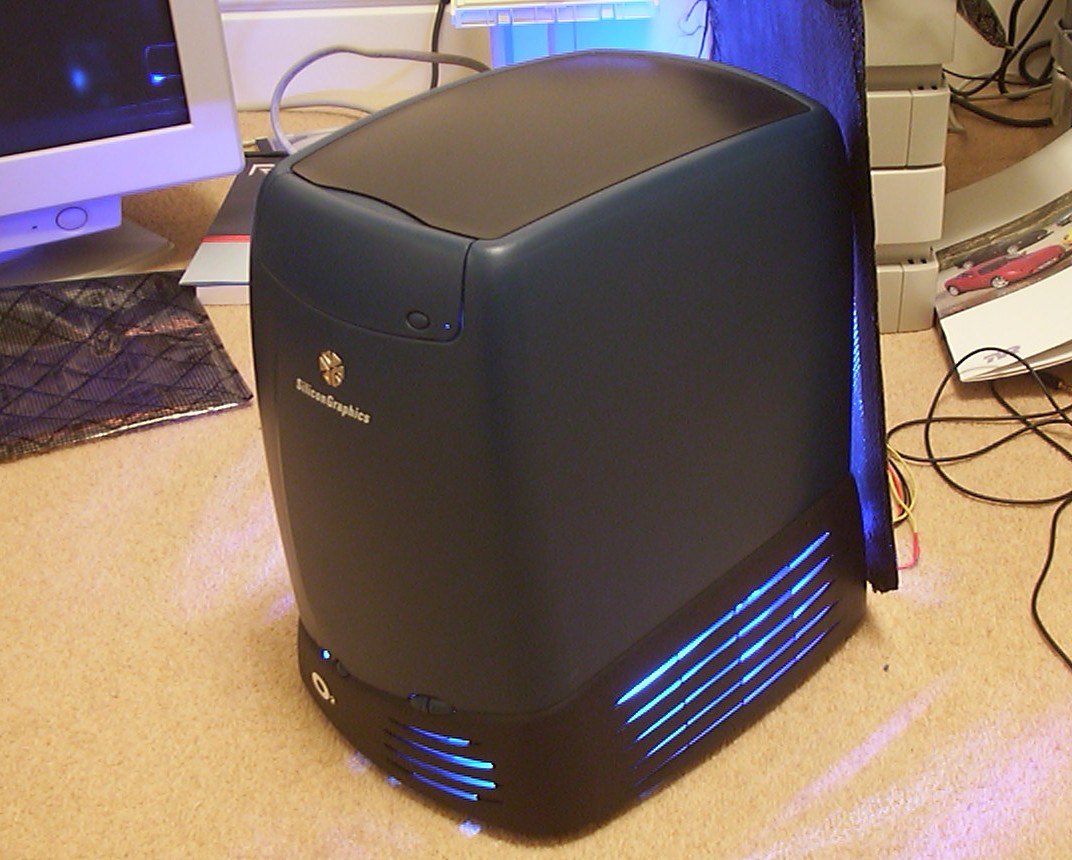
A 1996 Silicon Graphics O2 workstation converted into a gaming PC, with a custom carbon fibre chassis and a graphical VFD.
- CPU
- Intel Pentium 4 2.4 GHz
- Motherboard
- Intel D850EMD2
- Videocard
- ATI 9700 Pro 128 MB
- Case type
- 1996 Silicon Graphics O2 conversion
- Purpose
- Competition entry
- Year
- 2002
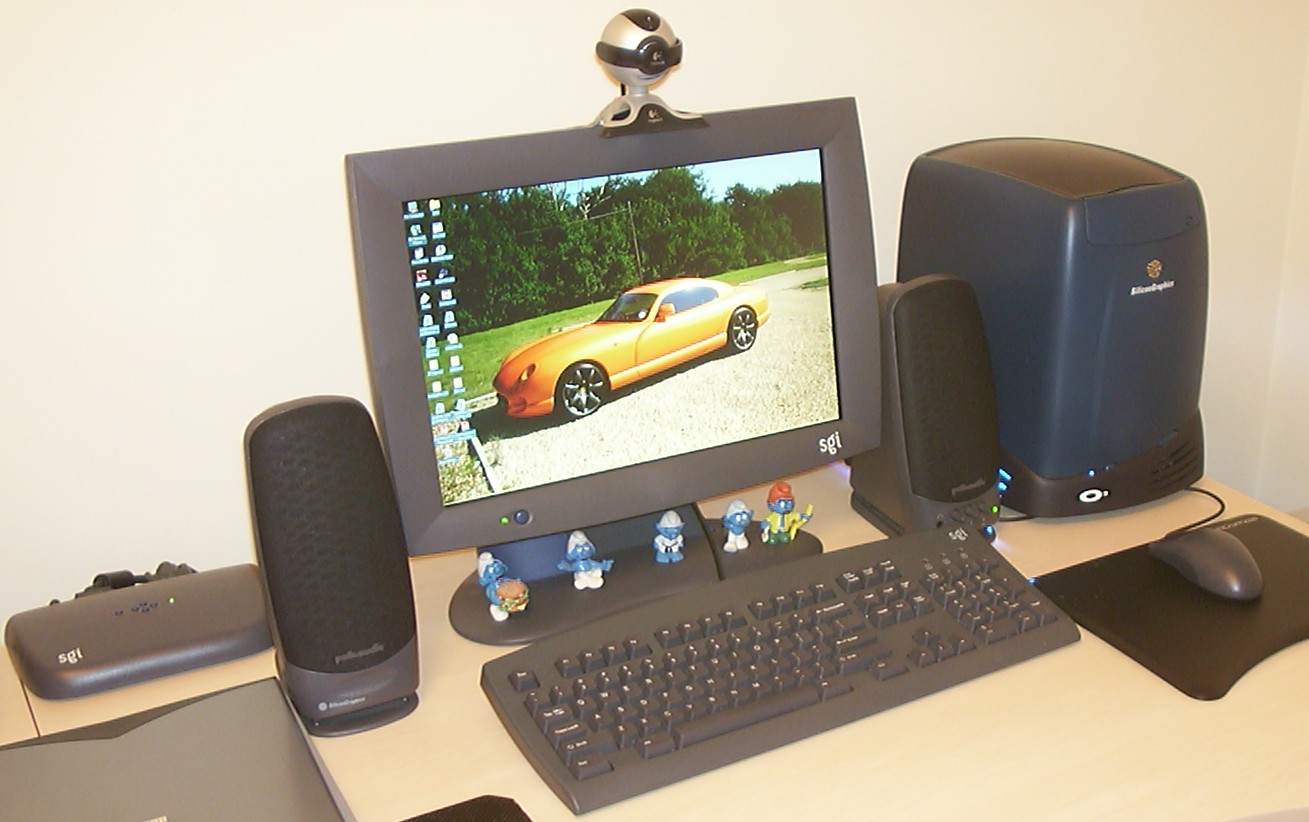
This project is about converting a 1996 Silicone Graphics O2 workstation with an original 17.3" widescreen LCD monitor to a gaming monster.
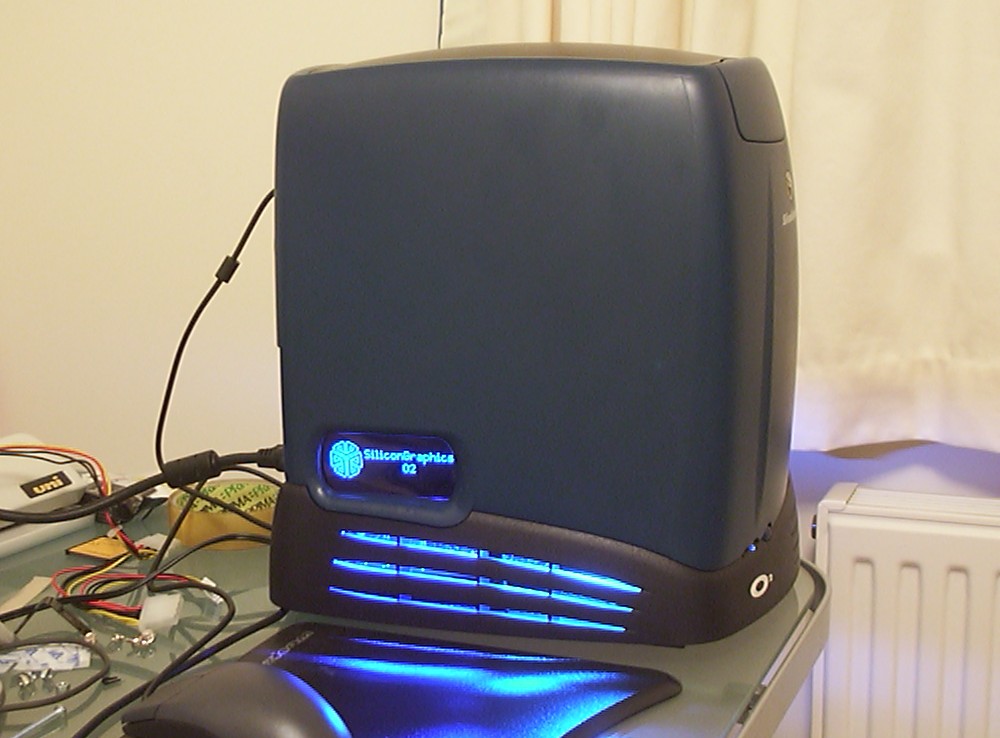
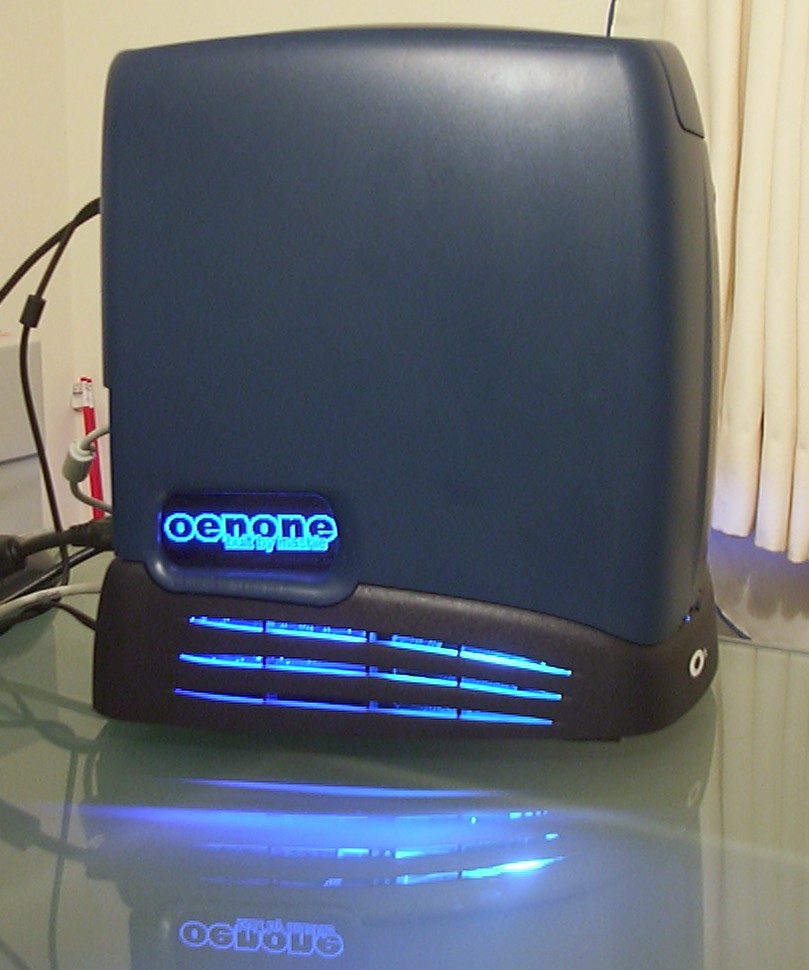
Externally, the only hint of a modification is that the audio and video ports on the left hand side has been replaced with a dark blue piece of plastic. When powered up, blue light will flood from all air intakes and the dark blue piece of plastic will reveal a Noritake graphical VFD. The most significant modification however can only be seen from behind.
A new chassis made out of Carbon Fibre…
Part 2
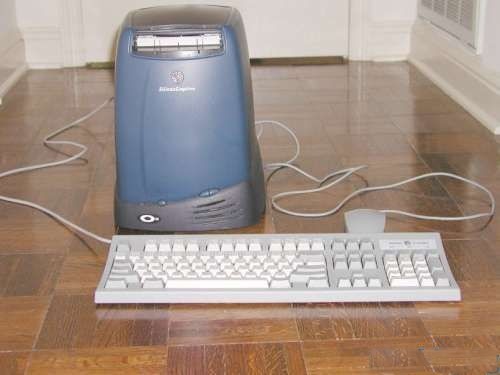
This and the following picture is taken by the seller on Ebay showing a nice empty O2 case.
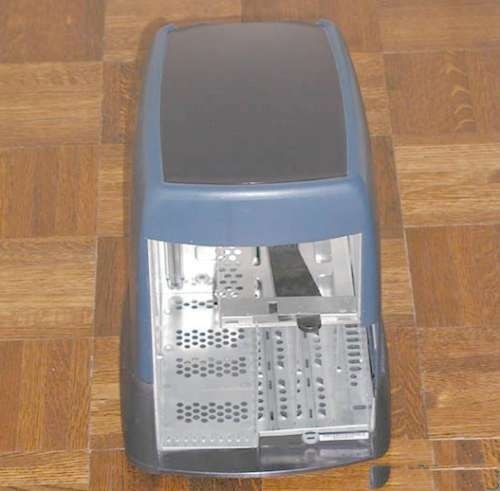
After I received the case I understand why it was sold empty, it must have been dropped while a full system was installed because the steel structure was all bent inside. Luckily I didn’t plan to keep that part of the case anyway so bye bye bent pieces.
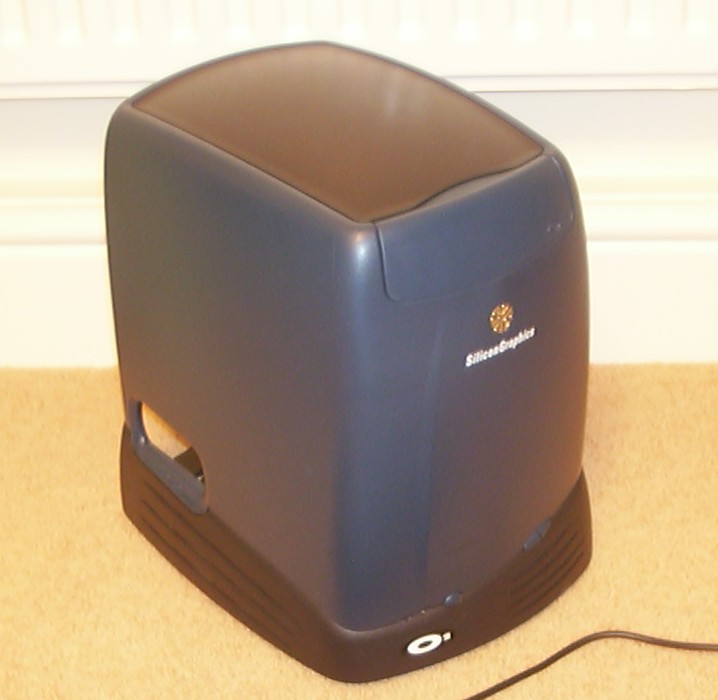
Here the plastic parts have been liberated from steel and a new front cover for the DVD-ROM has been received from Reputable Systems.
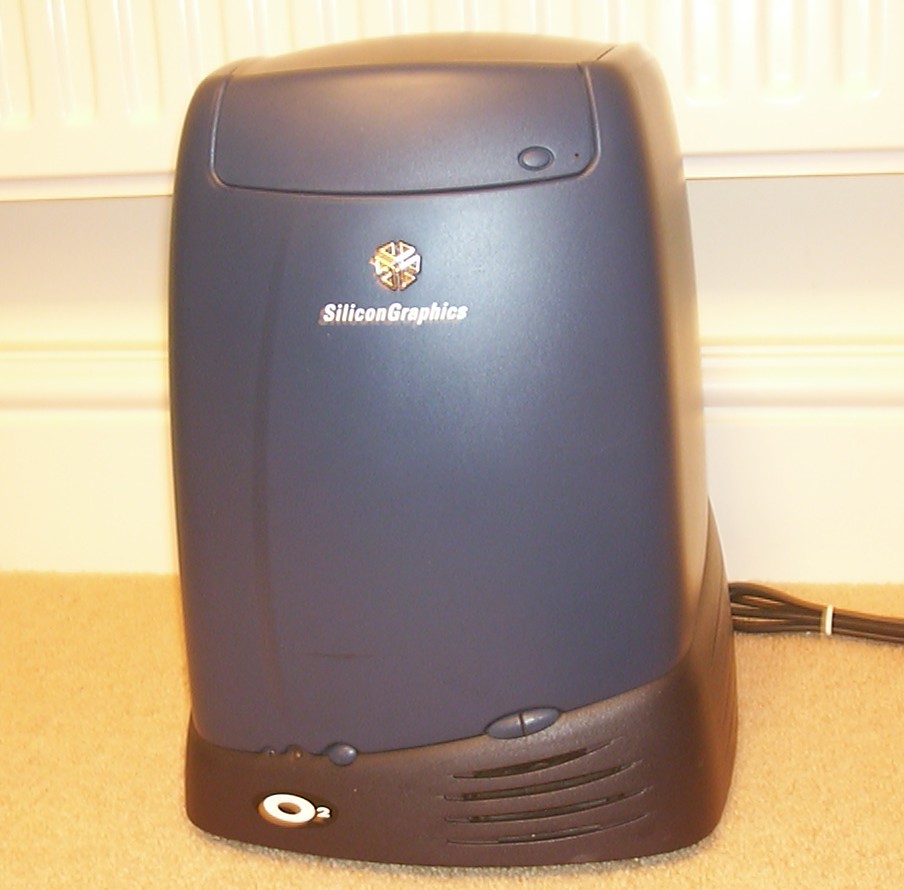
A full front picture, you can see some marks and dents here and there.
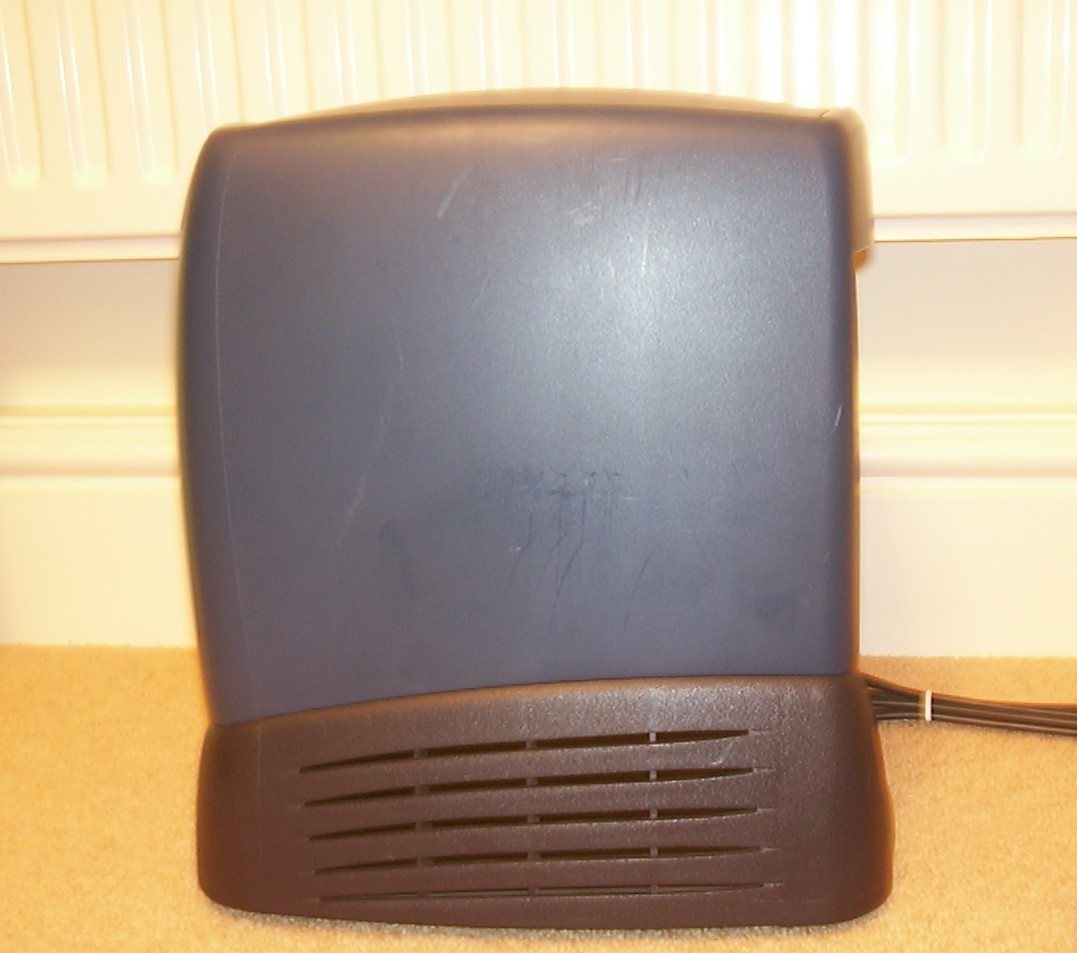
But they are no major worry and will be dealt with later. Just enjoy the lines, Silicone Graphics are amazing at designing hardware to please the eye.
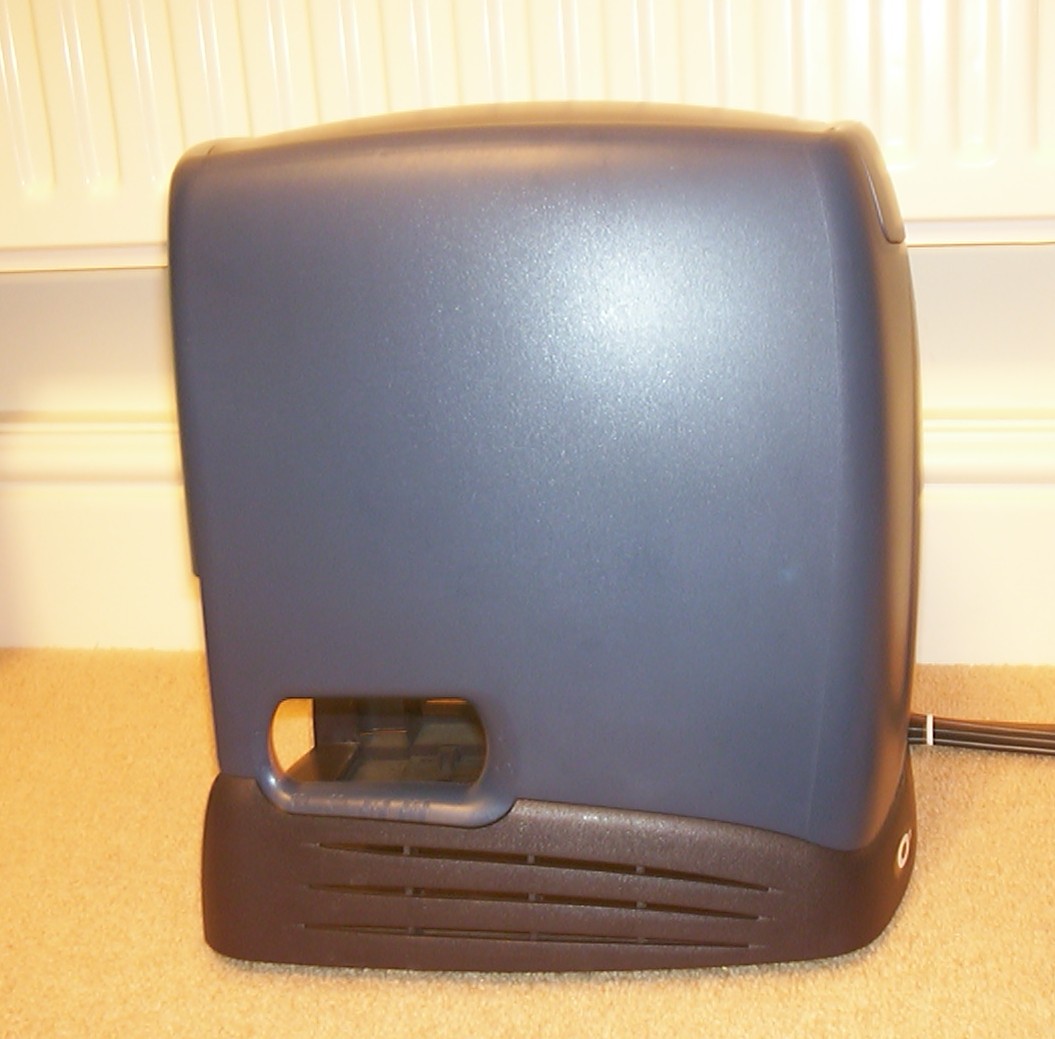
The empty hole used to host audio and video ports, now it will hold a Noritake Graphical VFD instead.
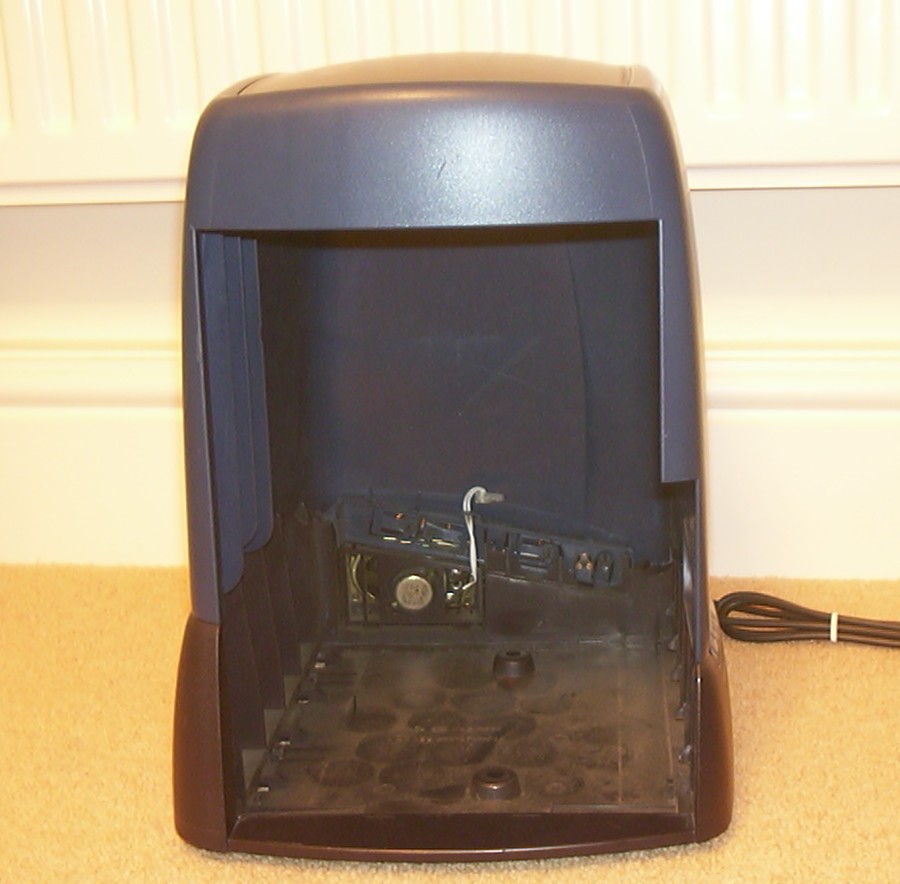
And here it is, the space, nothing but air and dust. It is good to know that it is just a matter of time before it will be some sweet hardware installed instead.
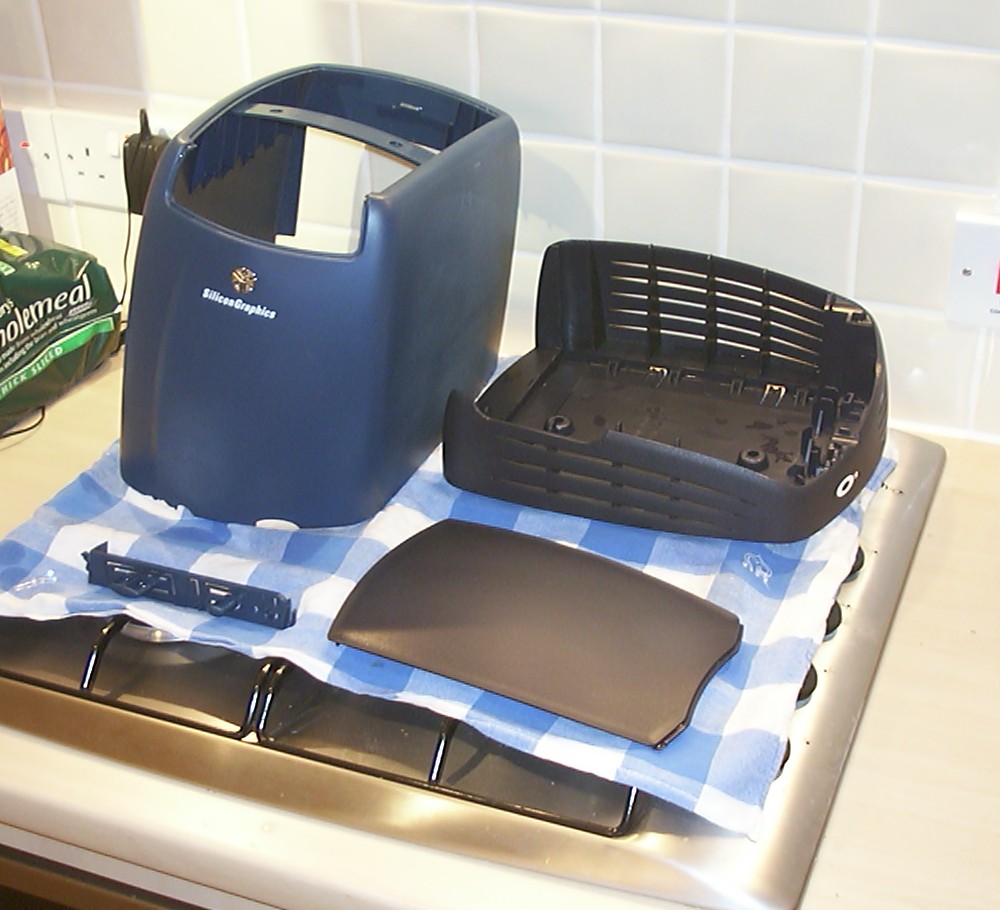
All parts have been washed up and are drying.
Part 3
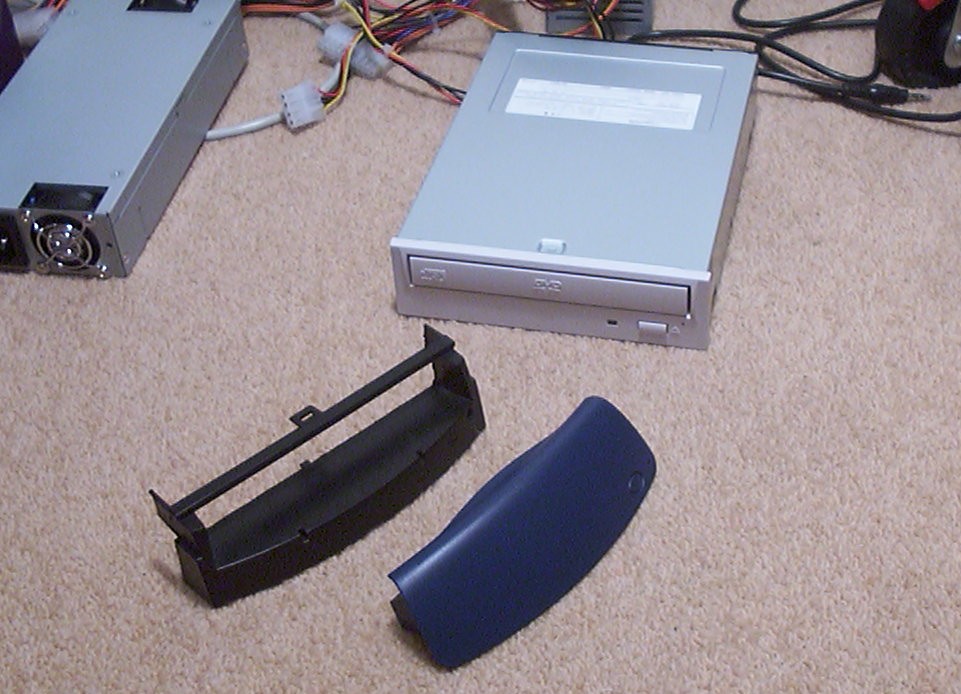
Today a big box arrived from So-Trick Computers. One of the major parts in it was a 16X Toshiba DVD-ROM. The reason I went for a Toshiba was because the original CD-ROM used in the O2 was made by them. With a bit of luck I was hoping that they still used the same hardware configuration so that the O2 specific parts that used to sit on the original SCSI CD-ROM could be used again without any major modifications.
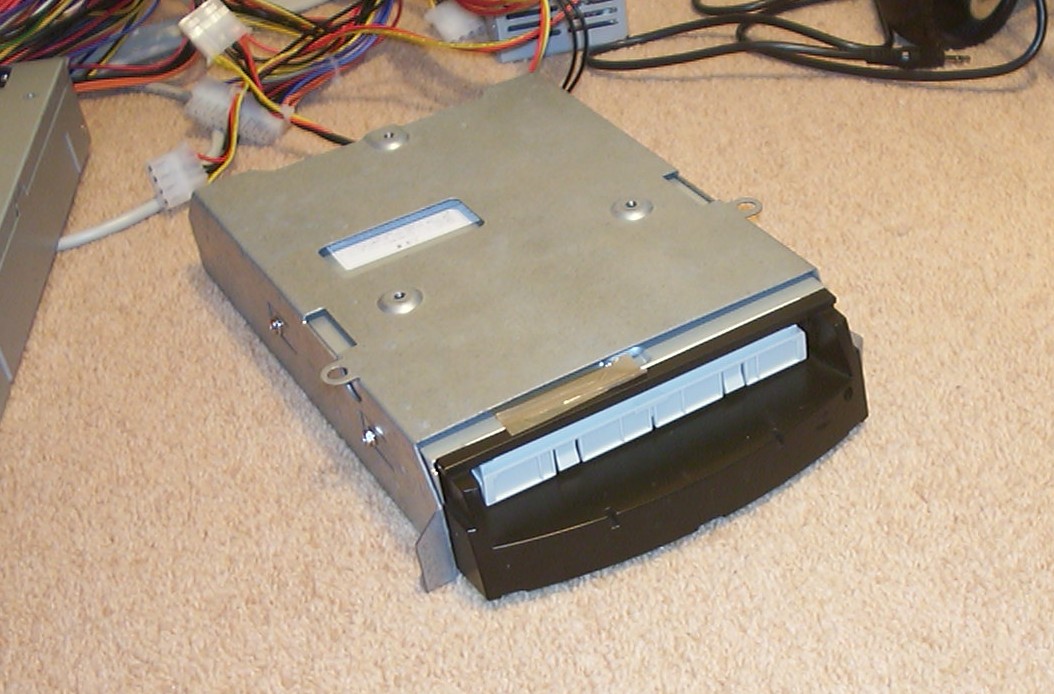
After some adjustments with the Dremel, the inner front was in place. The extension rod for the eject button was extended 2 mm to function properly.
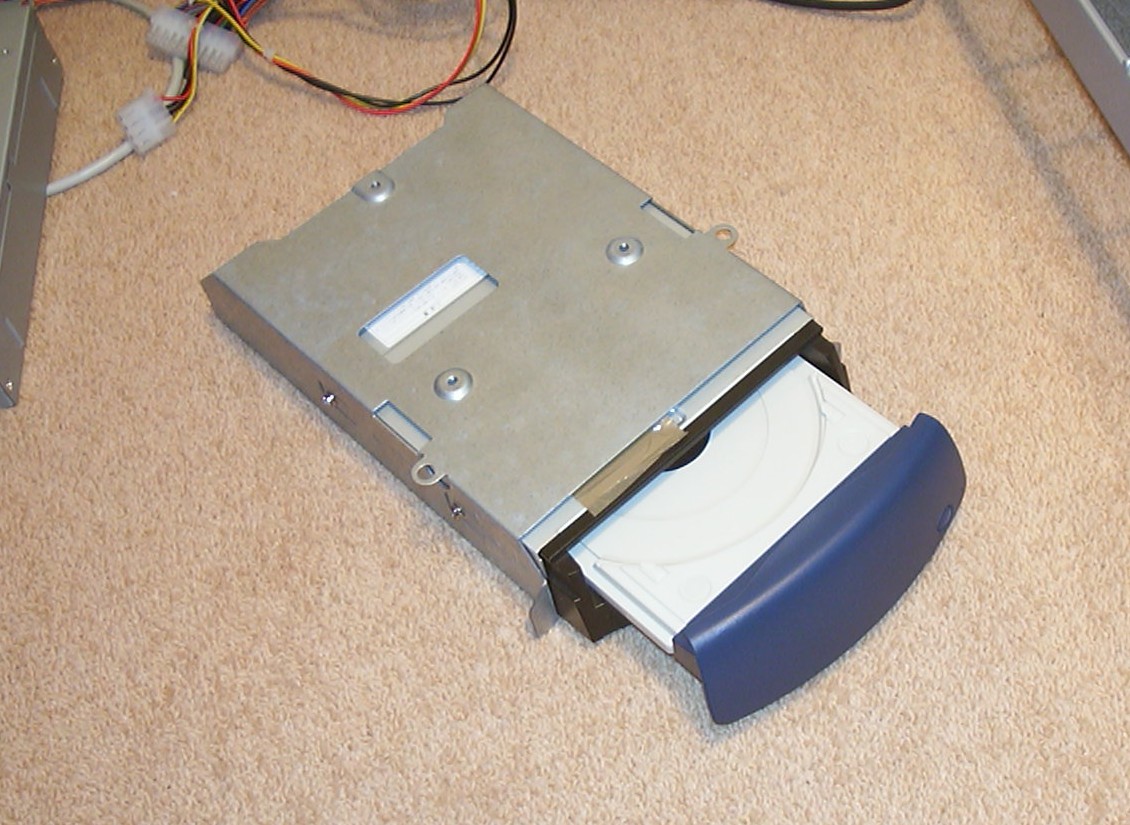
Here I was really lucky, the mechanism to lock the front to the tray was unchanged, just unhooked the Toshiba front and put on the correct one.
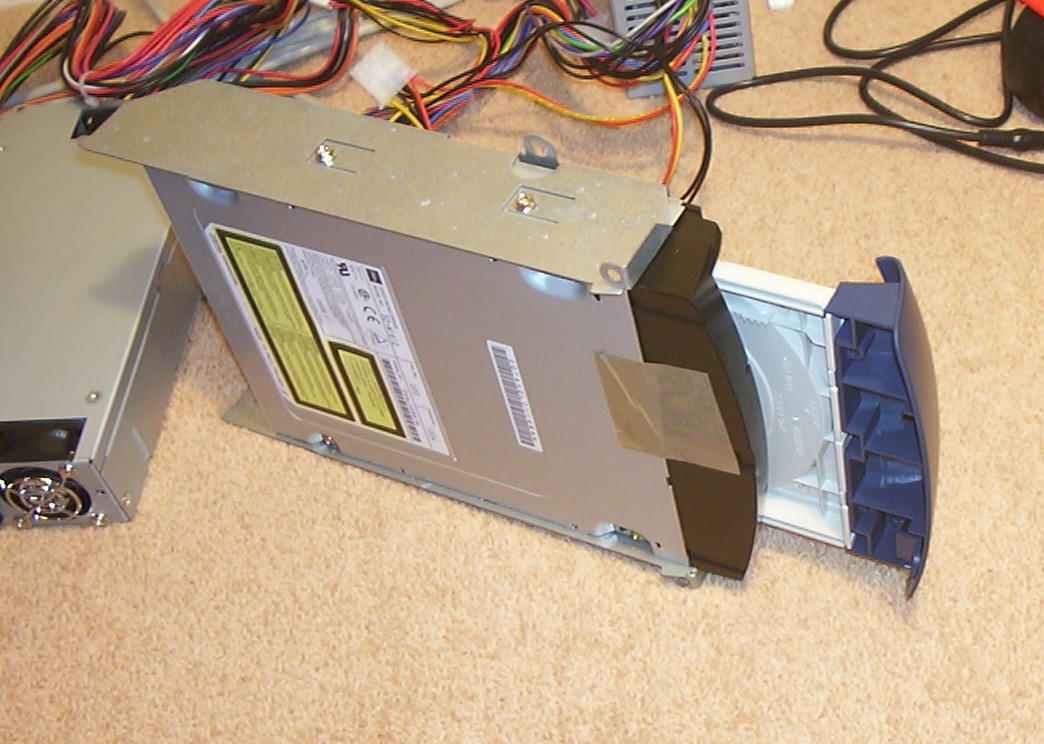
It is always nice when something can be done smoothly without any major incidents.
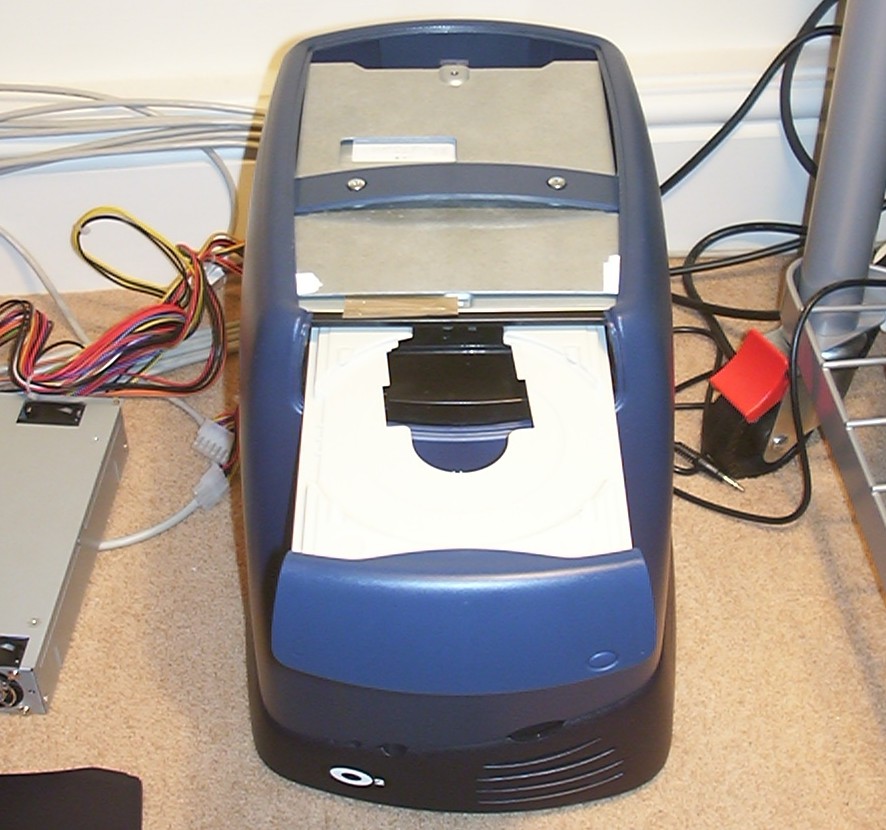
The drive is temporarily mounted to test so everything is lined up properly.
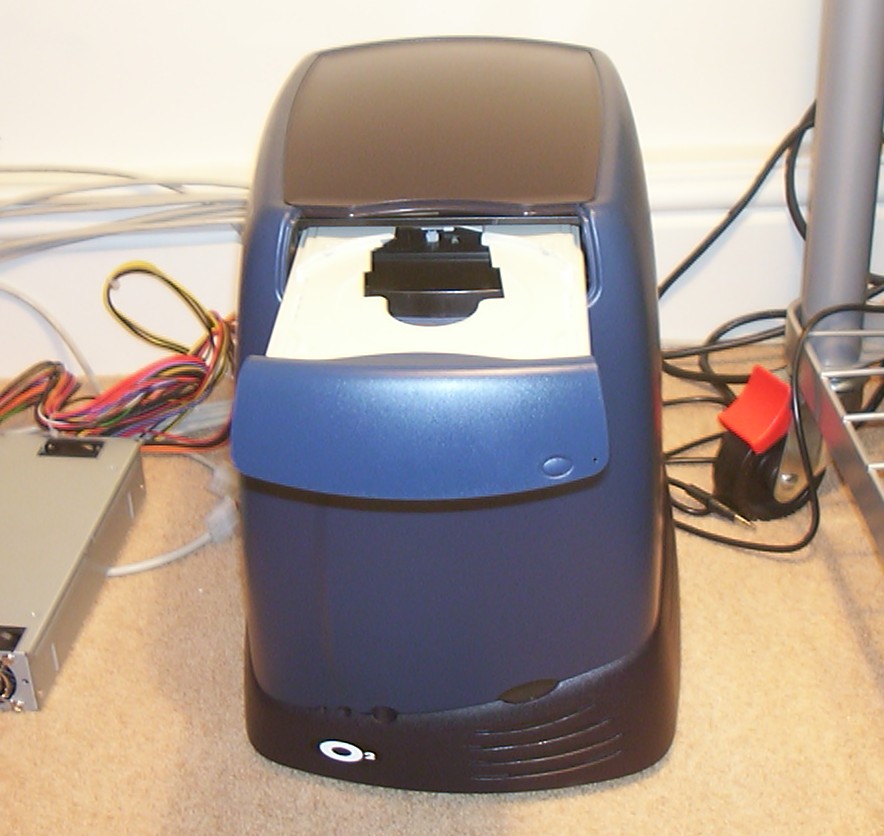
And with the top cover on.
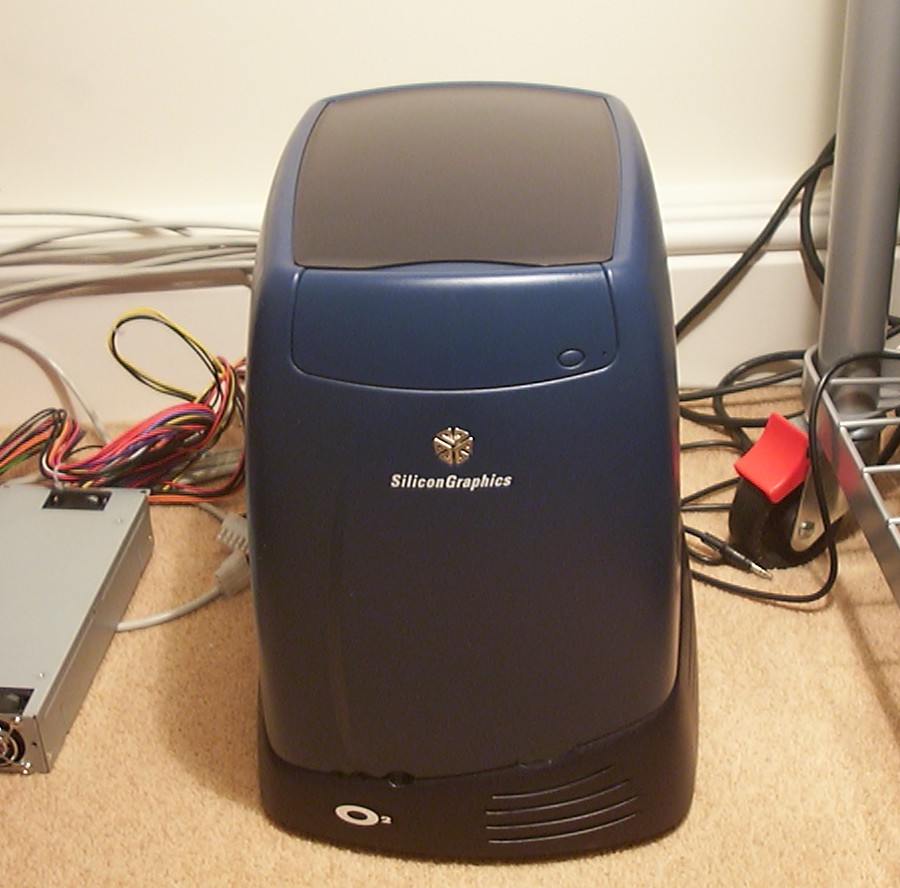
A perfect fit and the eject button is working as if nothing has changed.
Part 4
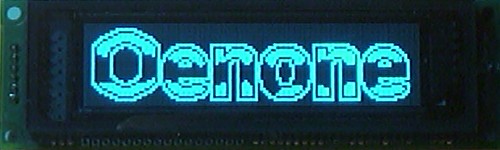
While waiting for parts to show up I tested the Noritake graphic VFD that will be mounted in the hole on the left side of the case. With 4032 bright pixels to play around with a Oenone logo was quickly built in LCDC, I’m not 100% satisfied yet so it will most likely be changed later.
No question about what graphics card that will be inside, thank you very much for your support ATI.
One more familiar logo describing the content of Oenone.
Well the computer was built to run this game so why not make a logo.
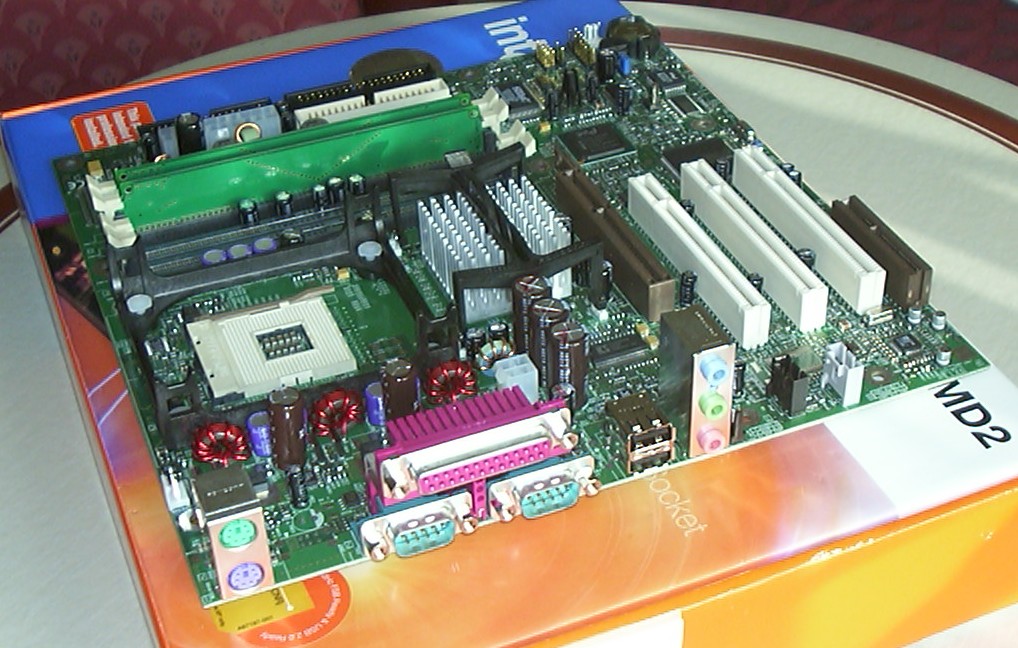
One little Intel D850EMD2 with far to many useless ports on the back.
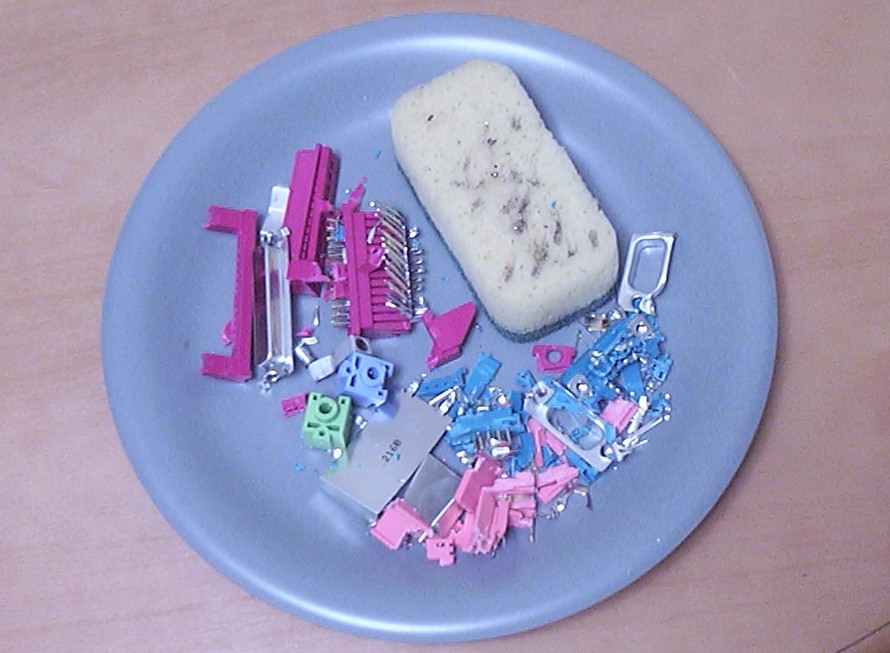
So after a little bit of violence and soldering.
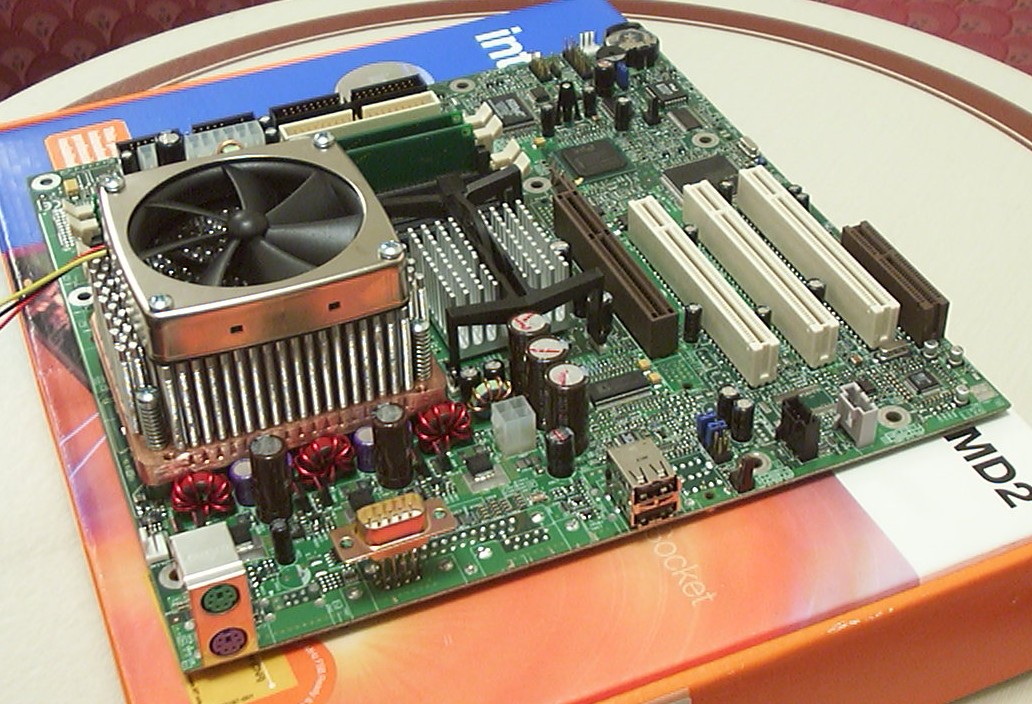
The motherboard is much much cleaner. The Swiftech MCX-4000 had to be modded too so it could fit (one row of aluminium pins removed).
Part 5
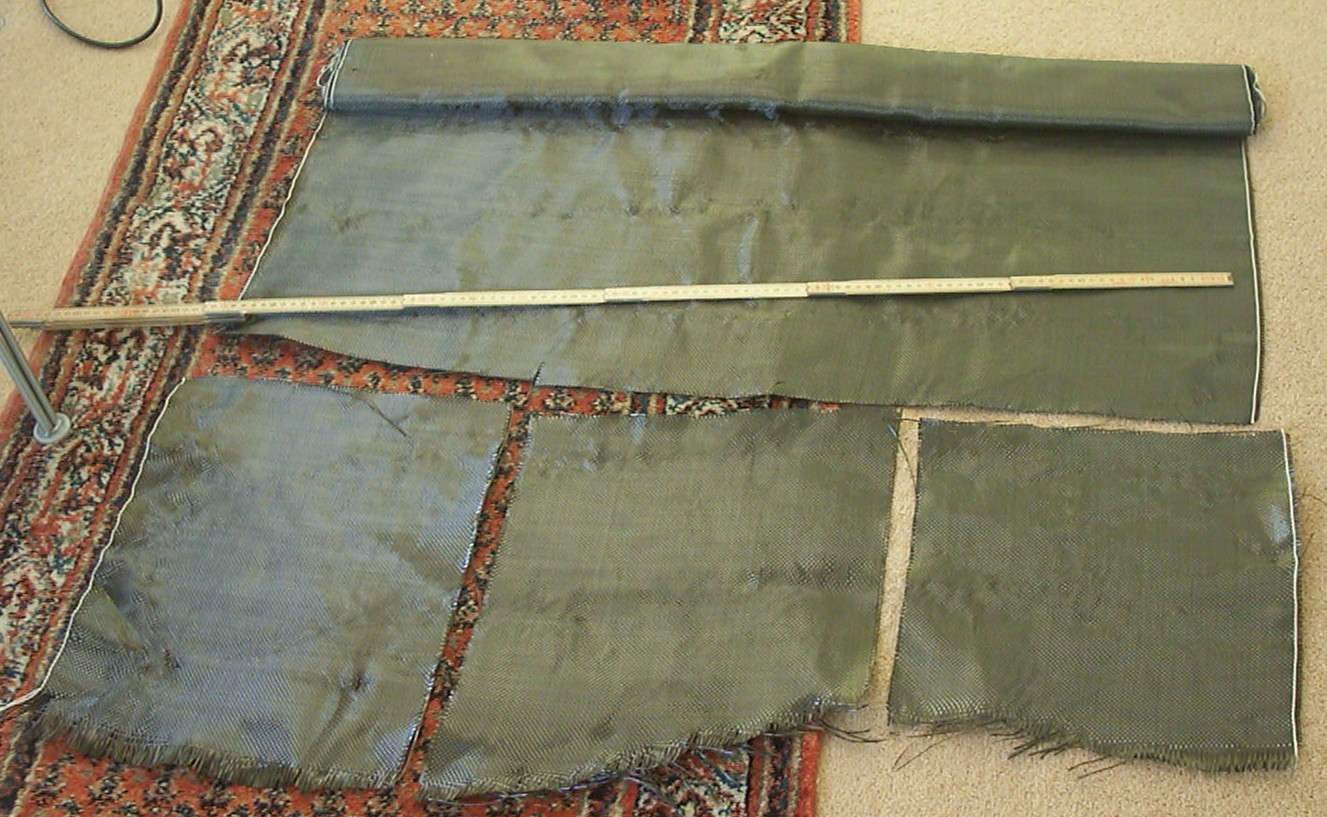
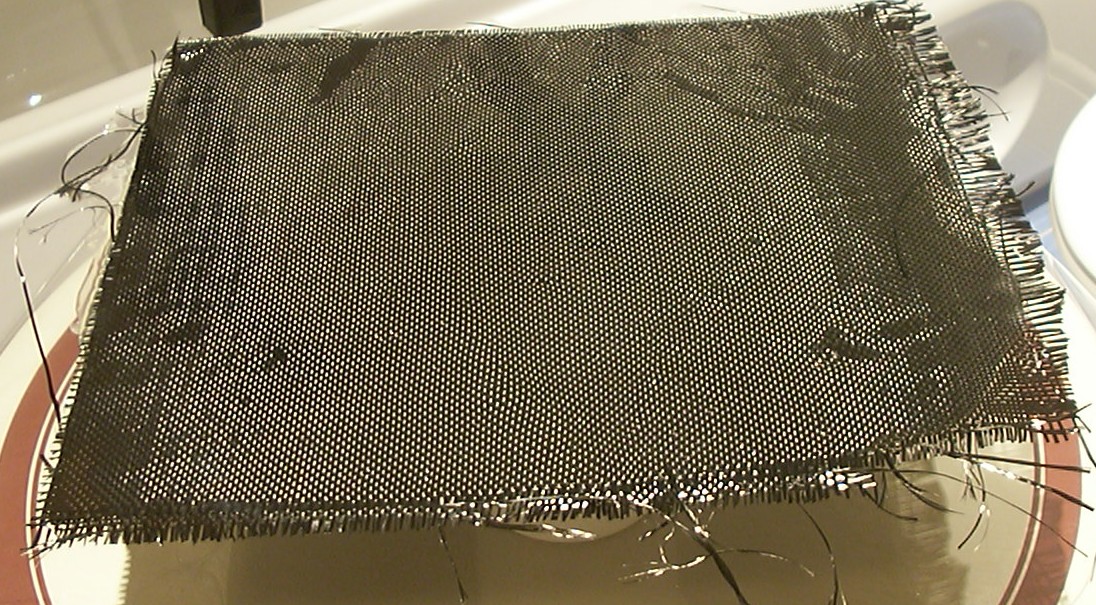
This is a very interesting material, more precisely Carbon Fibre fabric.
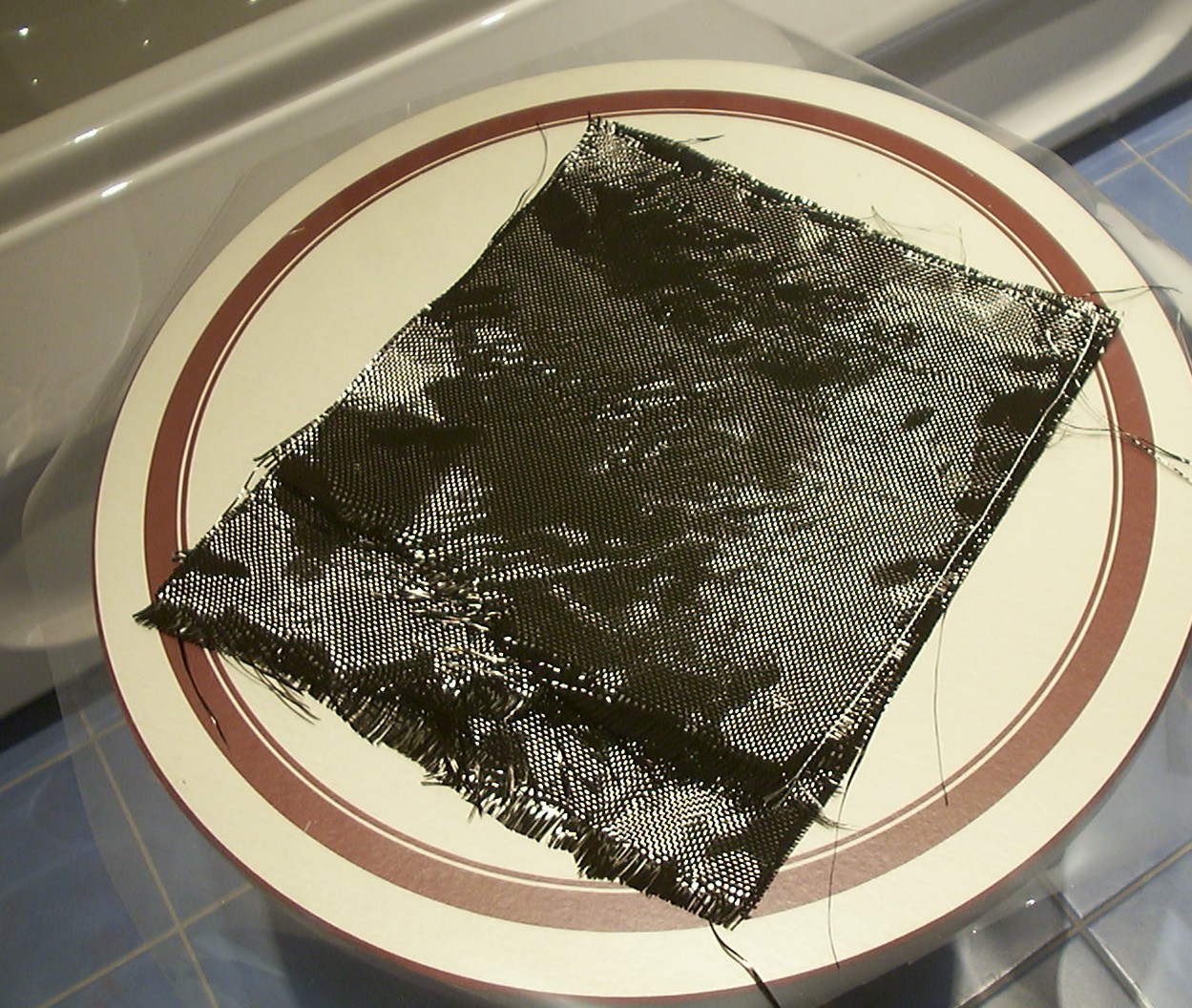
It is first with proper lightning that you can see the full glory of this space age material. The three pieces cut out will become the motherboard tray. Right now they are waiting for the West System epoxy resin to be mixed and applied.
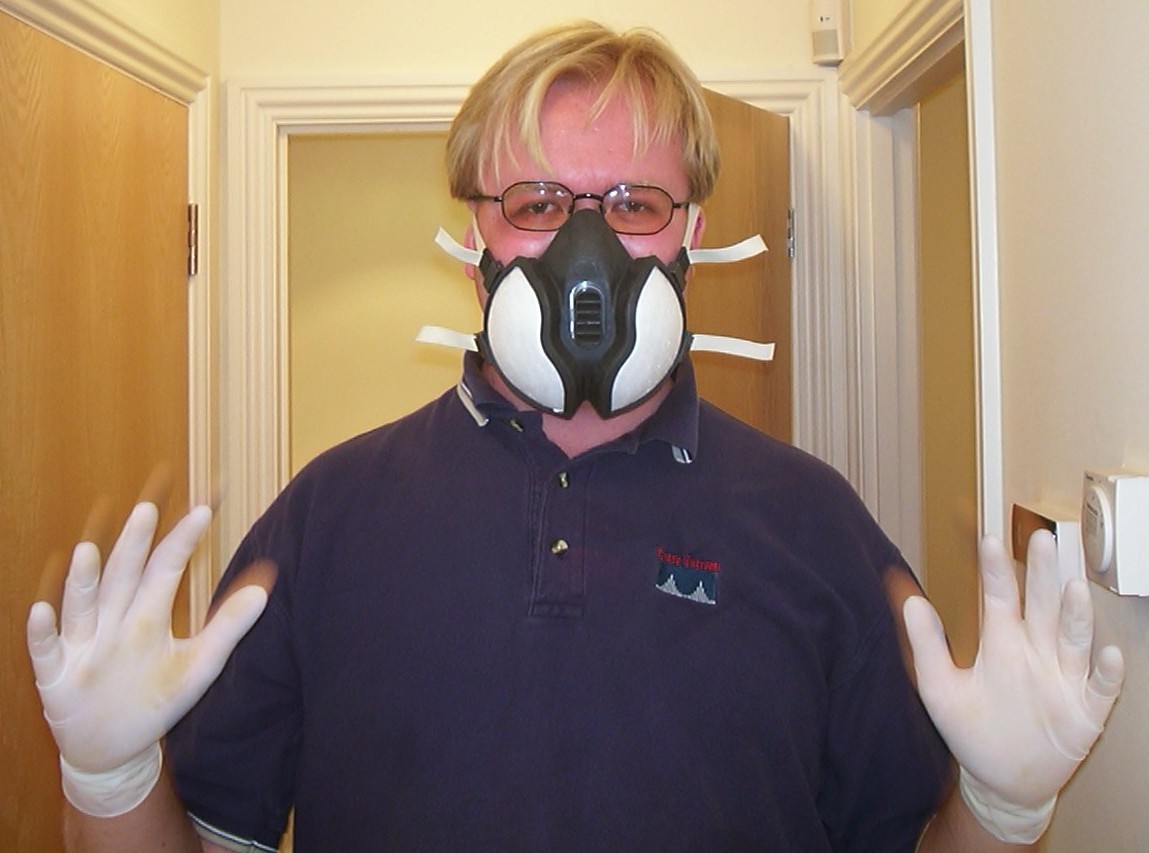
I was expecting the worst regarding fumes before I mixed the epoxy the first time. Funny thing was that when I removed the respirator after the job was done I realized the epoxy was almost odorless. So from then on I only used Latex gloves for protection when working.
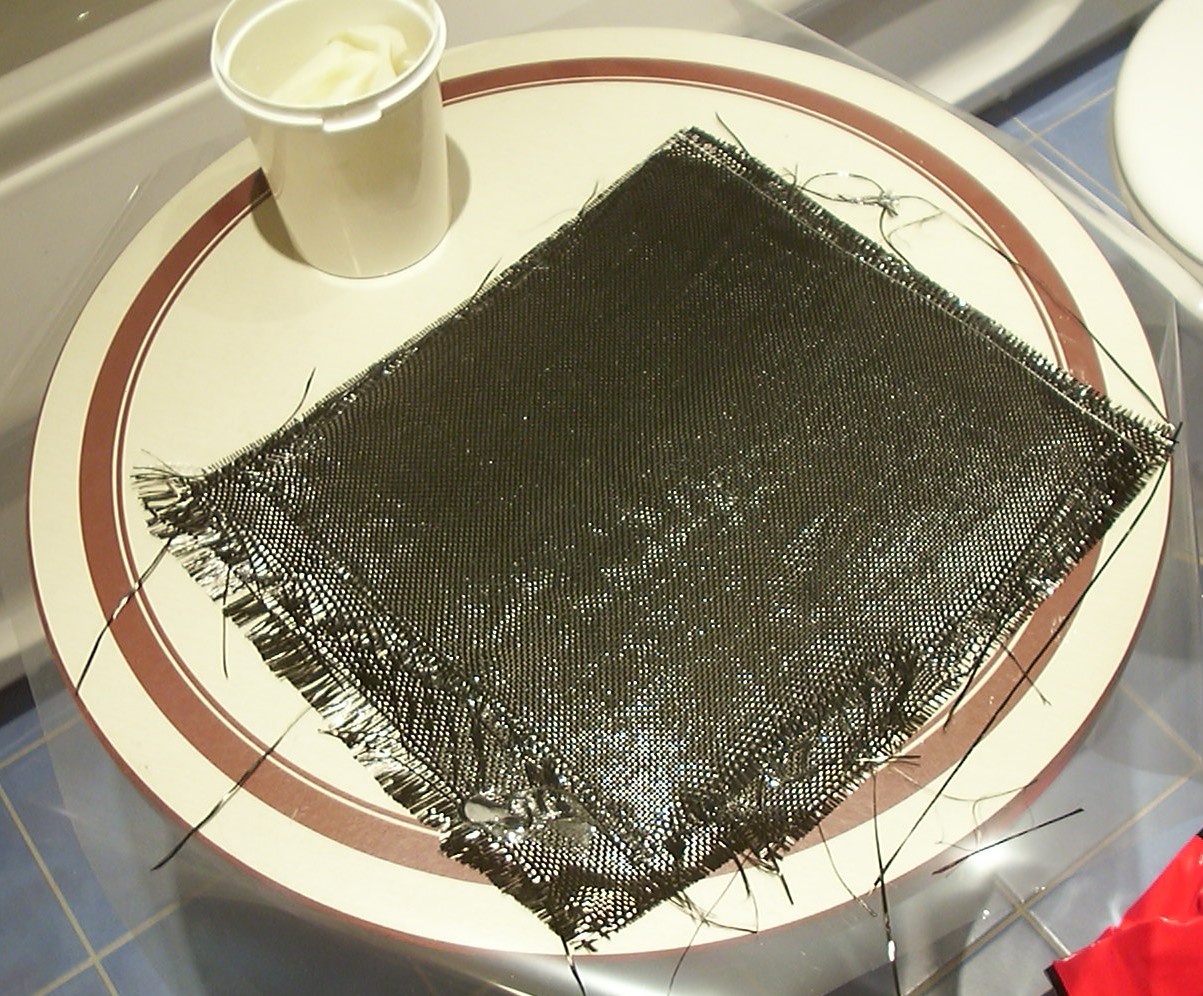
Four thin layers with epoxy and three layers with carbon fibre fabric waiting to get dry.
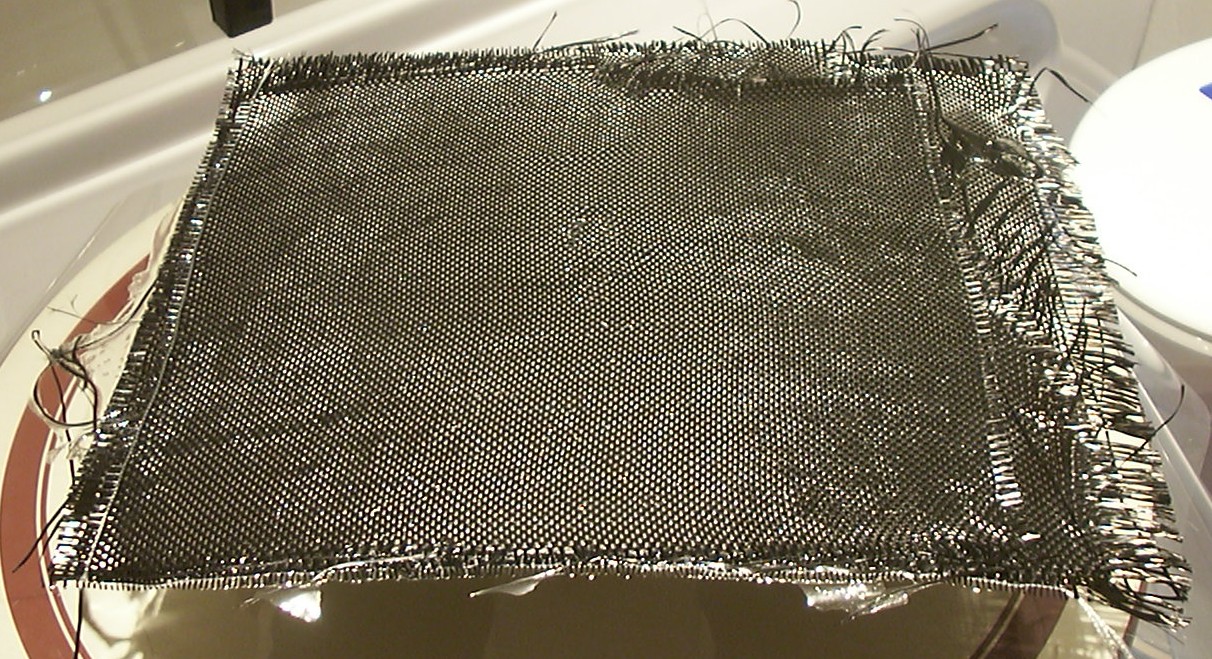
The epoxy resin has dried and this is the result on the rough side that was facing up.
This is the other side which is more like a mirror (which I bet you can’t tell from the picture though).
While the aerosol wax was drying on the next mould I tested out the lights provided by the nice guys at Kustom PCs. Four 4" blue CCFLs gives a really nice glow.
Part 6
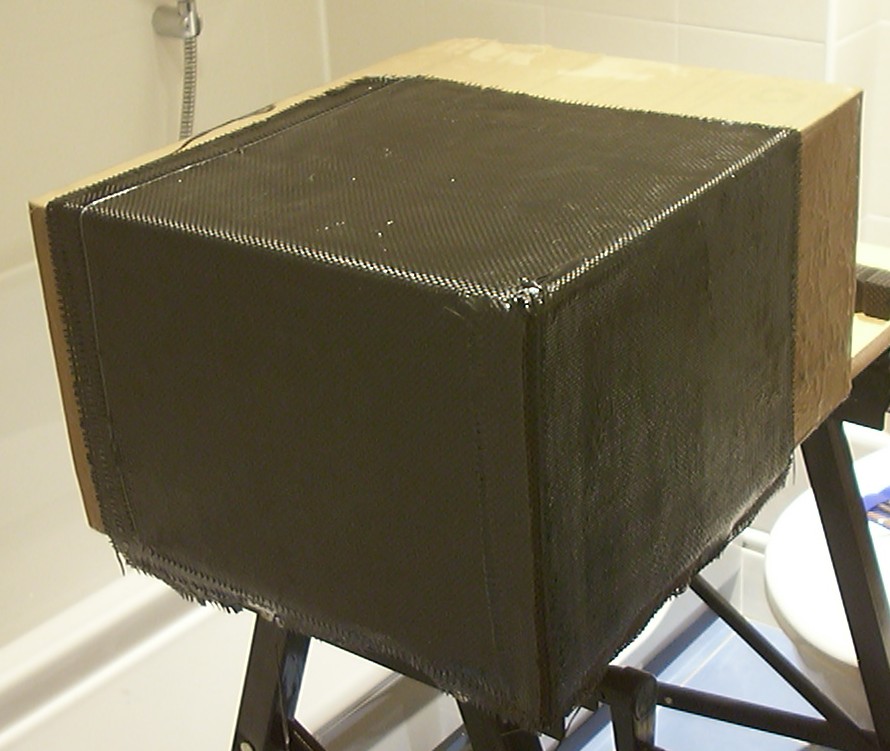
Time for the main internal structure, a cardboard box had to do as a mould and did so quite well after five or so layers of aerosol wax. Three out of six layers are added. Since this is the first time I play with this stuff things simply didn’t go as planned and the epoxy started to cure before I managed to add the fourth layer.
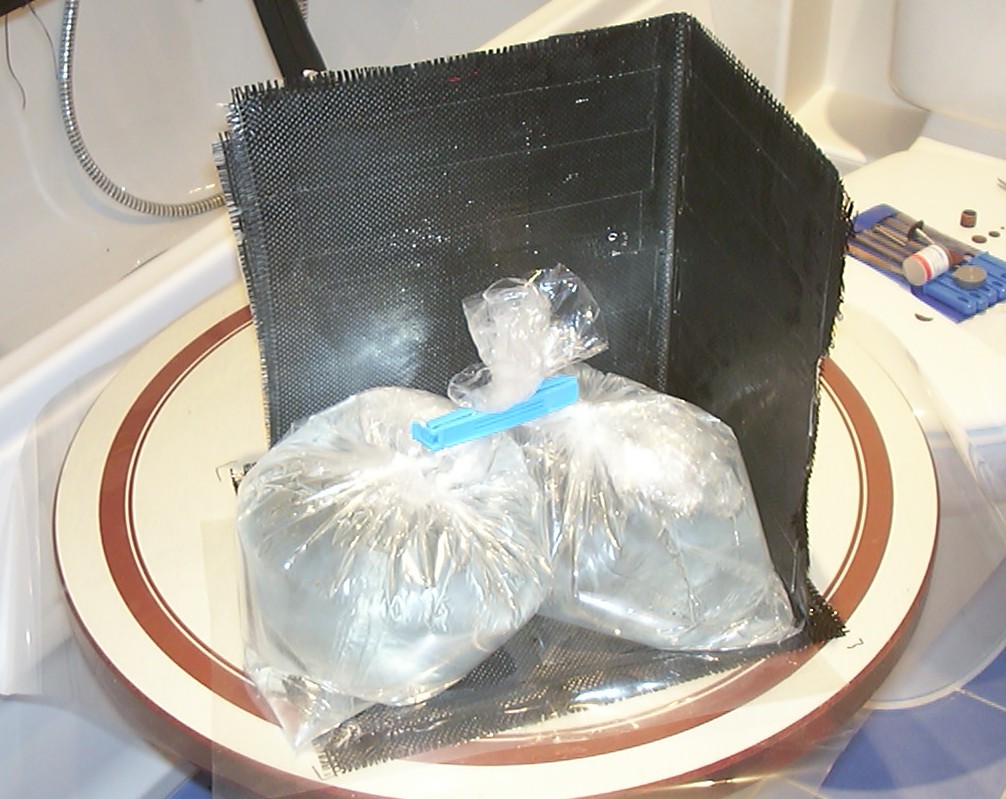
So to reach six layers another two layers were “glued on” to what will be the back, this time the bottom layer is residing against some mylar sheet to give a shiny finish. The plastic bags contains nothing but water to give a nice even force downwards.
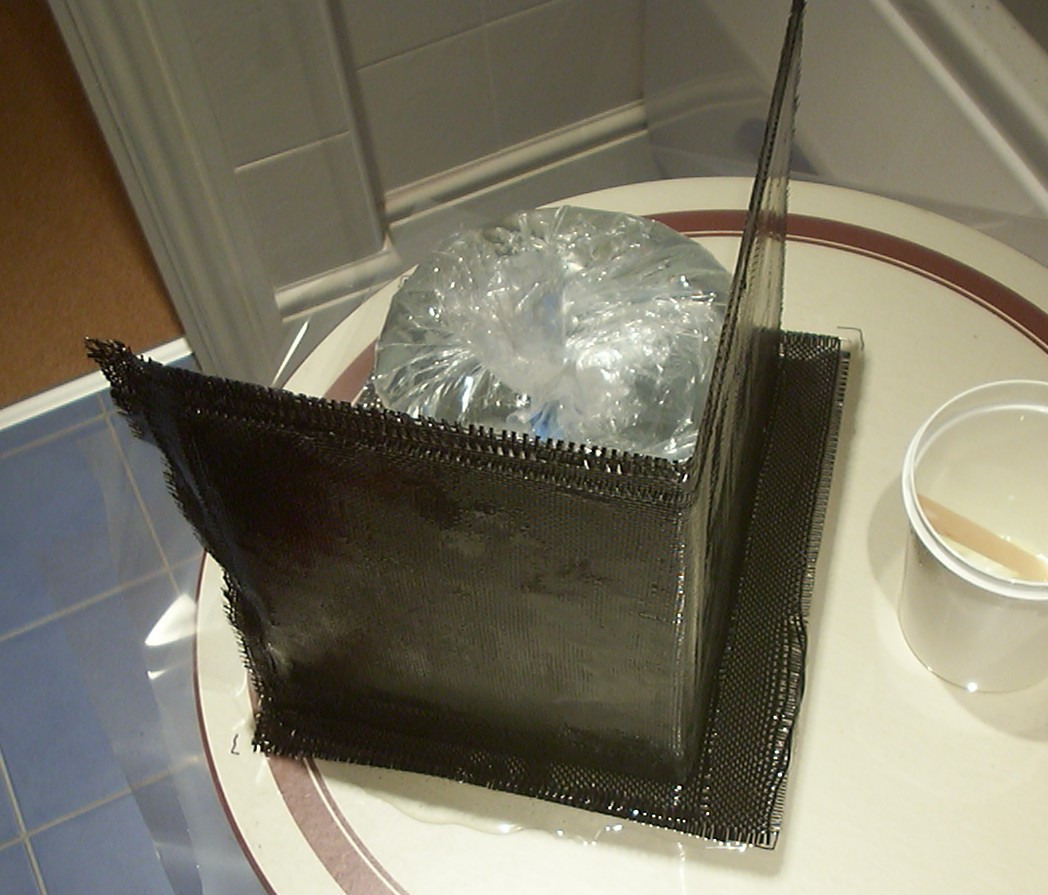
Here from the other side, when using carbon fibre it is always a good idea to have enough margins that later can be cut away so only nice clean edges will remain.
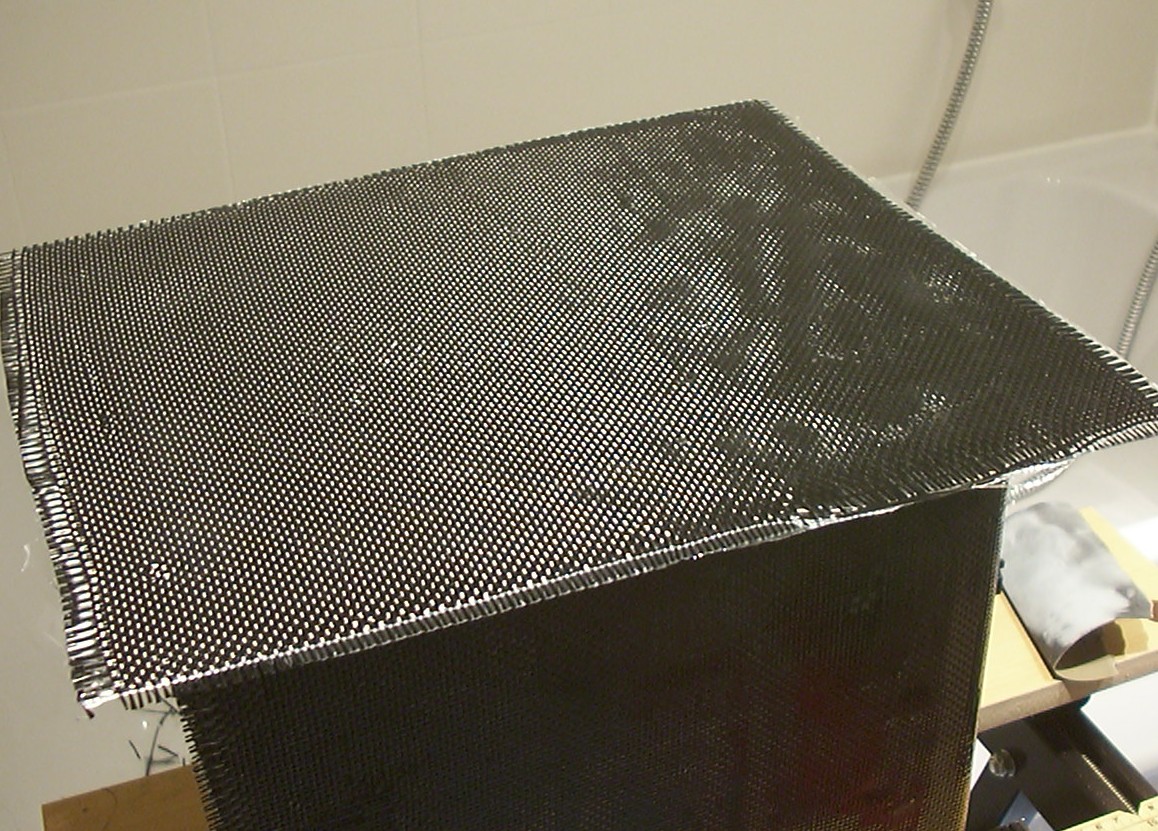
The epoxy has dried and a nice shiny surface has been added.
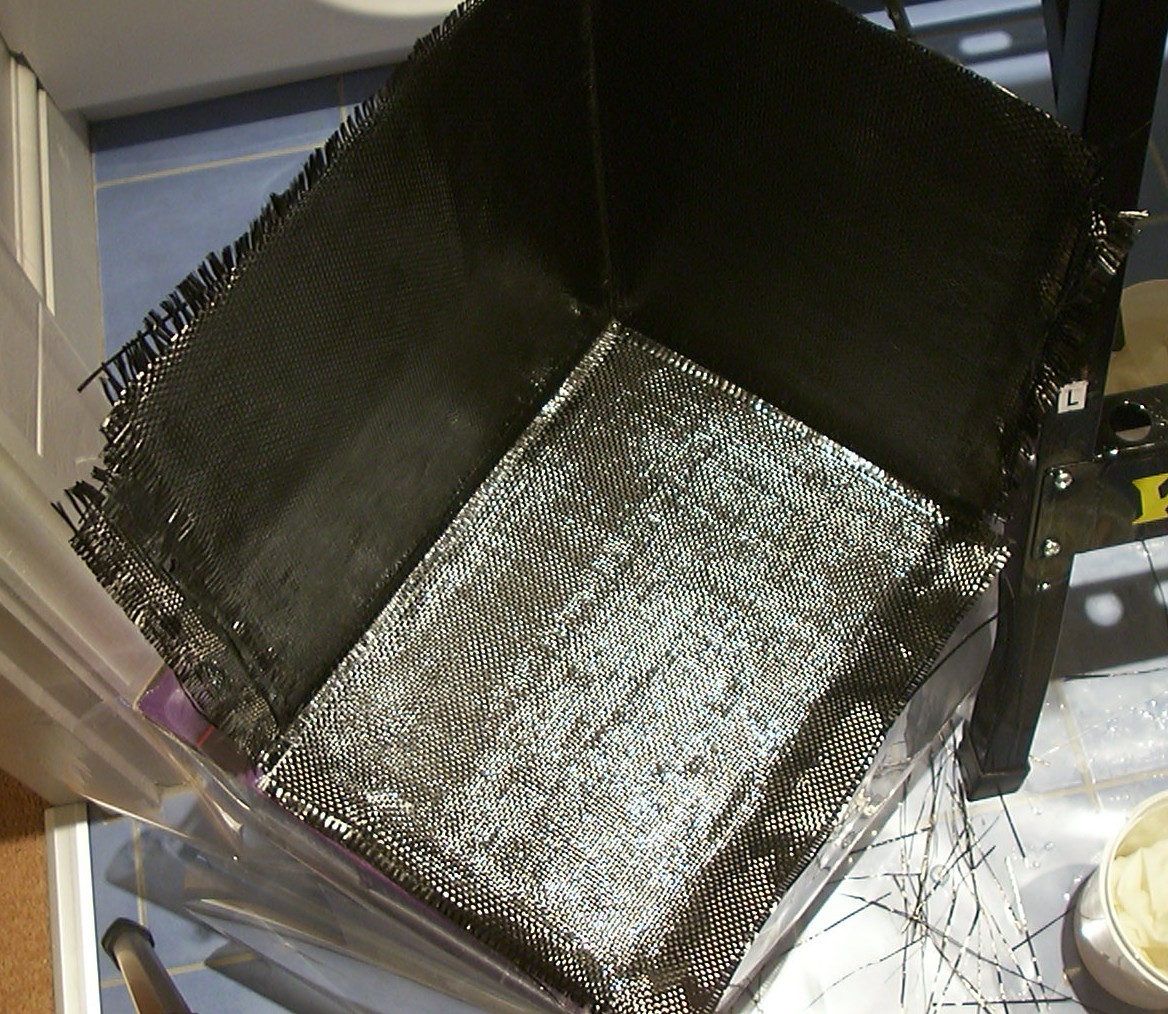
A few more layers were added all around so the final thickness is six layers of carbon fibre on each side.
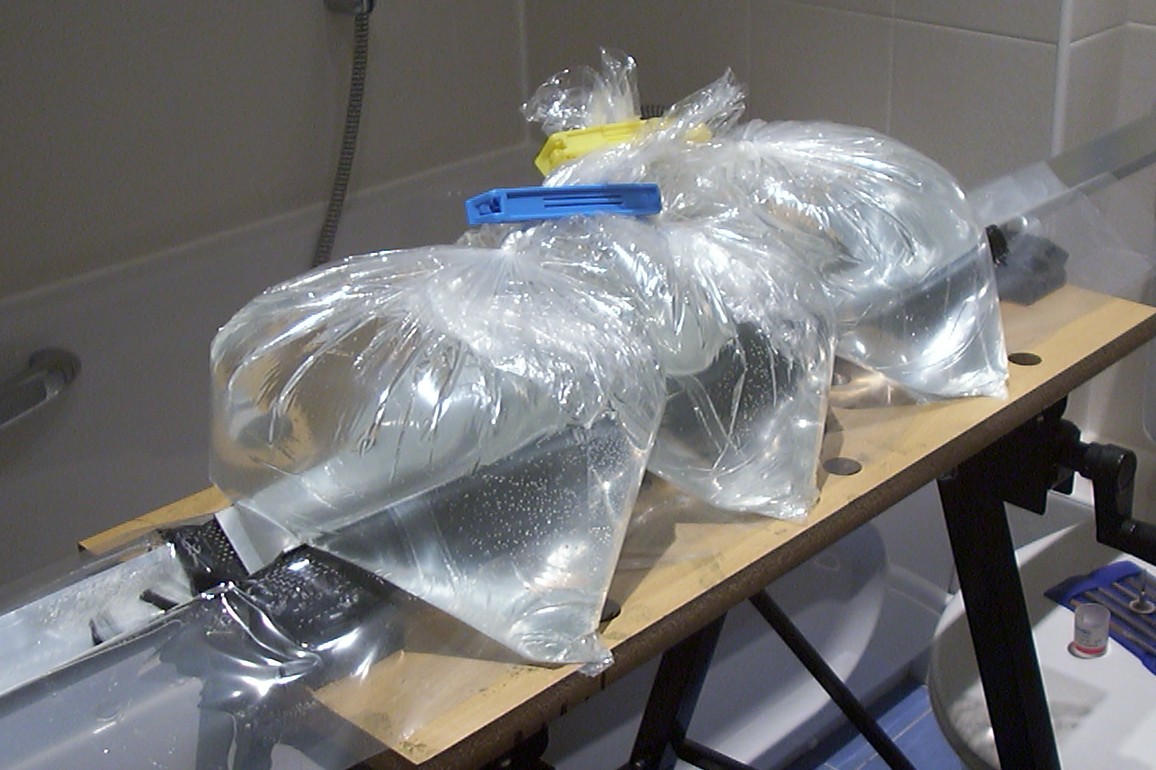
Some L-shaped pieces will also be needed so here we go with a nice sandwich of material. From the bottom: Aluminium profile, mylar sheet, carbon fibre + epoxy, mylar sheet, aluminium profile and a few more bags of water to add pressure.
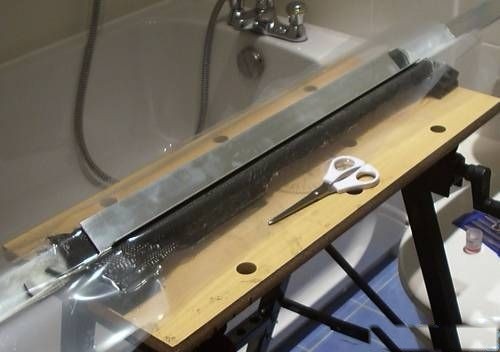
Demould time, easier to see all layers here.
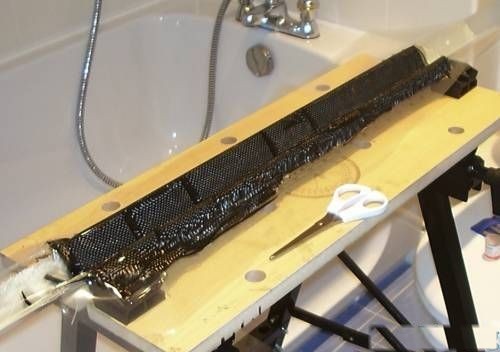
Finished piece, the reason for the strange pattern is that I used all small spare bits that had been left over from previous cutting.
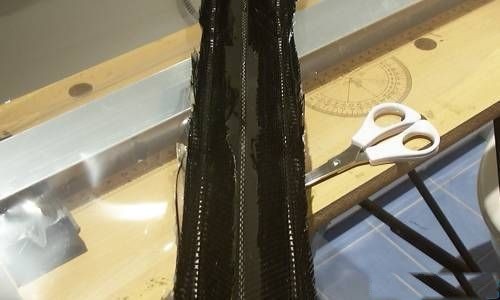
And from the other side, it will be a lot of material to remove before it can be used properly.
Part 7
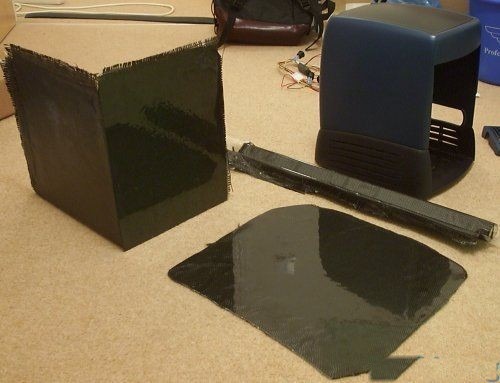
An overview shoot with all pieces made, hopefully they will be enough to complete the project.
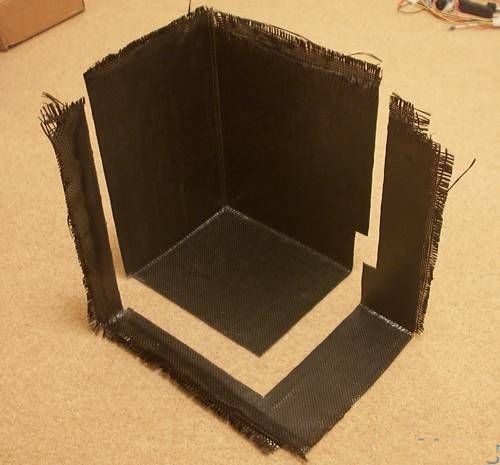
The first cut to size done. A normal cut off wheel on a Dremel works excellent to cut Carbon Fibre laminate. Just remember to hold a vacuum cleaner in the other hand while cutting collecting the dust since it is very nasty and harmful to breath in. Not to mention the itch it can cause.
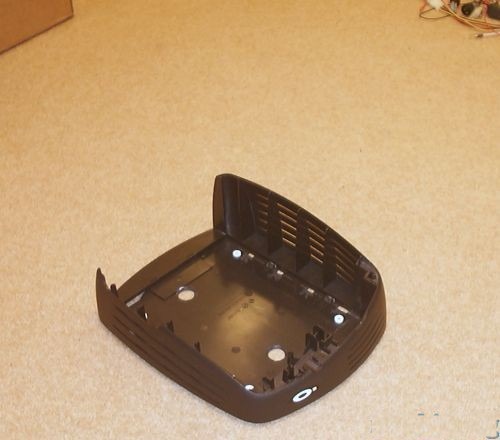
The bottom of the O2 skin was cleaned up with the Dremel so it got nice and flat inside.
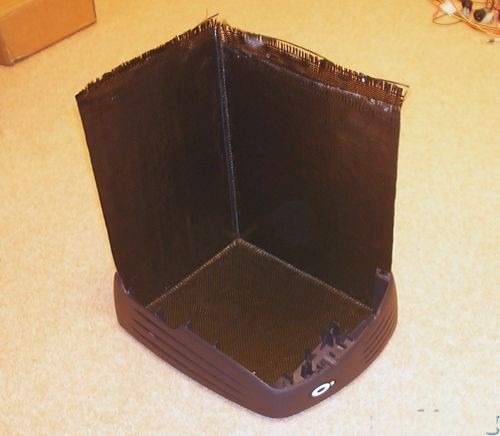
After a few cuts, measurements and re cuts the piece did fit.
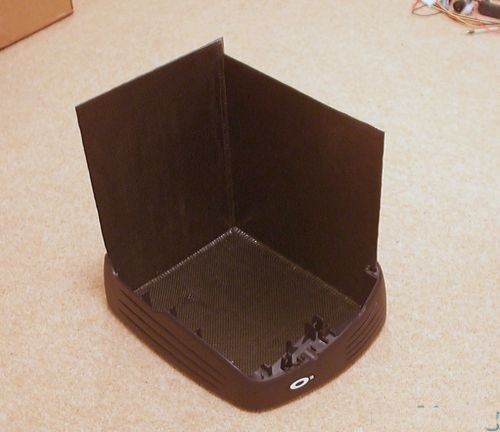
Some more material removed to get a suitable height.
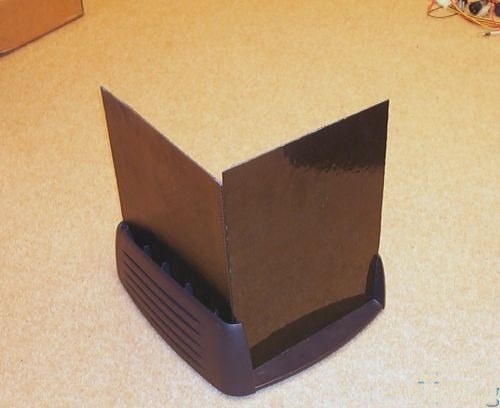
And this is the way it look from behind.
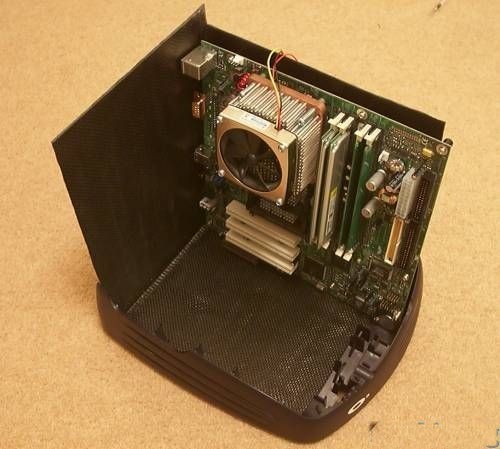
Yet again I’m far to close to the margins to feel comfort at night. Nah not really, the fit is perfect. Lucky the motherboard wasn’t bigger.
Part 8
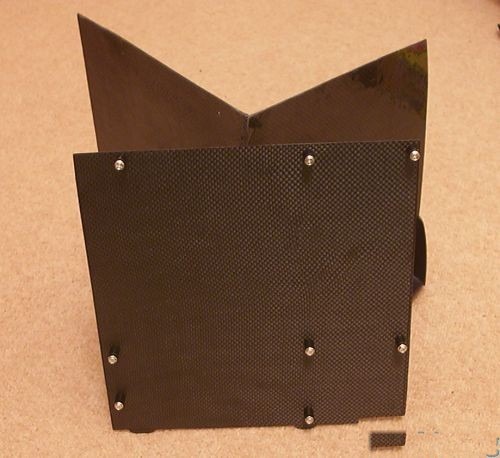
The motherboard tray has been cut out. The small tabs at the bottom will attach to some slots in the Carbon Fibre chassis to provide support. 10mm M3 spacers will be used as motherboard stands.
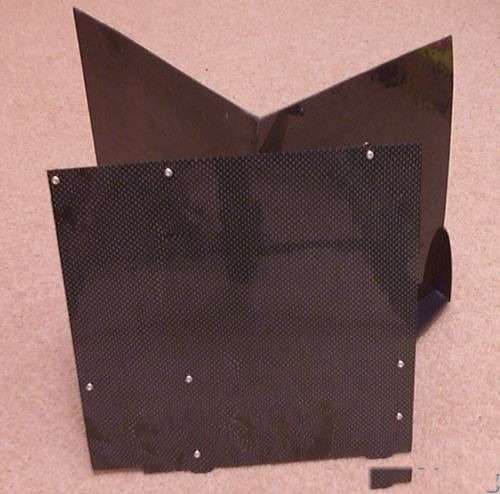
Another shot of the tray, this time from the other and shiny side.
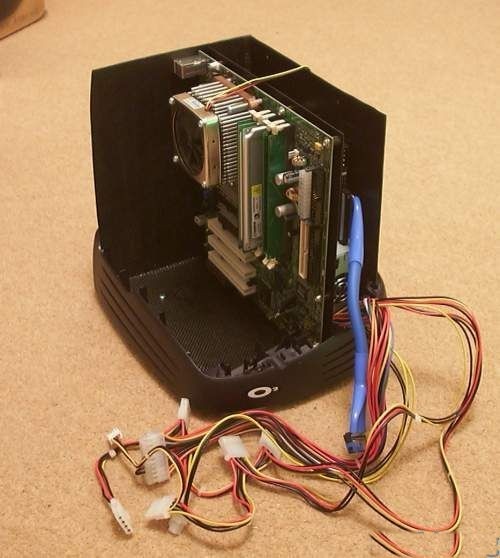
Everything assembled again to verify the layout with the PSU and HDD in place. It was a bit tricky to measure where to cut the slots at the bottom for the tray, ended up with the classic measure once cut twice… luckily no one will ever see the third slot.
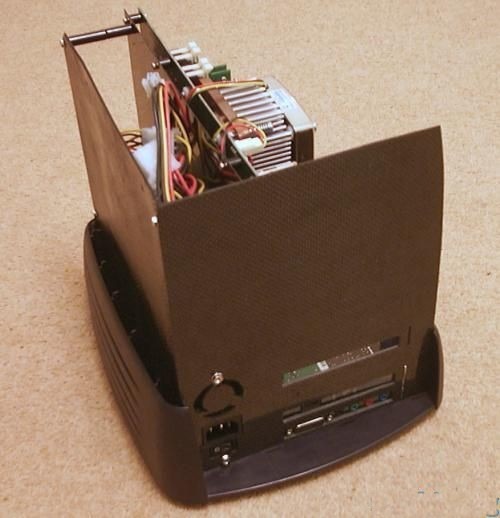
Motherboard and PSU is installed after a lot of cutting, drilling and filing. Holes for keyboard/mouse and USB was added after the picture was taken.
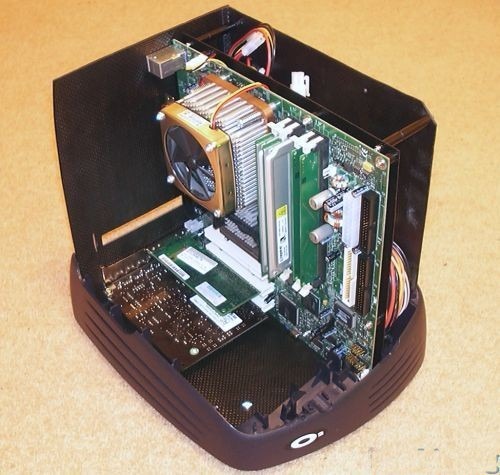
Looks like everything will fit after all. The ATI 9700 PRO will soon be added in the empty slot. To mount the motherboard tray to the chassis 50mm spacers were needed, unfortunately the longest ones were 30mm and 20mm ones. It worked out quite well to join them together with short pieces of M3 bolts so all that is needed to get the motherboard out with all the cards is to remove three screws.
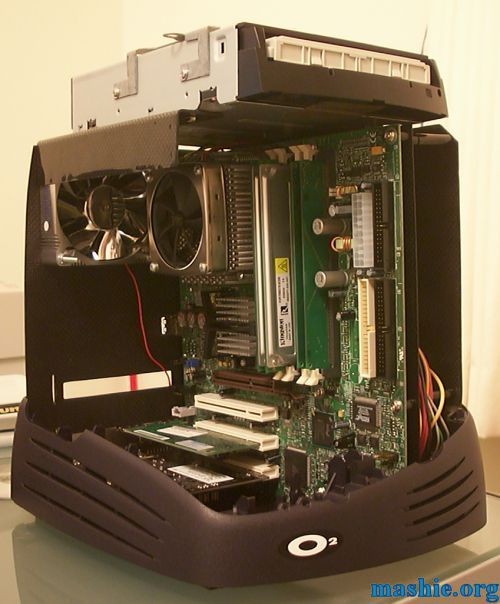
To get the DVD-ROM mounted properly was a bit frustrating. It is not easy to measure things inside a closed box to figure out at what hight and depth to mount the DVD when the outer shell was in place. After a few trials and errors I got it done.
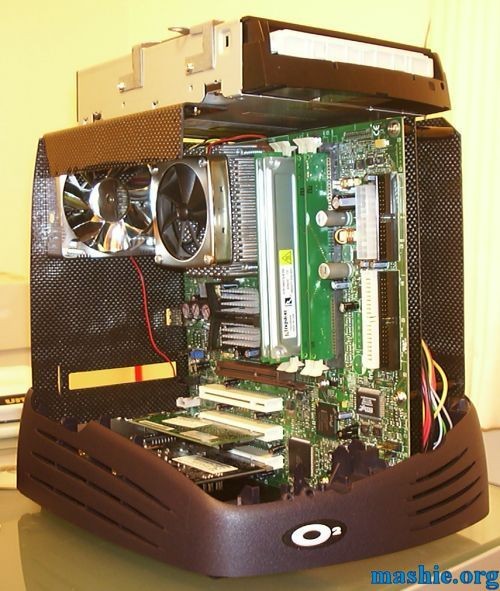
With the camera flash on the Carbon Fibre shows it’s better side. As you can see the the fan is holding half of the weight of the DVD-ROM.
Part 9
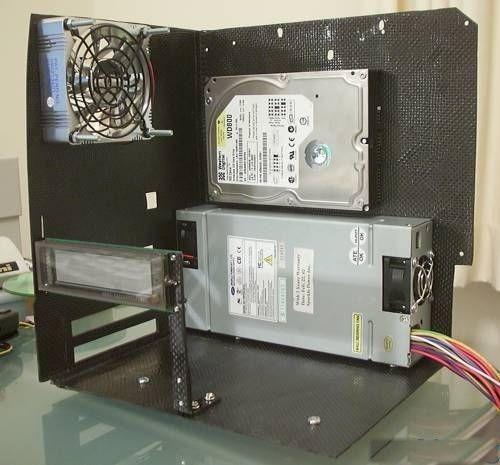
After investing in a very useful tool, a M3 tap to make threaded holes, it was much easier to assemble pieces of Carbon Fibre. The first part to use it for was a little stand to hold the VFD. The HDD was installed at the same time.
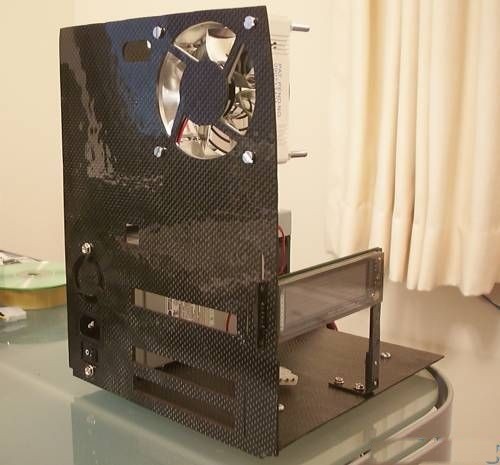
I don’t know if you noticed in the picture on the last page that the hole for the fan wasn’t cut… well now it is. The screws will be replaced soon with a version with a more suitable size and colour.
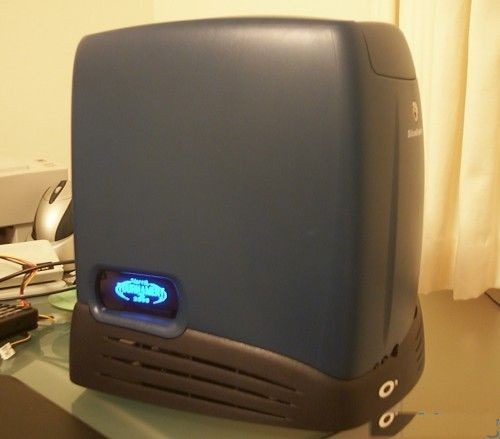
A dark blue filter (gel sheet) was mounted with double sided tape behind the hole to give the VFD a matching colour to the CCFLs. In this picture, the VFD is simply connected to another computer for testing.
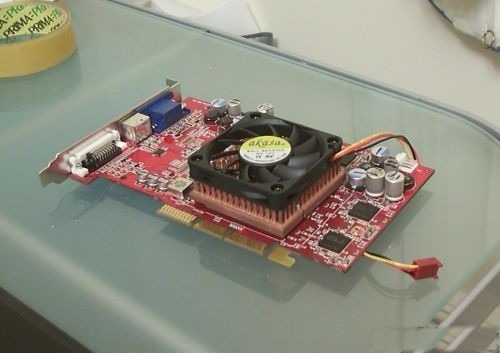
The ATI 9700 PRO arrived and was promptly modded. The original HSF was replaced with an Akasa AK 350 1U copper HSF. It was easy to mount after two holes were drilled and threaded with M3 threads. To make it mate nicely with the core, the material touching the shim was removed from the bottom of the heat sink with a Dremel.
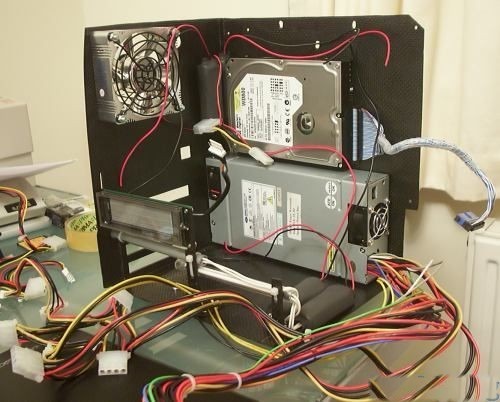
Got wires? The four 4" CCFLs have been installed, 2 on each side facing the air intakes on the O2 shell. You can see the inverters for the lights on the other side to the left of the HDD. The two lights next to the VFD were installed using some more brackets made out of Carbon Fibre.
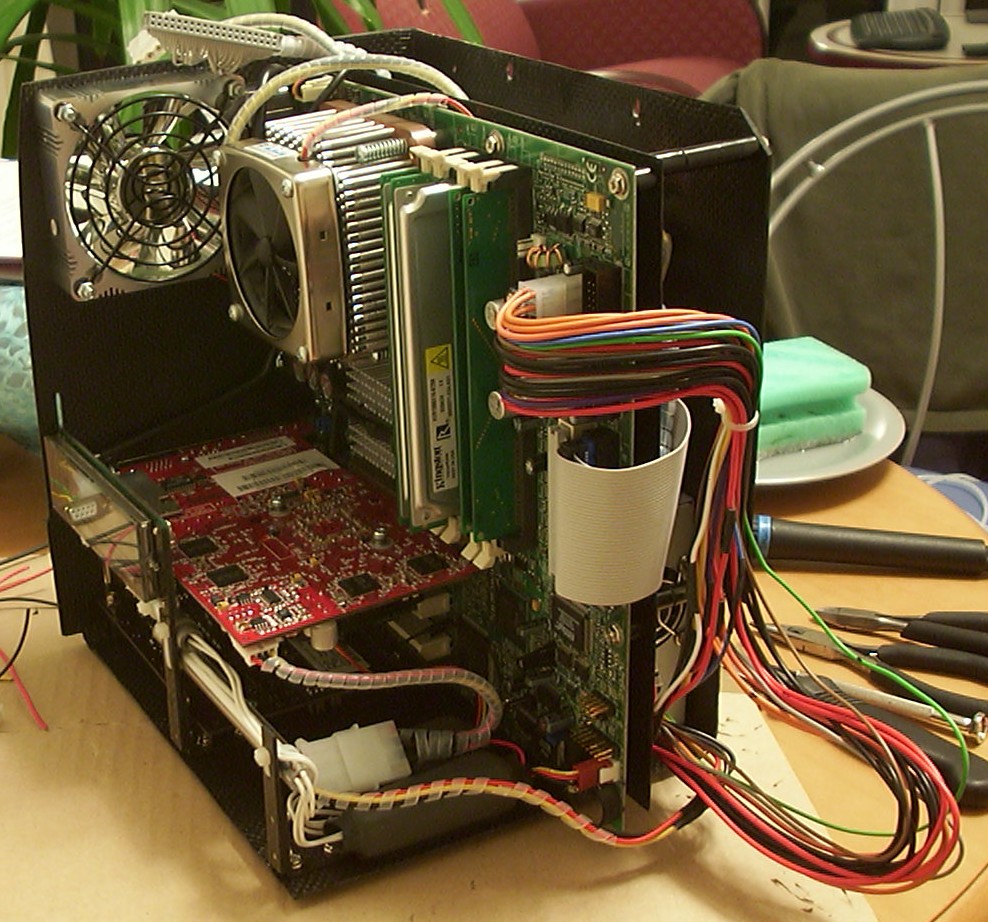
Wire shortening in progress, three of the motherboard wires done, only 18 left to do.
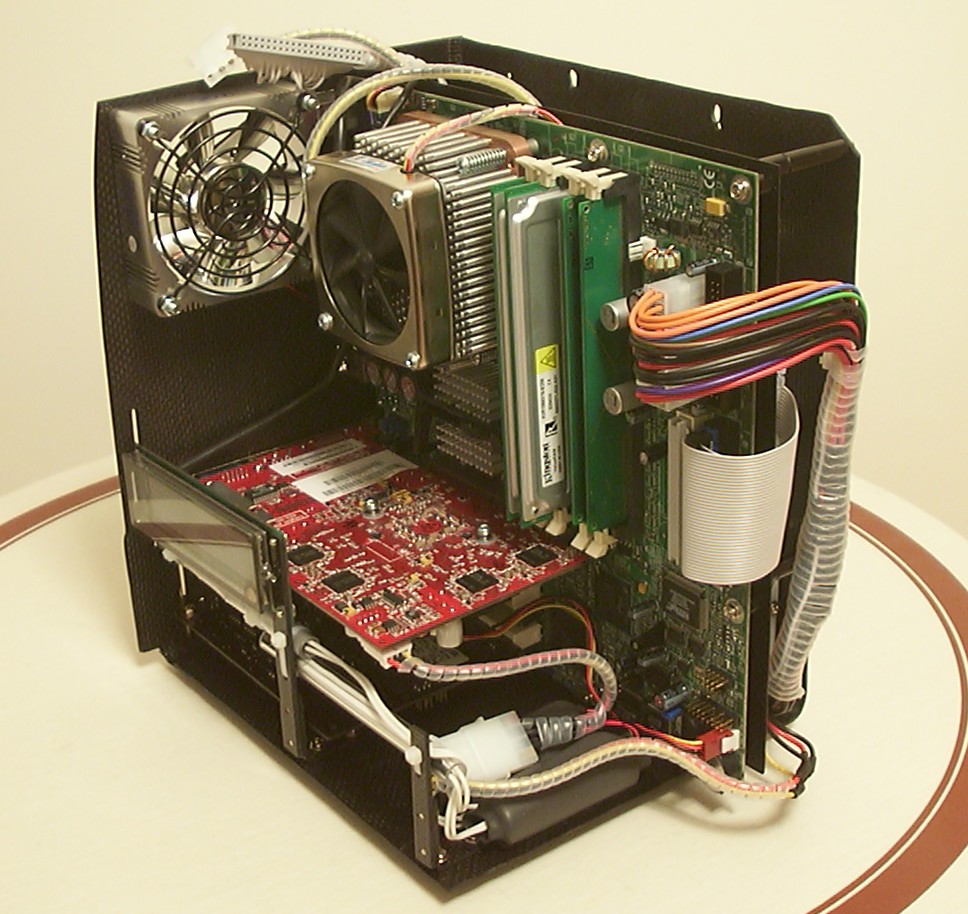
All wires have been shortened and covered with spiral wrap. Clear small radius spiral wrap is my favorite since I made Anemone because it gets the job done, looks clean and don’t waste any space. I even use it to replace the rubber around rounded IDE cables to reduce the size of them.
Part 10
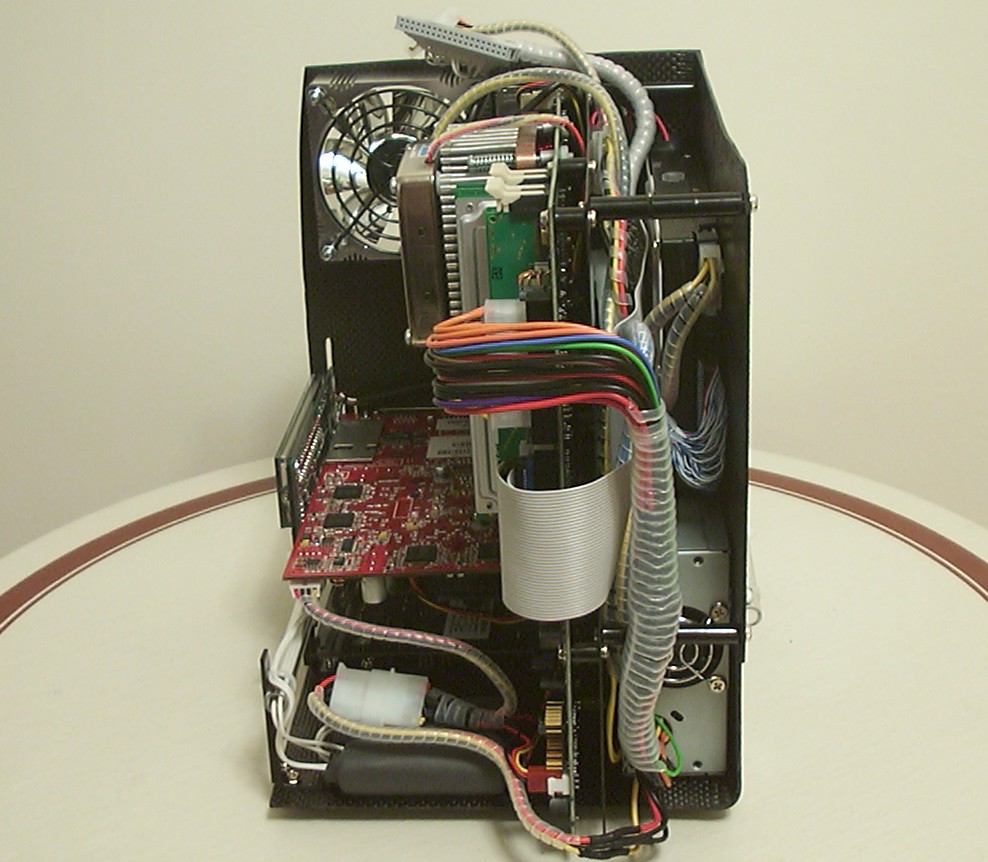
By wrapping the wires the airflow to the PSU was increased a lot.
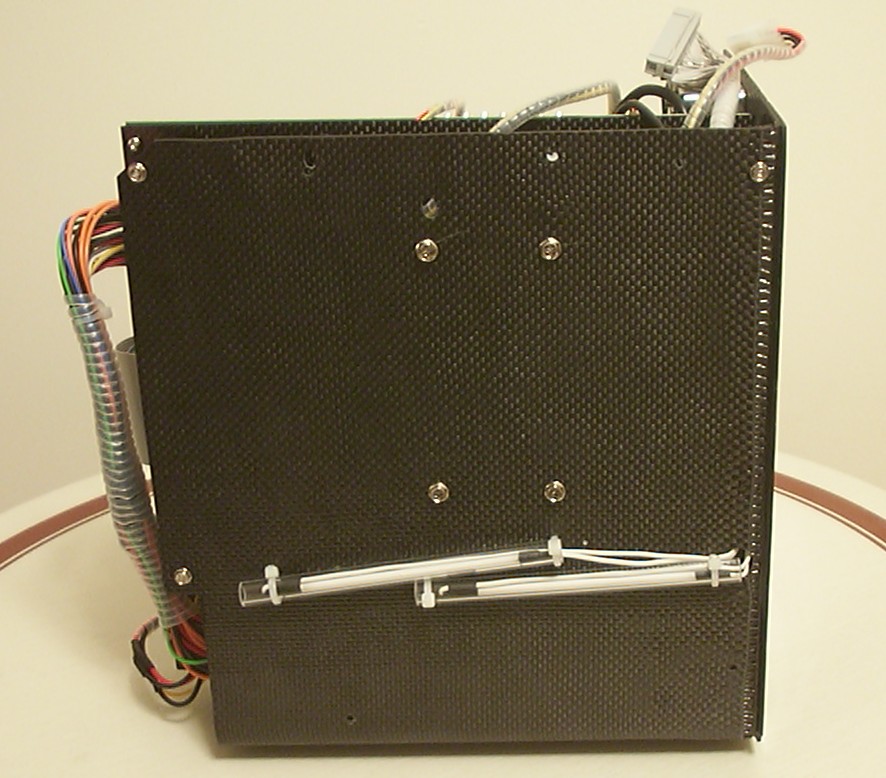
Not really an exciting shot, just shows the screws holding the HDD using mounting holes on the bottom of the drive. Also the two blue 4" CCFLS mounted, that you only could see the inverters for earlier.
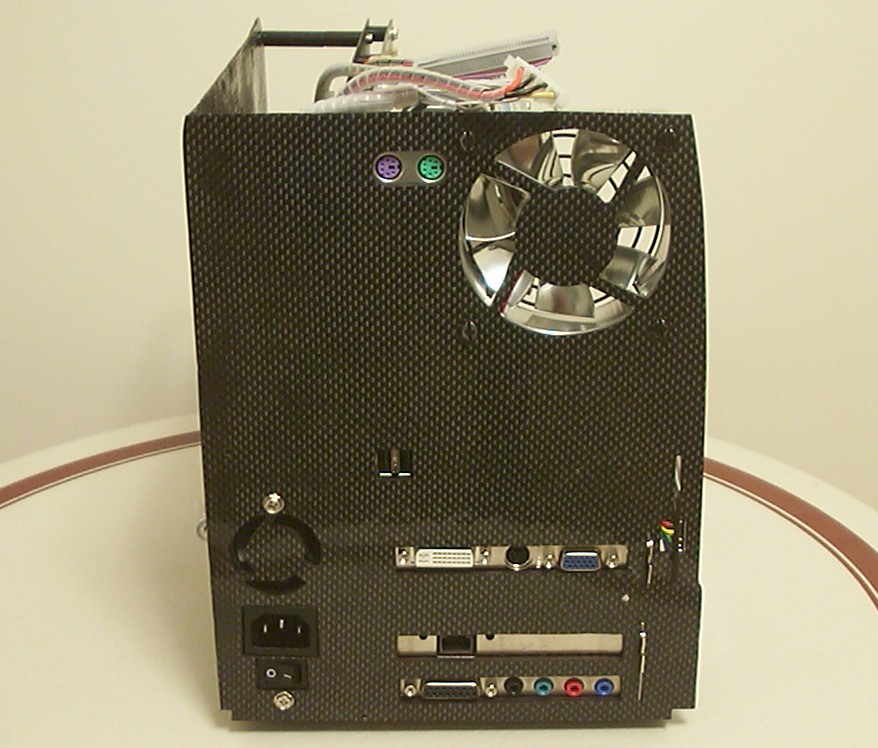
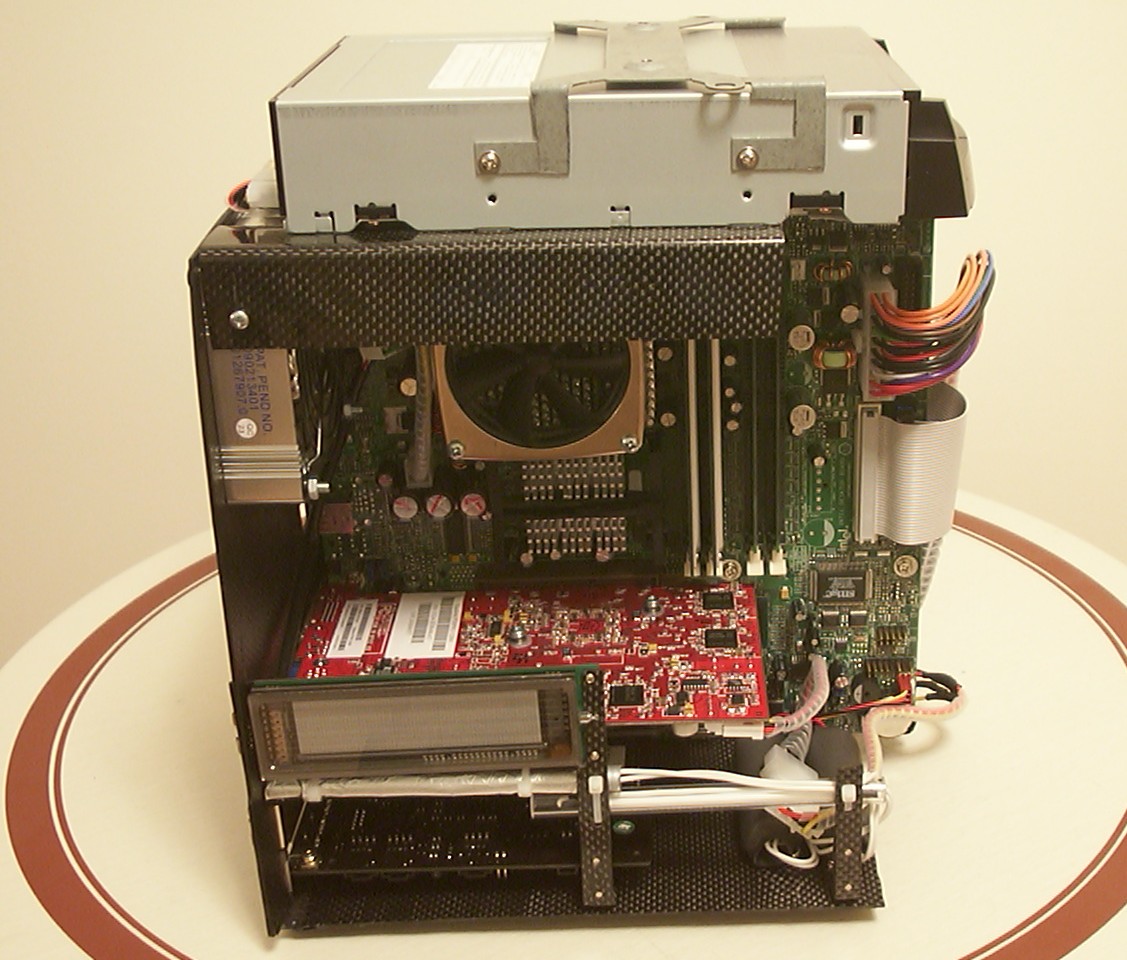
And the rear with the fan screws colored black, no further fan guard will be added. The thingy to the right of the ATI 9700 is the VFD. It had to be mounted halfway through the backplane to line up properly with the hole on the side. I did consider cutting the PCB for a while but this was a better choice in the end.
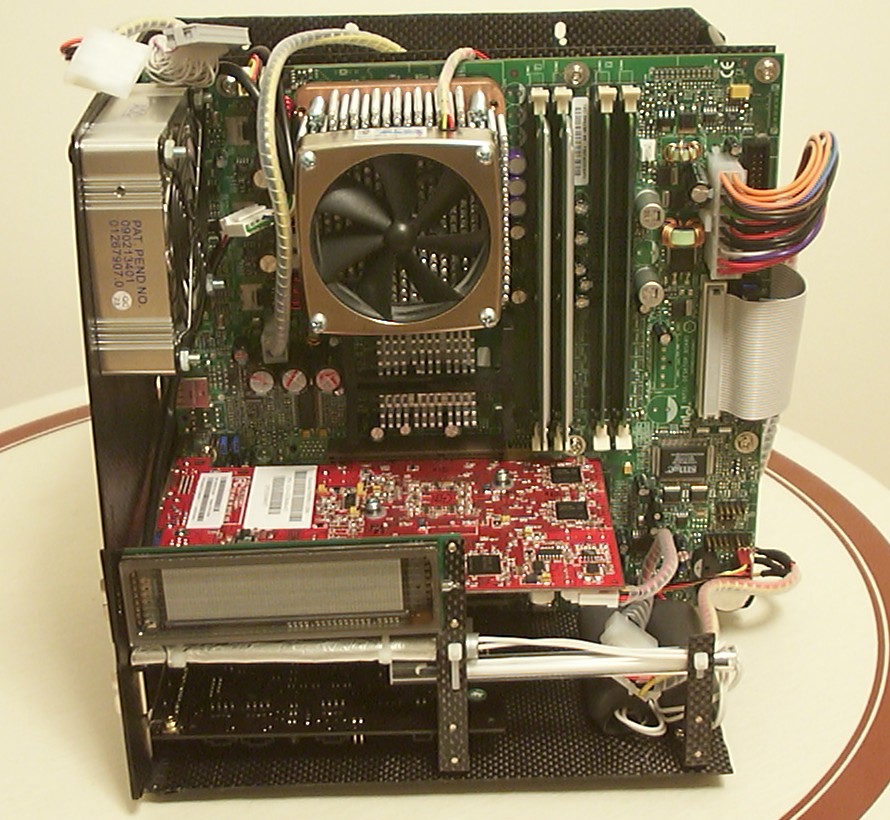
The CCFL under the VFD has aluminium foil on it to direct the light downwards only. It was a bit annoying when it illuminated most of the VFD.
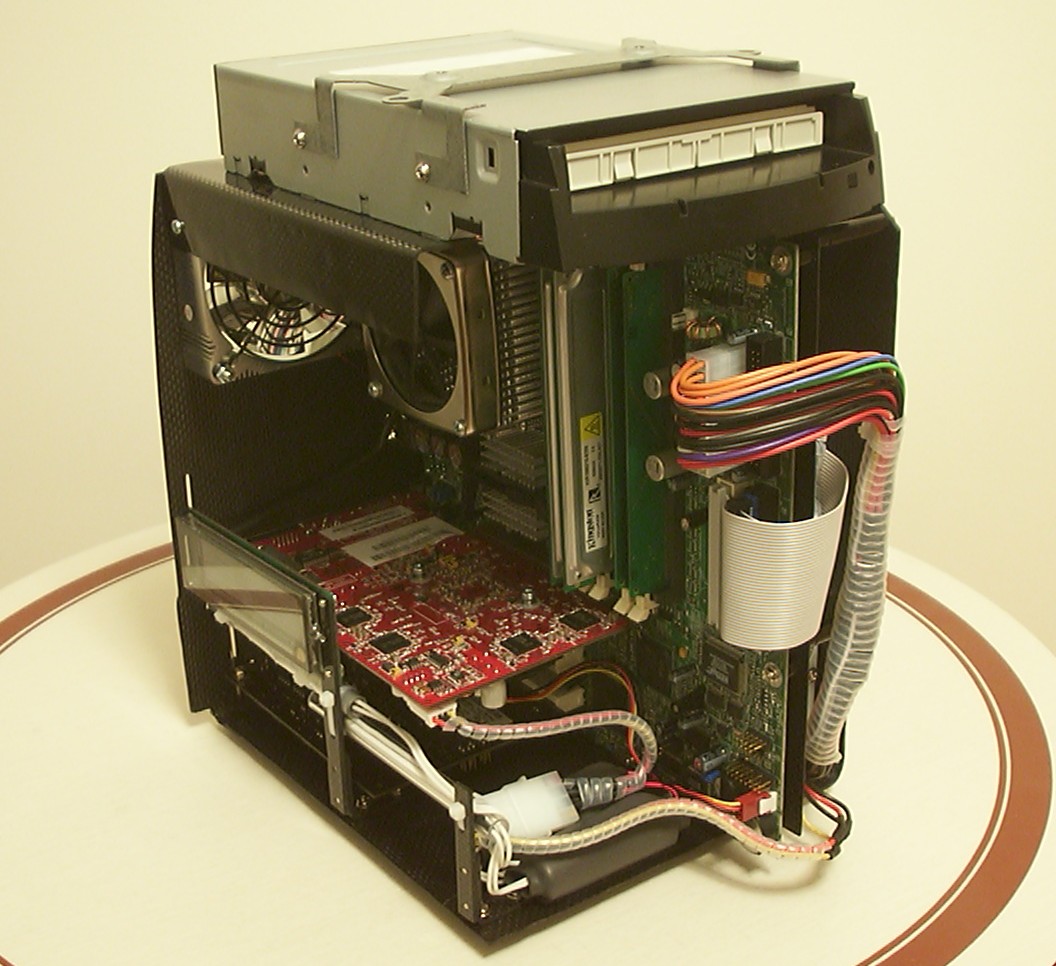
The DVD drive is really good at hiding wires.
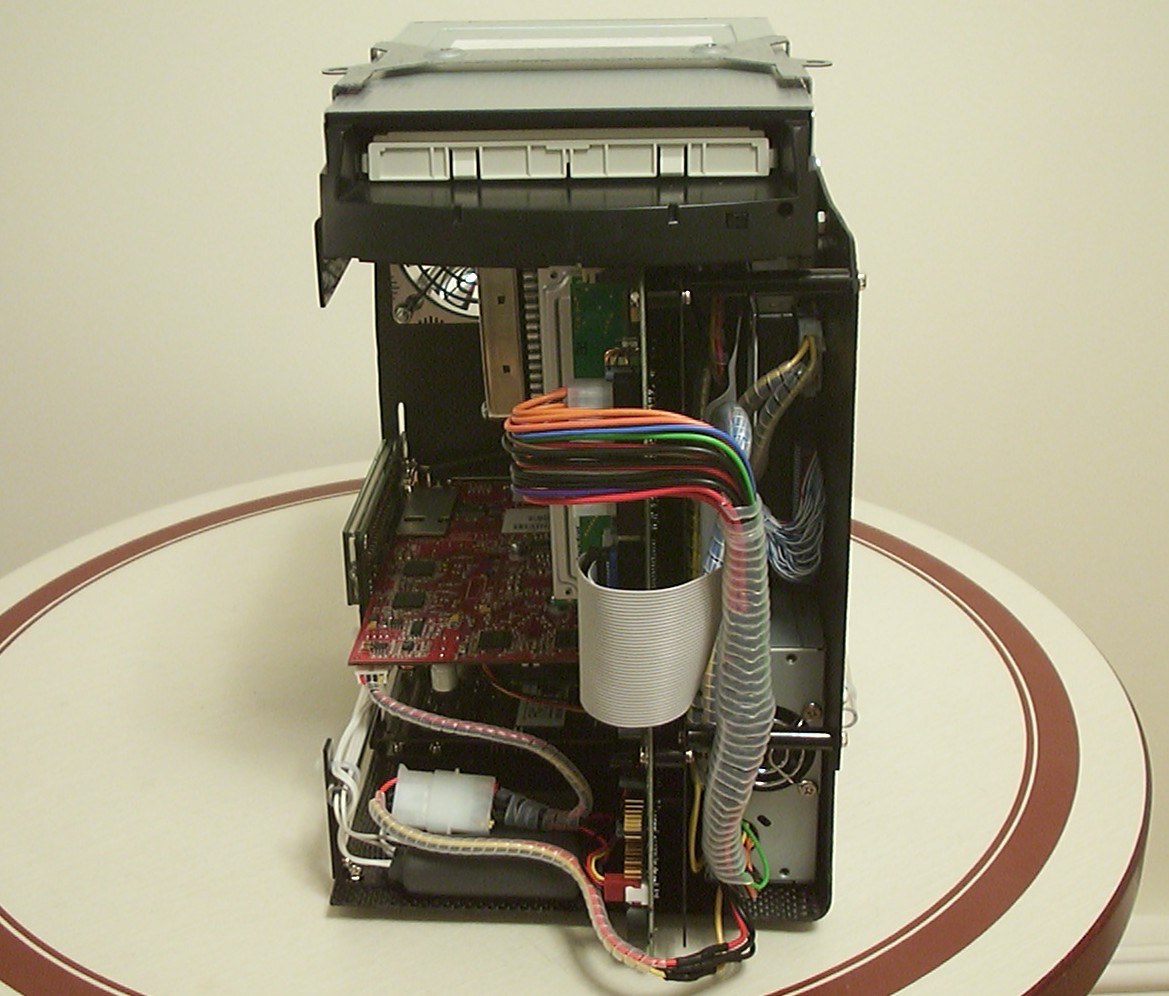
The strange bracket on top of the DVD is the only part remaining from the original chassis. Since it had a few threaded holes and such for mounting the plastic shell it was easier to keep it. About 80% of the original bracket had to go before it was acceptable to use.
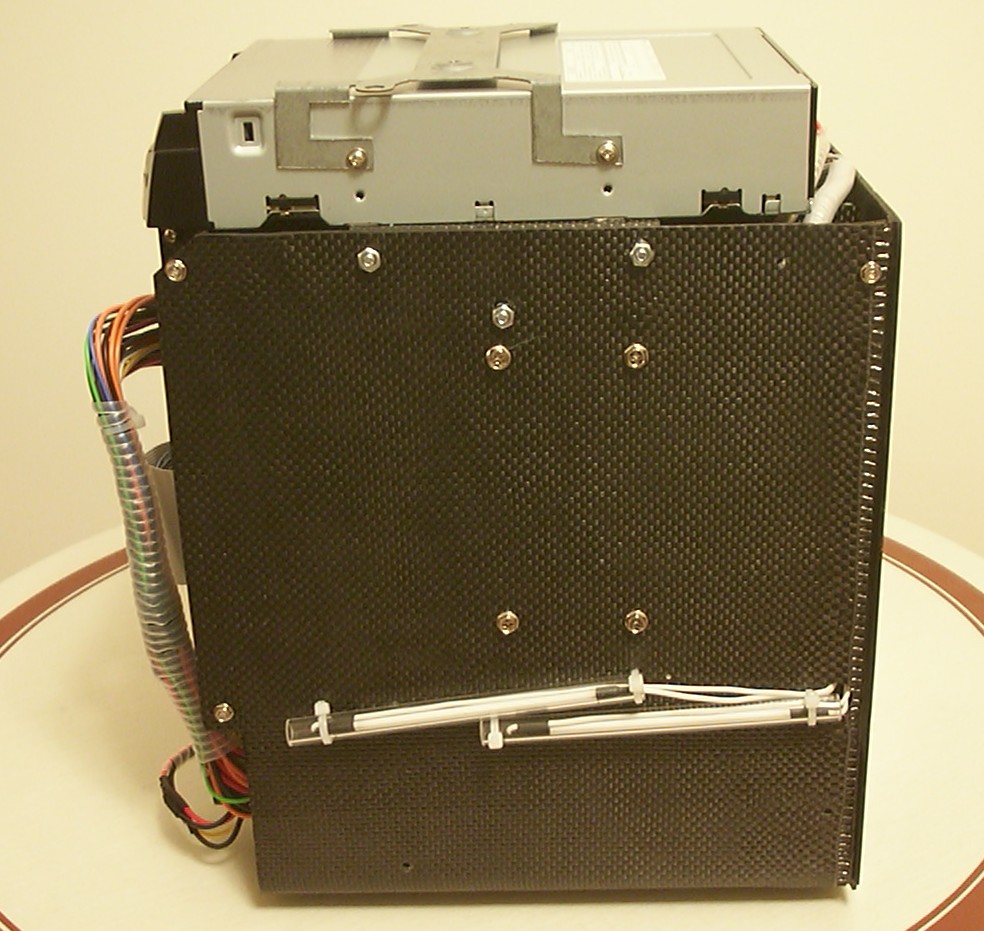
As you can see the bracket is mounted in the top holes on the DVD while the DVD itself is attached to the case using the holes on the underside.
Part 11
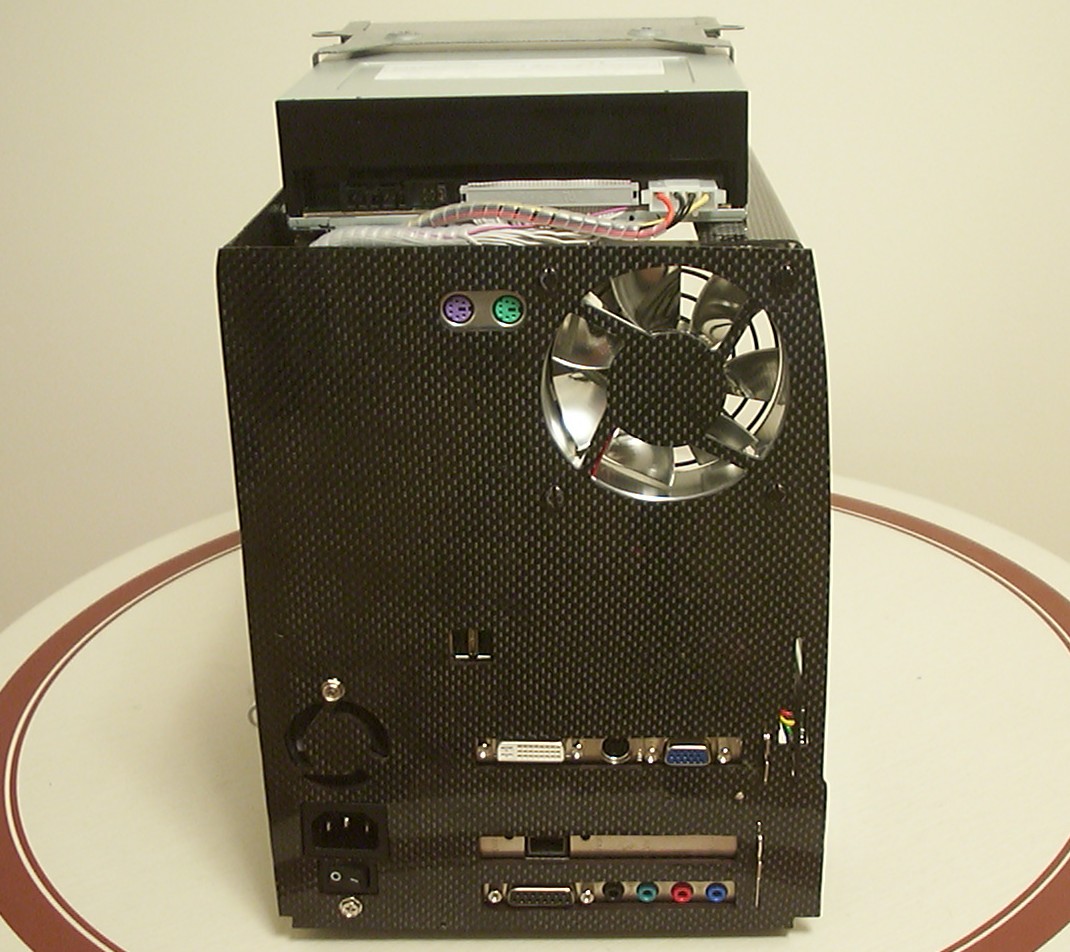
Just a little show-off of my wire wrapping skills. The IDE cable for the DVD is rounded in one end and normal in the other, the reason is that flat cable did not fit in the back and a round cable didn’t fit at the front inside the shell. You got to love tight spaces, always a new challenge when you least expect it.
Aluminum housed fans rocks, especially when you can use them for mounting stuff. Here I simply drilled a hole, tapped it and inserted a M3 screw holding the DVD.
First test to see if the wiring was working after the shortening, slicing and wrapping.
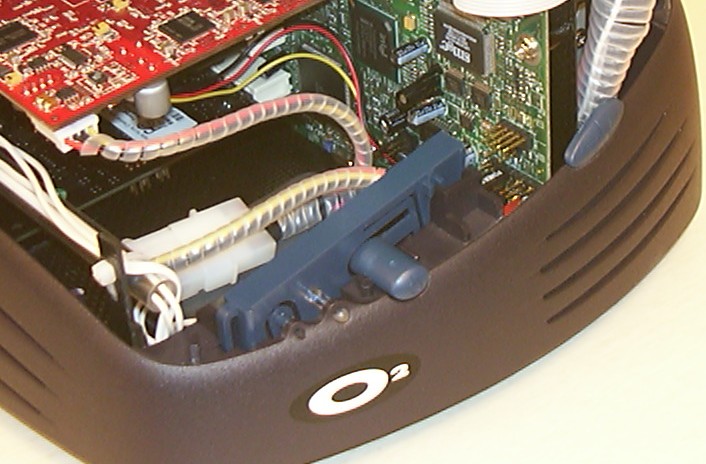
The few remaining pieces have been added. The old volume controls have been a bit smaller and glued in place to give enough clearance for the motherboard. A small micro switch is glued in place behind the power button. To the left of it is an acrylic rod used to redirect the light from the original green and yellow LED to the front, the blue CCFLs provide the light now.
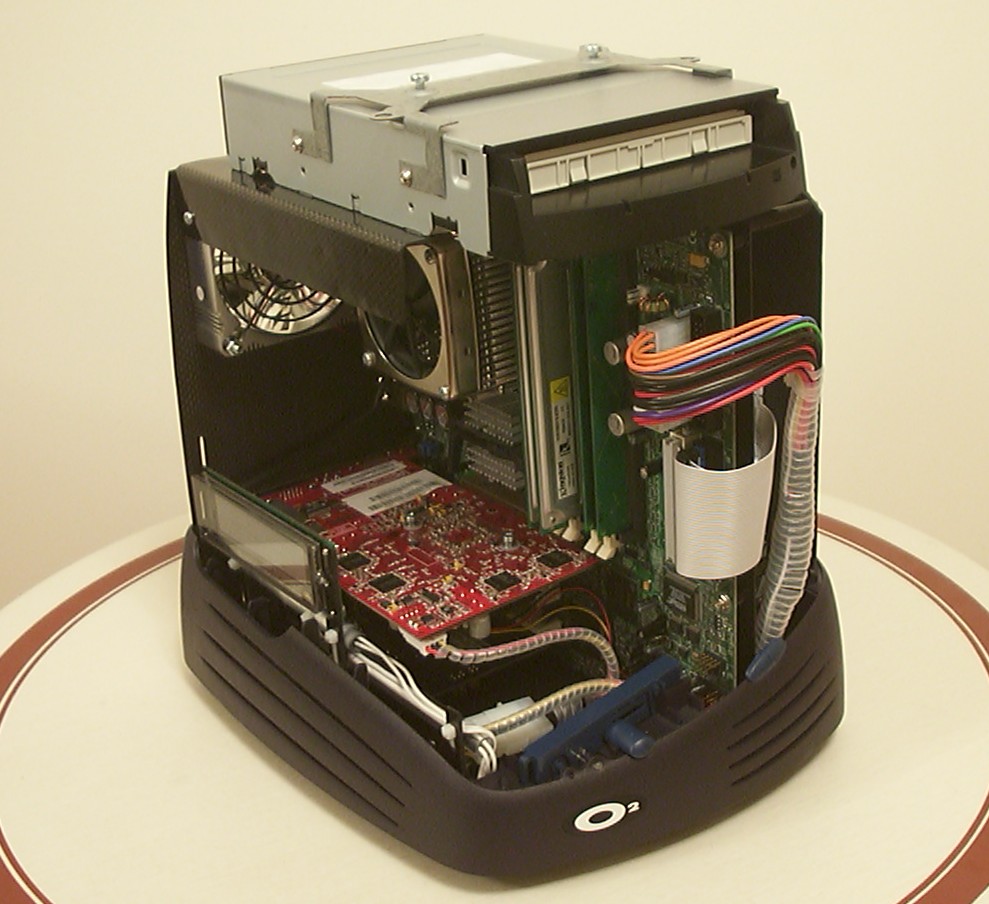
Start of final assembly, the bottom piece is attached to the chassis using 4 nuts at the bottom.
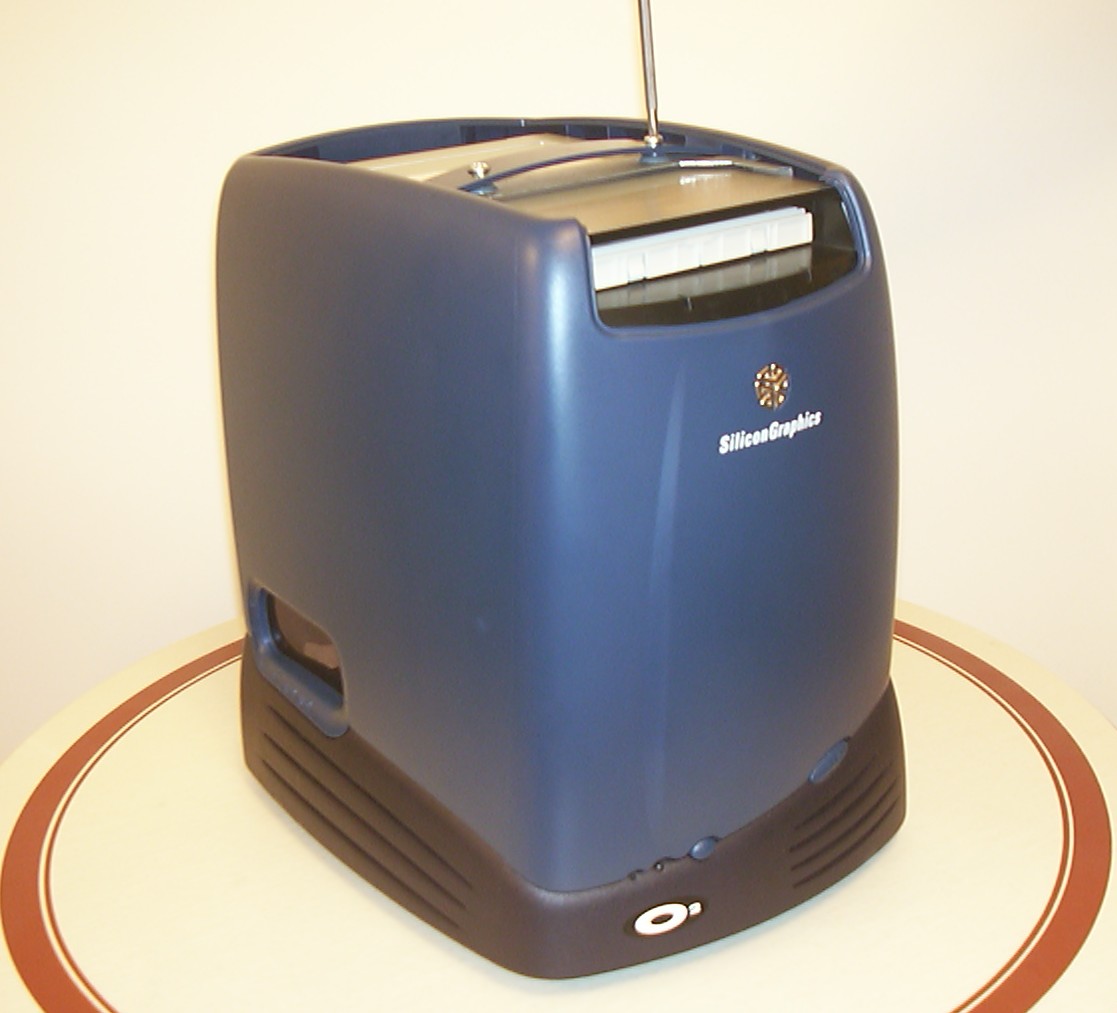
The top piece is added and attached using 2 screws to the bracket on top of the DVD.
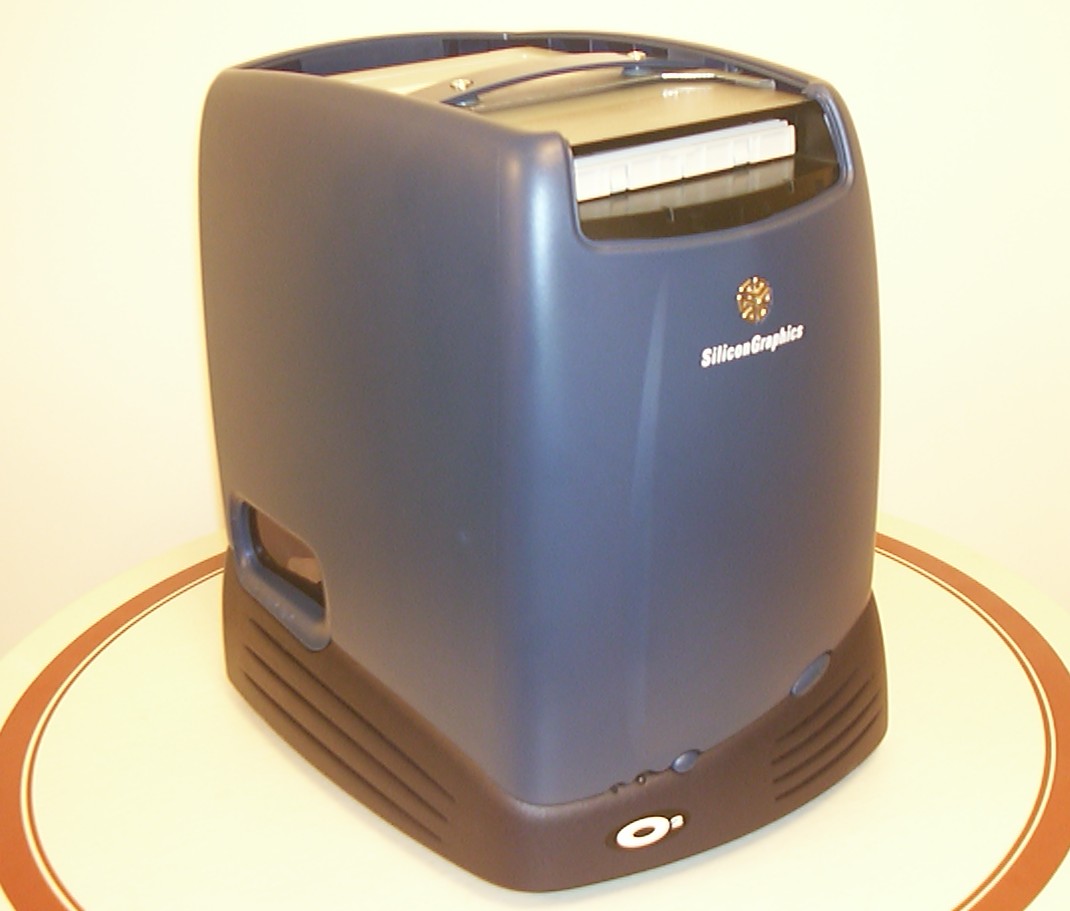
The top is simply snapped in place using it’s original locking mechanism on the back.
Part 12
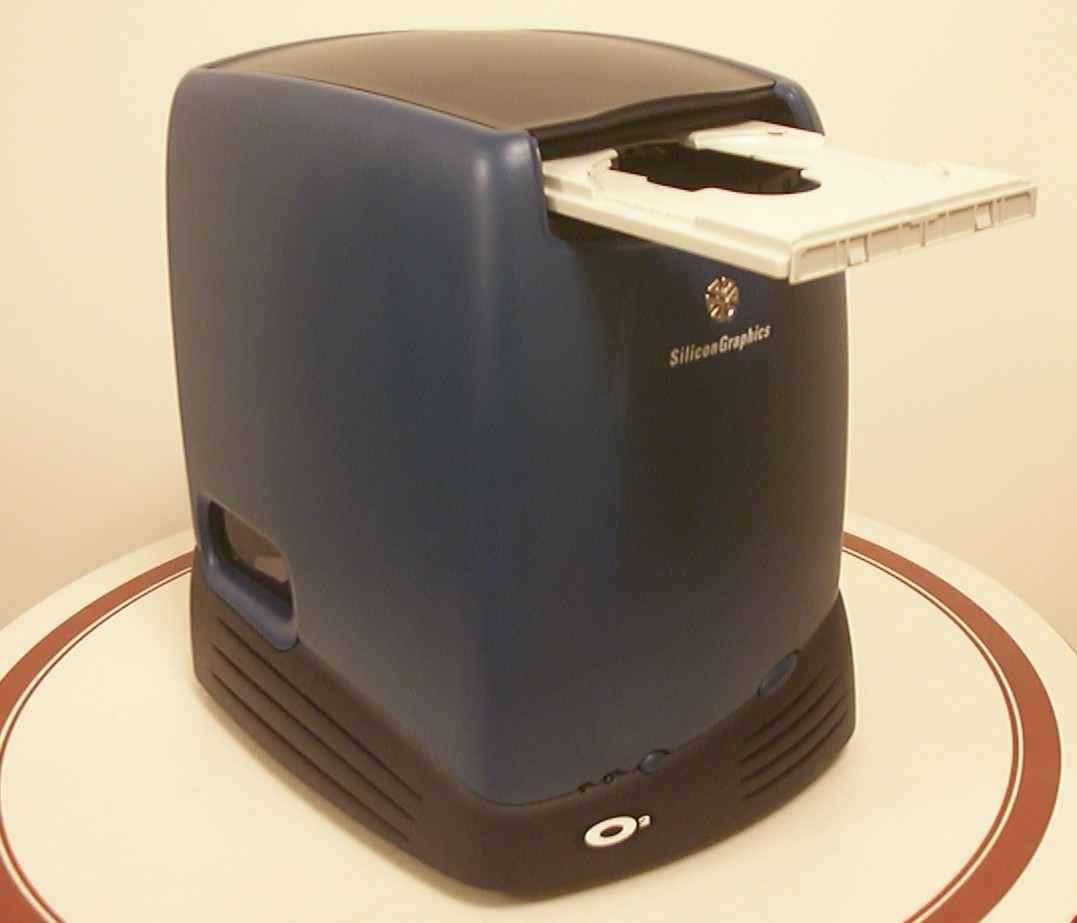
A short power on so the tray can be ejected and then powered off again.
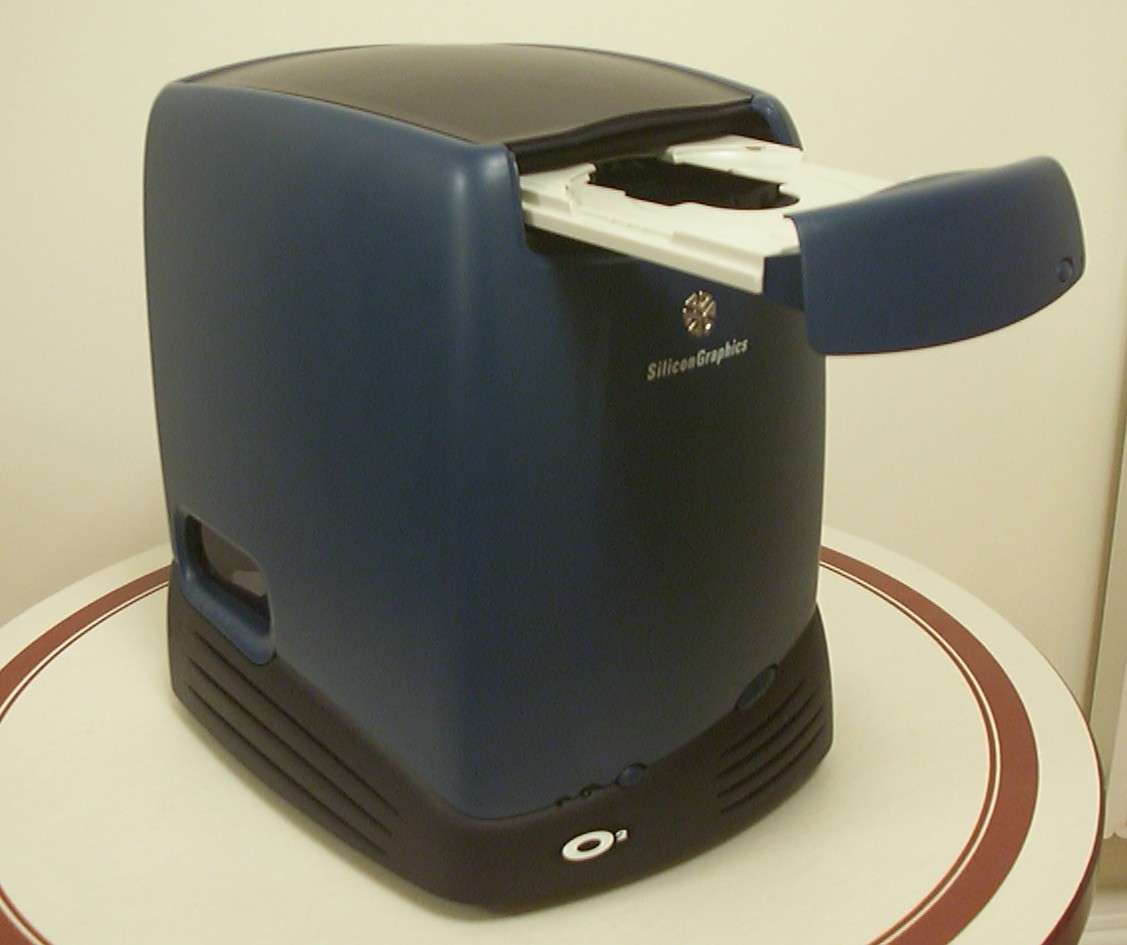
The drive faceplate is snapped in place yet again using the original locking mechanism.
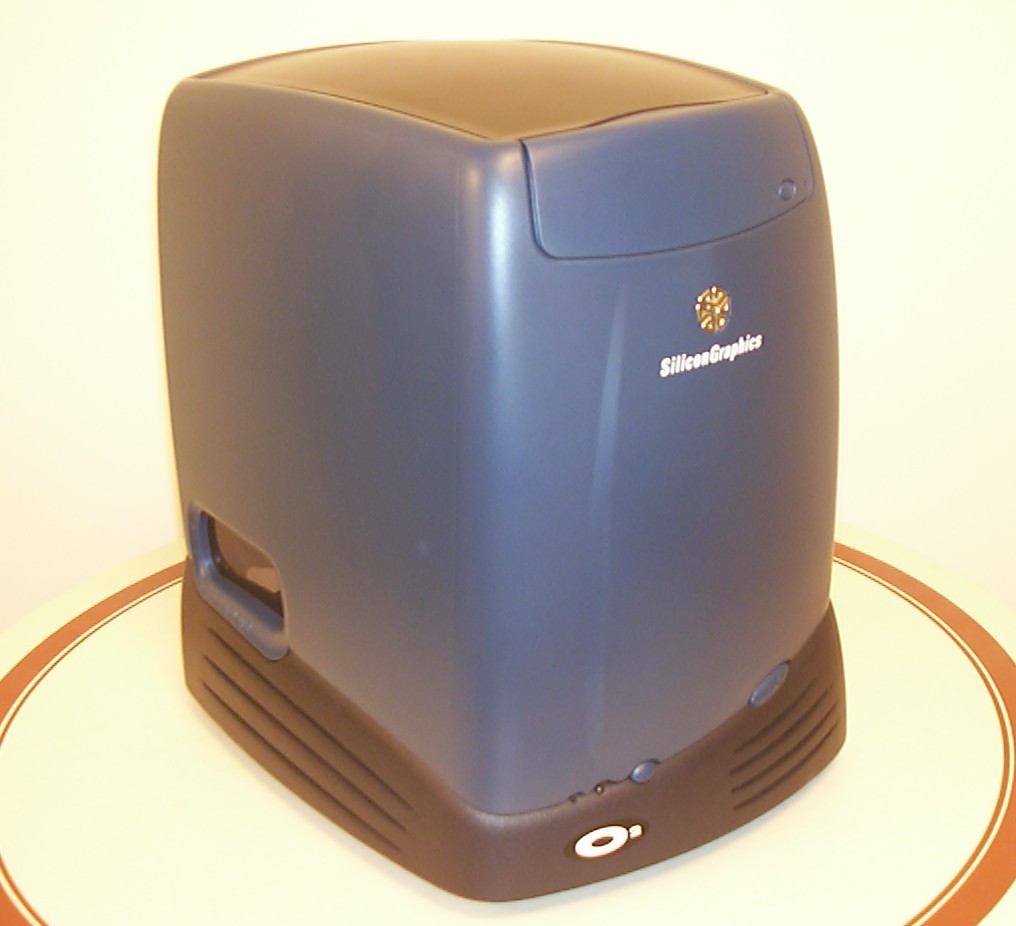
Bling bling, the whole shell is attached and only 2 screws and 4 nuts needed.
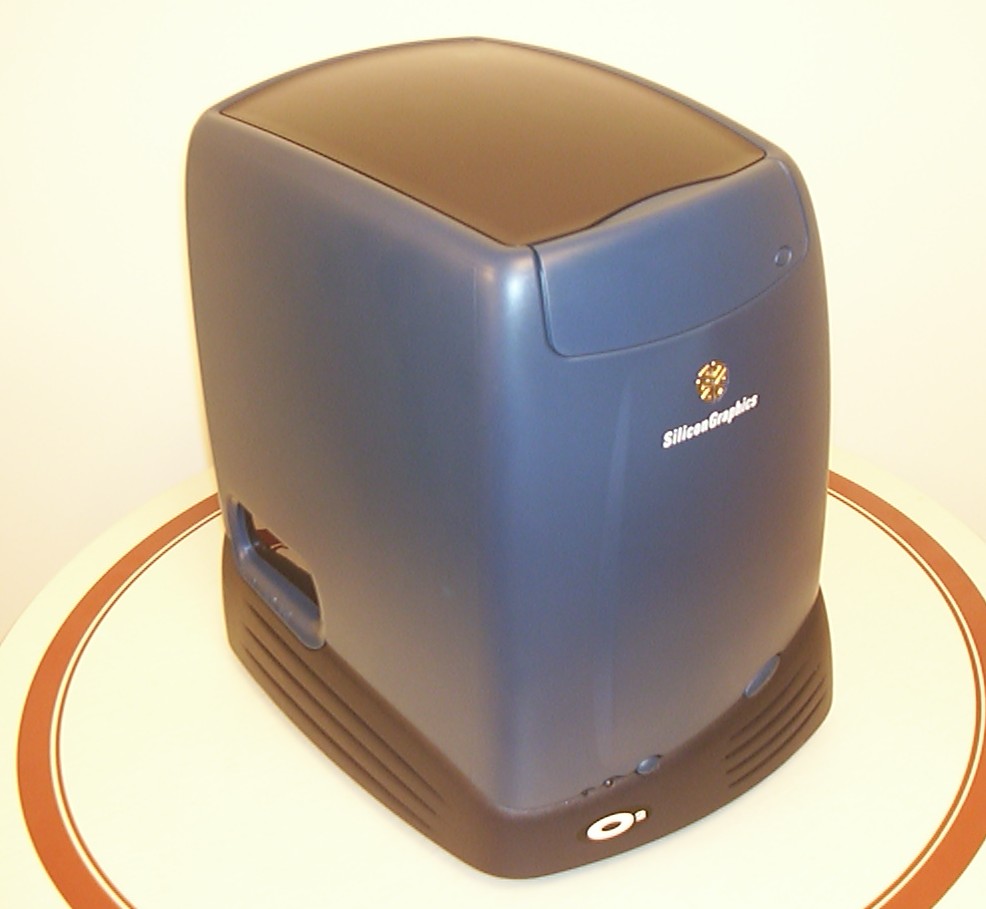
I thank Illiad over at User Friendly for the inspiration to use an O2 (as we all know Erwin resides in).
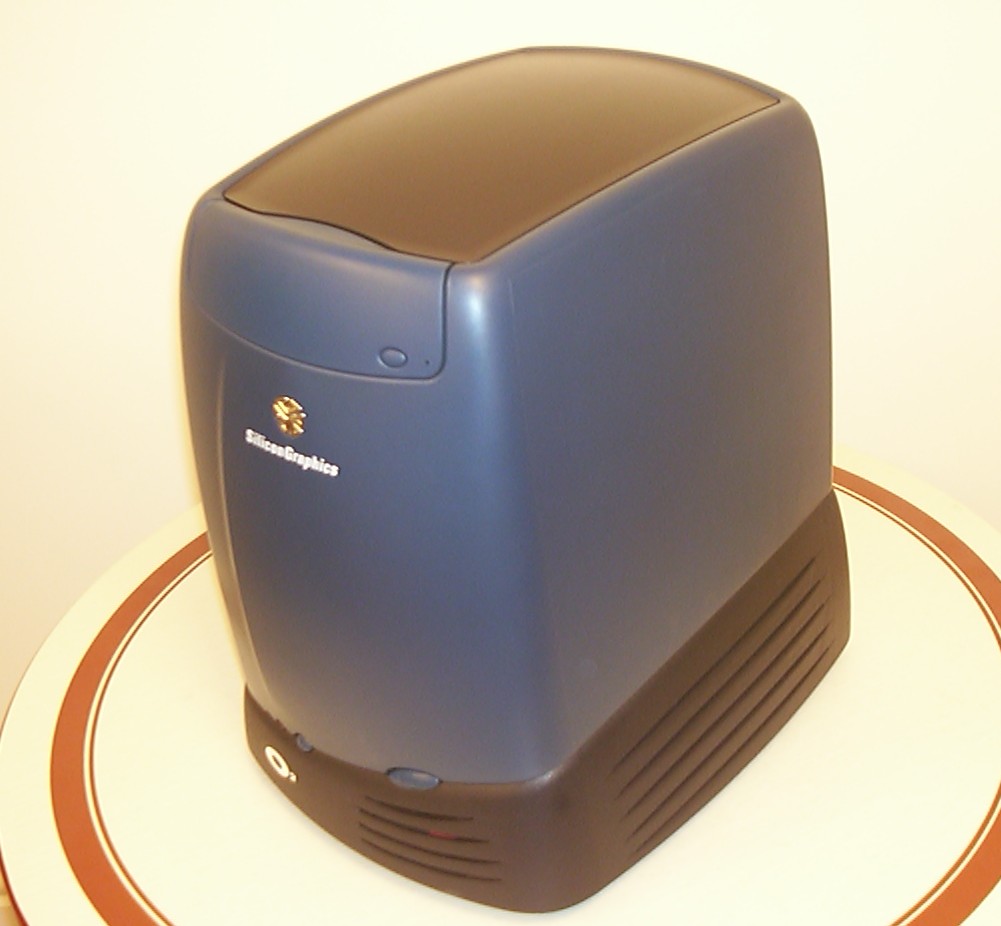
The designers over at Silicon Graphics simply kick ass, I wouldn’t be surprised if I end up modding another case from them in the future, the Origin 2100 deskside is hot.
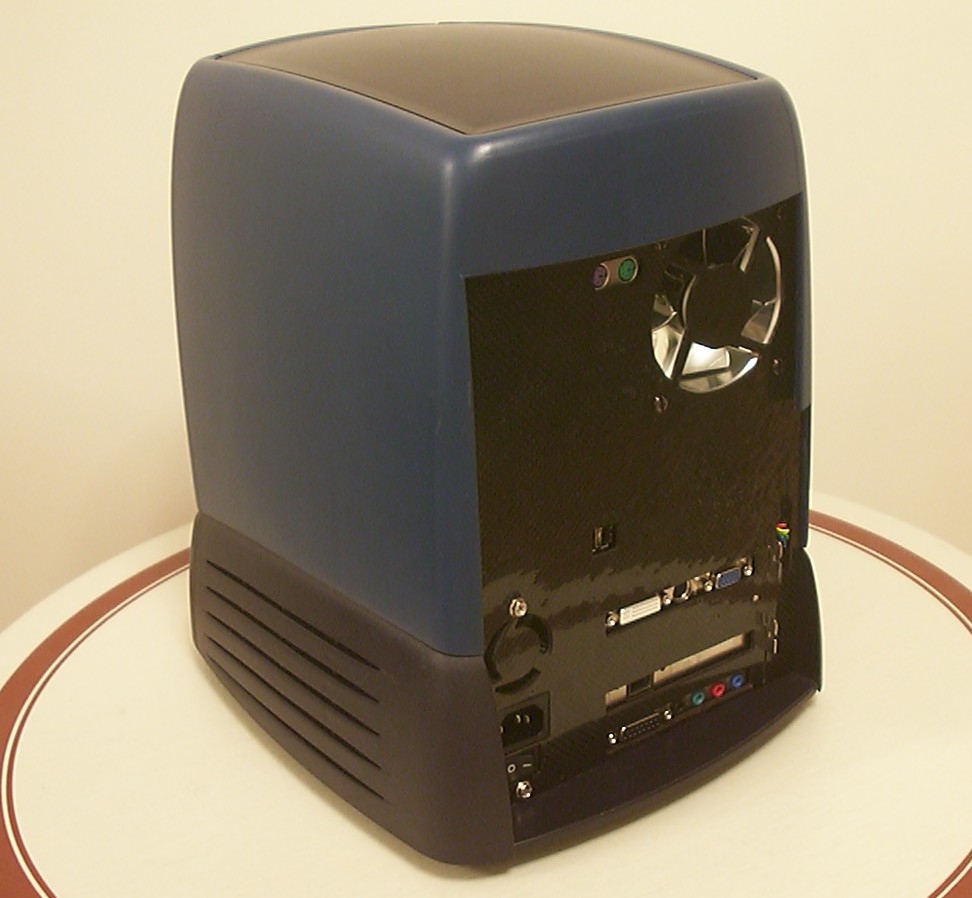
I did consider adding the original PSU fan guard…
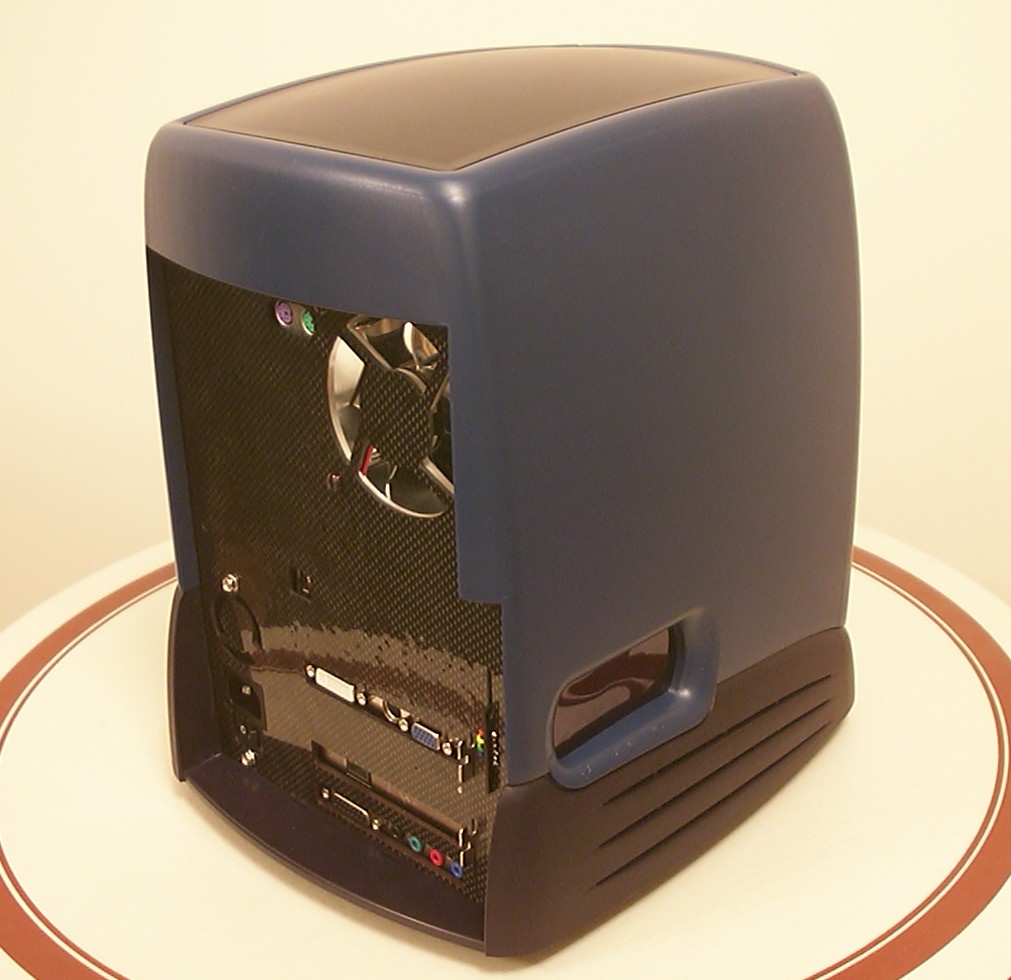
…but it simply was a shame to cover more Carbon Fibre then needed in the end.
Part 13
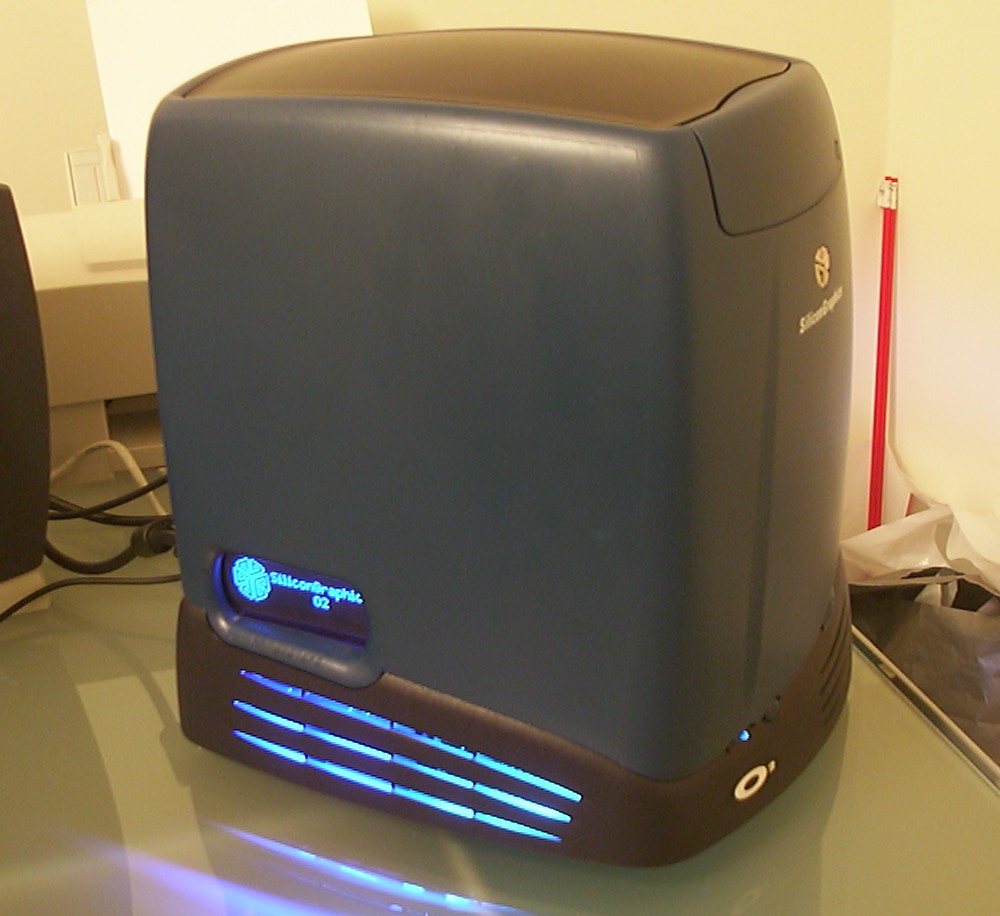
Oenone is done!!!
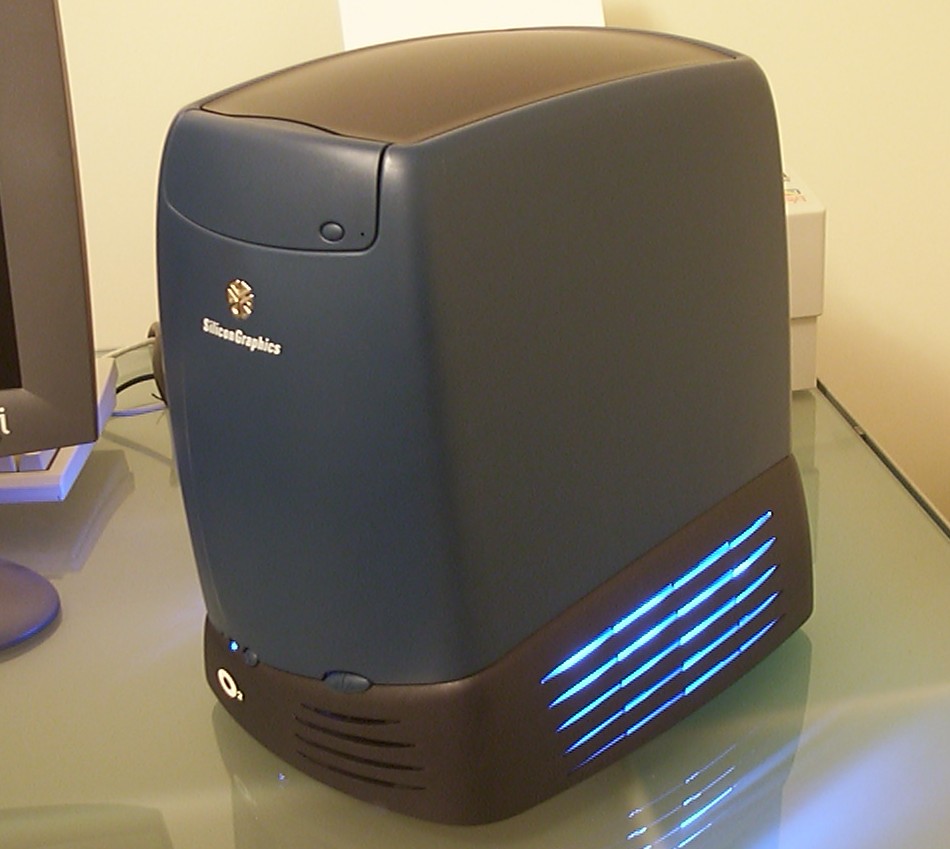
The lights are hardwired so they are always on as long as the computer is. I simply see no need to flip the light on and off. Indirect, reflected, light is what I aim for since looking at a naked CCFL tube isn’t very exiting, only distracting since that is all you will see.
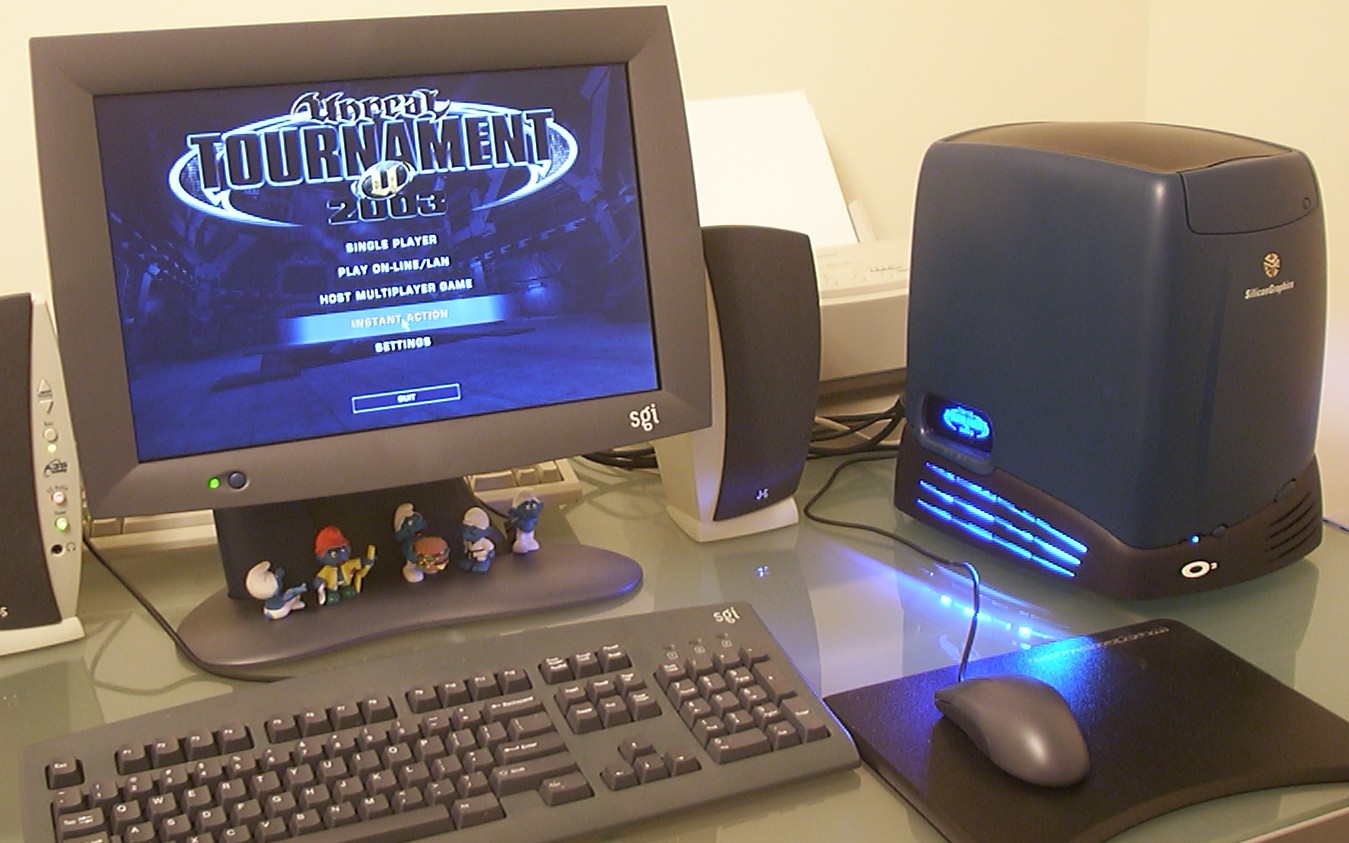
I guess no one can blame me for not using matching monitor/kb/mouse.
Even the smurfs match
The oenone screen got a new cleaner look.
Until next time, have fun.