

Worklog · 2003
Project 3
A free-form case built in the shape of a three to celebrate Intel's Pentium 4 3 GHz CPU, designed in CAD and made from watercut anodised aluminium.
- CPU
- Intel Pentium 4 3.06 GHz
- Motherboard
- Intel P845PEBT2
- Videocard
- ATI 9700 Pro 128 MB
- Case type
- Scratch built
- Purpose
- Custom case for Intel
- Year
- 2003
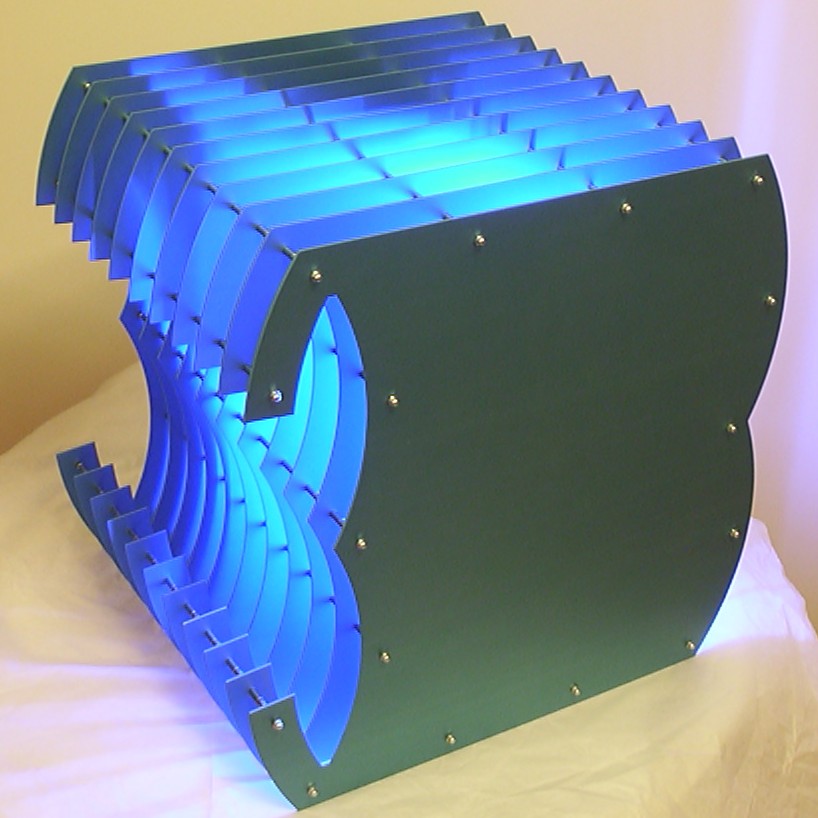
This project started when Intel contacted me regarding a case to show off their new Pentium 4 3.06GHz with. After some brainstorming the idea was born.
Why not put a 3GHz computer inside the digit three…
Part 2
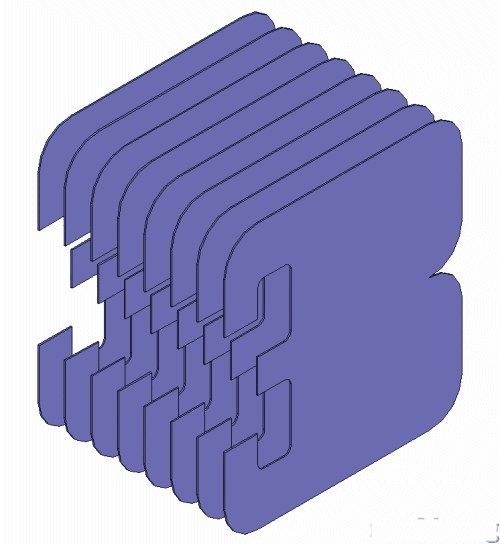
First as always, we have some concept art. The case will simply be built up by a lot of 2mm aluminium sheets in the shape of the digit three.
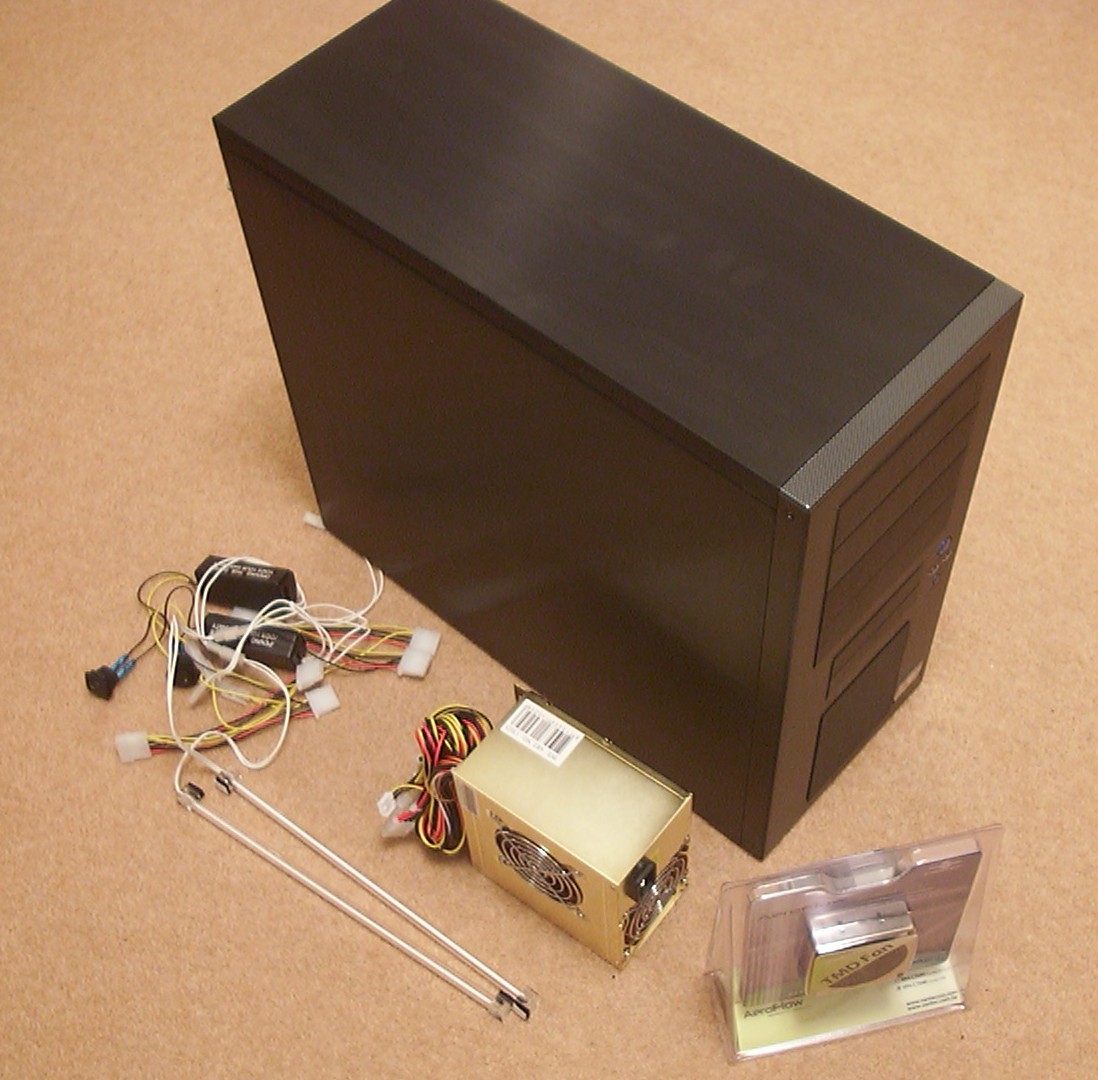
Some minor shopping done, got a nice Igloo 4 aluminium case, a 400W Qtek PSU and two blue 12" CCFLs.
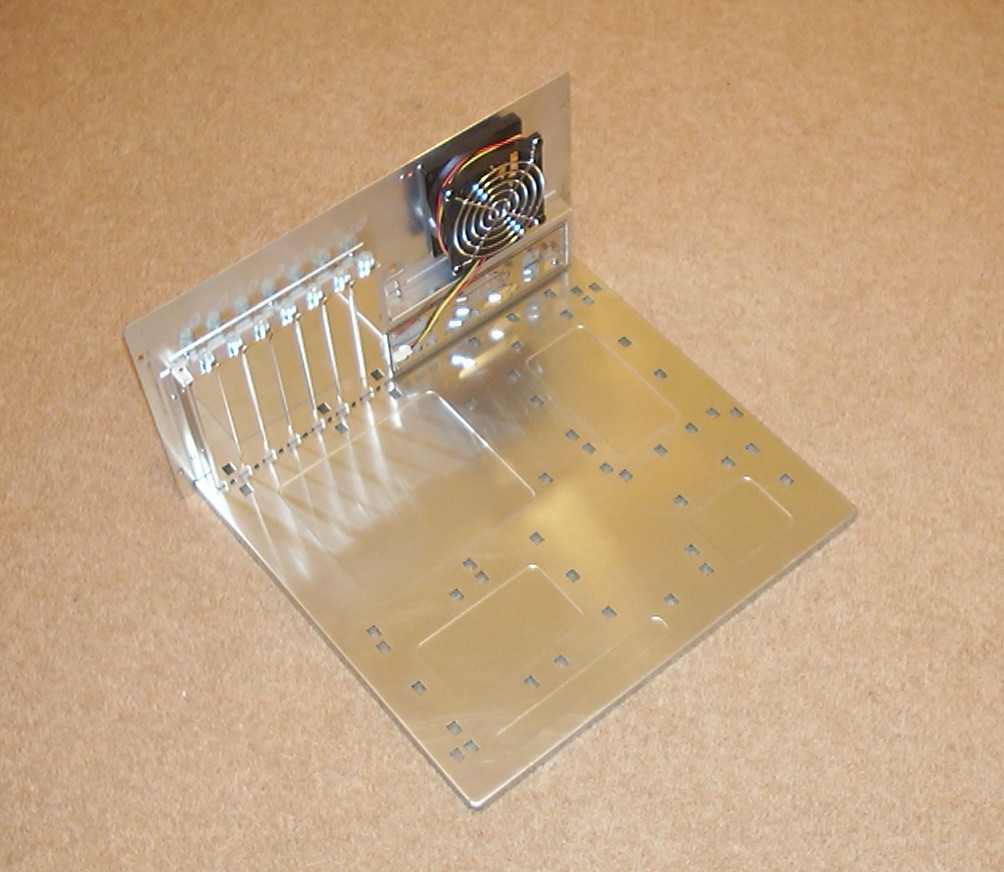
I hope you really didn’t think I was planning to put a PC in that case, no no, all I wanted it for was the nice aluminium motherboard tray… The remaining of the case will be a suitable table for my scanner.
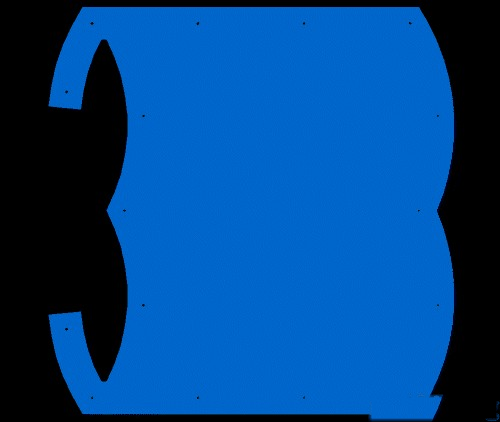
The CAD drawings are done, this is the front section.
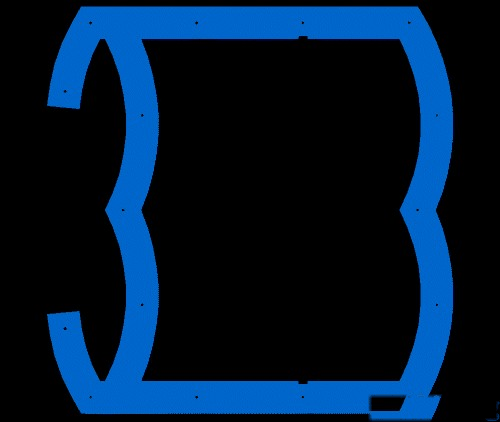
Mid section which it will be nine copies of.
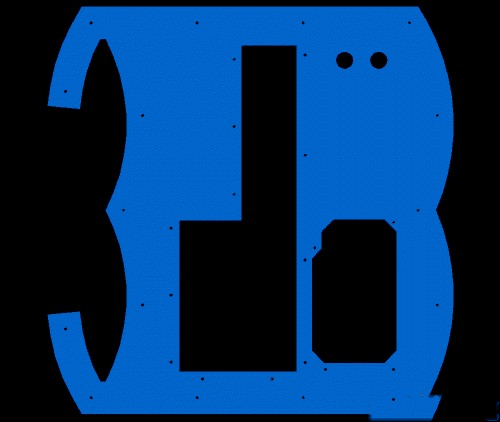
And the rear section.
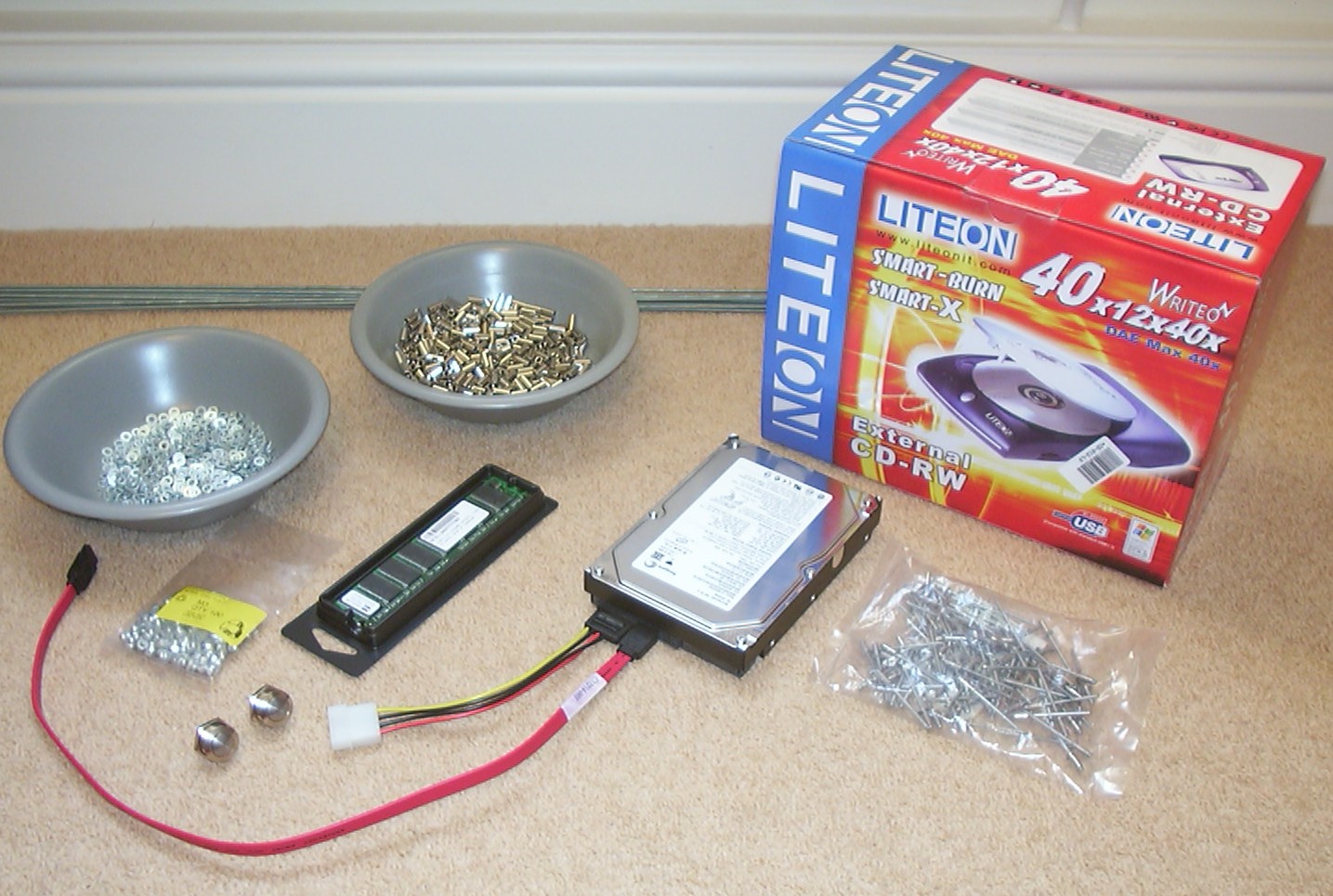
While waiting for the parts to be cut out by Sciss Ltd a few other bits and pieces arrived like the HDD, RAM, CD-RW, 10mm brass spacers and M3 threaded rods.
Part 3
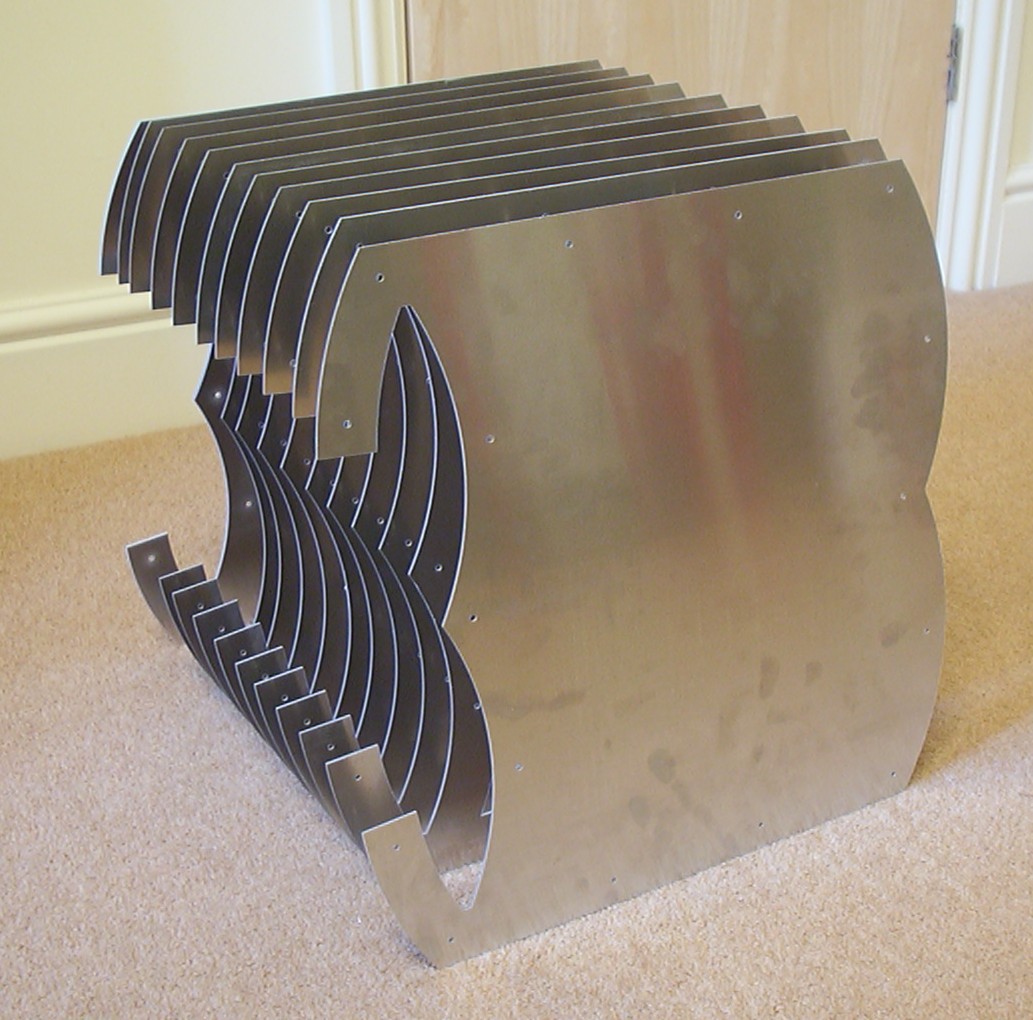
The parts has arrived from Sciss Ltd! A quick assembly to get a feeling and see if I managed to measure everything correct the first time…
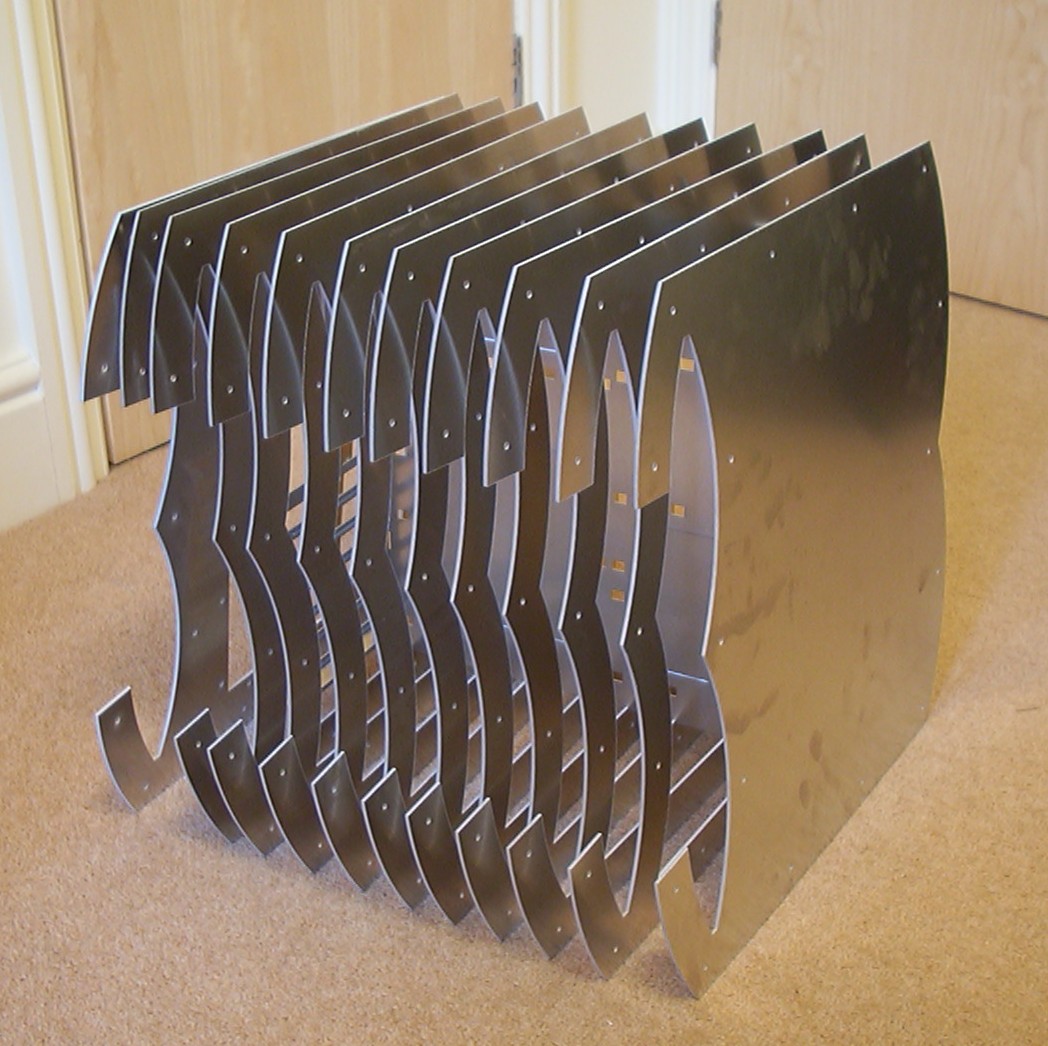
A little different angle, starting to see parts of the motherboard tray.
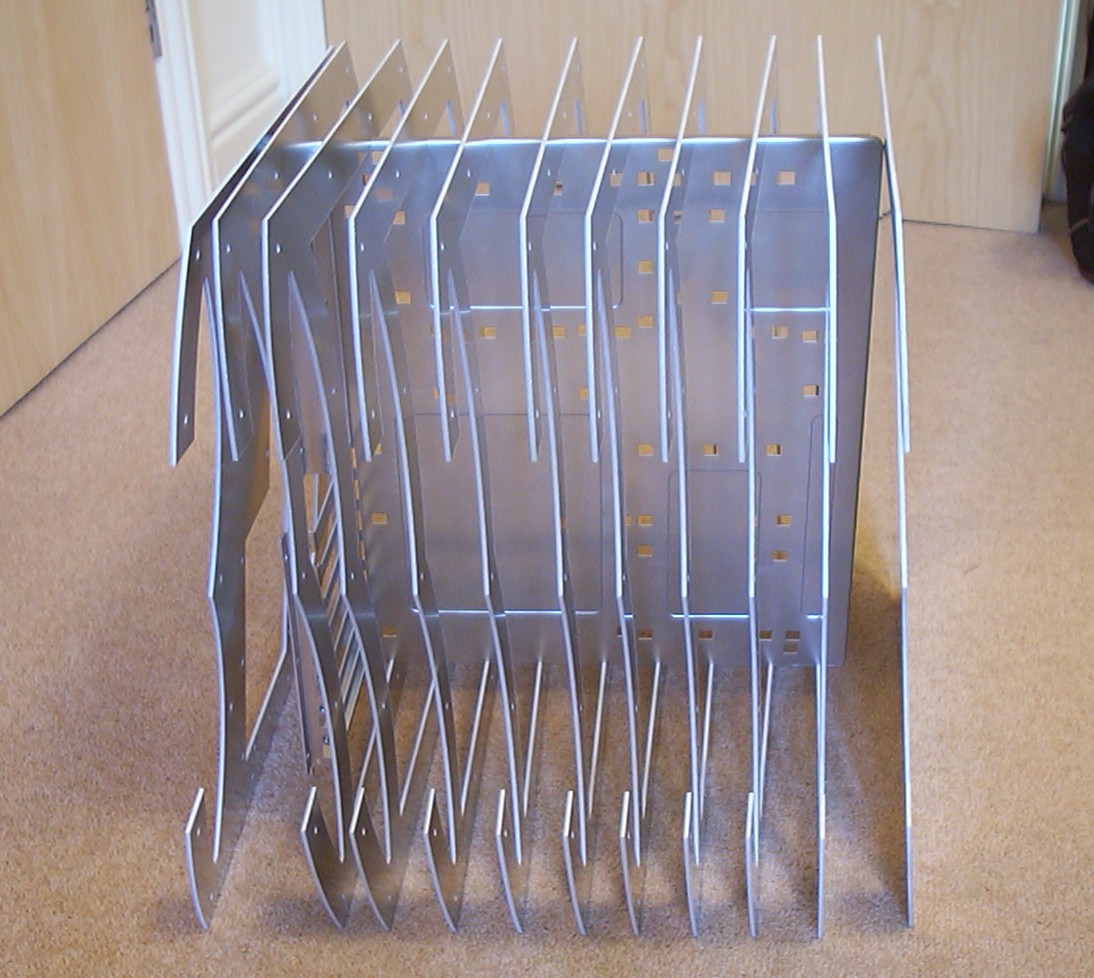
As you can see, all is held together by the motherboard tray alone, must say the fit is really nice.
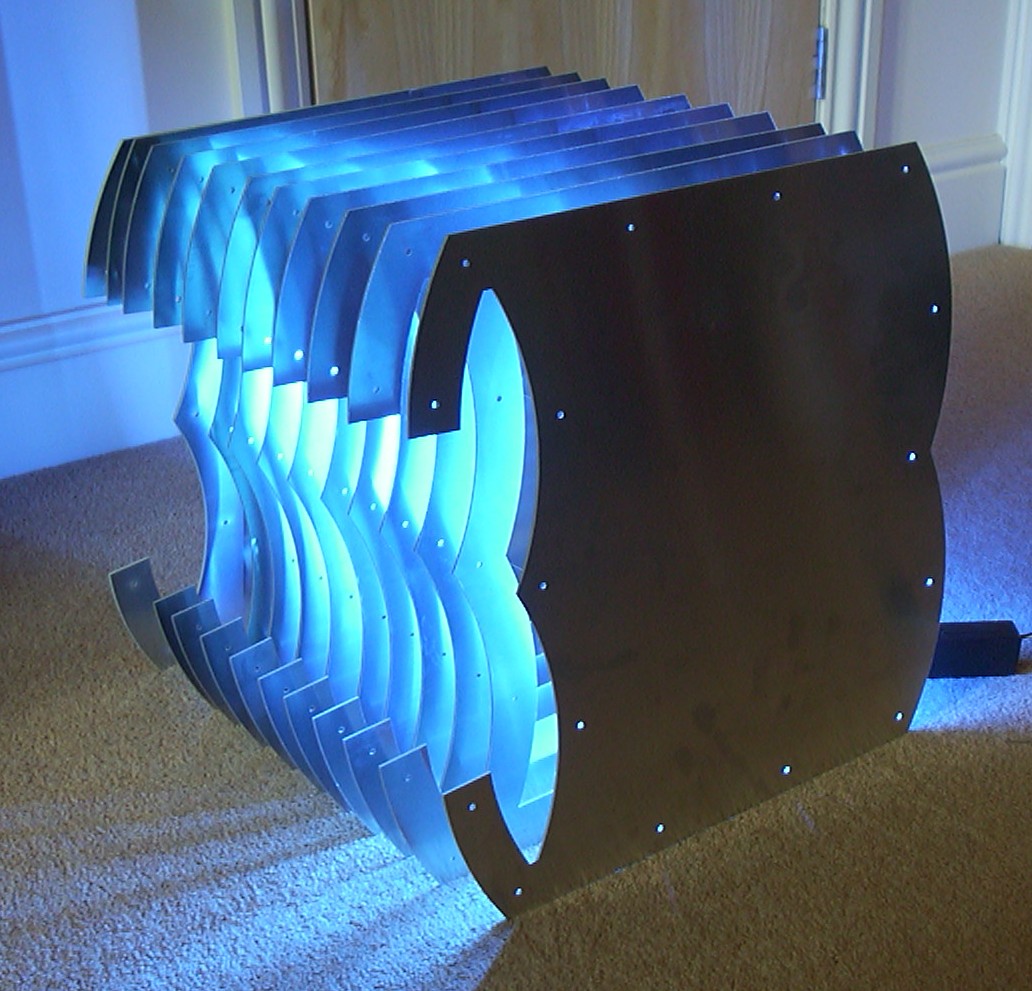
And just for fun I had to see how it would look like with the light switched on.
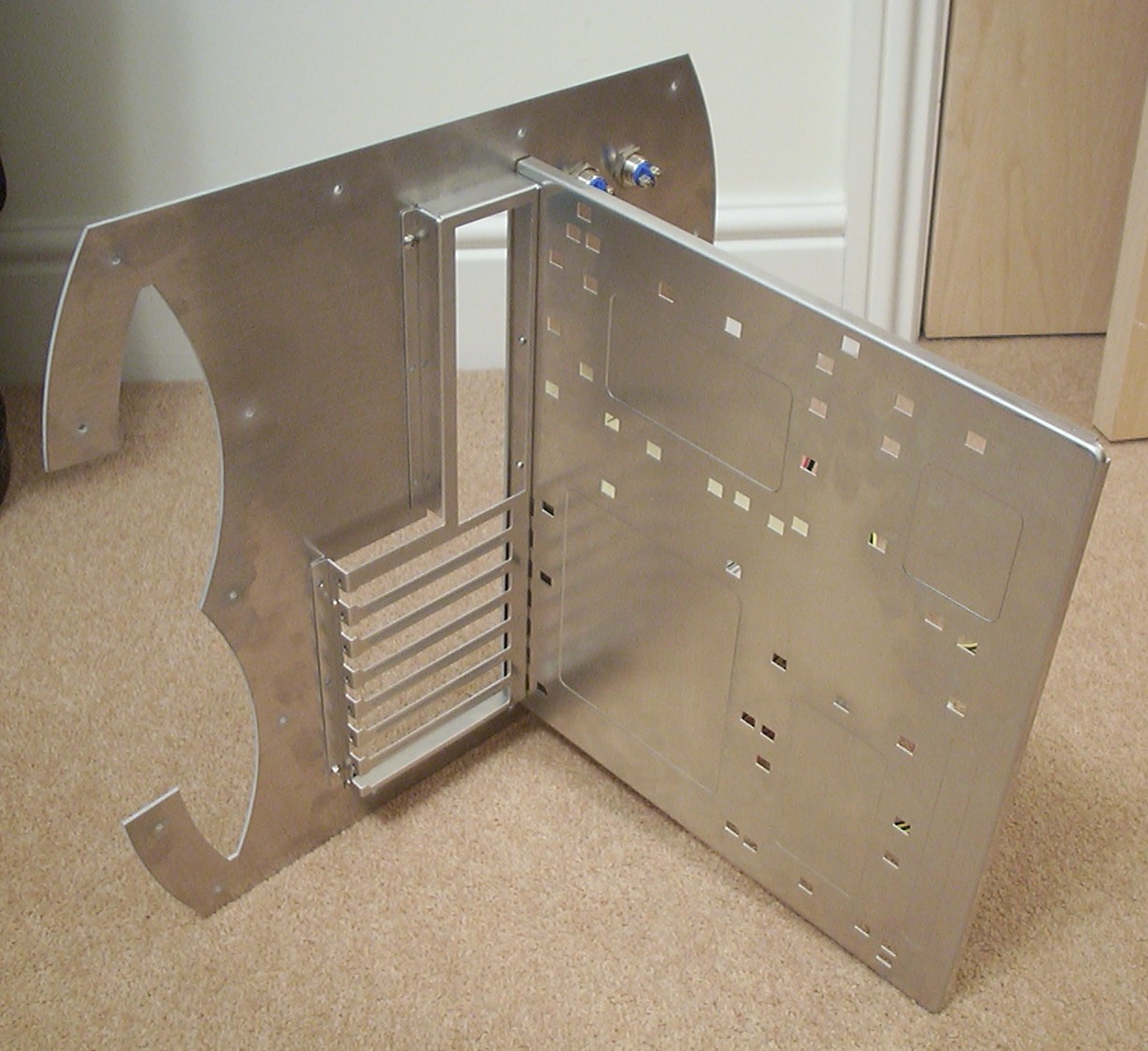
Time for some more thoroughly assembly to test if the holes are all lined up, no rivets used, just short M3 bolts.
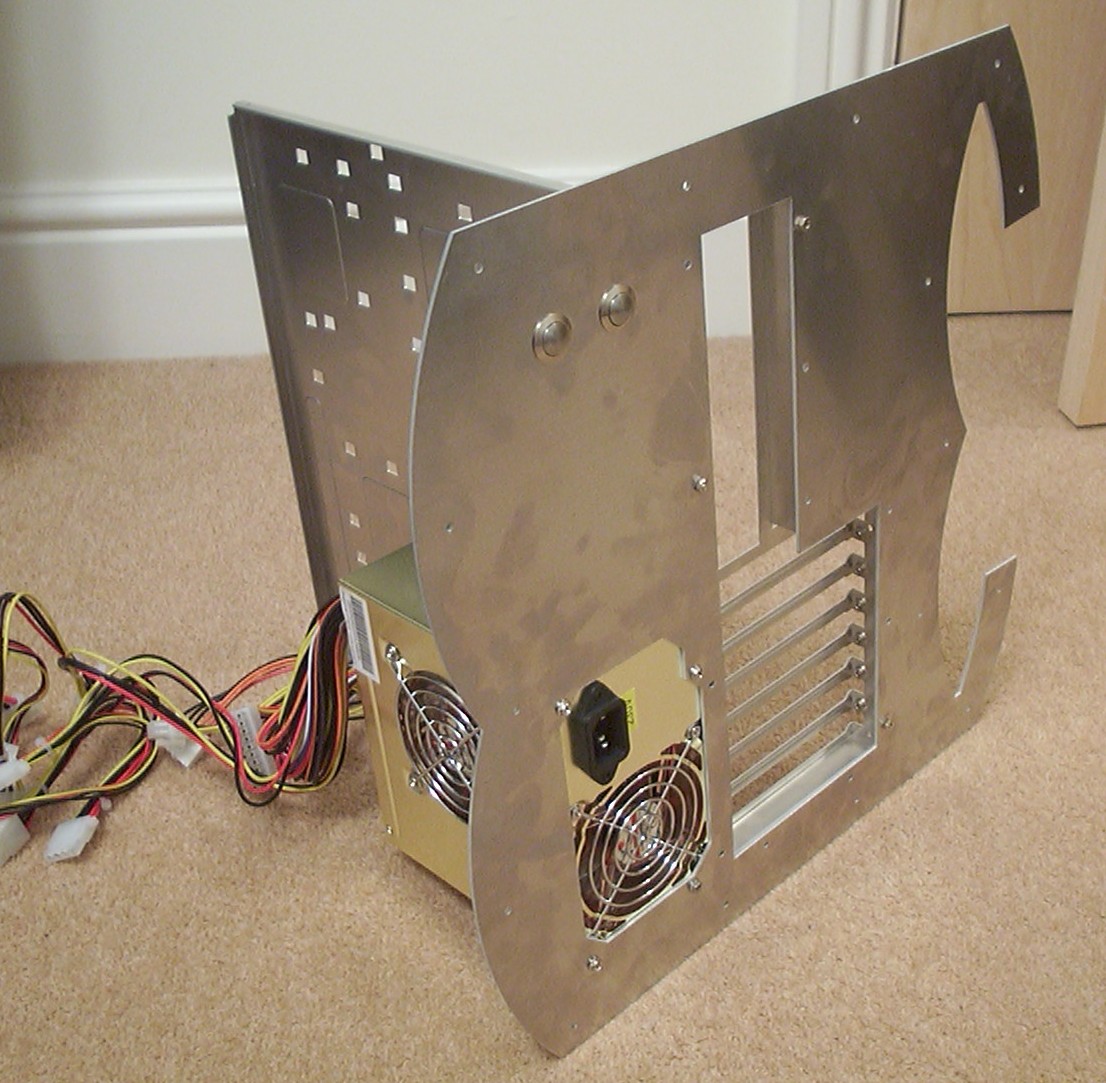
The vandal resistant switches will be used for power and reset. The cutout for the PSU was correct as well.
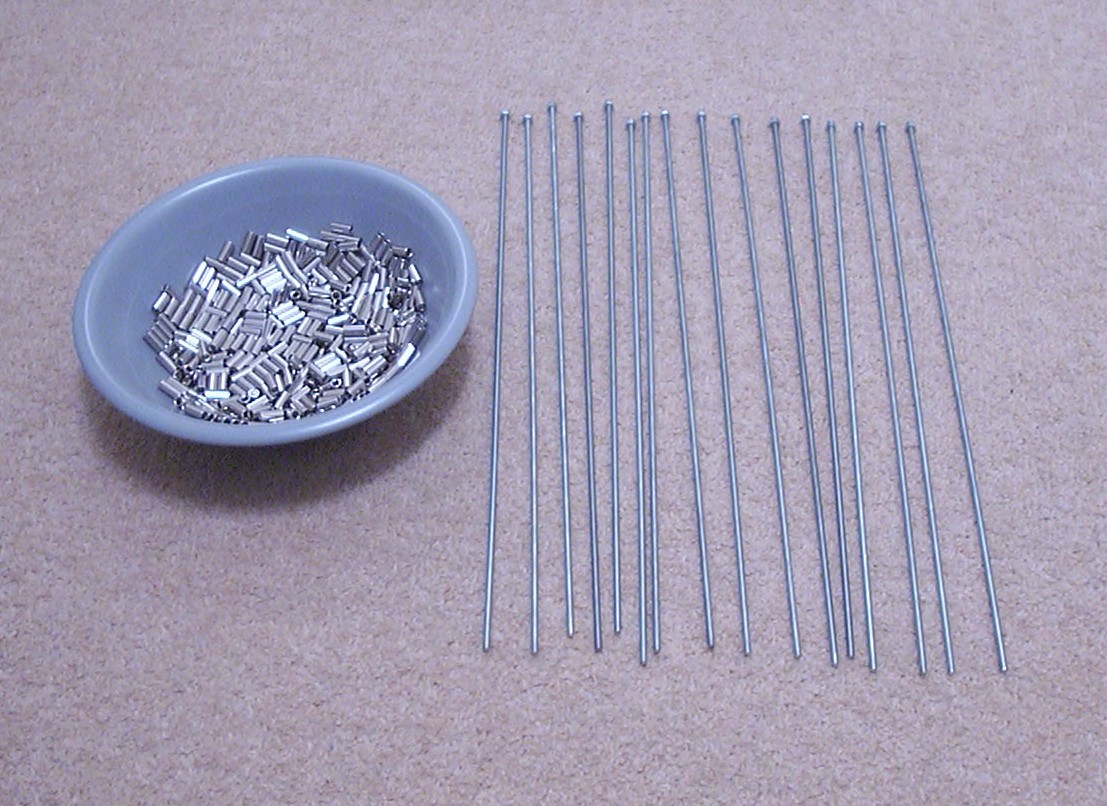
16 M3 threaded rods cut to proper length and domed nuts attached. On the left you see 550 brass spacers waiting for action.
Part 4
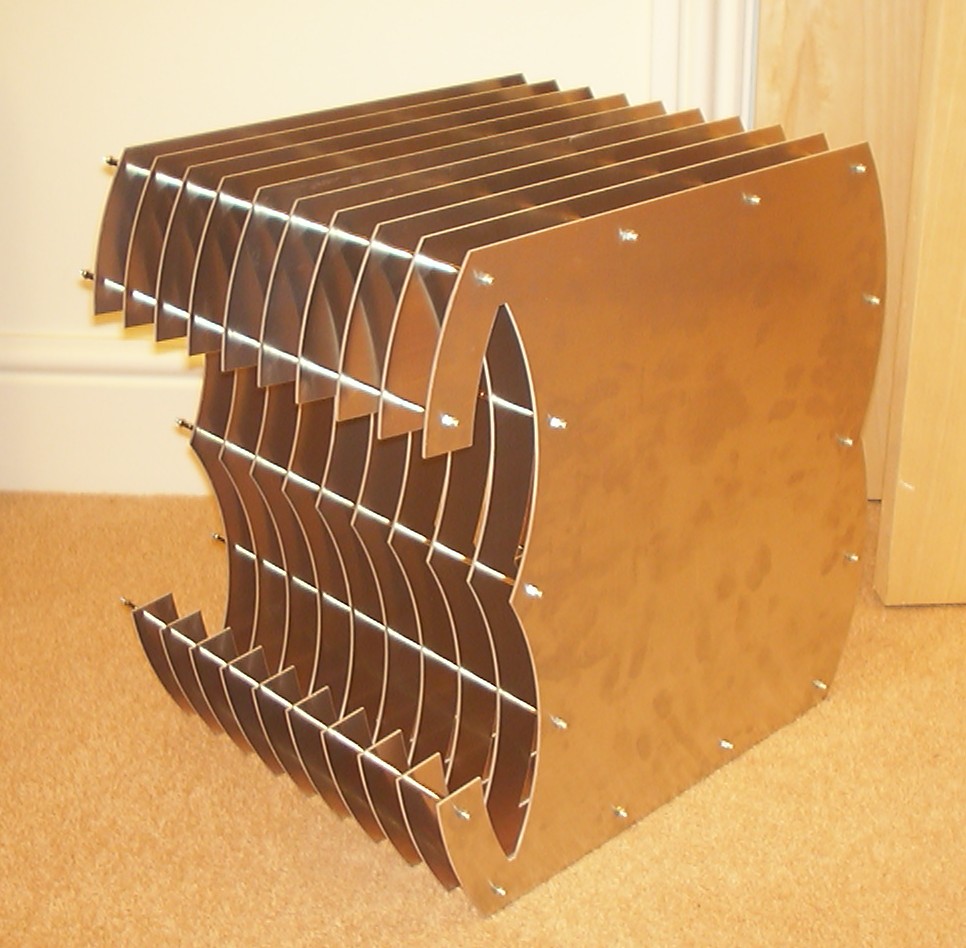
And action they get, the outer “cage” is assembled.
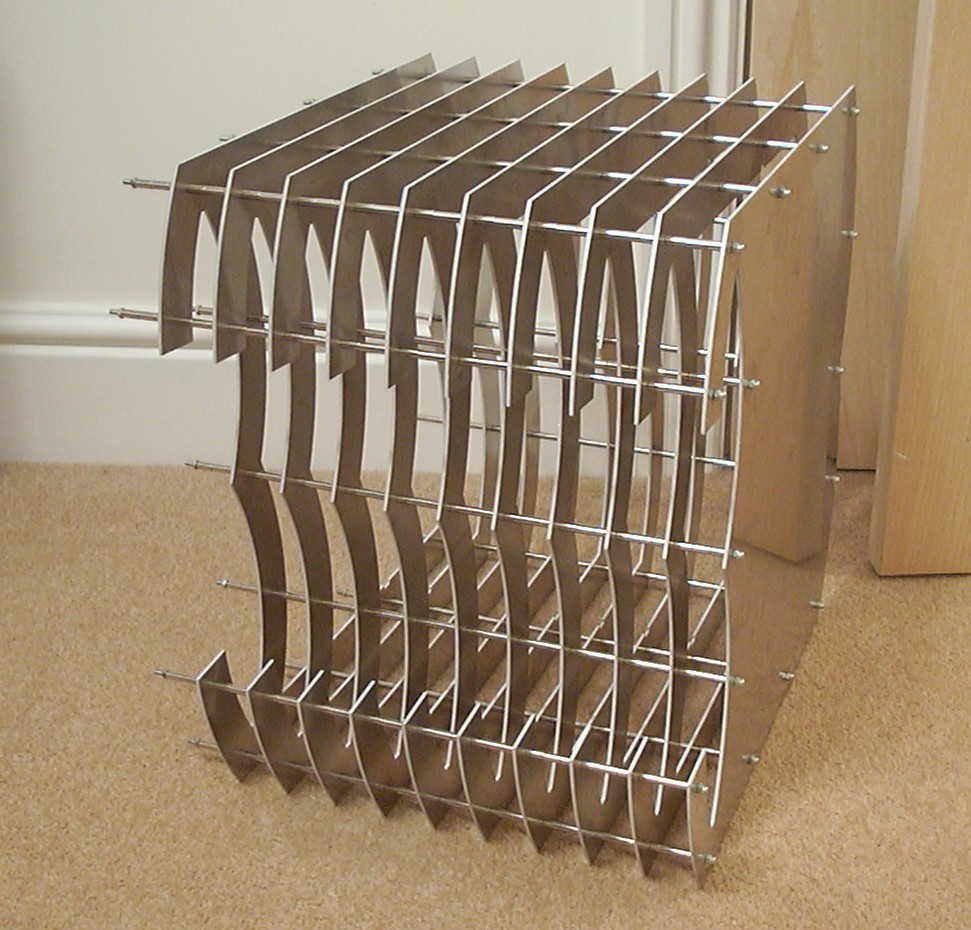
Most of the 538 parts used so far are visible.
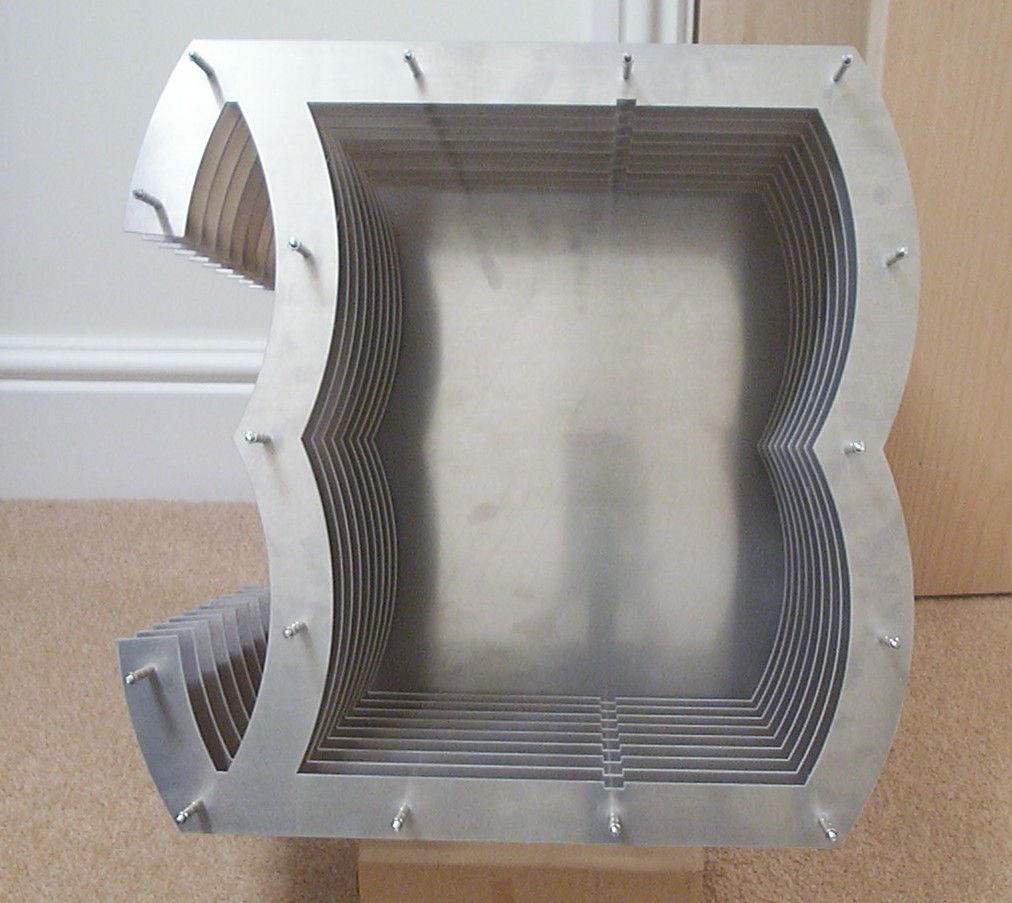
Just one more shot showing the rails the motherboard tray will slide in to at top and bottom.
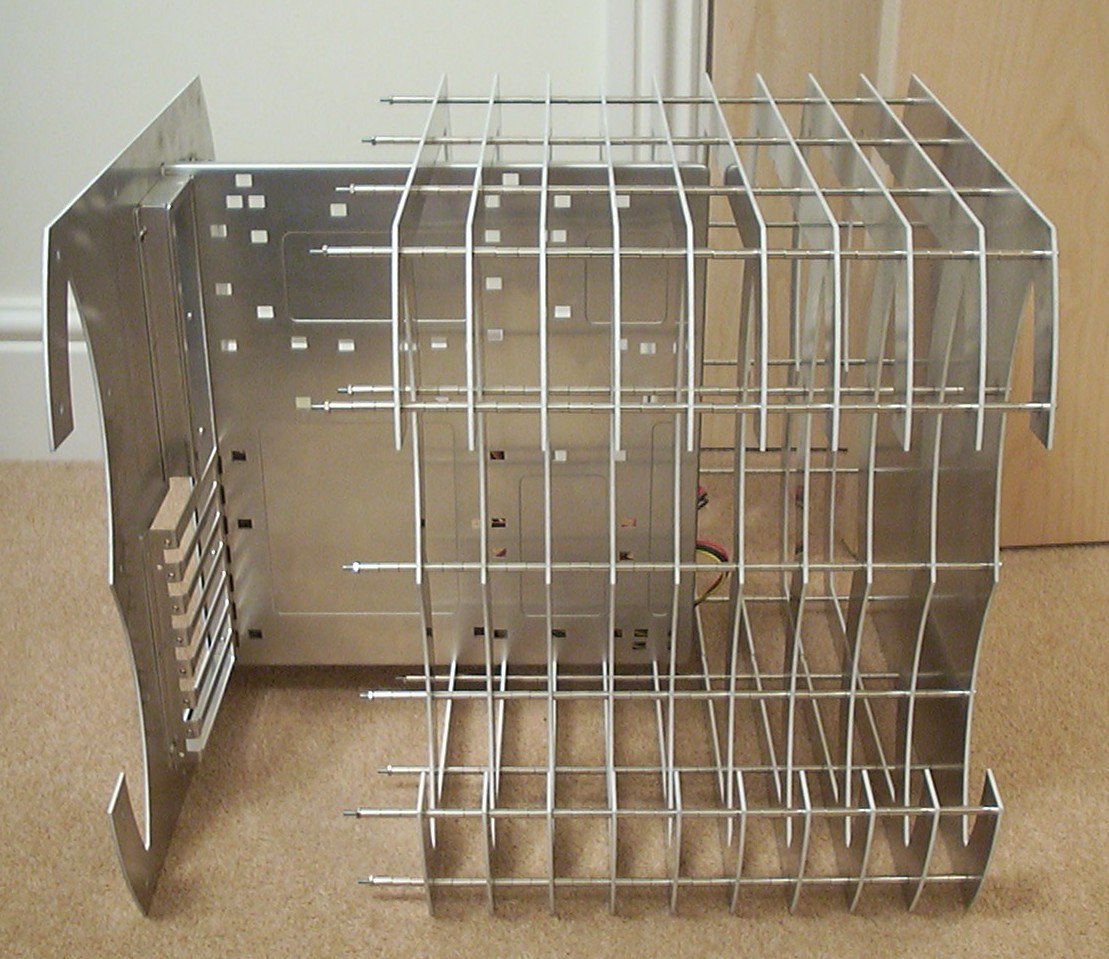
The tray halfway inserted.
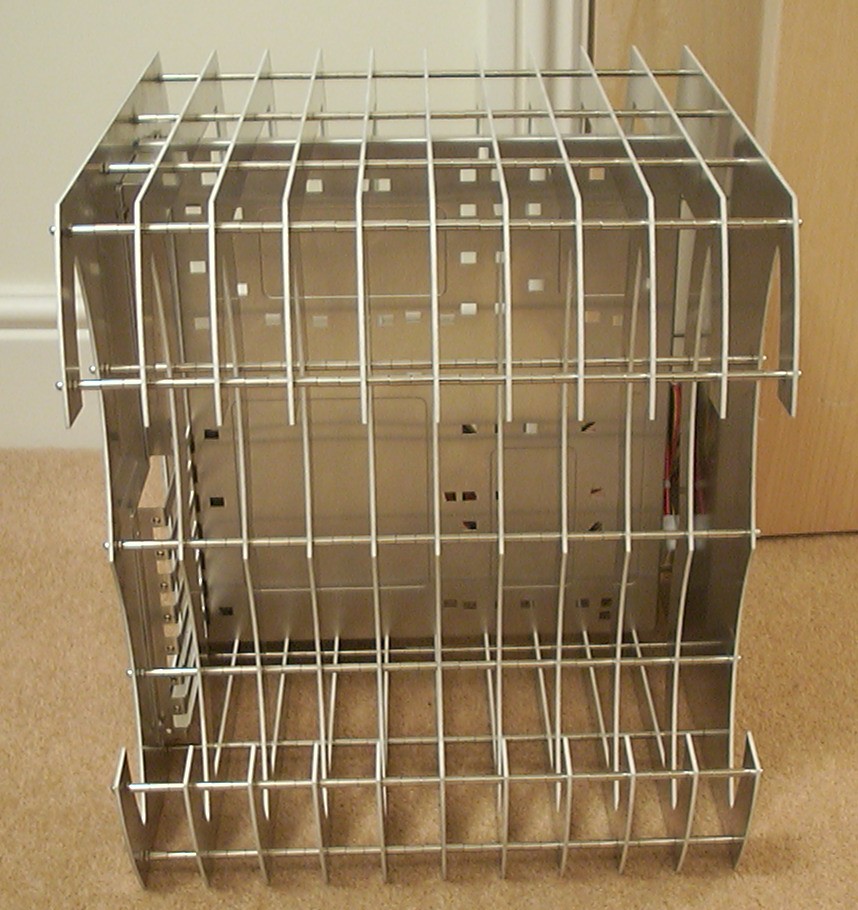
All part assembled for the case, 16 domed nuts are holding the last section with the tray in place.
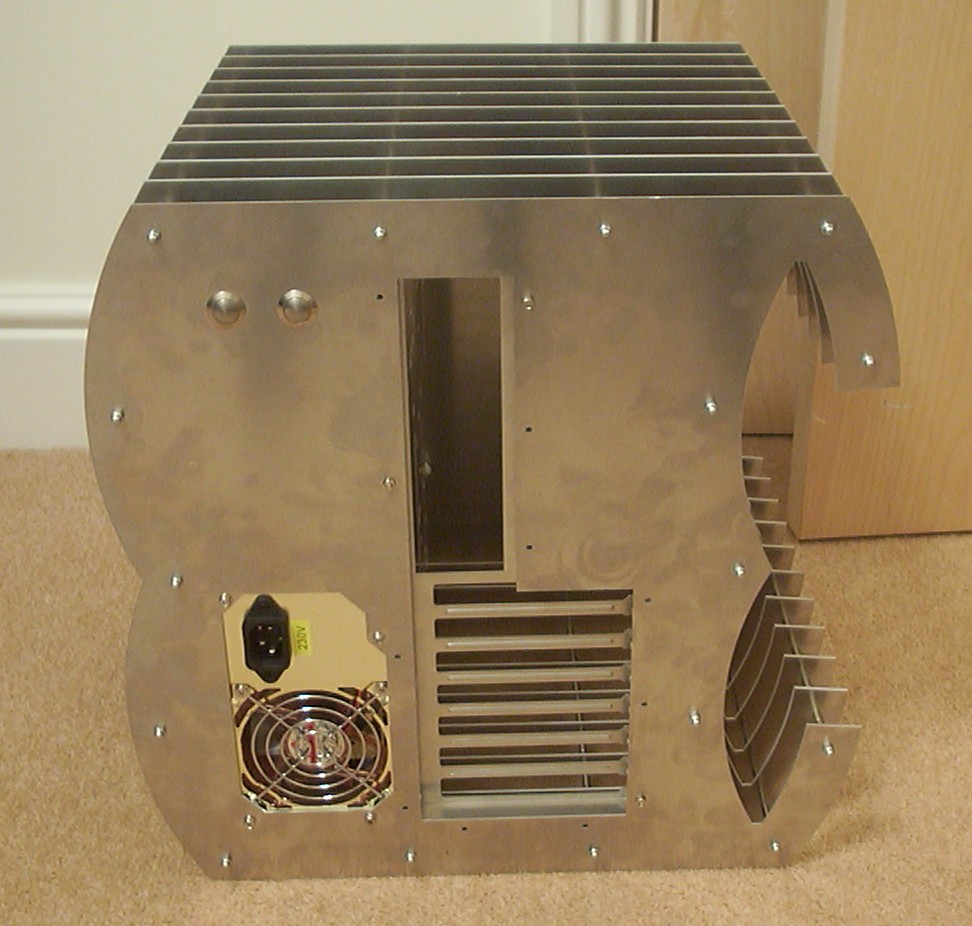
A rear view of the case.
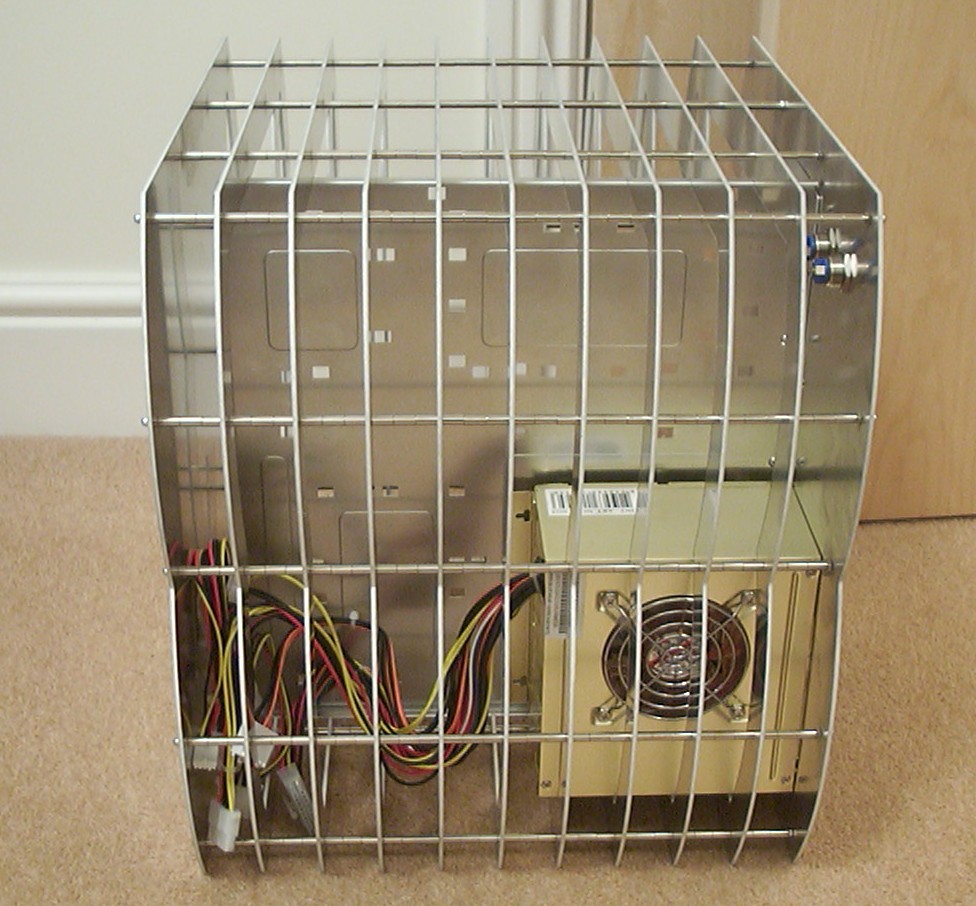
The back of the motherboard tray where the hard drive soon also will reside.
Part 5
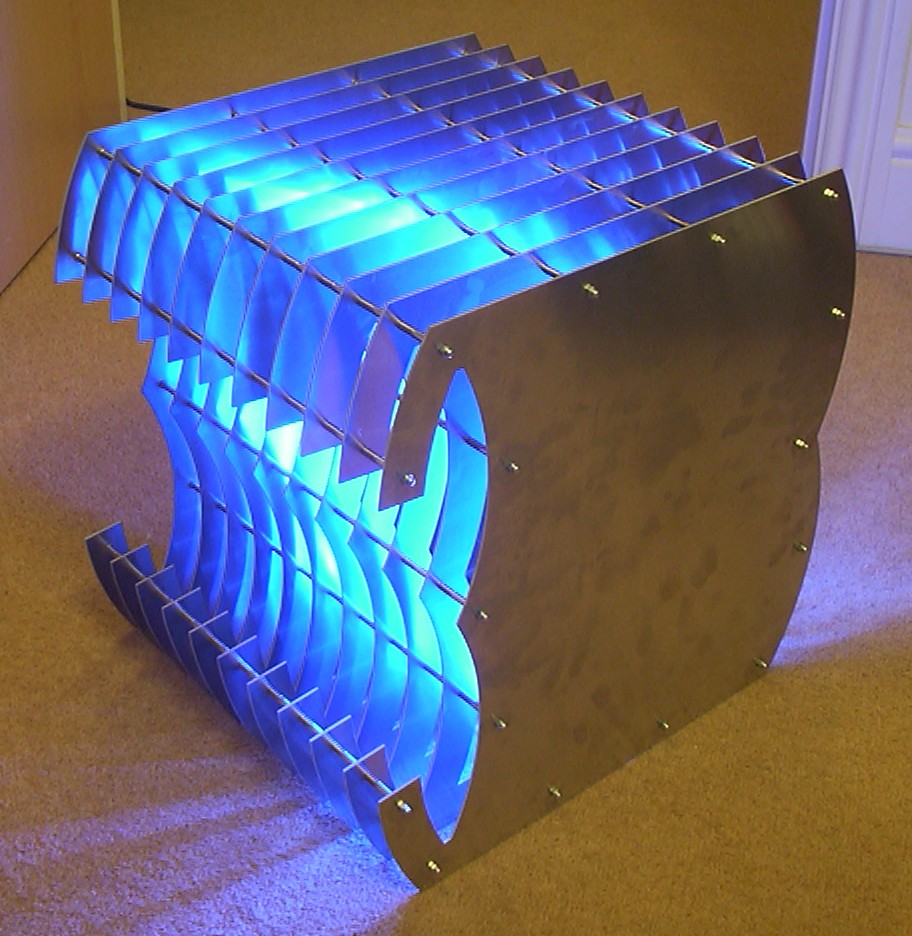
And of course I can’t resist to have a picture with the light on. All the parts had a perfect shape/fit, all I had to do was to deburr the edges with a 400 grit sandpaper before they were fully usable and safe.
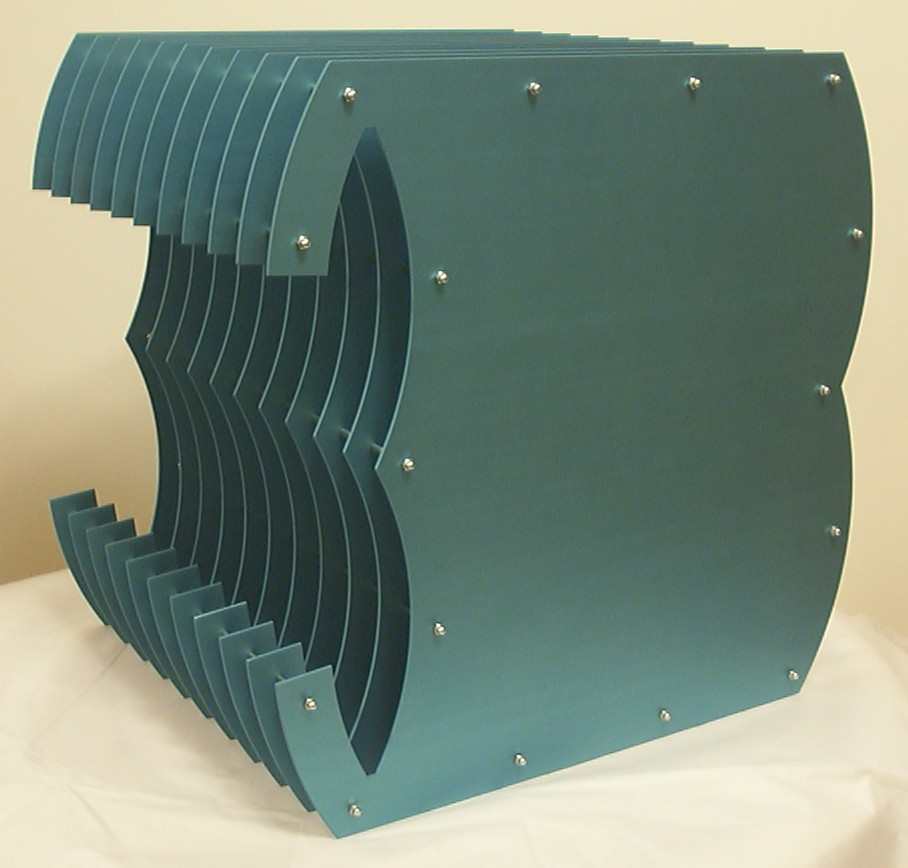
The case was taken apart again and sent off to Colour Anodising Ltd to get anodised. This is the result when it got a shade of ice blue added.
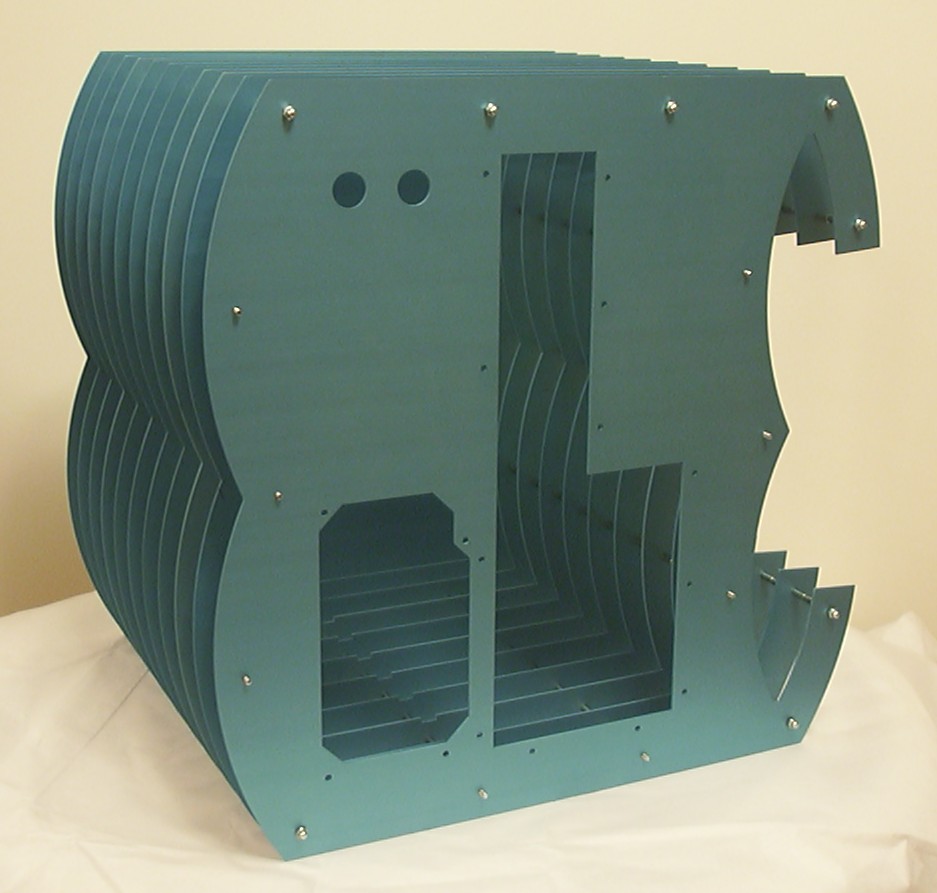
The colour in real life is more blue even though the camera didn’t agree on it.
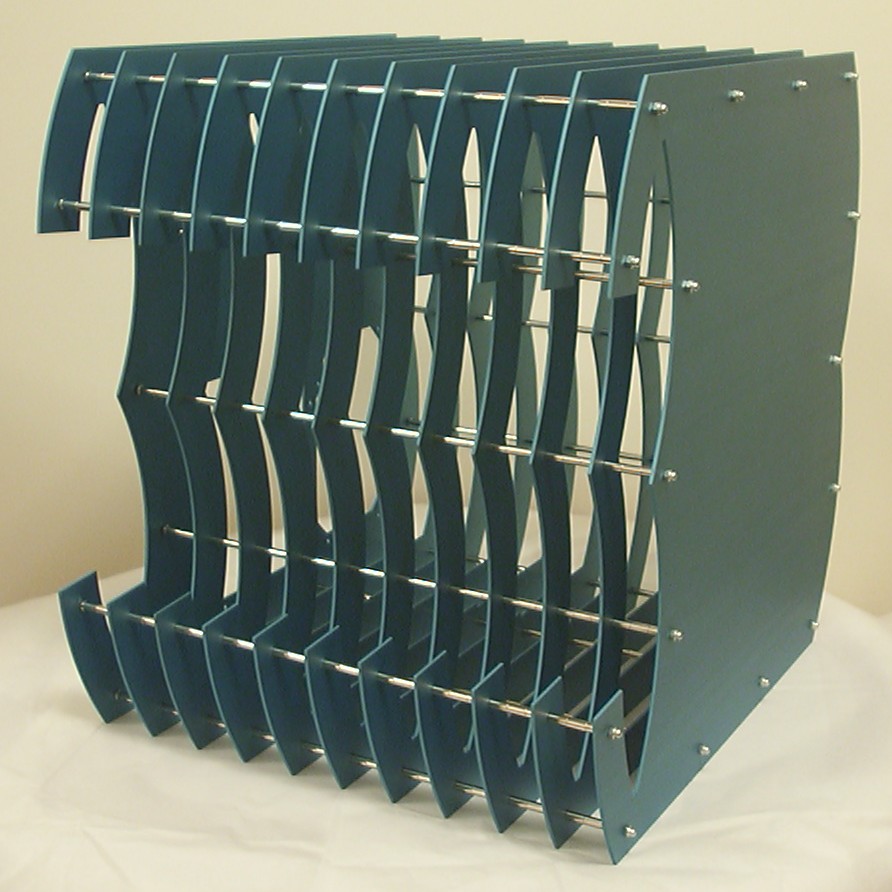
All of a sudden the chromed spacers stand out as well as the domed nuts.
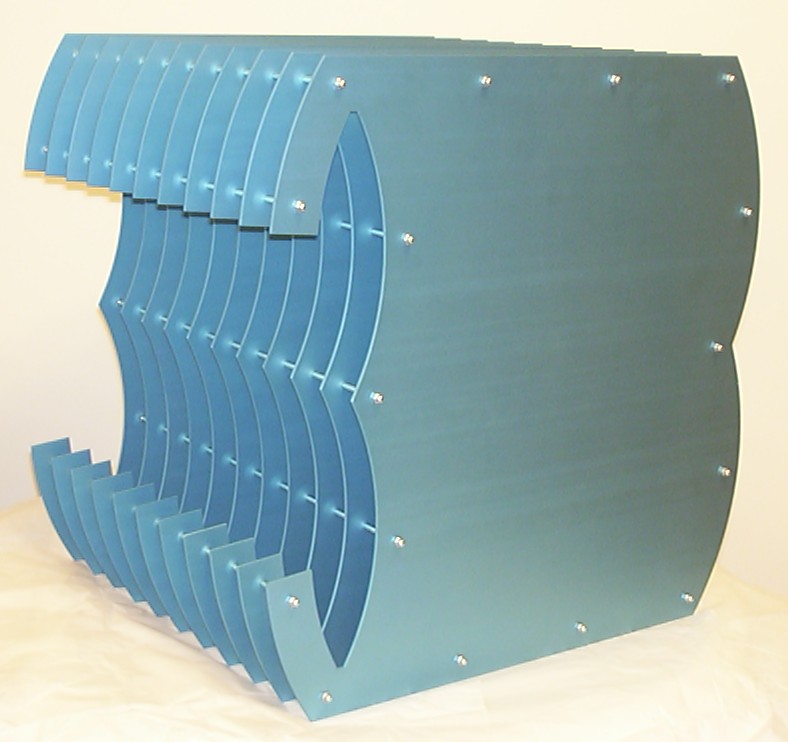
With the flash on the case looks completely different.
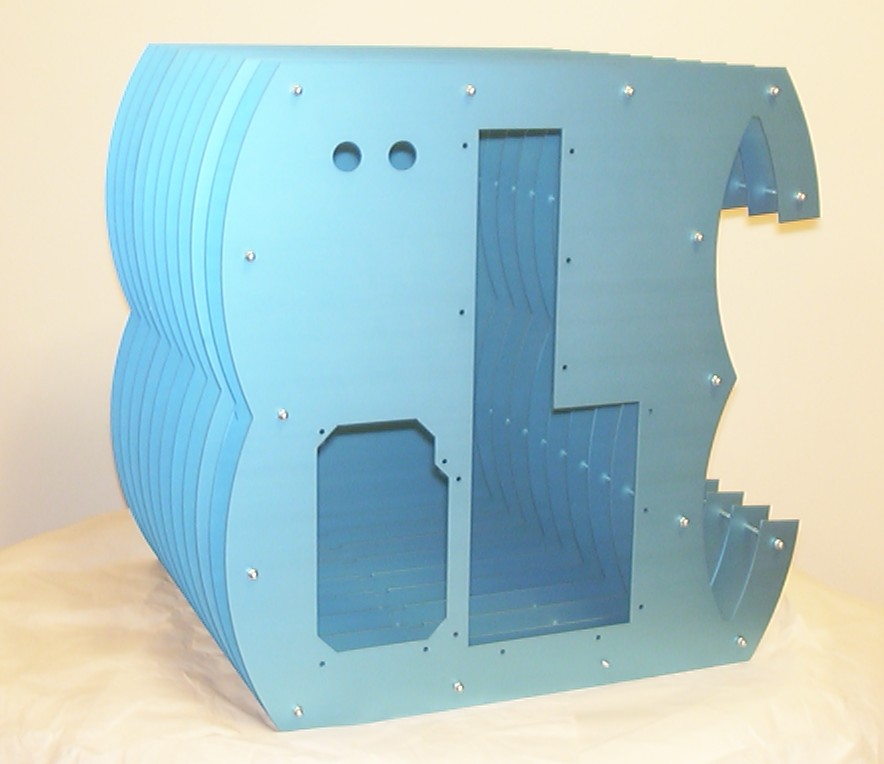
The finnish looks like brushed but it is the way anodising turns out by default.
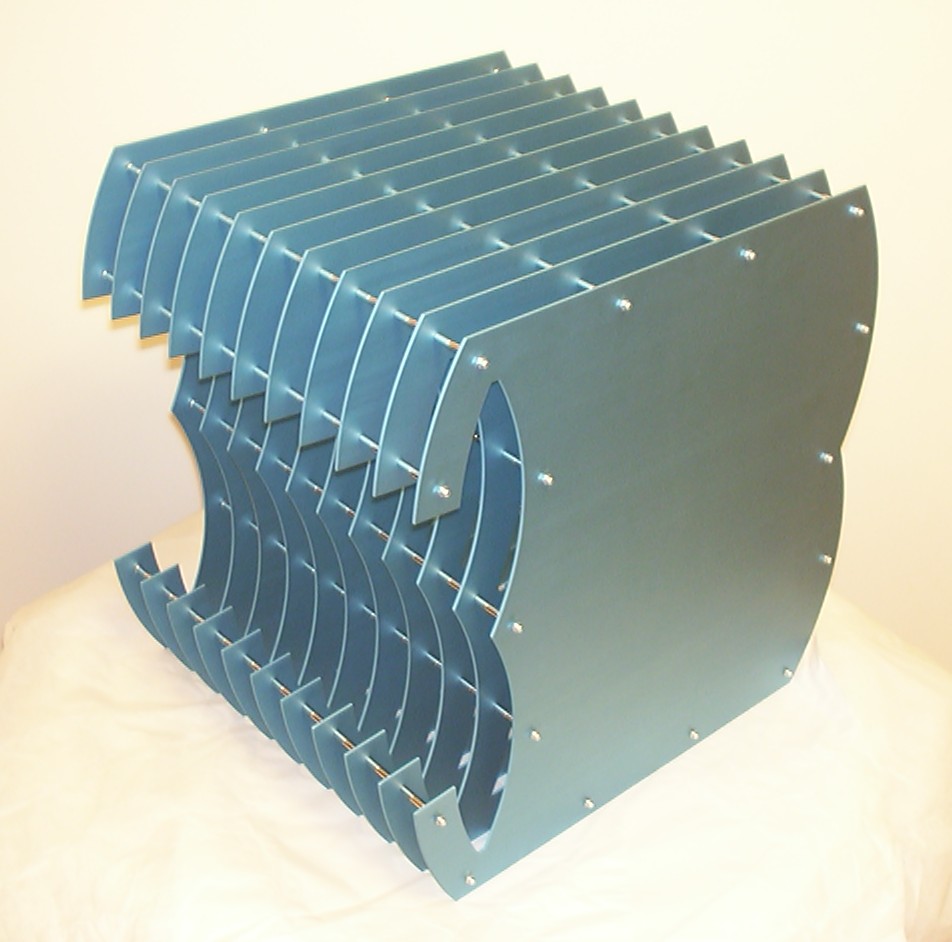
And an isometric view over the case before the installation of the internals begins.
Part 6
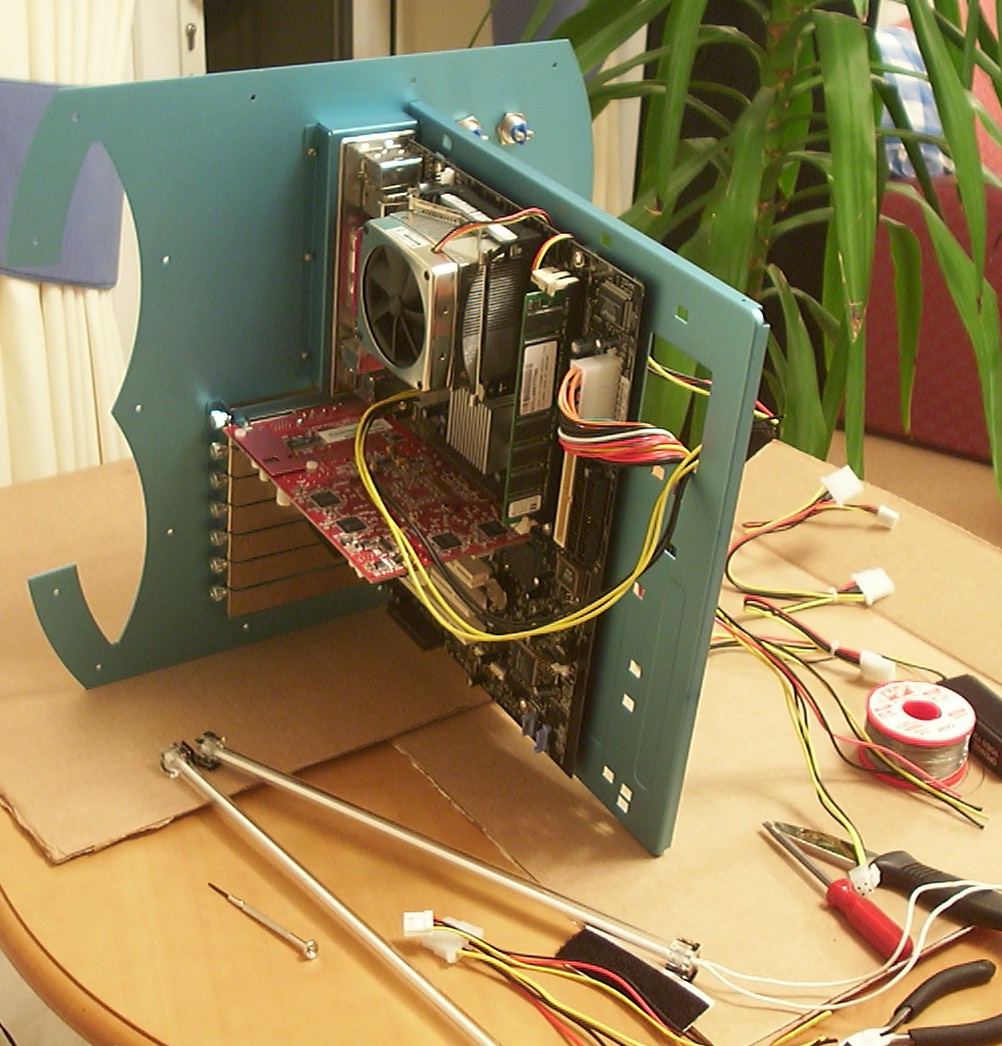
Start of the assembly of the internal structure. The motherboard tray is riveted to the rear section.
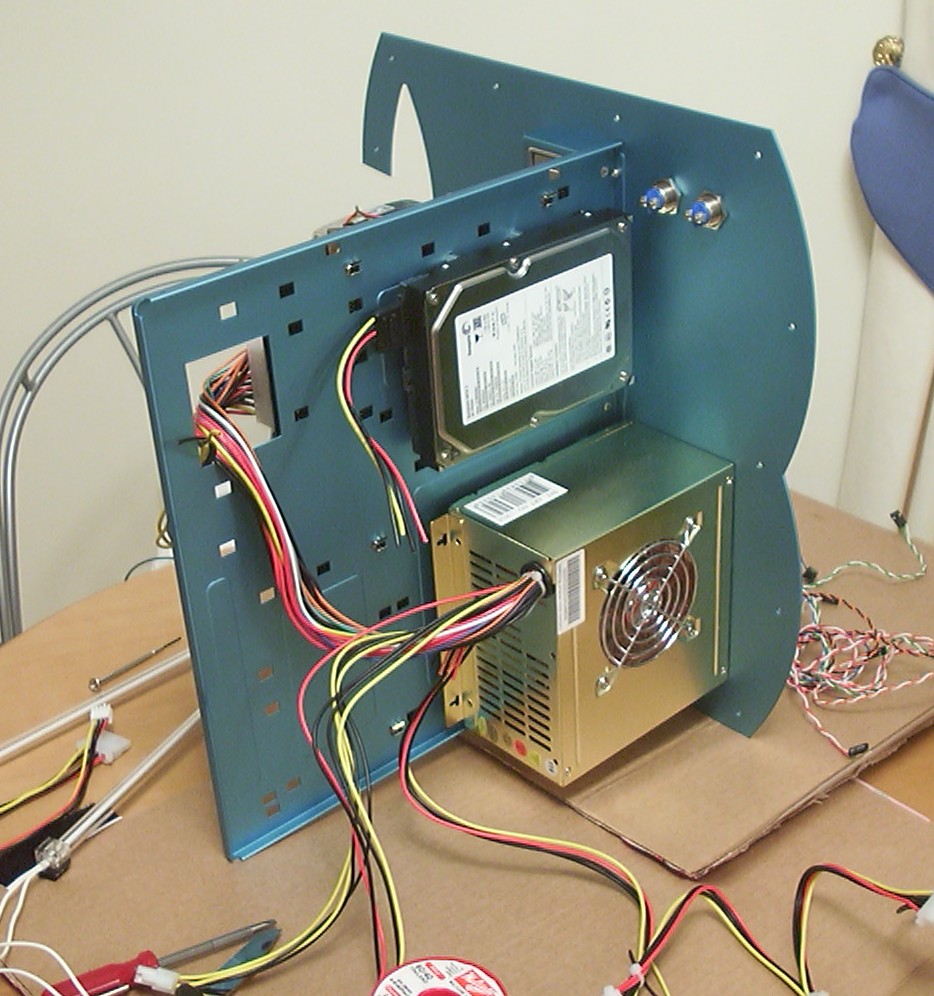
Some more wires in need of clean up. The harried is mounted using four spacers so the connectors on the cables can sit straight.
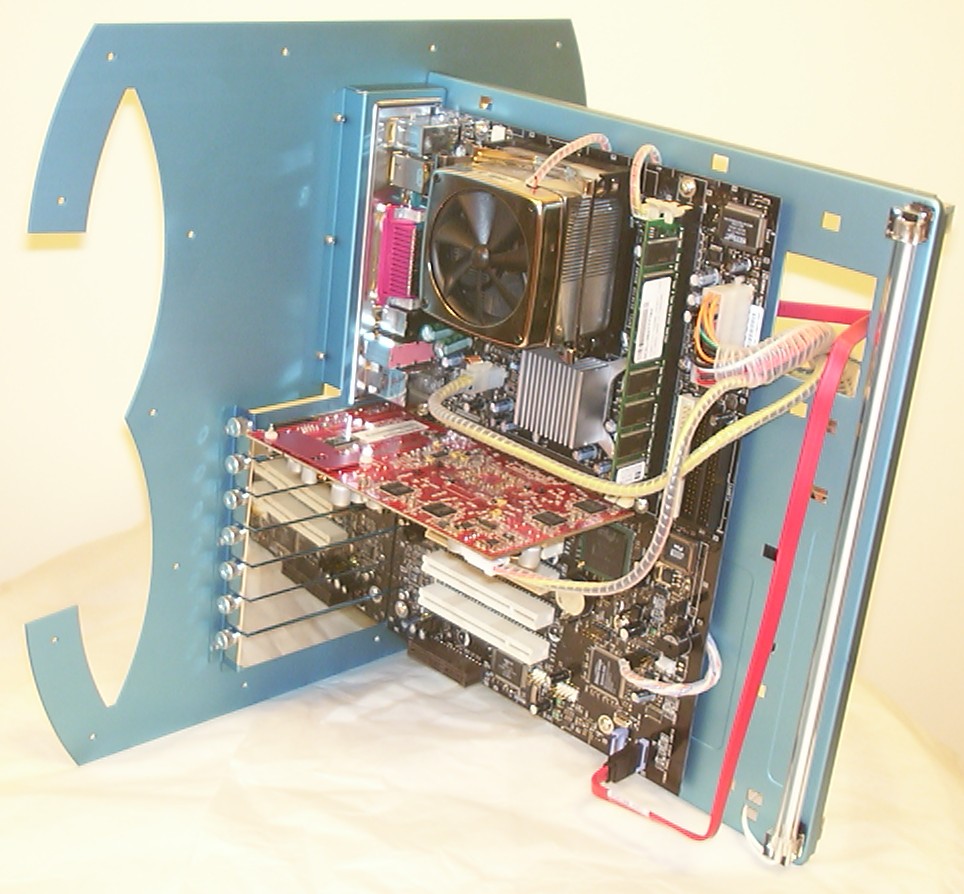
A few hours later, all wires have been sliced, diced and wire wrapped. I happily discovered that S-ATA cables easily can be bent to a suitable shape.
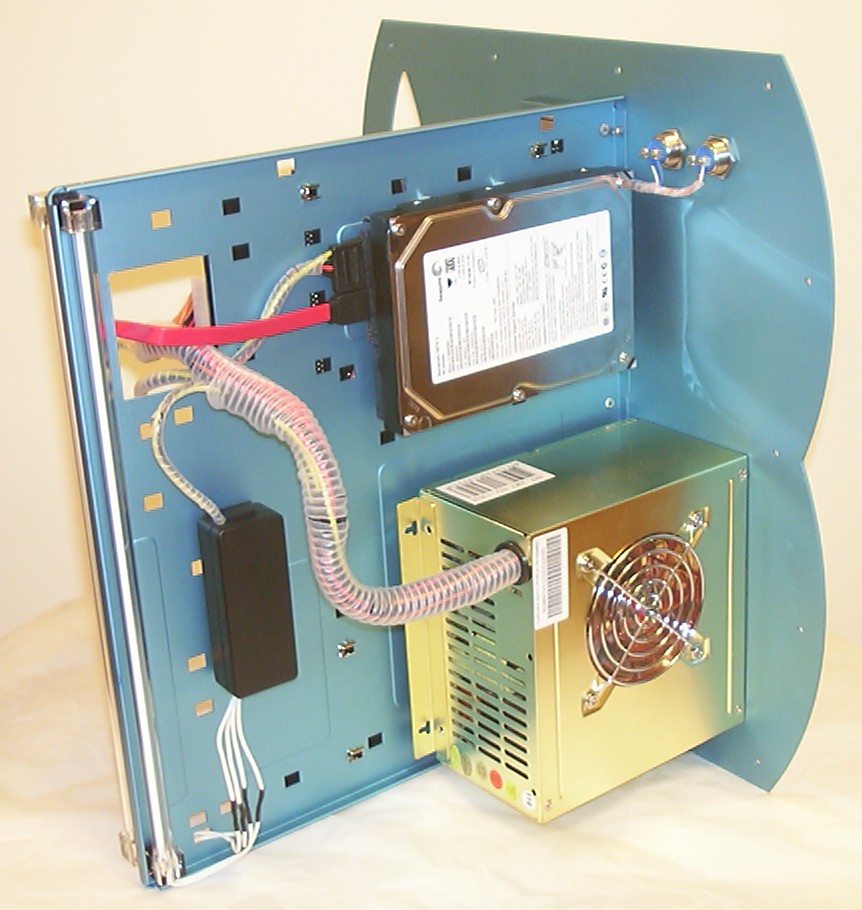
Even more wire wrap had to be used here, as always I use the 1/8" version of it. The power and reset wires are hidden between the motherboard and the tray.
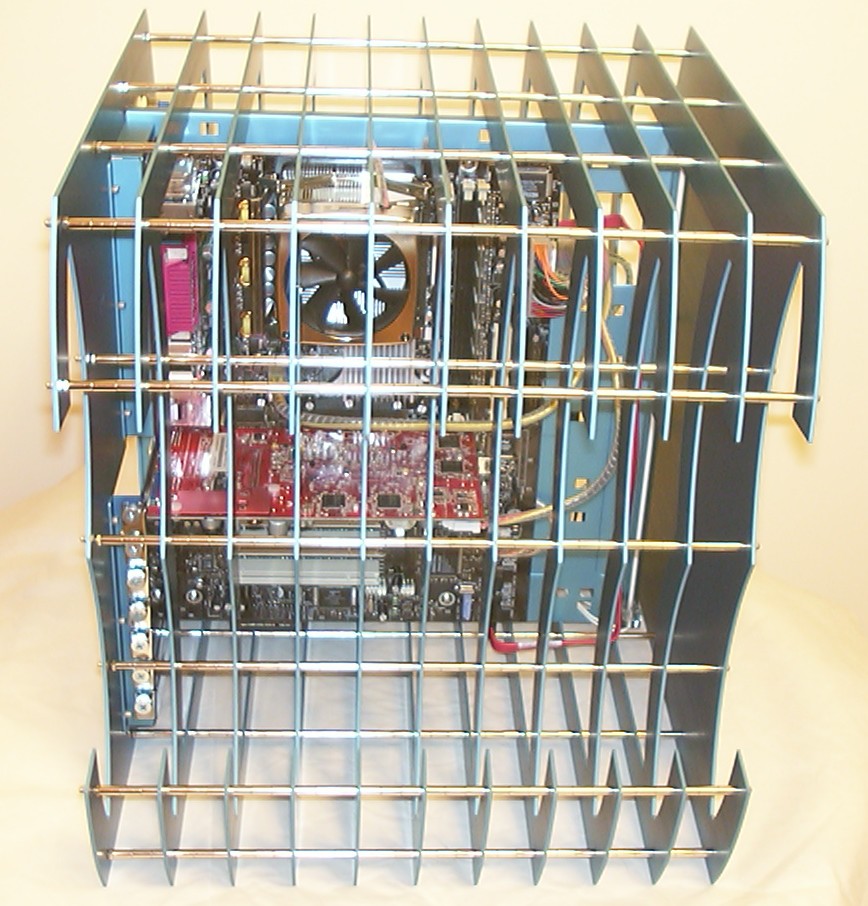
Everything assembled. From the right angle it is very easy to inspect the internals.
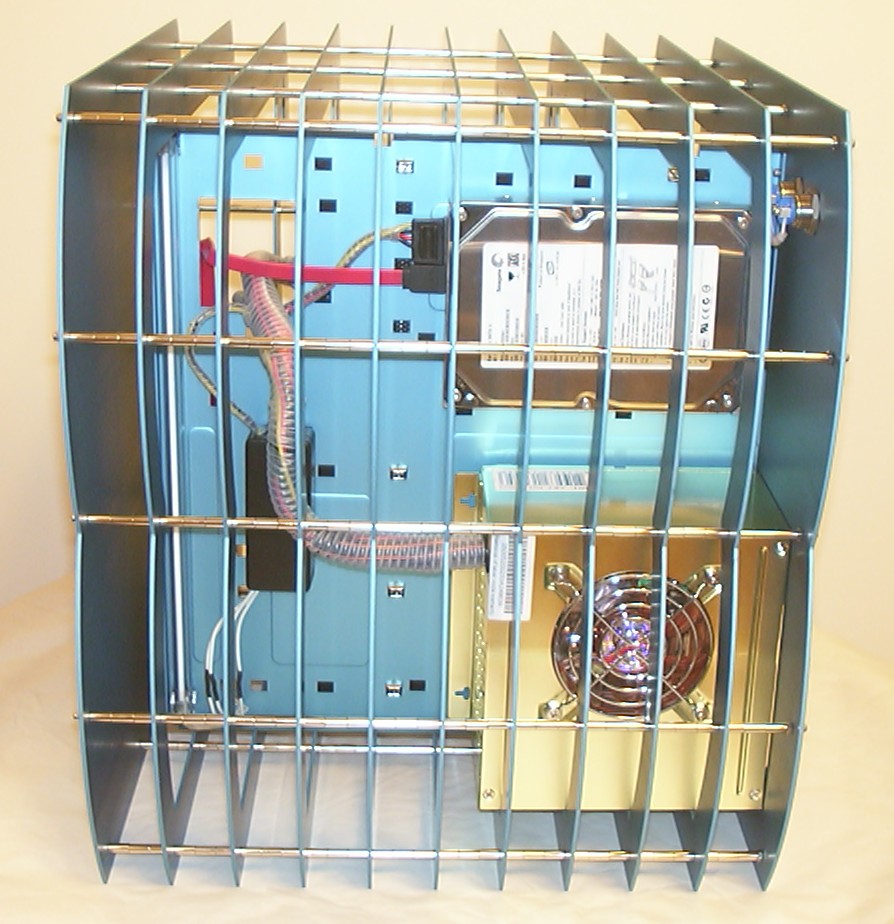
With the use of S-ATA drives it is soo much easier to archive a clean look.
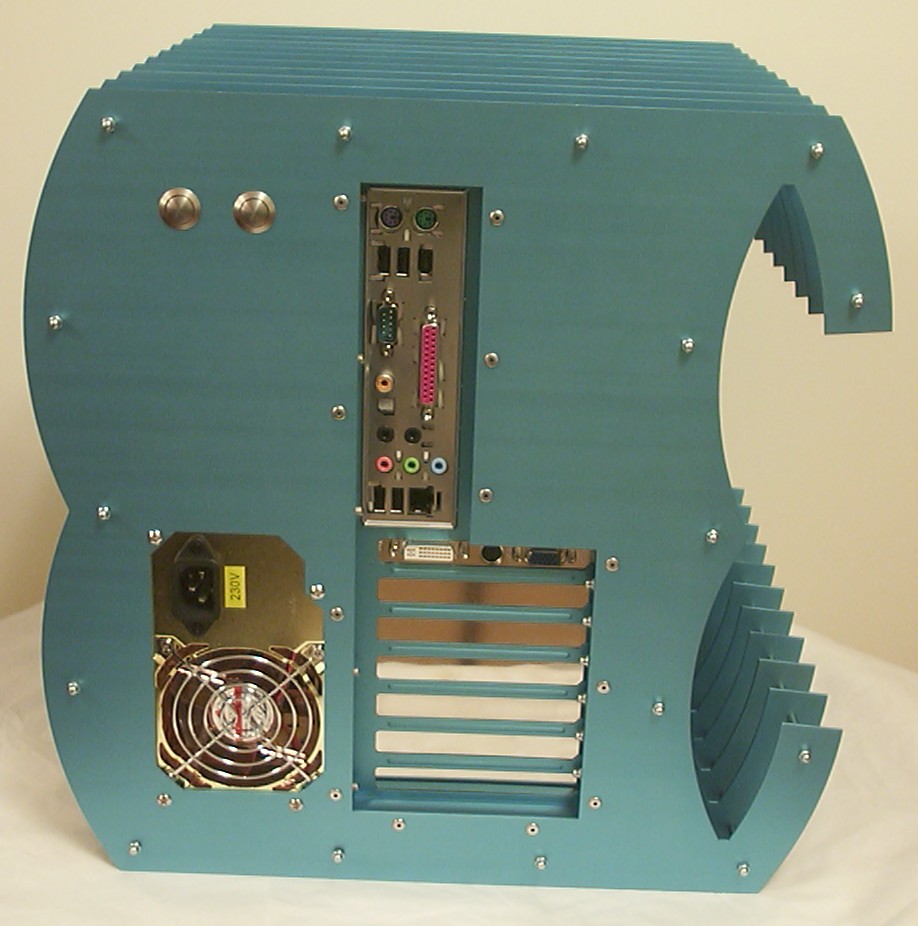
A view from behind, the blanking plates came with the Igloo case and suits the anodised parts really well.
Part 7
Project 3 is done!
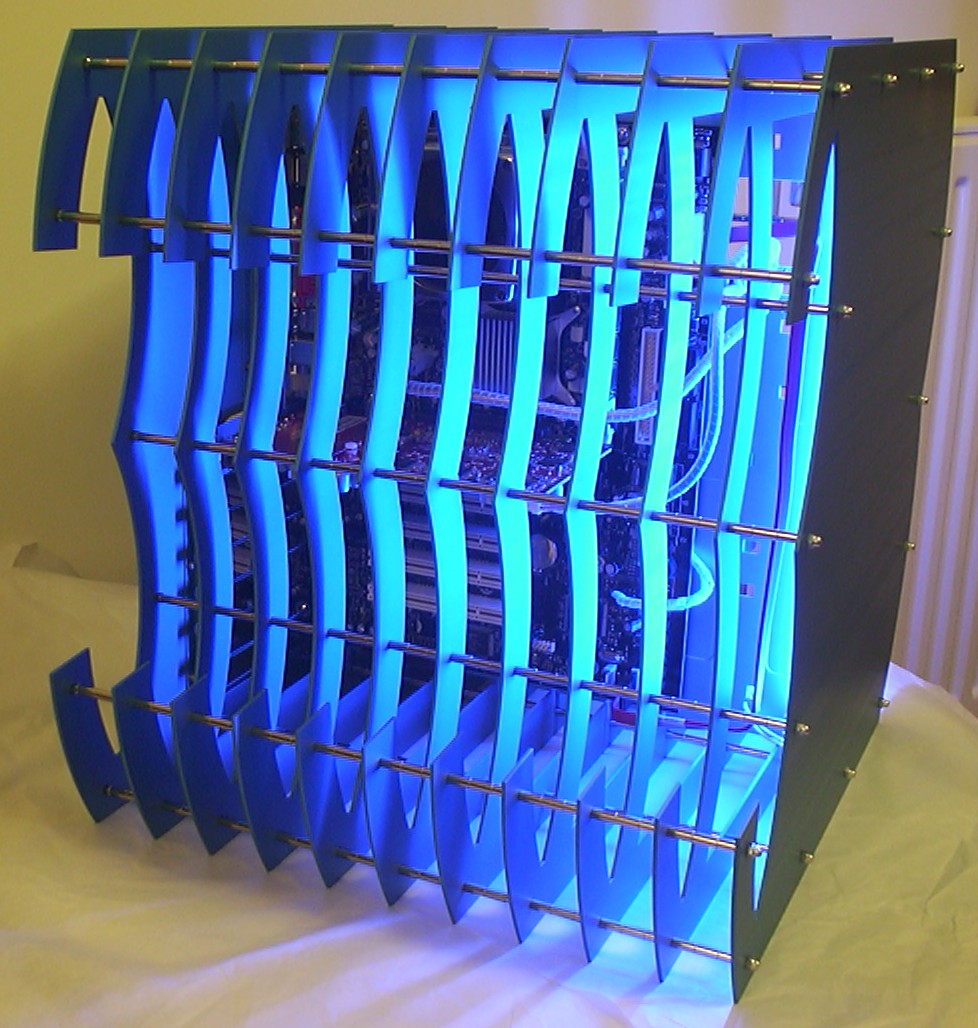
The two blue CCFLs provide plenty of light.
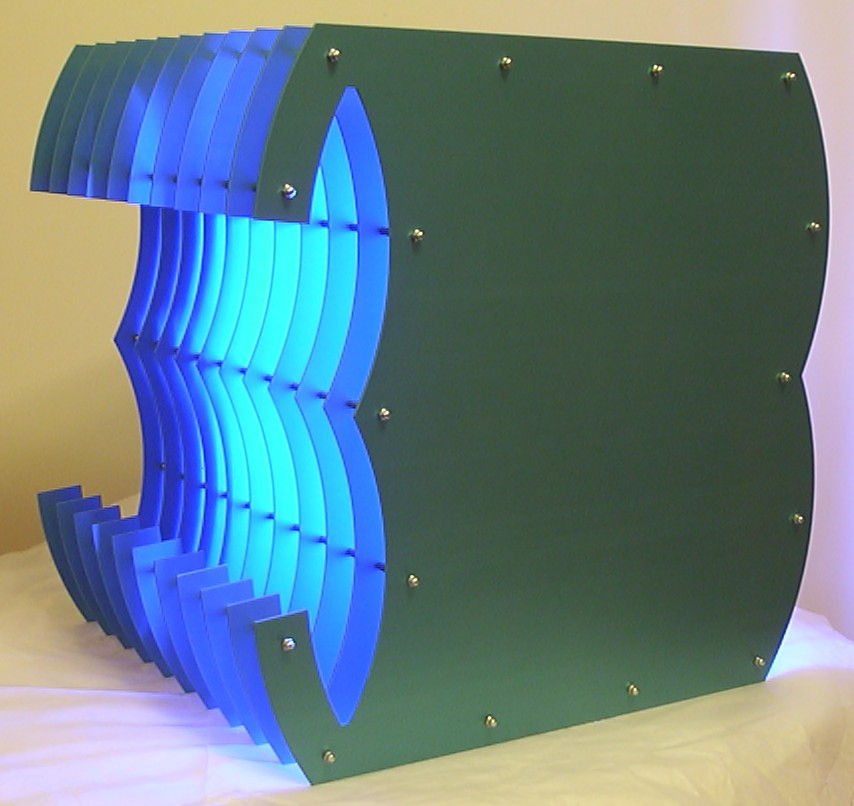
It is fun to play with light, especially when it turns out as planned.
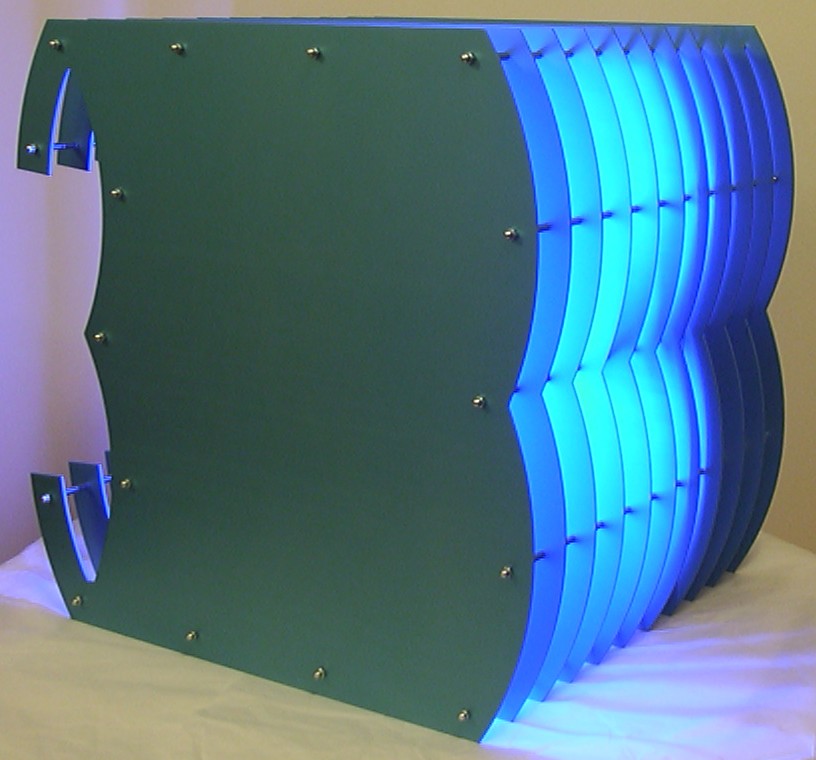
Now afterwards I think I did the right decision to not have “GHz” cut out as a window in the front.
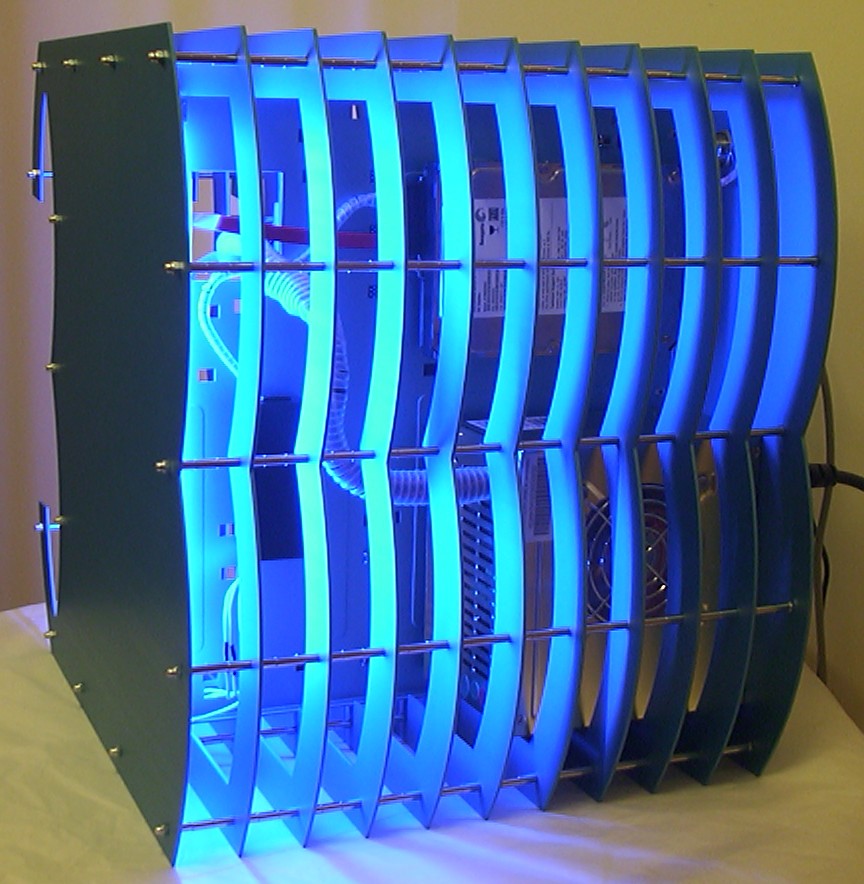
Thats all folks, the first project of 2003 is over.