

Worklog · 2010–2011
Udat2010
An EVE-Online themed 10 TB fileserver in half a cubic foot, built around hardware RAID 5.
- CPU
- Intel Atom D510
- Motherboard
- Intel D510MO fanless mini-ITX
- Videocard
- None (integrated)
- Case type
- Morex Venus, heavily modified
- Purpose
- File server
- Year
- 2010–2011
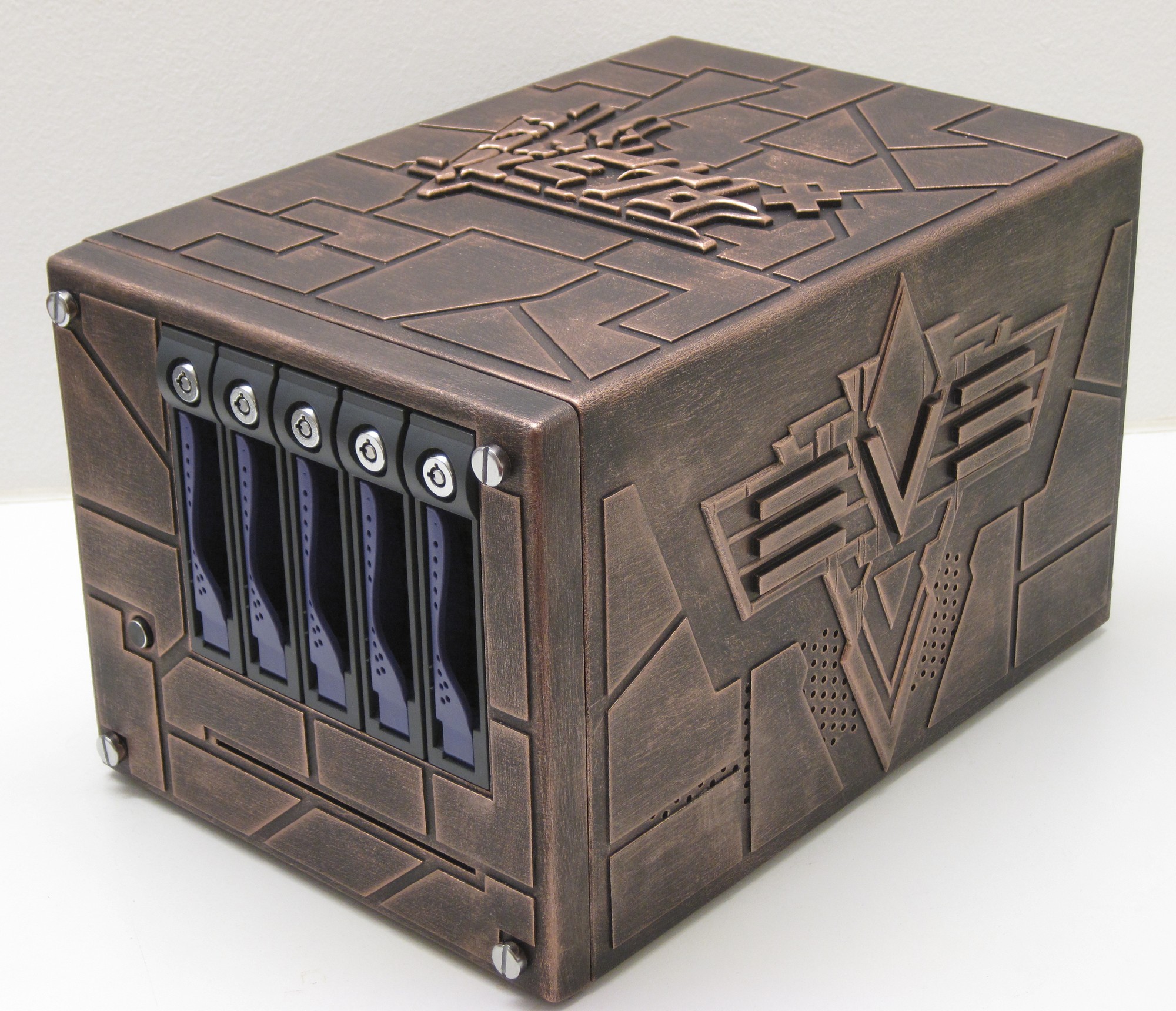
The original Udat case was built seven years ago. It served me well for about two years until I got pretty much fed up with the performance of the EPIA board. So now it’s time to revisit this little case and do several things right.
Issues with the original:
Slow network performance - The 10/100MBit integrated NIC was the only option and as such really limiting. Bad airflow - Even though the PSU had a 80mm fan it had hardly any air vents facing the case so not sure what air it actually was supposed to extract. Two 40mm fans were added to improve the flow but that takes us to the next issue. Noise - 40mm fans are anything but silent. Storage space - 1TB was plenty in 2004 but now you can have that in a laptop. Power efficency - It was good but not optimal. The storage array was also used for the system partition which caused a bit of grief when Windows decided to implode. Lack of optical drive.
Parts that will be carried over from Udat to Udat2010:
The bare chassis without PSU and fans. The RAIDCore BC4852 RAID controller. The 5-in-3 hotswap bay.
New parts that will be added:
Intel D510MO Fanless Dual Core Atom Mini-ITX Board. 5 x 2TB Samsung HD203WI Spinpoint F3EG harddrives. 160 GB Samsung HM160HI SpinPoint M5 2.5" harddrive. StarTech 2.5" SATA removable harddrive rack for PC expansion slot. Samsung SN-T083C/BEBE slot loaded optical drive.
Part 2
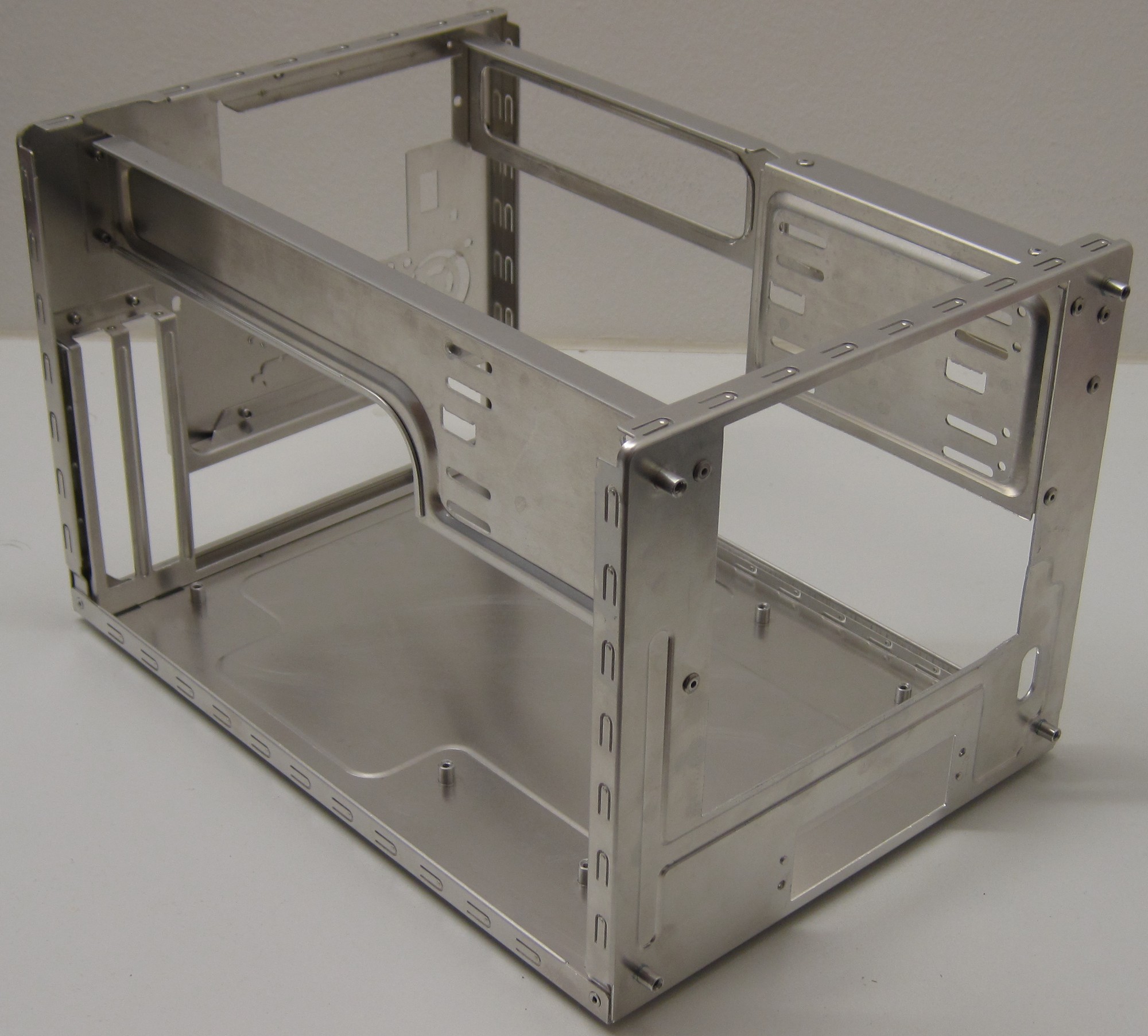
The original Udat case has been stripped down to the bare chassis and as you can see only the front was modded originally to fit the 5-in-3 drive bay.
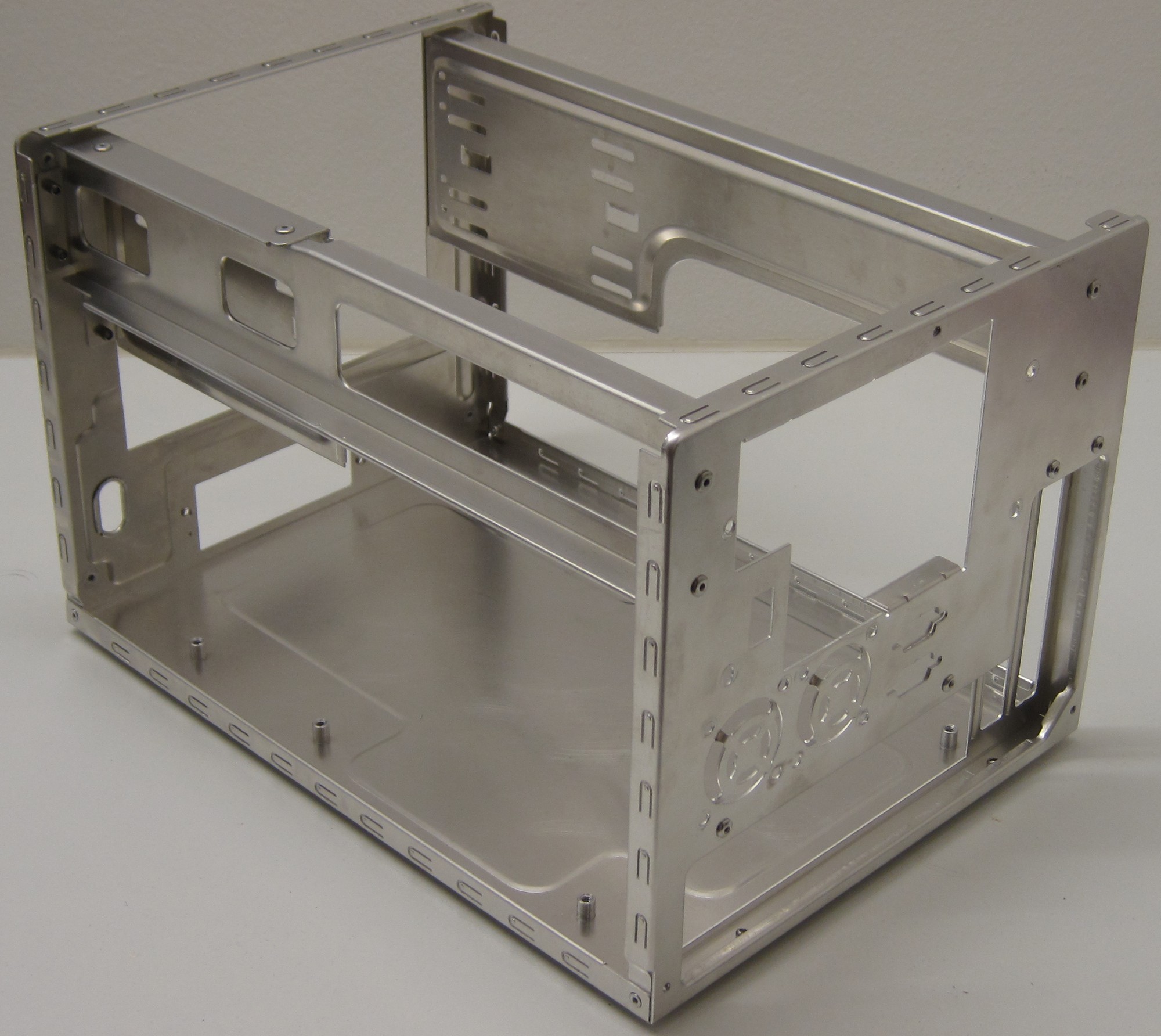
That is an aweful lot of small holes, we will have to sort that out later.
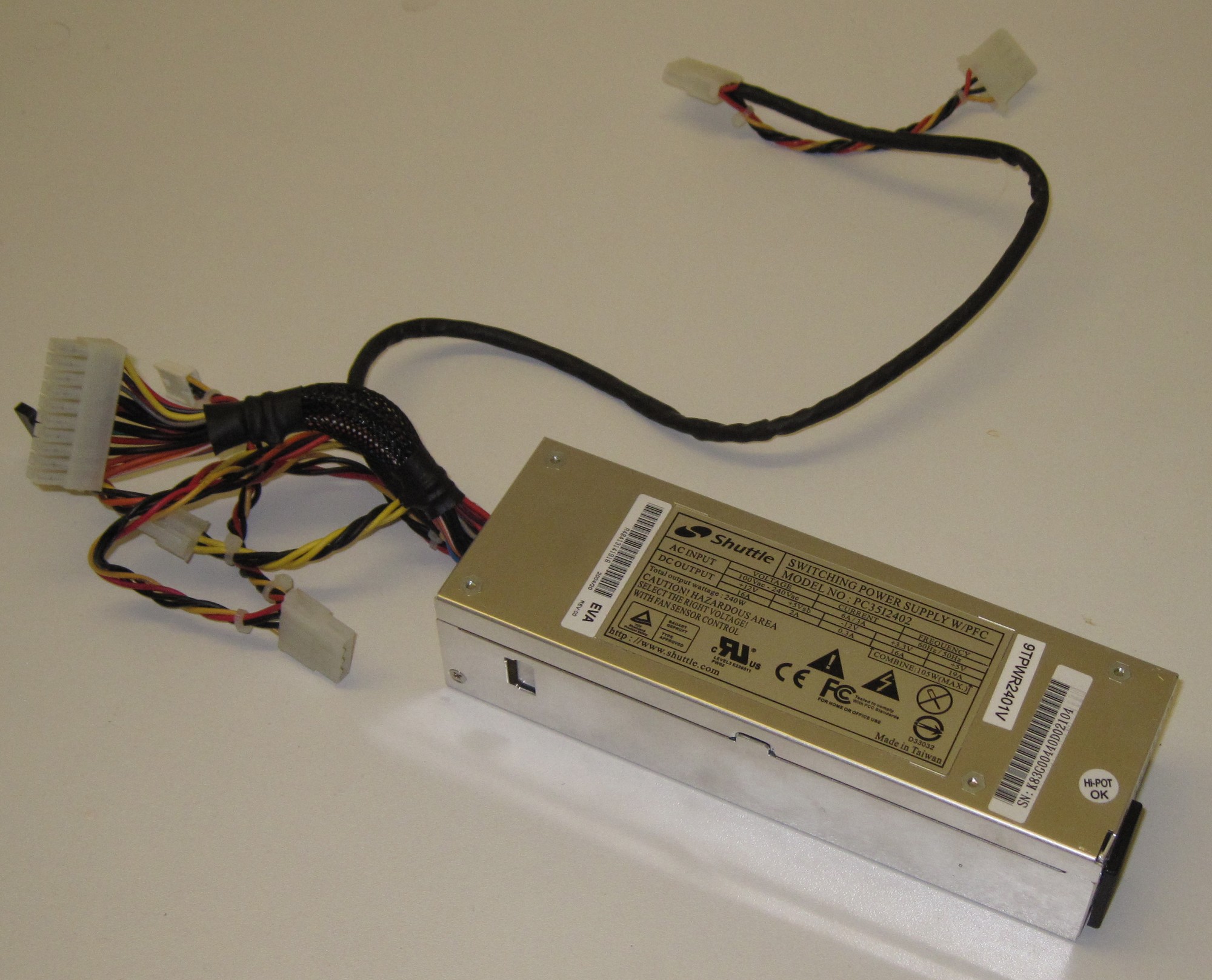
Looking around the parts bin I found a suitable Shuttle 240W PSU.
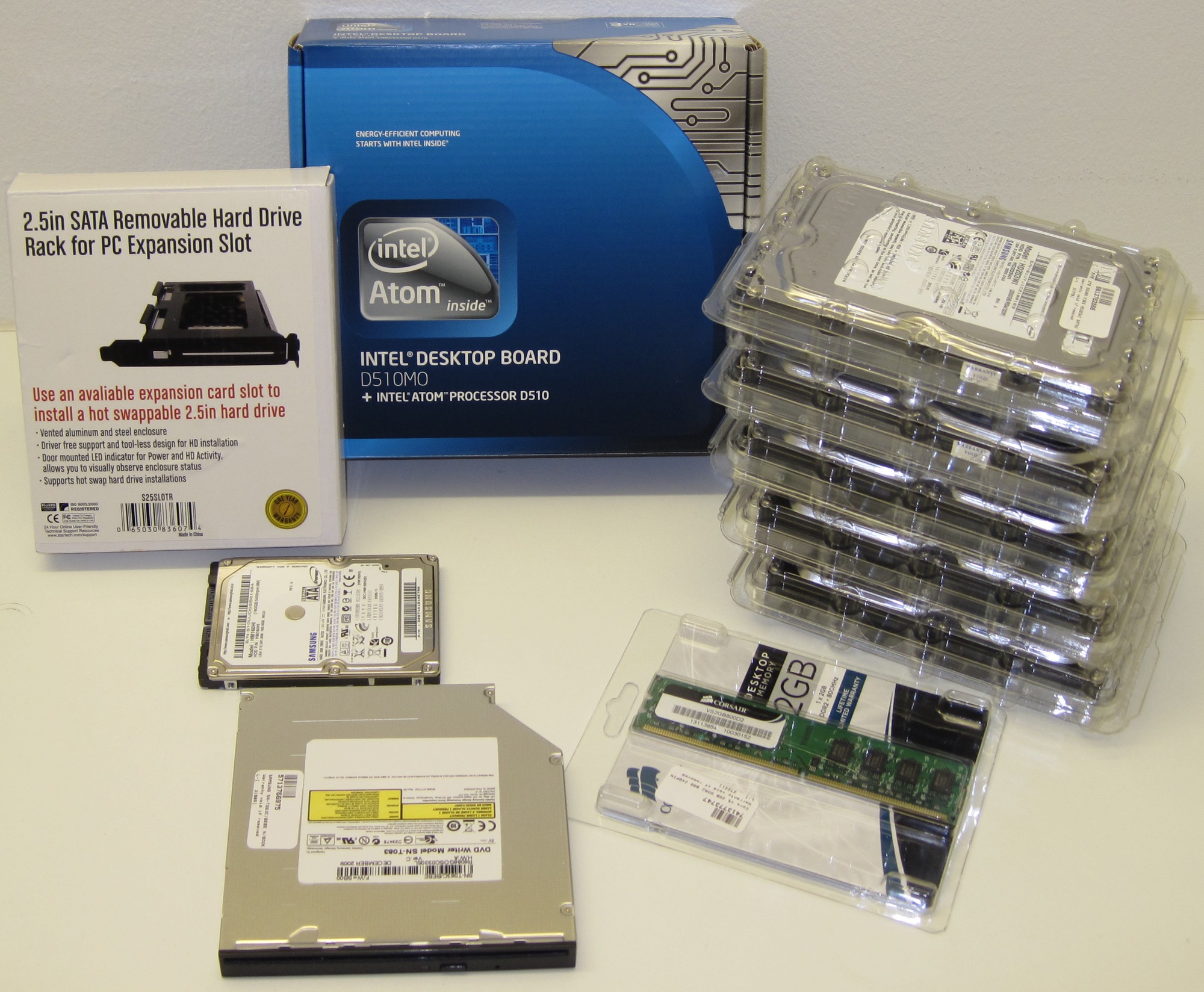
Most of the parts has arrived.
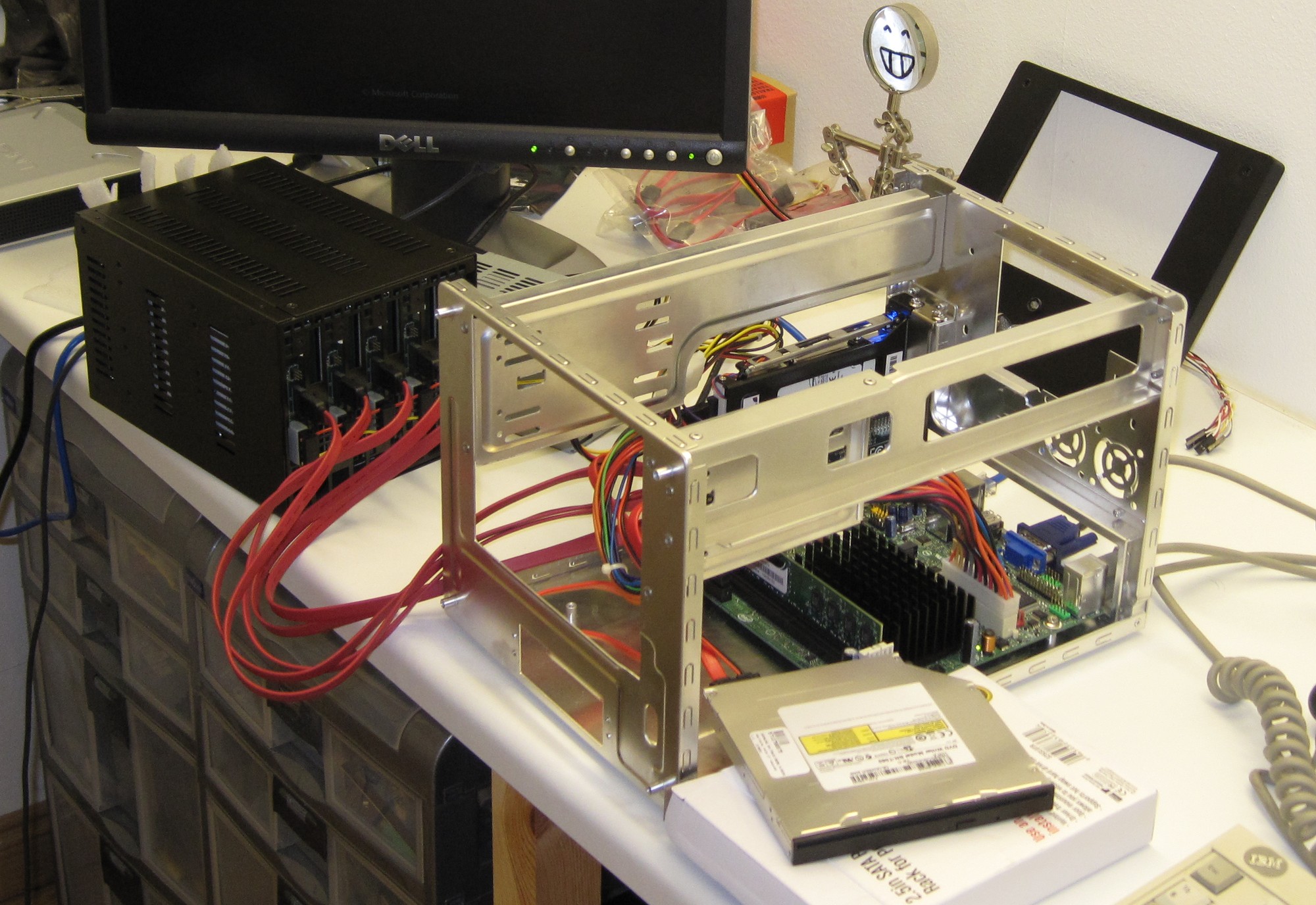
This is actually a first time occurance, I have never done a pre mod test of the hardware before. It worked perfectly and I got an indication how long it would take to get a 10TB RAID 5 array set up, 40 hours.
Those of you that have seen my previous work might notice that I finally have a proper work bench, no more of this.

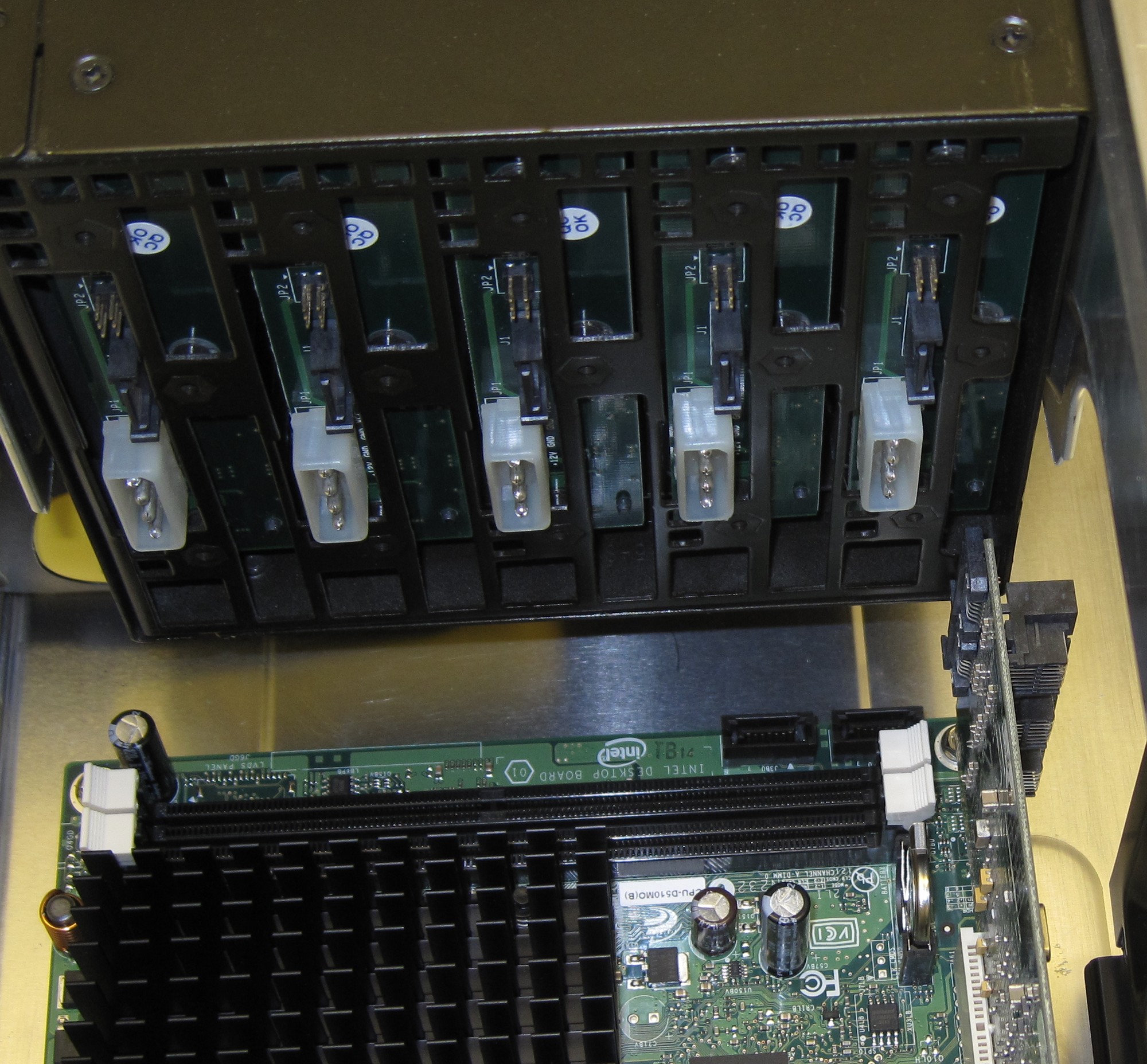
This is the reason why this case has to be modded again, the 5.25" bay is overhanging the PCI slot preventing a card to be used while the 3-in-5 bay is in place.
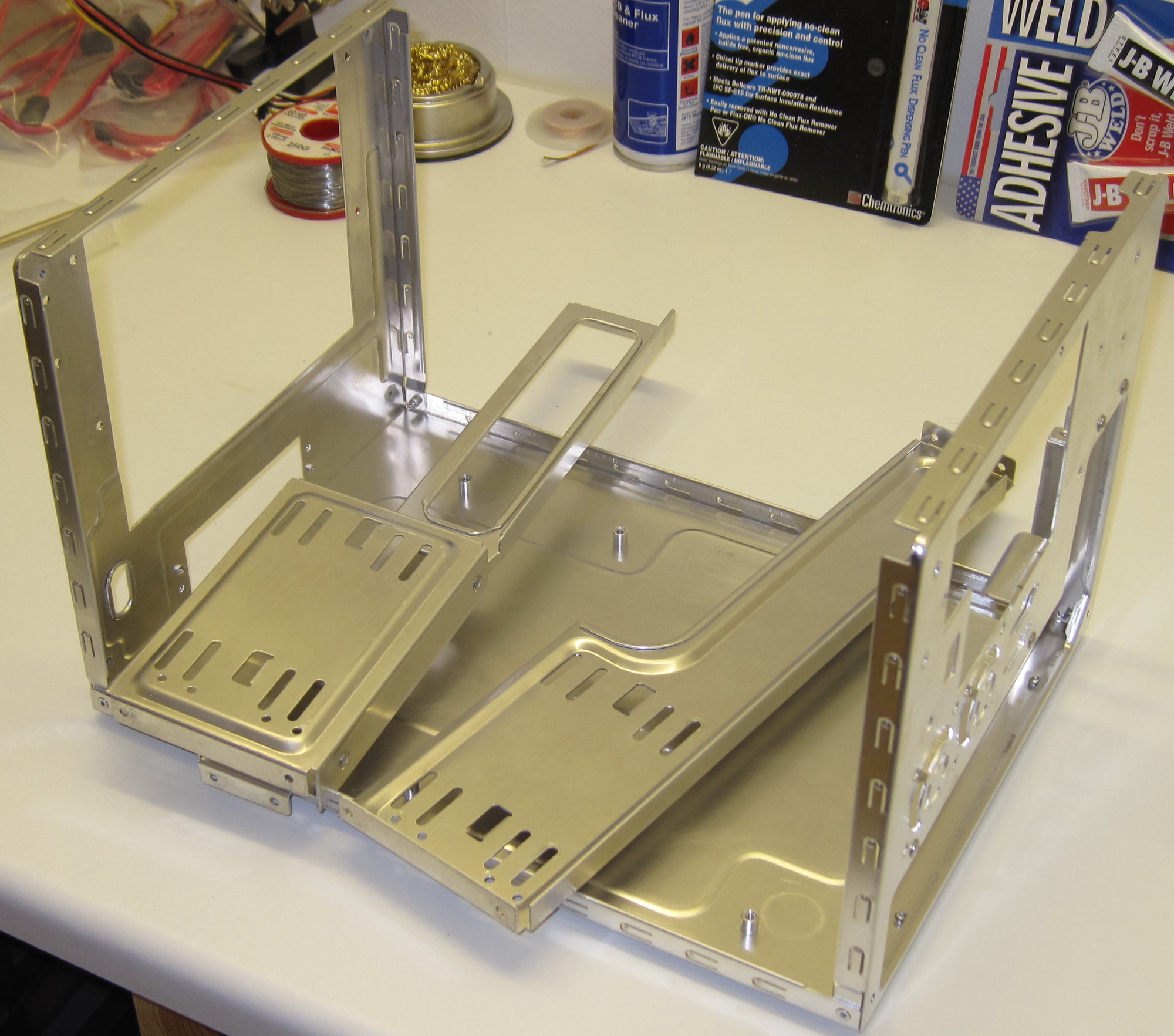
With the rivets drilled out the internal structure could be removed.
Part 3
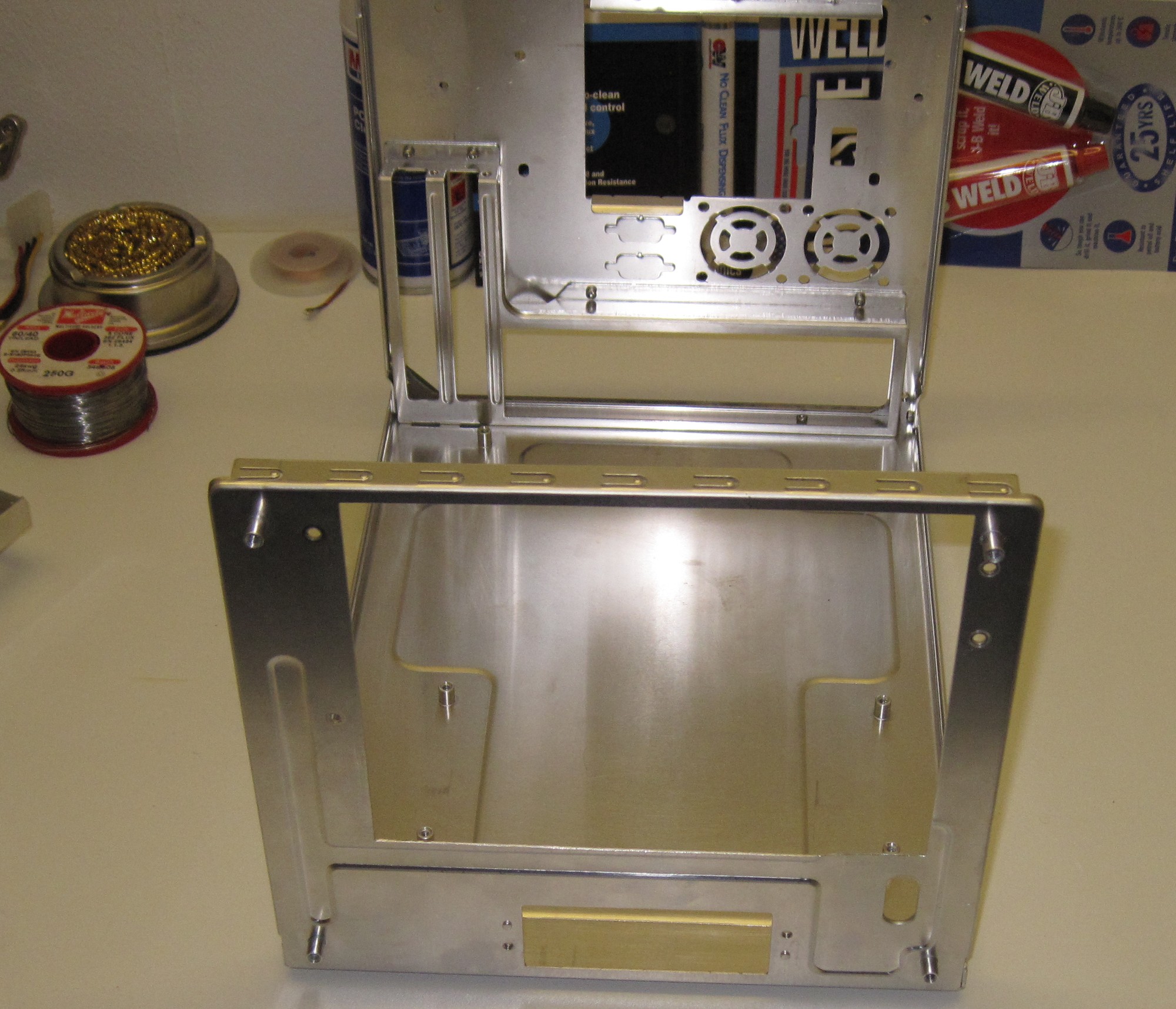
The big hole at the front was extended 15mm to the right.
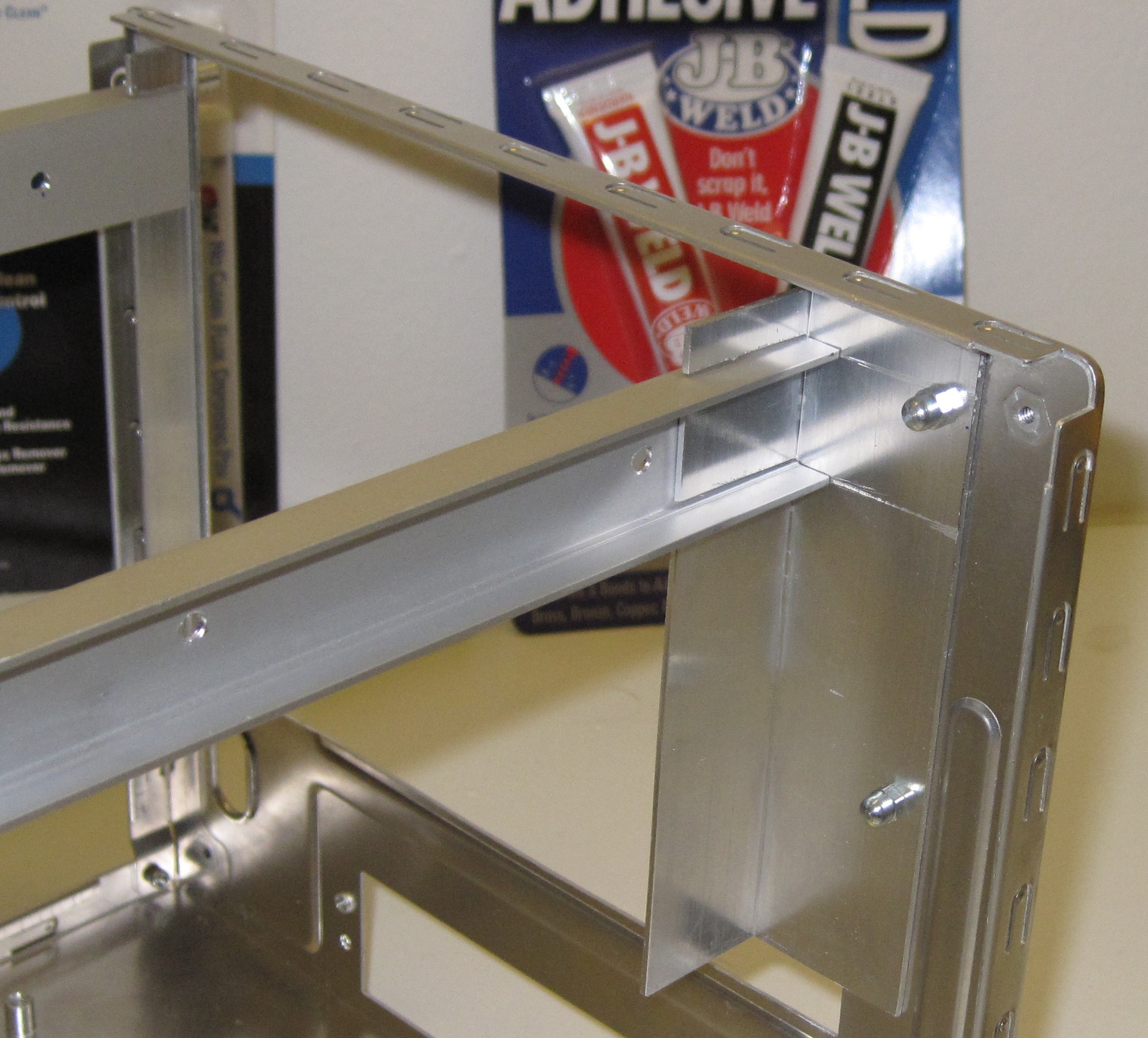
A few aluminium profiles cut to size will become the new internal structure. By using a bigger L-profile on the right no additional material was needed to fill up the extra 15mm space on that side. The U-beams are 10x22.5mm.
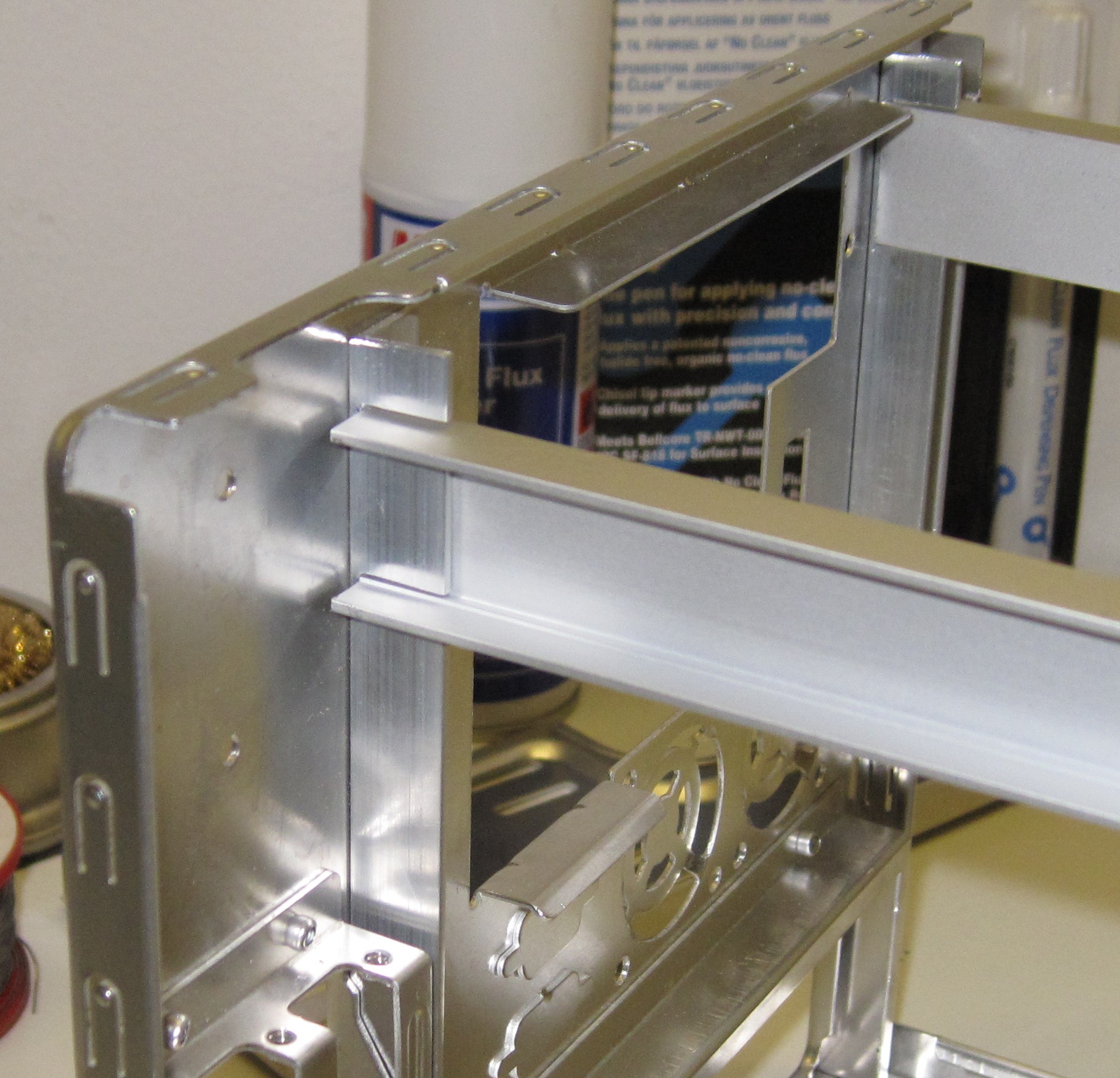
On the rear two smaller L-profiles was enough but due to size constraints they are both facing the same direction. The nuts and bolts are only used temporarily until it is ready for final assembly.
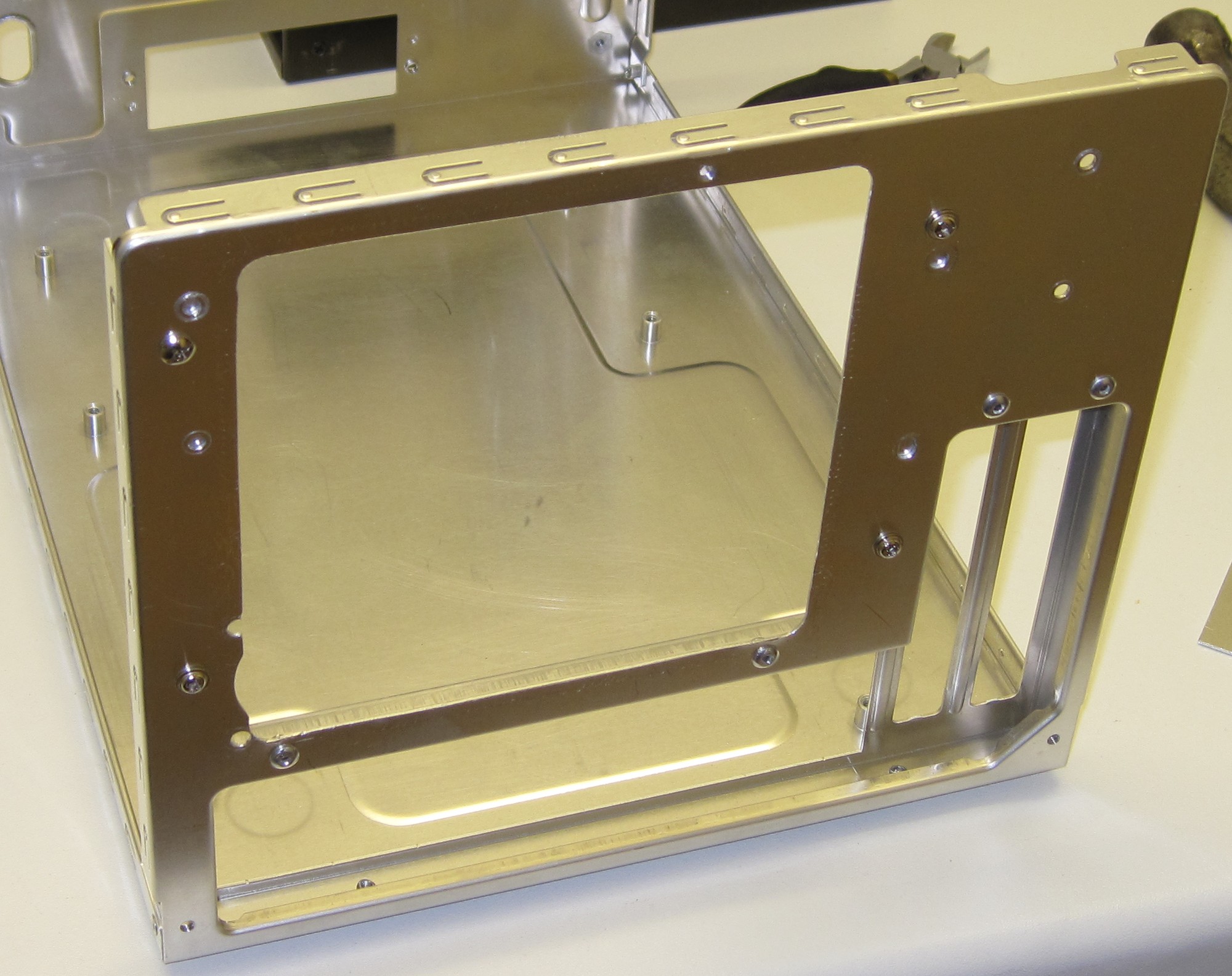
As promised earlier the swiss cheese section of the rear panel had to go.
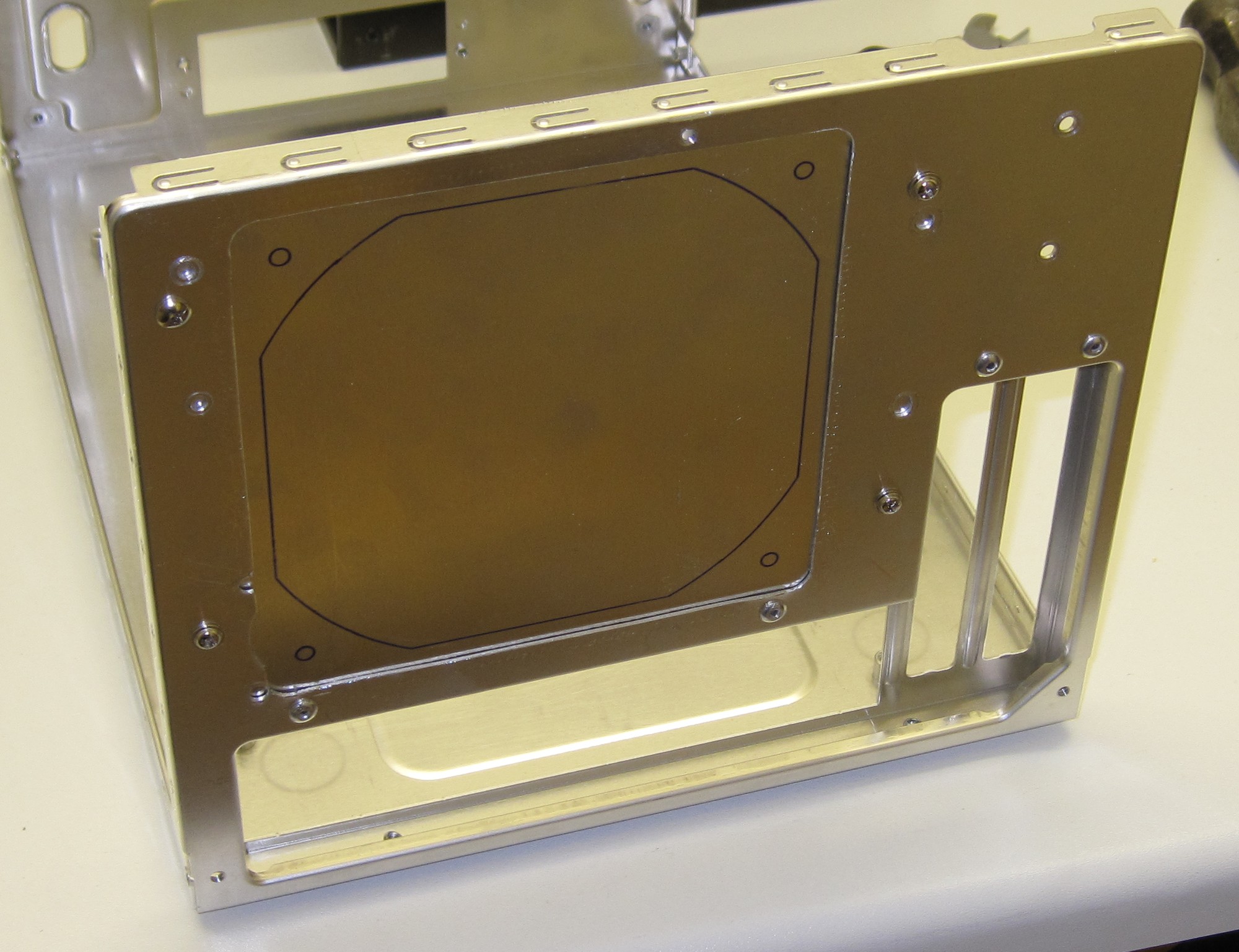
Instead of the old PSU + 2 x 40mm fans a 120mm fan will occupy this space.
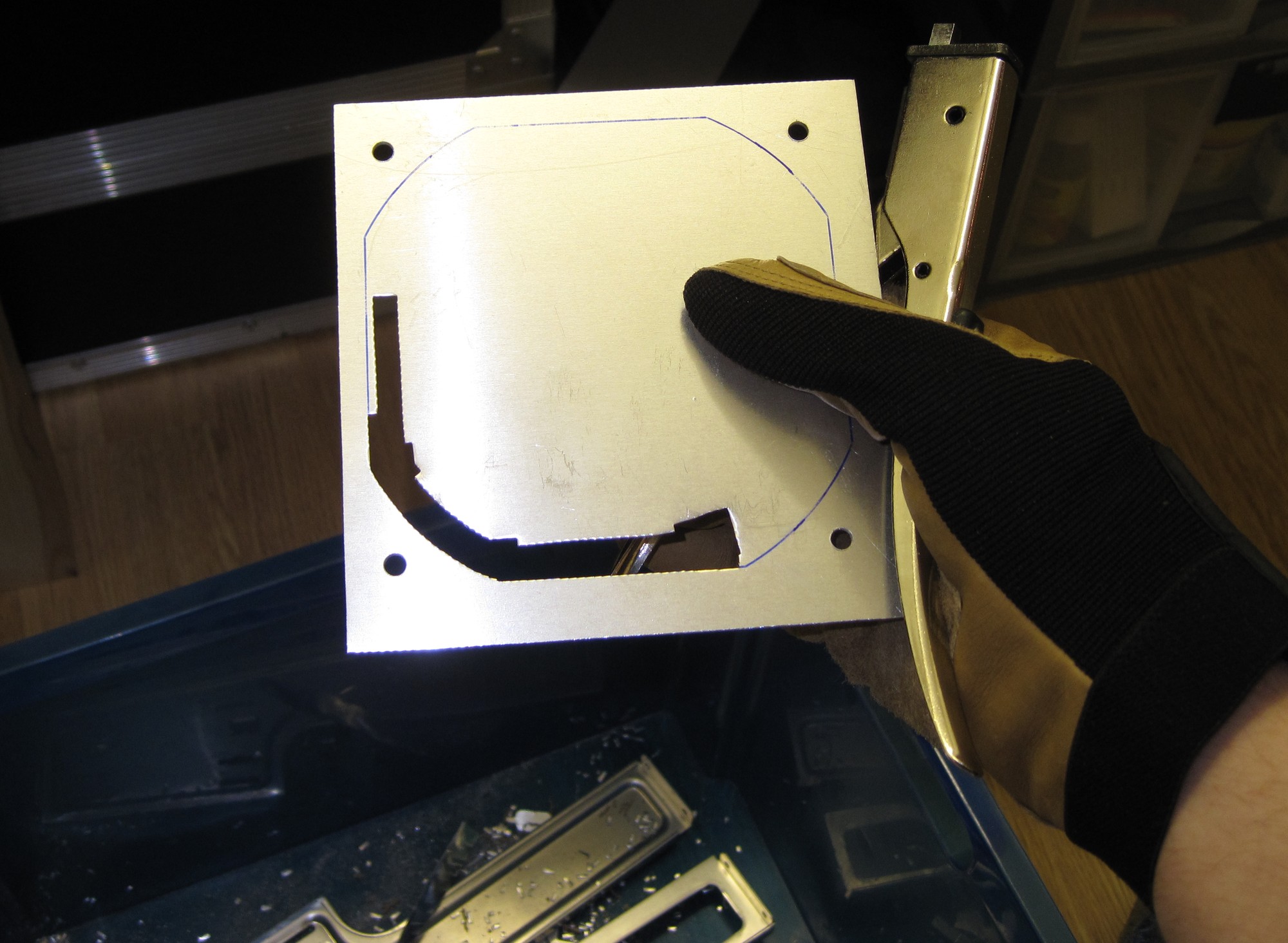
The fan mounting plate like nearly every other piece in this case is cut with the old trusty hand nibbler.
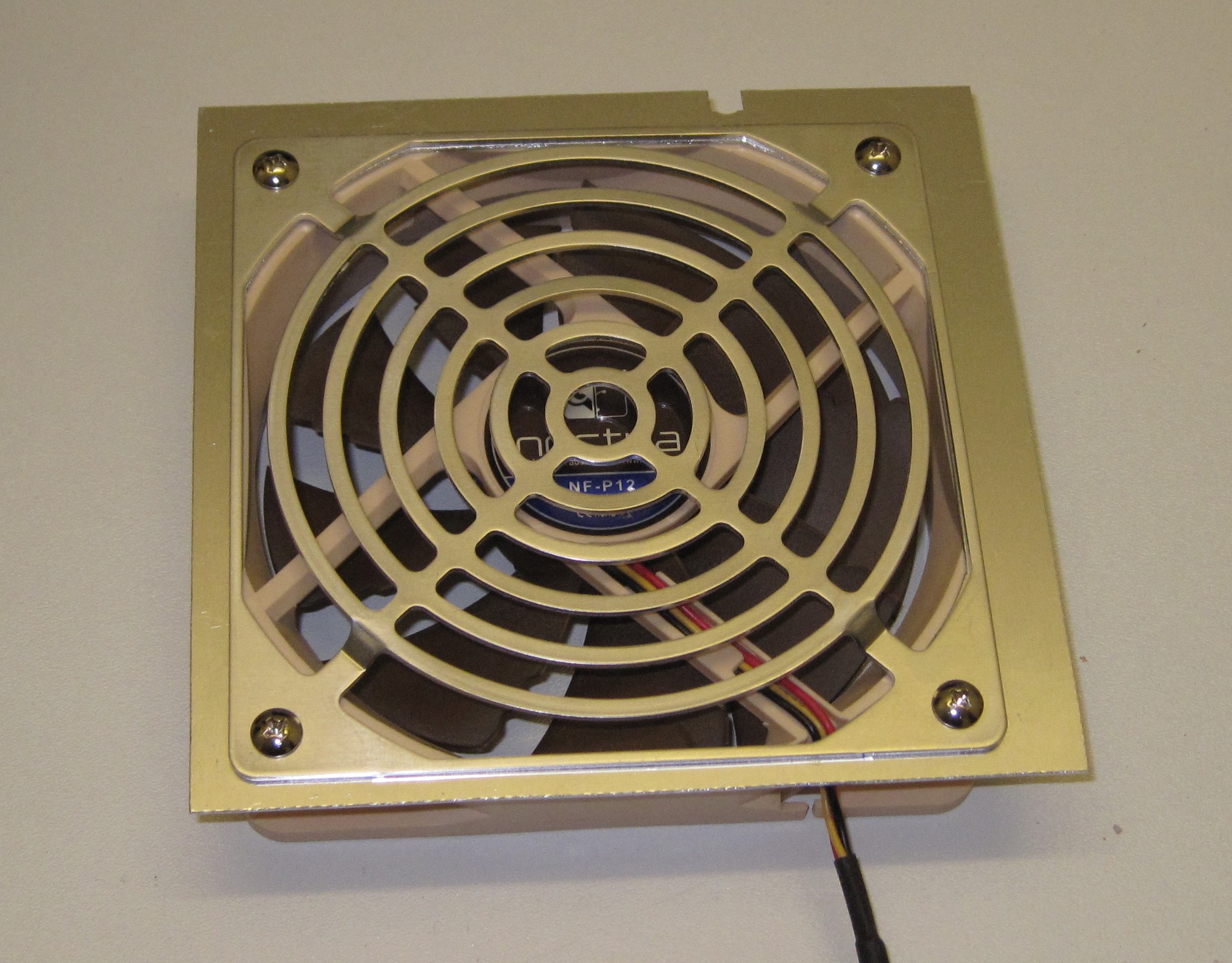
The mounting plate is done and sandwiched between a Noctua CPU fan and a spare Lian-Li grille. We will see how the airflow/noise will be with that fan, if possible I might downgrade to the even more silent Noctua case fan.
Part 4
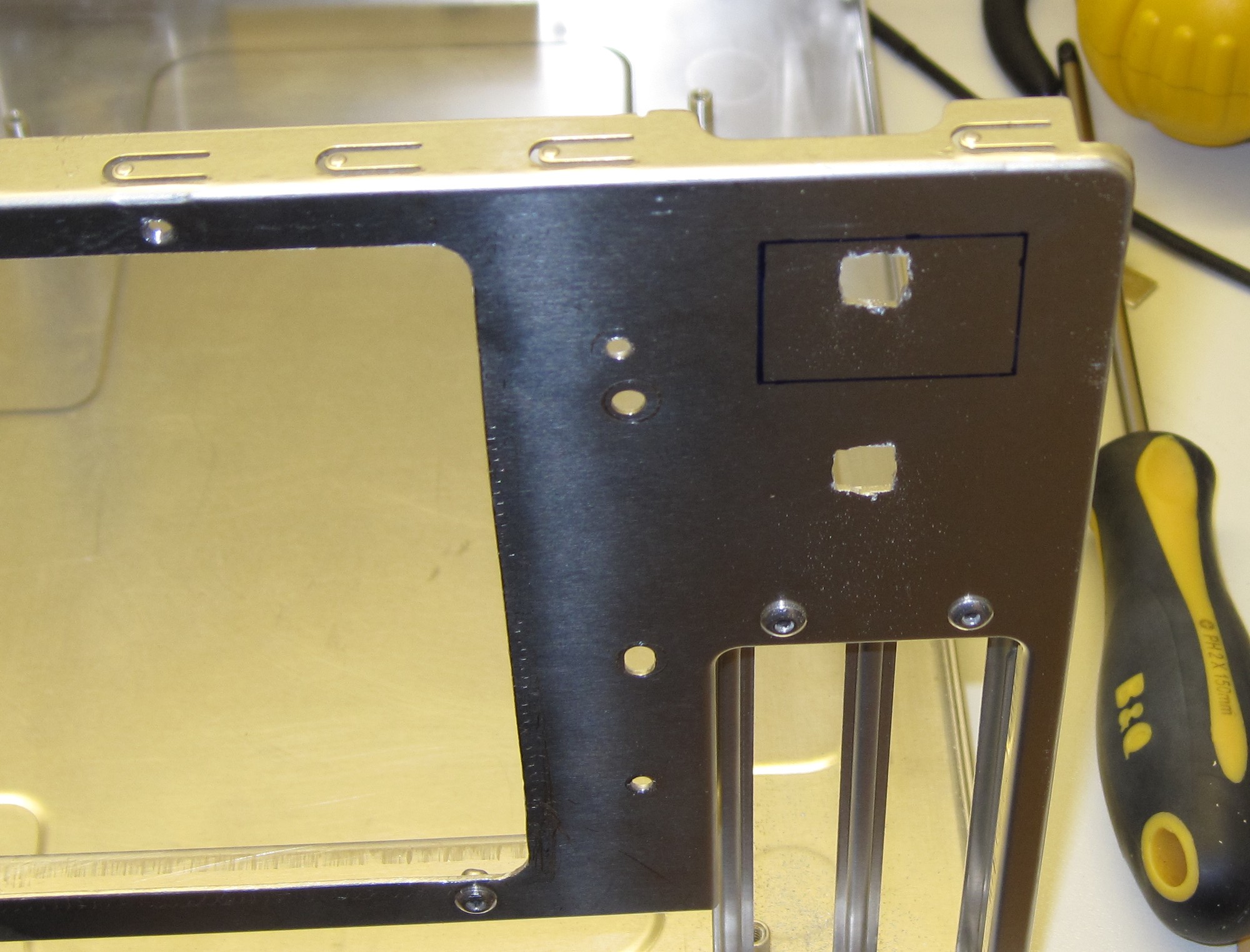
As the 120mm fan will use the space where the original PSU was mounted, the Shuttle PSU will end up above the expansion slots.
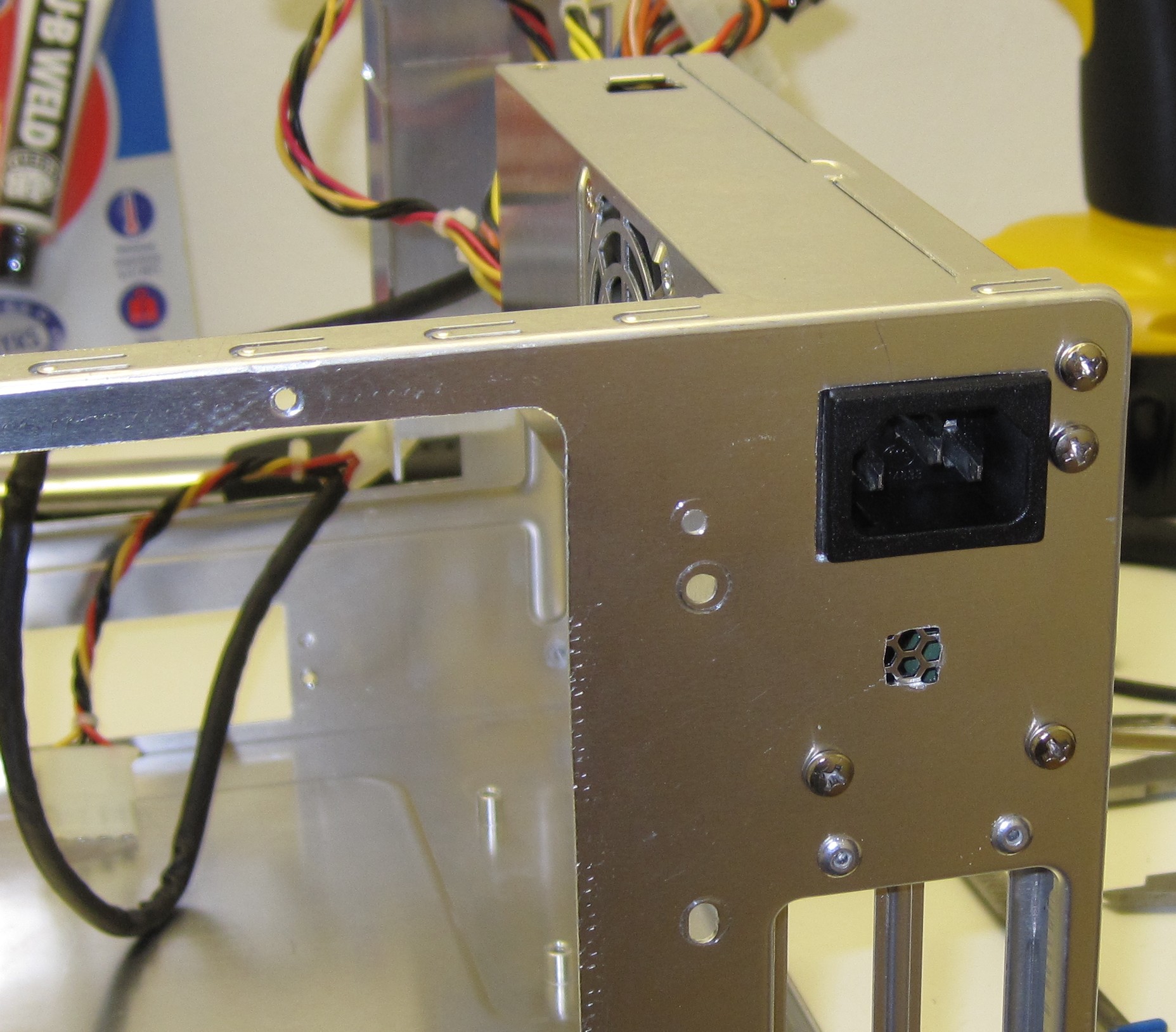
The first hole cut and the mounting holes are drilled. I guess the ventilation hole might be a bit small though.
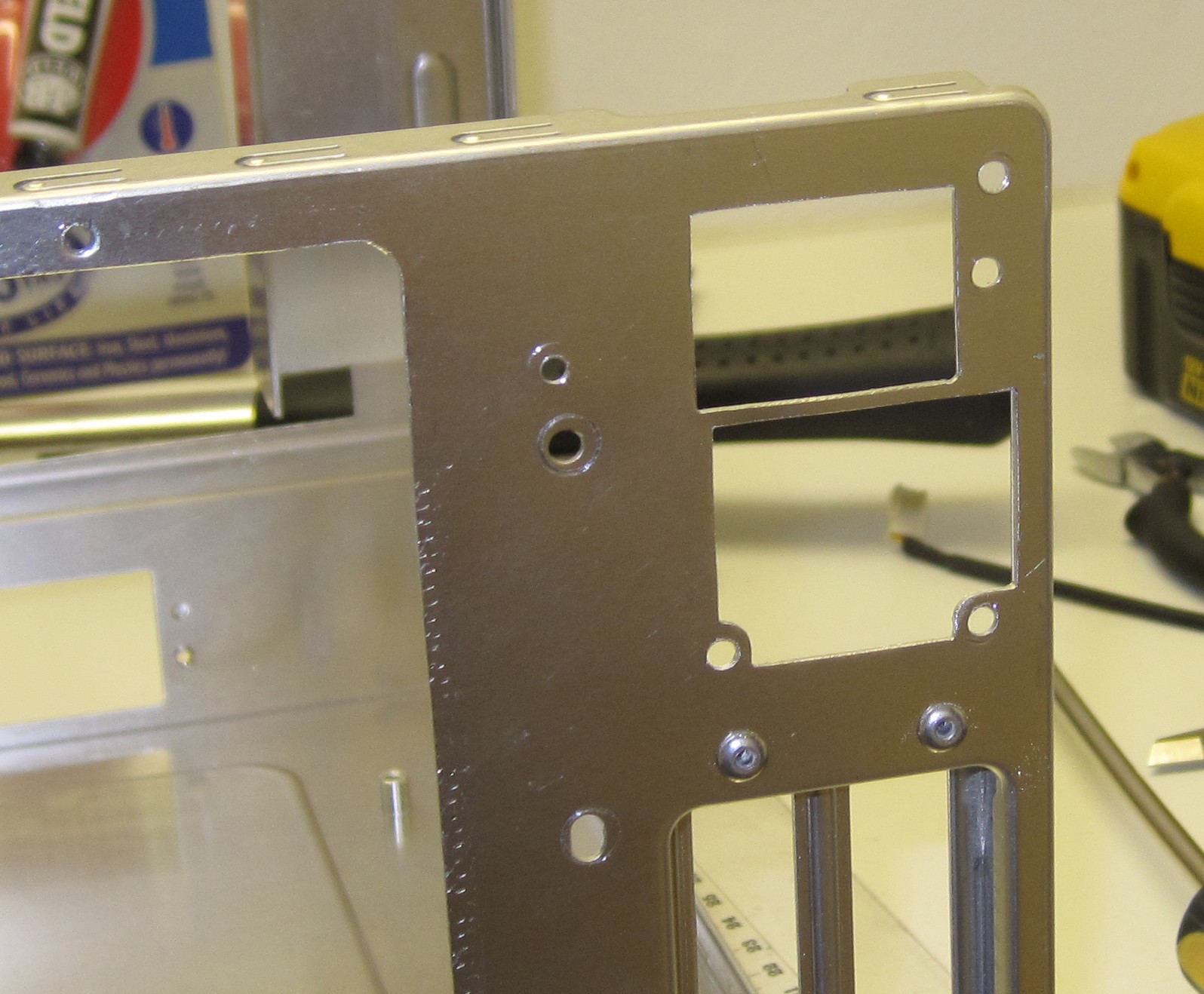
The ventilation hole has been expanded to the full size. It’s the precision with the hand nibbler that makes me keep on using it, it’s just great even though it will produce a sore hand after a long day of modding.
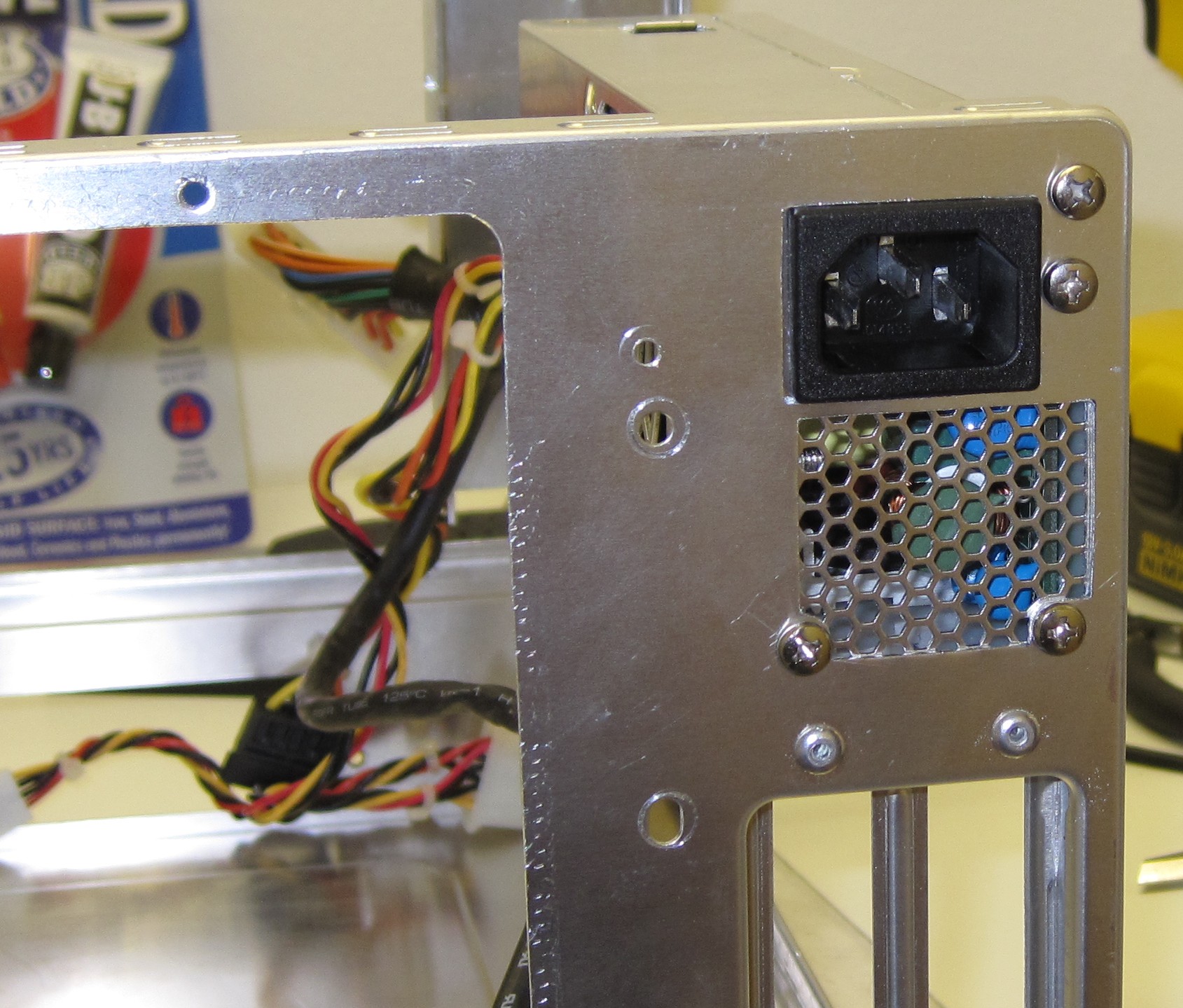
The PSU can now breath properly so on to the next bit.
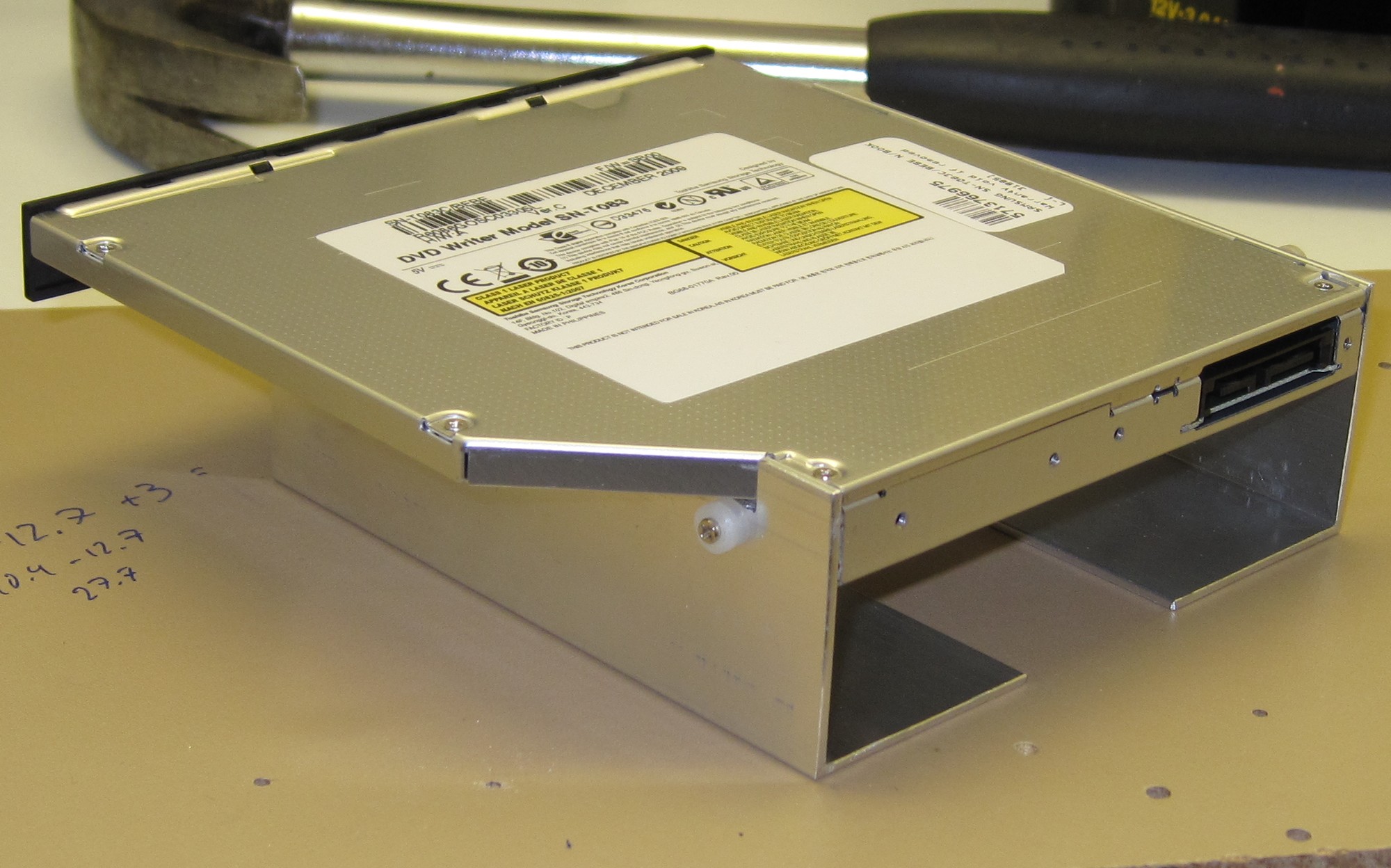
Two more L-profiles were cut to size and drilled with 2mm holes to mount the optical drive using some tiny M2 screws.
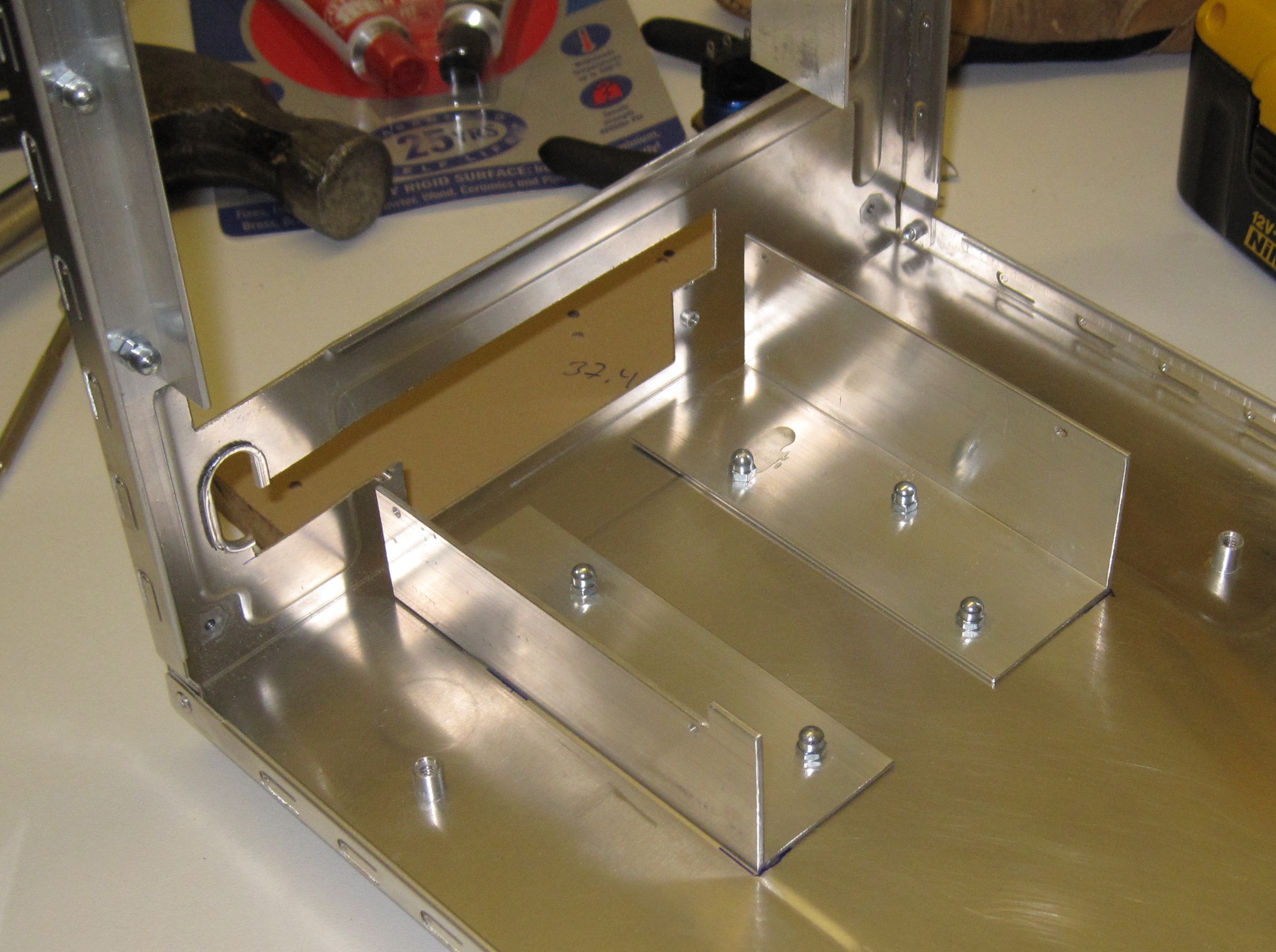
The profiles are temporarily attached to the case and the front panel has one more hole cut to fit the optical drive.
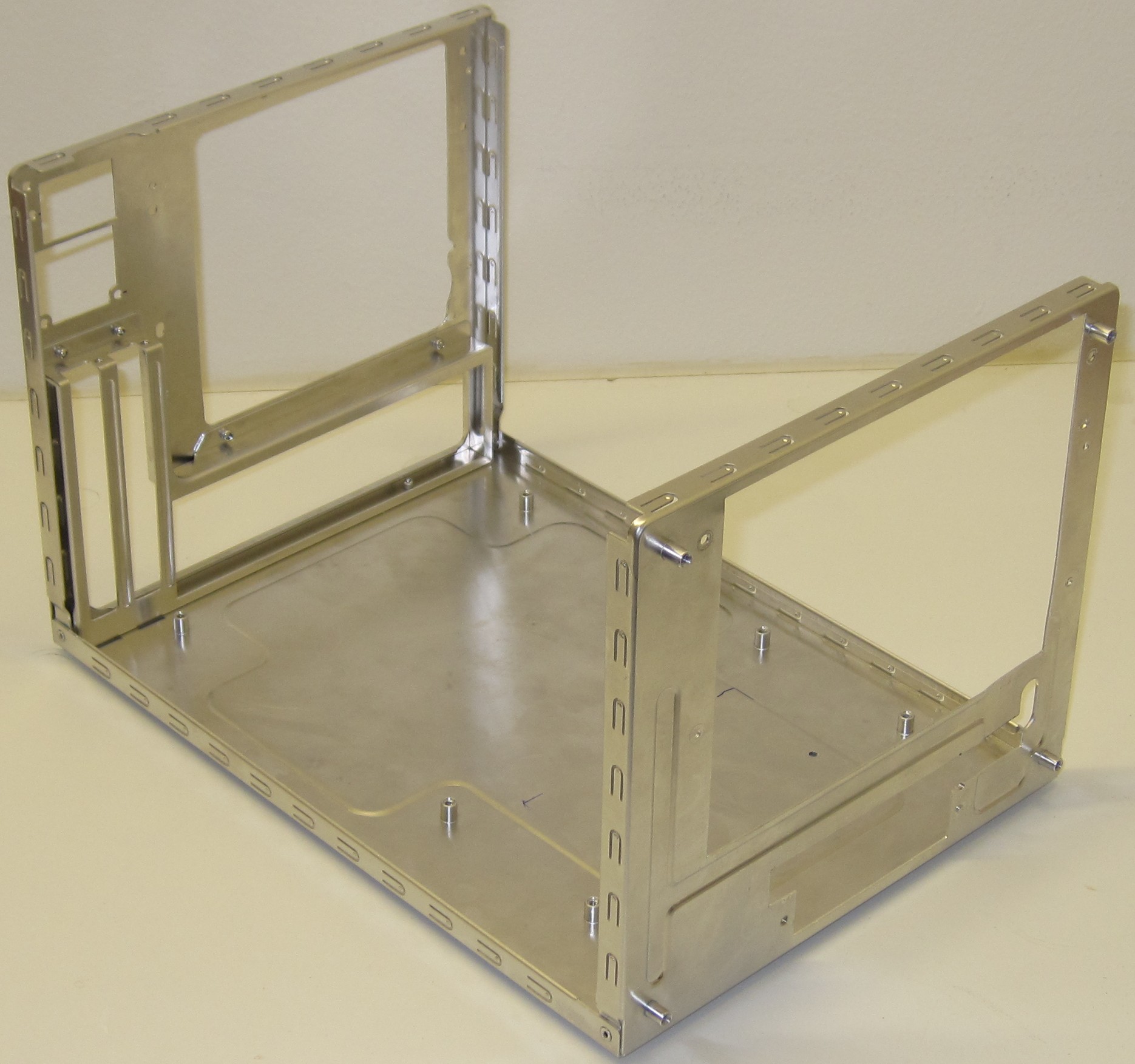
The chassis chopping is done.
Part 5
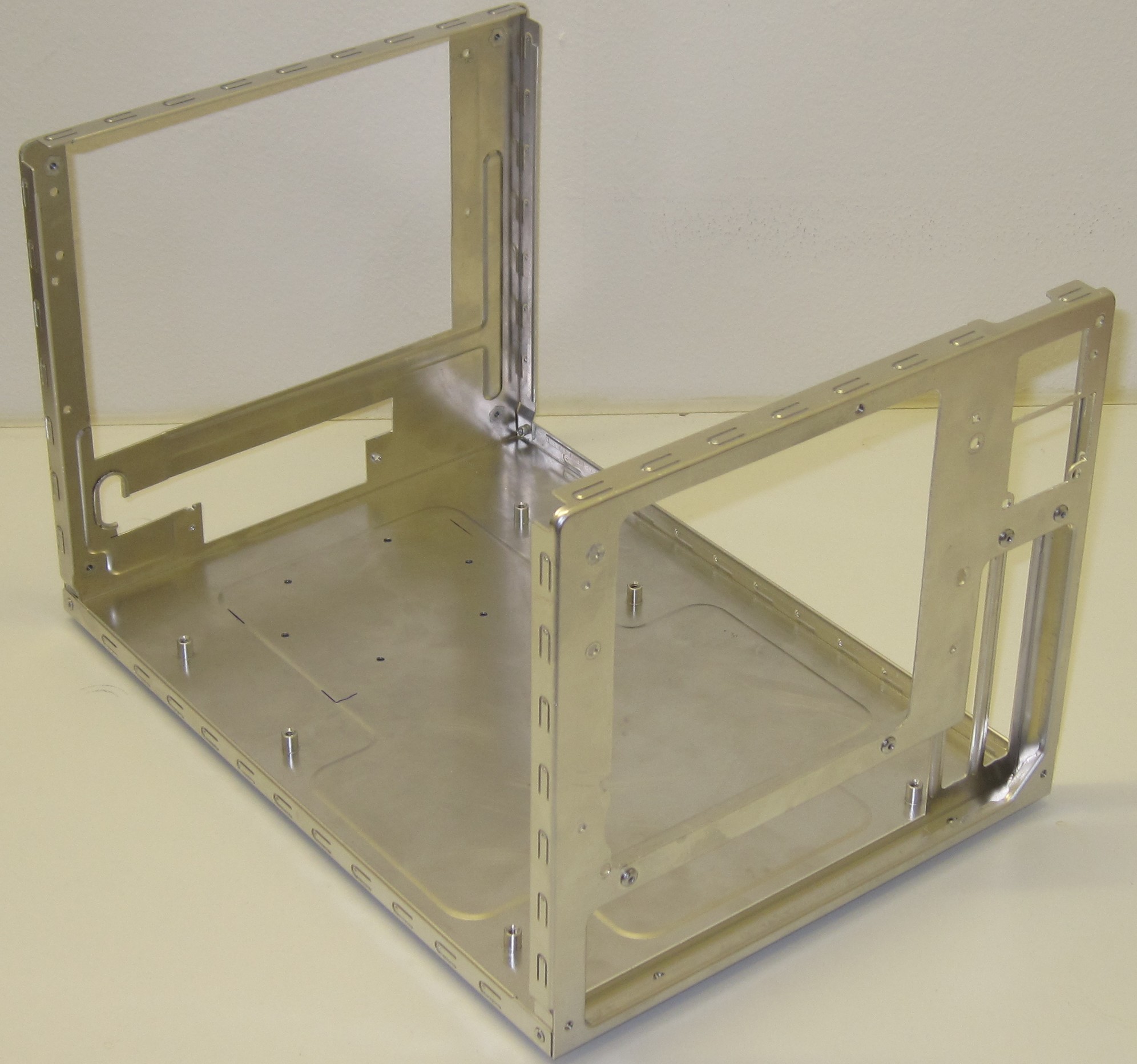
It isn’t much more that can be removed from it now.
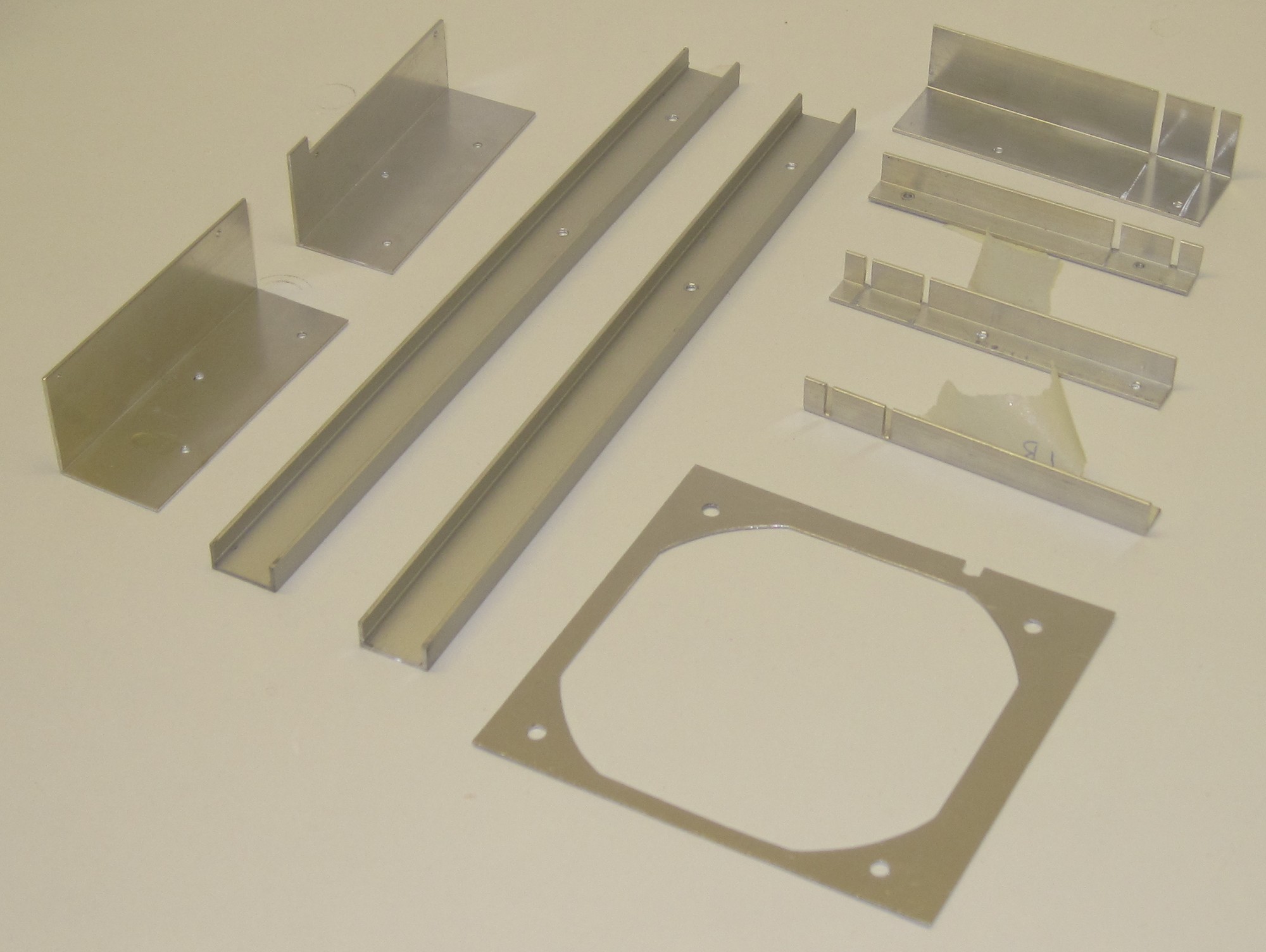
All the fabricated pieces ready for assembly.
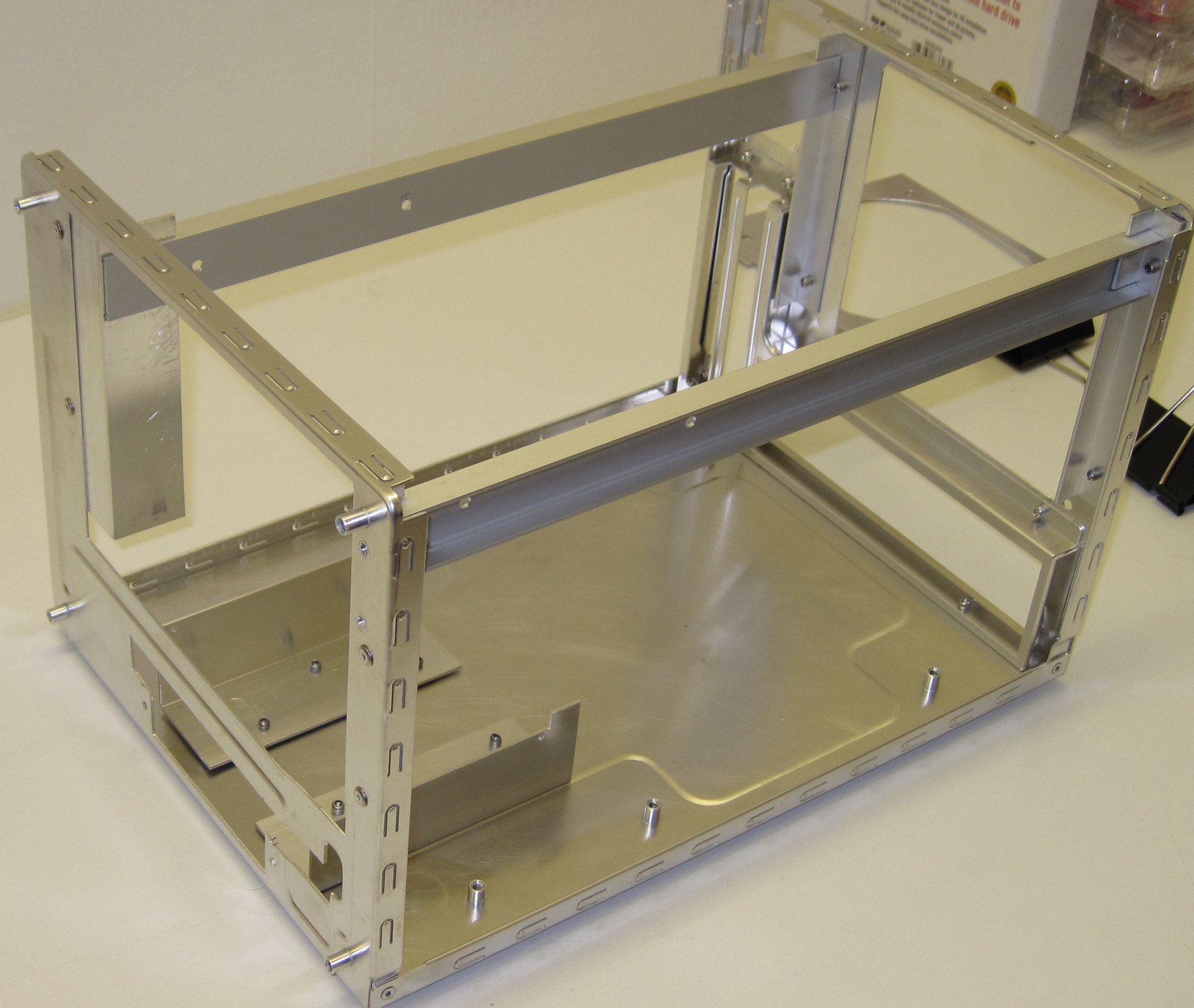
A quick bash with the rivetgun and all the L-profiles are in place.
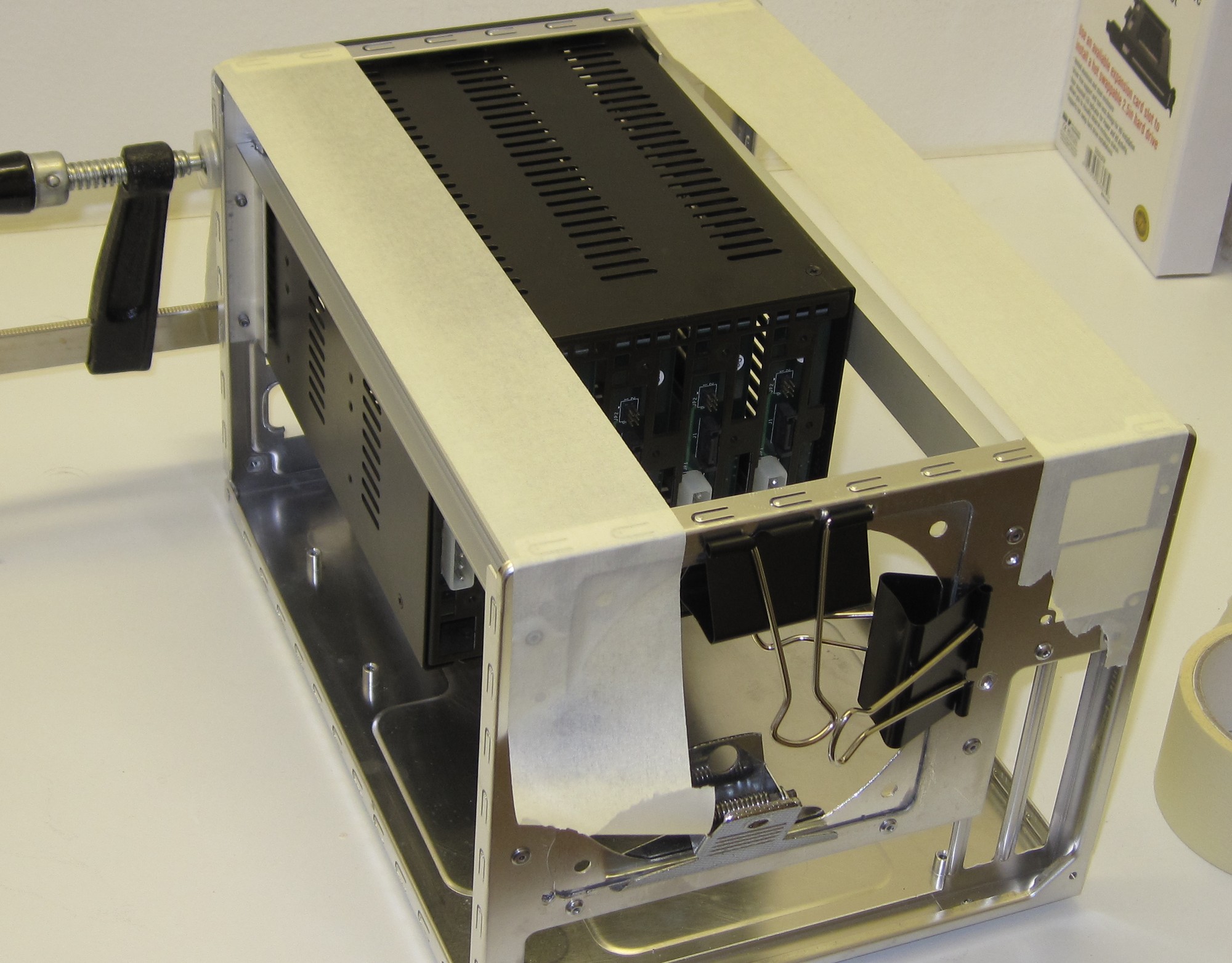
The U-profiles however are not riveted but glued to the L-profiles using JB Weld. Also the fan mount is attached with JB Weld. The 5-in-3 bay is there to make everything square.
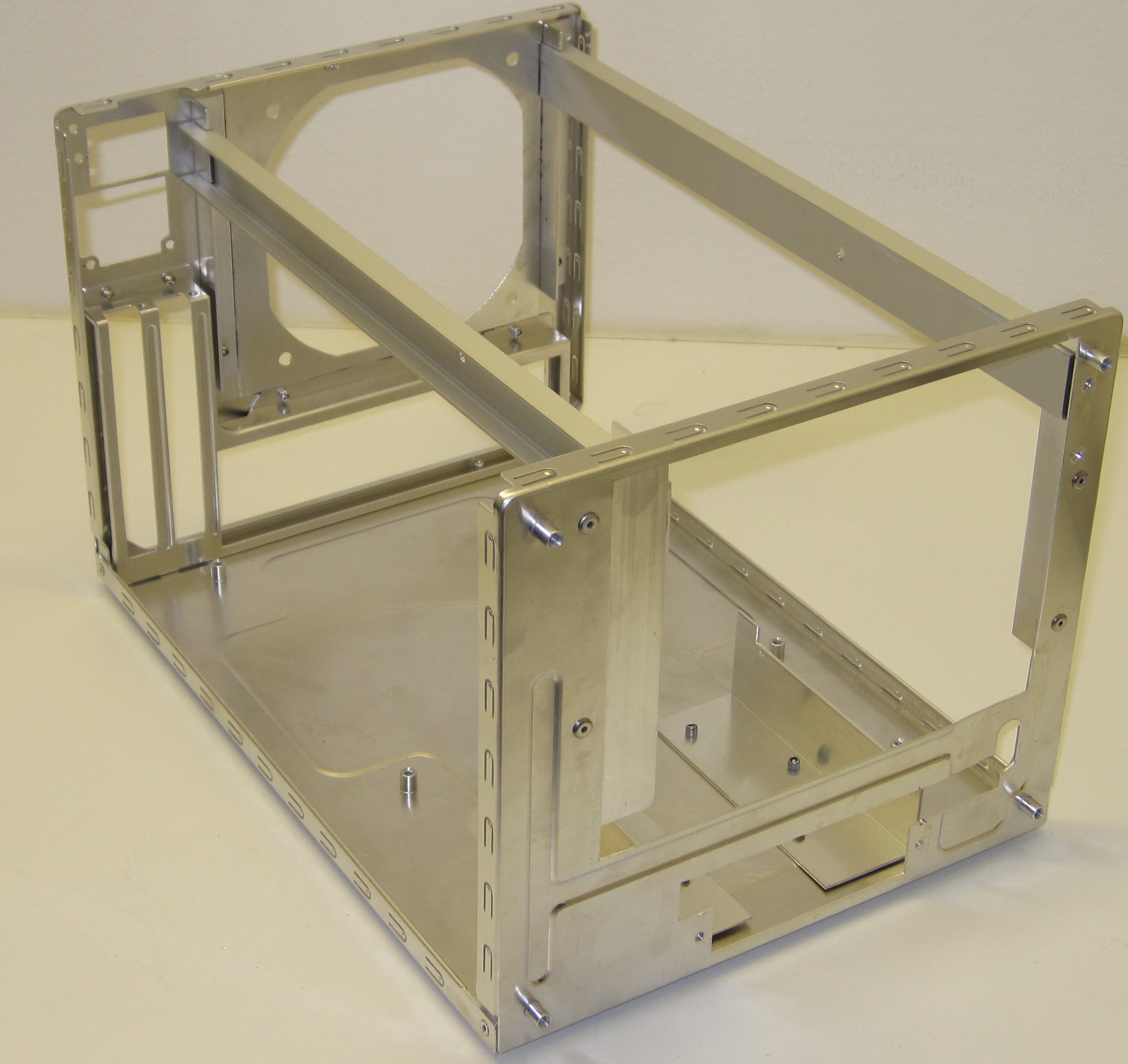
12h later and the JB Weld has set.
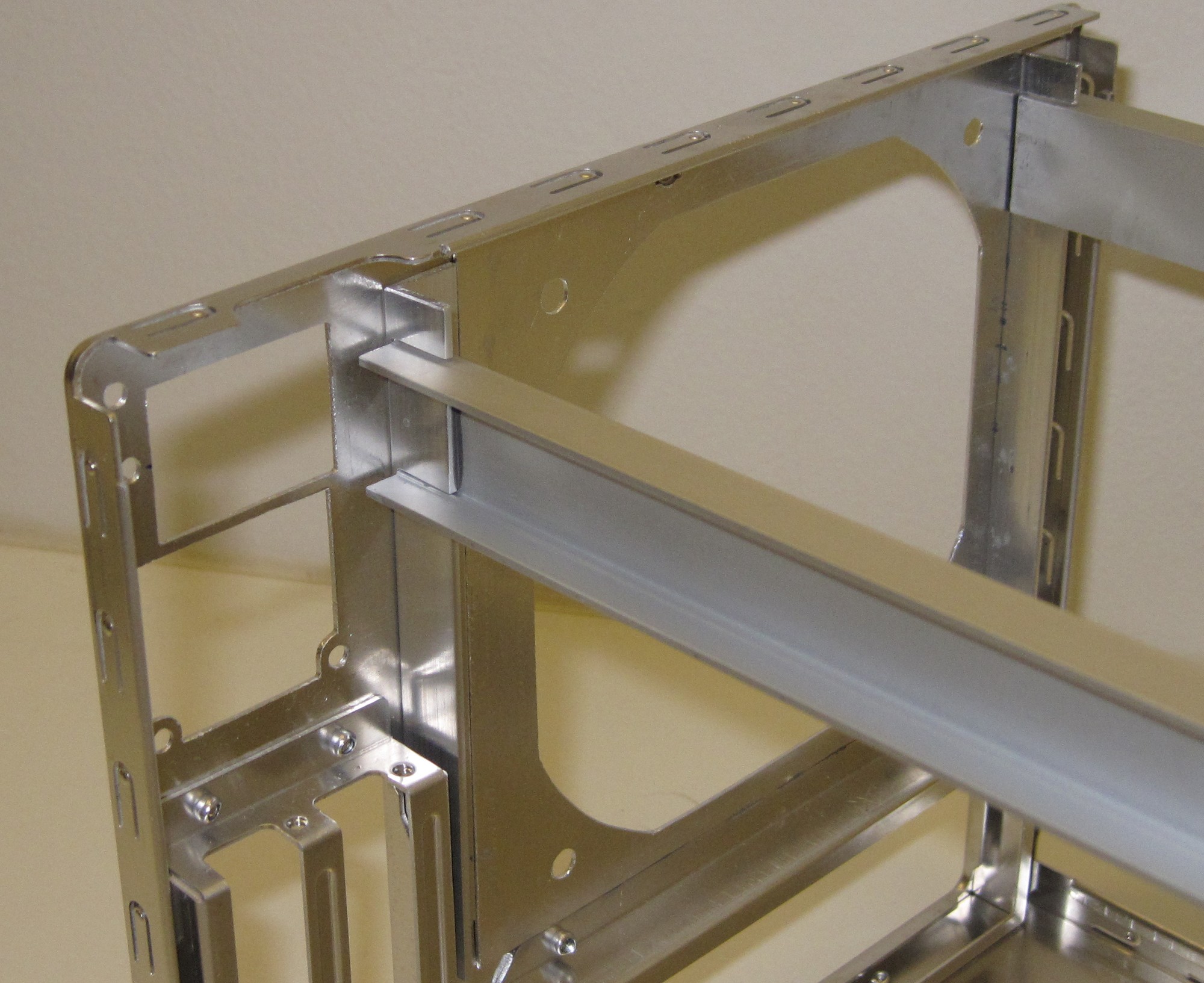
If it is good enough to use epoxy to assemble the chassis on a Lotus Elise, it should be good enough for a computer.
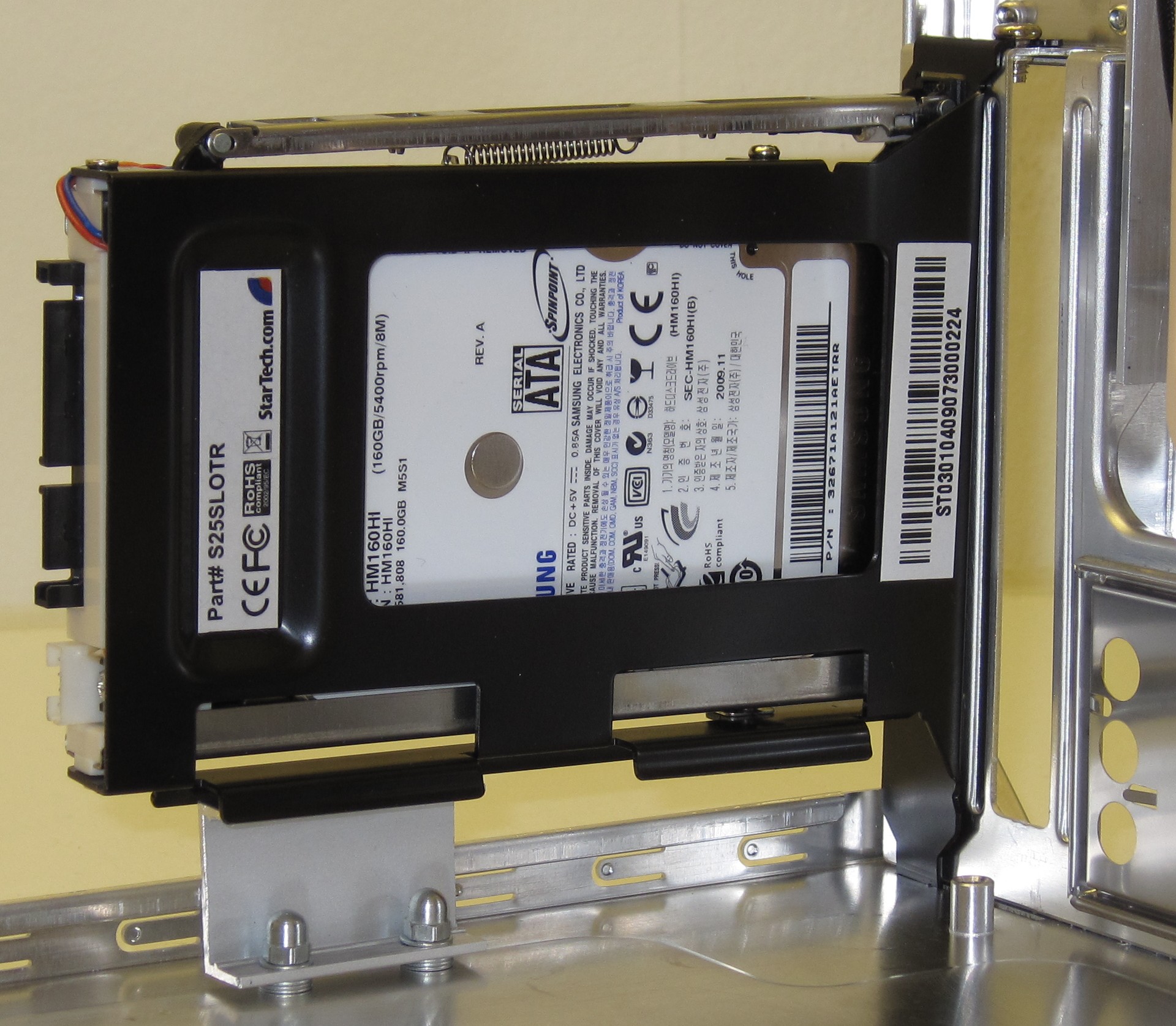
The other hot-swap bay has been mounted in the spare expansion slot. As the mini-itx board doesn’t have a second PCI slot a small U-profile was added to provide the equivalent support.
Part 6
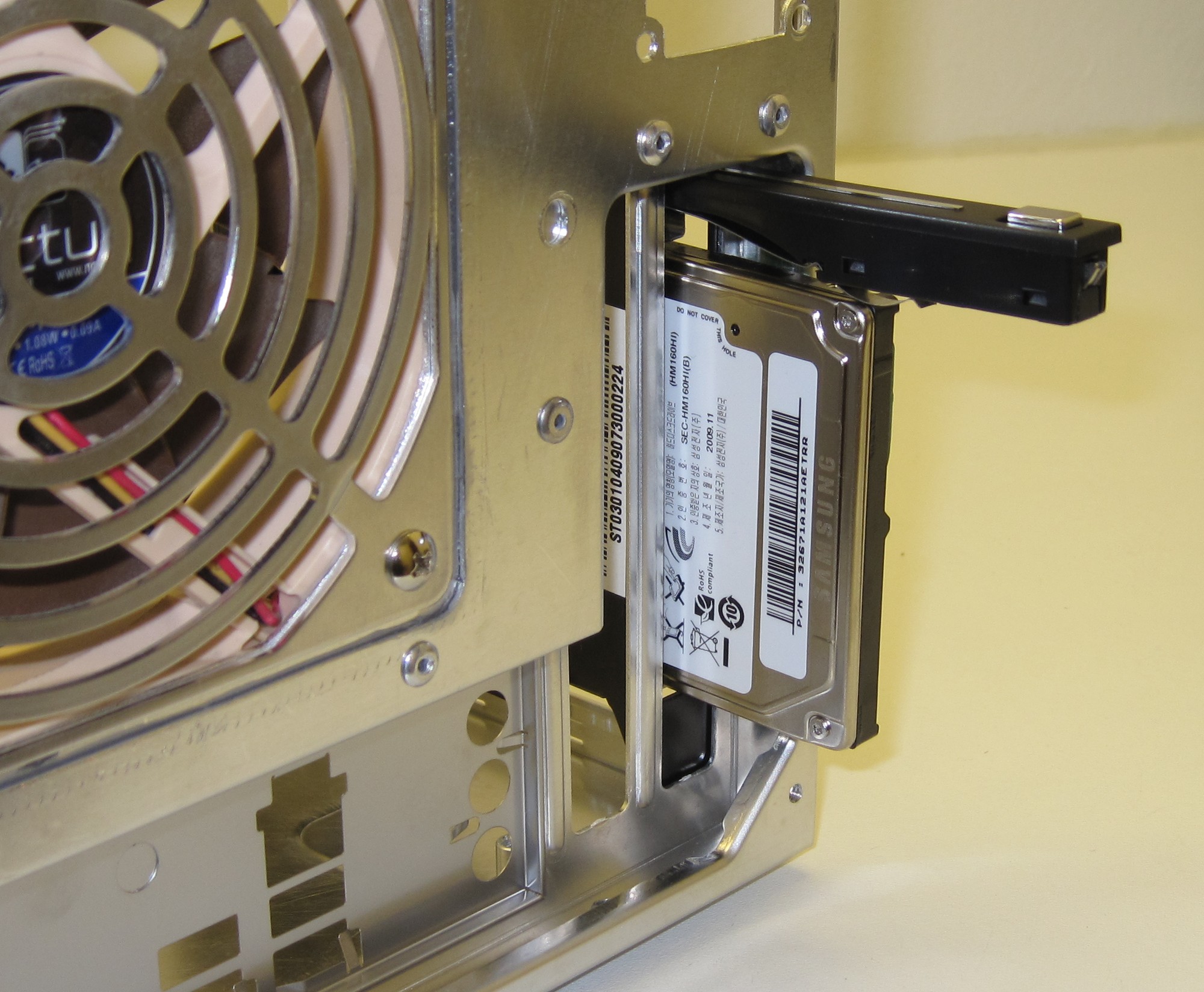
Just press the button and out pops the 2.5" drive.
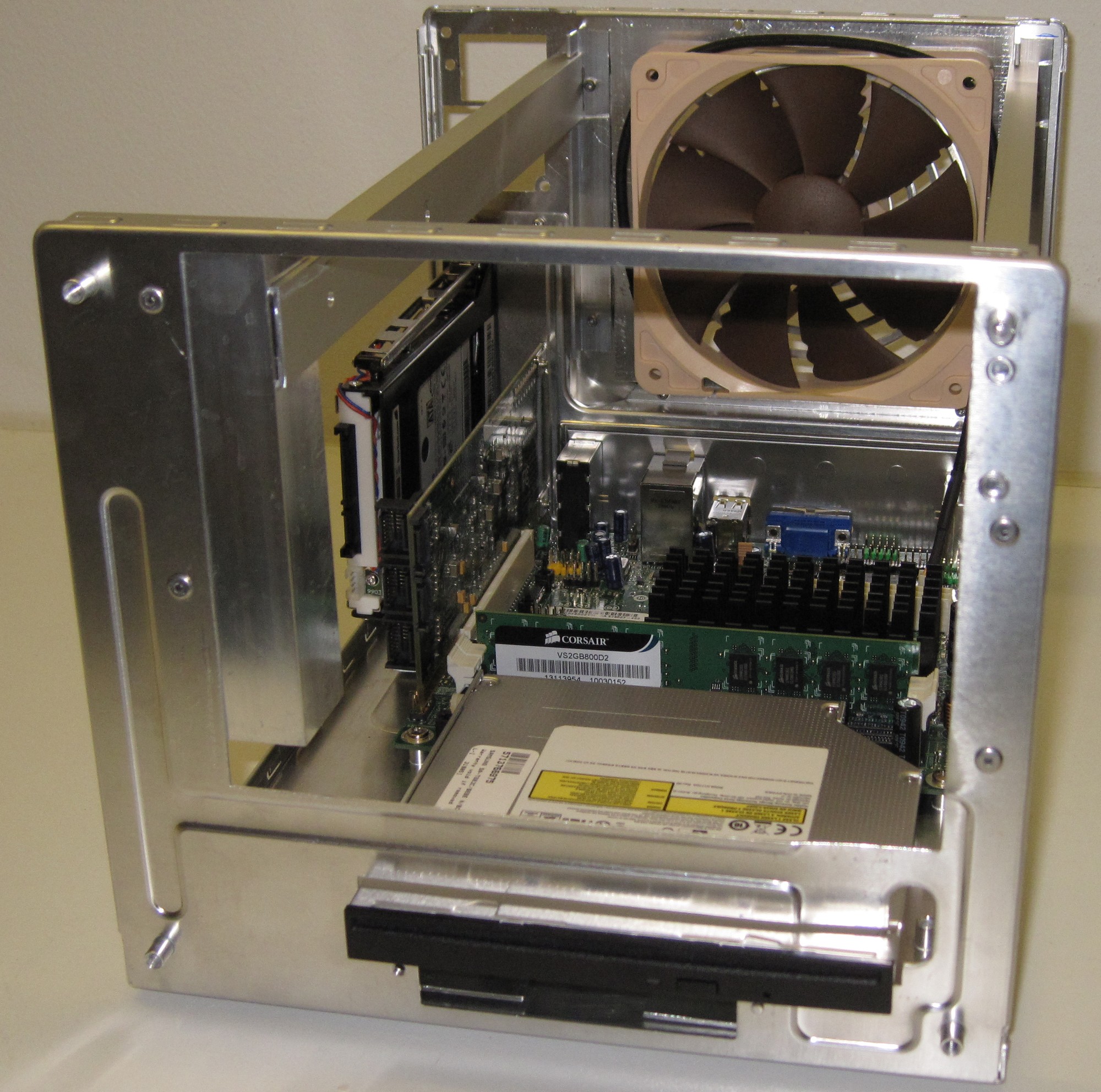
Motherboard, fan, RAID controller and optical drive added.
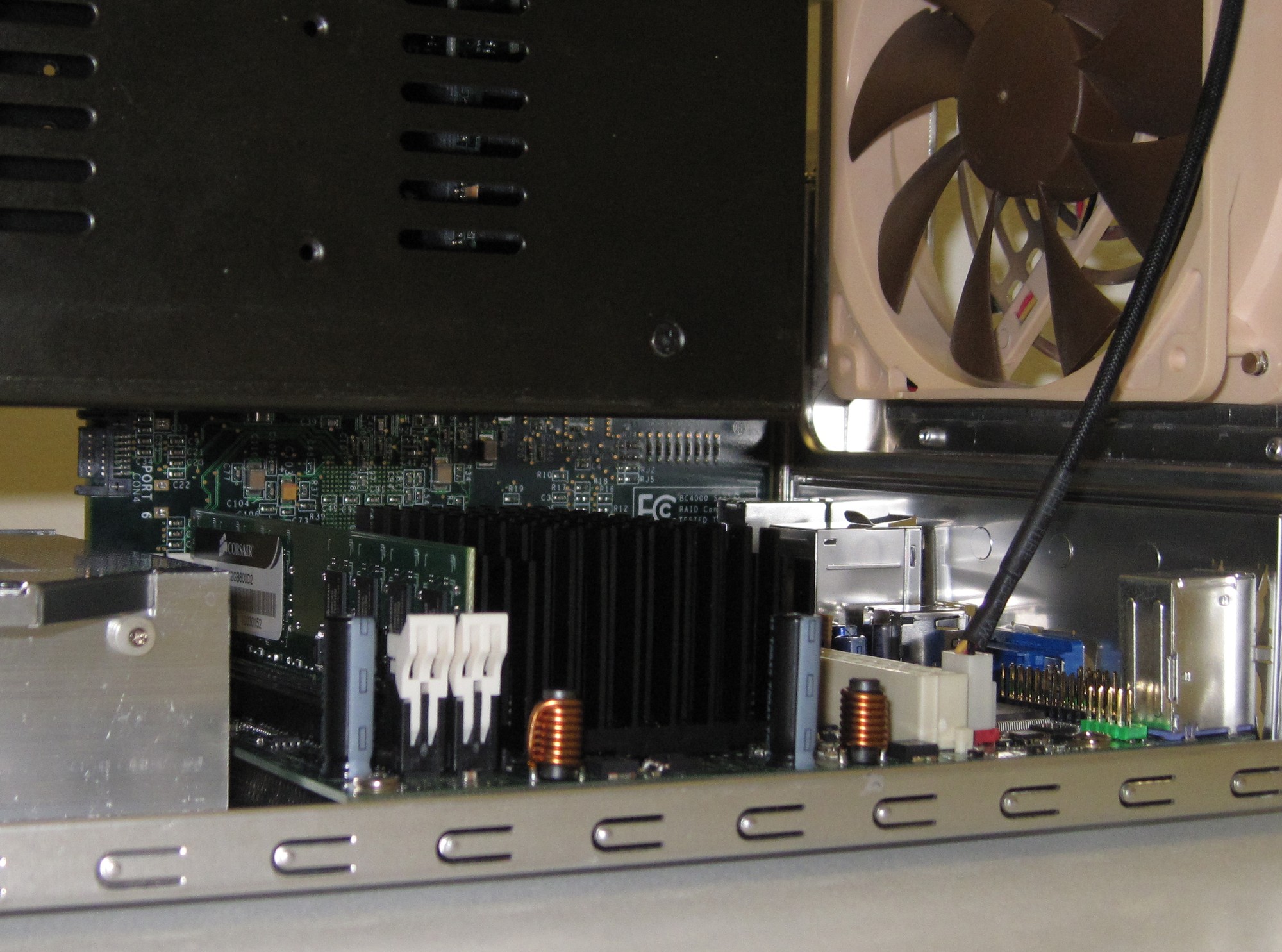
The 5-in-3 bay is added and it’s plenty of free space over the motherboard.
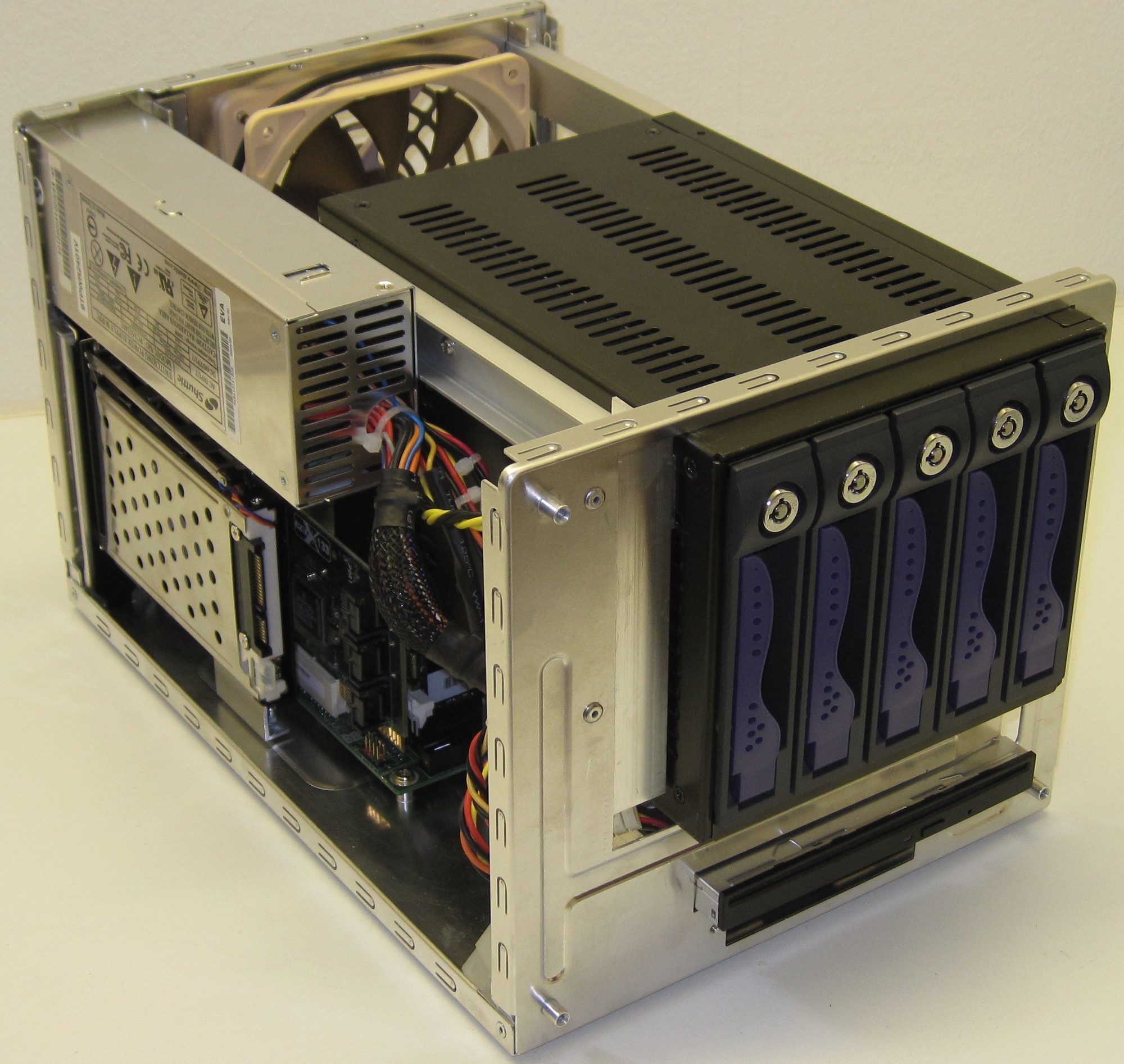
For some reason it feels like a server.
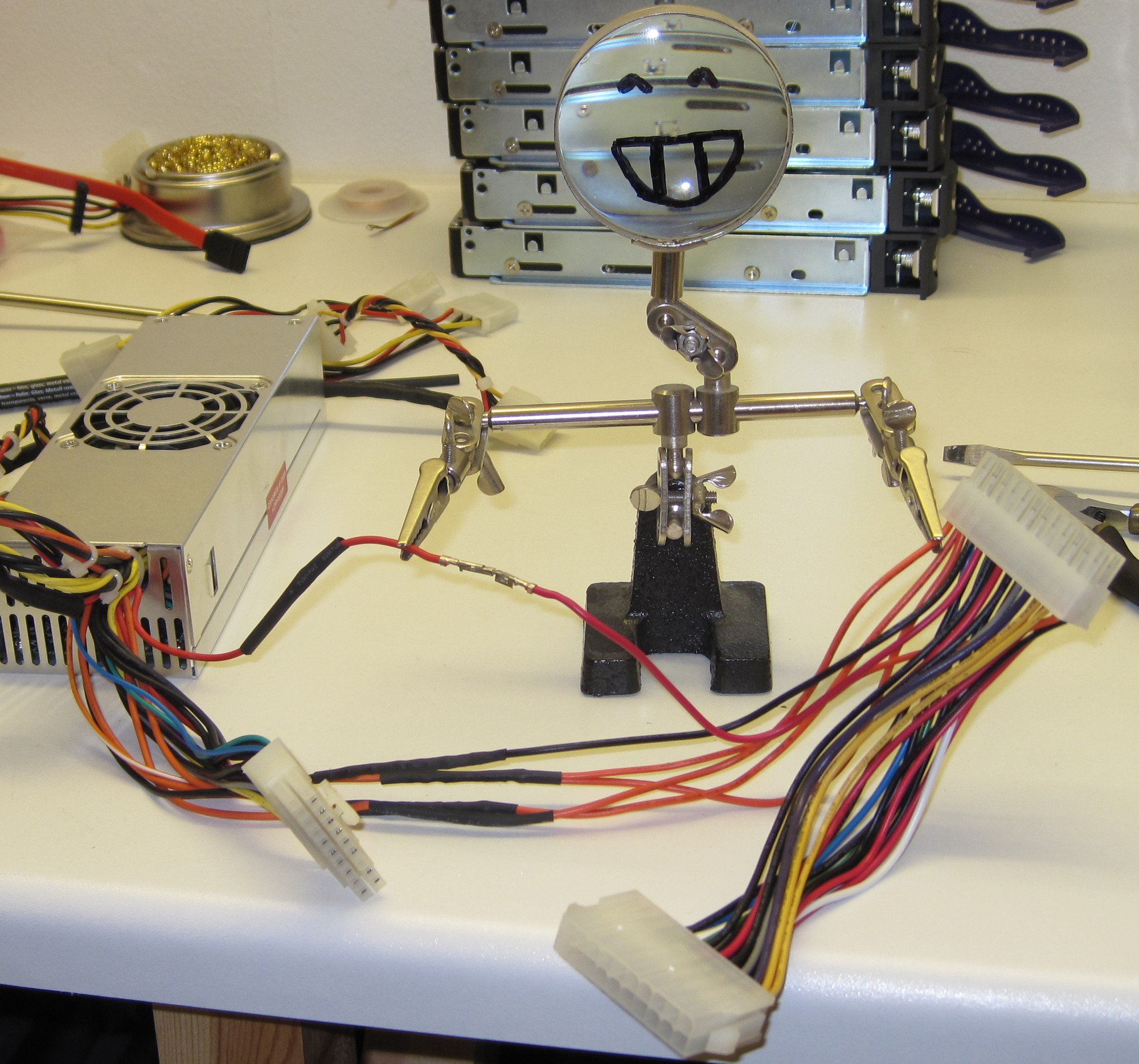
The old Shuttle PSU had a 20 pin connector and the motherboard uses a 24 pin. So what to do but add a 20-to-24 pin converter. The total cable lenght was just about right but the middle connectors were by far too bulky so they had to be removed.
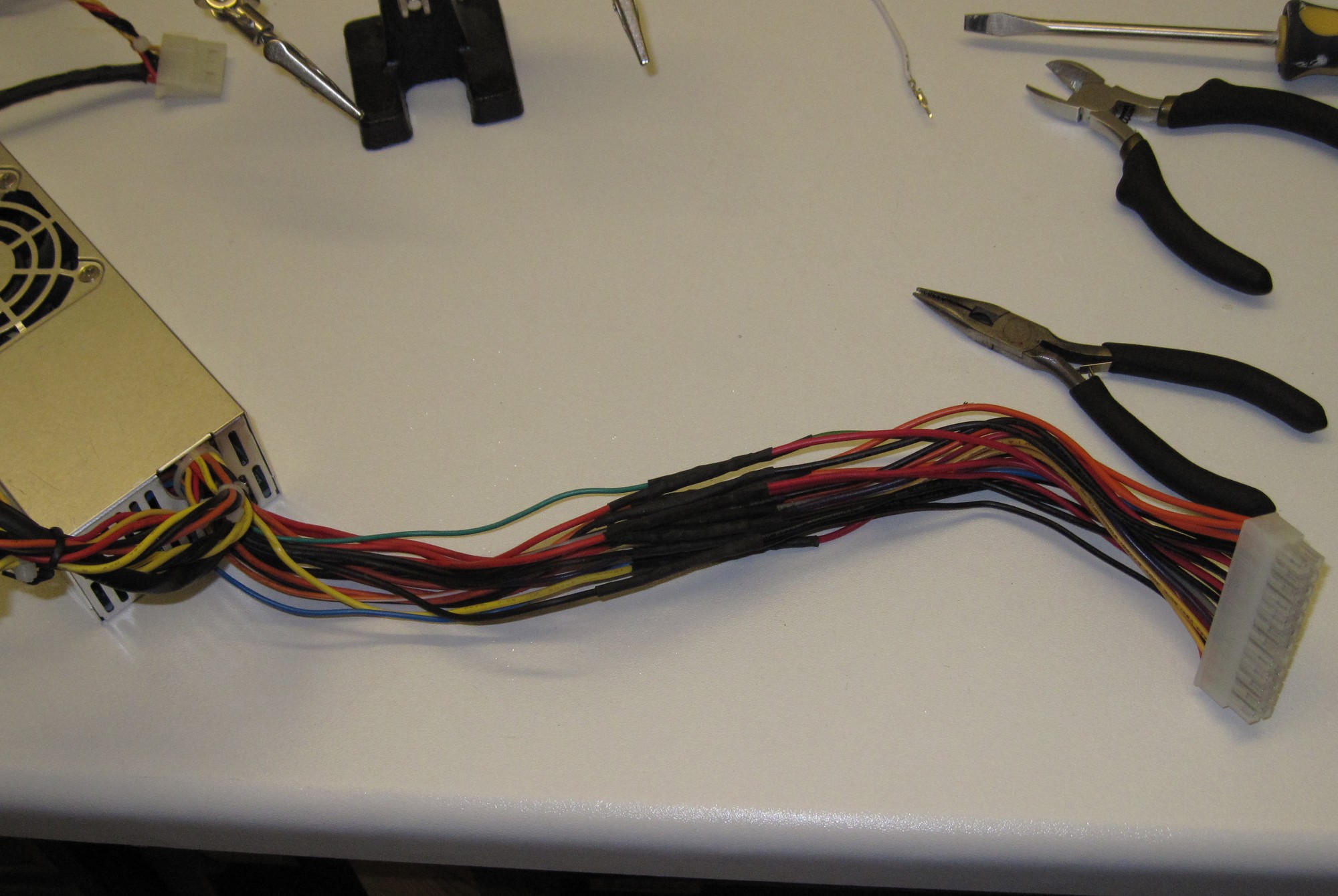
The cable surgery completed.
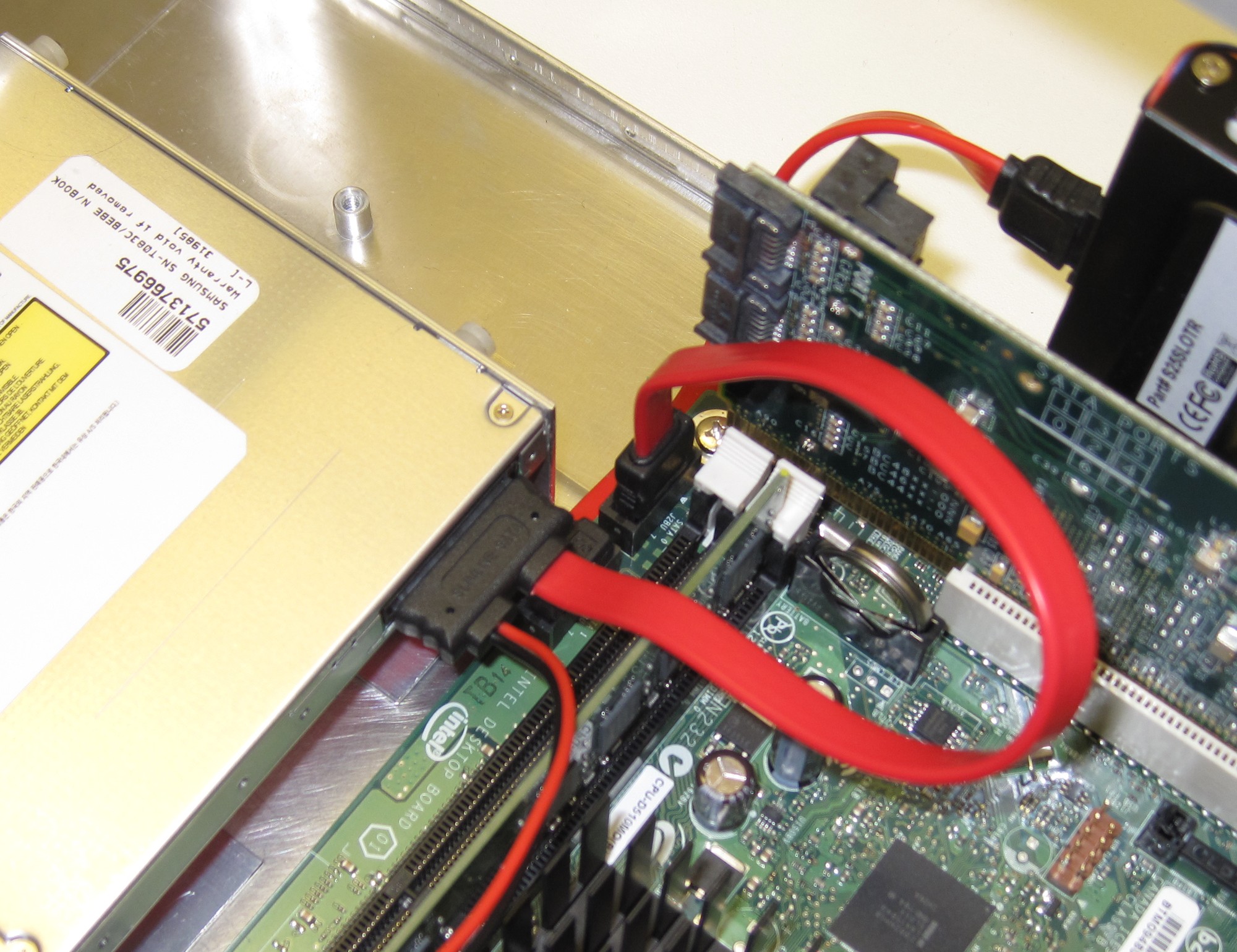
The slim-SATA connector proved to cause some grief as it blocked the second SATA port on the motherboard. So one left angle SATA cable delivery later it all fitted together.
Part 7
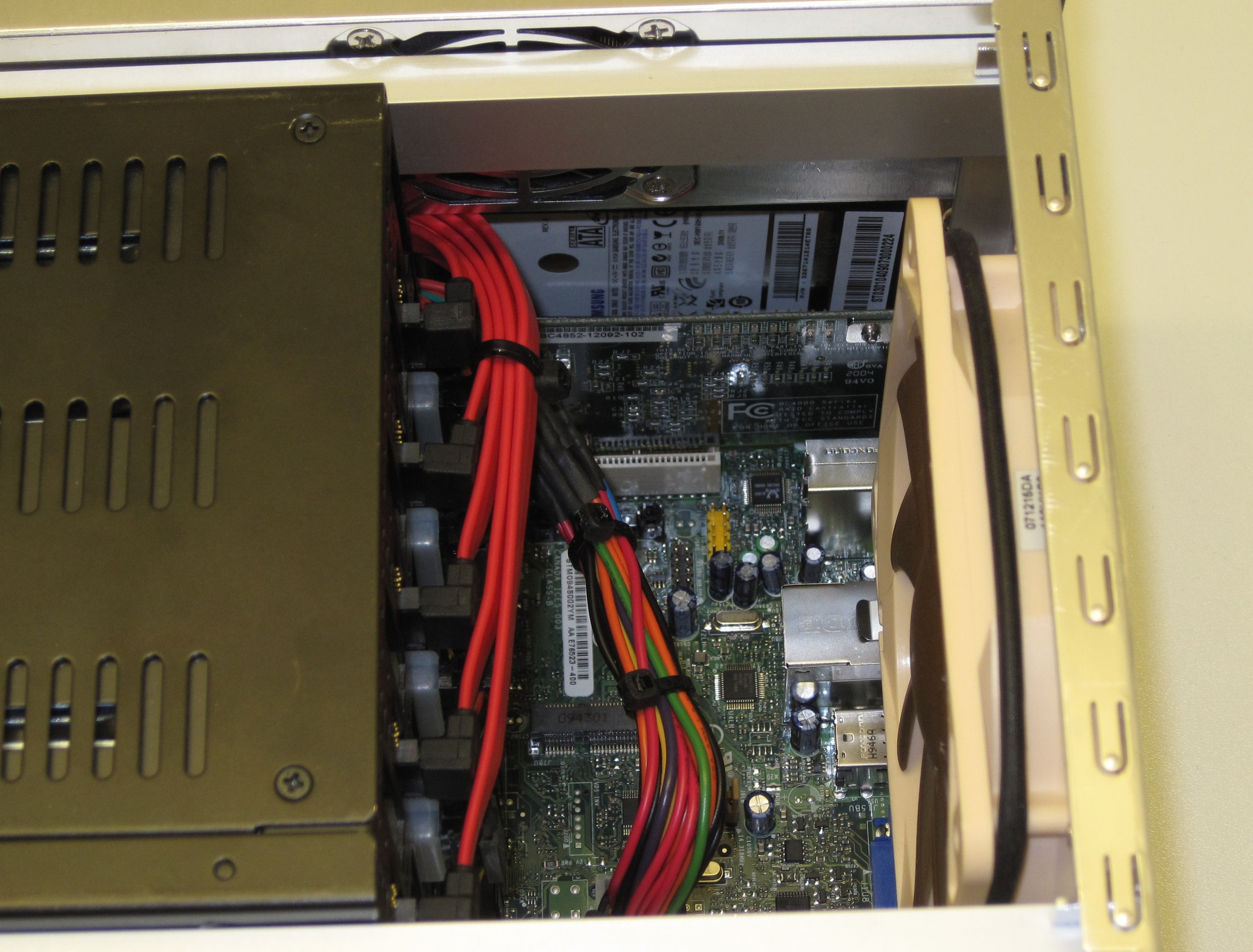
Zip ties are great for cable management, I have never been a fan of braiding and I’m not sure what is going on with the latest craze to have individual wires braided. If it is for looks why not just change all the wires to black or something?
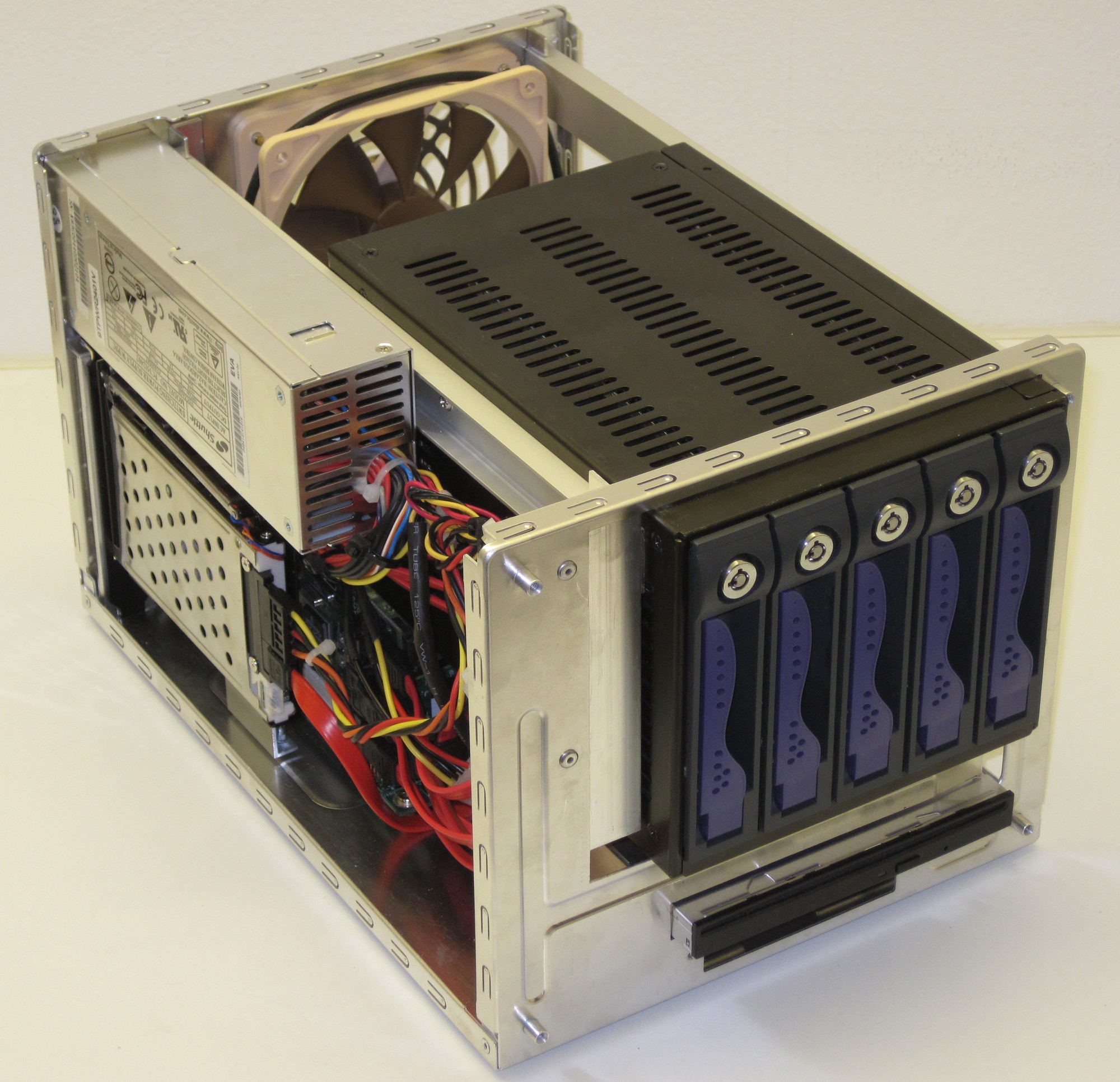
The area infront of the PSU is a little crowded as I decided to not cut any power connectors in case I need them for a future upgrade.
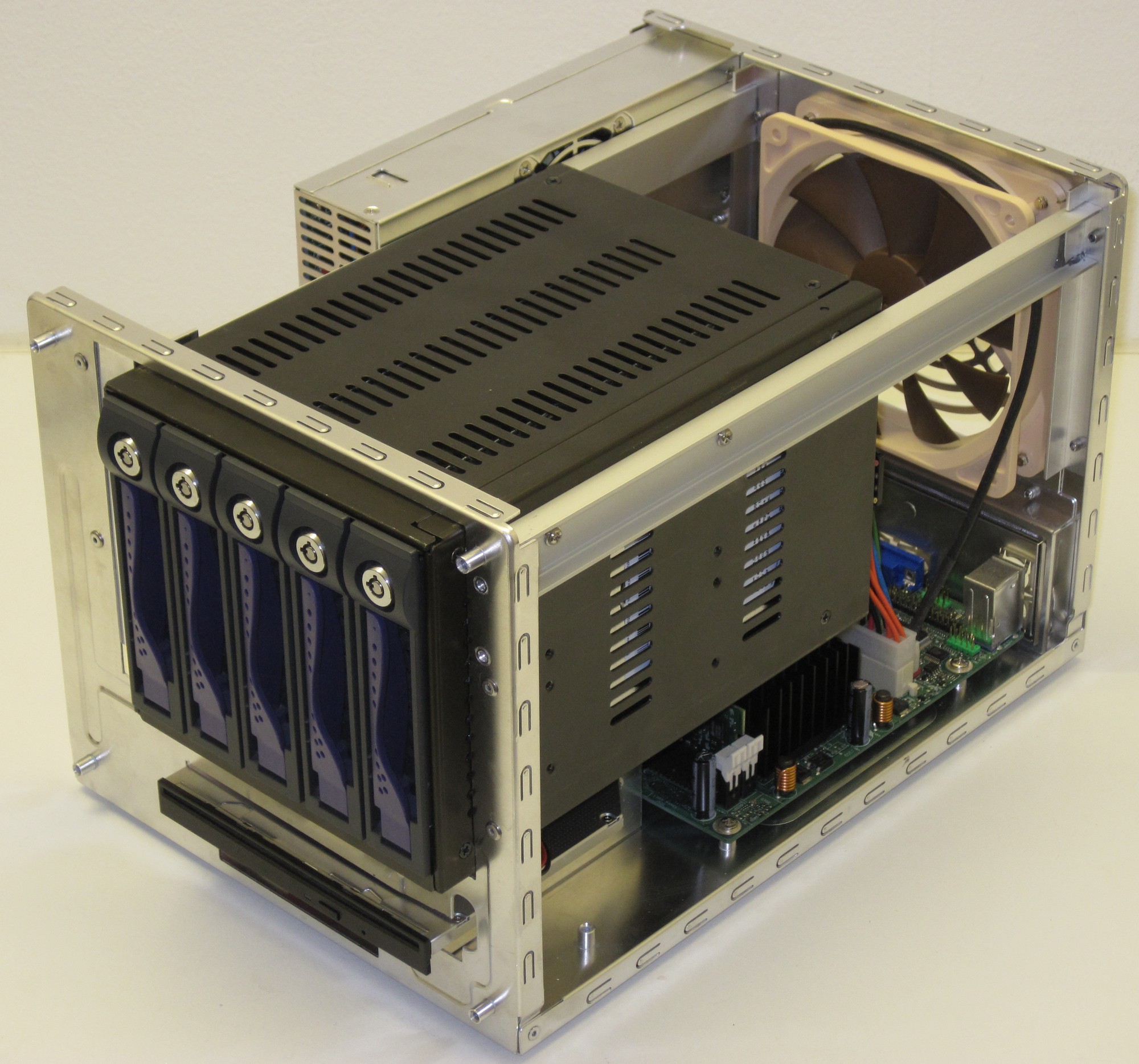
The right hand side is much cleaner so look here instead.
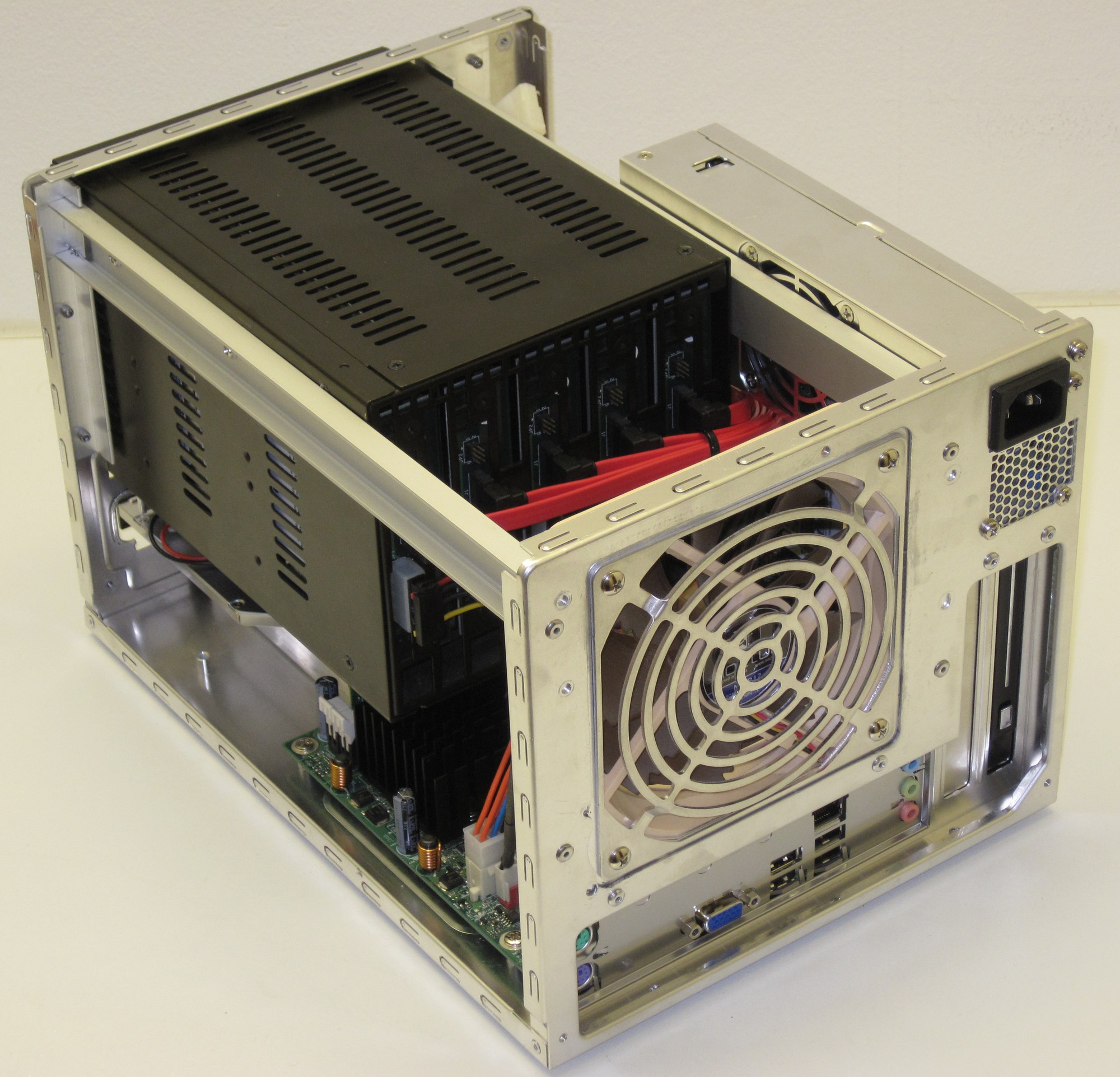
I really wish the board had a DVI port as I have to keep an old monitor with VGA port here just in case I have to rebuild the system.
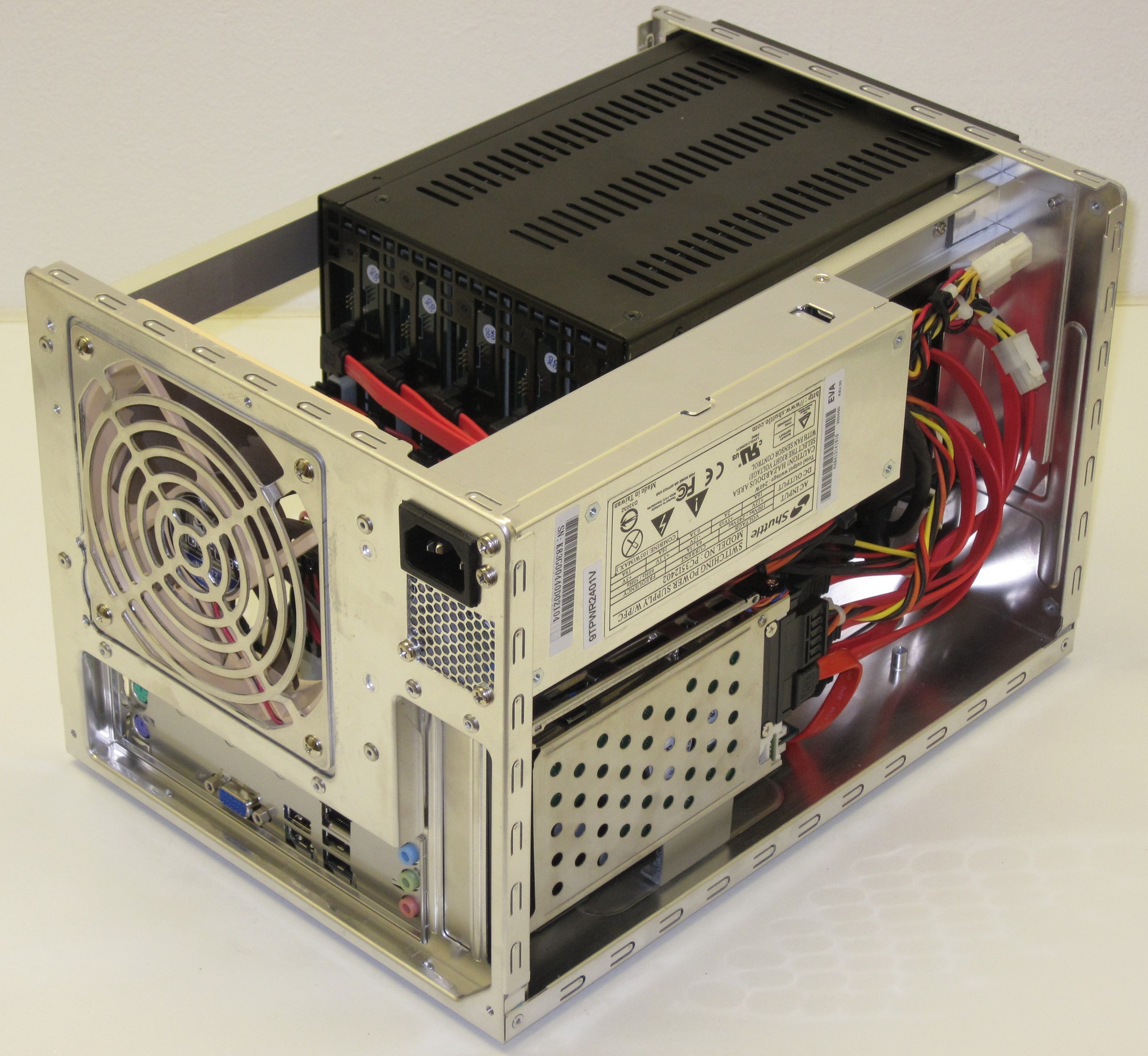
One day we might see a better selection of short SATA cables, until then this will have to do.
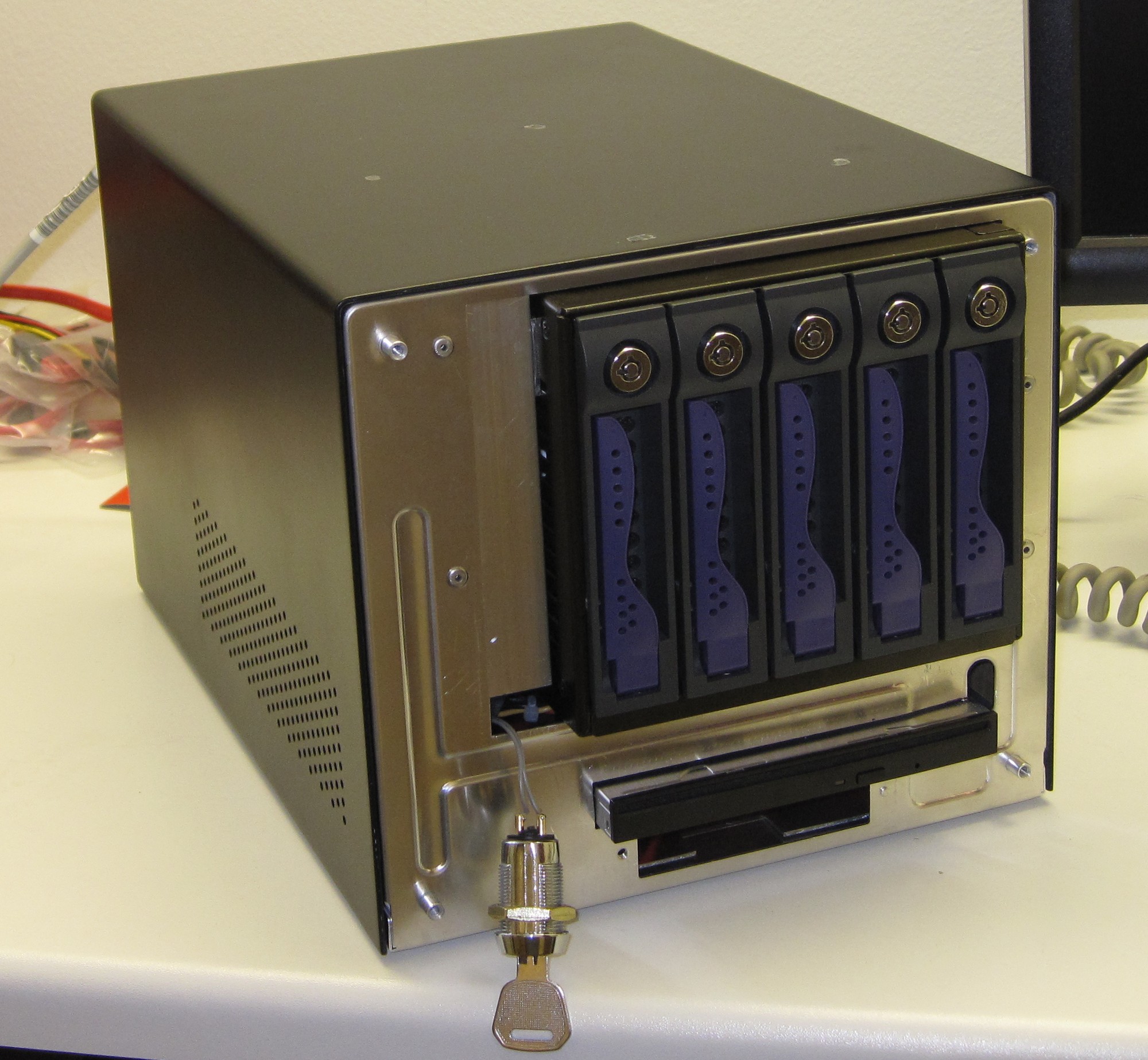
First testrun after the assembly and it all worked not to mention the cover did still fit. Don’t mind the key based start button, it was the only switch I had connected to a motherboard header already.
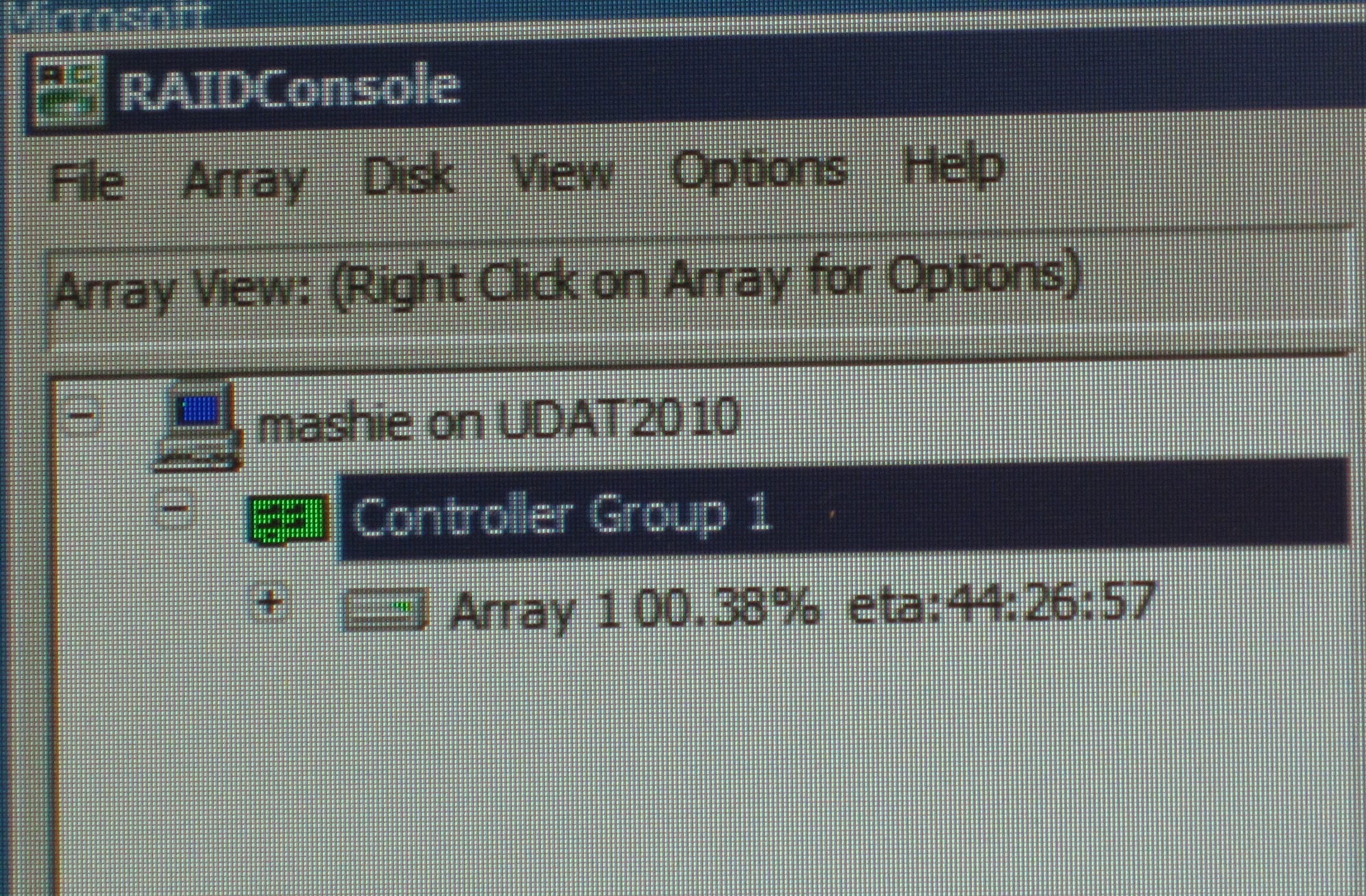
And the long wait starts…
Part 8
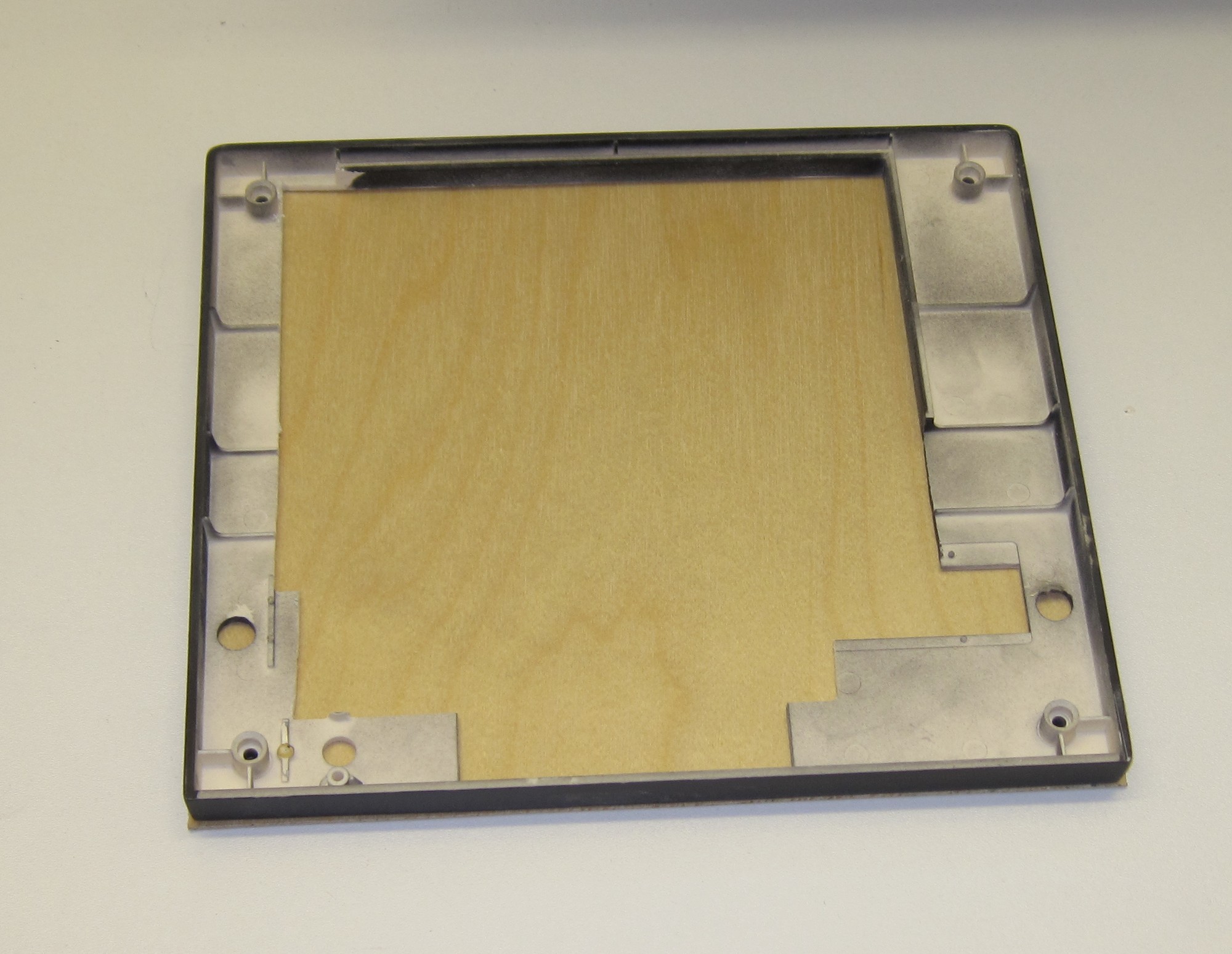
Next up was to salvage all that remained from the original front beezel. 2mm plywood will bring back some of the stuctural integrity.
Here we have a typical epoxy sandwich, from the bottom and up we have: aluminium foil, plywood, epoxy, old beezel, random heavy motherboard box and one unit of Udat2010 acting as weight.
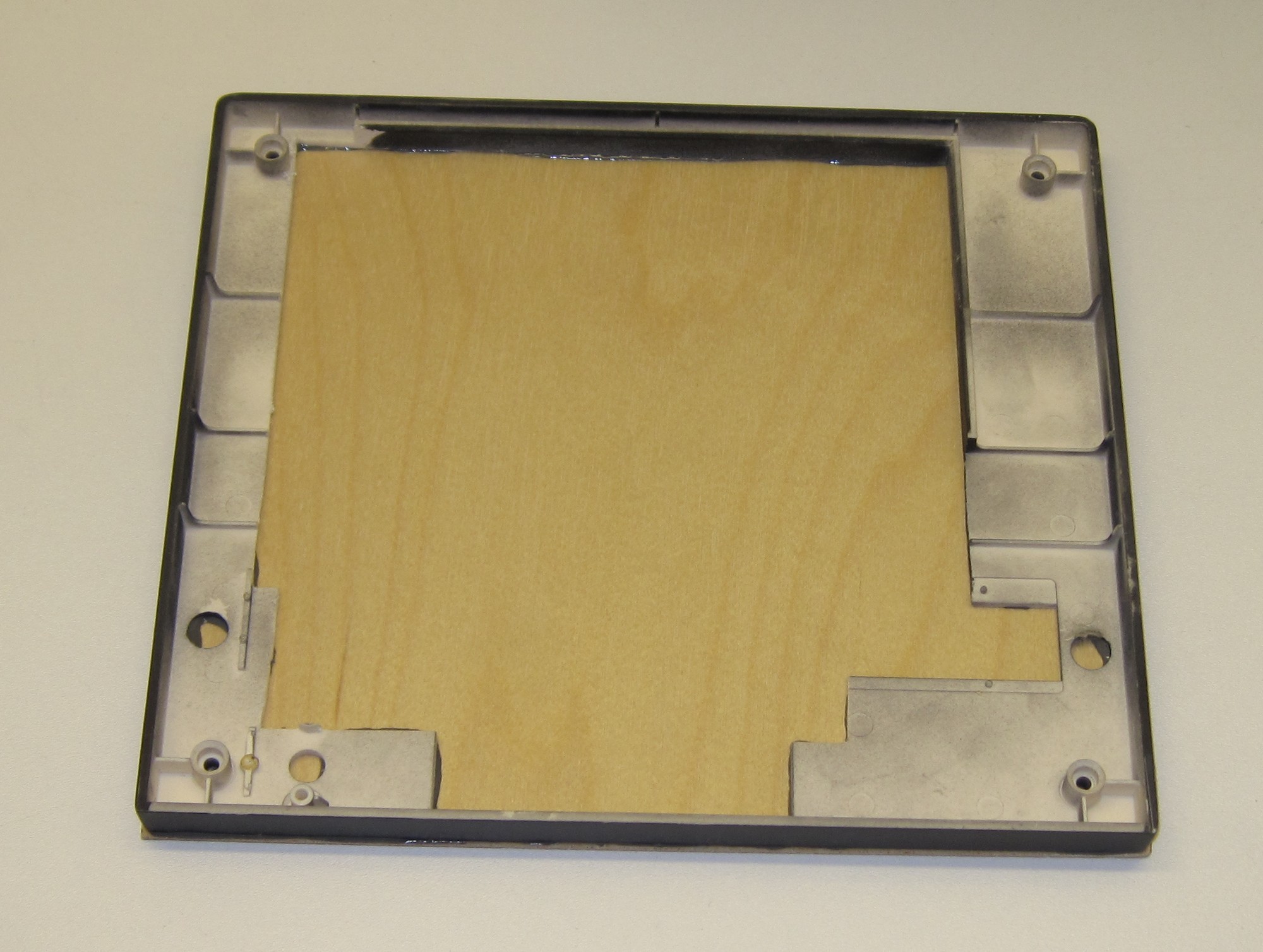
With the epoxy set it’s time to reduce the structural integrity yet again…
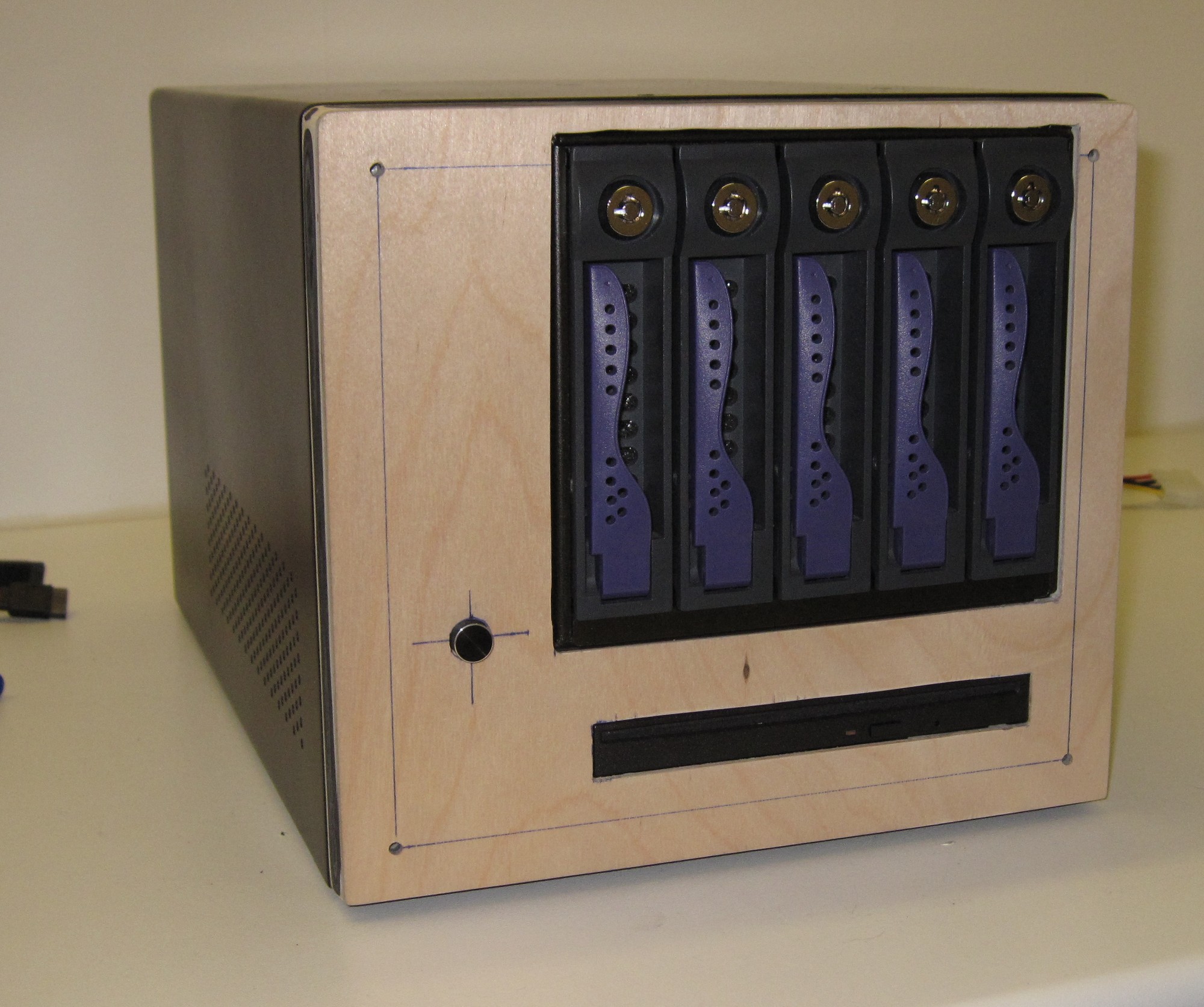
A single layer of plywood was perfect to end up level with the metal frame around the 5-in-3 hot swap bay as well as the optical drive.
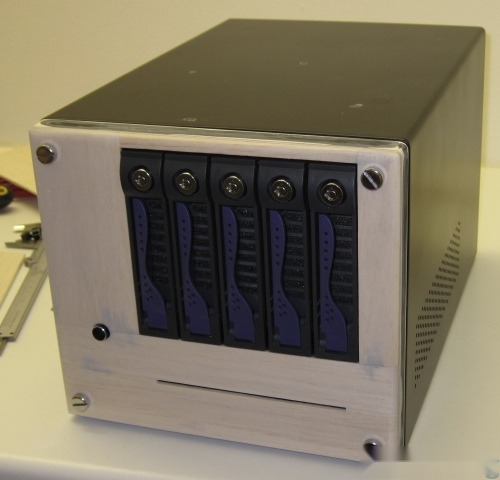
But to make it a bit cleaner another layer of wood was added, in this case balsawood which was a bad decision. It is near impossible to get a good painted finish on that so after a lot of filler, primer, filler, more filler and so on I said screw it and just started using the system as it was.
So fast forward 14 months and I had finally made up my mind of what to do with this sad looking case with an out of date name. Udat 2010 was no longer going to look like a boring white sugar cube which was the original plan. Instead it will have a theme based on EVE-Online as that game after all has been a major part of my life the past five years.
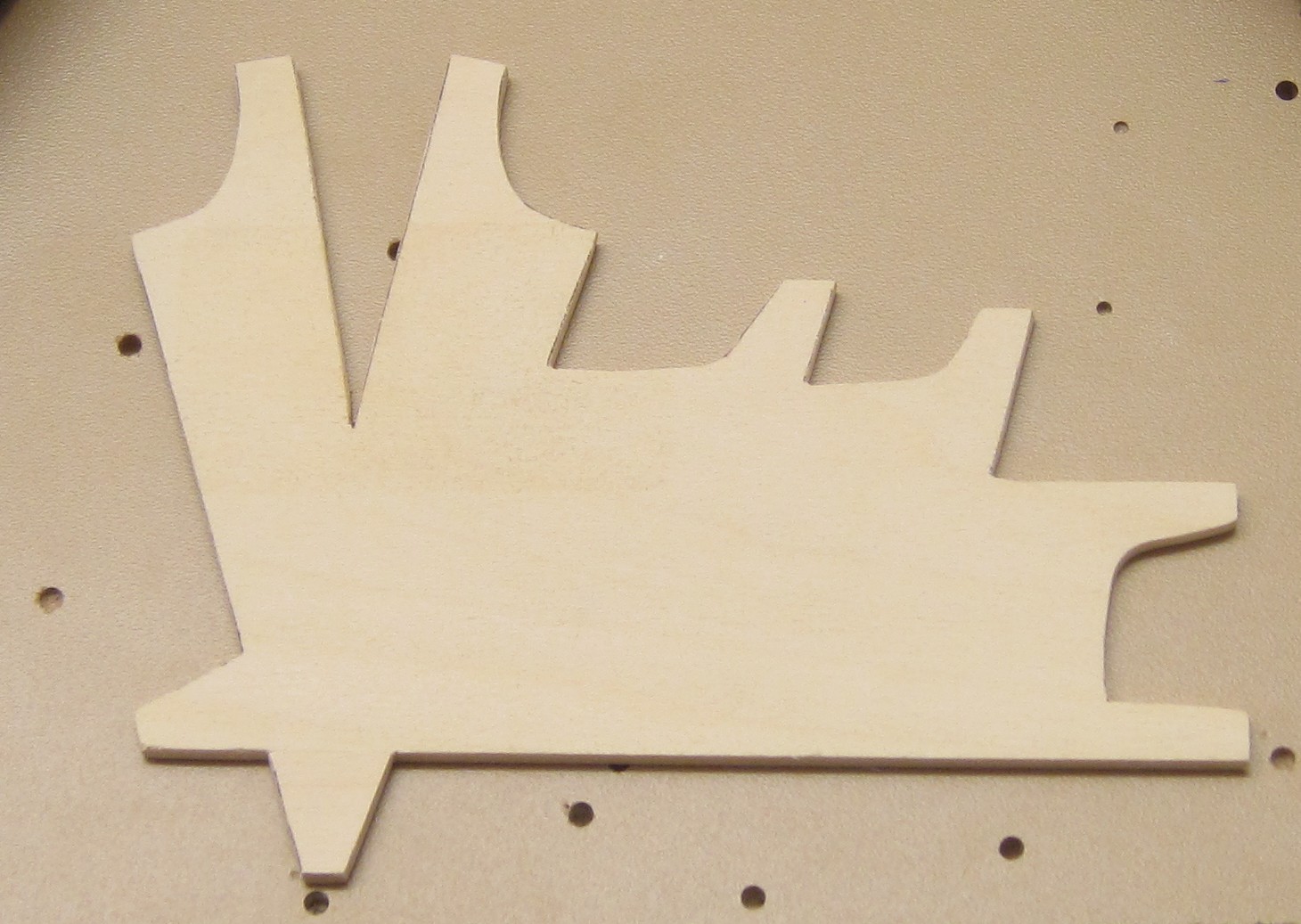
So here we go the year is 2011 and I have just found this fantastic material called basswood, it is like balsawood, but better as it is harder but still easy to work with. This piece is 1/8" and will form the back of the Veto Corp logo that belongs to the group of people I fly with.
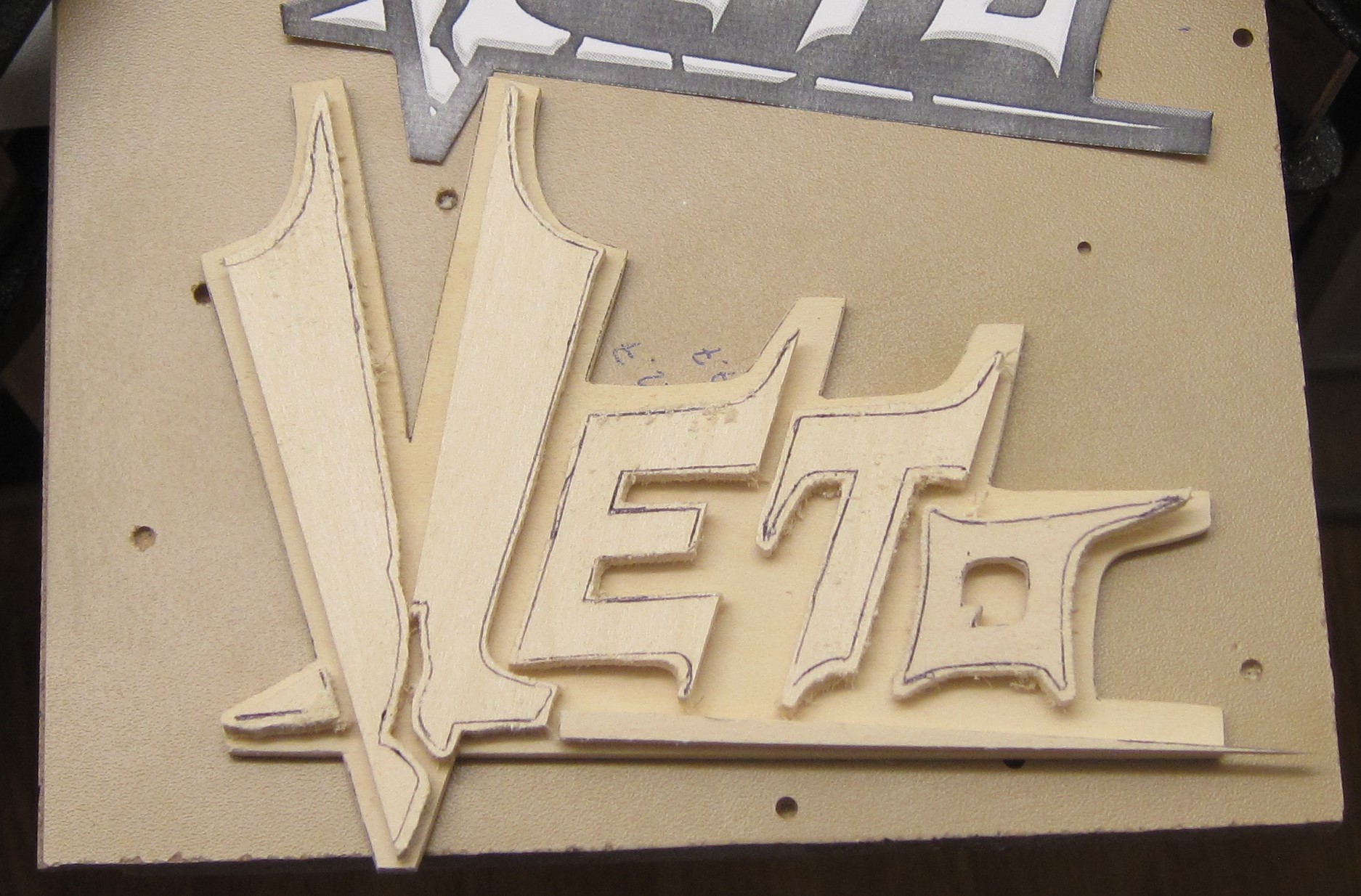
Some more cutting of 1/8" basswood under way.
Part 9
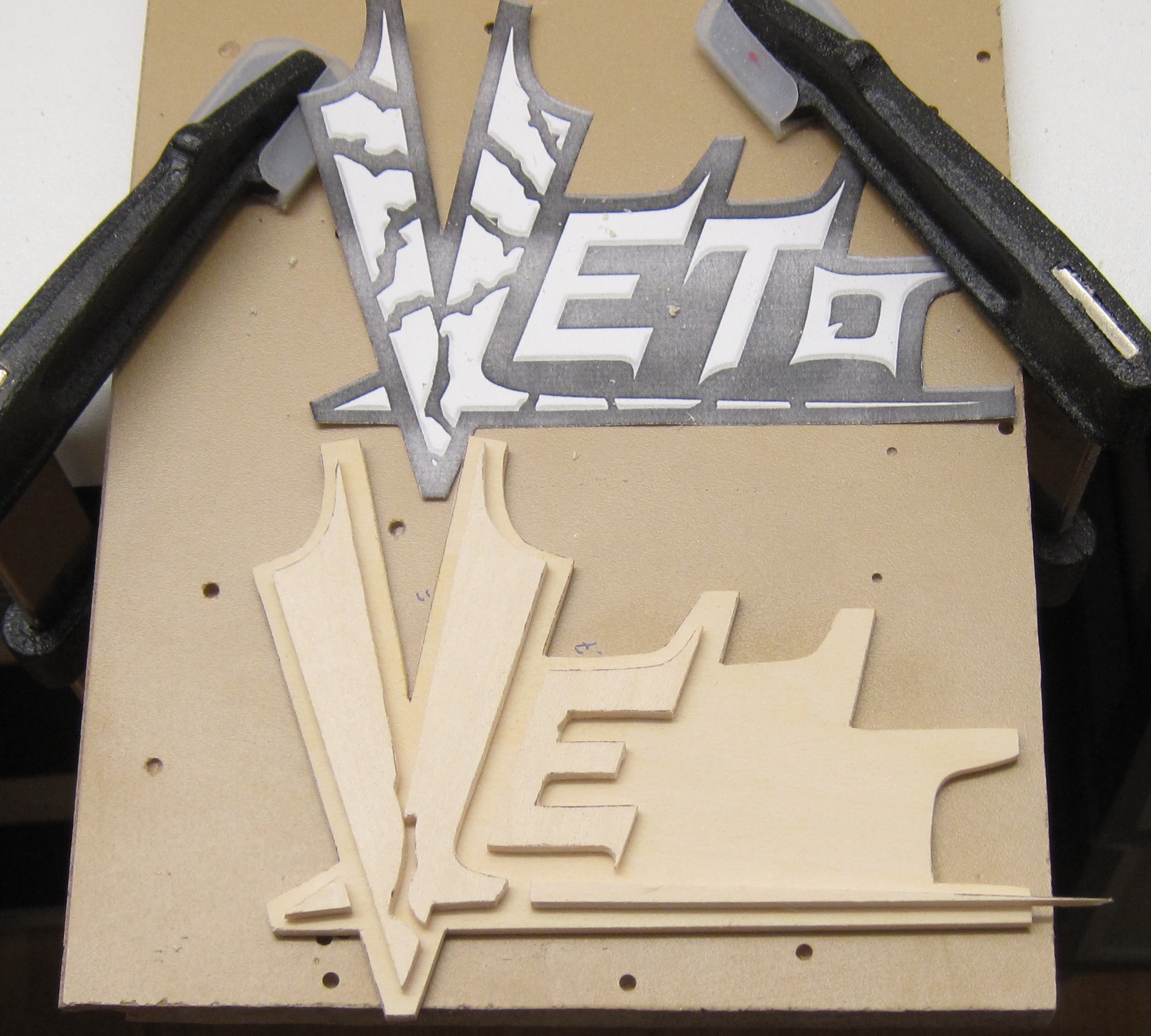
Some last checks before the V is cut up in tiny pieces.
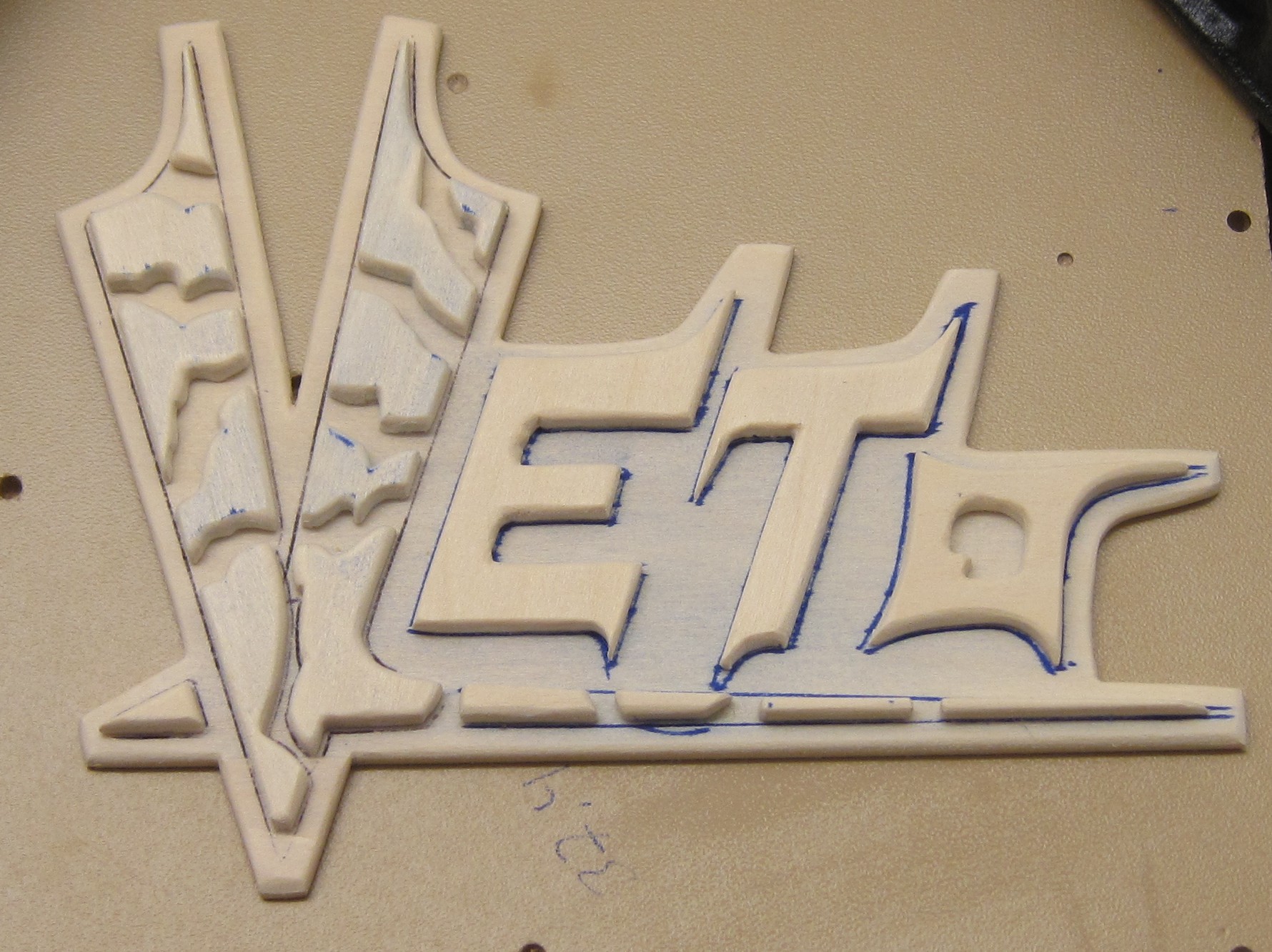
The Veto logo is assembled and ready for the next step.
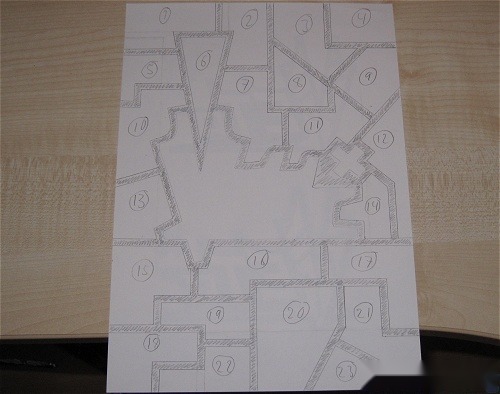
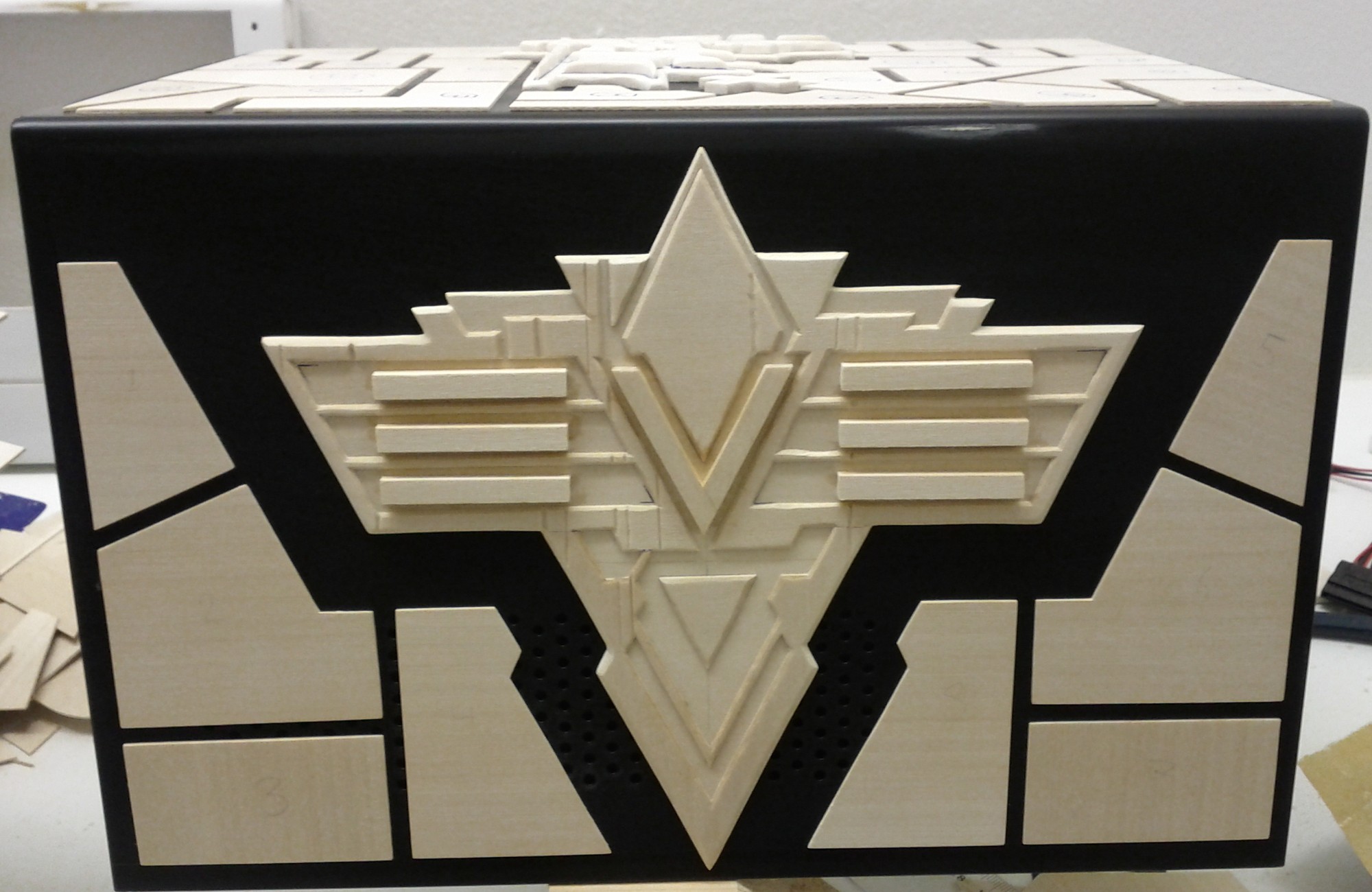
Armor plating, lot’s of it.
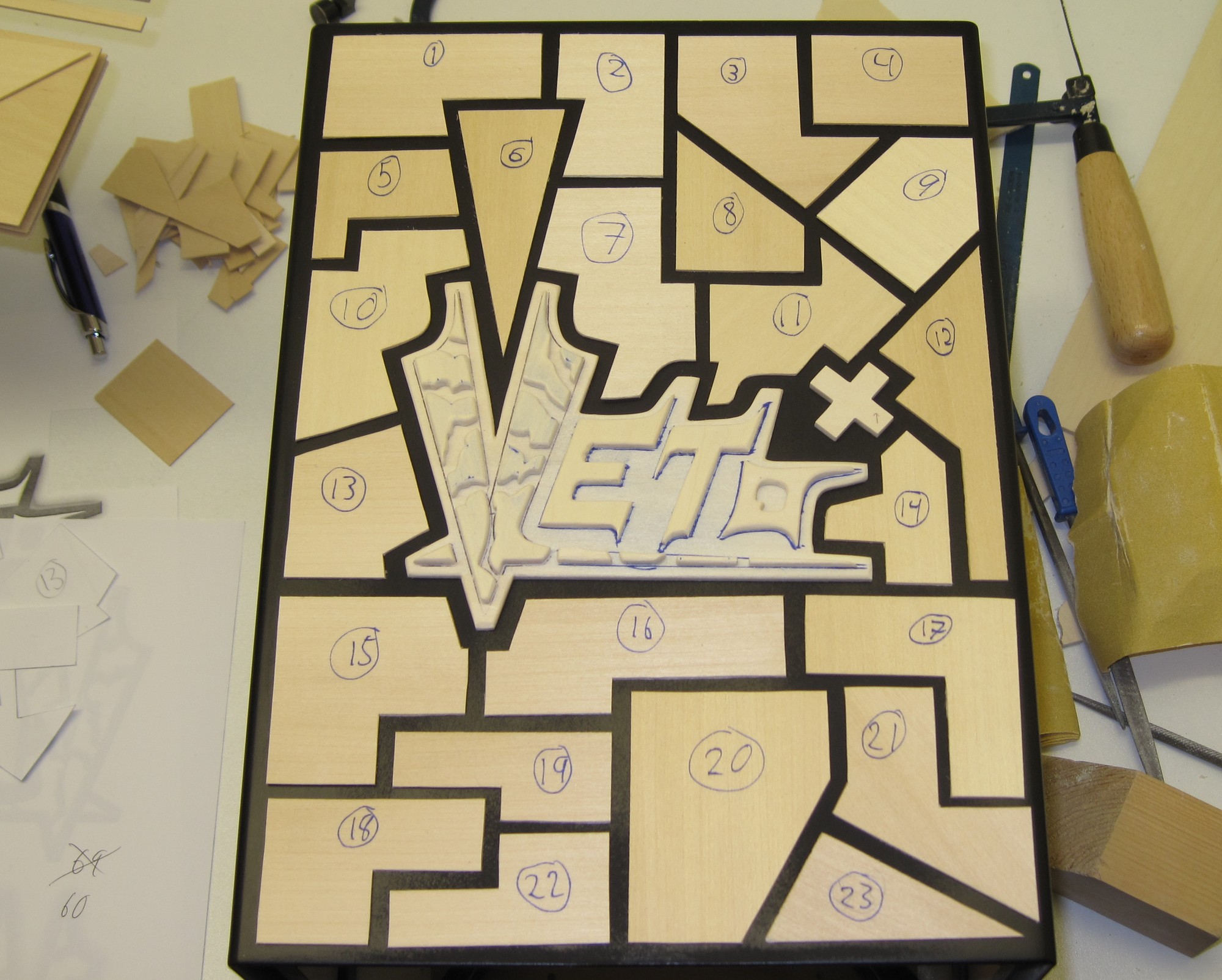
A fair bit of carving later 23 pieces of 1/32" basswood are ready to cover the top of the case.
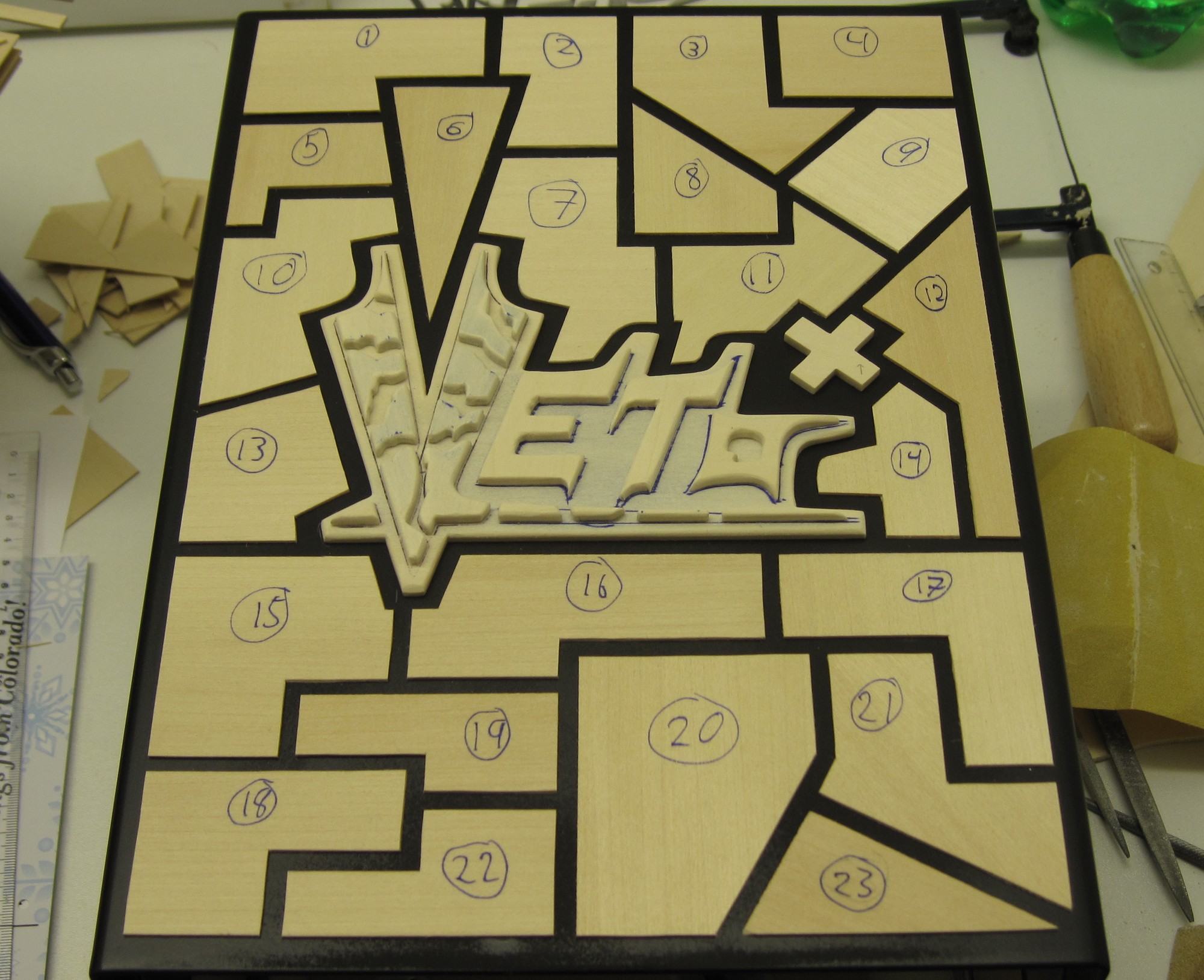
Glue applied and things ended up where they were intended to be. One side done, three to go.
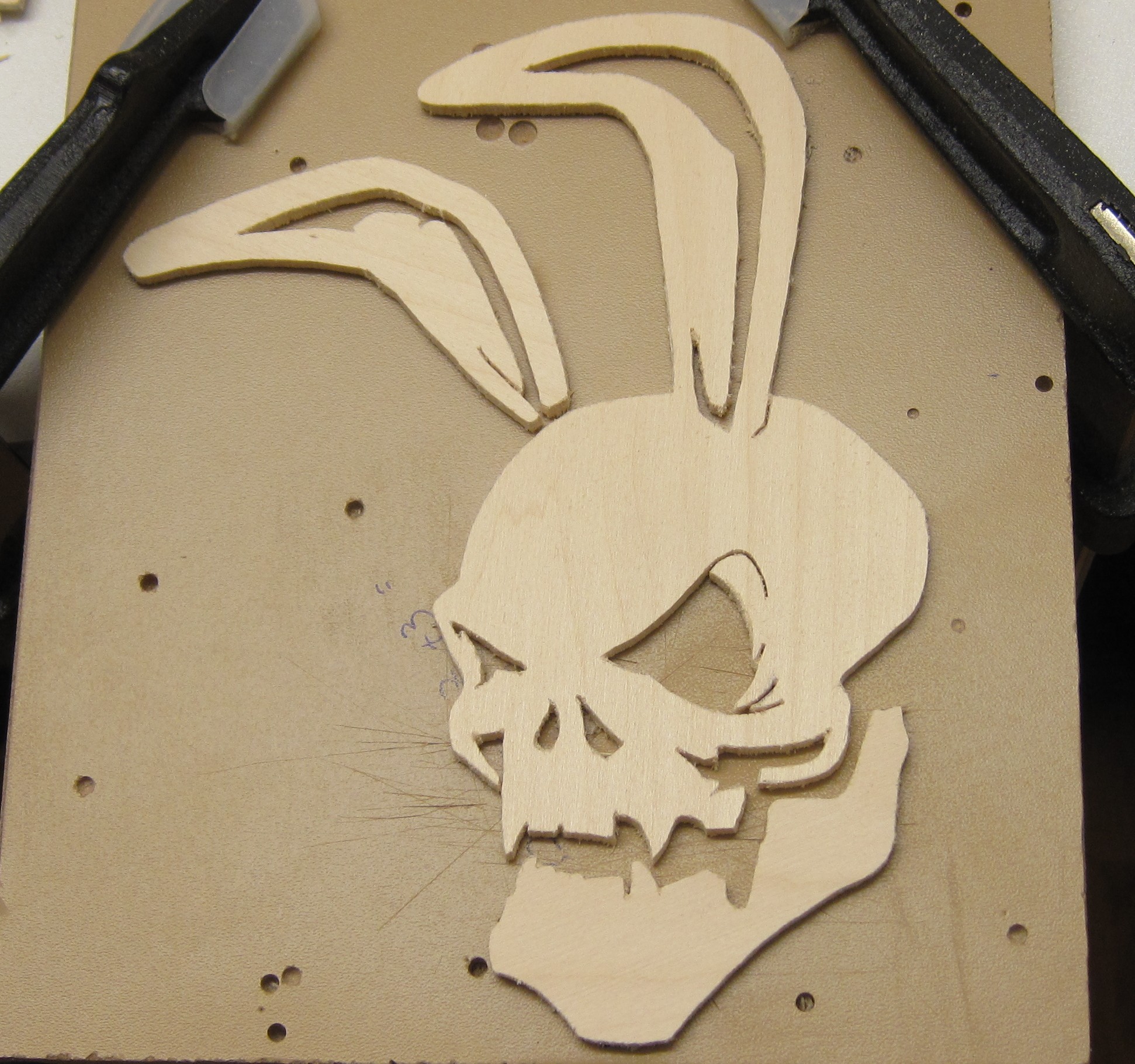
Next up is the Guristas Pirates logo, yet again cut out of 1/8" basswood requiring a fair bit of patience thanks to the intricate shape.
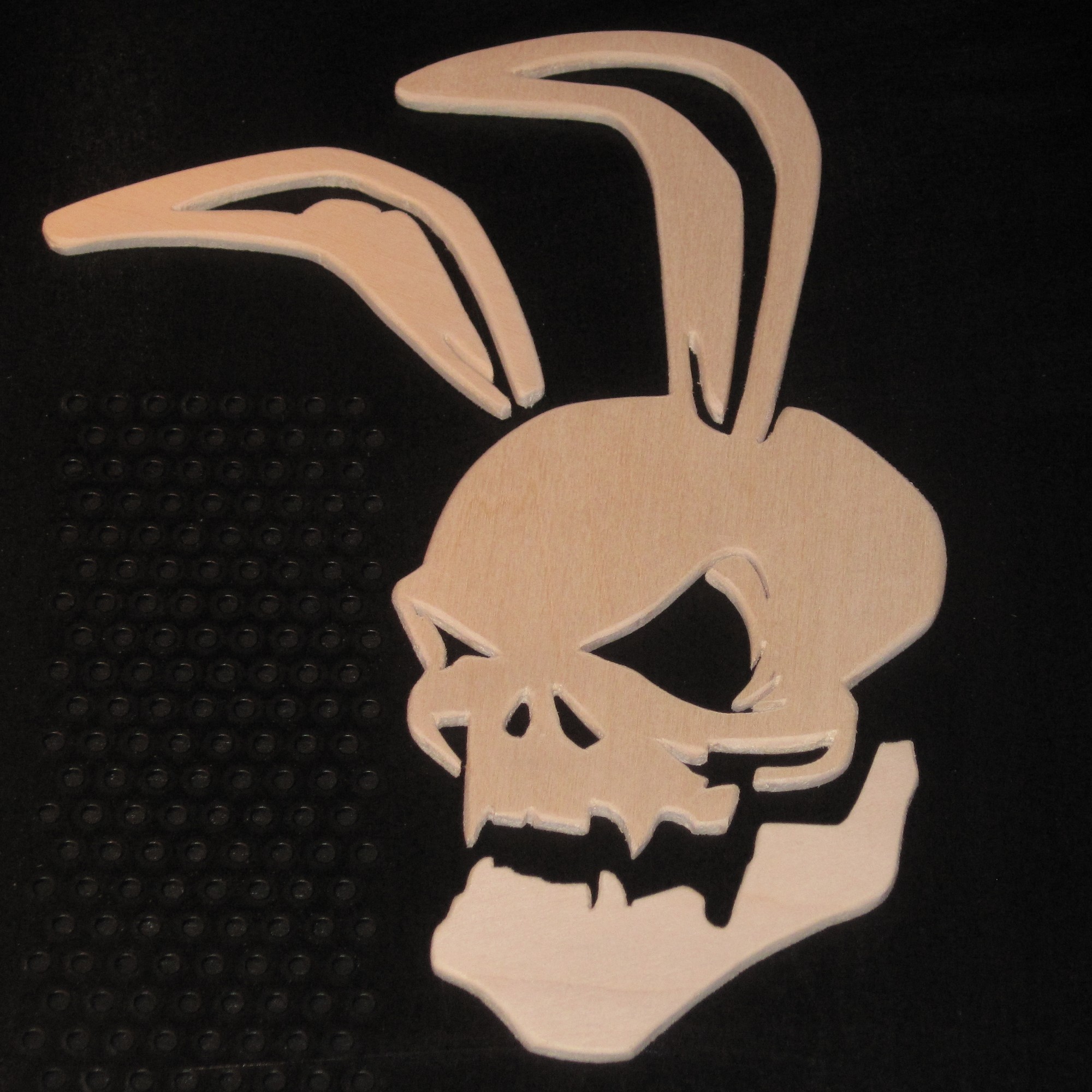
After a few hours work with sandpaper, all I got was this angry bunny.
Part 10
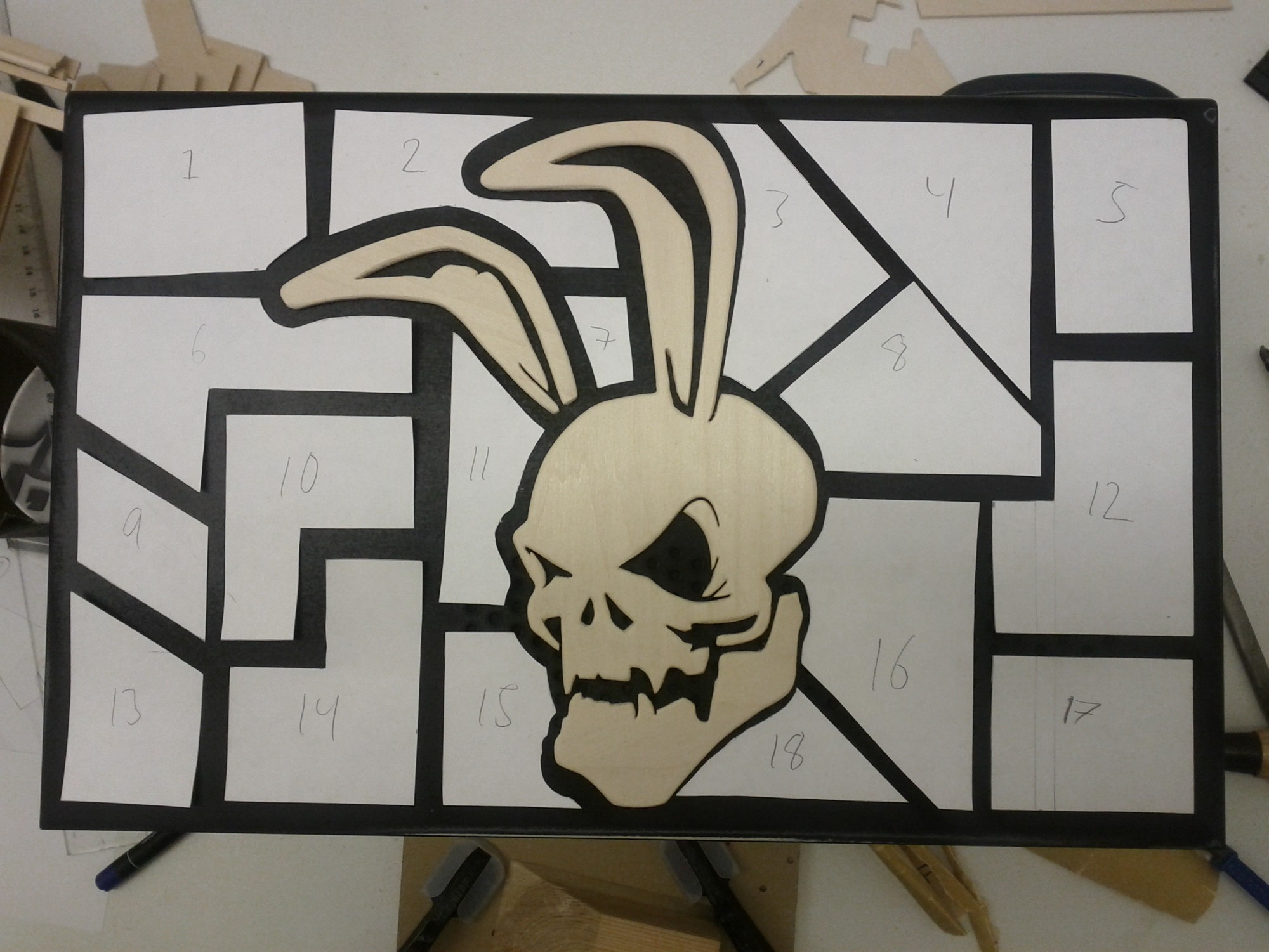
Need more armor plating.
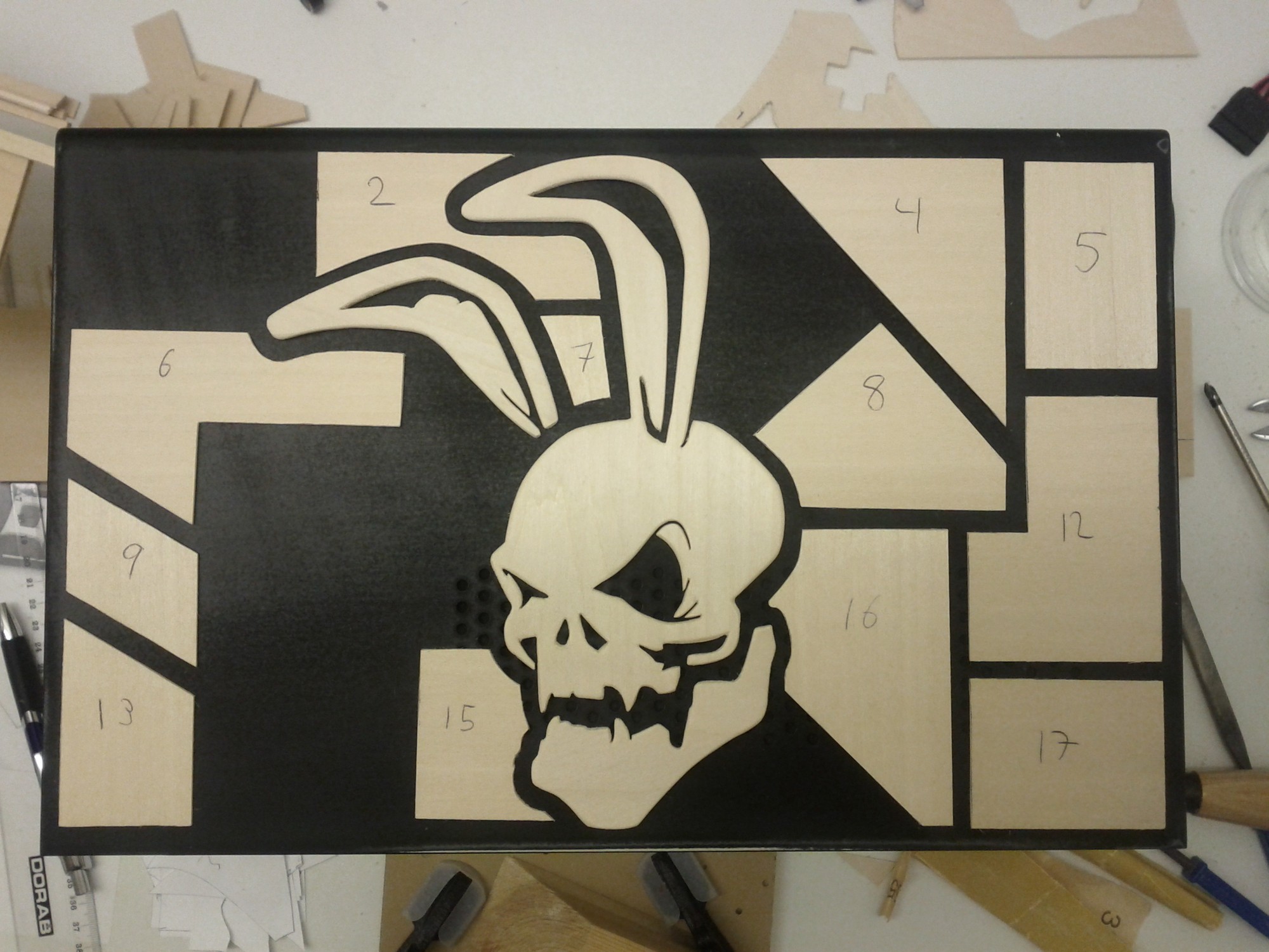
One by one the pieces are cut out with a razorblade.
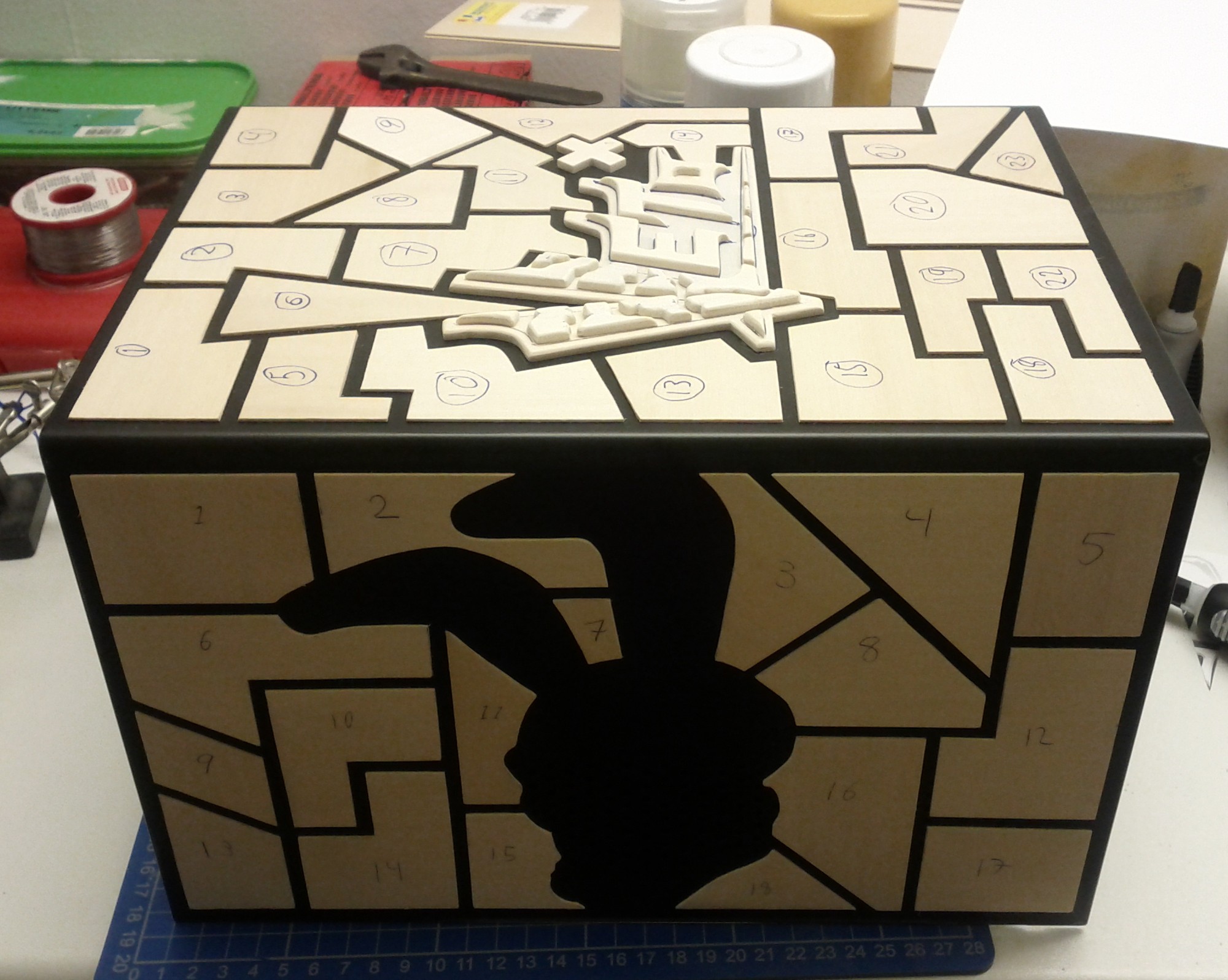
The left hand side is almost completed.
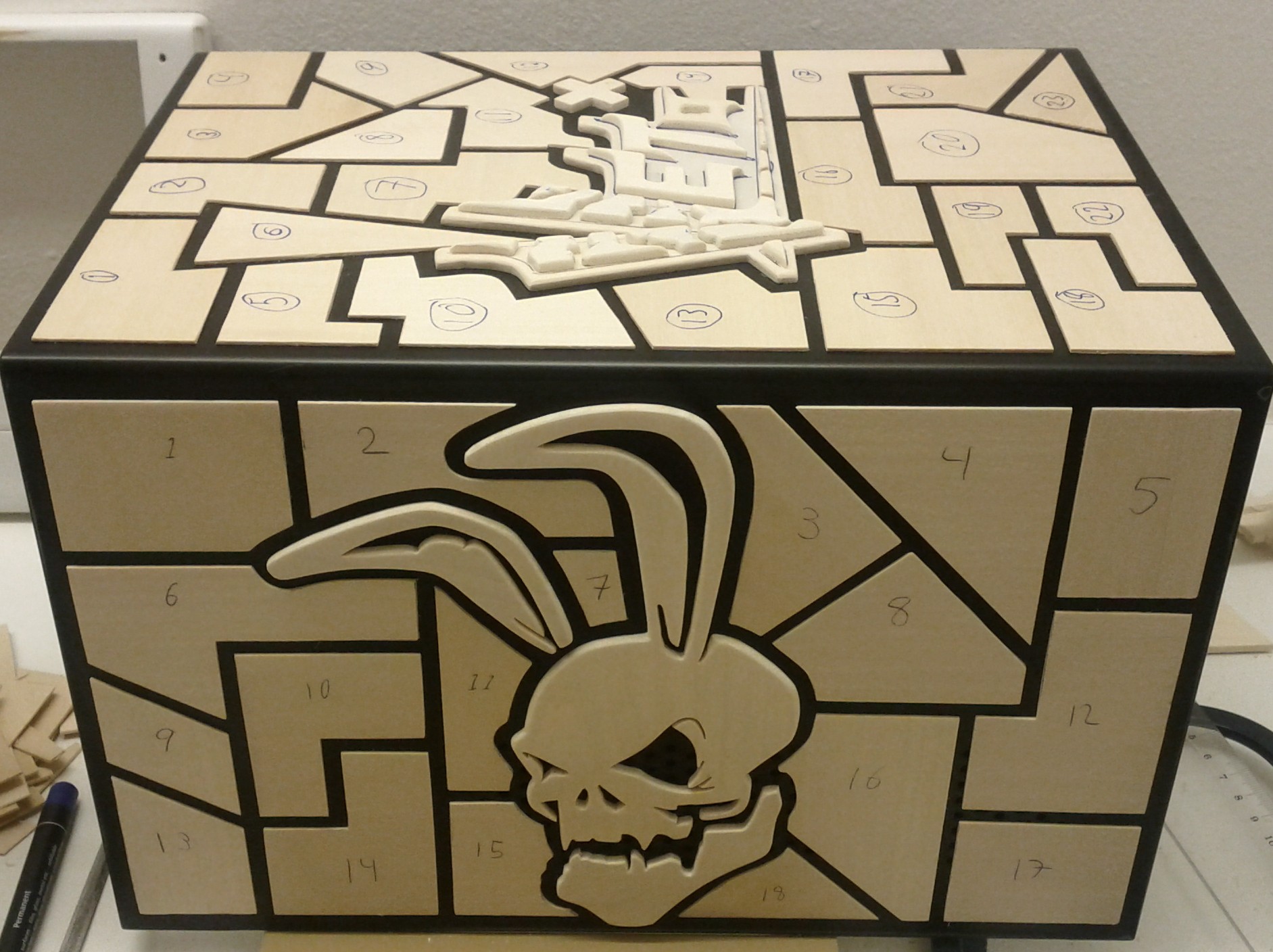
And done, two more sides to go.
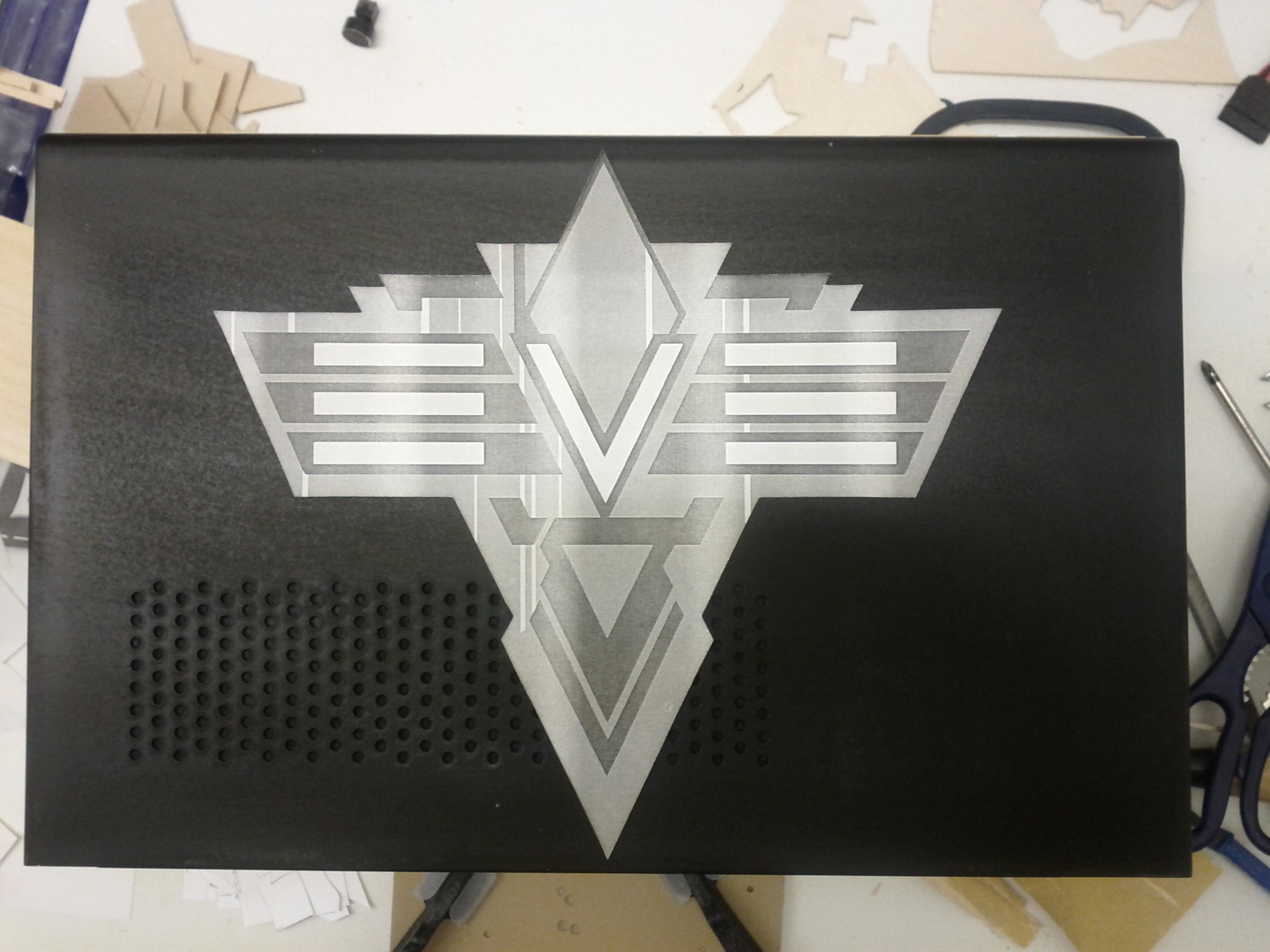
The right hand side turned out to be the most difficult of the lot. Step one was to create a clean template from scratch of the original EVE-Online logotype.

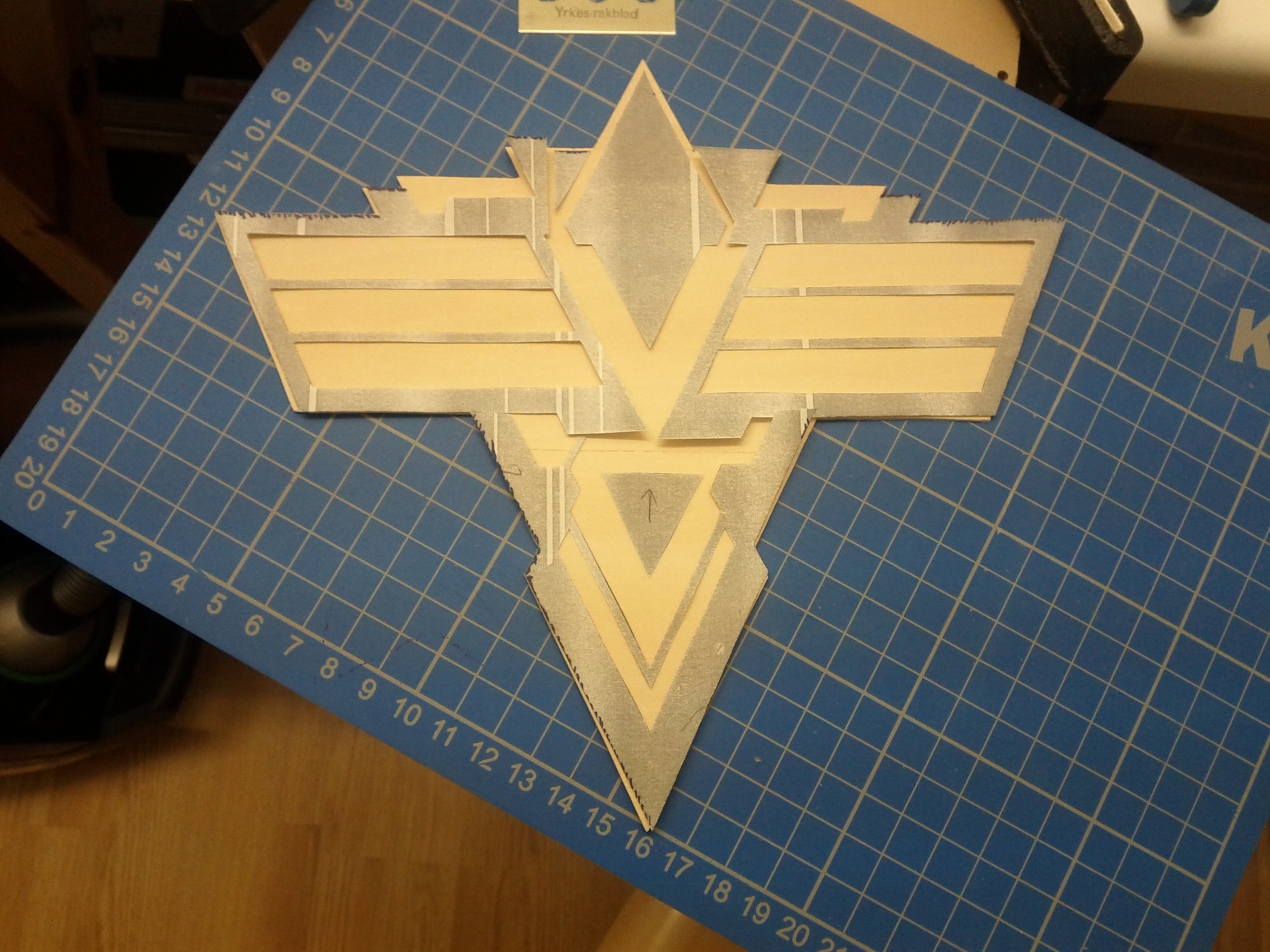
Step two was to cut out the back piece from 1/32" basswood.
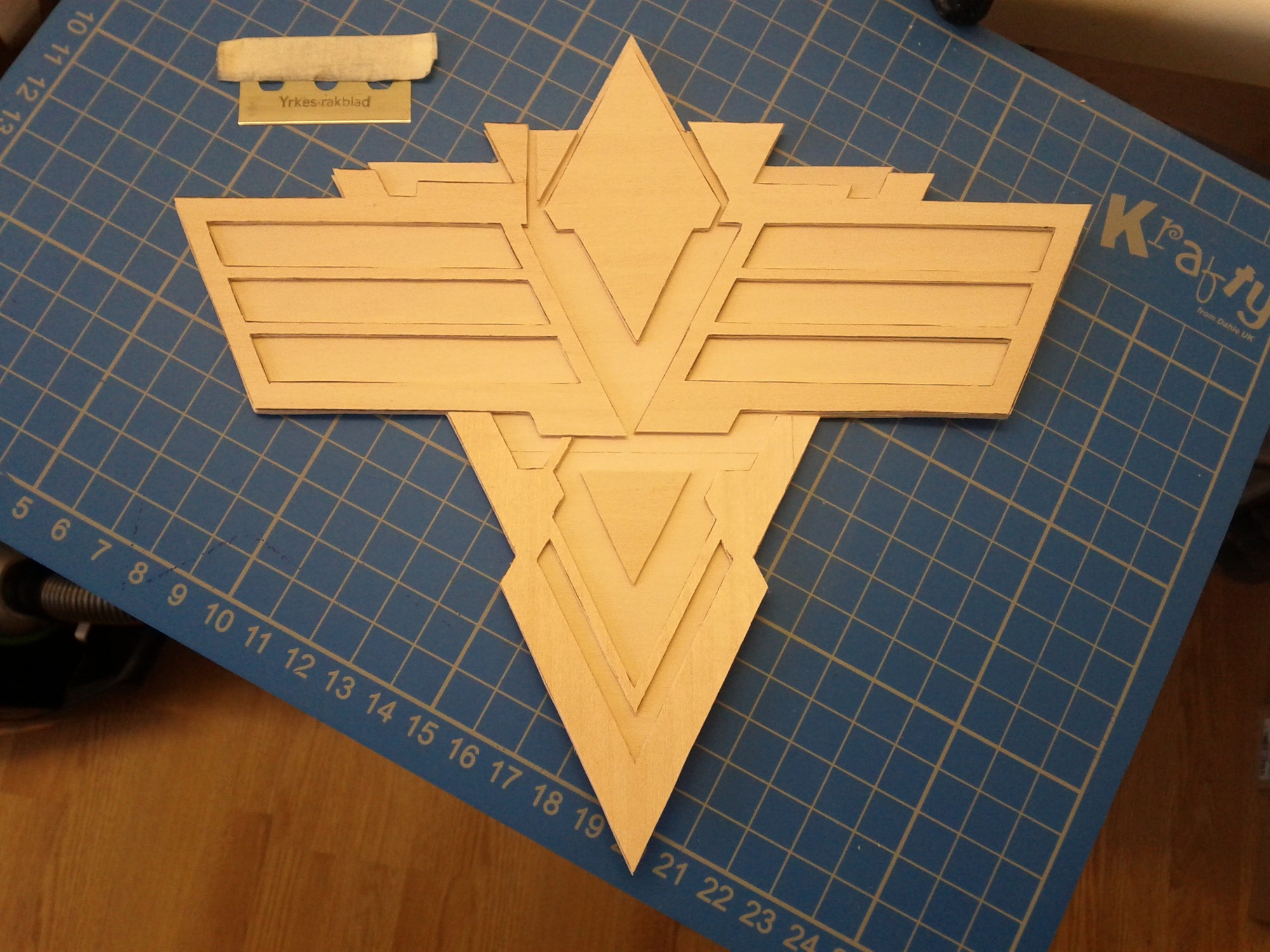
Step three, cut the second layer, also from 1/32" basswodd. The tool of choice can be seen at the top left.
Part 11
Step four, five, six… Add wear and dents, chamfer all edges, glue together, add more chamfers, add letters, sand smooth, attach to case and add some more armor plates. Sorry I totally forgot to take pictures of each step.
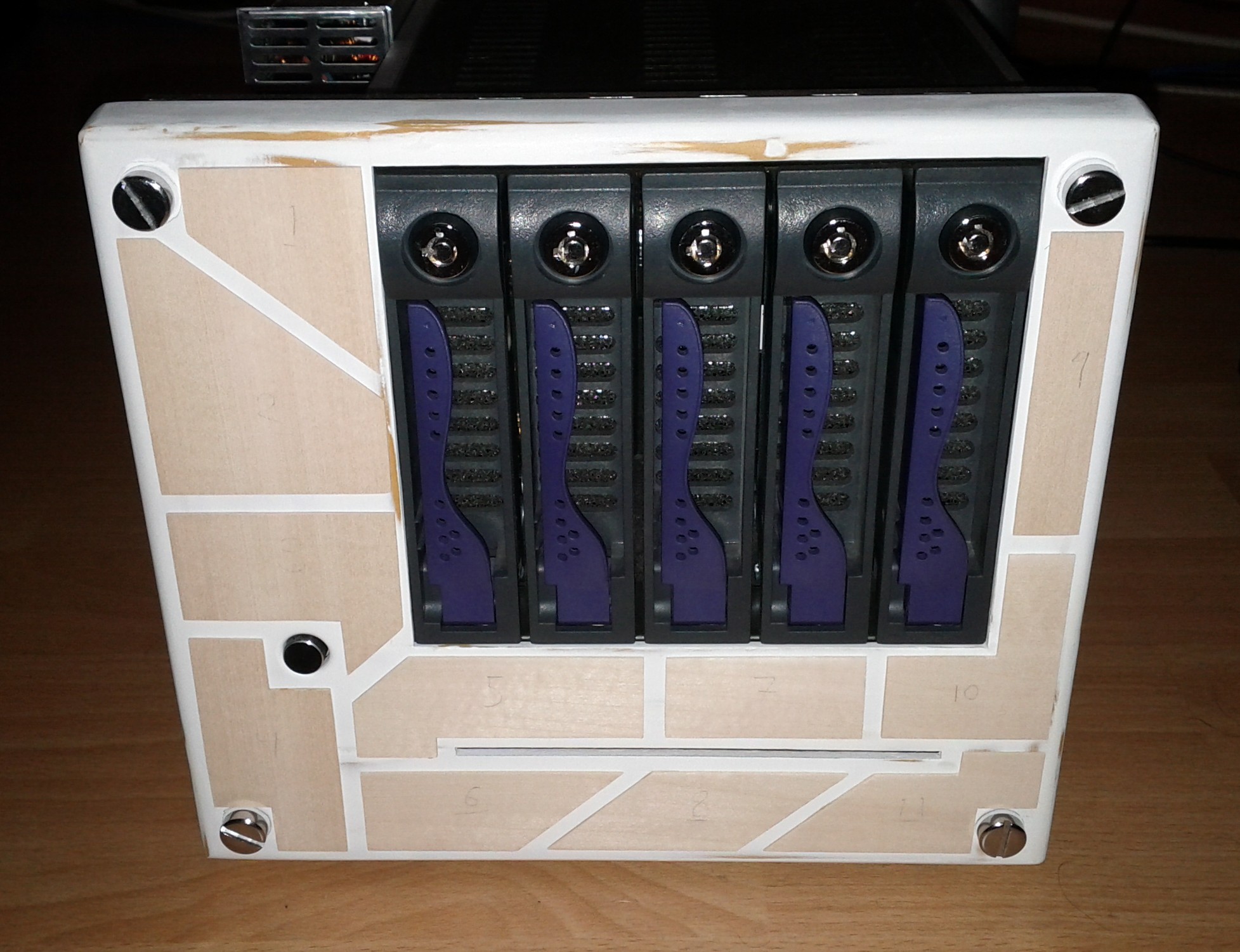
The last side to do was the front and all it got was 1/32" armor plates.
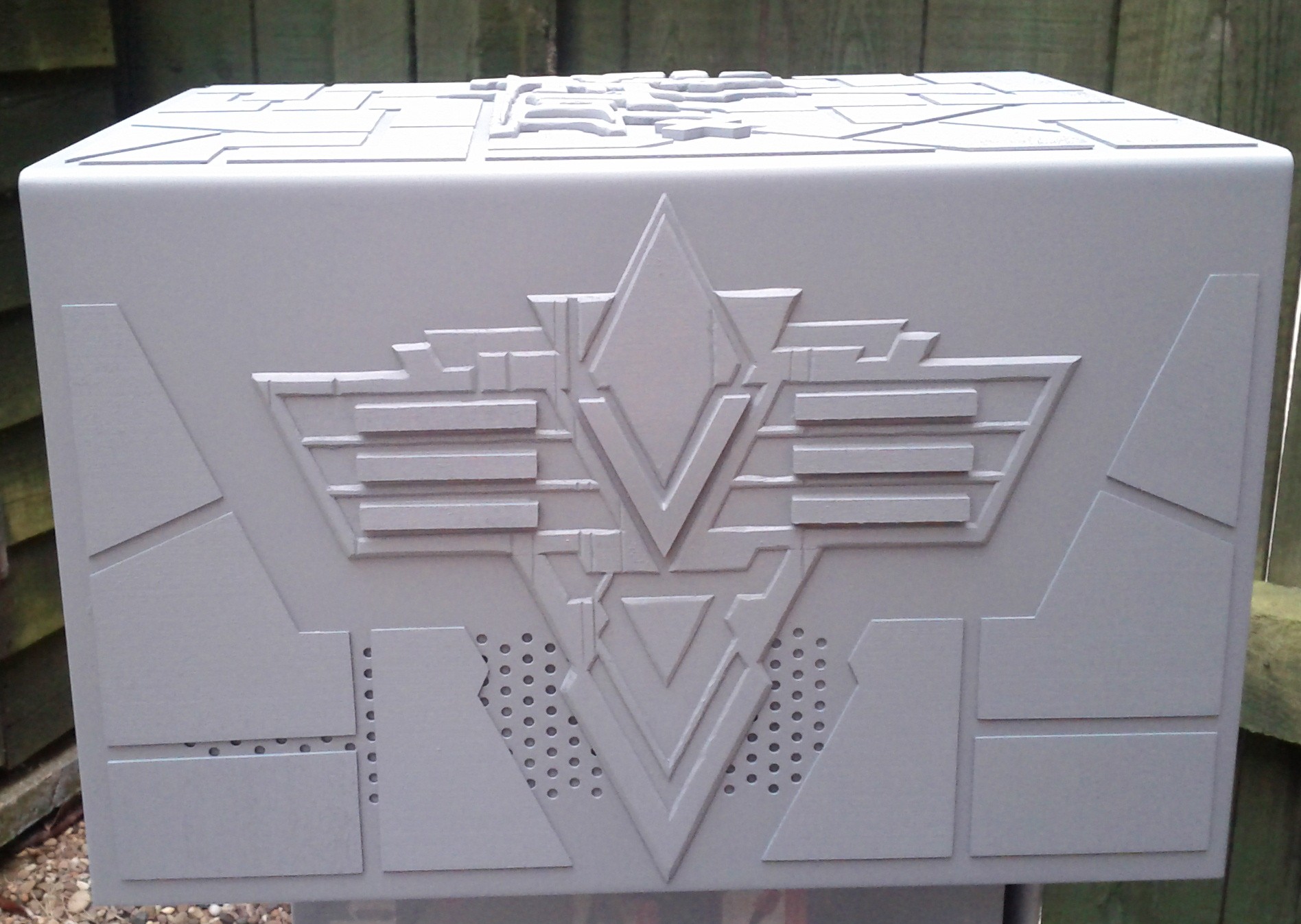
Right hand side primed.
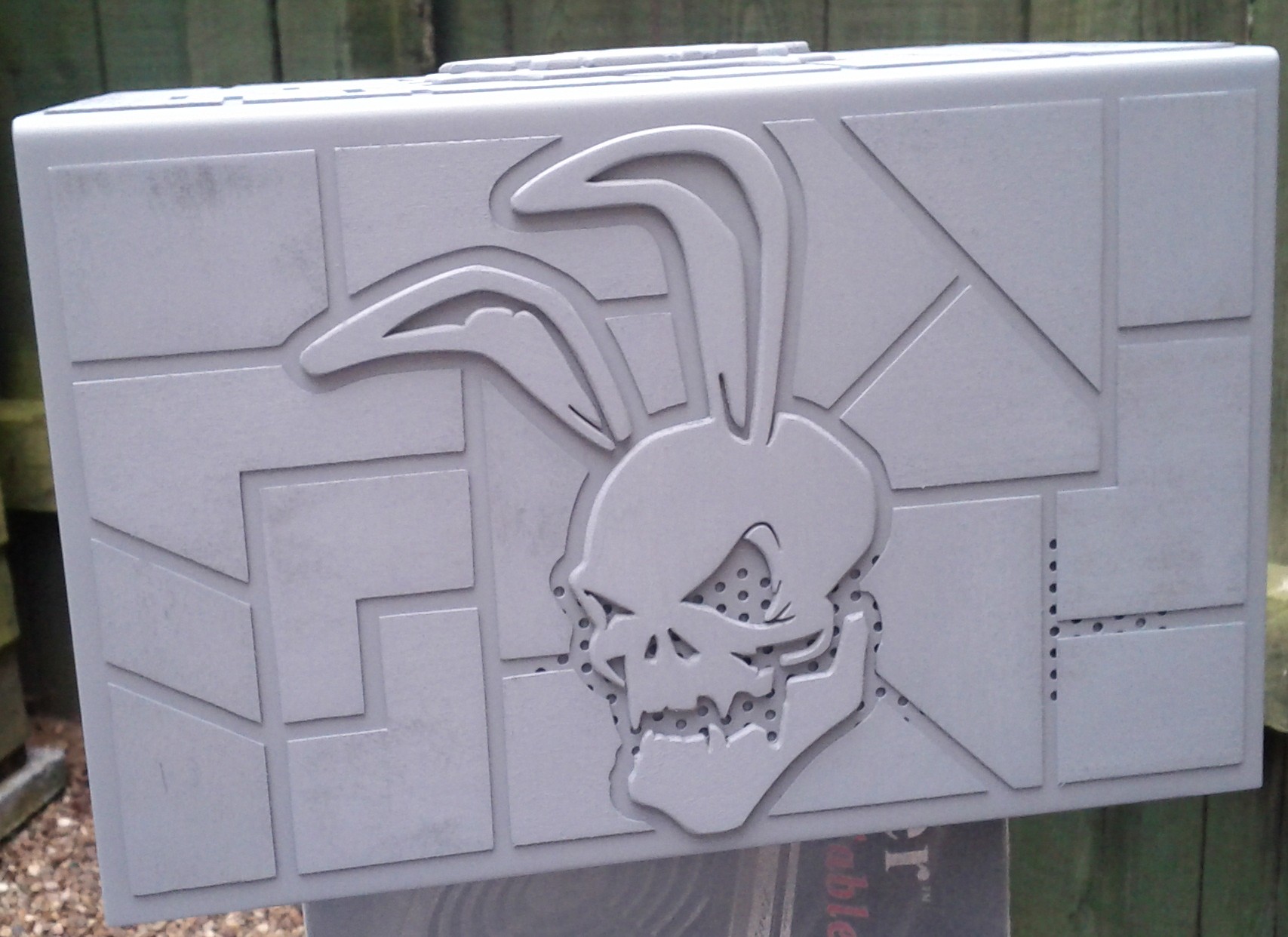
Left hand side primed.
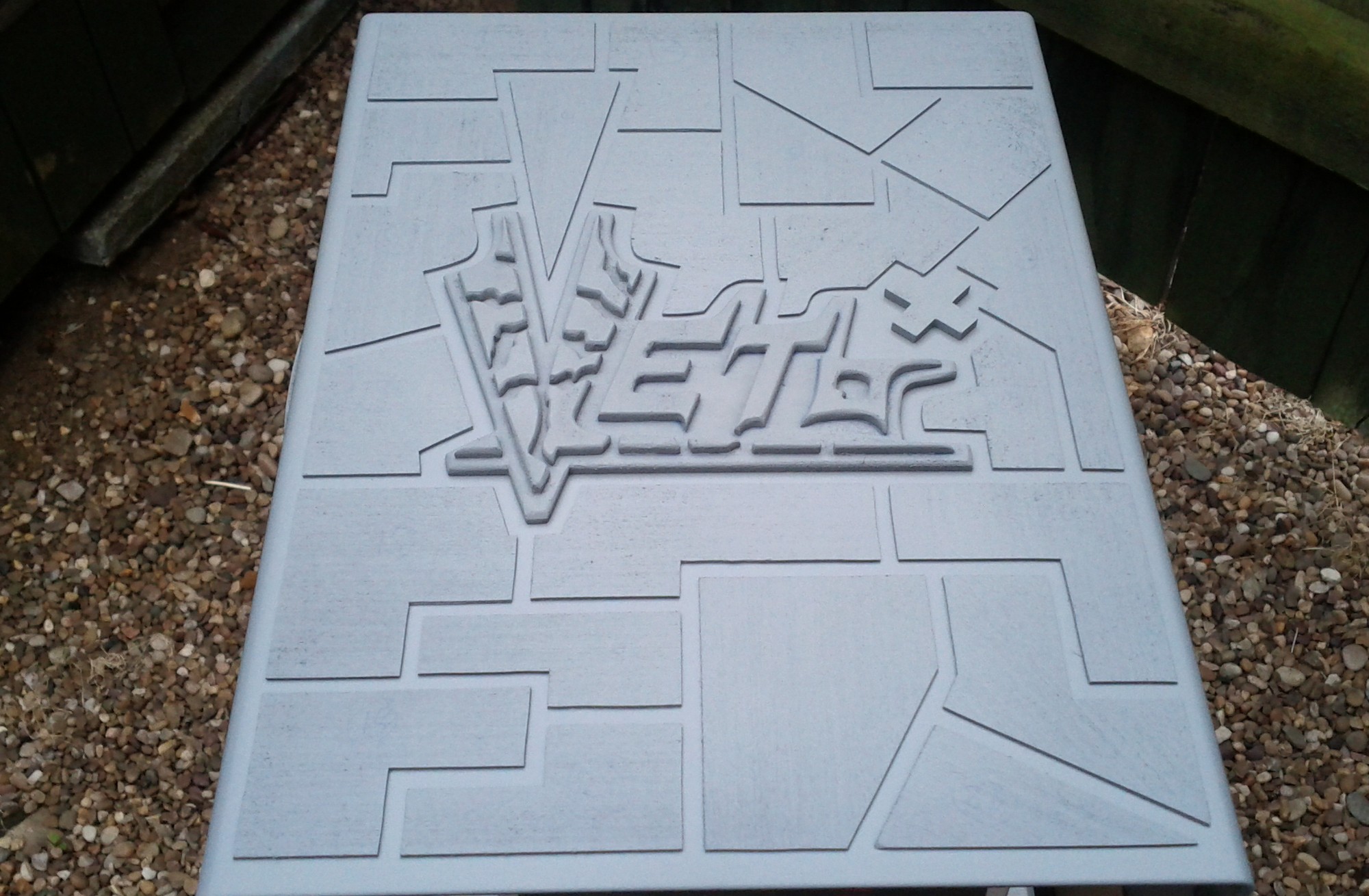
Top primed.
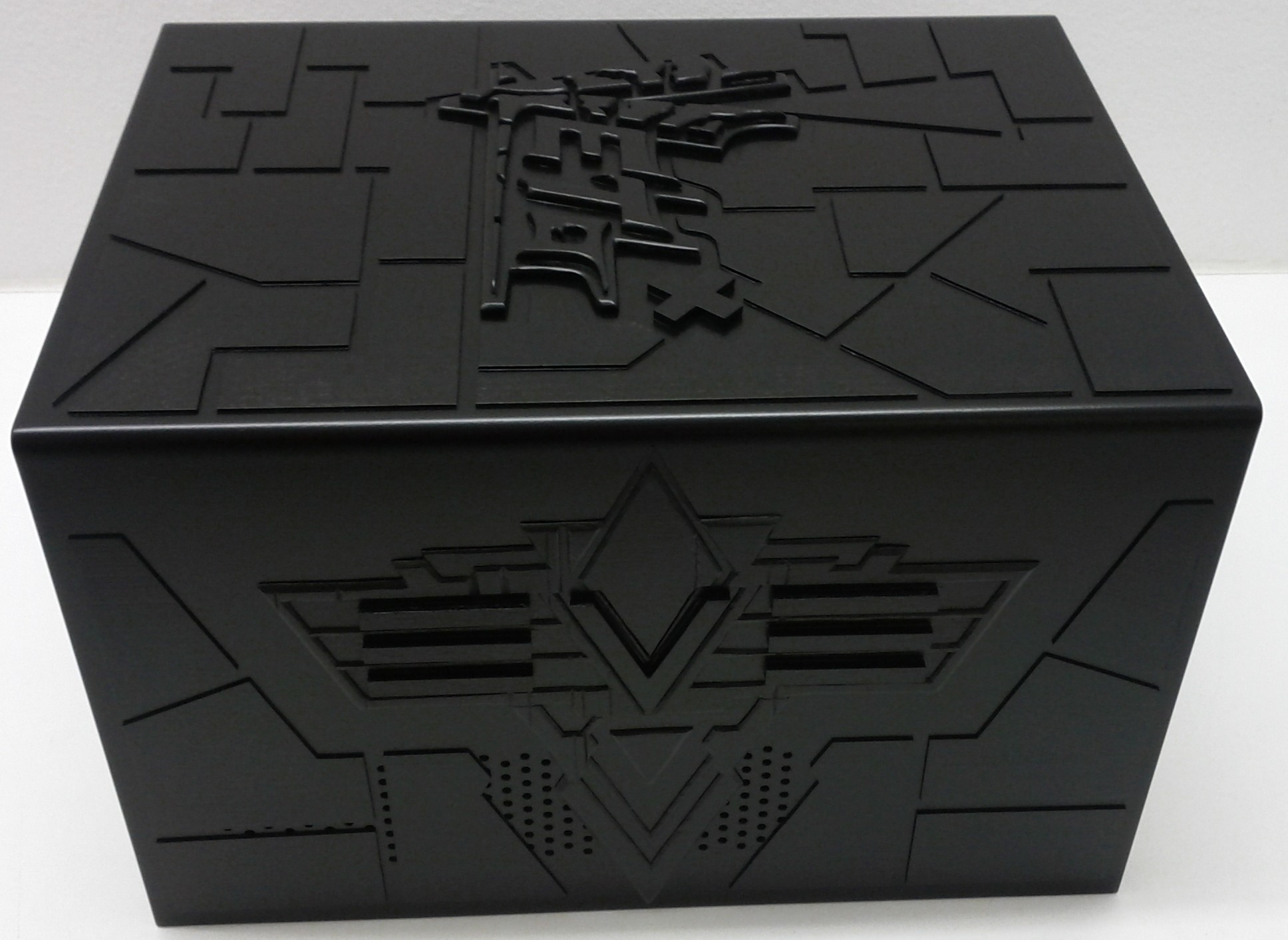
Black spray paint added.
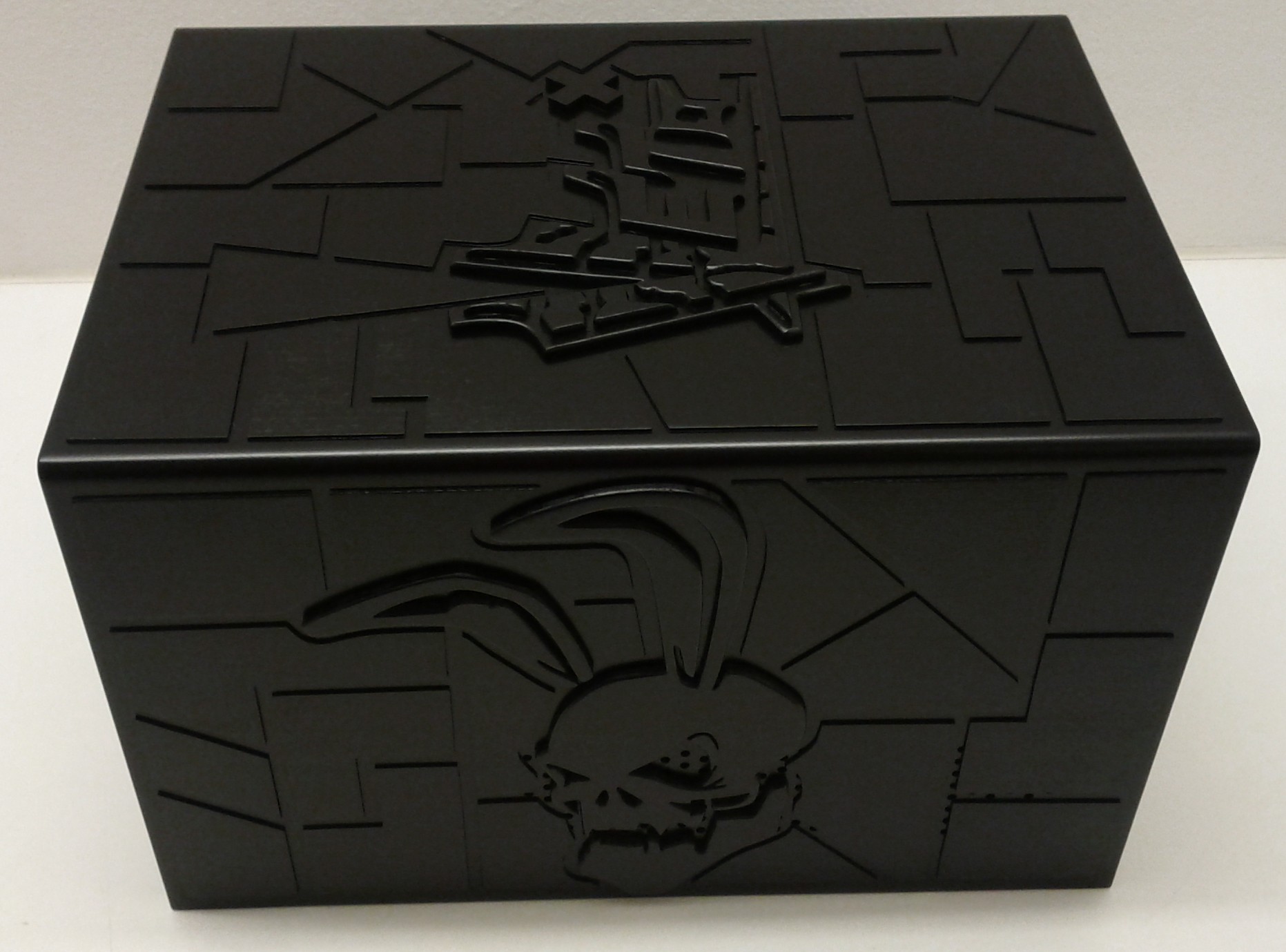
It seemed like a great idea at the time, but as soon as I started to do the dry brushing the black paint got dissolved. So the last two steps were repeated using water based primer and black paint instead.
Part 12
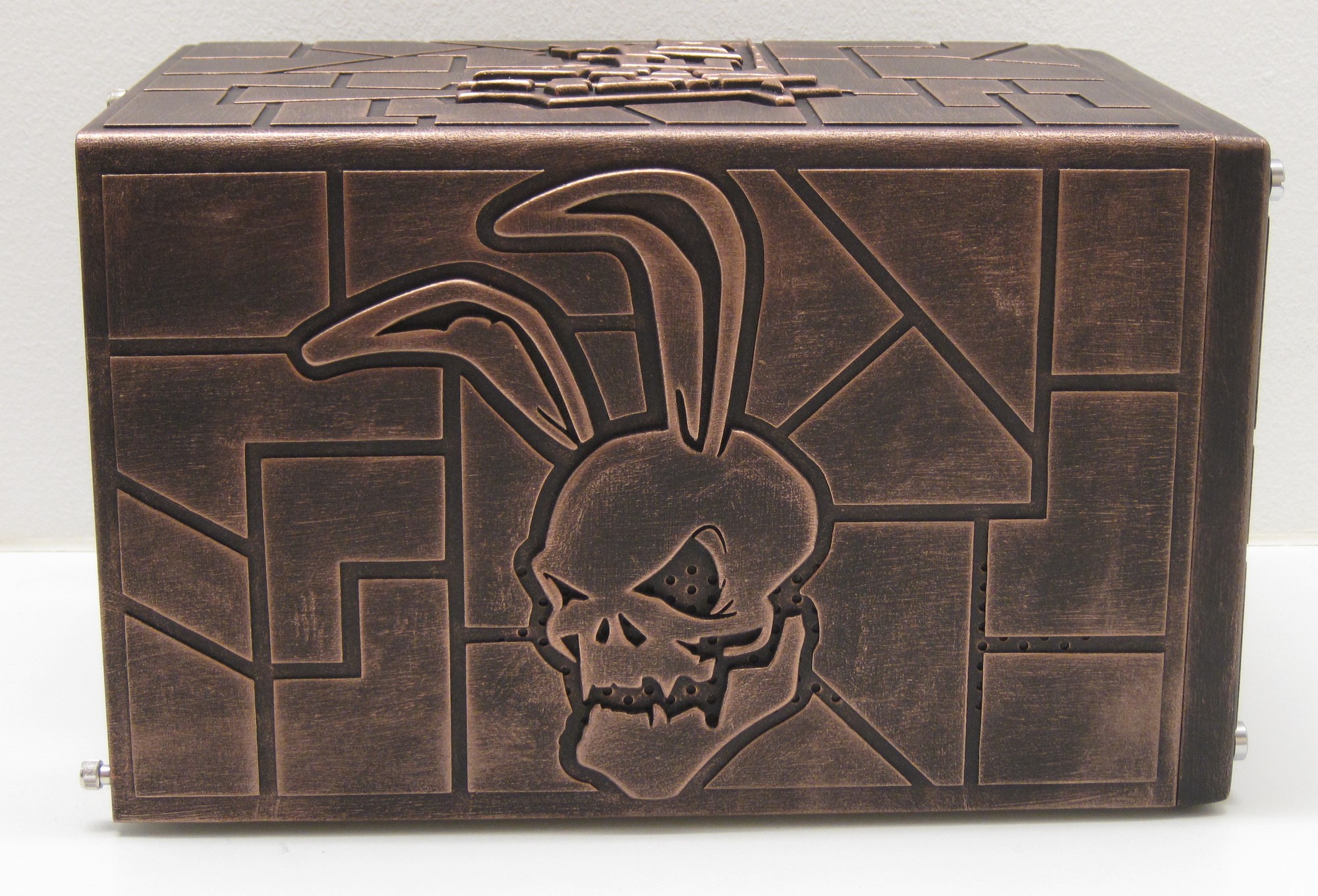
With the paint redone it was a quick task to do the dry brushing using a mixture of brass and pewter coloured enamel paint.
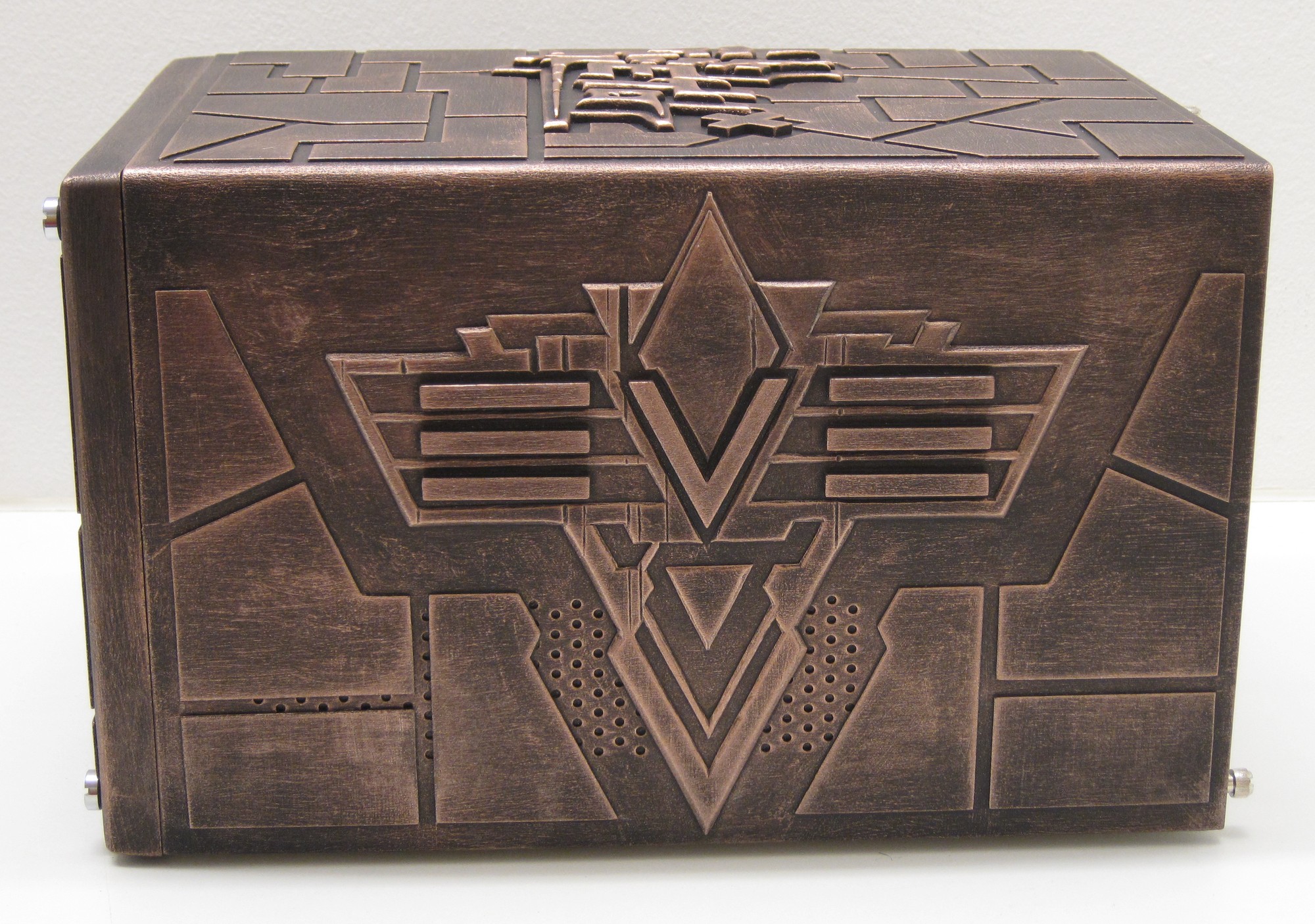
I’m really happy with how the EVE logo turned out. Just sods law that it had been more visible on the opposite side of the case.
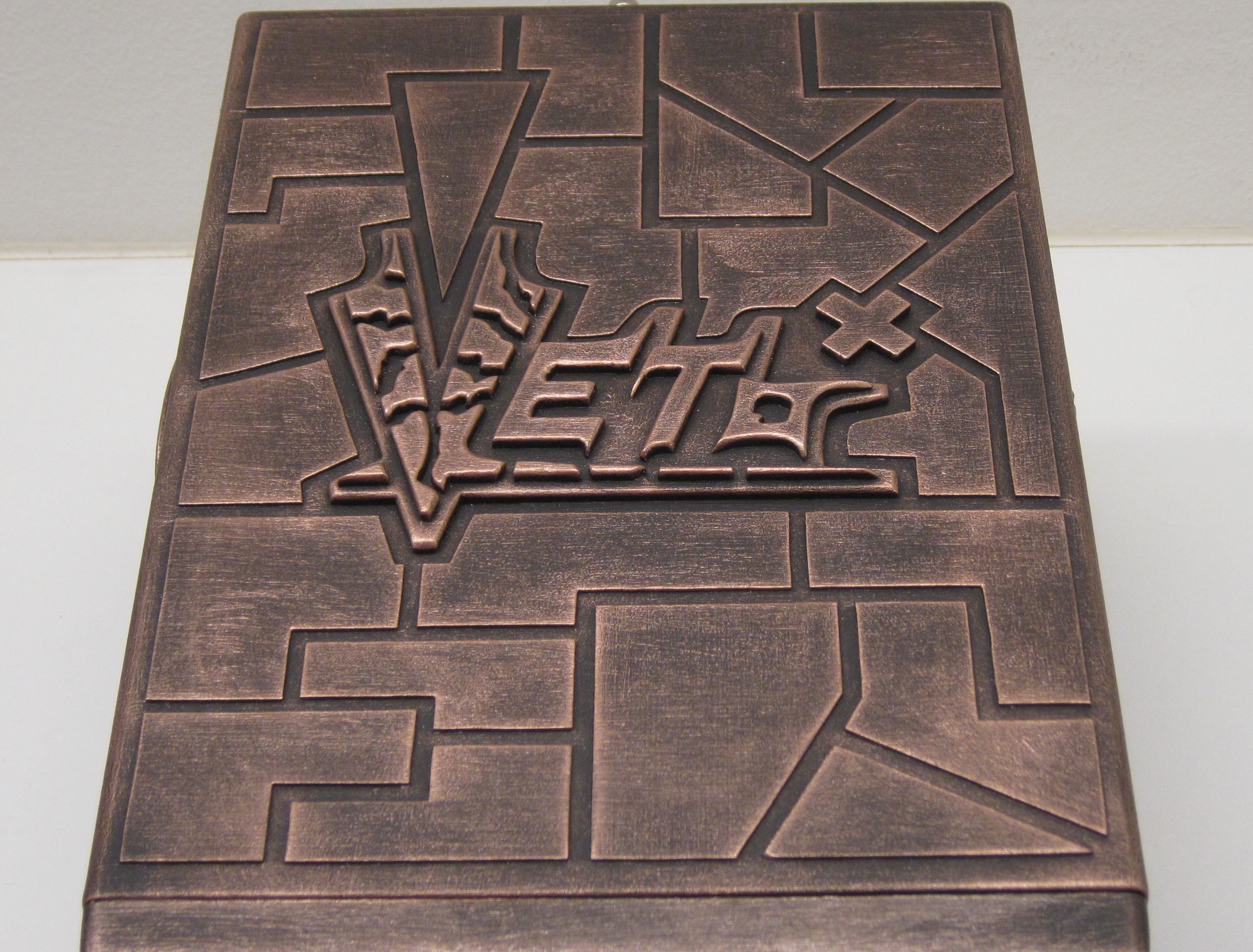
The Veto logo in its full glory on the top.
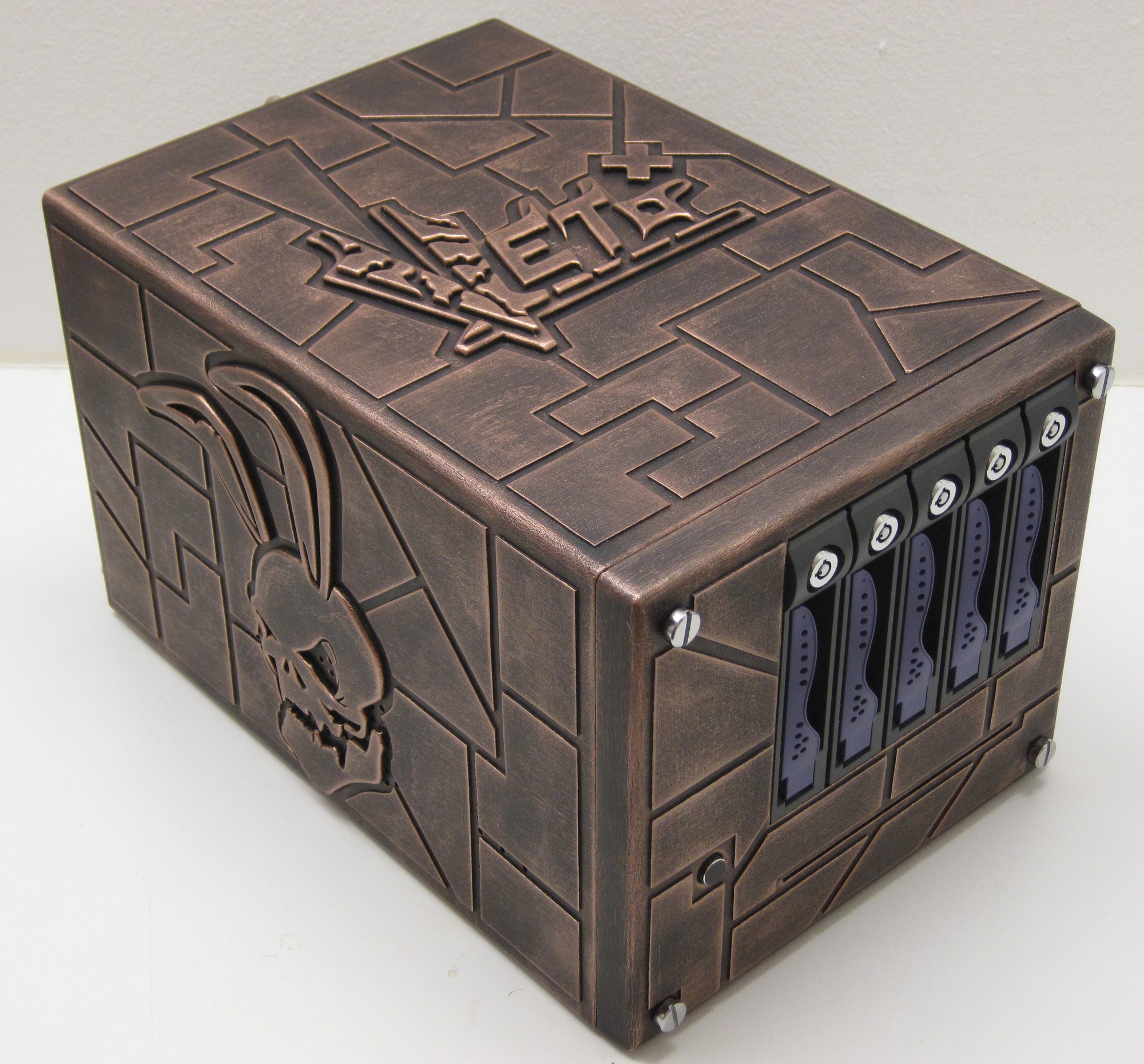
When I started out with this project in early 2010 I had no idea this was going to be the result.
This concludes the first completed worklog in nearly six years.
Until next time, fly safe.