

Worklog · 2003
Y2k-bug
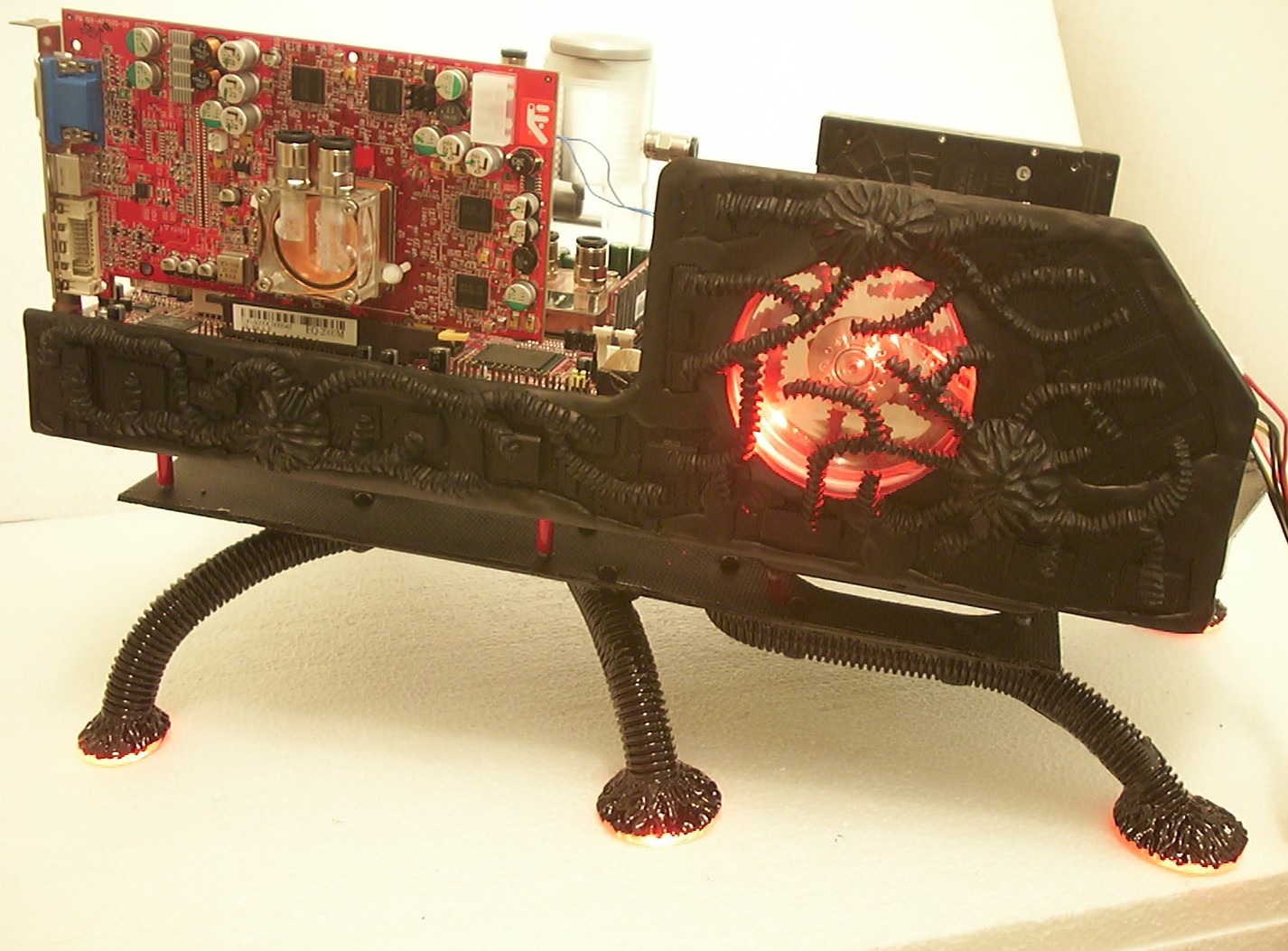
A free-form case based on the millennium bug craze, from carbon fibre to sculpted Milliput and windowed hard drives.
- CPU
- Intel Pentium 4 3.06 GHz
- Motherboard
- Soltek B8A-F
- Videocard
- Sapphire X800 Pro
- Case type
- Scratch built
- Purpose
- Competition entry
- Year
- 2003
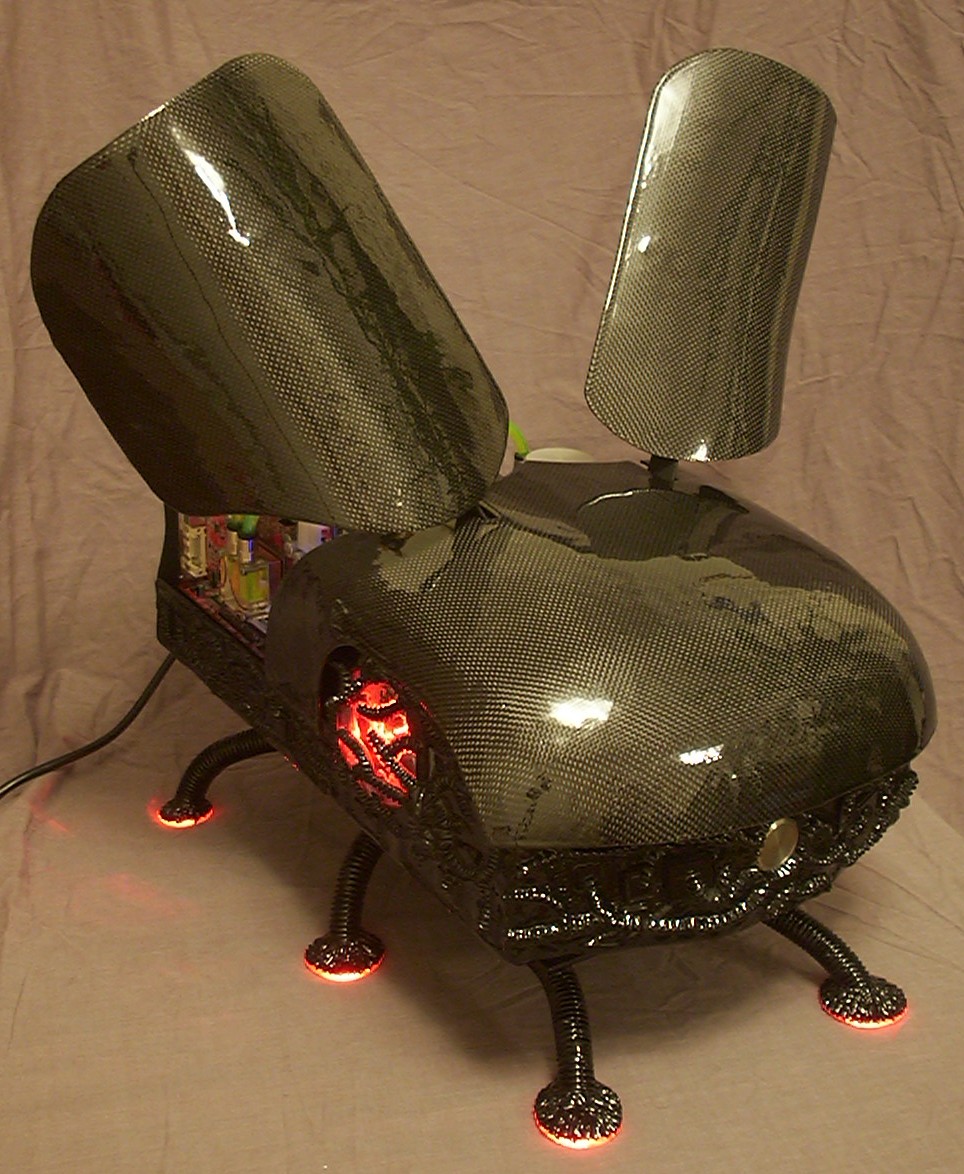
Presidents and generals feared it, the investors feared it, more or less everyone feared it that very night a few years ago. Billions had been spent on hunting it down, still no one had even caught a glimpse of it… until now.
Let me present the Millennium bug.
Part 2
Hmm, a millenium bug, how do they look like? Well as always I turned to a trusty friend, Google, and after some time searching I had a nice collection of images on bugs, insects and other nasty stuff. None of which really looked like the one I had a mental picture of though.
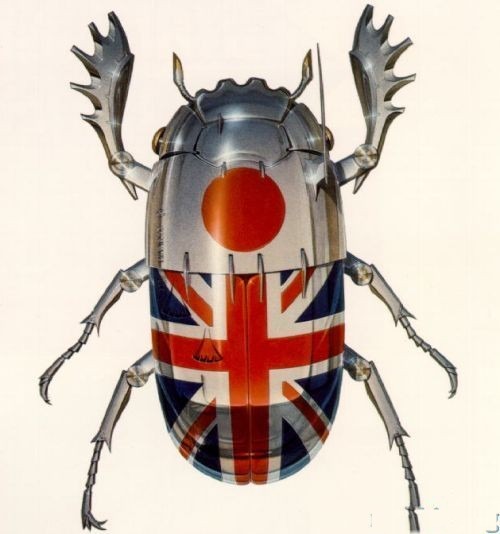
However, the artist who draw this image must have read my mind, this looks very close to the bug I was thinking of.
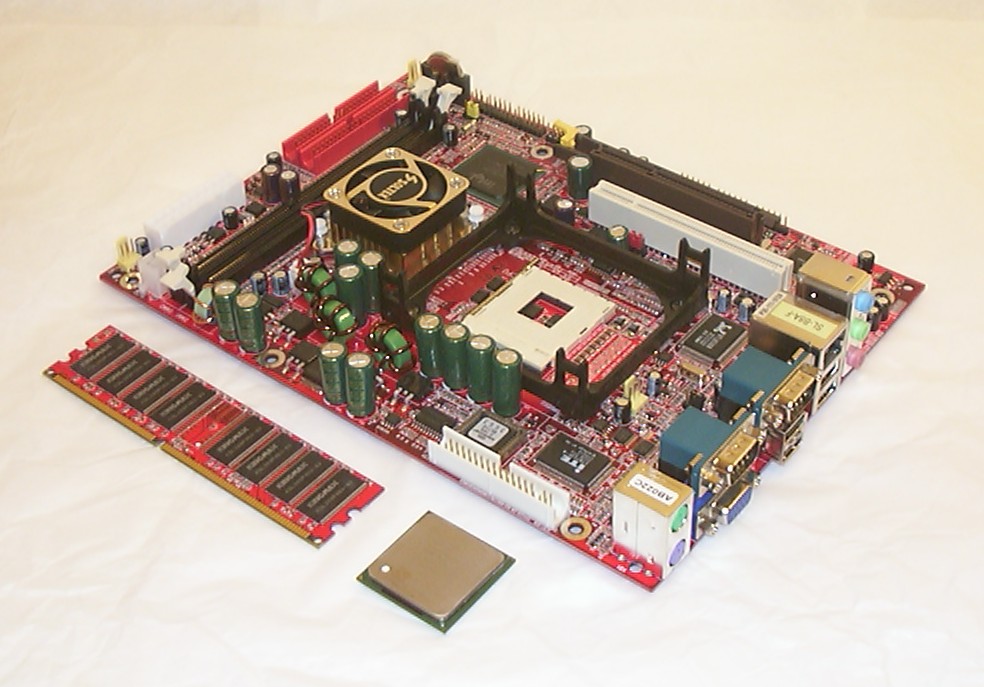
I didn’t want a fat nor huge bug so an ATX motherboard was out of the question, even MicroATX was too big for my taste. The only motherboard I could find suitable was this dead sexy Soltek B8A-F which you only can find in Soltek Qbic barebones.
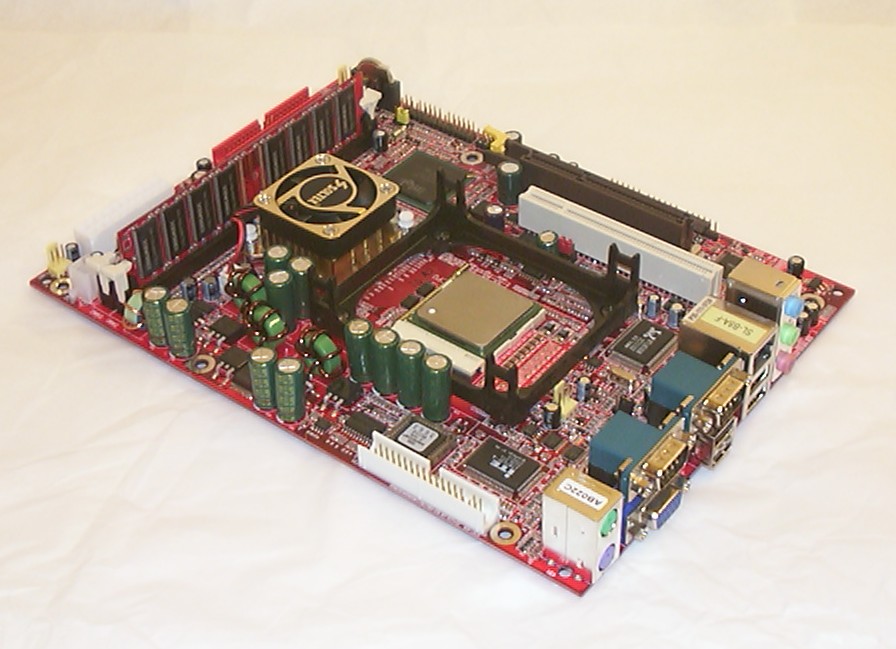
The Kingmax PC2700 333MHz 512MB DDR Red PCB memory and the 3.06GHz/533MHz Pentium 4 has been installed. This is the first time I will colour coordinate the computer components used in a case.
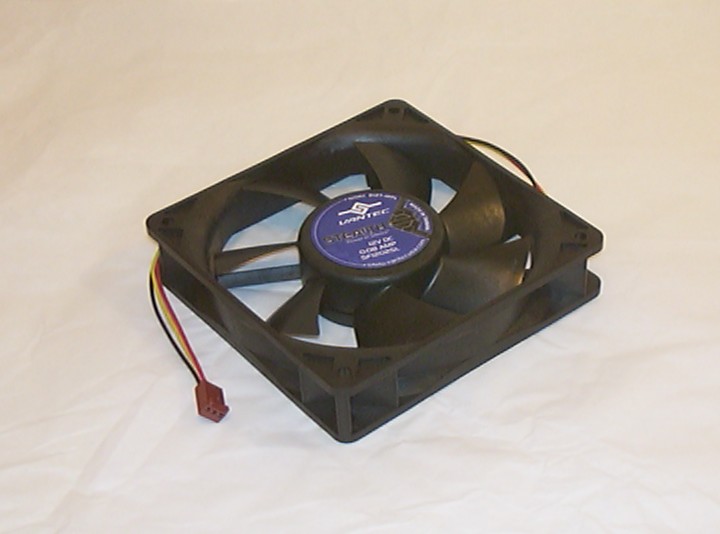
This Vantec fan will be the only fan used to keep everything cool. The priority is silence before performance, even if I plan to get both this time.
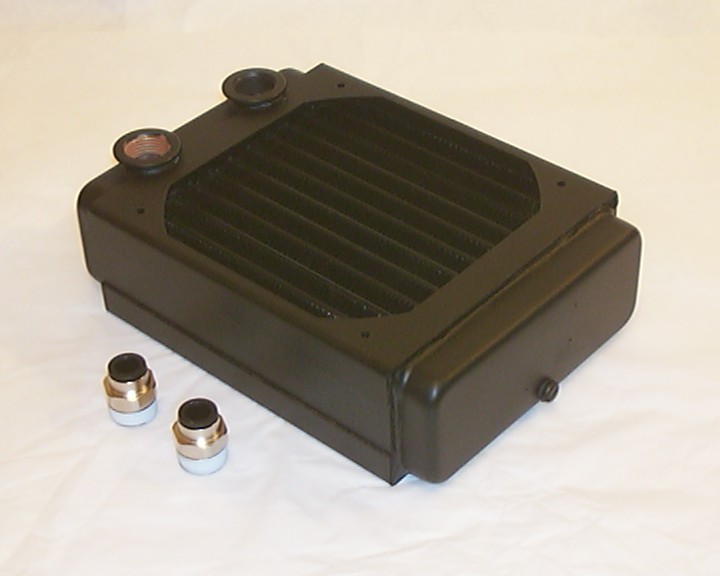
And the fan will cool off this ThermoChill 120.1 radiator. Finally a smart design where you can use any kind of fitting you want and not only what the the manufacturer decide you want.
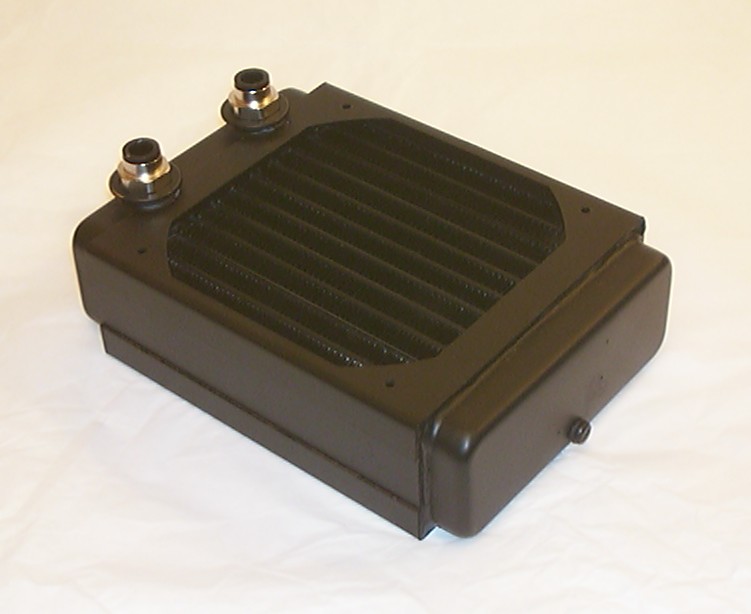
The two 8mm OD push-in fittings were installed quickly.
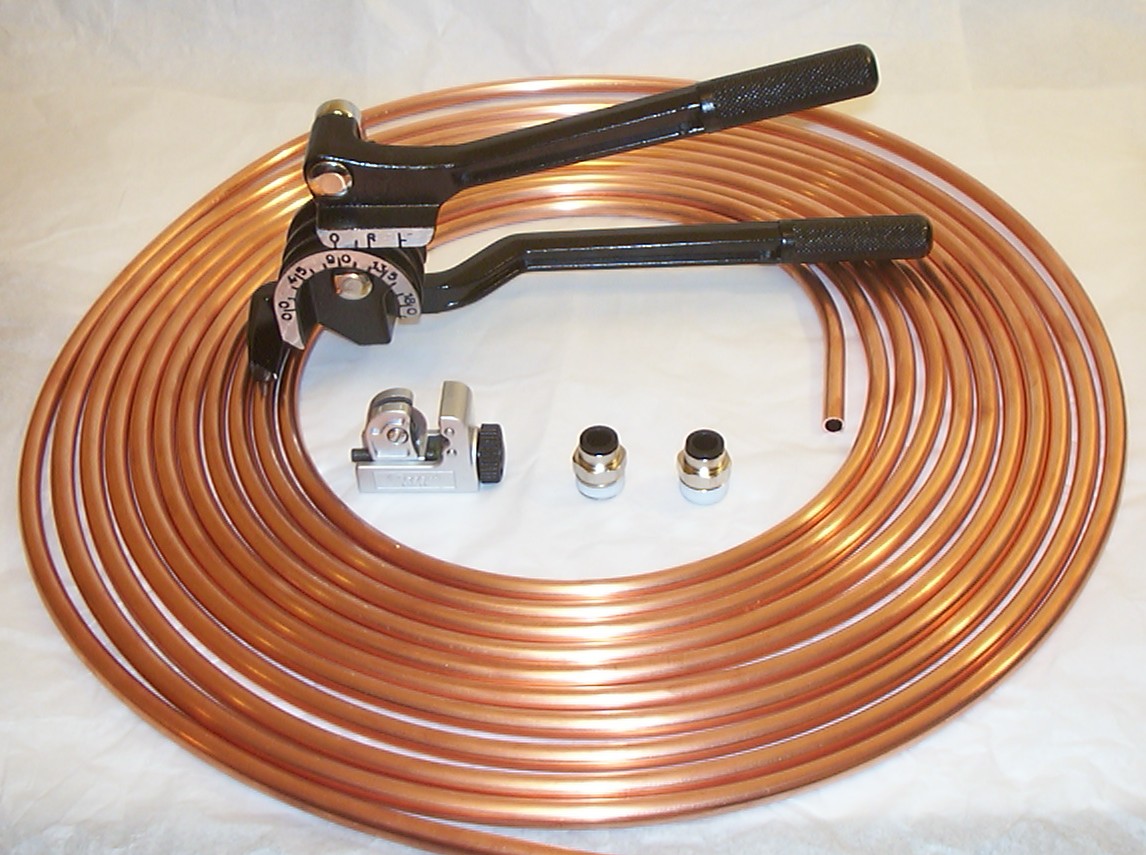
10 meter 8/6.4mm copper pipe together with bender and cutting tool will be used to connect all wet parts (hopefully not wet on the outside).
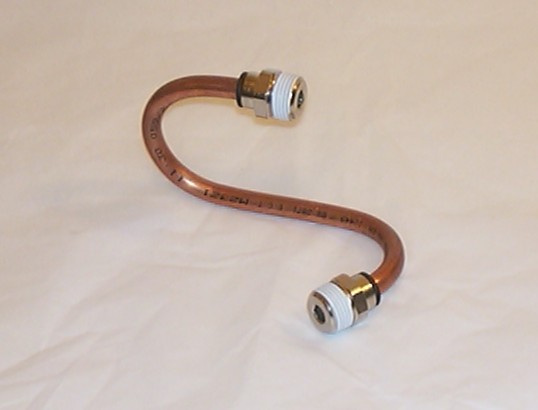
Since I never seen anyone use the combination copper pipe and push in fittings in a computer case befoe I had to do a proof of concept plus check the bendradius produced by the bender. The push-in fittings worked fine with the pipe and the best bendradius the bender could archieve was 25mm.
Part 3
This case when completed will be used both in UK and USA so a normal 220V pump was not an option. Luckily Innovatek has recently released a 12V version of the Eheim 1046 pump.
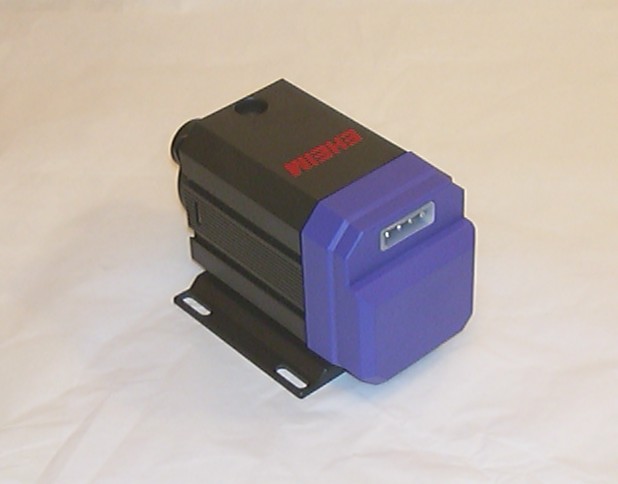
Just plug in a standard molex plug and it will work, no need for mains power and relays. But the main reason I use one is that with an auto switching PSU it will work with both 110V and 220V.
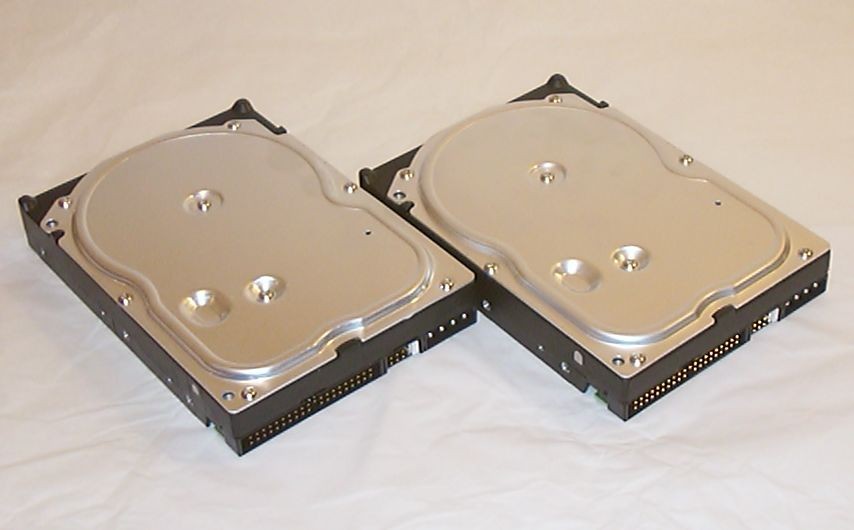
For storage two WD400JB drives will be used running software RAID 1, can’t see any performance issue with it now when a HyperThreading CPU is used.
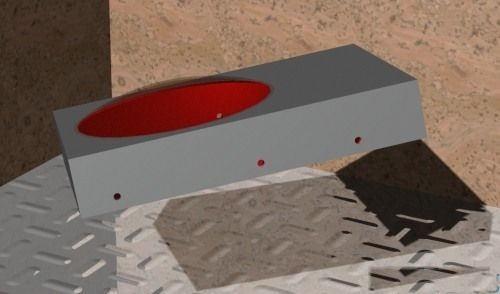
The plan is to put round windows in both drives with some red LEDs to illuminate the inside.
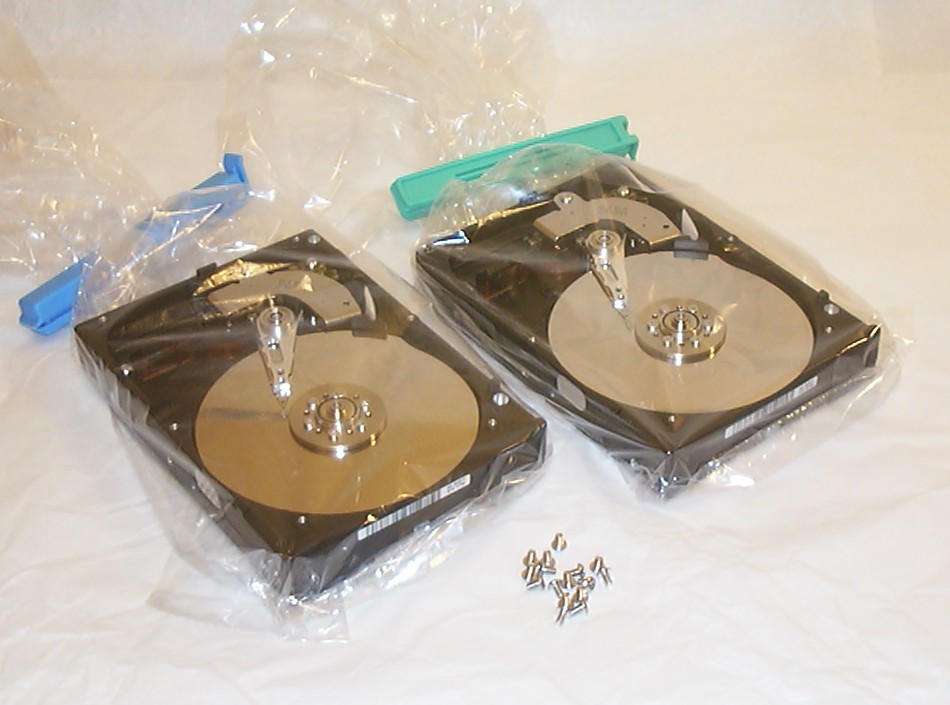
After a few minutes with a torx T-8 screwdriver in the bathroom the internals were revealed and quickly inserted in plastic bags.
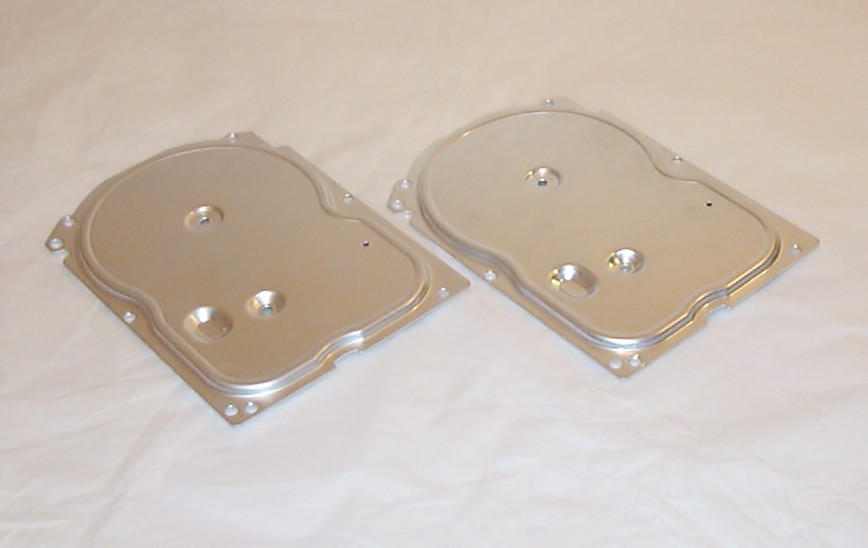
And these are the parts we are interested in for now, the aluminium tops.
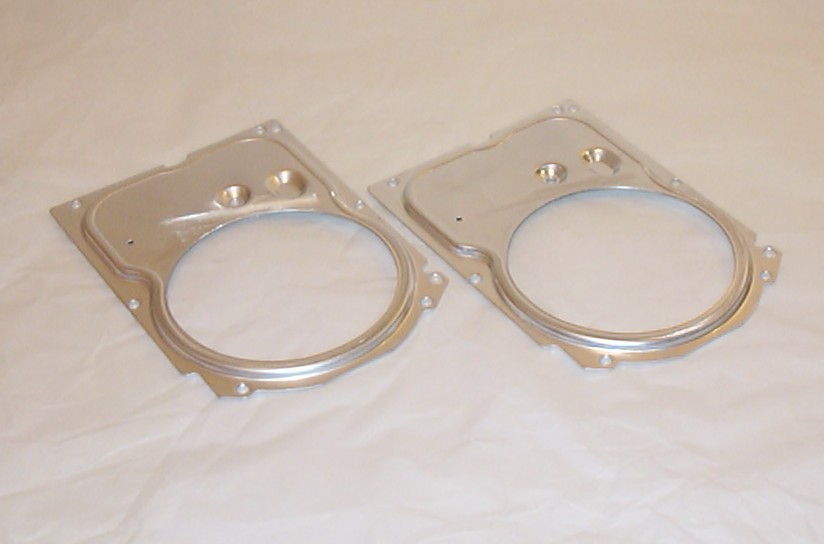
Yet again my most trusted tool has been used, the 79p hand nibbler. The only clean up needed was to take some 600 grit sandpaper on the inner edge.
Part 4
Rubber sealing and aluminium dust was not a good combination, they seemed to be in love so the only way to separate them was to use hand dish wash.
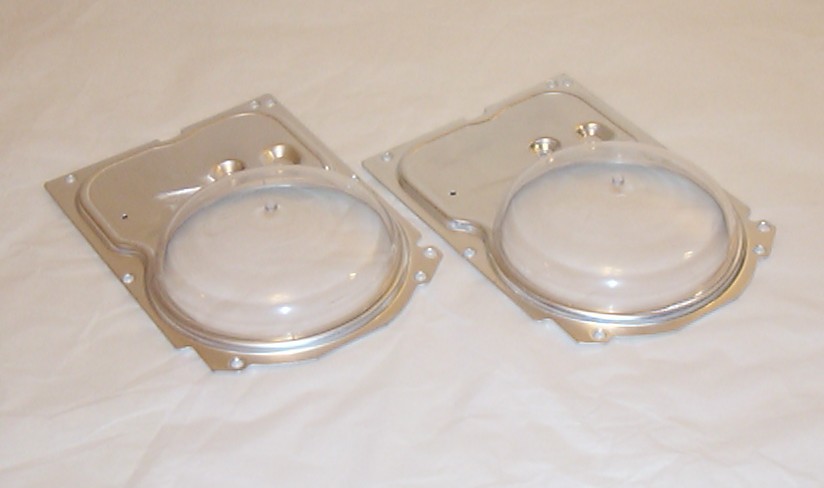
Two 88.9mm elliptical domes from 4D modelshop put in place to verify the measurements of the holes.
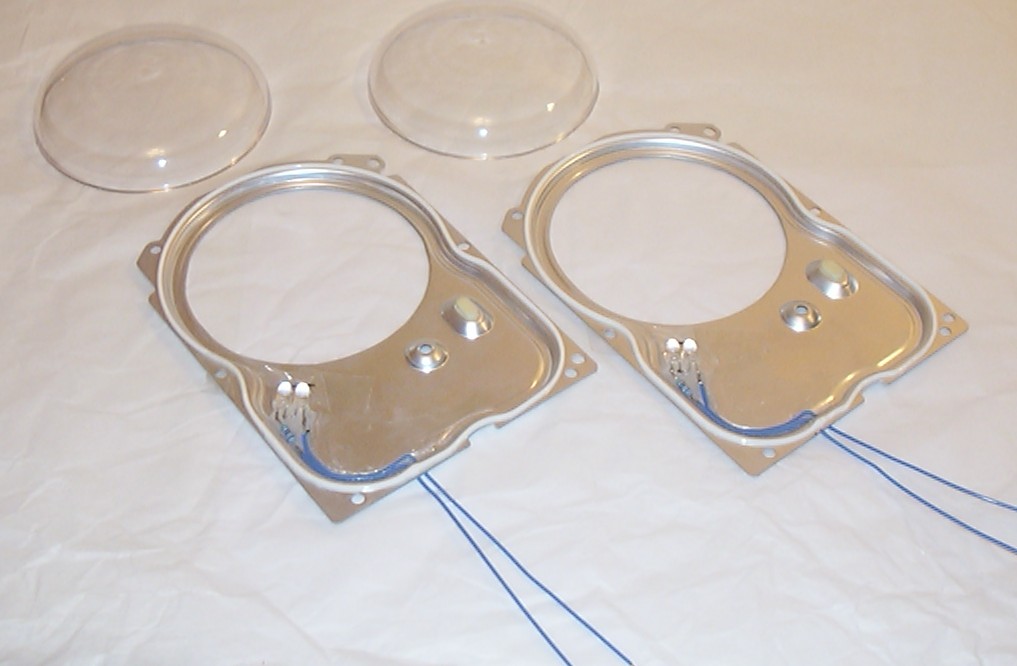
Two 7000mcd red LEDs and a resistor installed inside each aluminium top. Normal sanitary silicone was used to glue them in place. You might have noticed in the picture further up that there are “nipples” on both the domes from the molding process, they have been removed with 1200 grit wetsandpaper and rubbing compound.
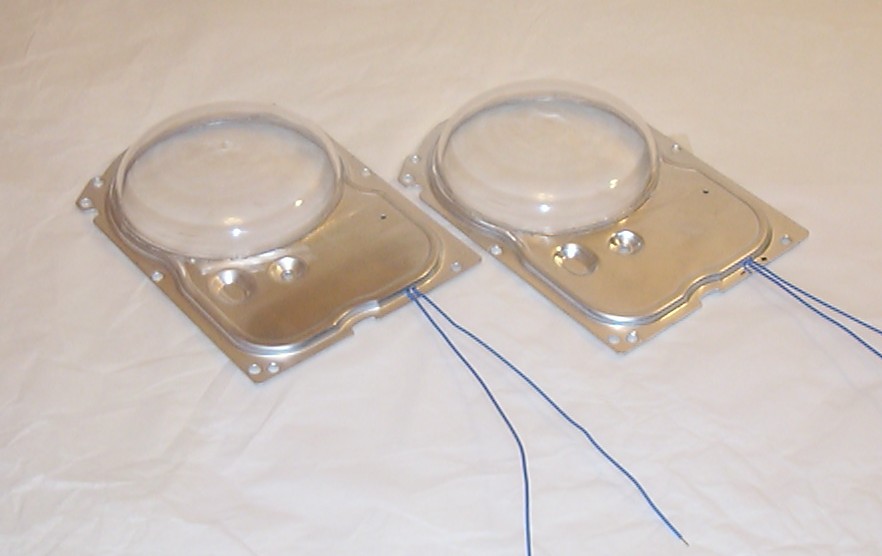
Both the domes glued in place with sanitary silicone. Each blue wire is going through a 1.5mm hole.
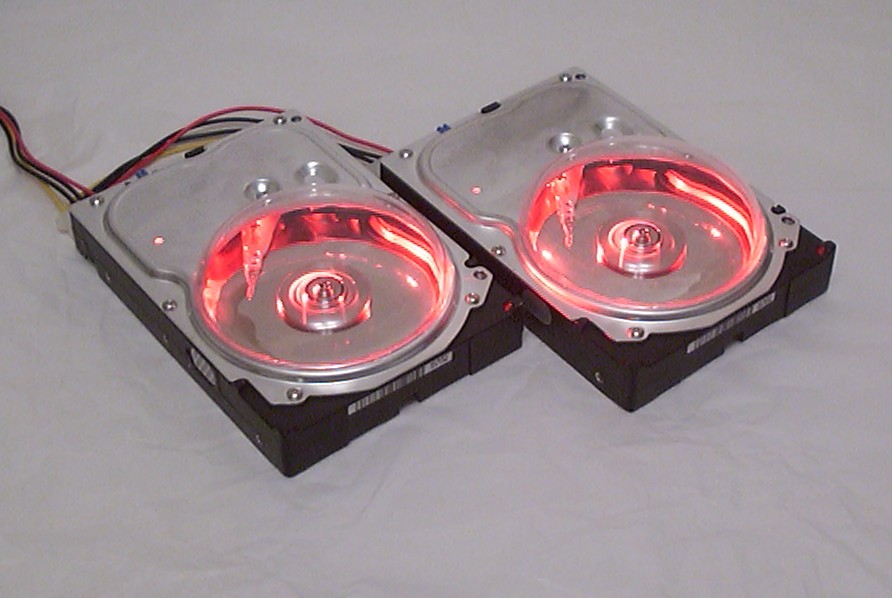
28000mcd of action, it is brighter in real life. The drives survived the stunt, passed both formatting and a surface check without issues. The wires from the LEDs are soldered to the bottom of the hard drive PCBs where the molex is connected.
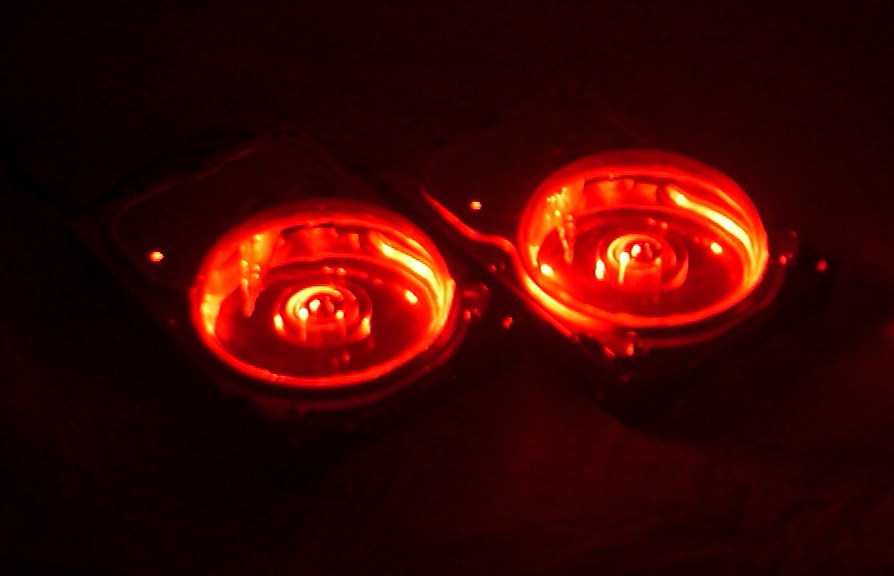
And here is the obligatory night shot.
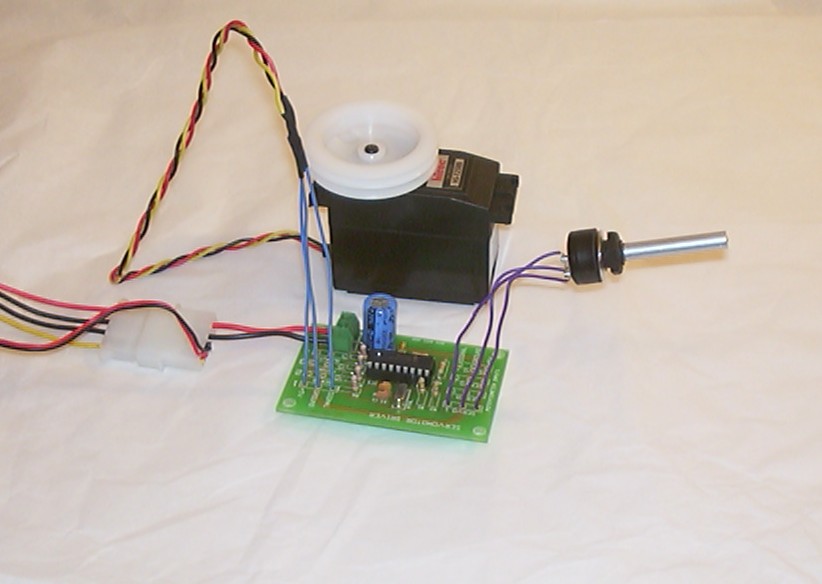
This is a Four Servo Motor Driver originally bought to use in Oenone but plans changes so it will now be used in this project instead. After a quick assembly it was tested to see if it worked as supposed, just turn the potentiometer and the servo follows nicely.
Part 5
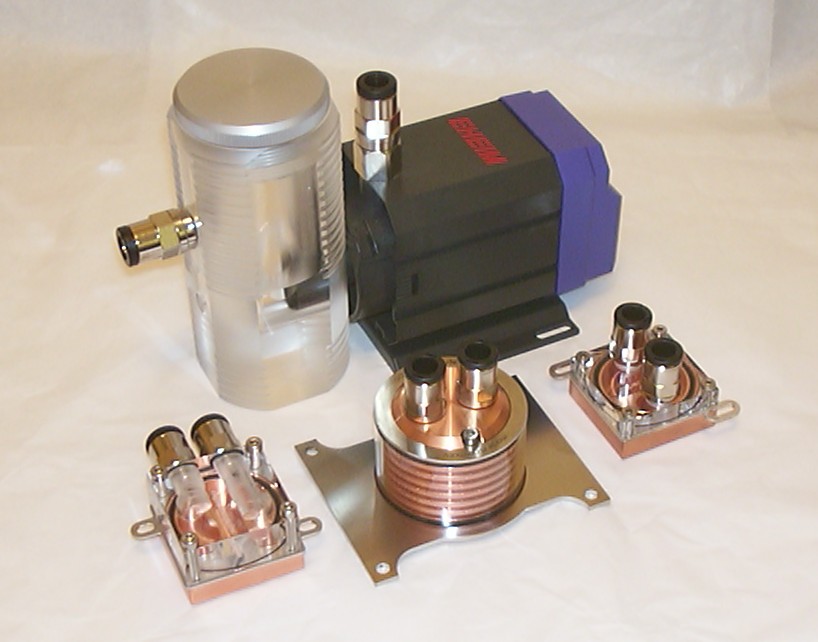
The AquaComputer waterblocks has arrived. The build quality of the P4, ATI and north bridge blocks are second to none. The reservoir is cut from one big acrylic block and quite heavy for it’s size.
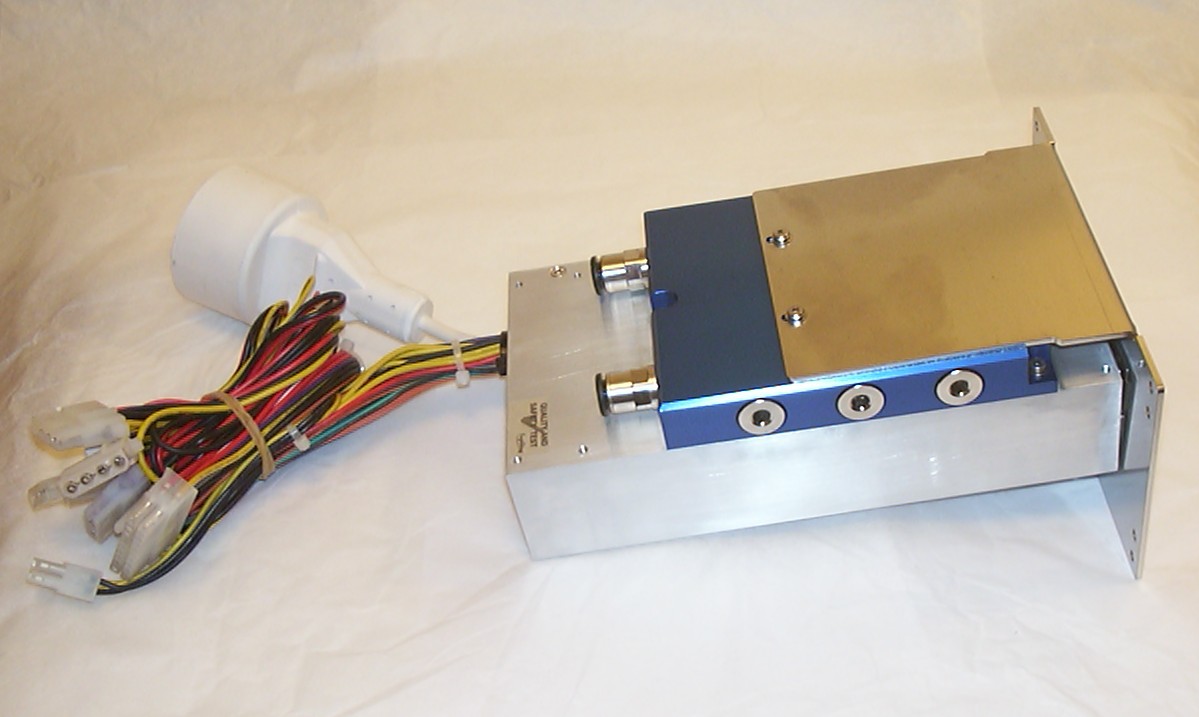
With everything else watercooled it would be bad to have a noisy fan in the PSU so this is the solution… A watercooled 250W PSU made by AquaComputer as well.
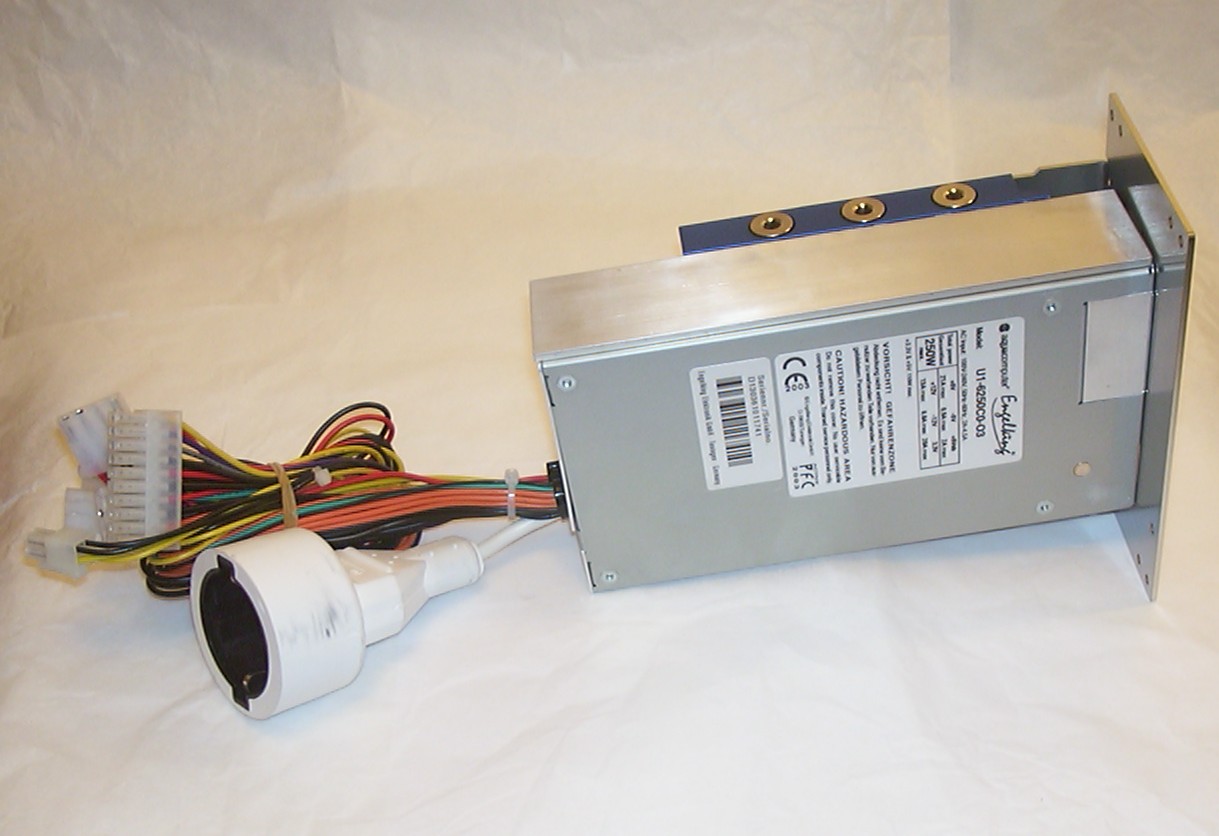
The big white connector is a normal (european) mains outlet connected via a relay to the mains power in the PSU. The purpose as you can guess is to have a pump connected to it.
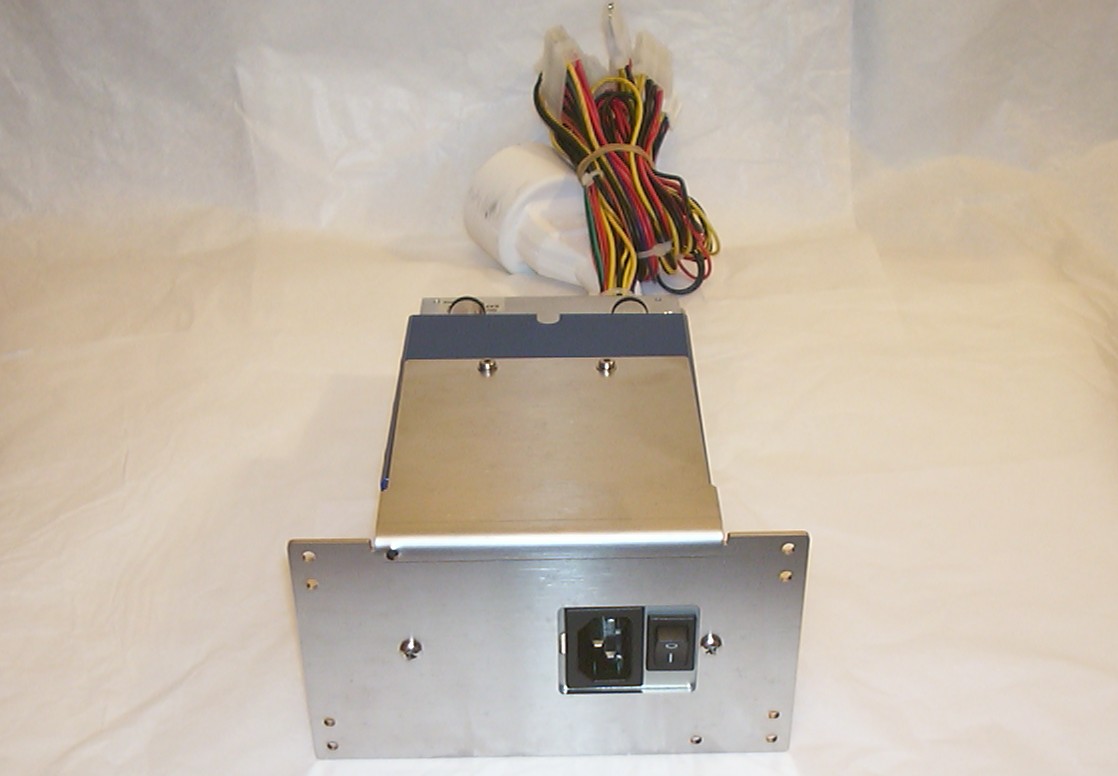
The stainless steel bracket is used for installing the PSU in the hole of a normal ATX supply.
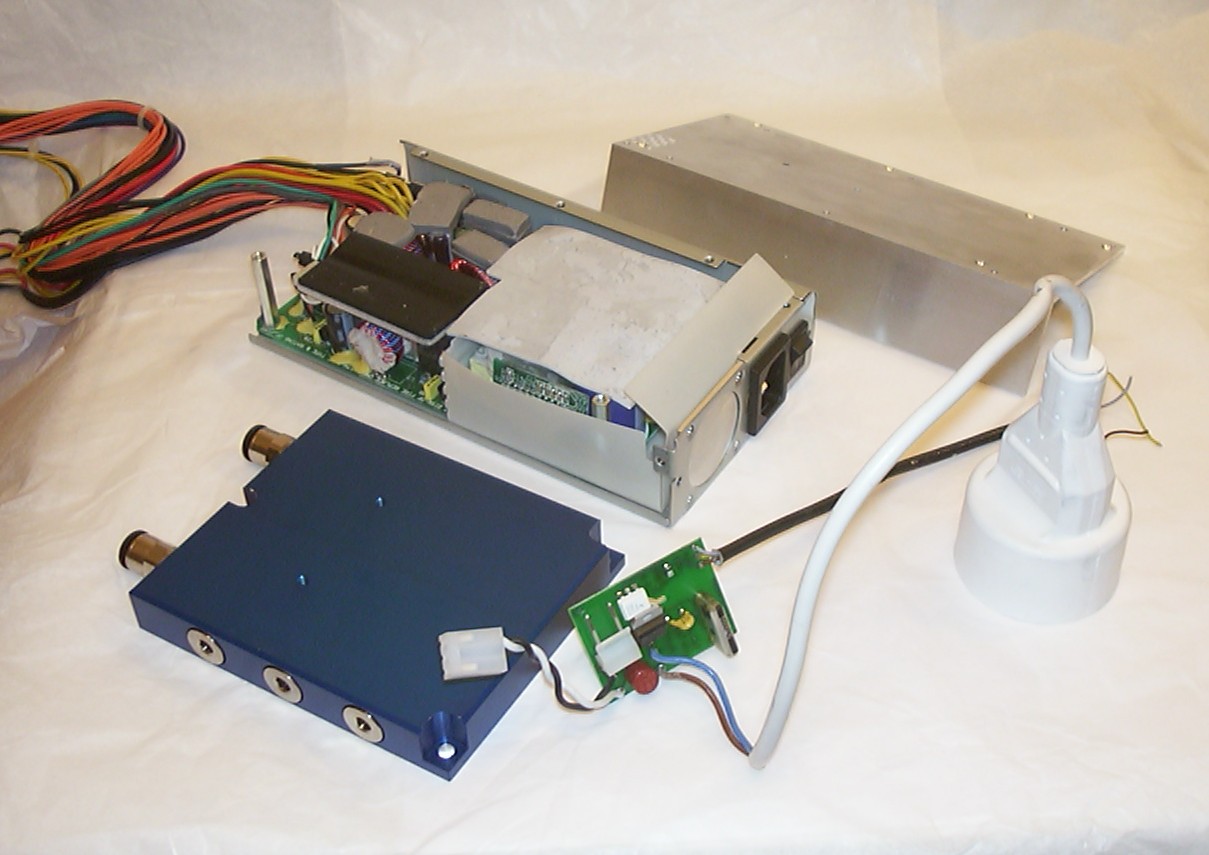
So what is the first thing to do with a $350 PSU if not rip it apart… After all since I use a 12V pump the clever but not very beautiful pass through have to go.
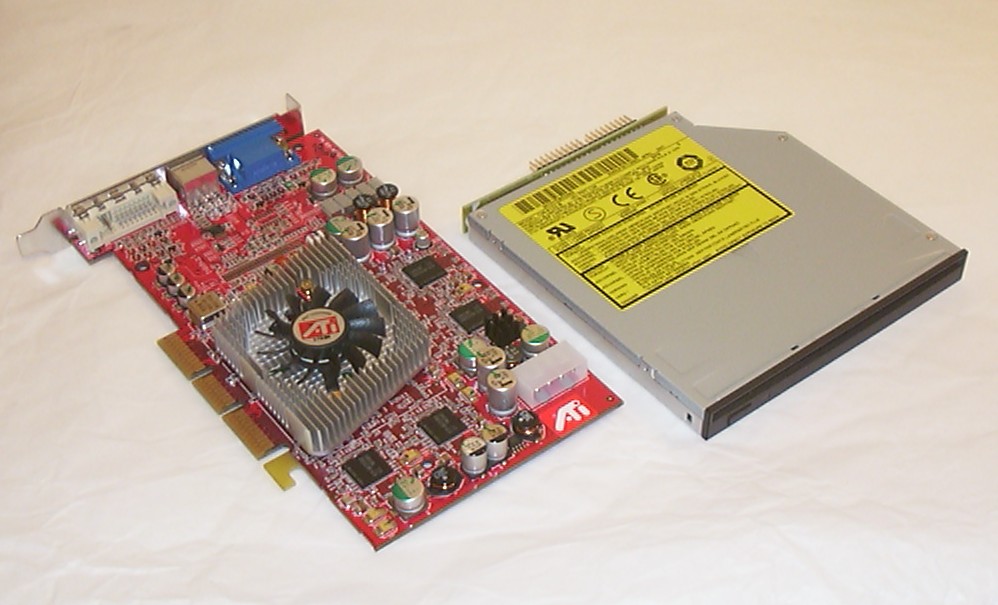
An ATI 9800 Pro and a Panasonic 8122 slot load DVD/CD-RW slim line drive arrived as well so with all parts around it was time for a first test run of the system.
Everything worked fine except the two modded hard drives. They had died completely and would only be recognized randomly by BIOS and the arms just moving back and forward trying to find the start track… I got the system up and running fine using an old 10GB HDD. I have a theory why the drives worked at first right after the mod but not later on. After some surfing around I learned that no modern drive with 40GB platters had been windowed successfully. The high density with the combination of a removed screw from the centre of the platters was probably enough to get them un centered enough to make the head loose it’s track after a very short usage…
I guess I will have the worlds most expensive HDD activity lights now as the drives will still be installed in the bug and used as eyes.
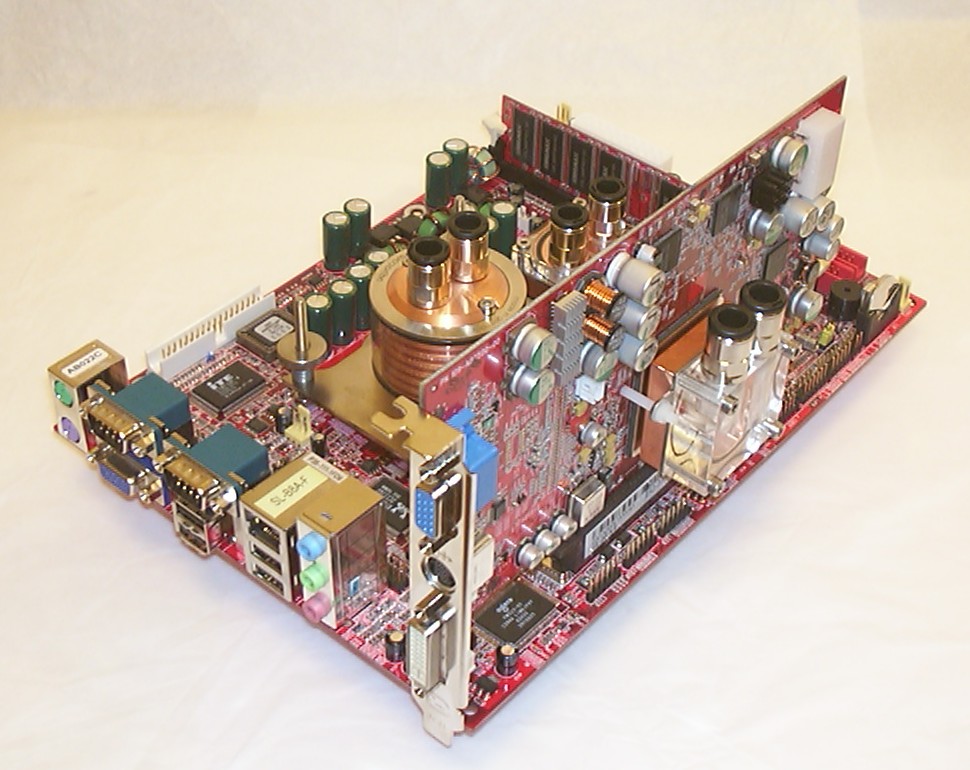
With the remaining hardware proved working all HSF:s were removed and the waterblocks installed. I must admit that red and copper is a really nice colour combination.
Part 6
Techno-organic material - It is the result when computer hardware is consumed by a living free roaming entity. Sort of like a cyborg, just the plain opposite Every part on the bug not coated by metal will have this stuff so it is time to do a little test piece as proof of concept.
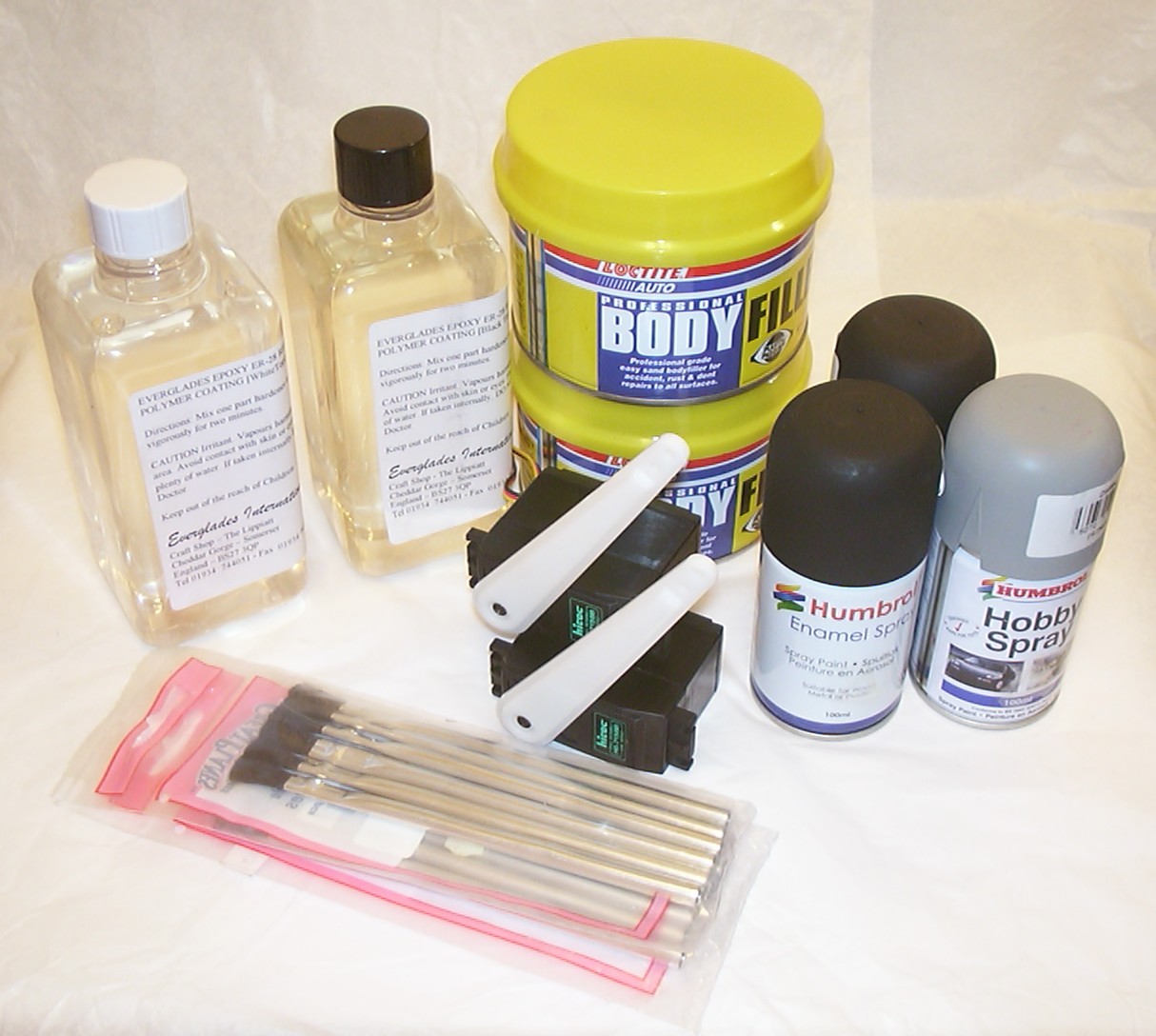
First some more investments in supplies, I wonder if it will ever end… What you see in the picture is from the left: 2-component polymer coating resin, body filler for cars, matt black paint plus primer. On the front row we have 10 brushes for epoxy that might come in handy and two more sail boat servos, this time not the winch type shown in an earlier image. I plan to use these two for the wings.
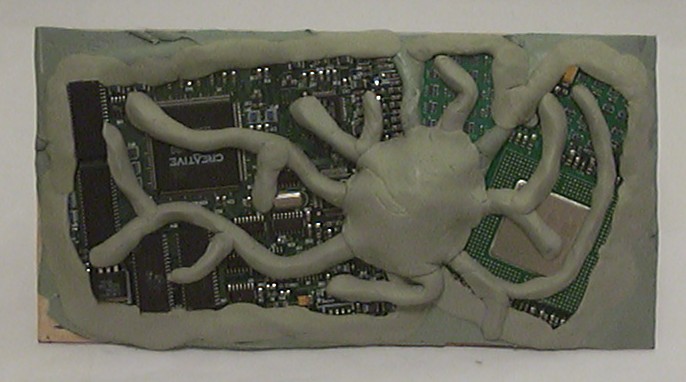
I forgot to take a picture of the hacked up PC parts before they ended up in a thick layer of body filler and got some Milliput placed on top. The hardware sacrificed for this test is a classic Celeron 300a and a Creative DXR3 mpeg-2 board.
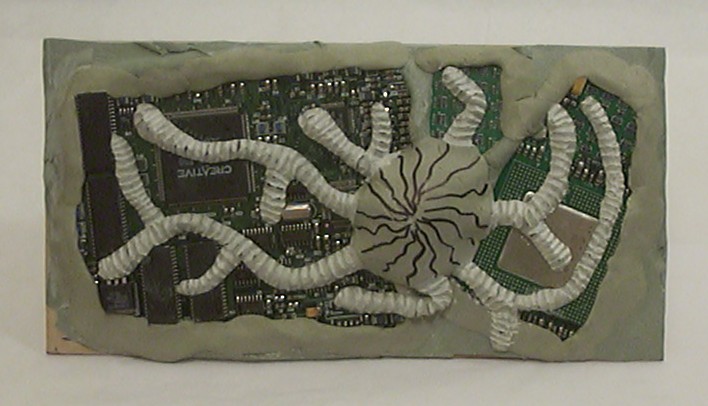
My modelling skills aren’t too good so the Dremel was useful yet again. After an hour carving using an end mill bit a pattern start to emerge on the “veins” made out of Milliput.
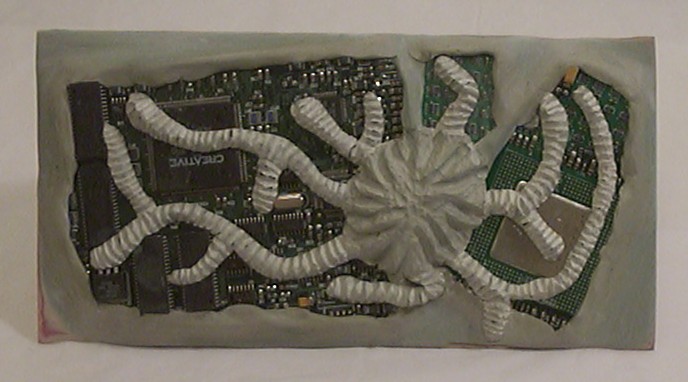
After some relaxing the carving continued but this time with a different bit in the Dremel and it worked much better then the first one as you can see the Milliput didn’t turn dusty white.
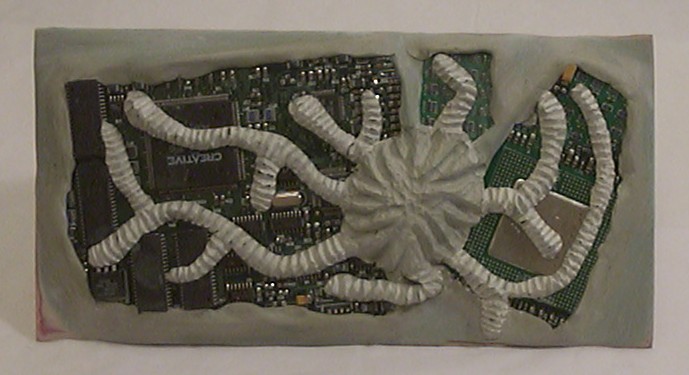
I do admit I don’t normally paint my cases but now it wasn’t much of an option to argue. A layer of primer added, for once I won’t sand a single time between the layers…
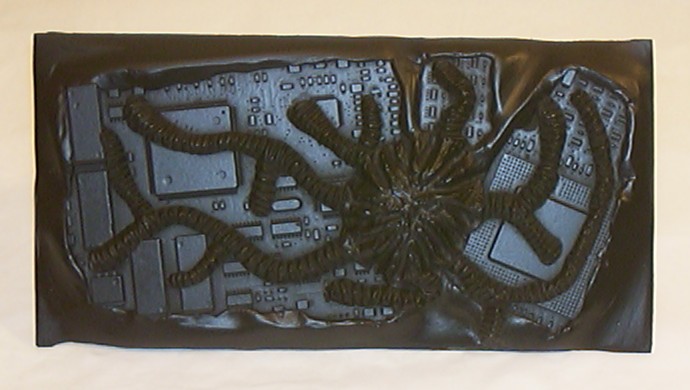
And to get a little more suitable look, matt black was choosed as primary colour. Plenty of small holes everywhere to aim the can at. In the end I had managed to cover it all.
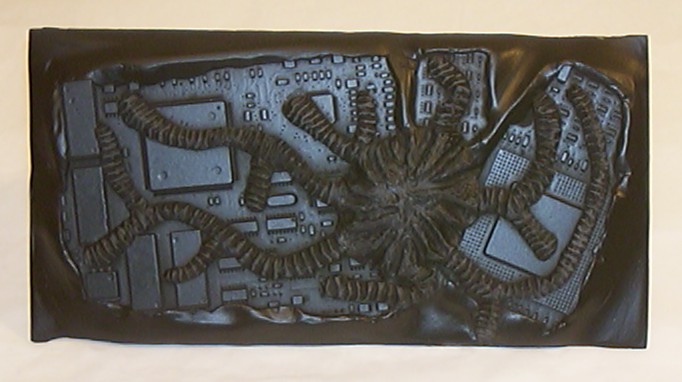
Since it after all is a new mod I can’t resist trying out some new techniques such as drybrushing. Drybrushing is simply trying to paint something with an almost dry brush, kind of obvious by the name. So what I did was to take very little paint on a brush (easiest by brushing it against a paper first to get rid of most paint) and then try to “scrape” off the remaining paint in the brush on anything extending from the surface. If done right all contours should have the new colour while the “valleys” should remain almost untouched. As a n00b I’m fairly happy with my first attempt.
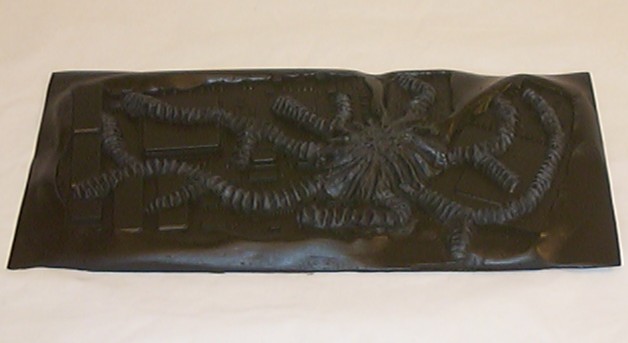
I just added this picture to show the thickness of the piece. On the final parts of the case I will skip the body filler and only use Milliput as a filler. The 12 min set time made it useless for this application.
Part 7
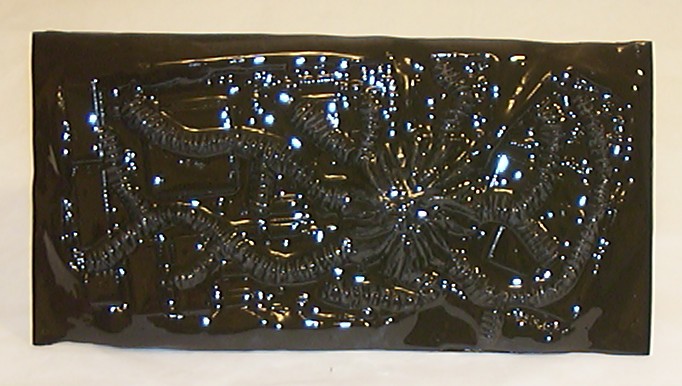
After adding a layer of resin and letting it dry for 36 hours this is the result. Very black and very wet looking…
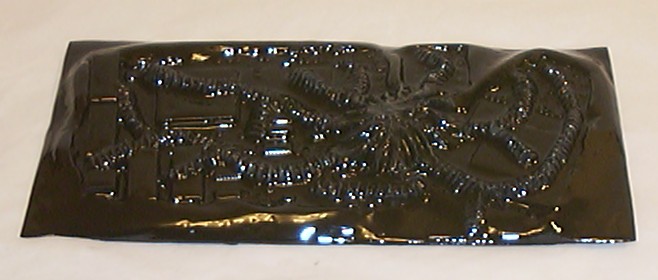
Due to it’s very glossy nature it is quite hard to get a decent picture with the camera. I declare this test piece a success so this stuff will be used a lot from now on.
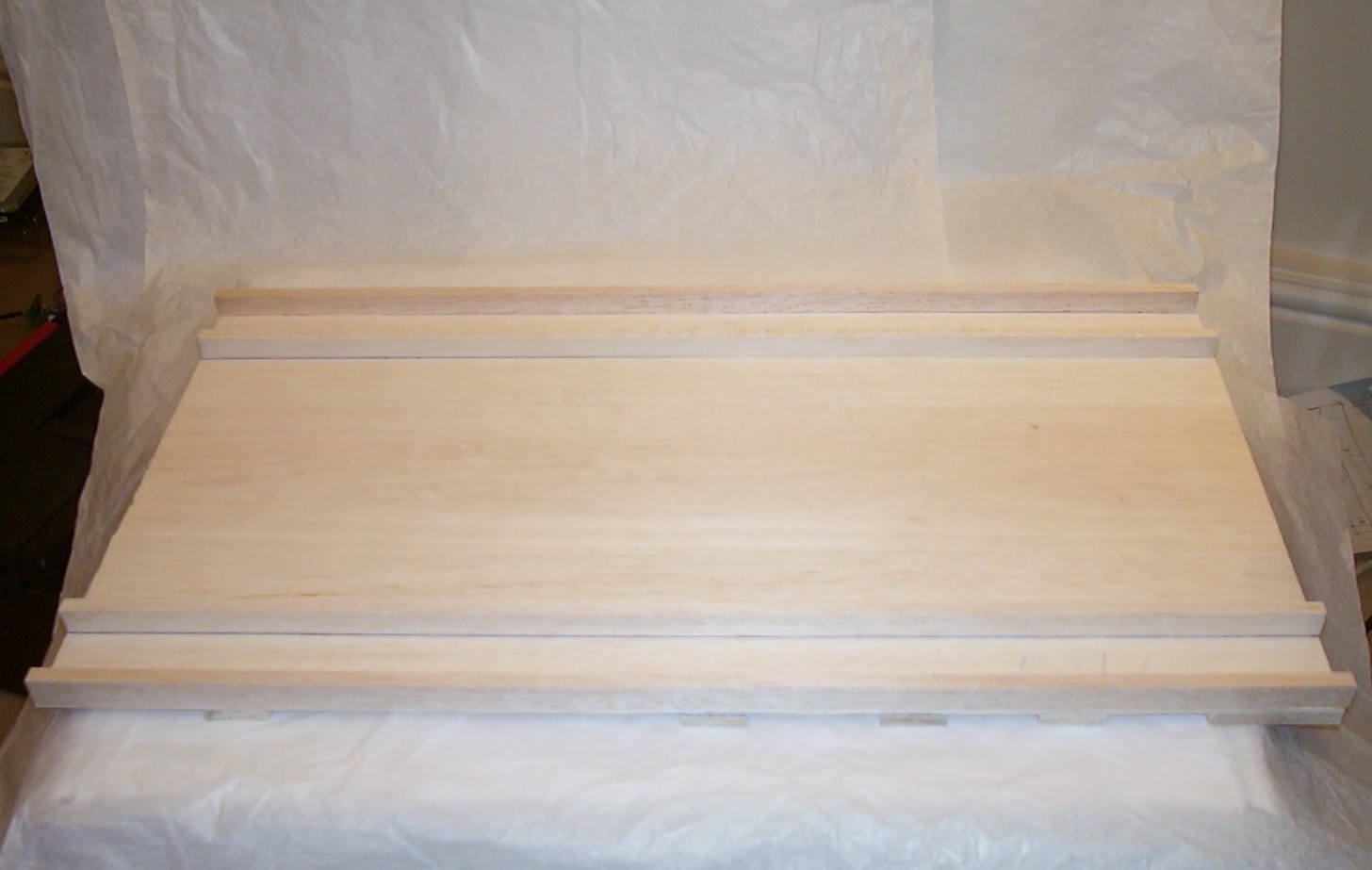
The main baseplate will be the carrying part of the bug and is made out of soft 3mm balsa wood. For added strength 1/4" x 1/2" balsa sicks were glued to the underside.
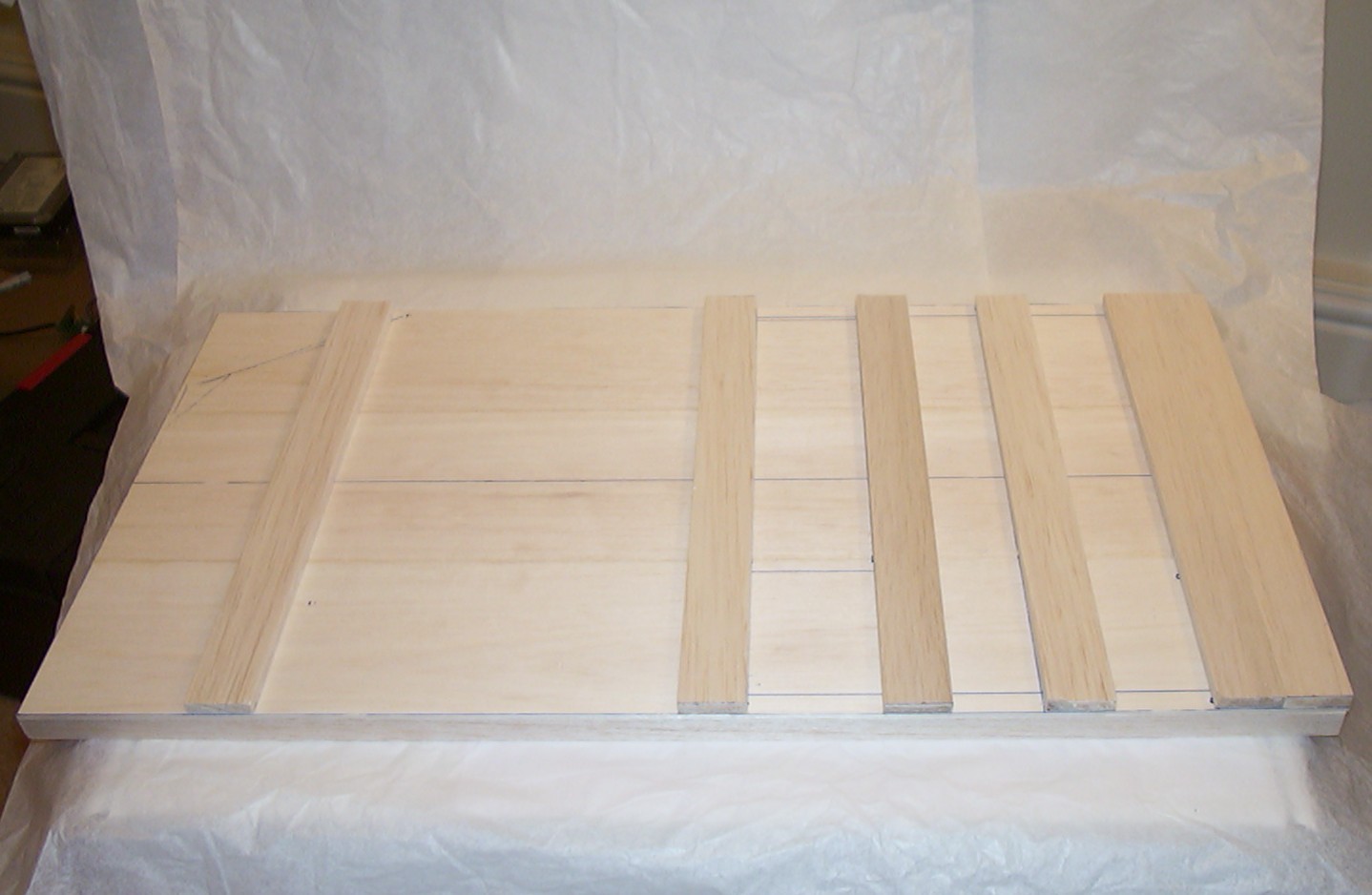
To make it a bit stronger 1/4" x 1" balsa sticks were added to the top in the other direction.
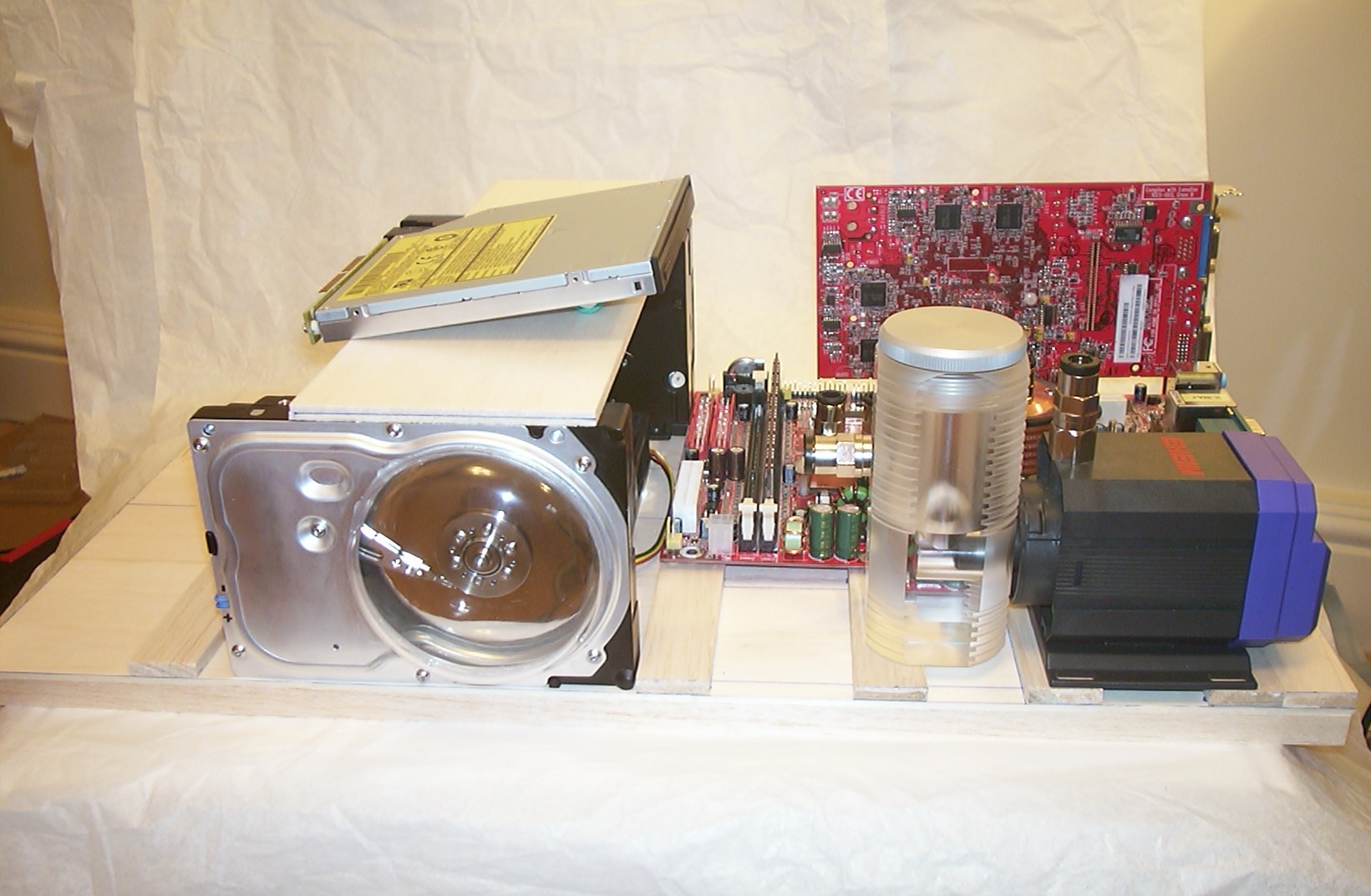
No this is not Kon-Tiki built by Thor Heyerdahl, just a test layout to see if all components will fit. The radiator and PSU will end up underneath the baseplate.
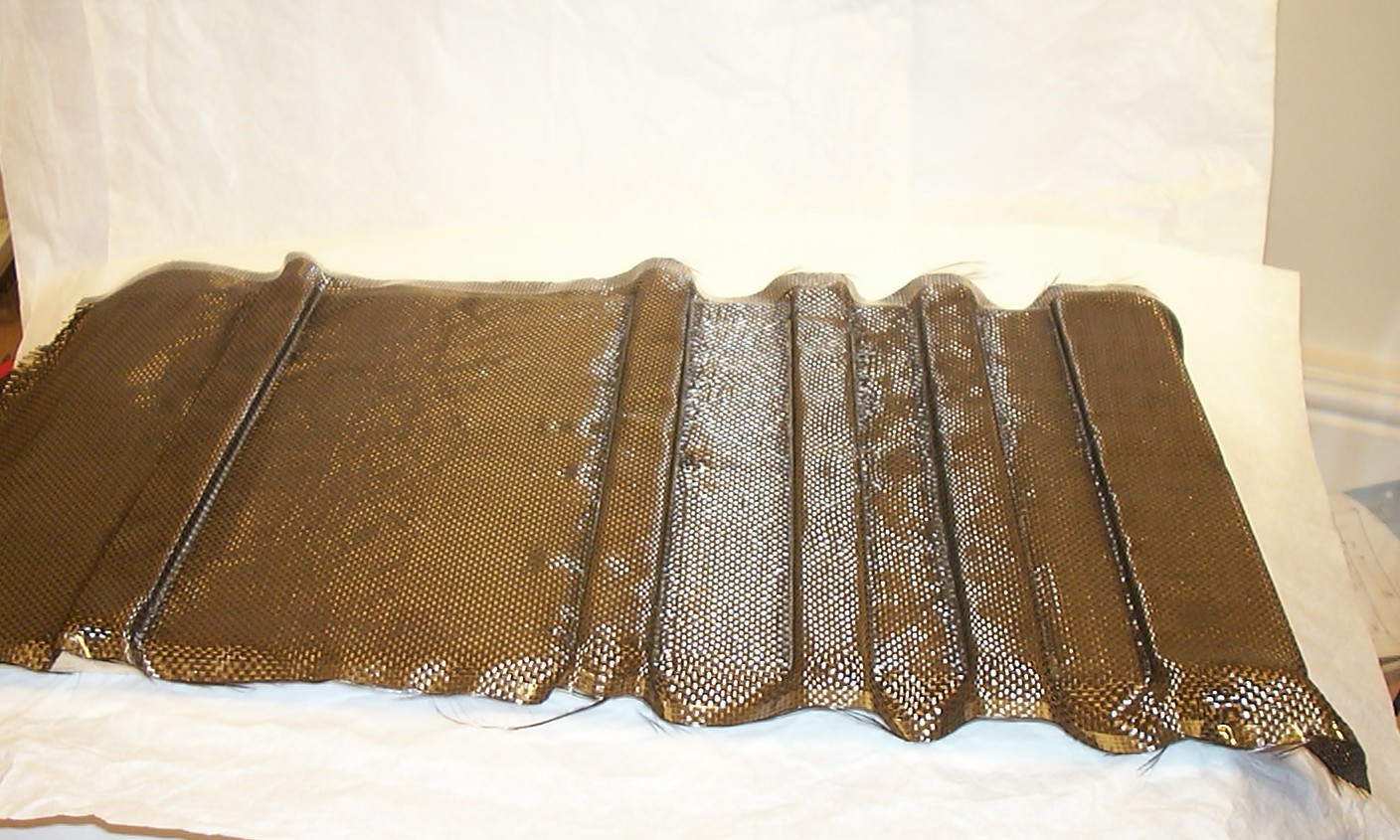
Balsa wood is extremely weak so it’s purpose is to be used as a soft core between two layers of carbon fibre. This was the second attempt to apply a layer of carbon fibre to the balsa wood. The first attempt failed miserably since I miss judged how keen the fibre mat was to stay in the shape it was told to be… So this is the solution, a few drops of 3s gluee here and there and the fabric was forced into the preferred position before the epoxy could be added.
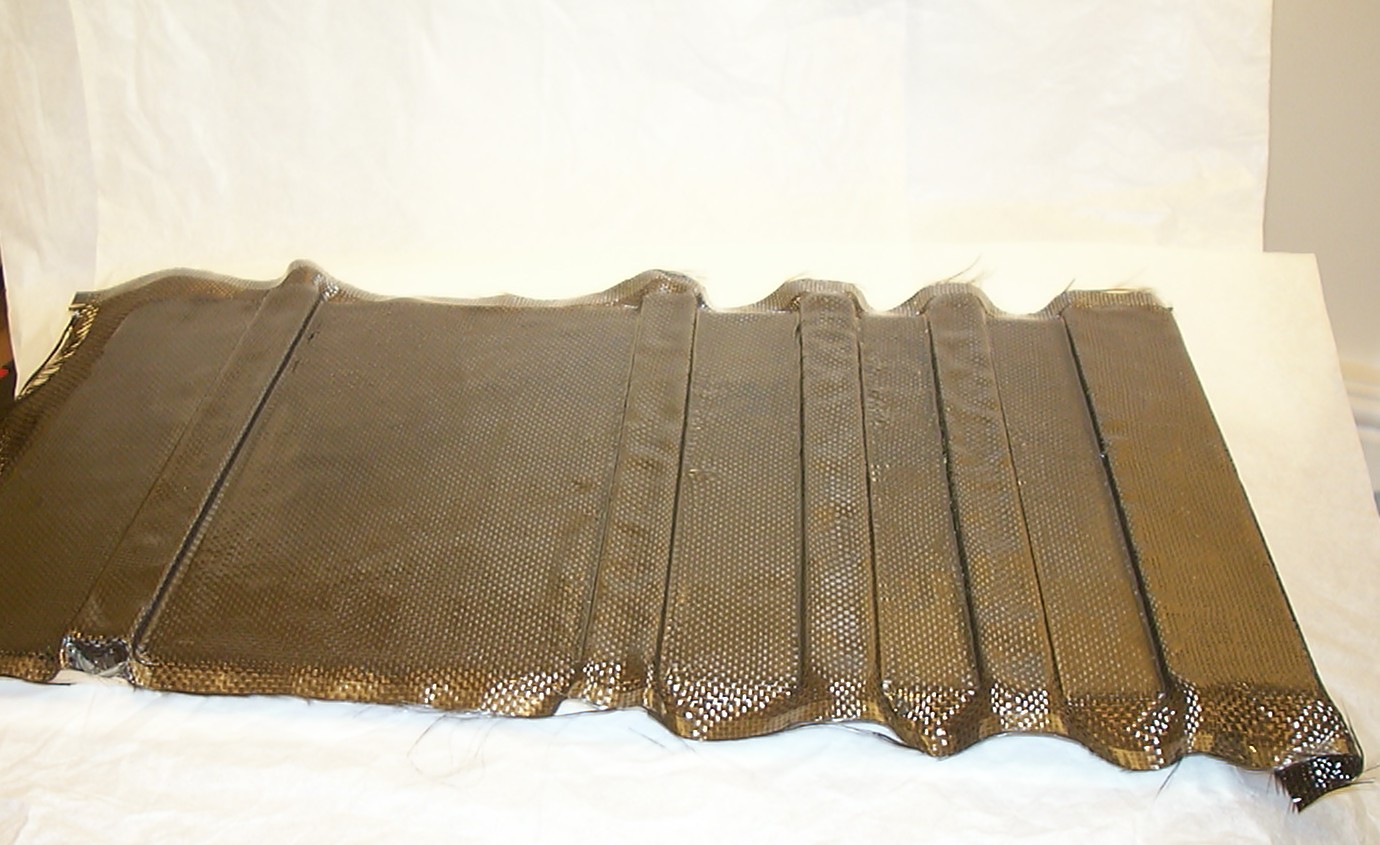
A few hours later the first side was done.
Part 8
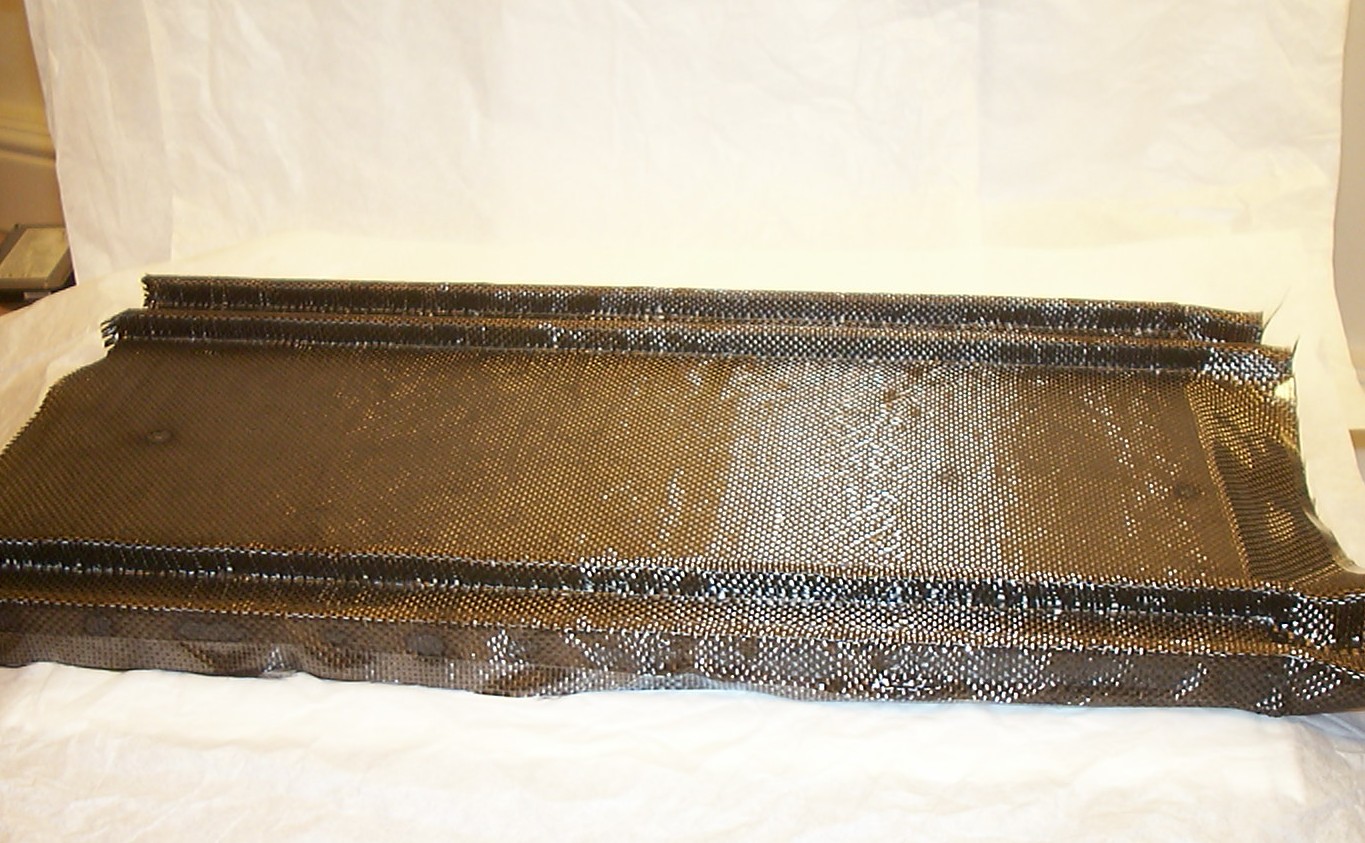
By learning from the previous mistake, I used 3s glue on the other side as well.
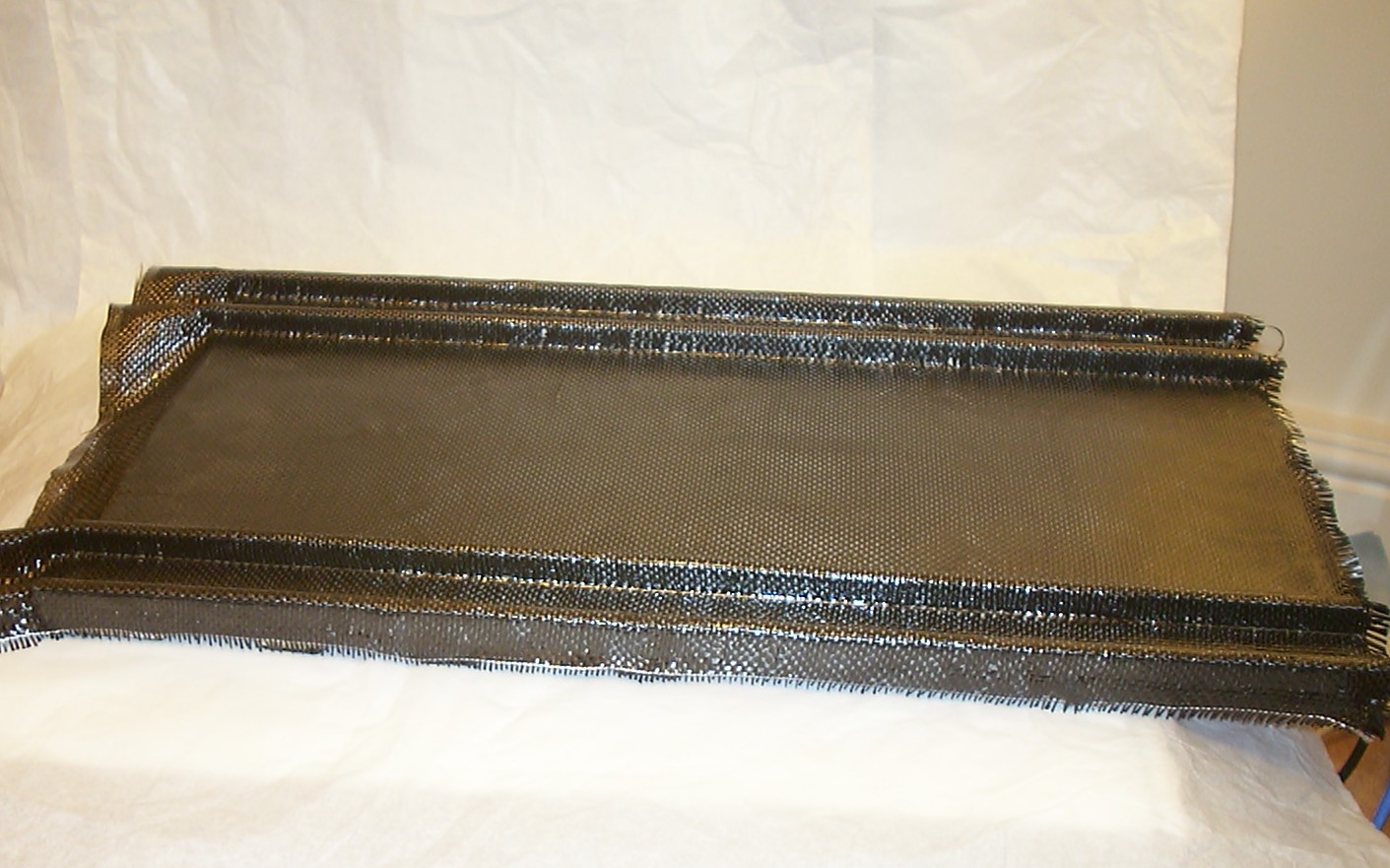
And with the epoxy hardened the piece ended up very strong. I put all hardware intended for the case on top of it and it didn’t even bend the slightest. It seems the sandwich construction with carbon fibre and balsa can be really useful for future parts/projects.
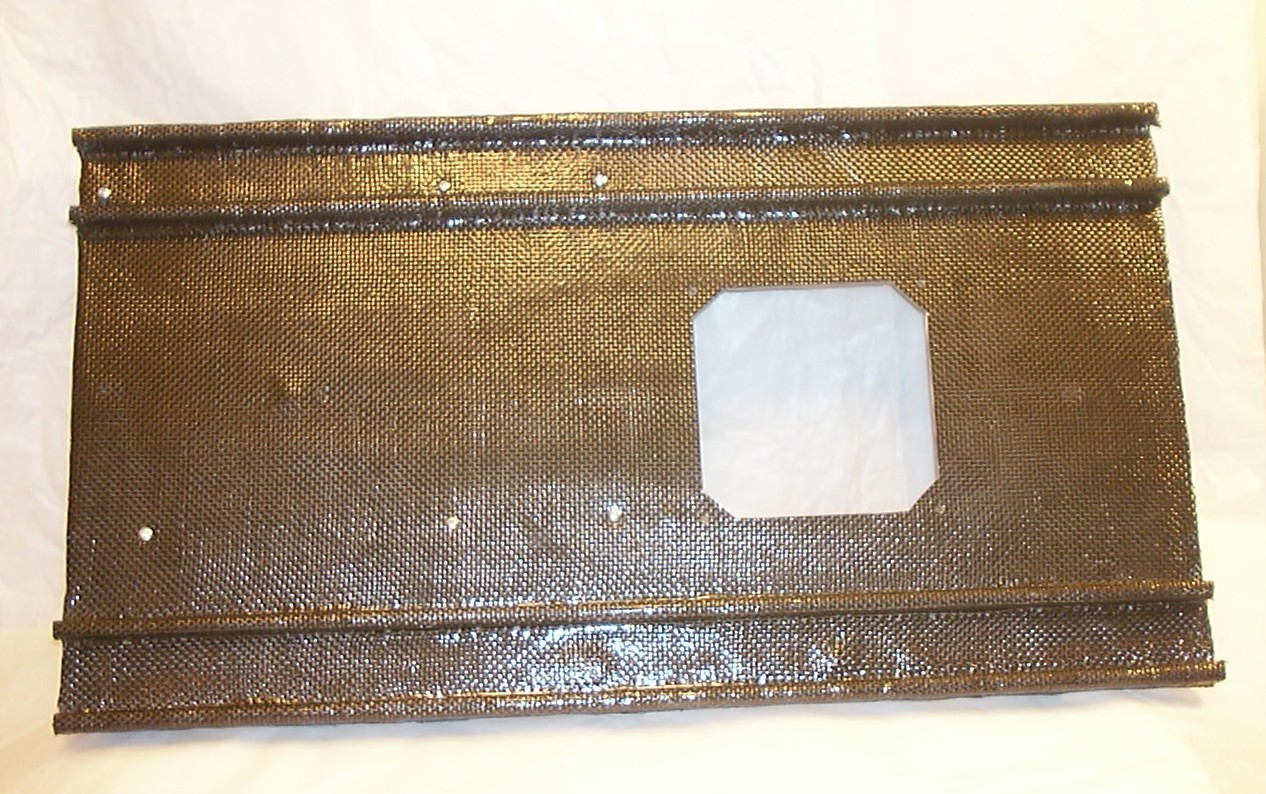
The screws for the motherboard has been installed and the hole for the radiator has been cut.
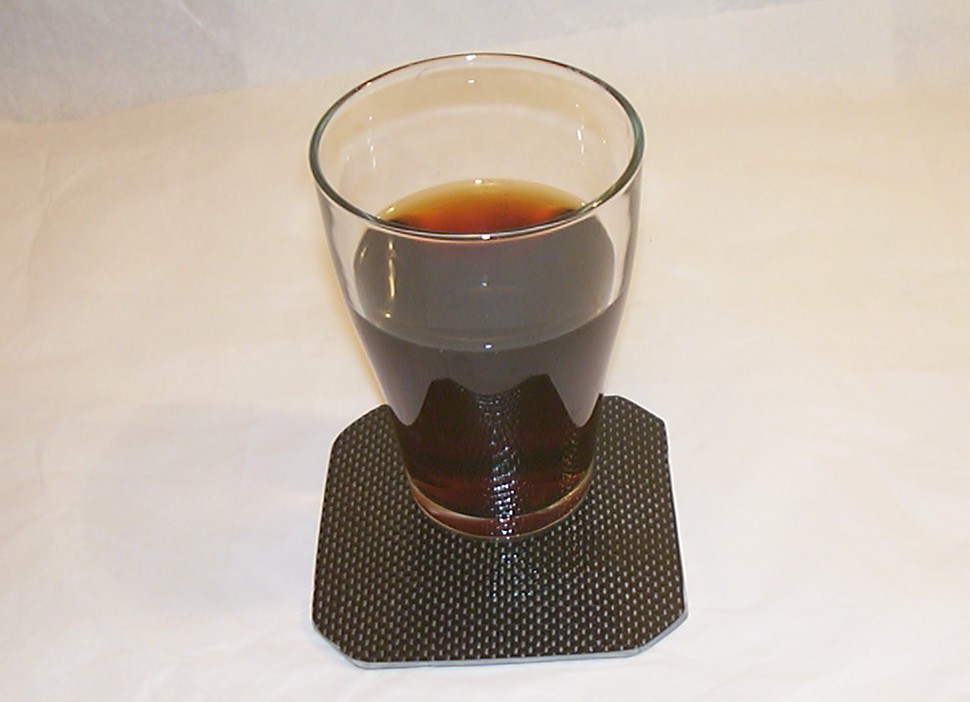
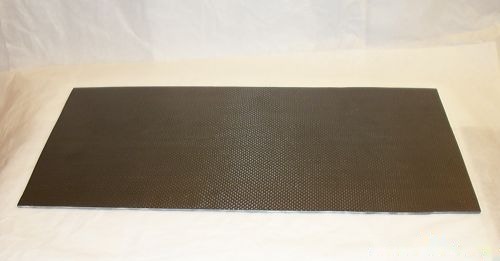
The scrap piece from the cutting became a quite fancy drink coaster…
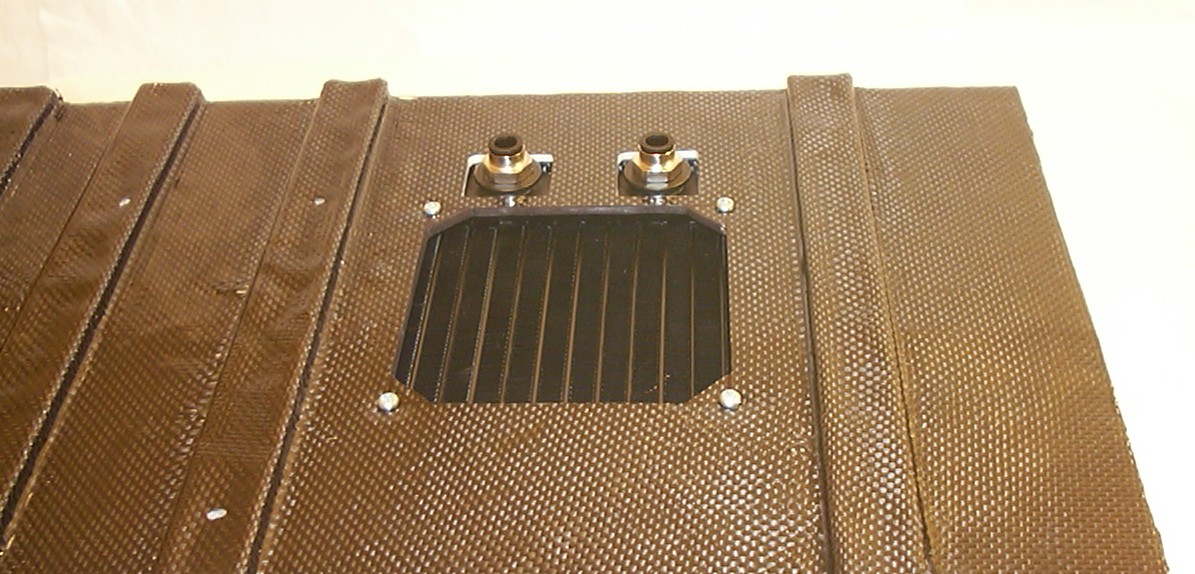
The main base plate got a few more holes added to fit the radiator properly. The screws on top will be replaced with longer ones that also will hold the fan in place.
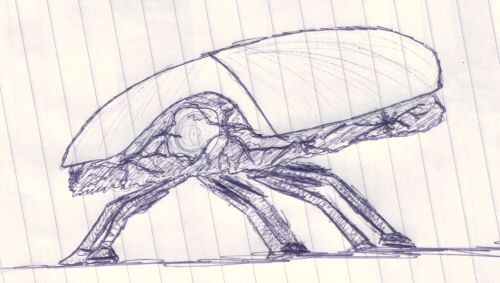
This is kind of the look I’m aiming for for the finished bug, not that long legs though…
Ah legs, what a pain they have caused me when trying to figure out how to attach them to the body considering both the radiator and PSU will be underneath the main baseplate. The solution was to add a lower baseplate made out of 3mm balsa and 2 layers of carbon fibre. When knowing how strong the result got I might have been a little too protective when I added all extra balsa pieces on the main baseplate.
Part 9
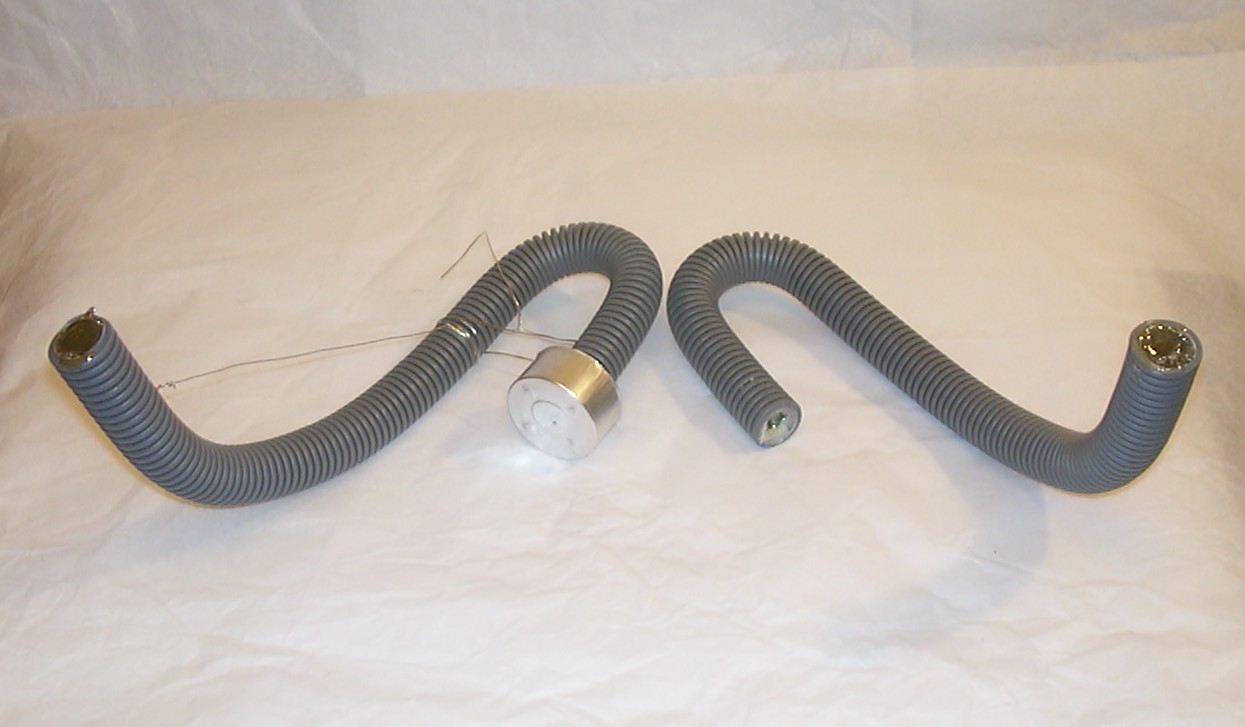
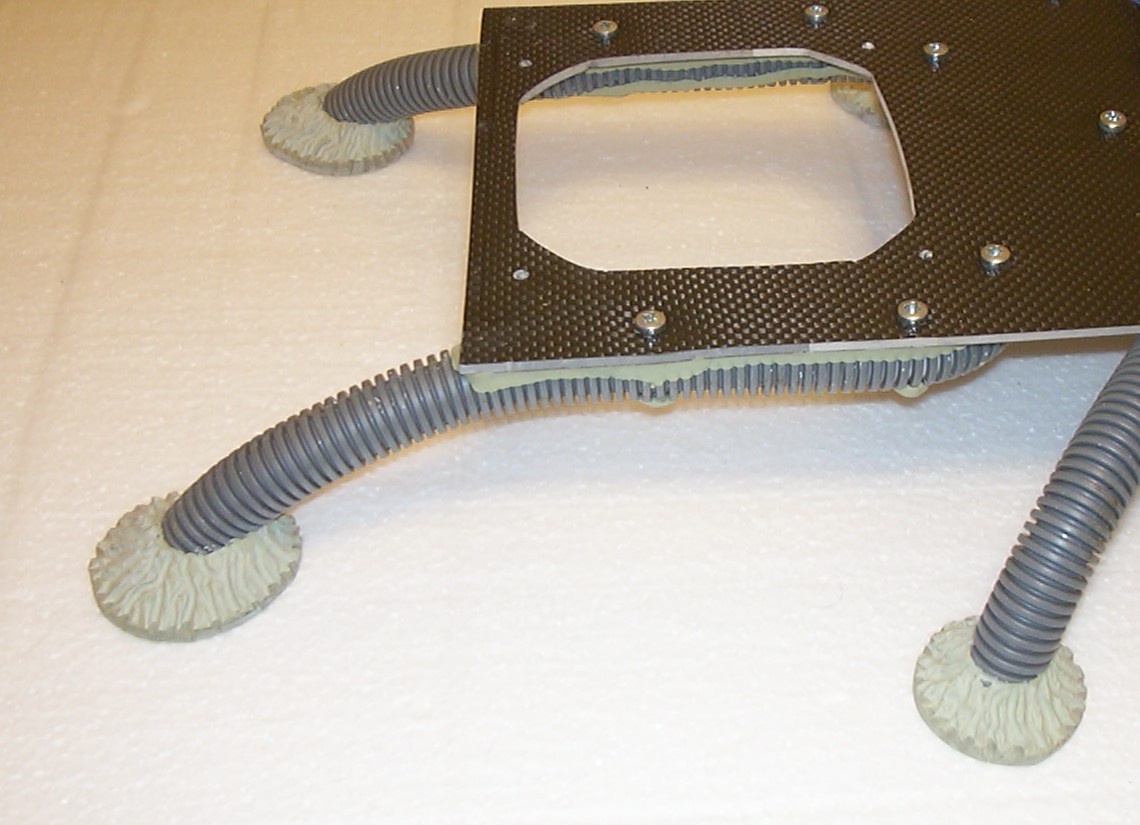
The legs themselves are made out of 20mm conduit tube filled with epoxy for strength. To make them hold the shape while the epoxy cured thin steel wire was used. To make a plug in one end I simply pressed down the tube into some small candles that had been burning for a while and got liquefied. Did actually work quite well when done properly.
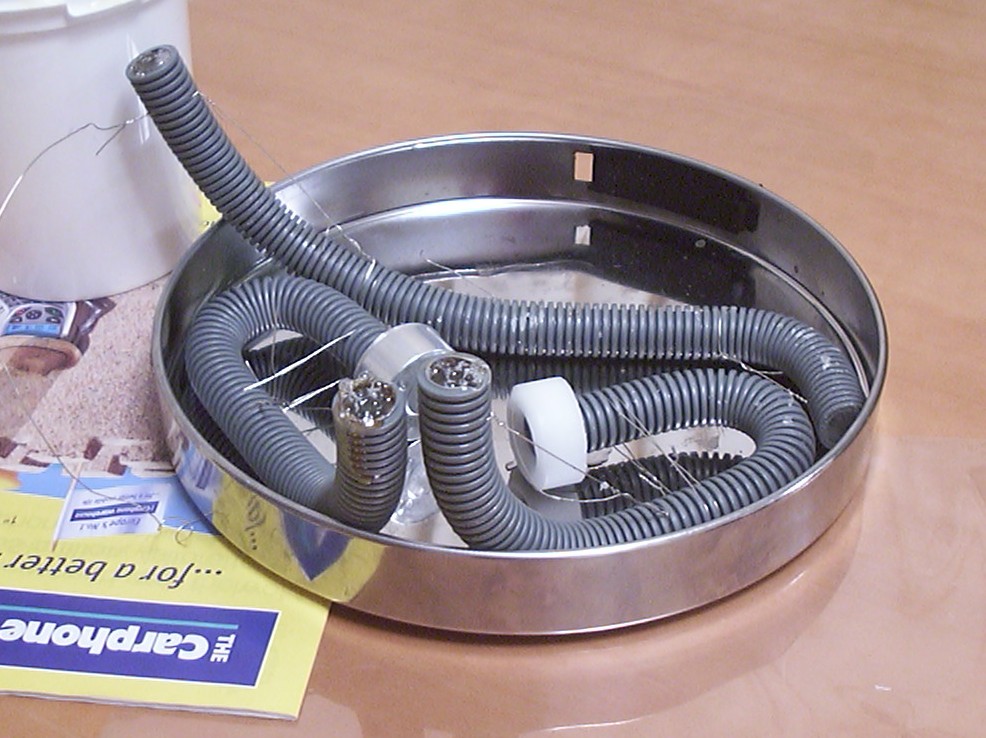
Three more legs waiting to have the epoxy set.
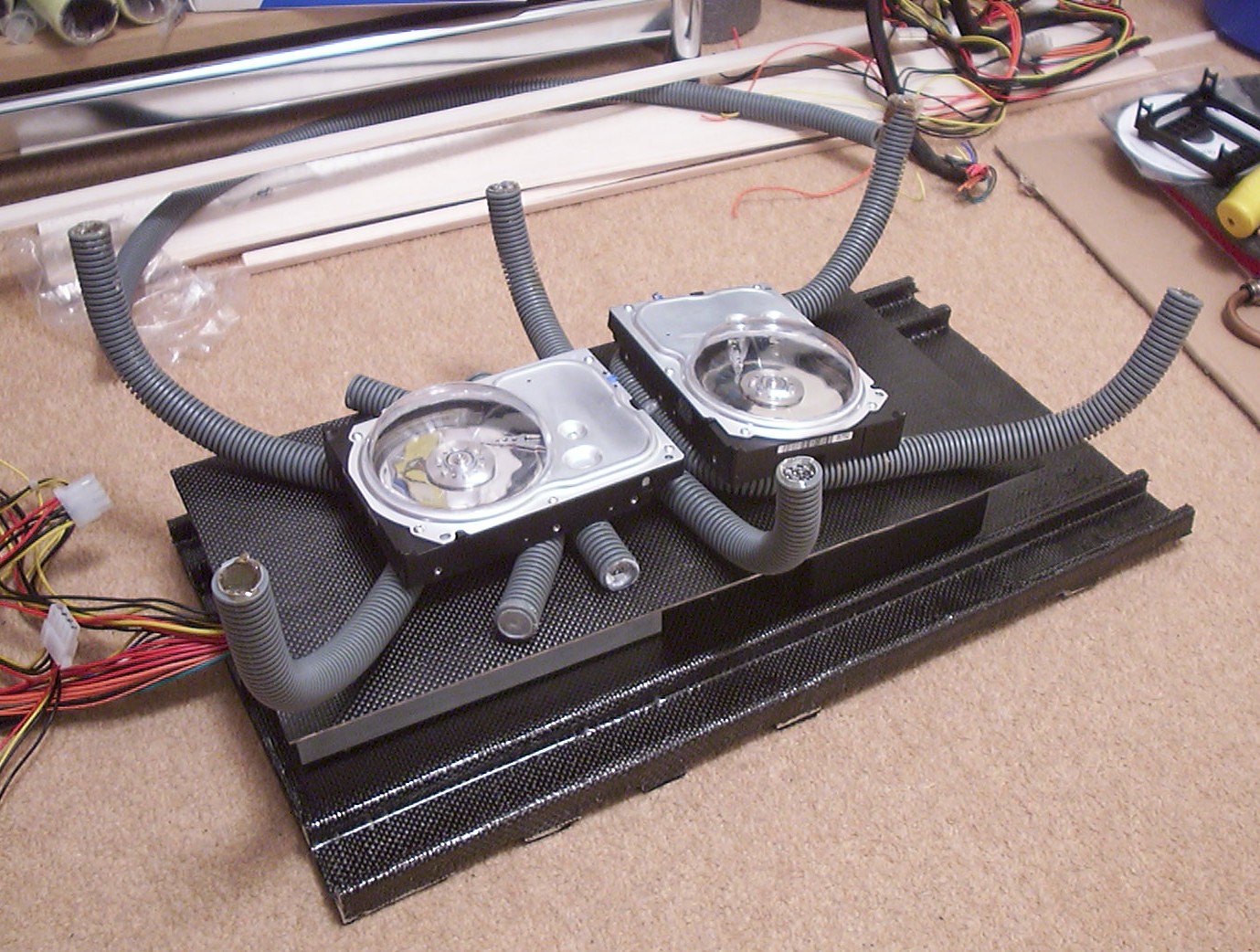
Here is a test layout to see how the bends turned out on the legs. The “eyes” only act like weights to hold the legs in place. The conduit tube filled with epoxy won’t flex much at all and should be able to hold the weight of the bug quite well.
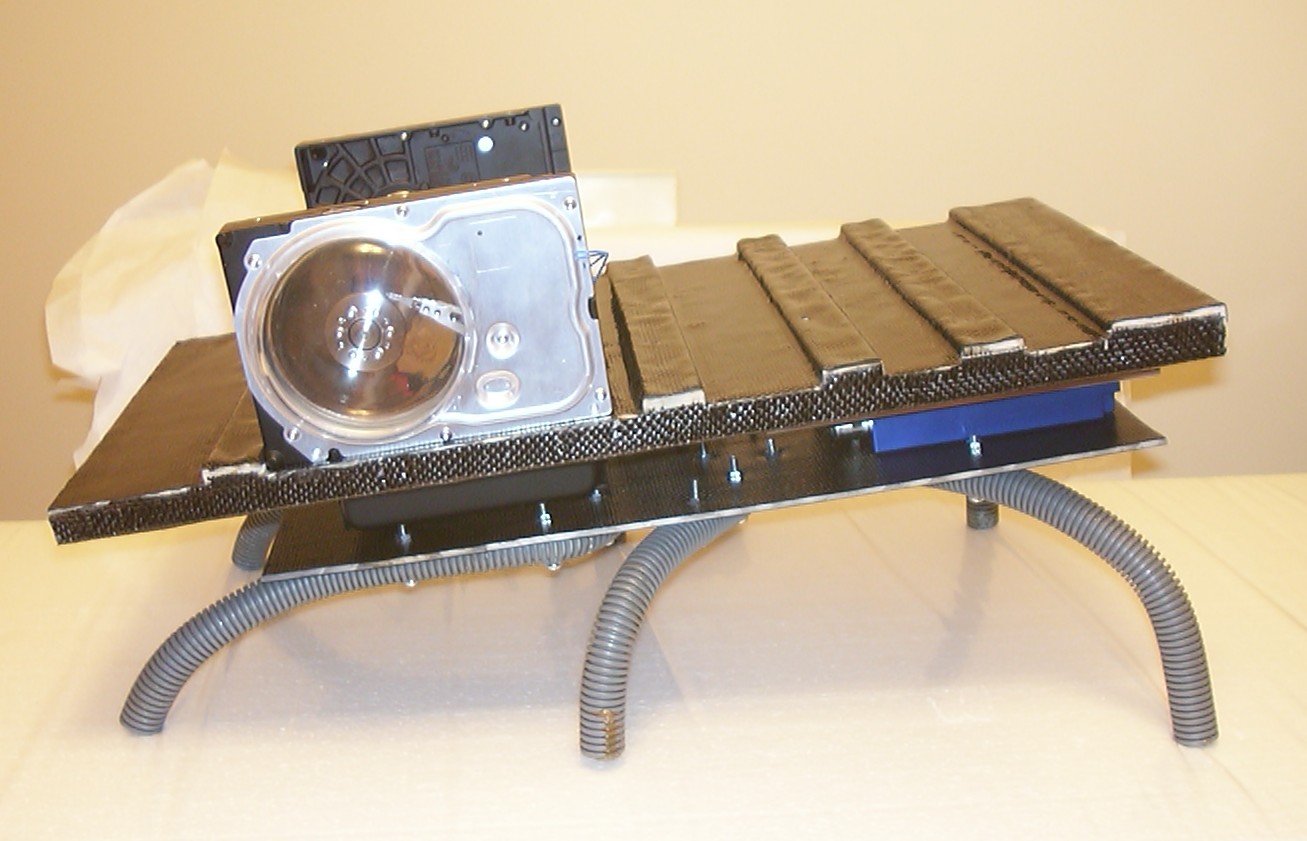
The legs have been screwed in place with three M4 screws each. The legs are not cut to their final length yet, hence the very aggressive look…
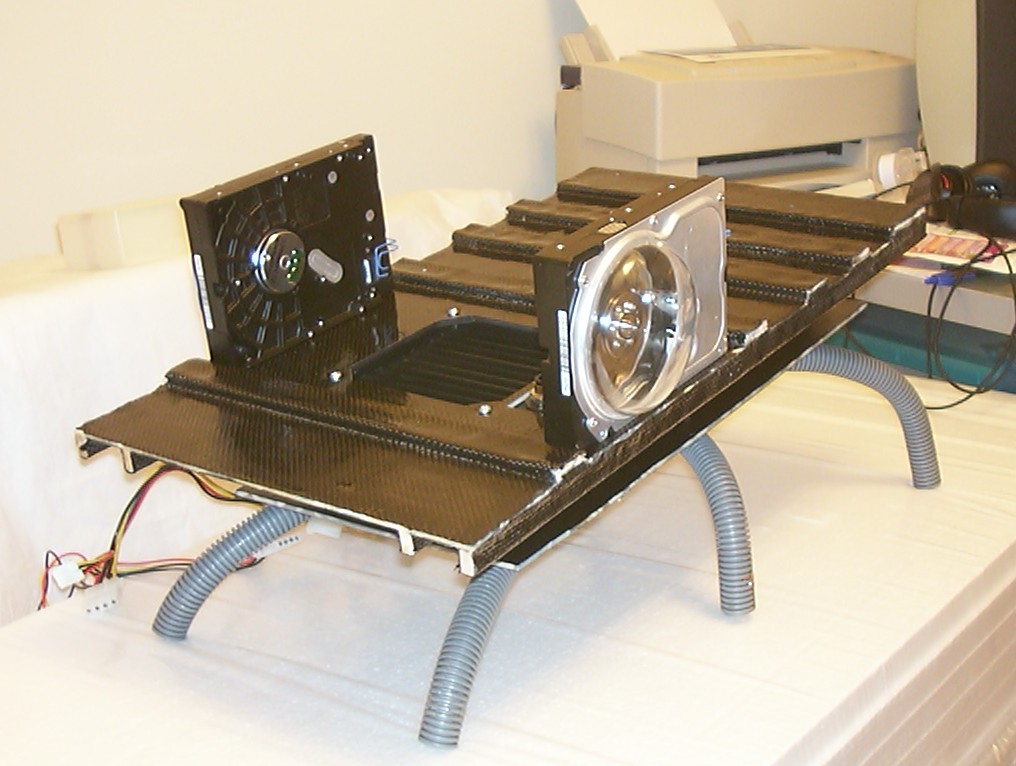
With a bit of imagination you can pretend it do look like a bug, a bit squarish but still a bug.
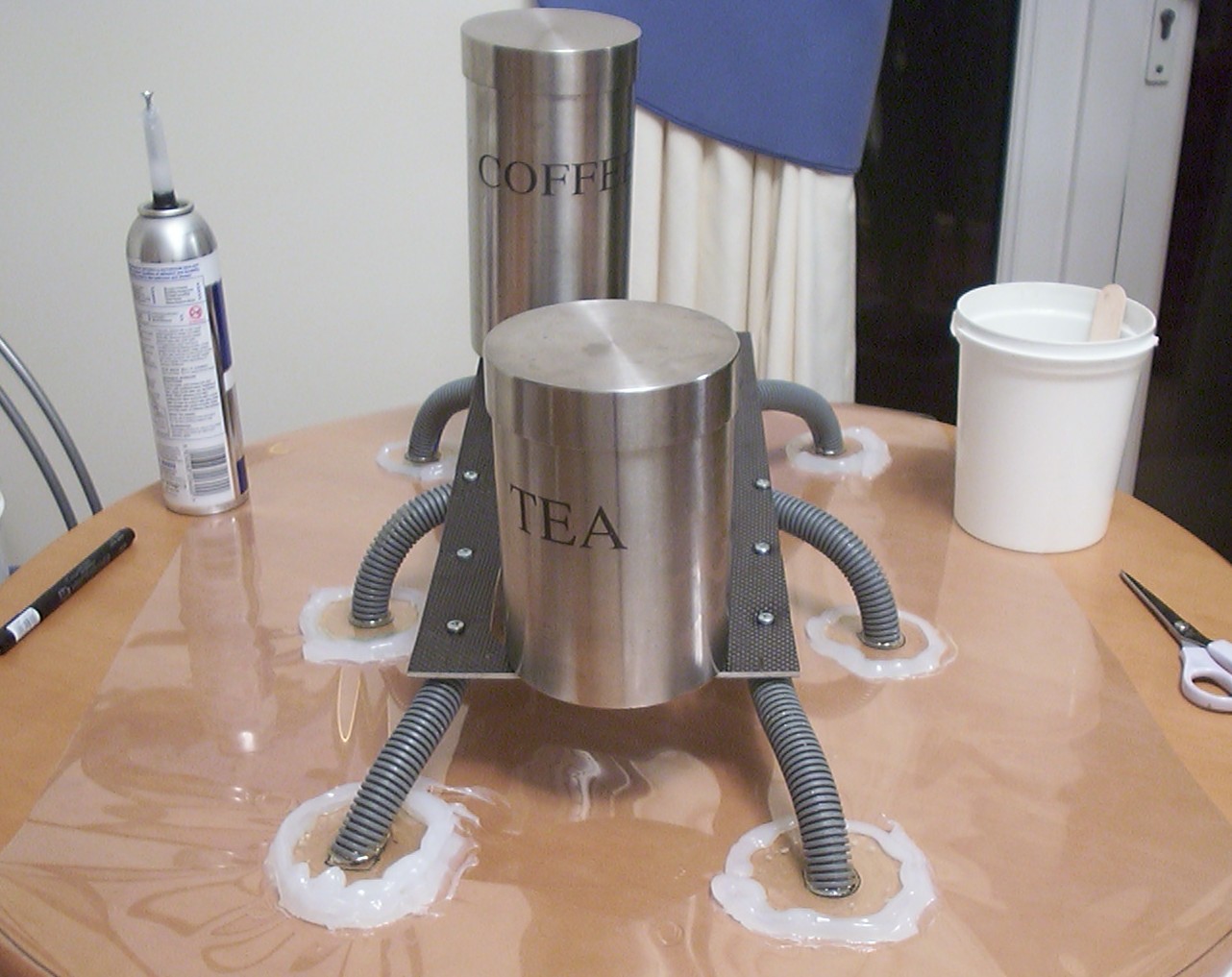
When the food grow legs it is a good time to replace it… but the tea and coffee here is only used as weights to hold the legs in level so the feet can be added. It is as simple as it looks, just a barrier around each leg made out of uncured plumber silicone since I didn’t have patience to wait 24h for it to cure. The forms created were filled with epoxy.
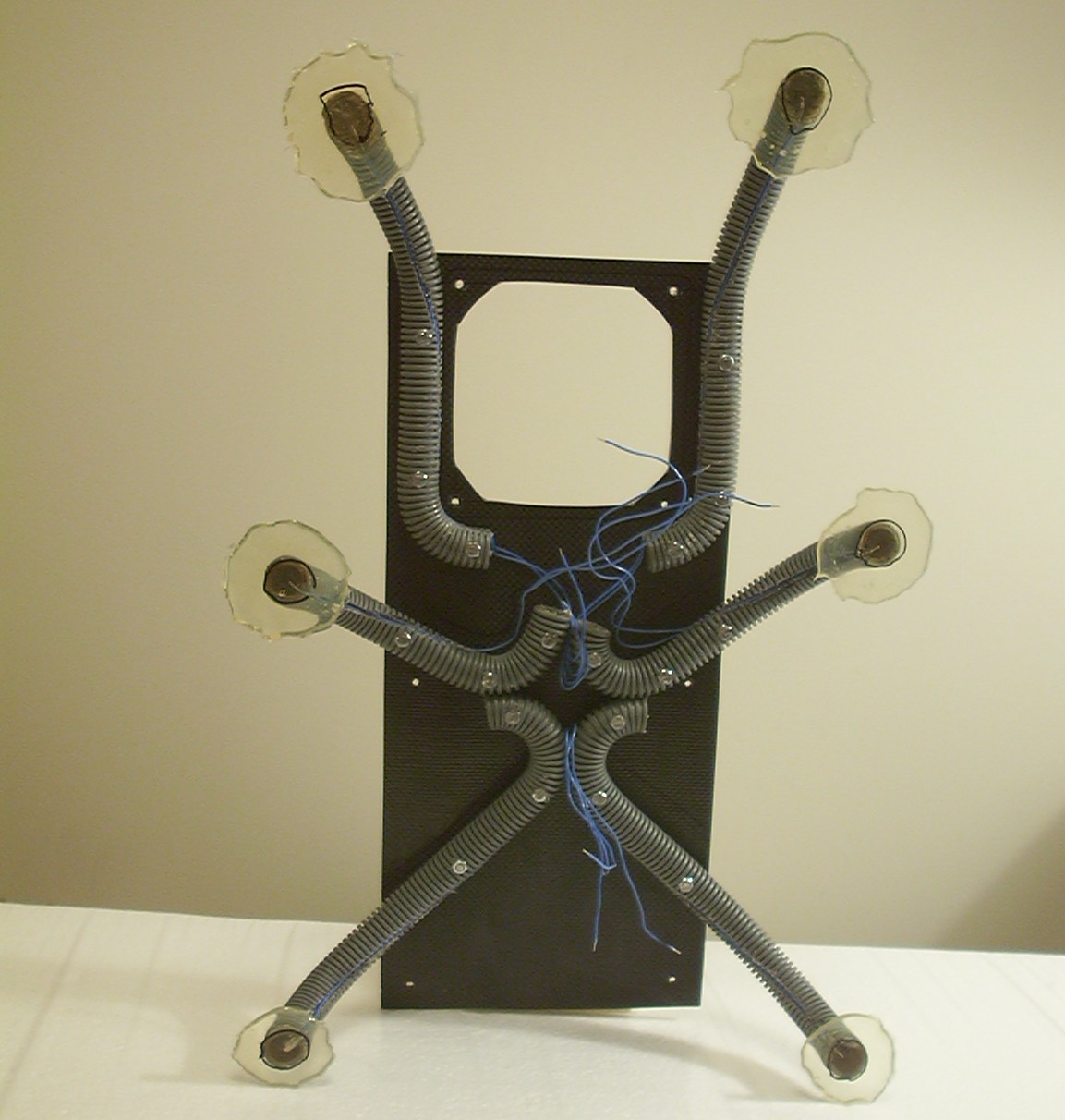
An hour later the feet were de moulded and this is the result. All blue wires are connections to LEDs that were installed in the legs and permanently encased in the feet epoxy.
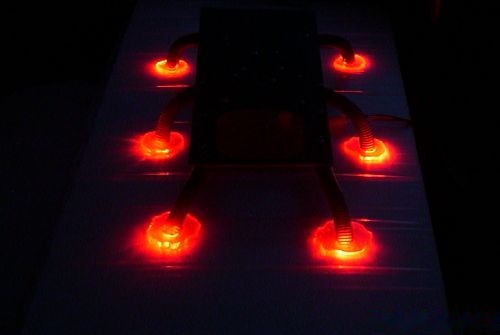
42000MCD of love.
Part 10
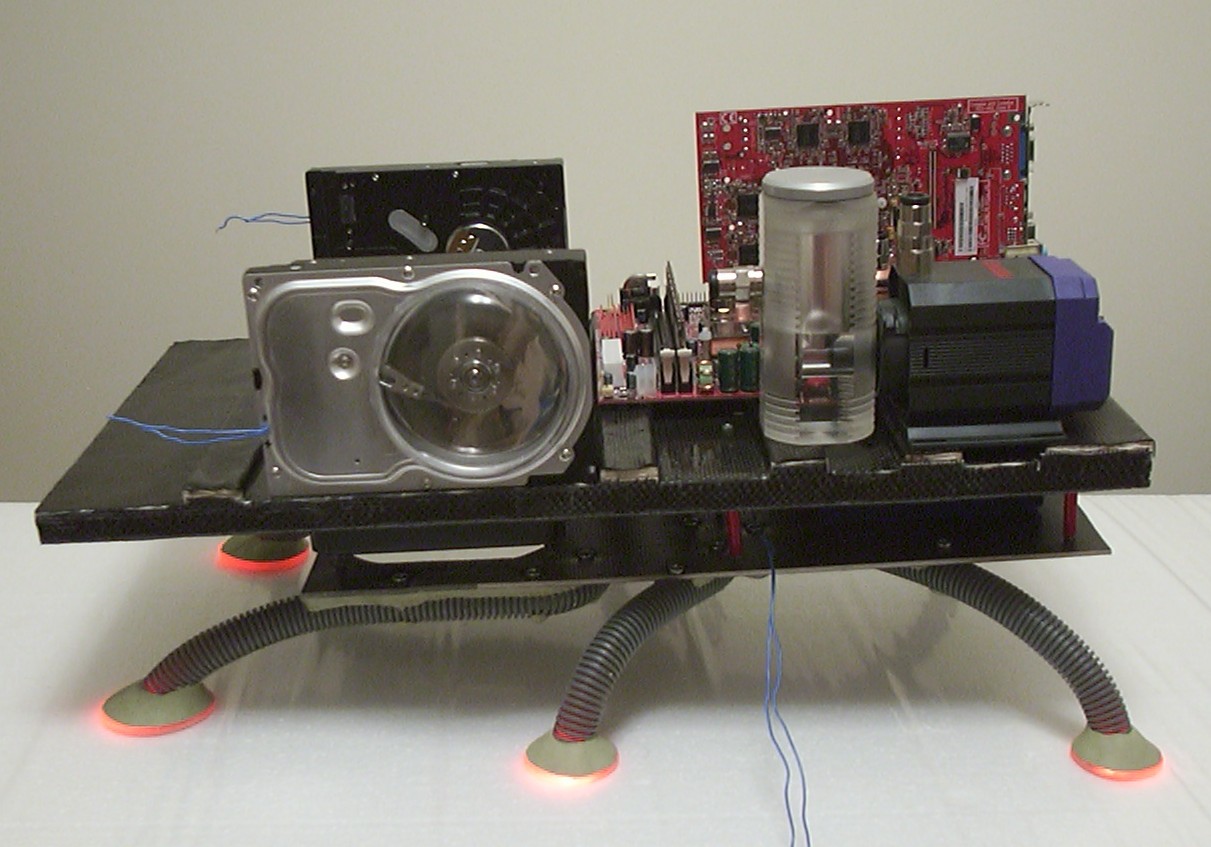
The first test to see how the final size and layout will be. A few construction steps have been done. First the feet epoxy has been cut to a more suitable shape and Milliput has been added. Another major step is that all spacers to be used between the two base plates are added as well.
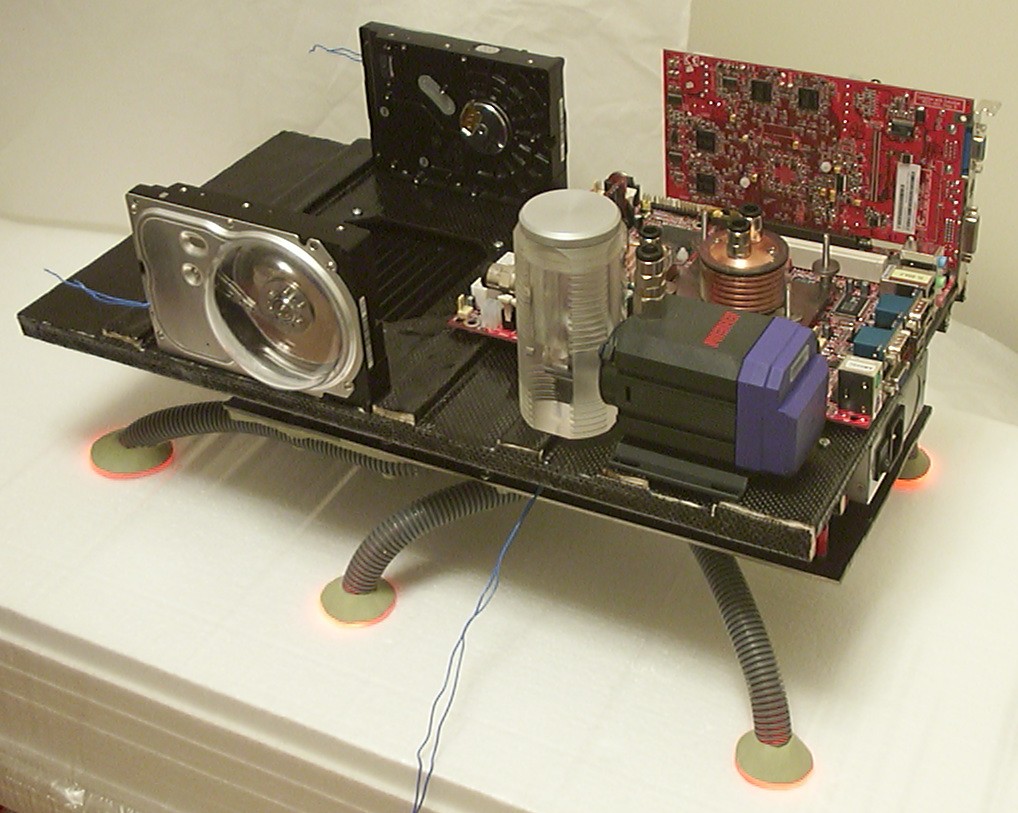
The new location of the PSU is far more suitable then before when it covered most of the view of the motherboard. The relocation of the pump is only good since all of a sudden the nice reservoir became visible.
Some carving done with the Dremel in the Milliput similar as was done on the techno-organic test piece. As i said before, Milliput is a lovely material to work with as long as you ain’t afraid of a lot of dust.
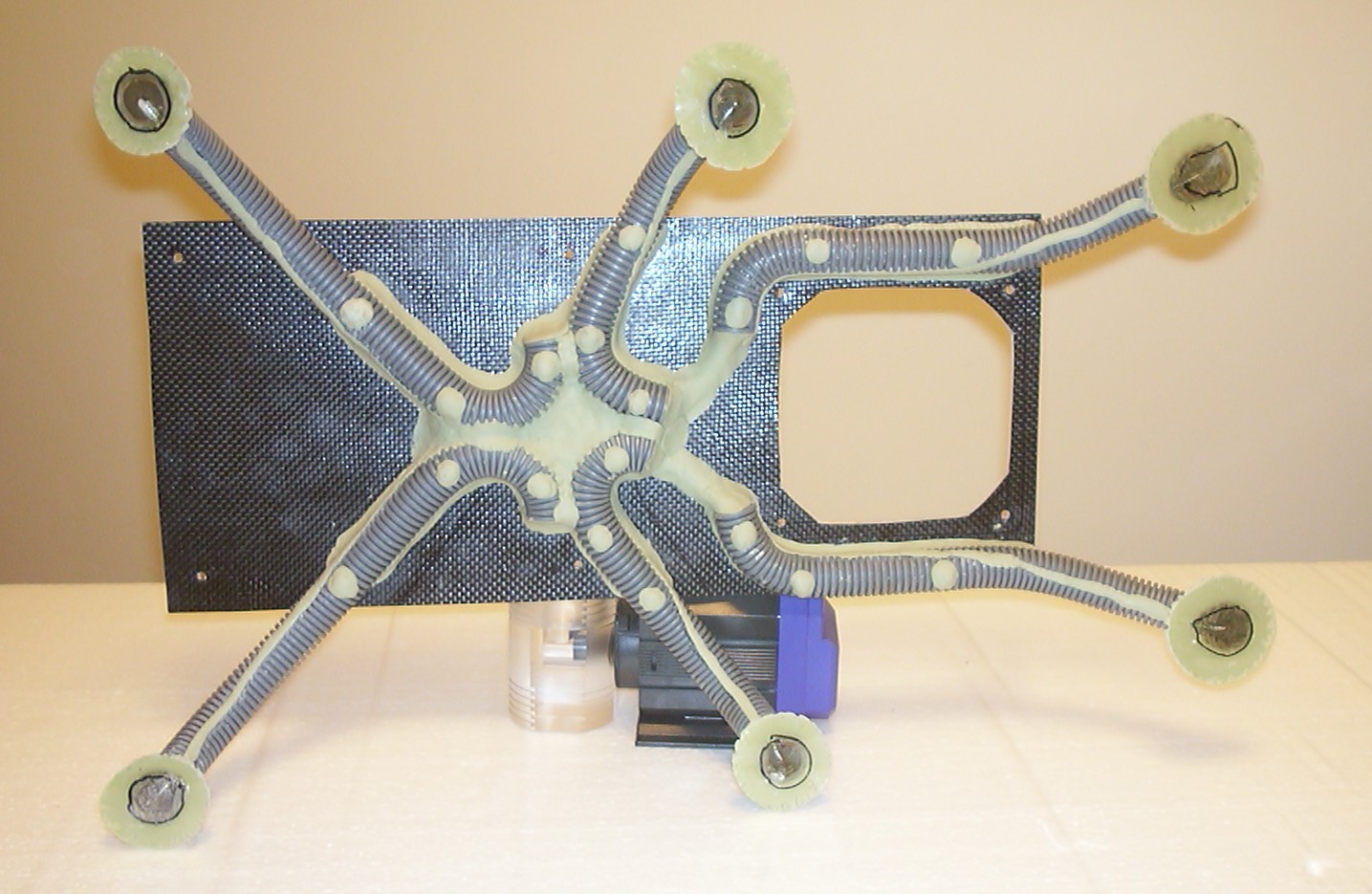
When I was adding Milliput to the feet I simply continued and covered most of the underside as well to give it a smooth and more natural look.
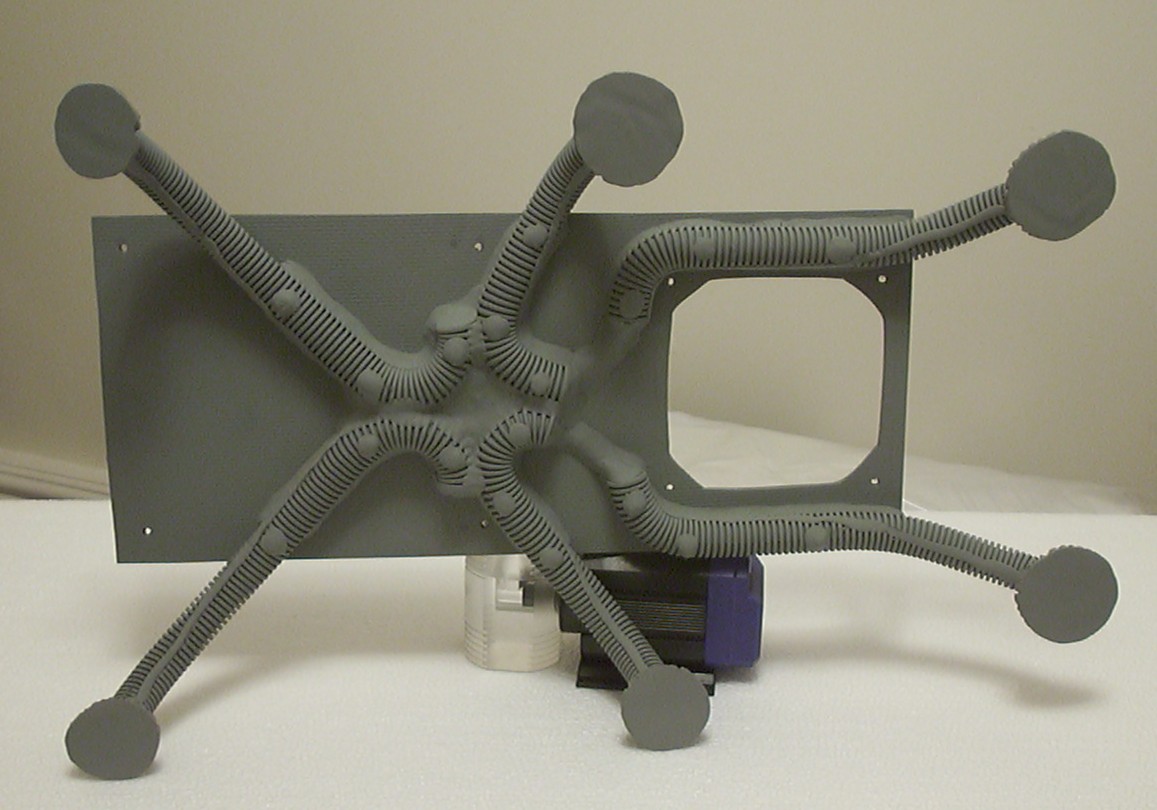
With all carving and shaping done a layer of primer was added covering up the carbon fibre as well as everything else.
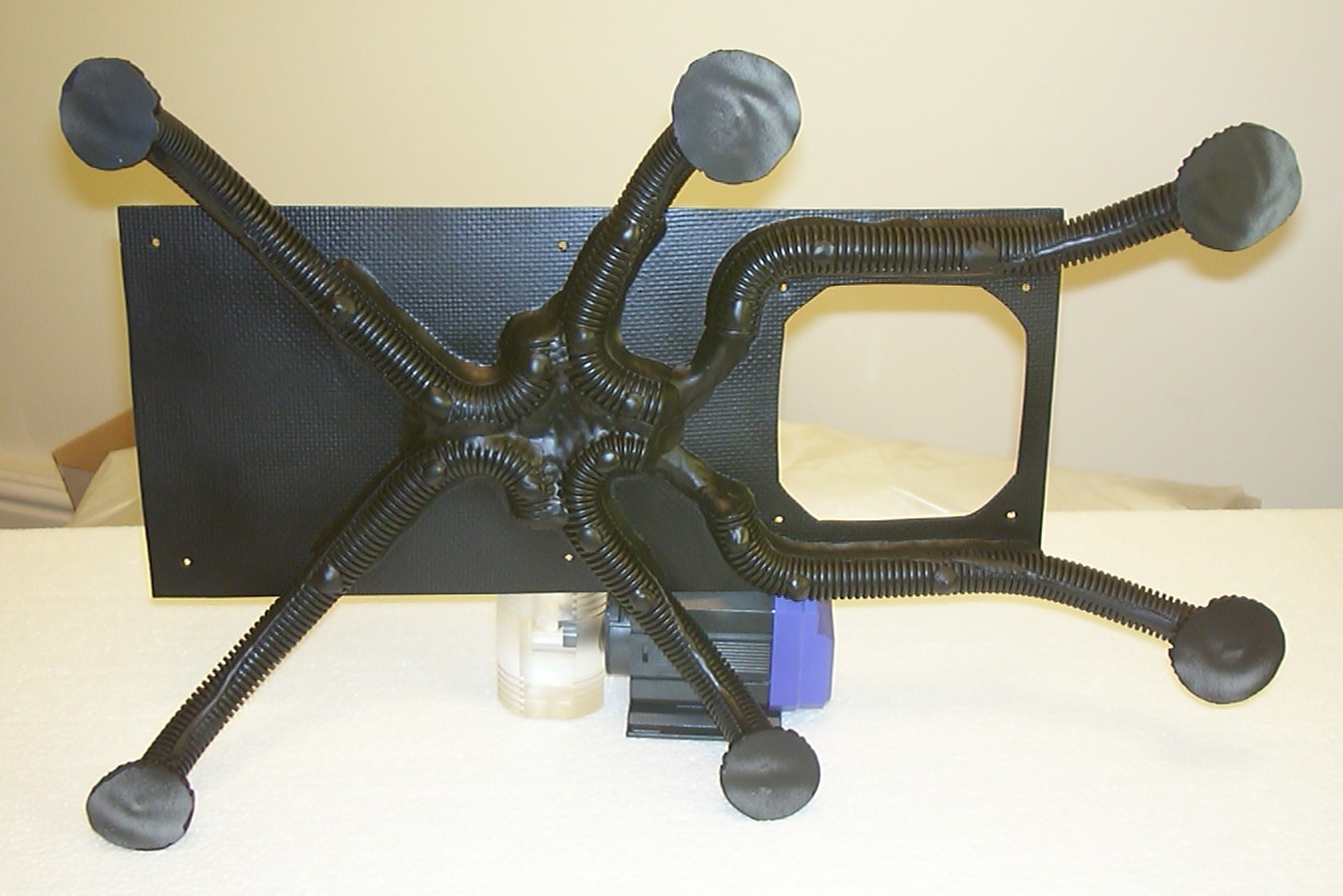
But the carbon fibre is not used in this case for looks but strength so I felt quite good when a layer of black was added as well.
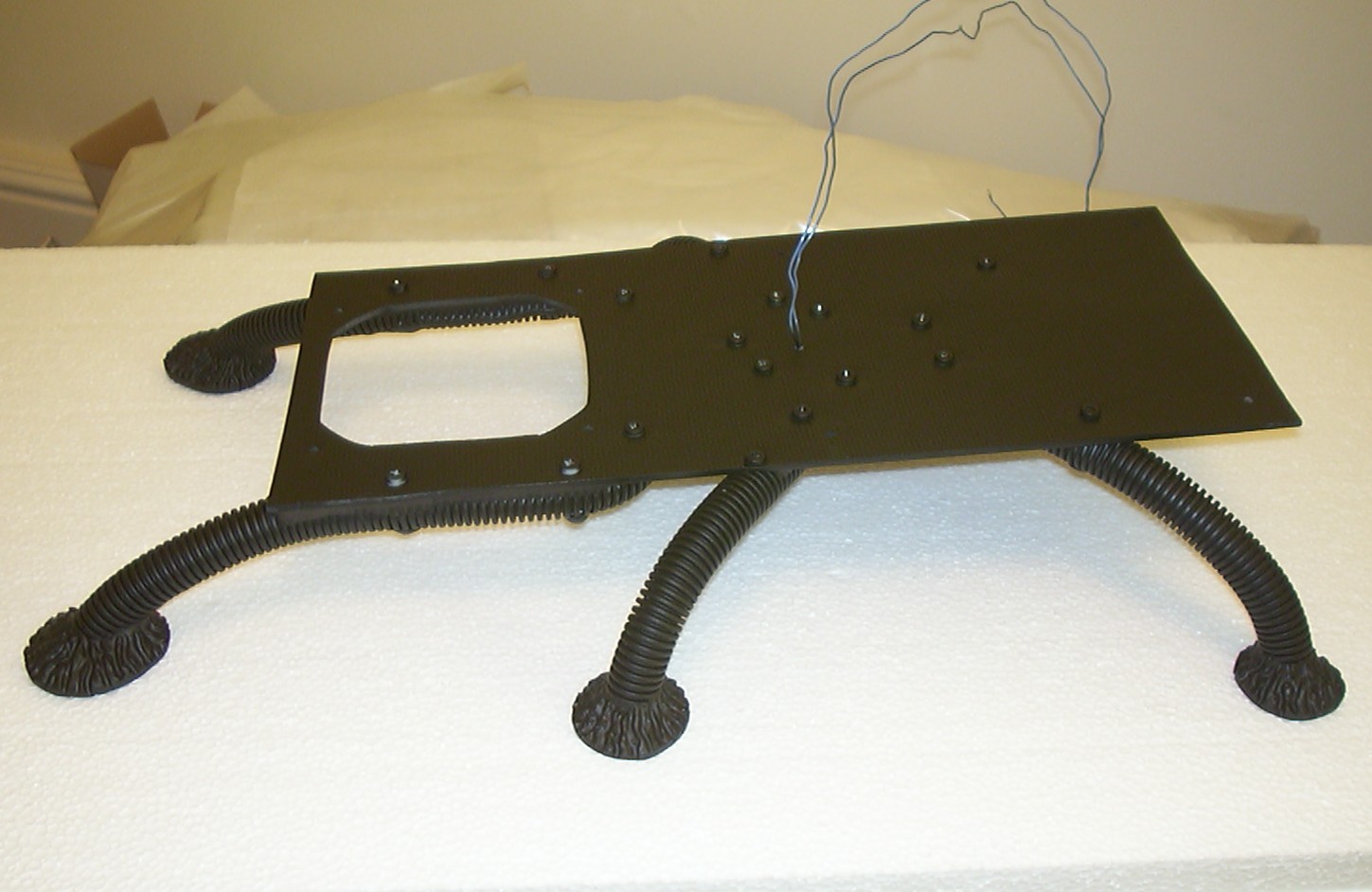
All painted, including my feet but that is another story. Just a tip don’t use spray paint when you have bare feet…
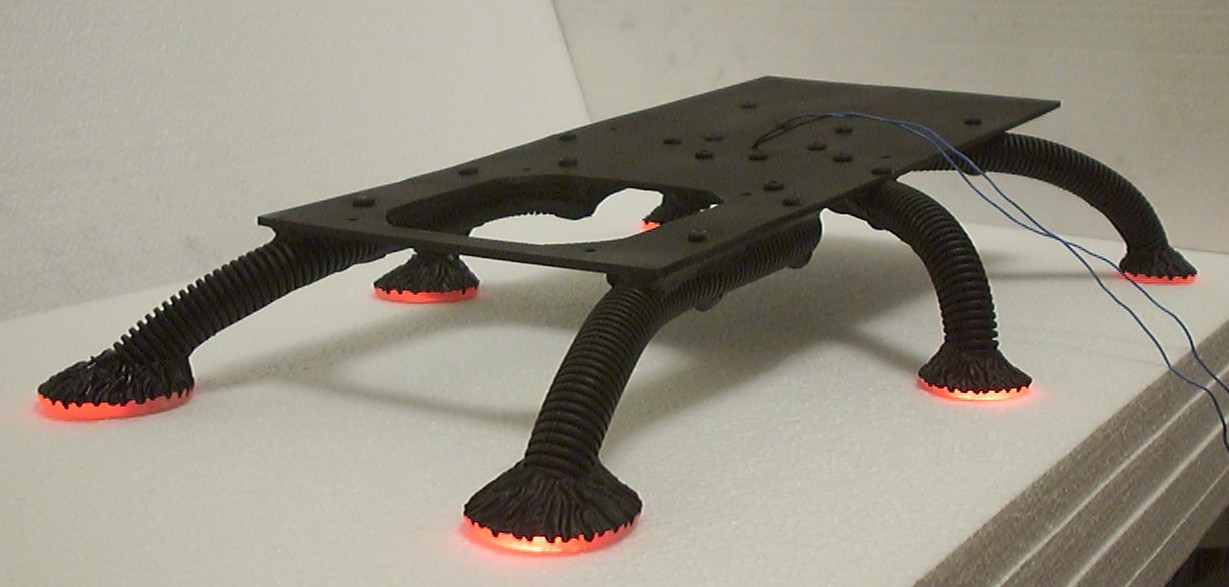
After I got my feet cleaned I continued to clean up the bug feet with the dremel and sandpaper so the red light could be visible once again.
Part 11
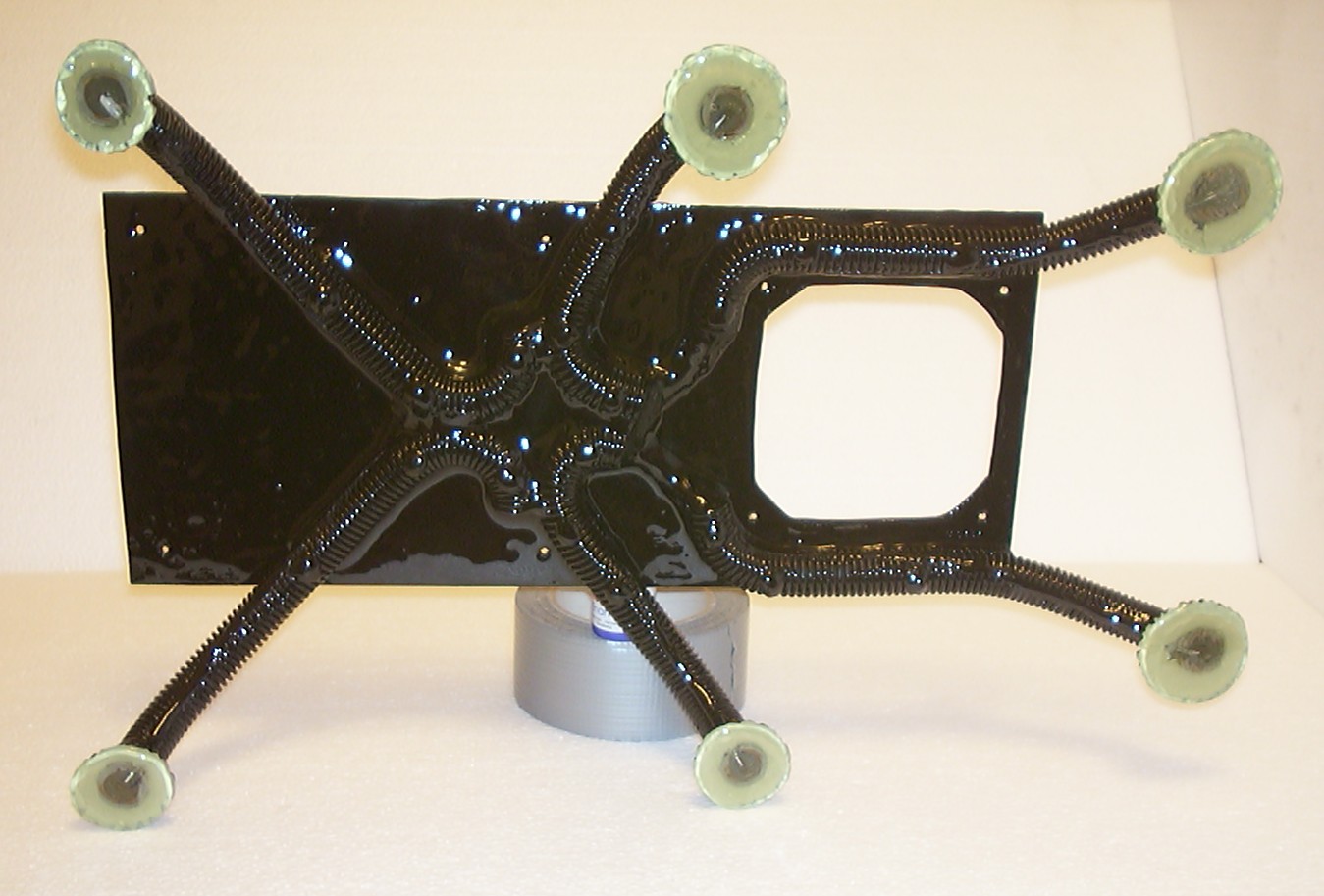
A thick layer of resin has been added to give the legs and the lower baseplate it’s final wet look.
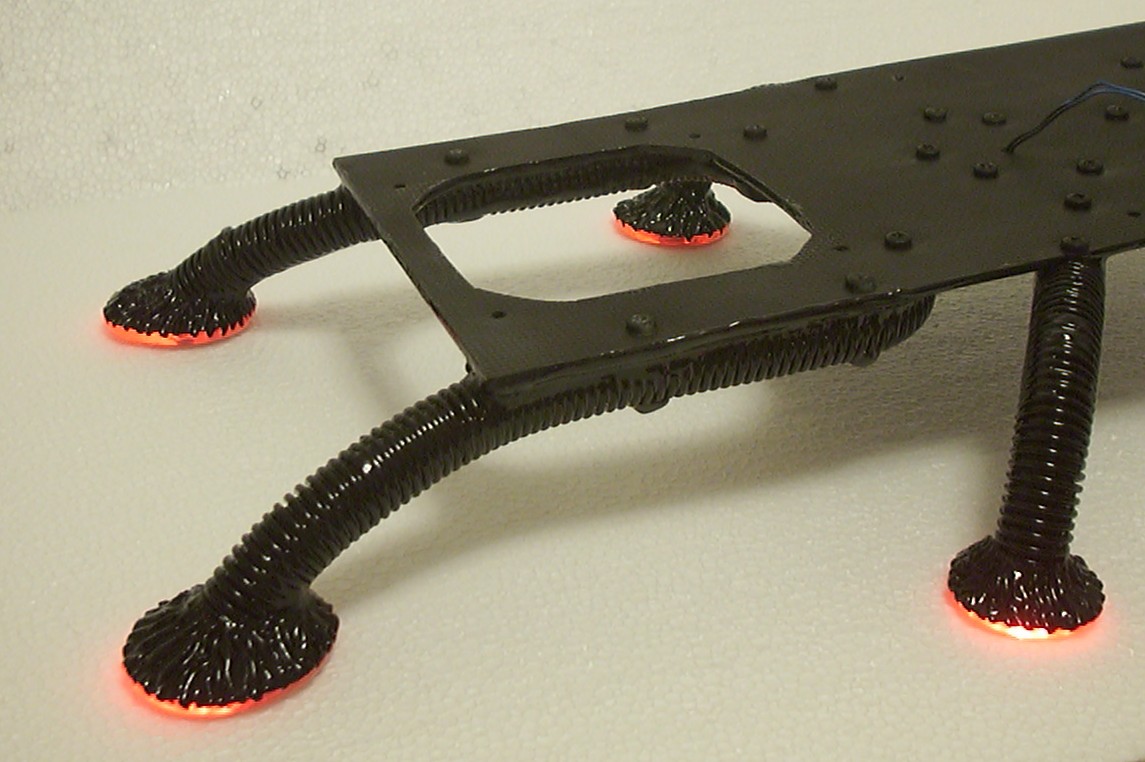
The transparent part of the feet were initially intended to be foggy but the treatment with 80 grit sandpaper was no match for the resin to convert back to nice and clear again. But on a second thought I can’t really complain about the result anyway…
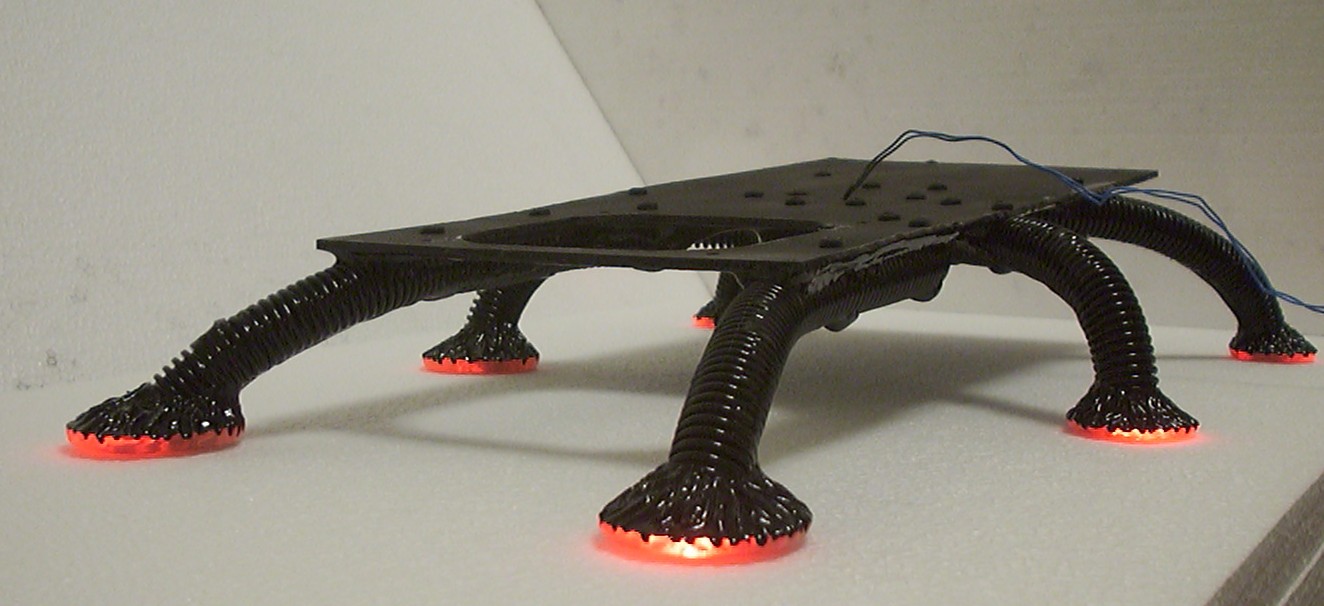
With this picture I can happily announce that all six legs are done together with the lower baseplate.
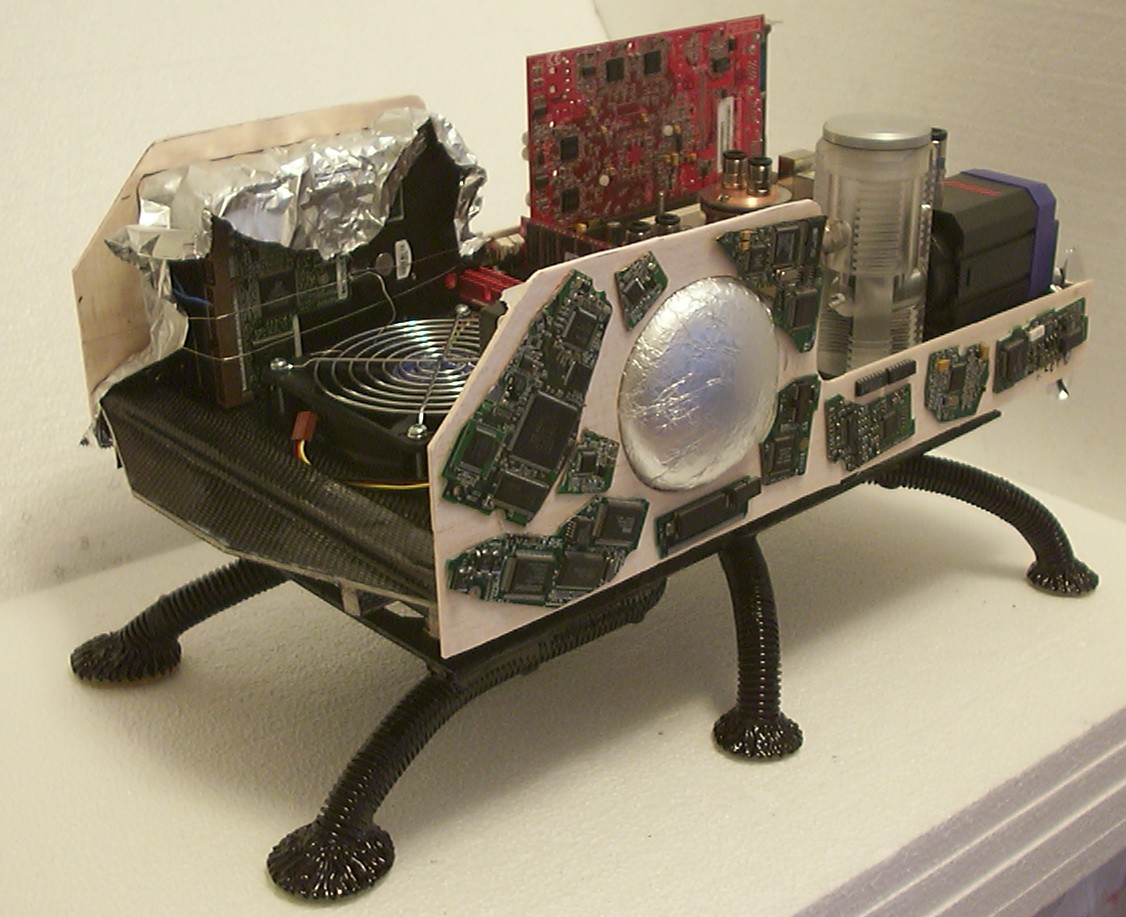
The sides are made out of 3mm balsa, this time not covered by carbon fibre since they won’t handle any major load. Some old circuit boards were hacked up and glued in place.
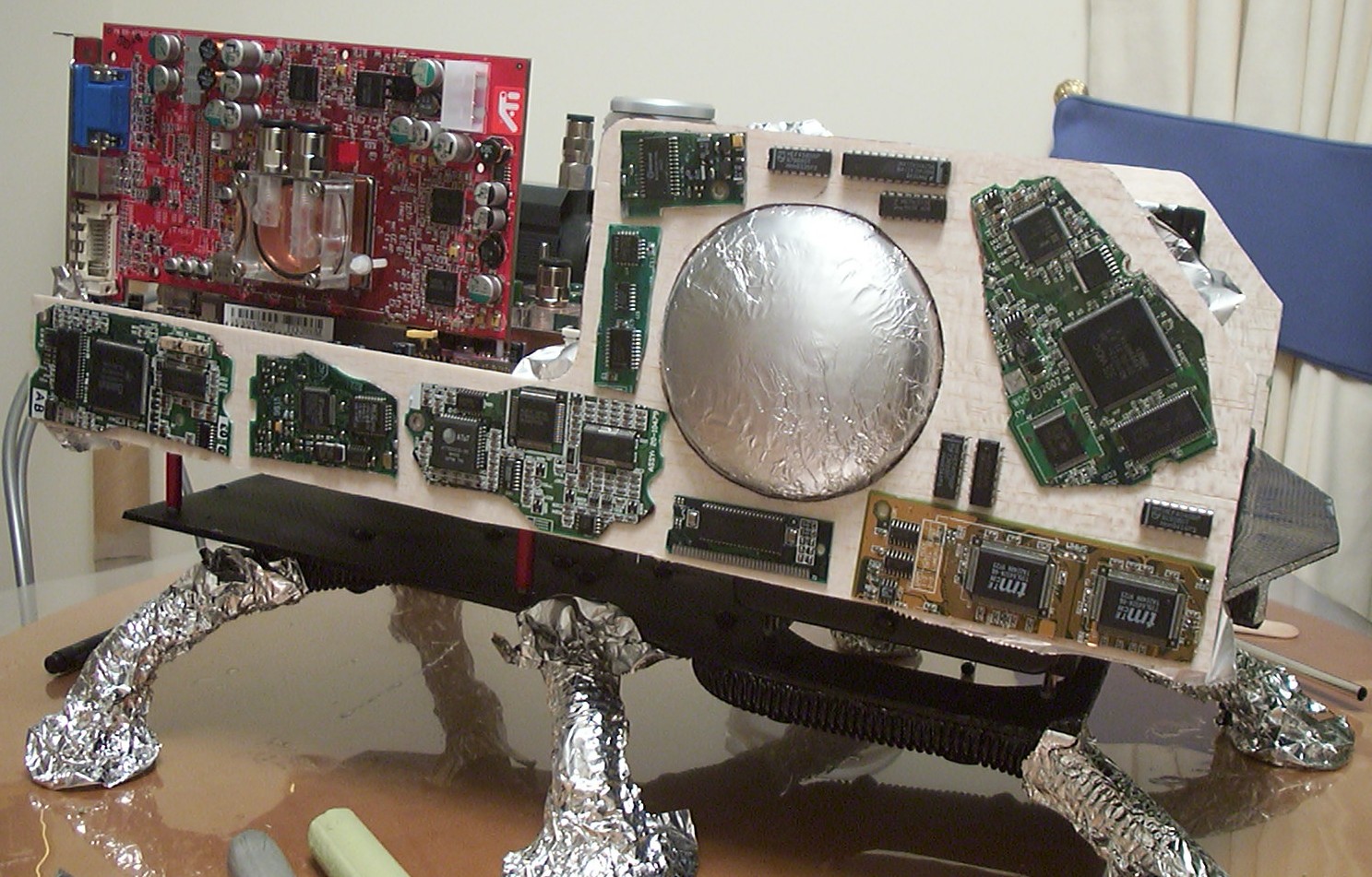
To make sure that not more areas then needed got assimilated by the techno-organic material aluminium foil is used for protection.
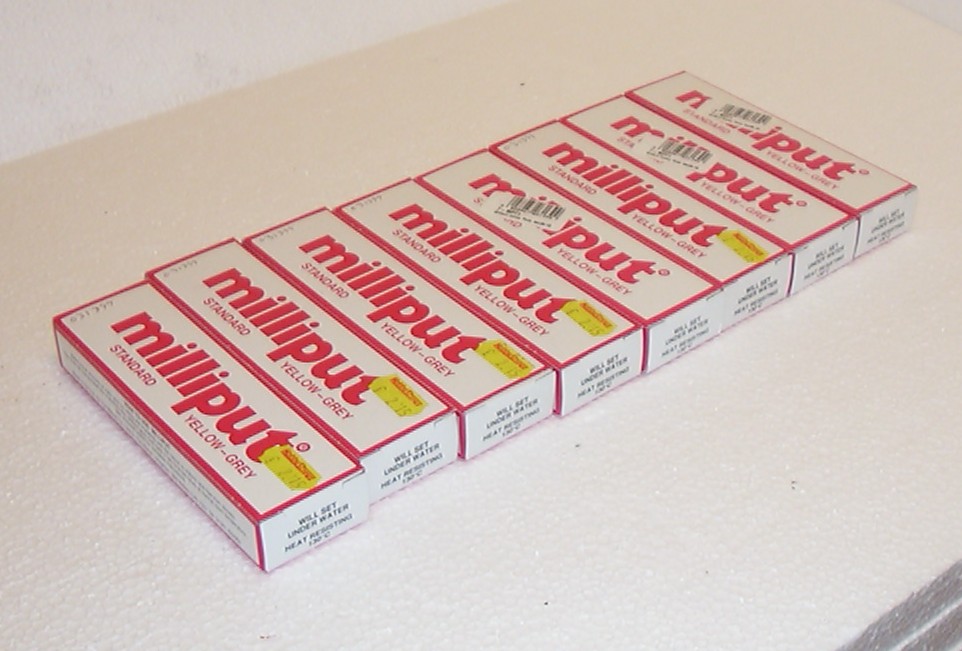
It’s like Neo in The Matrix: “Need guns, lots of guns” except Milliput…
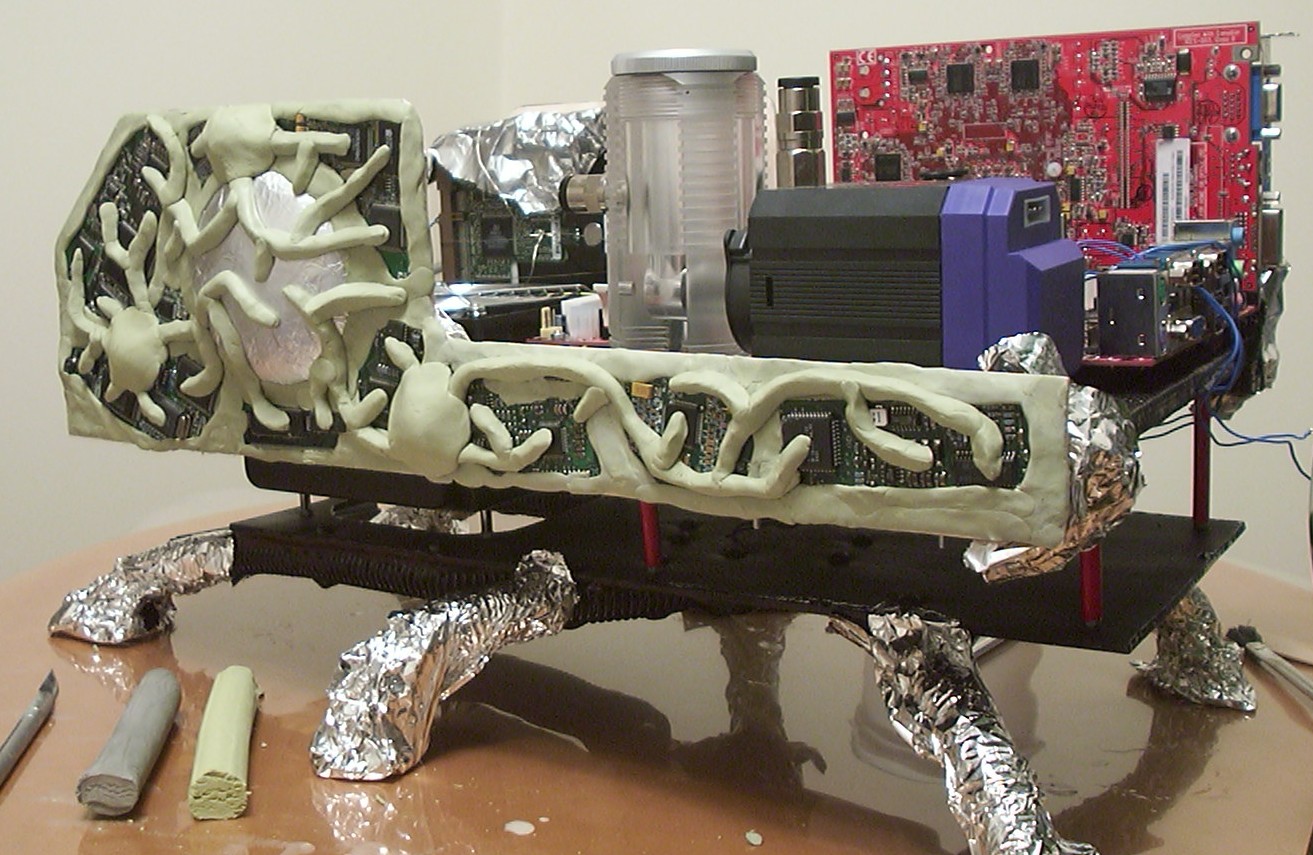
Armed with enough Milliput for once it was fun to feel the creativity flow in the veins. After a lot of kneading and shaping one more layer of material towards the techno-organic had been added.
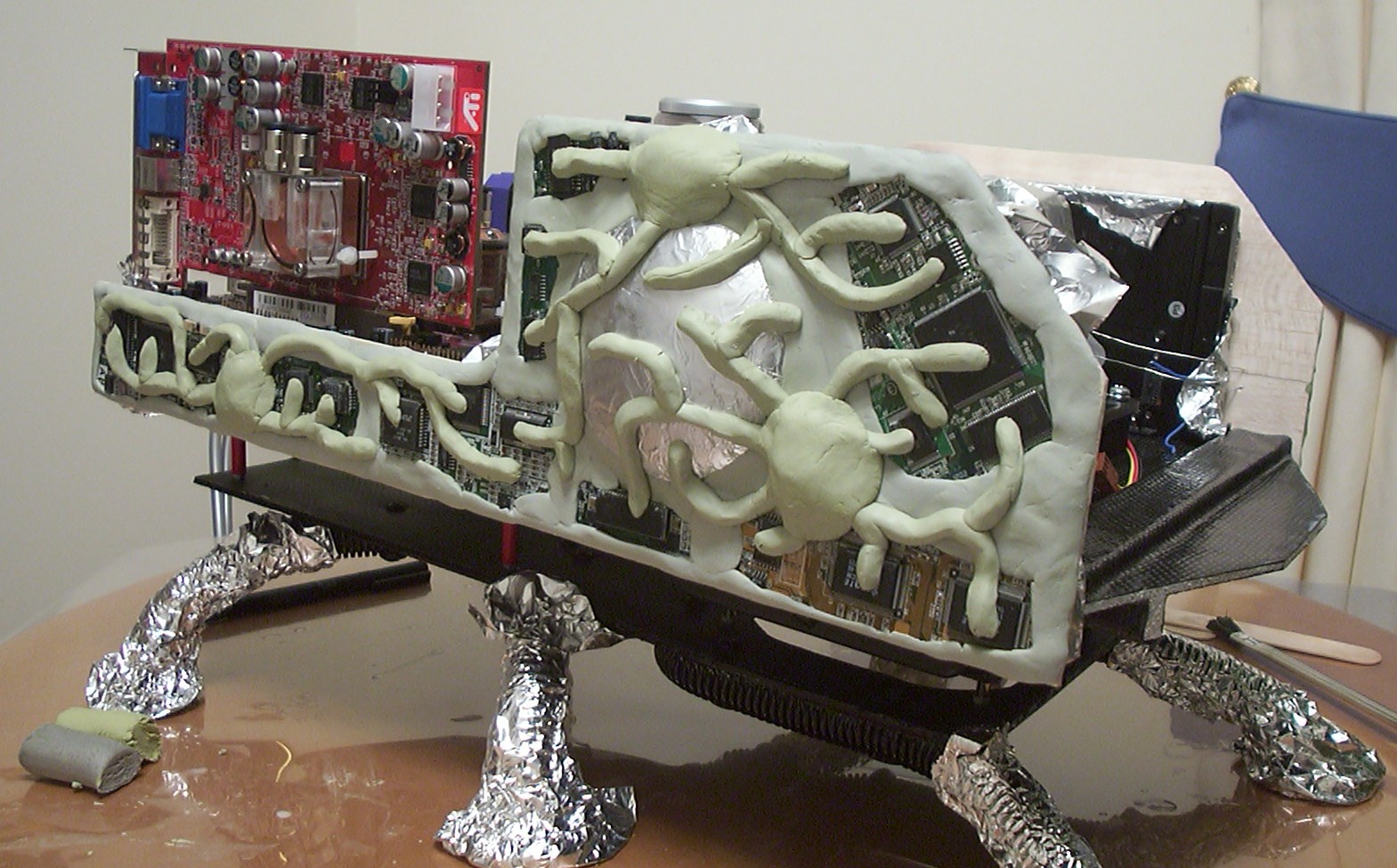
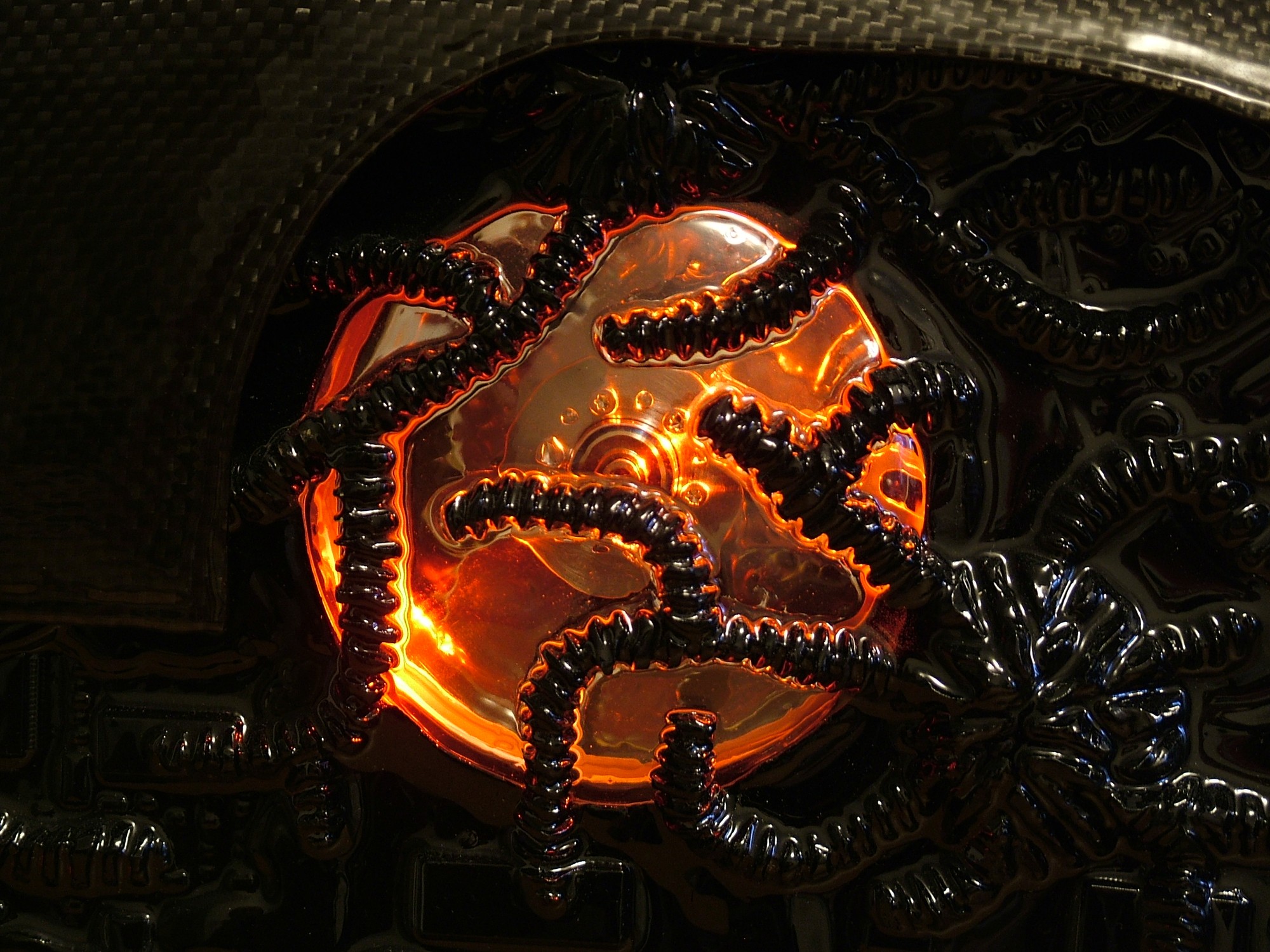
For a slightly more evil look I decided to have the veins go across the eyes as well and with nothing actually moving on the inside it was quite suitable to decrease the visibility anyway.
Part 12
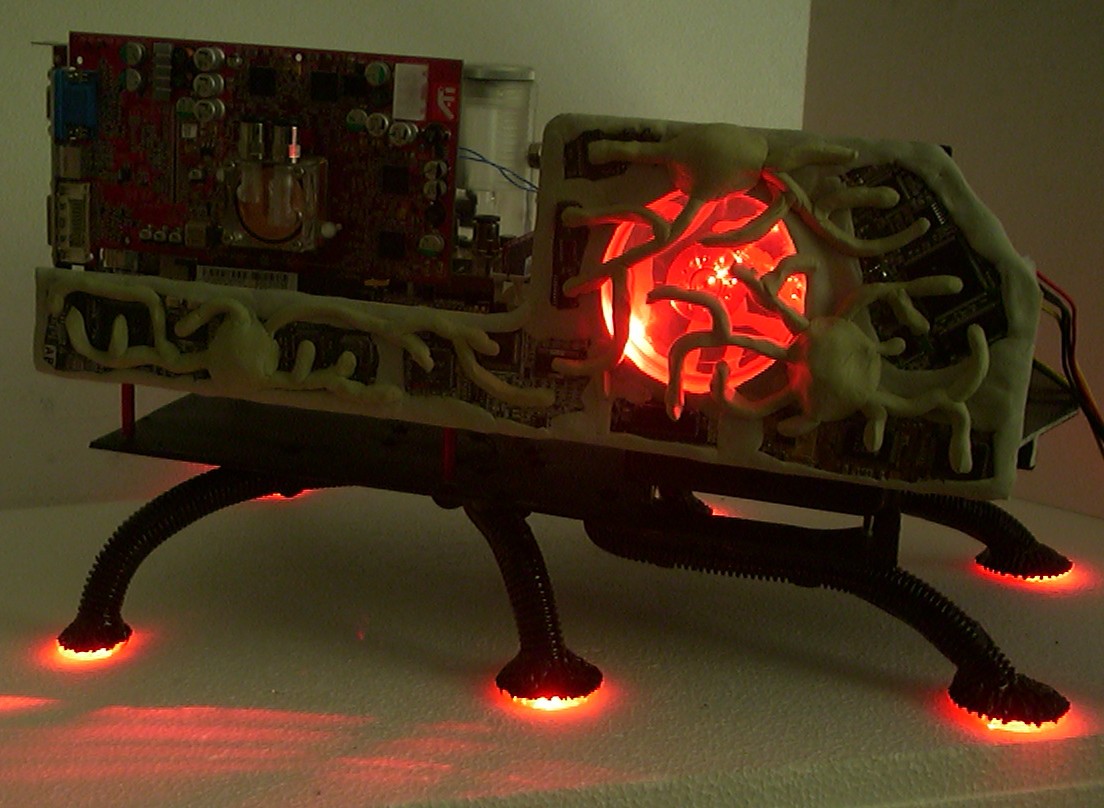
With the aluminium foil removed the eye is revealed for it’s full glory. I wonder if this case might be suitable to scare little kids with when done…
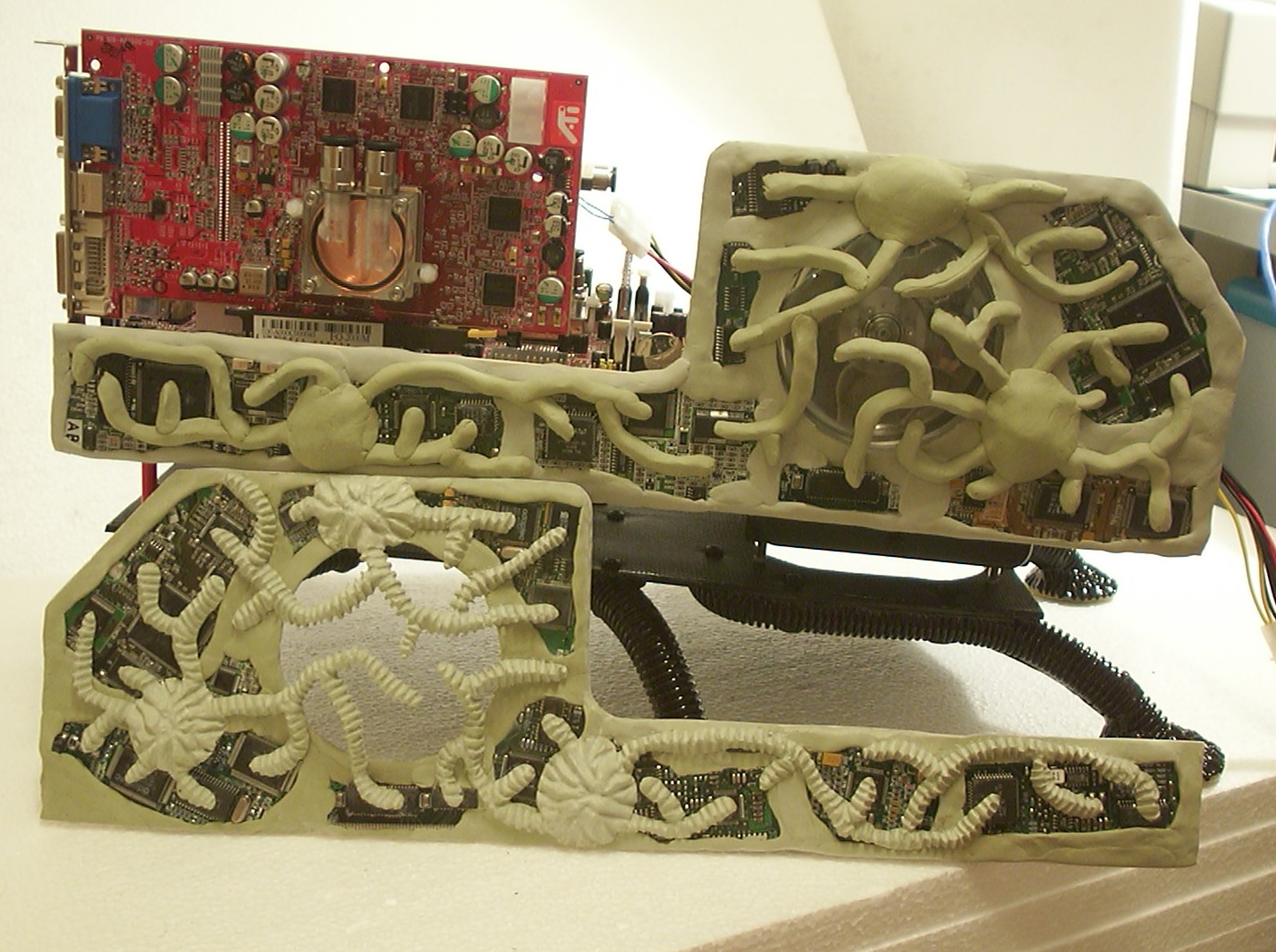
The tedious job of carving the Milliput with the Dremel is halfway through.
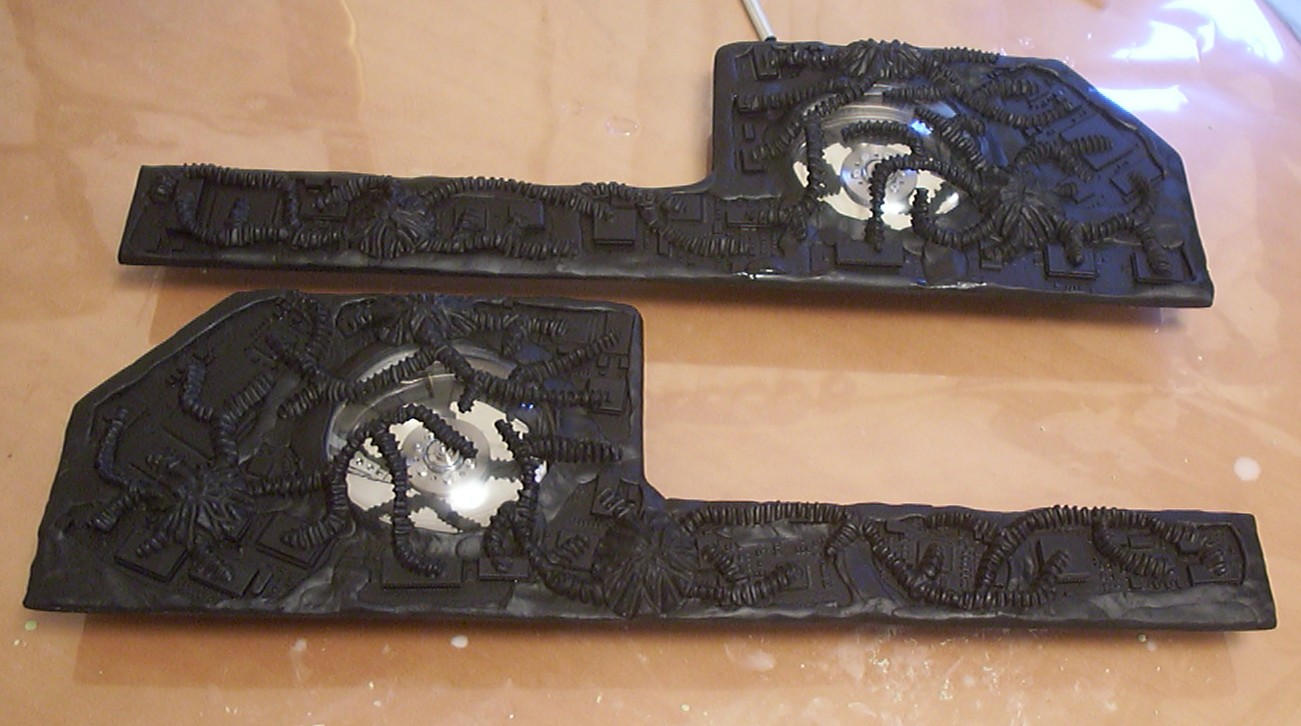
The carving of both sides done and paint applied.
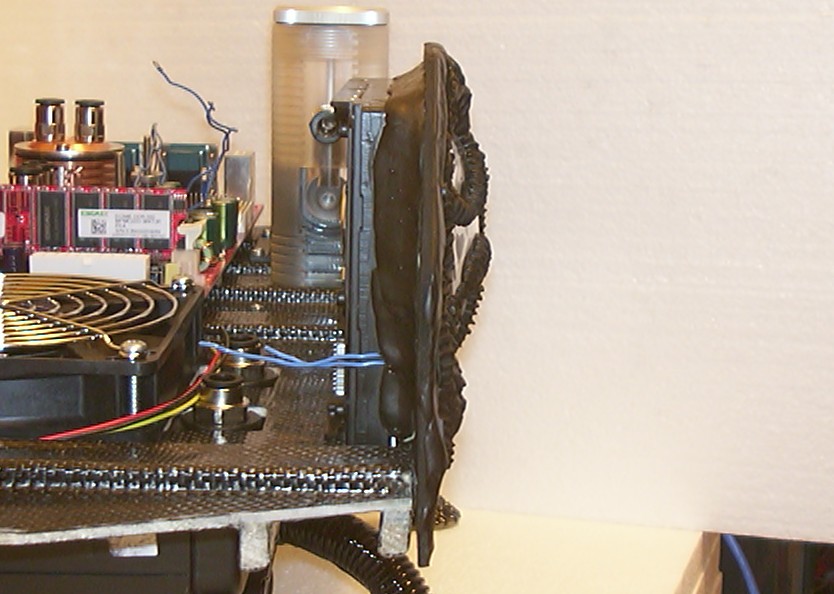
To make the installation easier of the side panels they have been attached to the dead hard drives with some Milliput. By doing this the HDD screws will hold both the drives and sides in place. Also note how thick the layer of the techno-organic material is.
Side panels ready for the final coating.
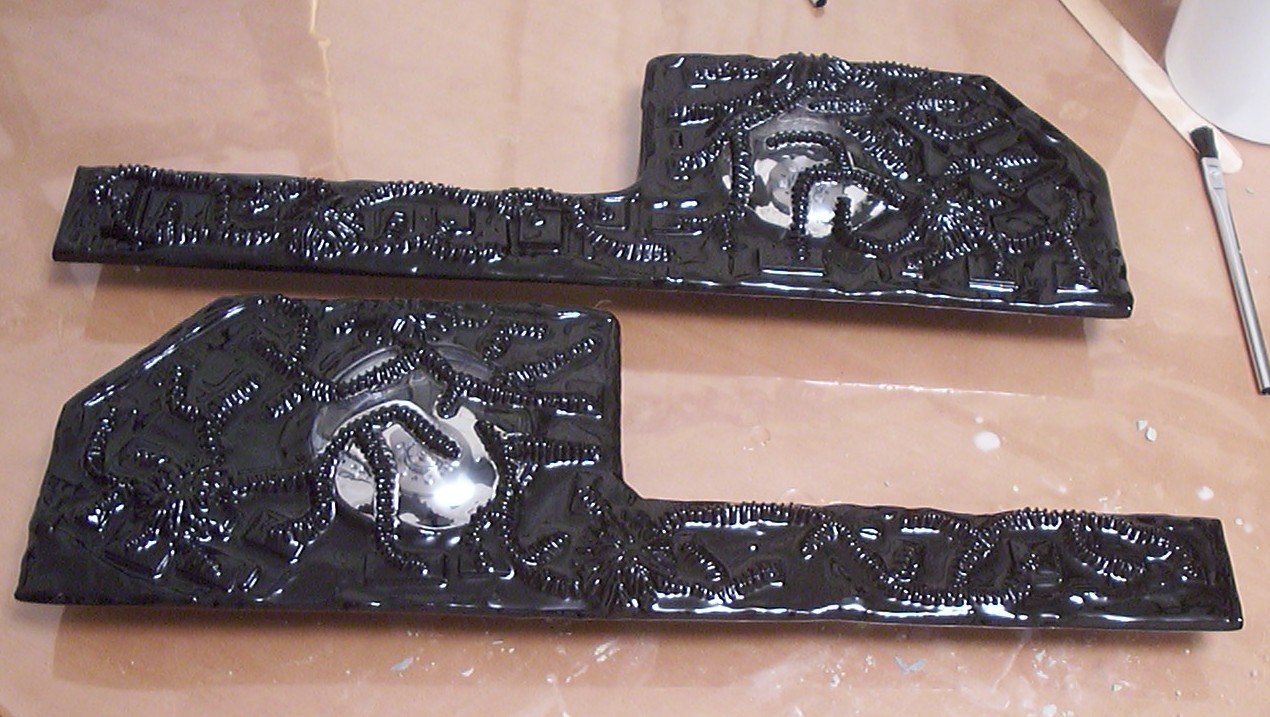
Final coating done with resin producing the final “wet” look.
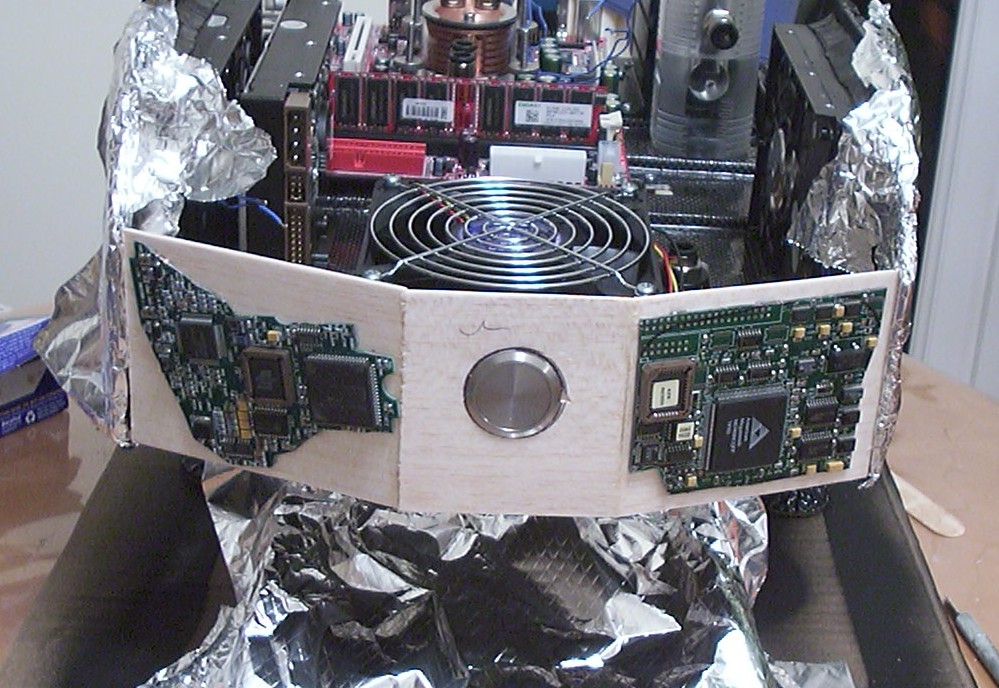
The base of the front is again 3mm balsa. To not end up with a shoe box on legs the front has been slightly curved. The big push button is the stainless steel version of the 30mm vandal resistant buttons used in Project Anemone.
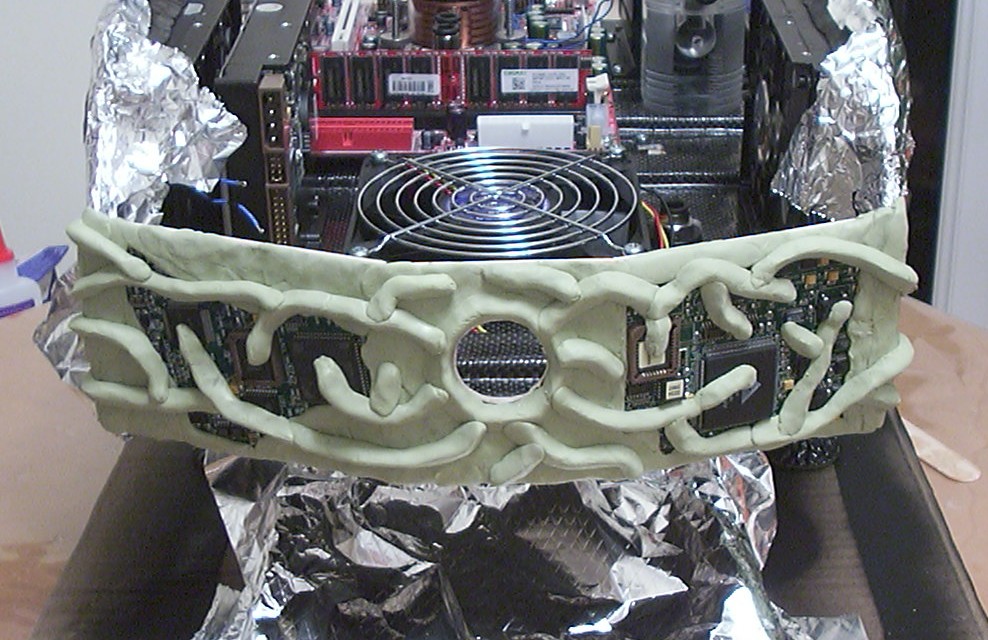
Two packages of milliput later and a techno-organic pattern start to show up. The modeling is done directly on the case so the front can get smooth edges around the sides panels and hence the reason for the aluminium foil.
Part 13
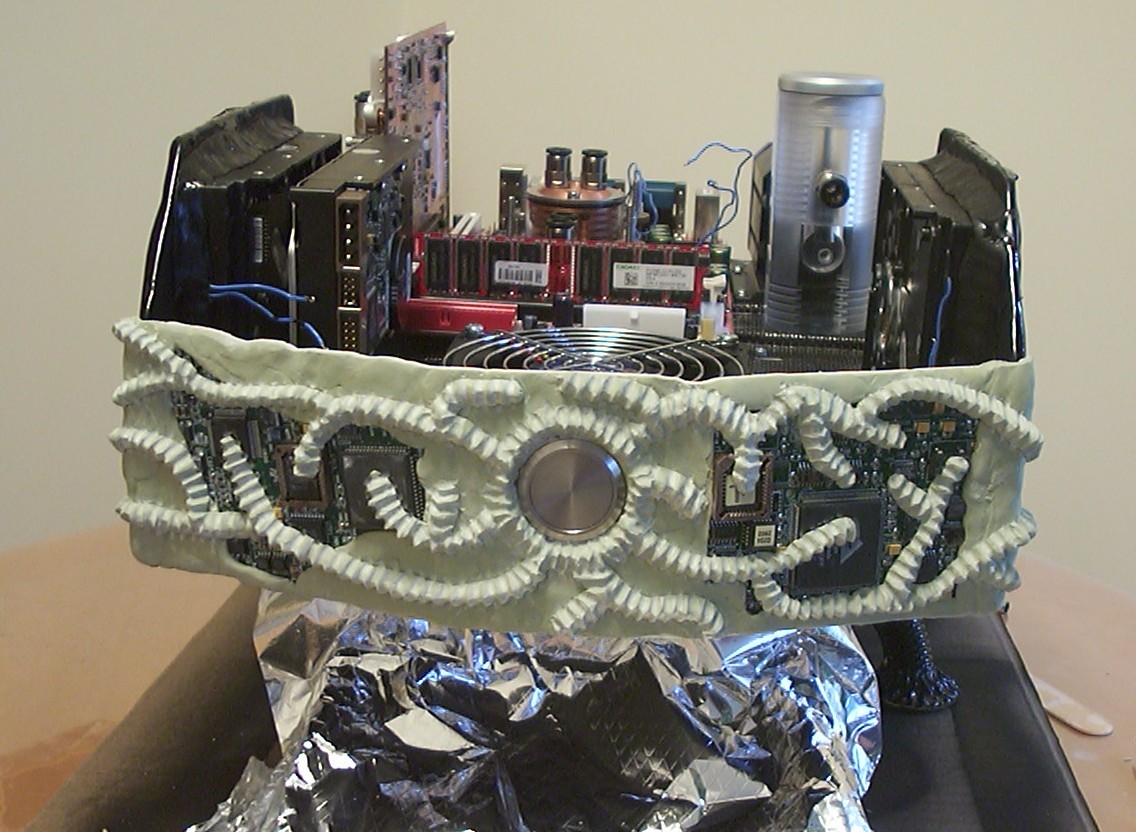
After about 2h with the dremel all carving is done.
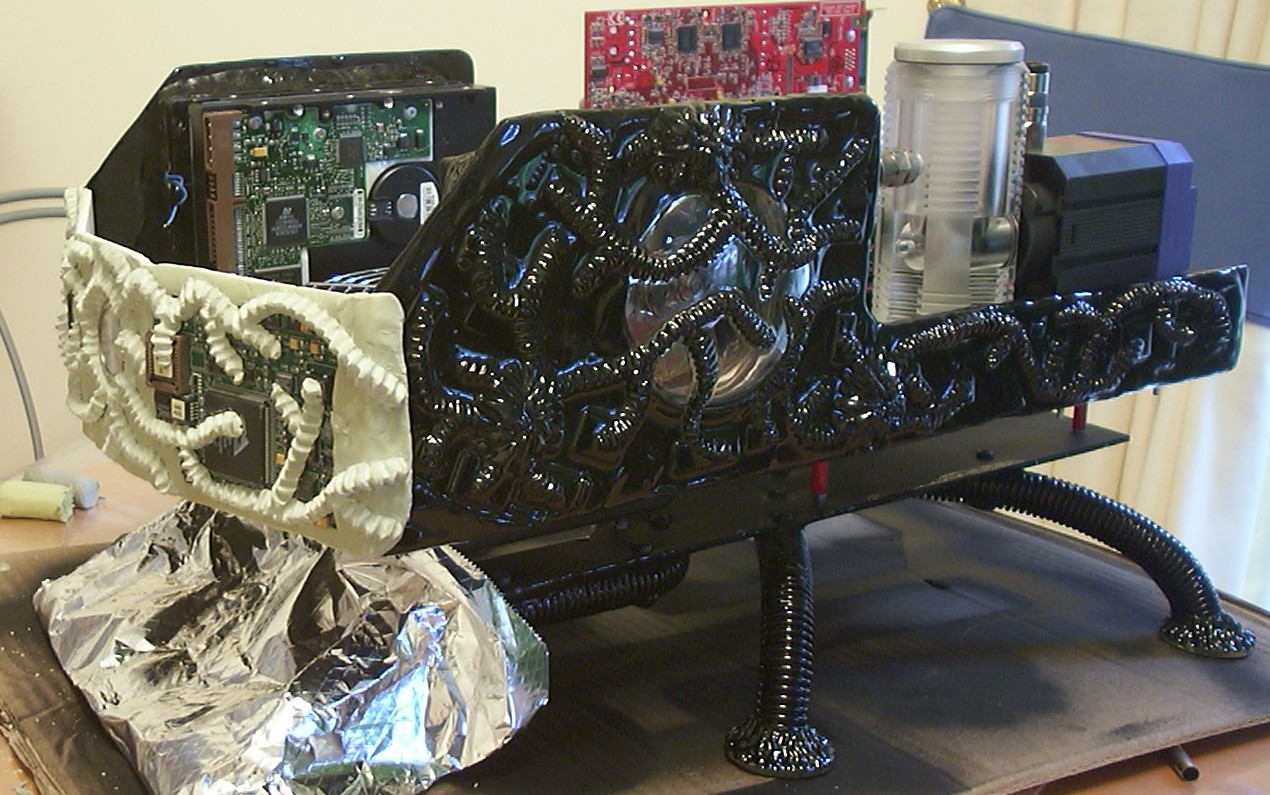
Another view to show how the front curves and also how the sides are overlapped.
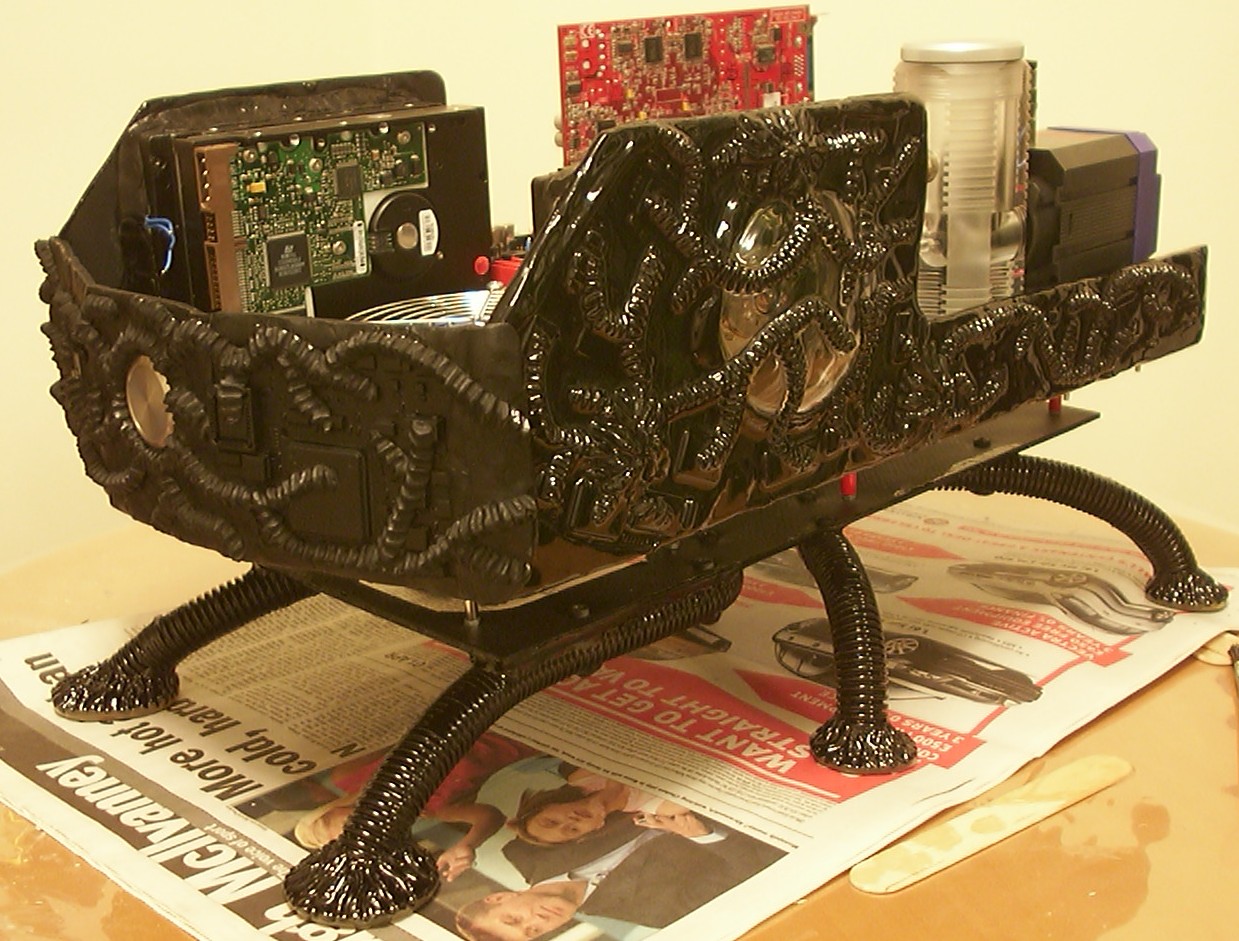
One step closer to completion with paint added.
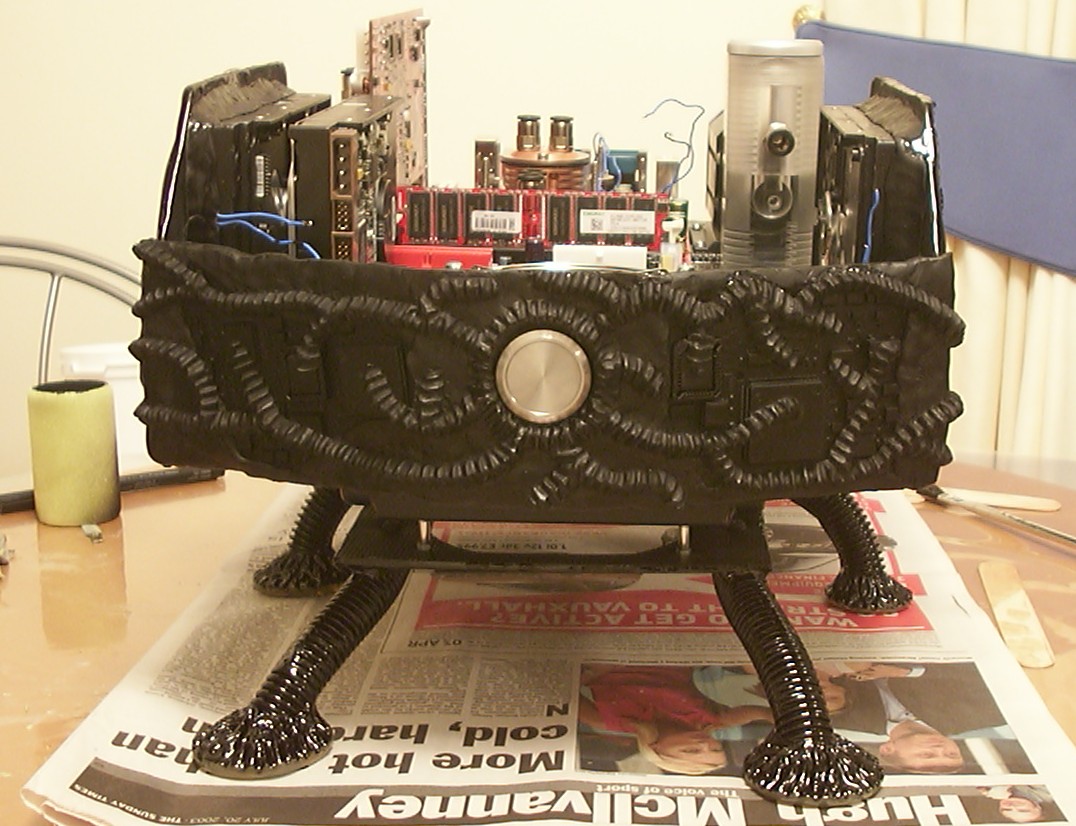
One button, only one button, that is all you will see on this computer and as you can guess it is for the power.
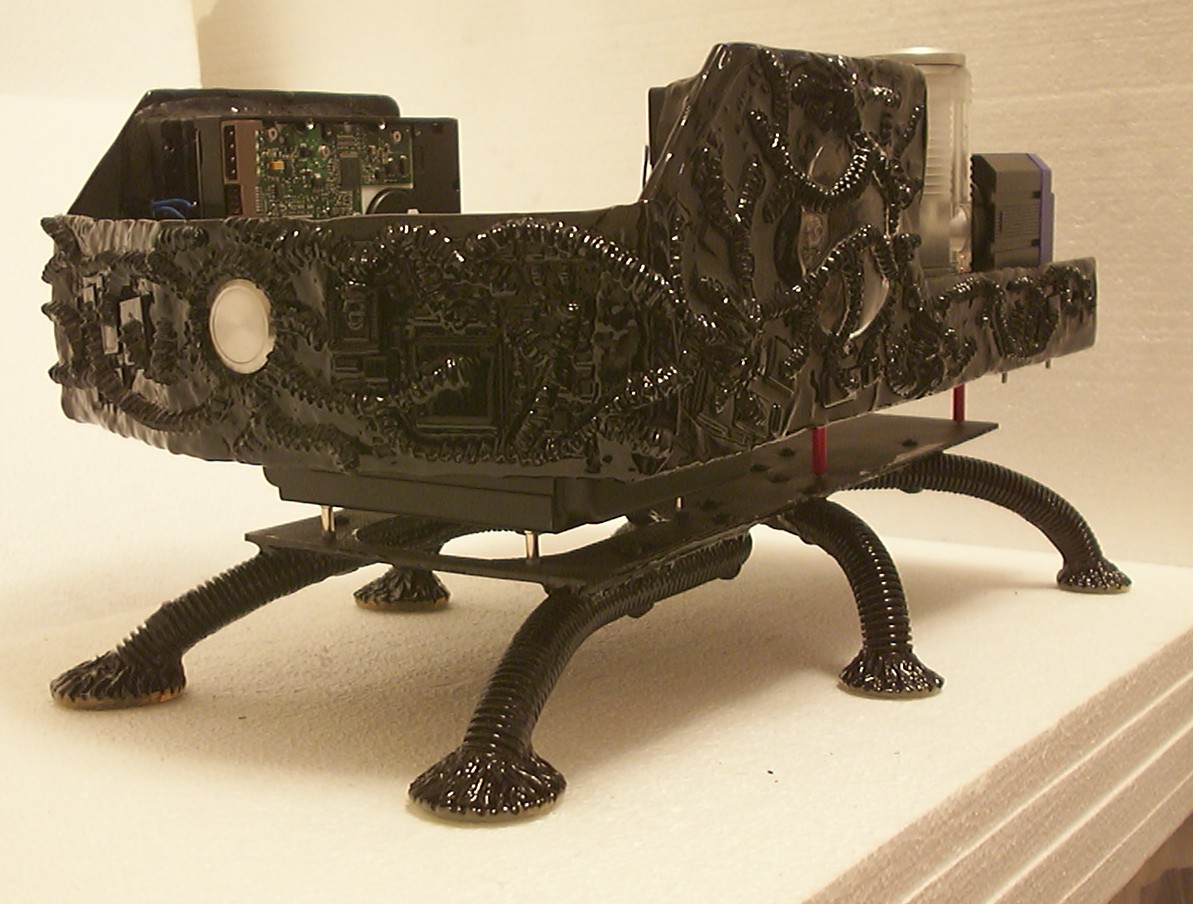
Front panel completed and the result is very glossy. This is how it looks like without flash.
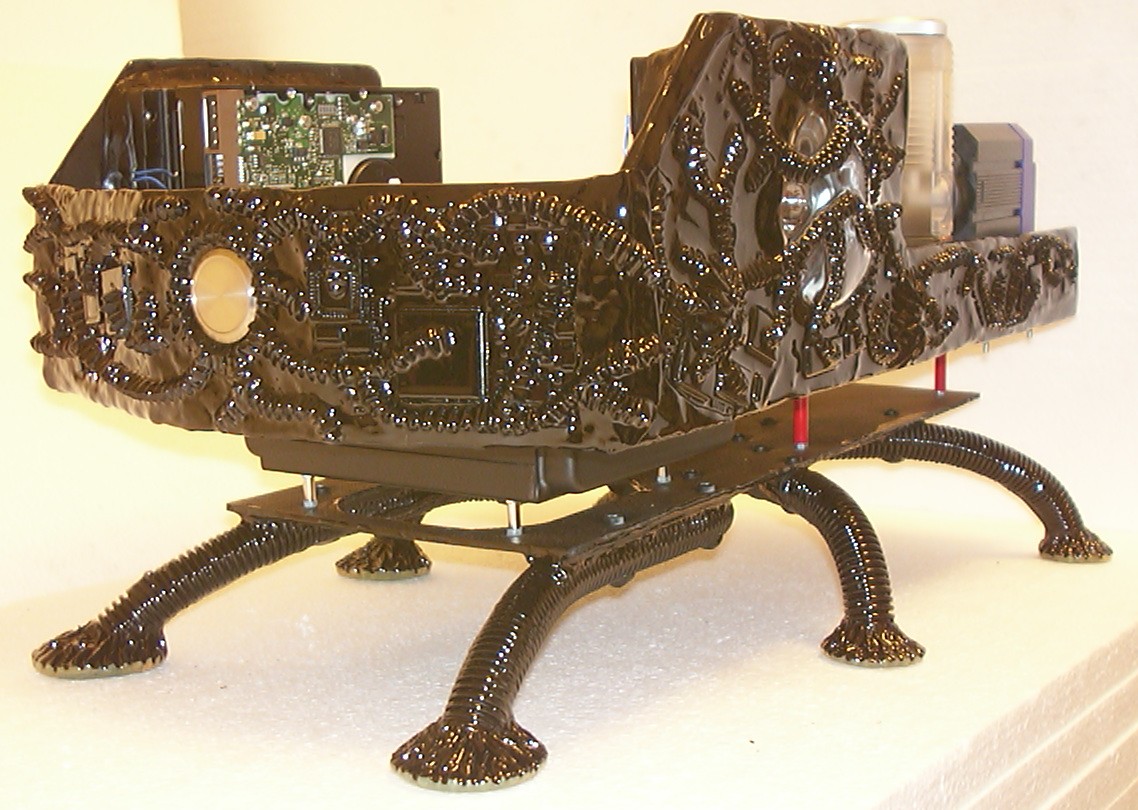
With the use of flash you can see all the small details.
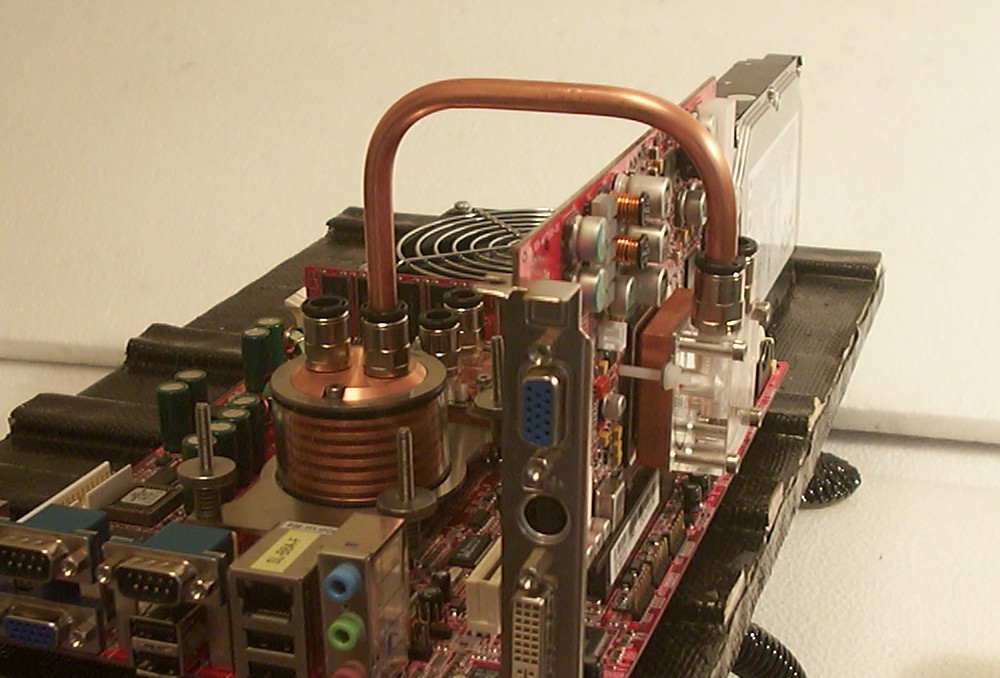
Time to move on with the internals. As you might remember from the first page I planned to use copper tube for the watercooling. It worked fine to use push in fittings with copper tube as long as only one side of the tube was attached to a fitting, as soon as both ends were attached to fittings the problems began. All of a sudden it was impossible to remove the copper tube from the grip of the fittings, the tube above had to be cut in half so it could be removed…
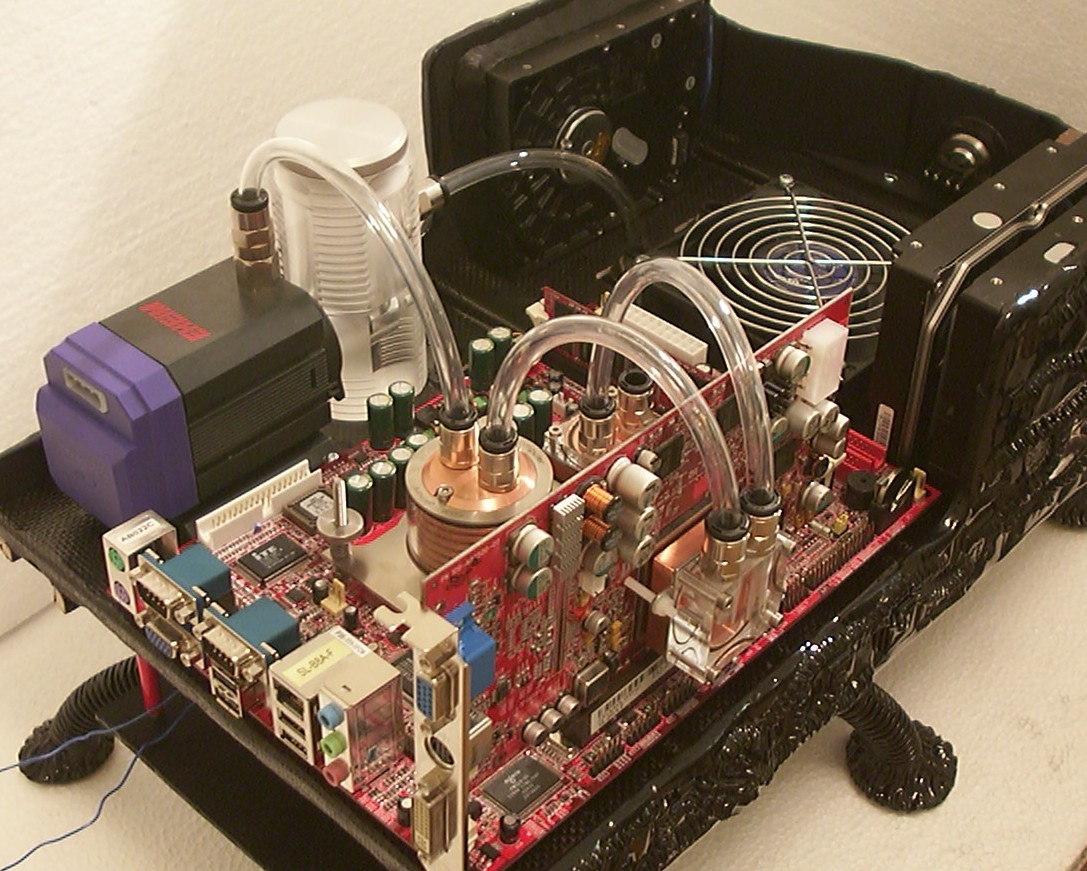
Not being too happy scrapping one of the main planned features I contacted Wizard Designs to see what they had to offer as a backup plan. A new arrival of clear Plug&Cool tube was suggested and what can I say, the result is amazing. I’m almost happy the copper tube idea didn’t work out.
Part 14
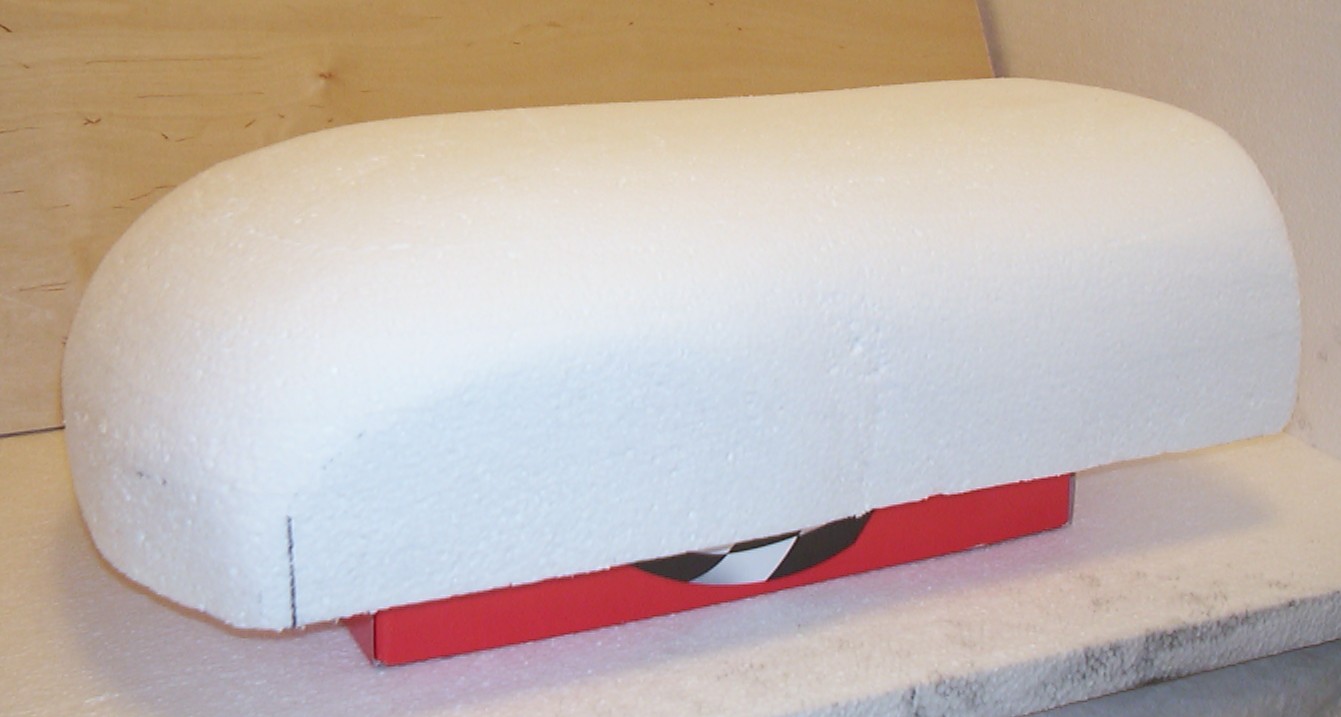
With most of the internals done it was time to measure everything yet again to create the mould for the top shell. Normal 1" insulation foam was glued together with silicone to get the proper thickness. When this shape was reached I felt like Santa Clause with white foam dust absolutely everywhere.
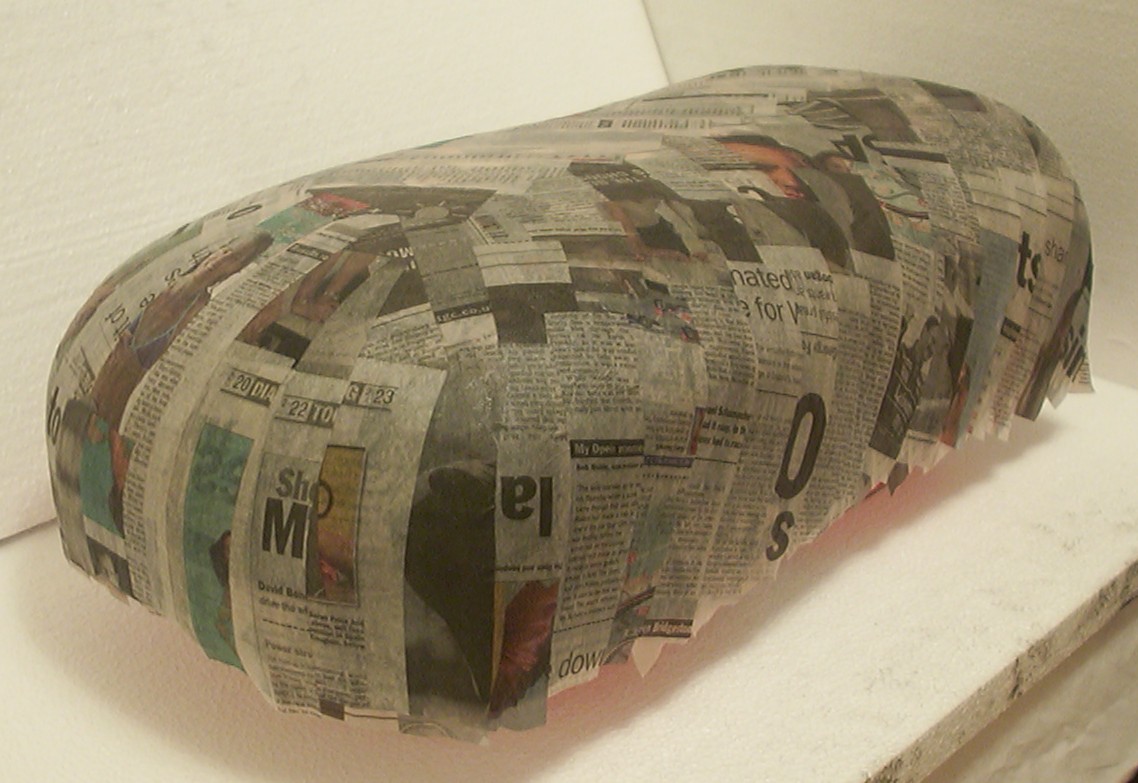
To make the mould a lot smoother a couple of layers of news paper was glued in place using wallpaper adhesive, a technique known as papier marche.
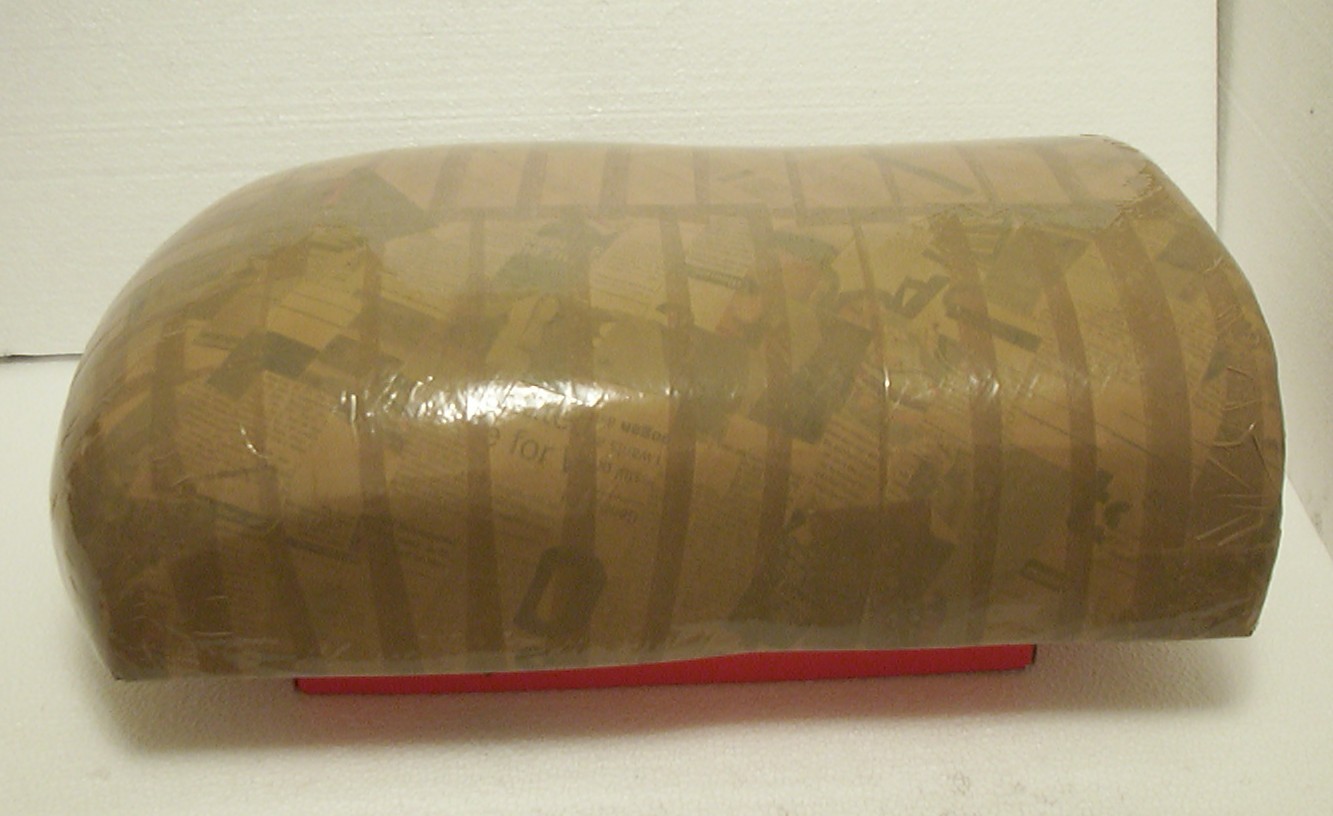
When the paper layer was dry an even smoother layer of plastic was added in the form as normal brown tape and to make it epoxy friendly a thick layer of aerosol wax was added.
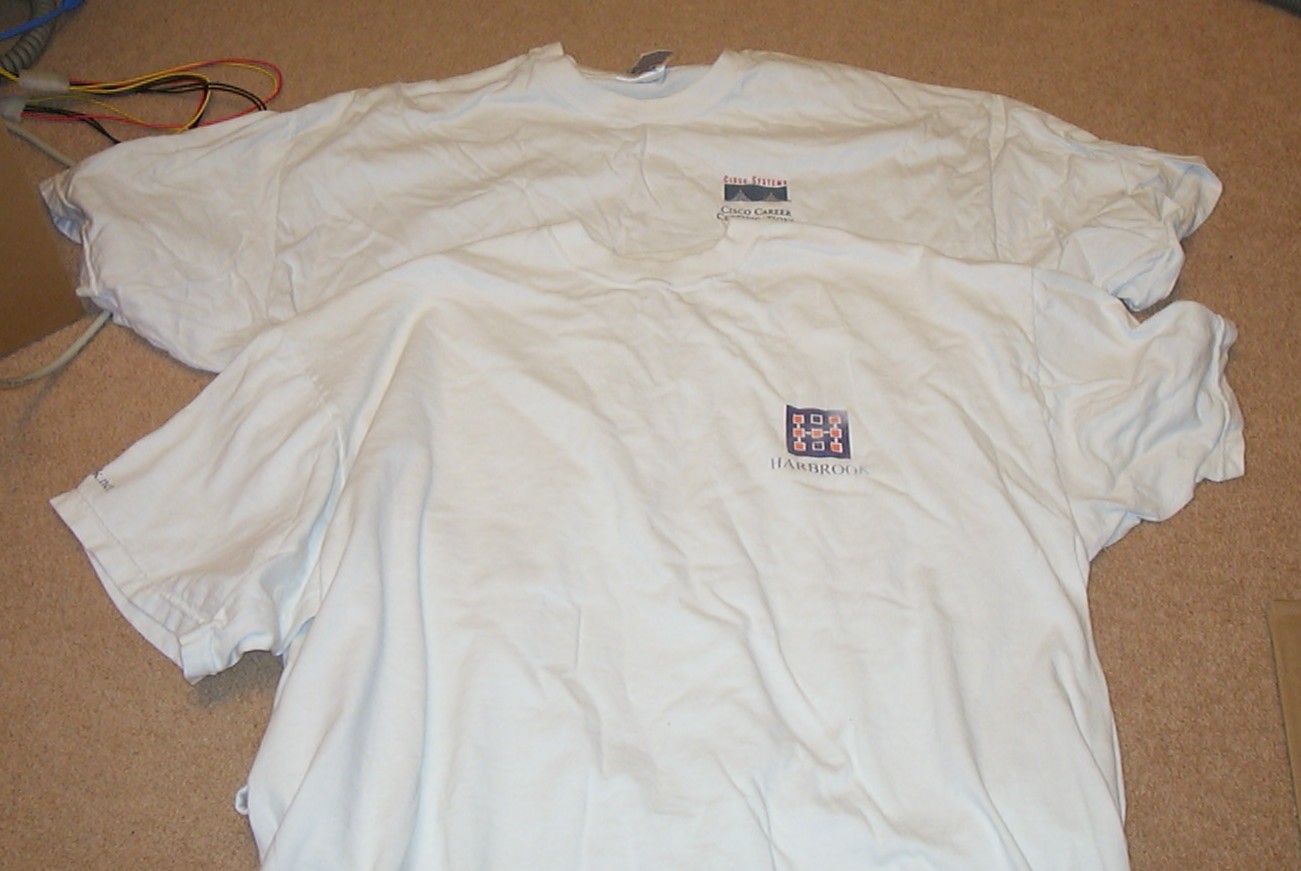
So with fancy materials such as Carbon Fibre used for some parts I plan to use something even more exotic for the shell. Let me present the latest space age material to be used in case modding - old promotion T-shirts.
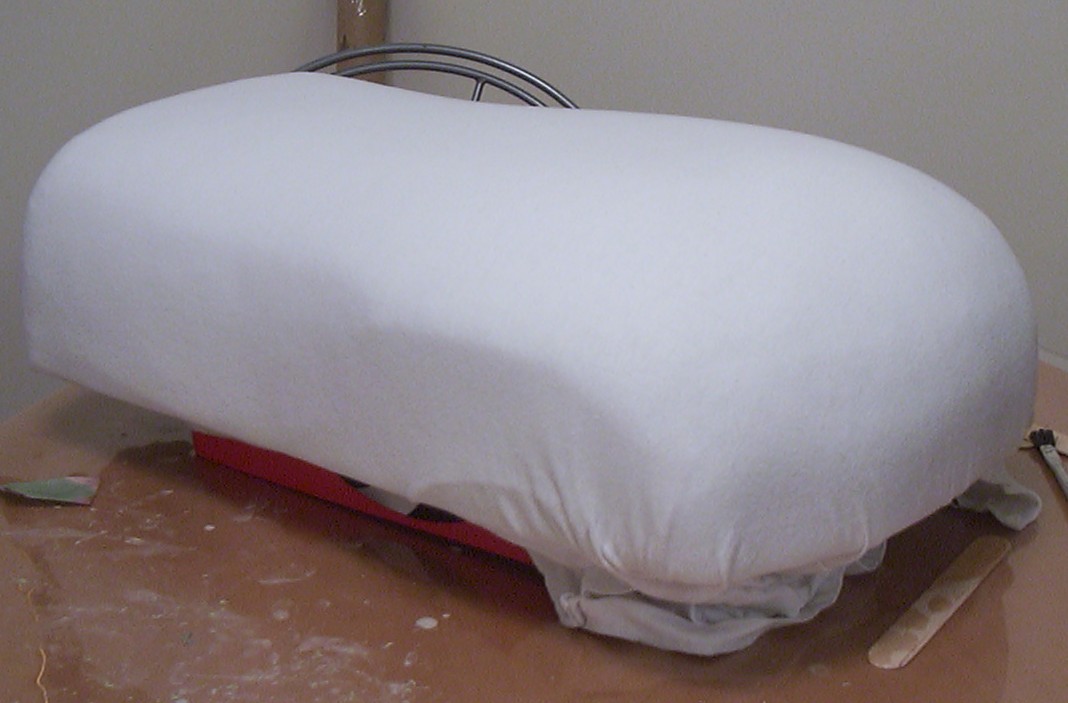
The main reason to use T-shirts over Carbon Fibre is simply because it can be stretched nicely to get a nice even surface.
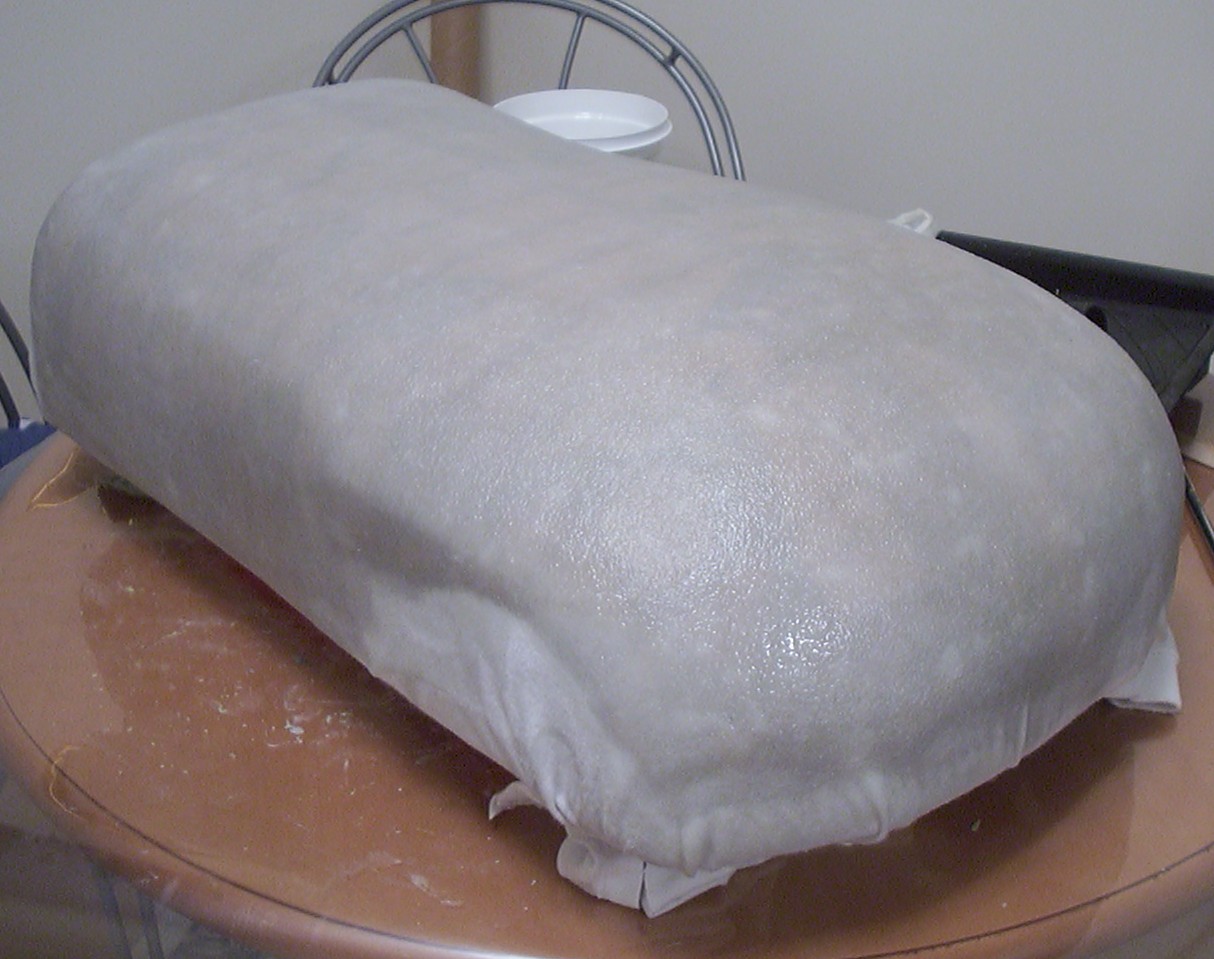
WestSystem Epoxy was added as normal making the two layers of T-shirts semitransparent.
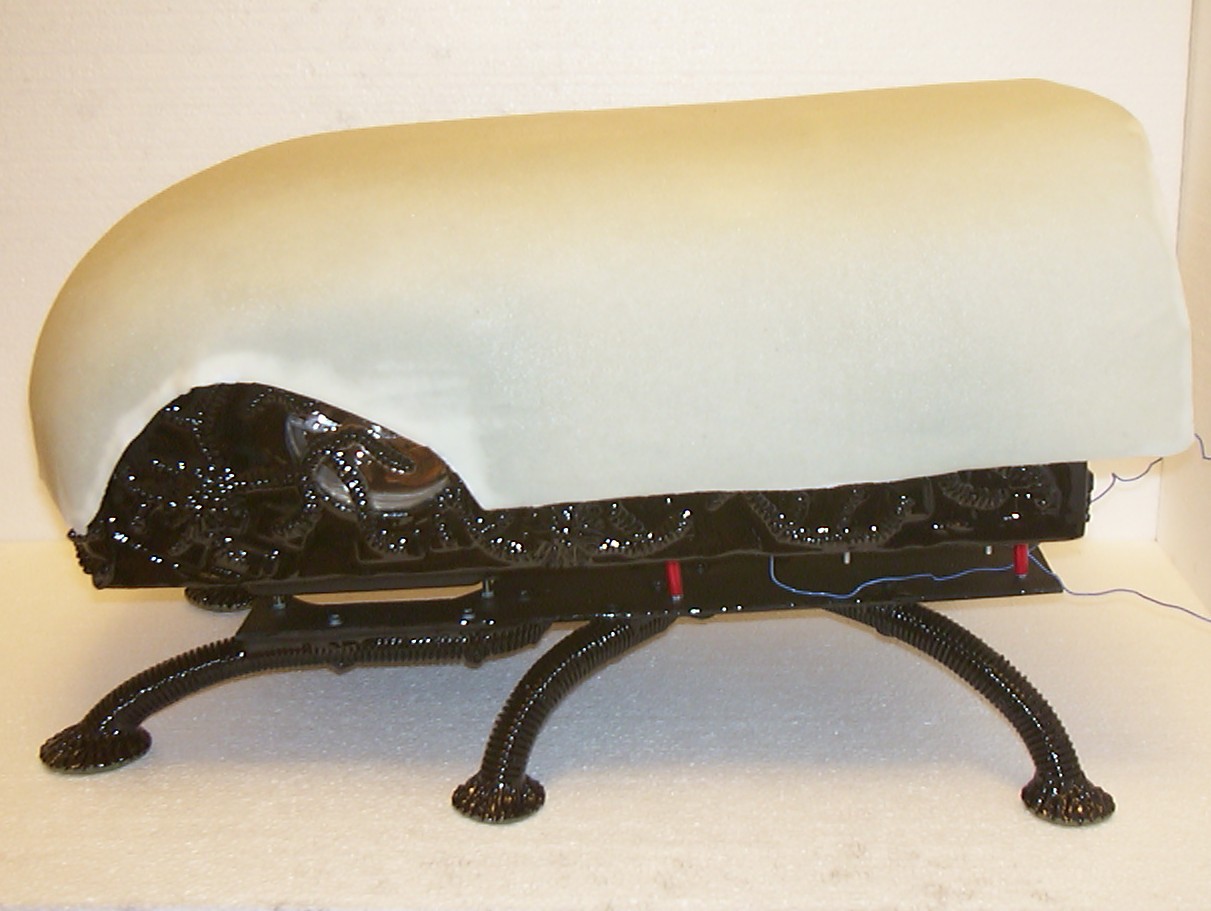
The shell was de moulded without problems, mainly because the shell was removed from the mould after just one hour while it still was soft like rubber. After it was removed it was put back on the mould to not get deformed before the epoxy was 100% set. The shell has an average thickness of 2mm so no wonder it needed a lot of epoxy to get wet all the way through. This is how the shell looked like after all bits not covered by epoxy was cut away with a scissor.
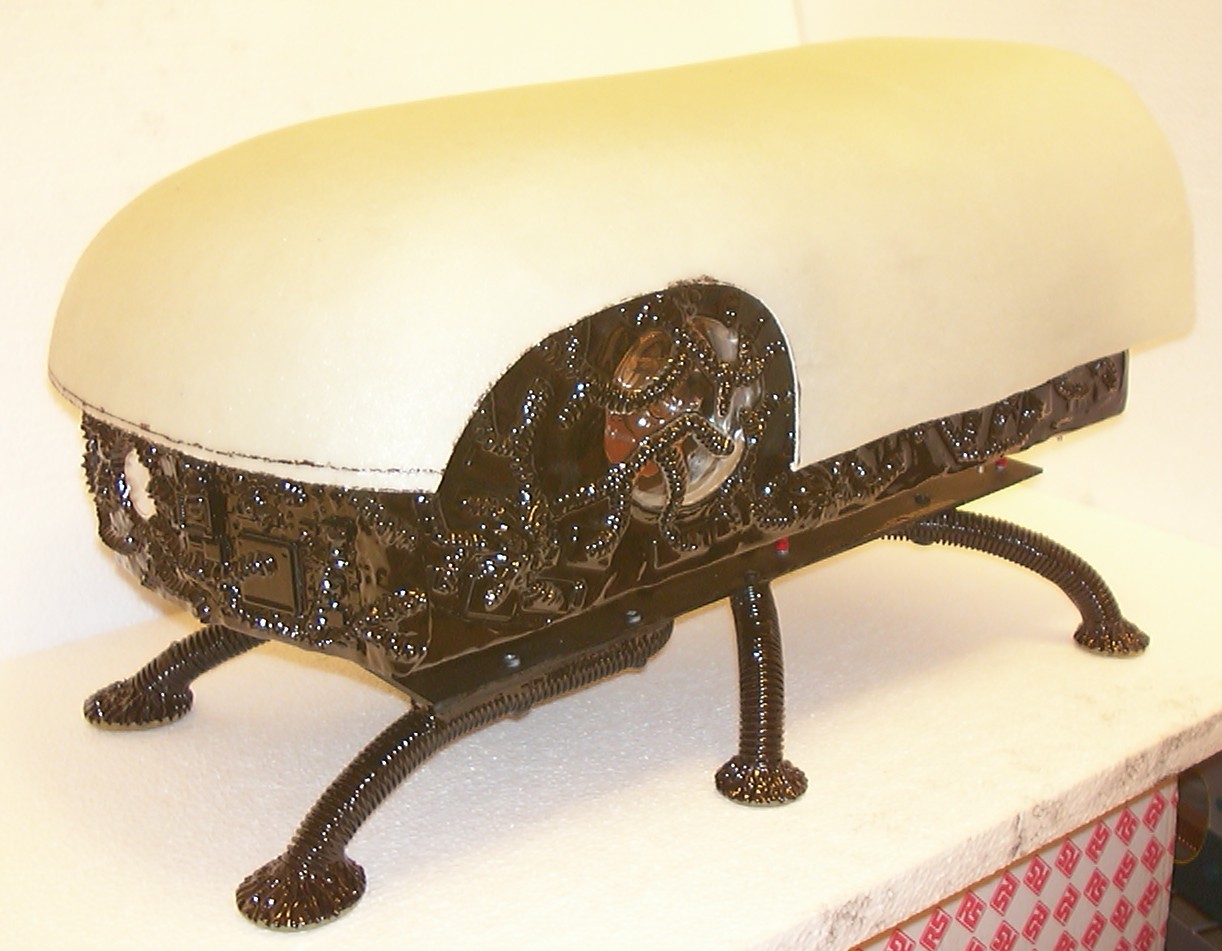
To get a clean cut in the “t-shirt laminate” the old trusty hand nibbler was used.
Part 15
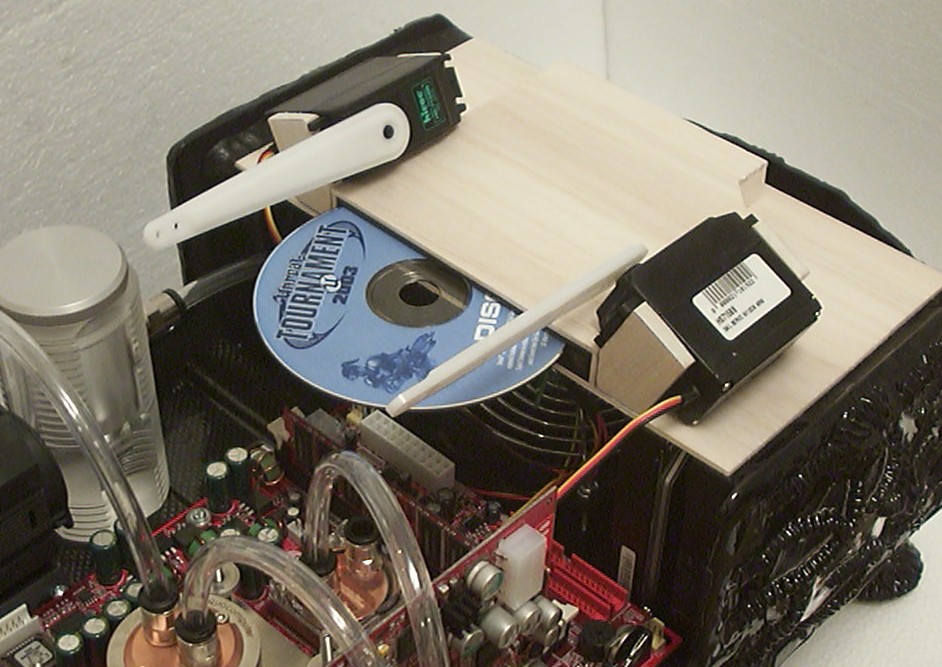
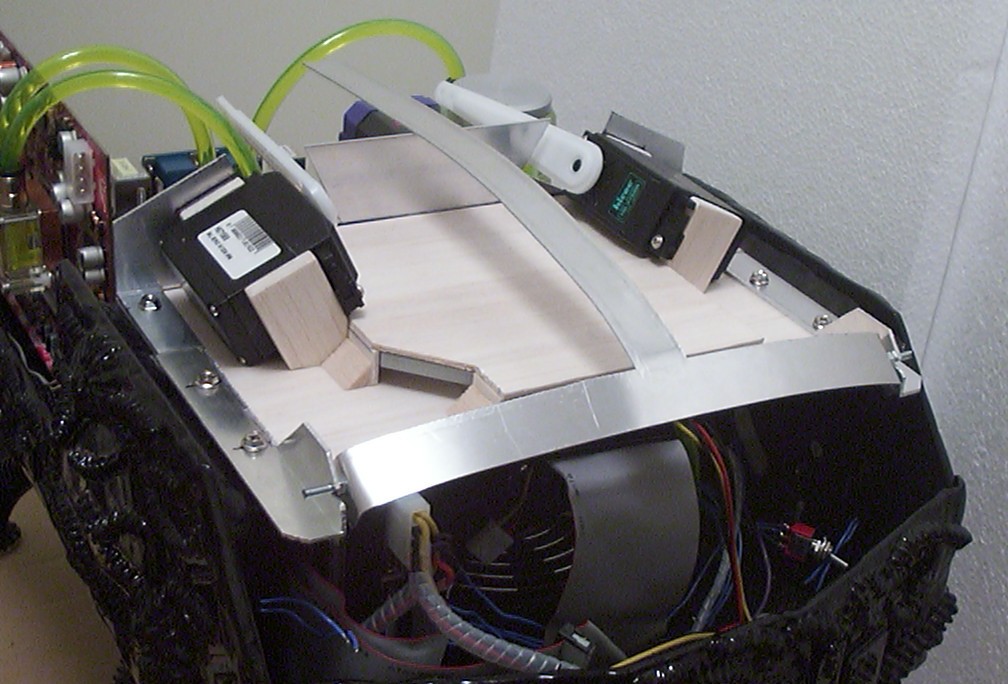
The upper baseplate was built using some more balsa wood. The CDRW+DVD can be considered “internal”, only reachable when the wings are in the upper position. The servos are mounted at an angle so the wings go both up and out for a good view of the internals.
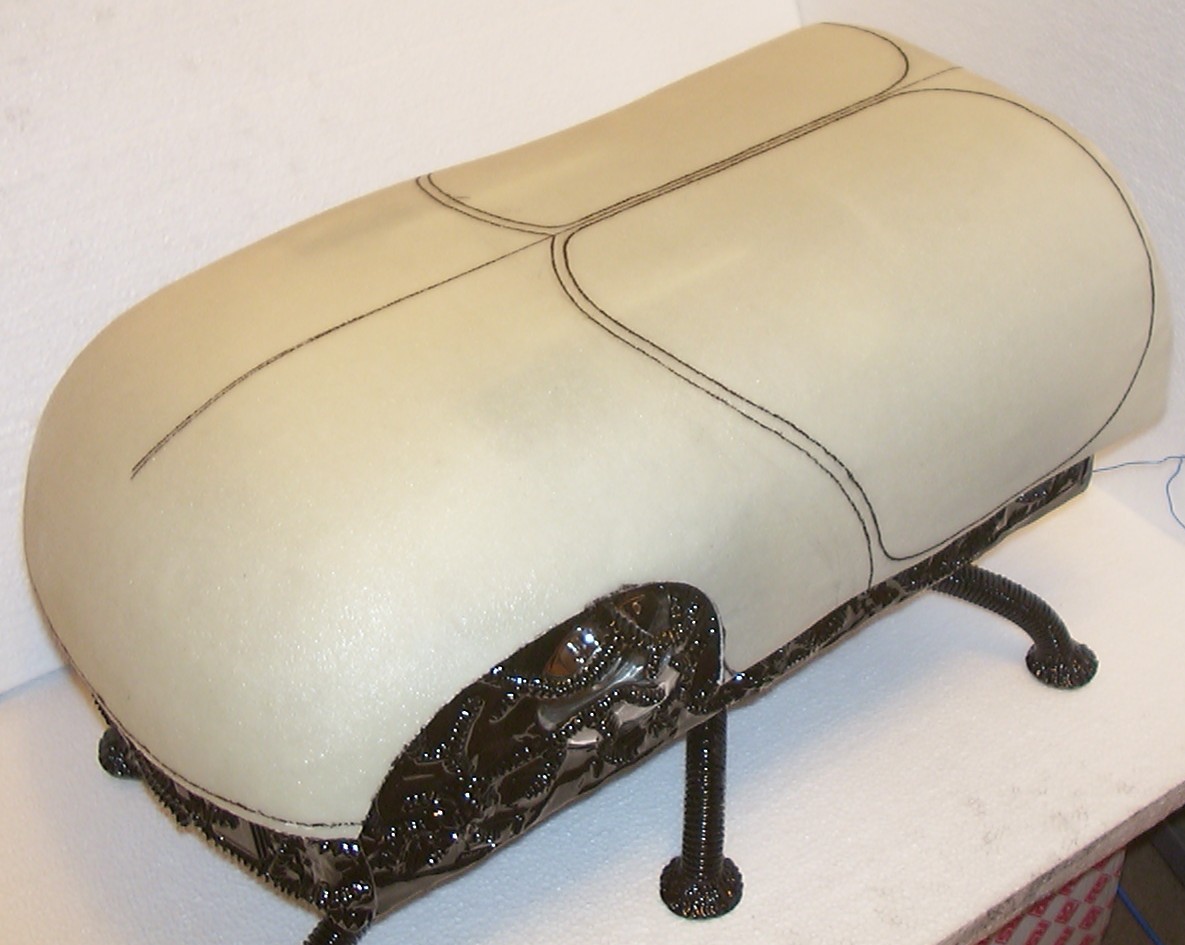
Some freehand drawing was required to get the shape of the wings correct. It was not easy to draw on a curved surface without any reference points to use.
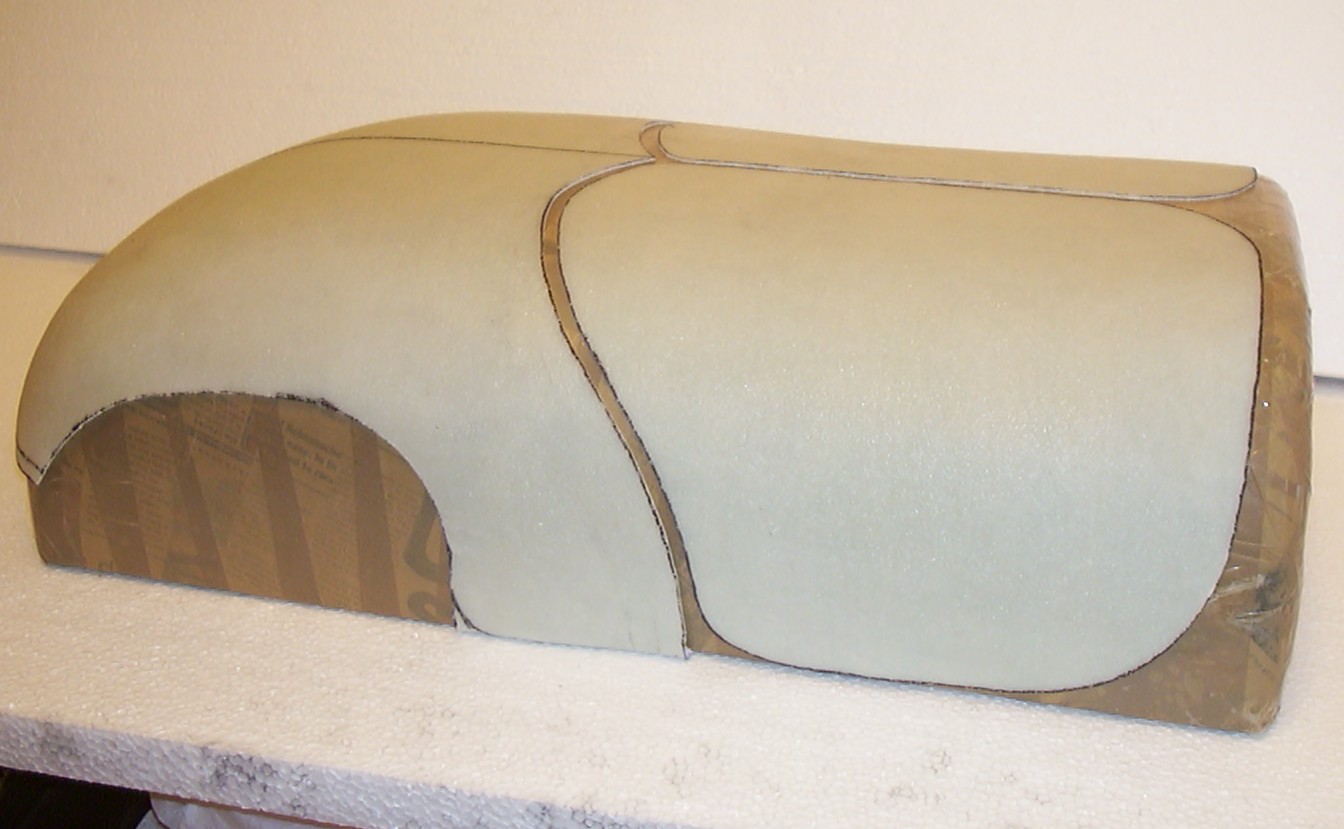
After an hour or two with the hand nibbler the wings were cut out. The space between the panels was an extra feature added by the nibbler giving some nice contours and a possibility to get a sneak peek of the internals when the bug is powered off.
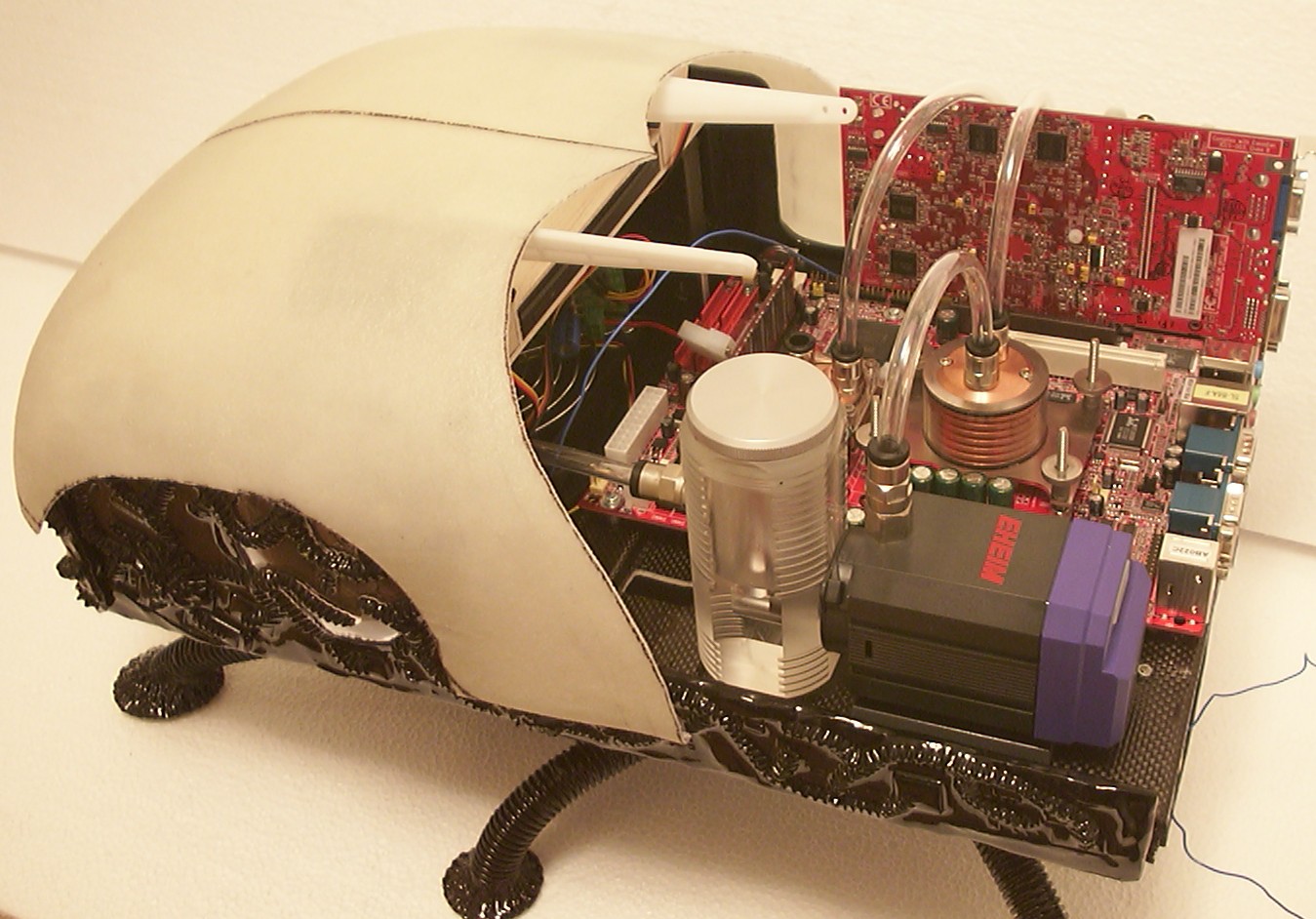
And this is the section of the bug that will be visible when the wings are in the upper position.
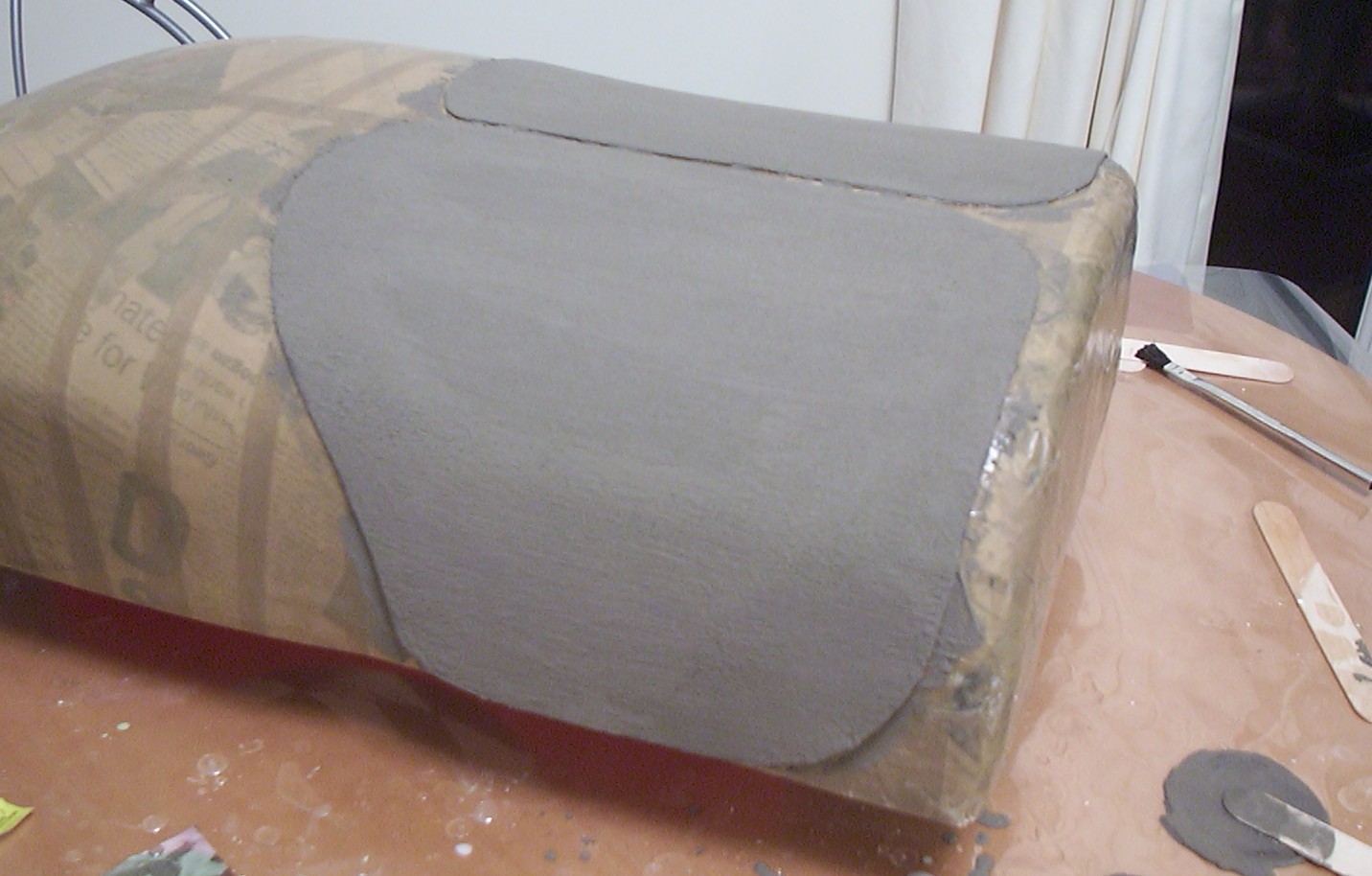
Both wings coated with a mix of nickel silver powder and laquer. After this picture was taken a lot of sanding and polishing was done but the result was not even close to the intended. With a bit of scrubbing with cellulose thinner the wings were restored to the previous state.
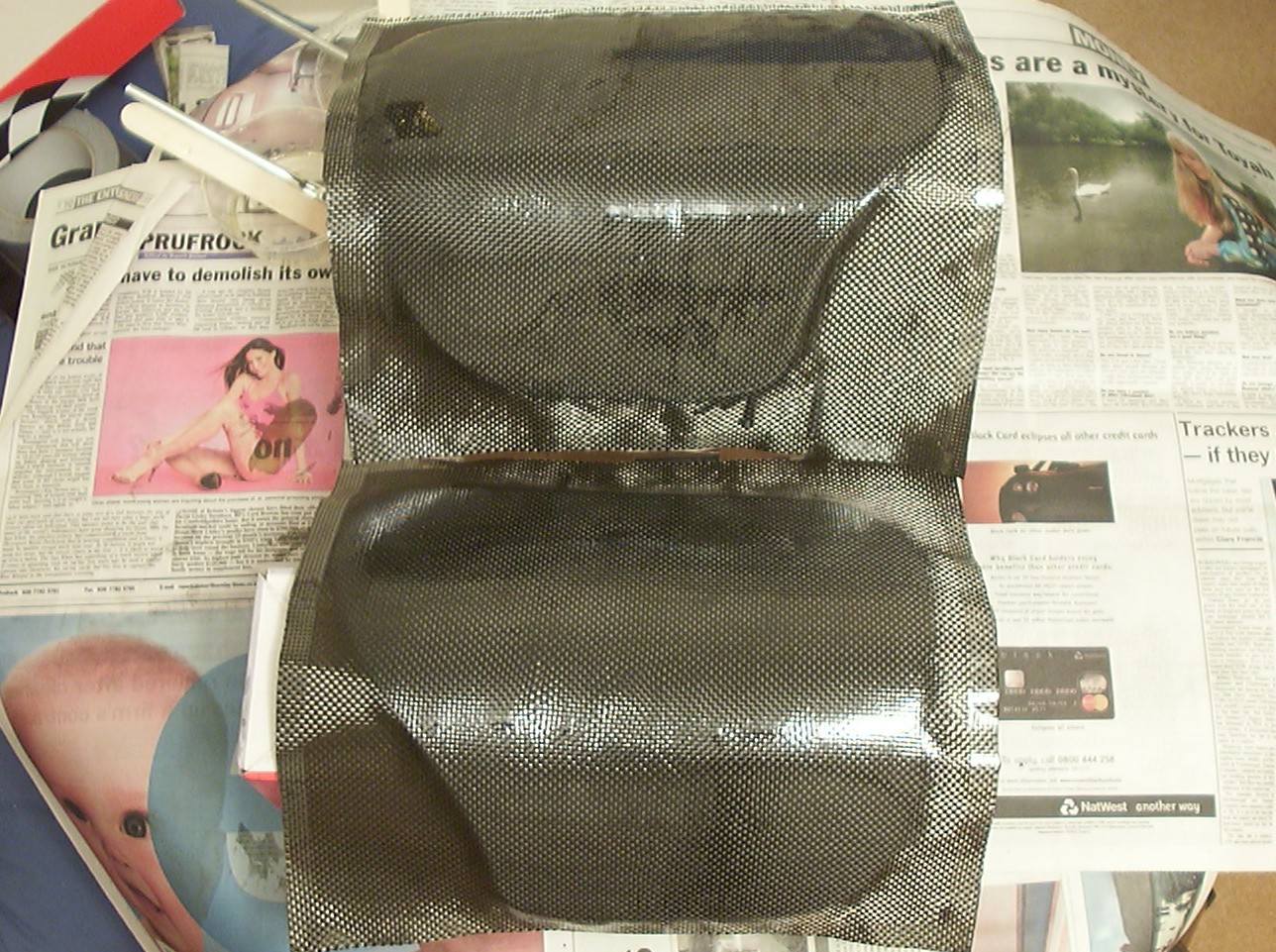
To keep an exciting look of the bug a more trusted technique was used - carbon fibre coating.
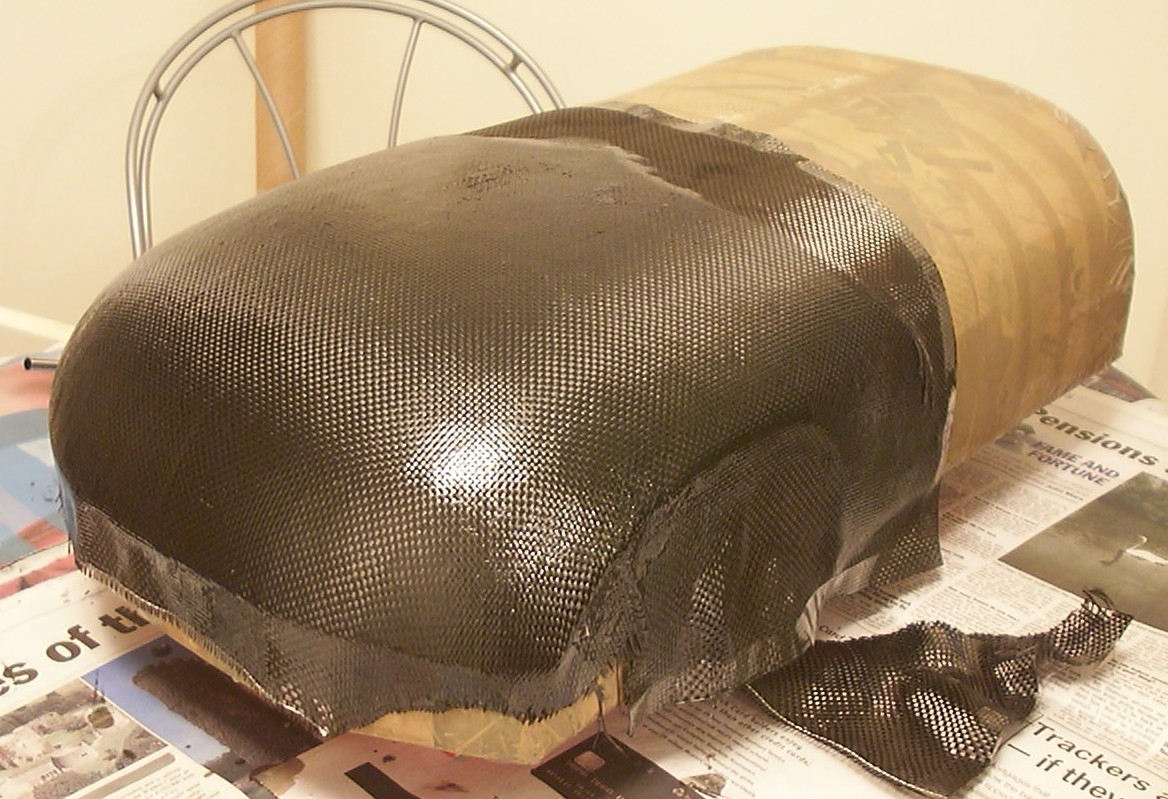
The front was coated with carbon fibre as well even if the double curved surface almost hit the limit for what the fabric could handle without folding (carbon fibre has zero stretch compared to t-shirts).
Part 16
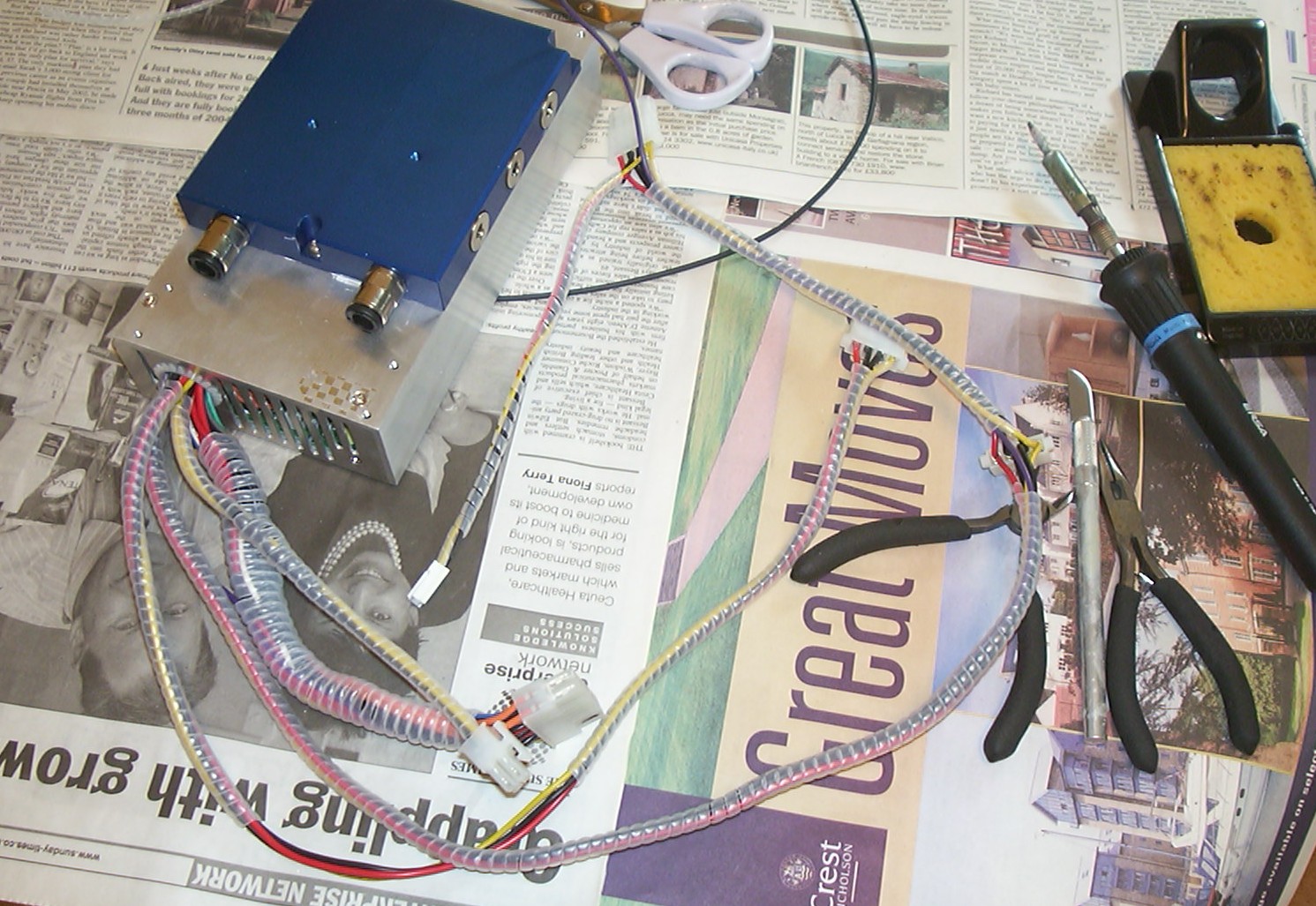
Time to complete the internals before the final fitting of the shell.
First some wire management before the PSU can be installed. With the help of some 3mm wire wrap and a soldering iron the wires got in shape.
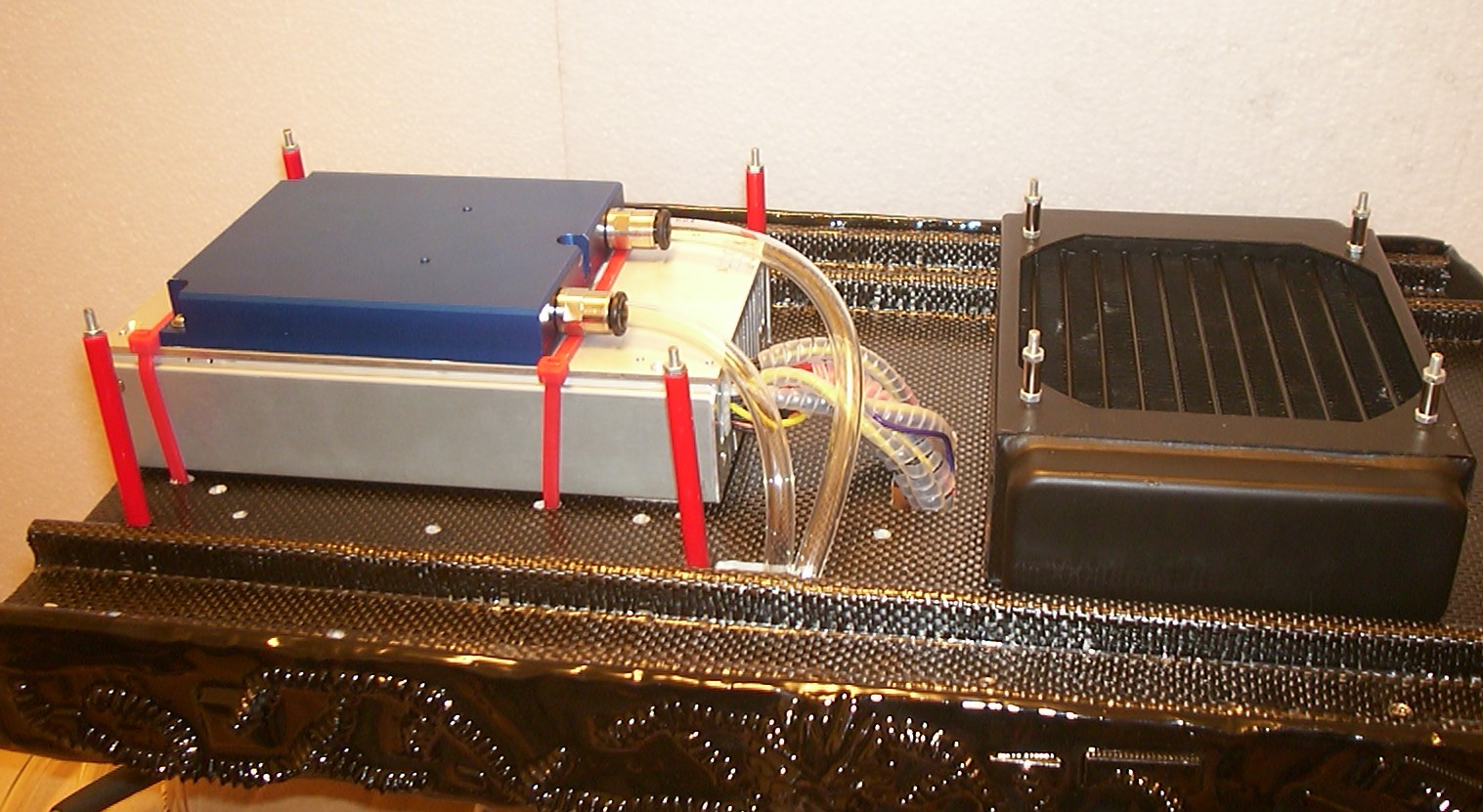
The PSU is attached to the main baseplate with heavy duty zip ties, no need to make it more complicated than needed. The PSU wont move a bit in any direction now so it must work quite well. The clear tube was a breeze to plug in, watercooling has evolved a lot since last time I used it two years ago.
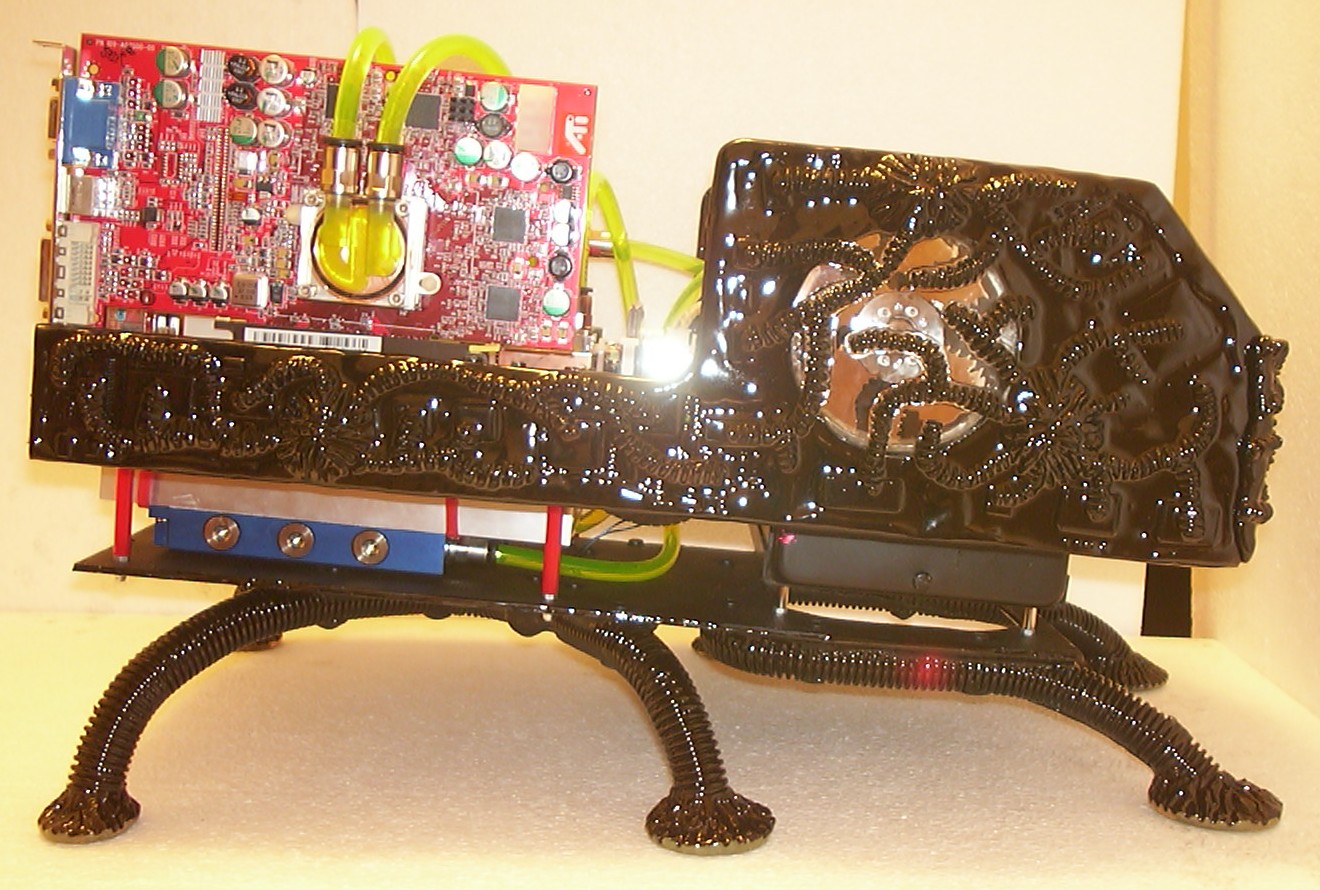
The lower base plate has been attached for the last time hopefully. The sides between the base plates will not be covered, mainly because it is nice to be able to see from the outside that it is a computer on the inside for once. Also that the watercooled PSU looks quite nice is another reason…
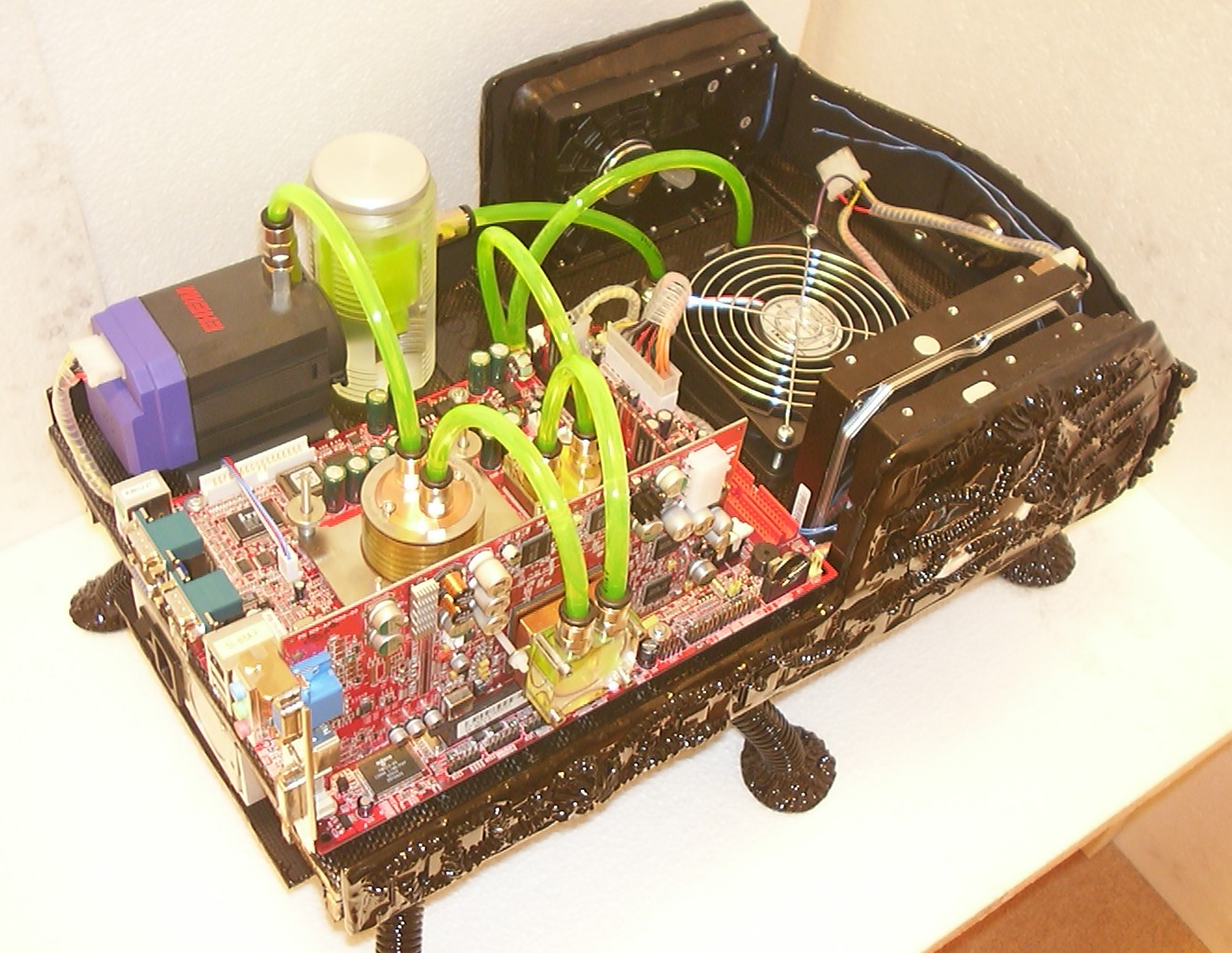
With the cooling loop completed it was filled with a mixture of deionized water, AC fluid and green UV reactive dye. By having the pump running and slowly fill the header tank the whole system was full and bled from air in a few minutes.
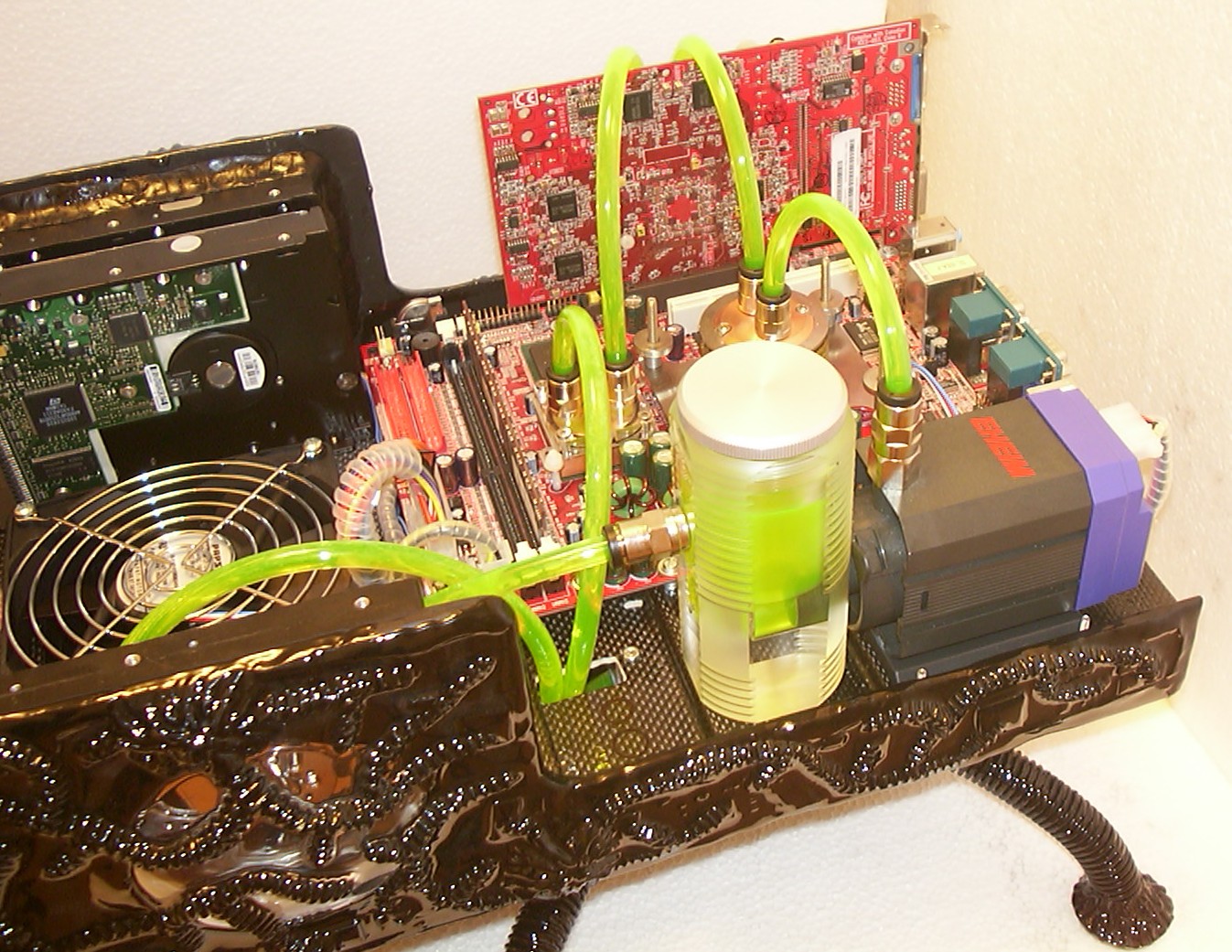
The pump was running for a few hours to make sure everything was watertight which it was. The Vantec fan has been replaced with a Papst since it seemed a bit too weak for this application. By connecting the fan to the normal fan header on the motherboard the built in PWM feature will control the fan speed based on the CPU temperature.
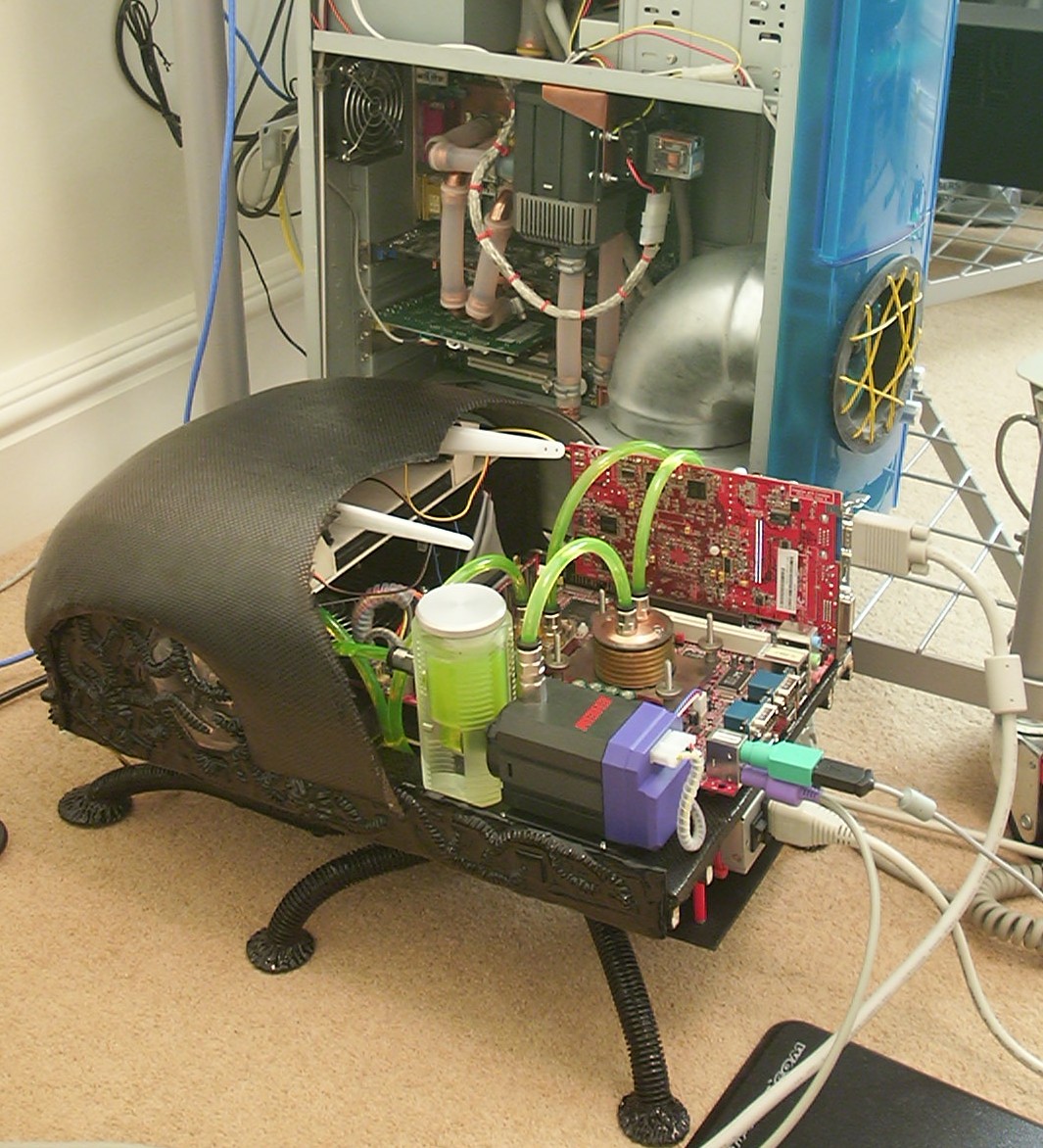
The bug was powered on for the first time without any incidents and Windows 2000 was installed together with about 100MB of windowsupdate stuff. The amount of noise generated by the single fan is close to zero.
The watercooled computer behind is Syrinix, the last normal computer modded by me back in 2001. It is fun to see how everything evolves, back then 1/2" ID tube was king, now 1/4" is working just as well.
Part 17
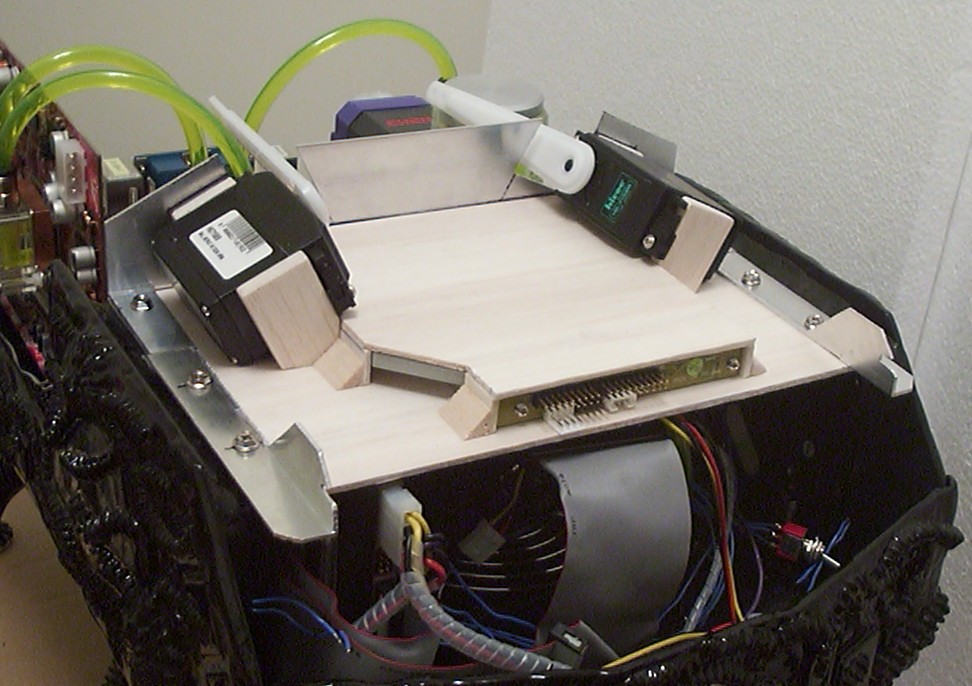
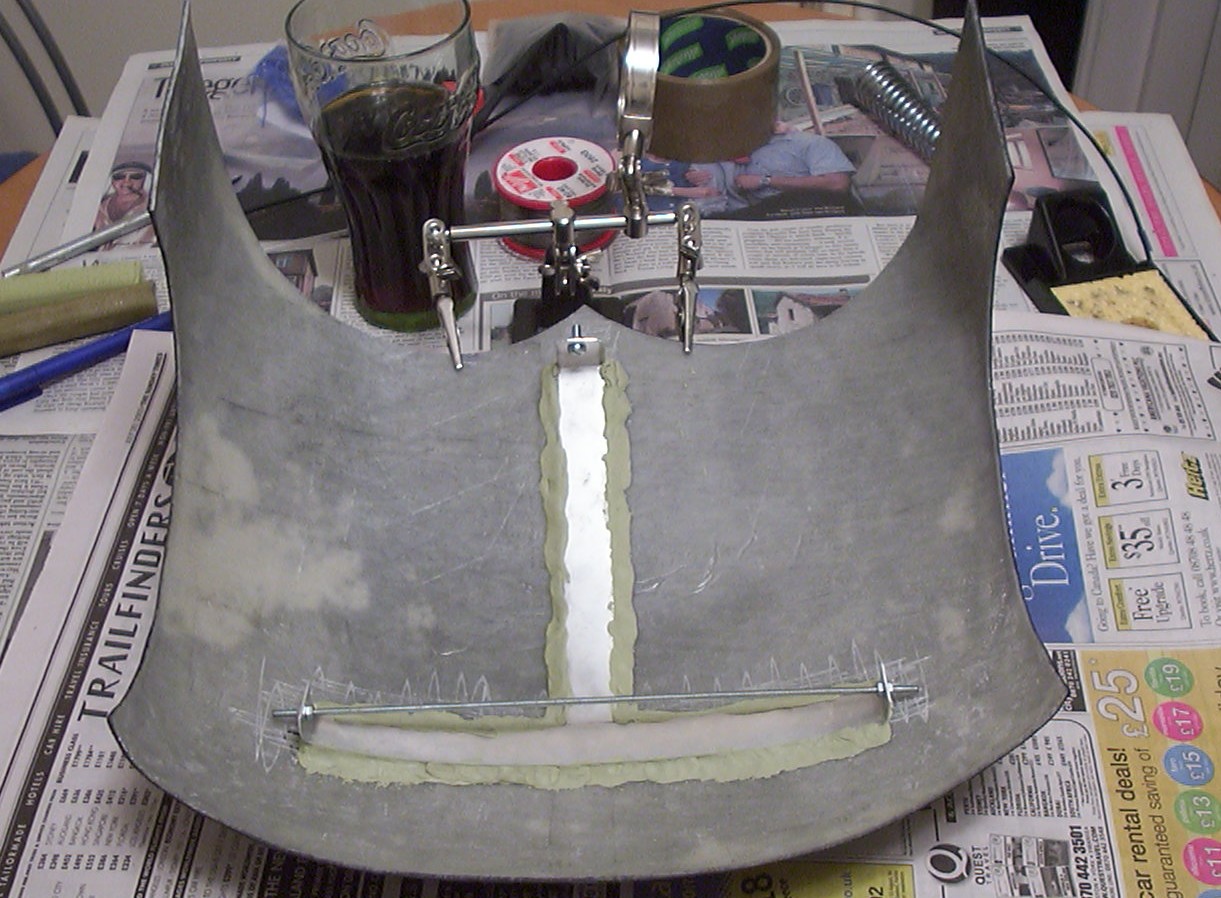
A clip mechanism was cut out from an aluminium profile to hold the head piece of the shell in place. The upper baseplate together with the profiles are attached to the bug with the harddrive screws.
The other half of the mechanism put in place to show how it will fit. The leg facing the back was later cut and bent so a single bolt is all that is needed to hold the head shell safaly in place.
Milliput was used again to attach the top piece to the shell.
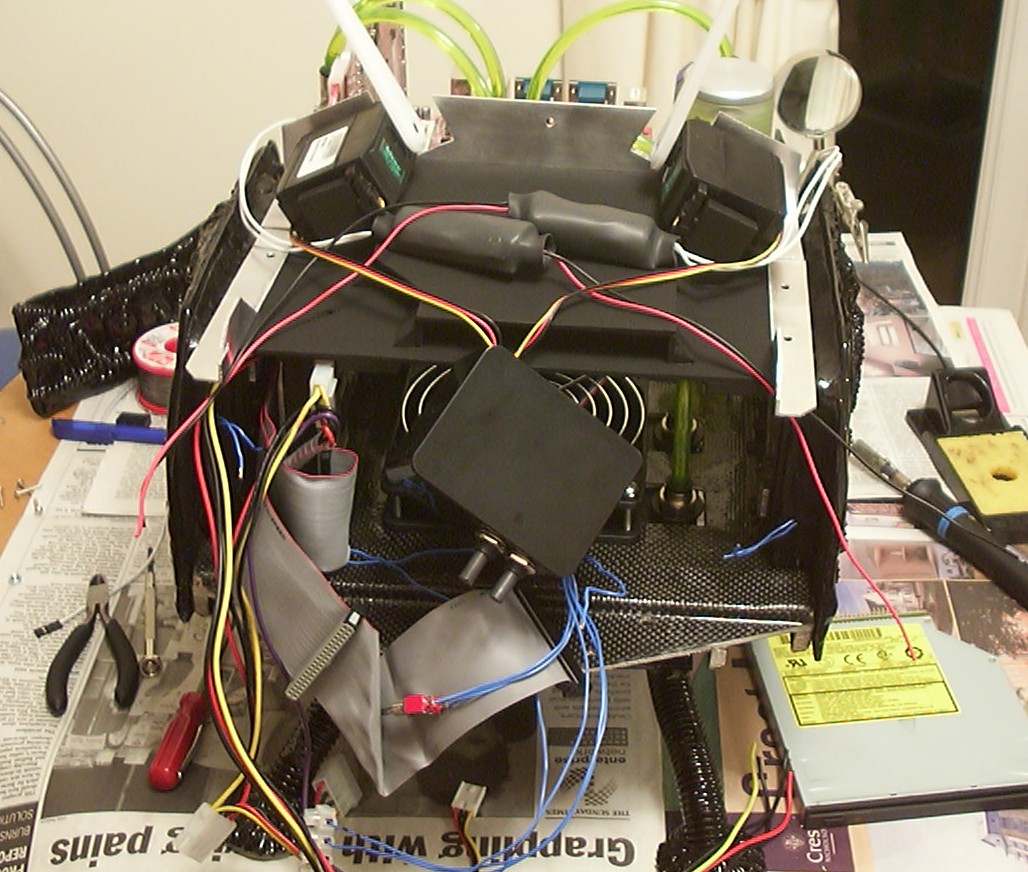
The internals of the head is a bit of a wire mess. Almost impossible to see that the upper baseplate has been painted and that the aluminium has been brushed with steel wool.
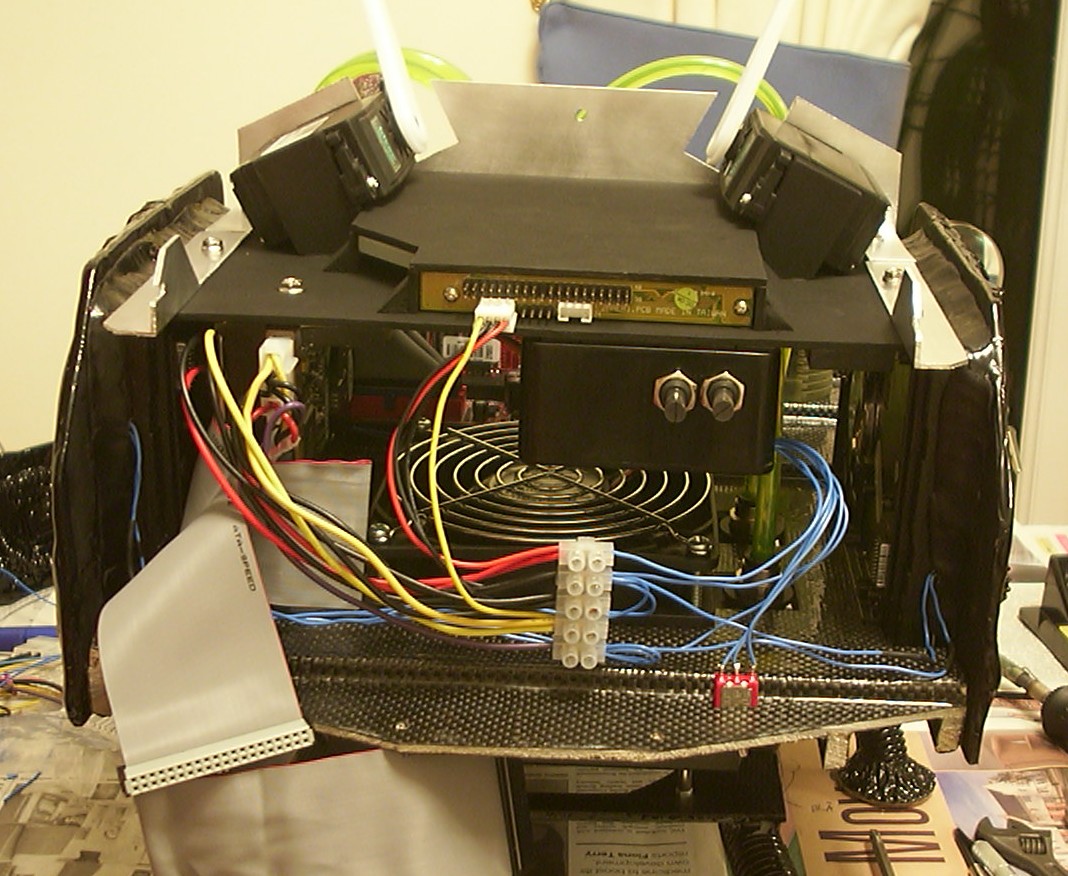
After a bit of of “hairdressing” it starts to move in the right direction though.
The black box with the two knobs is the controller for the wing servos.
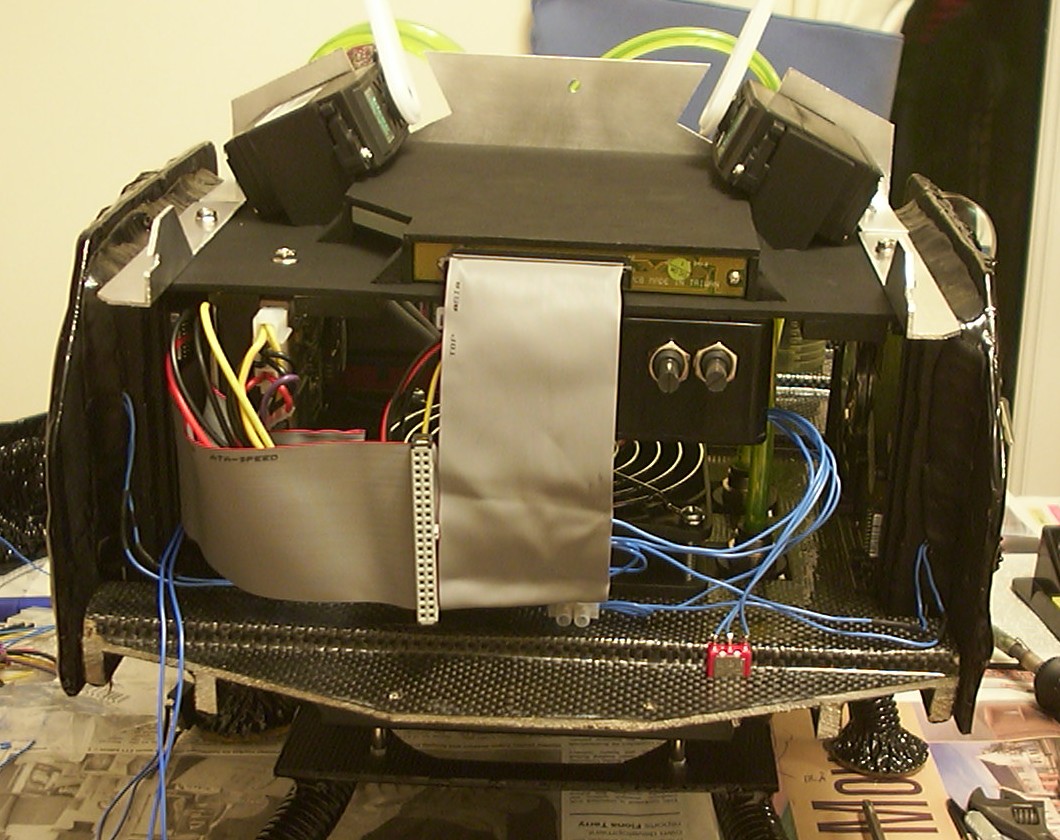
Rounded IDE cables might be good but they can’t beat normal flat, properly folded cables when it comes to tight spaces.
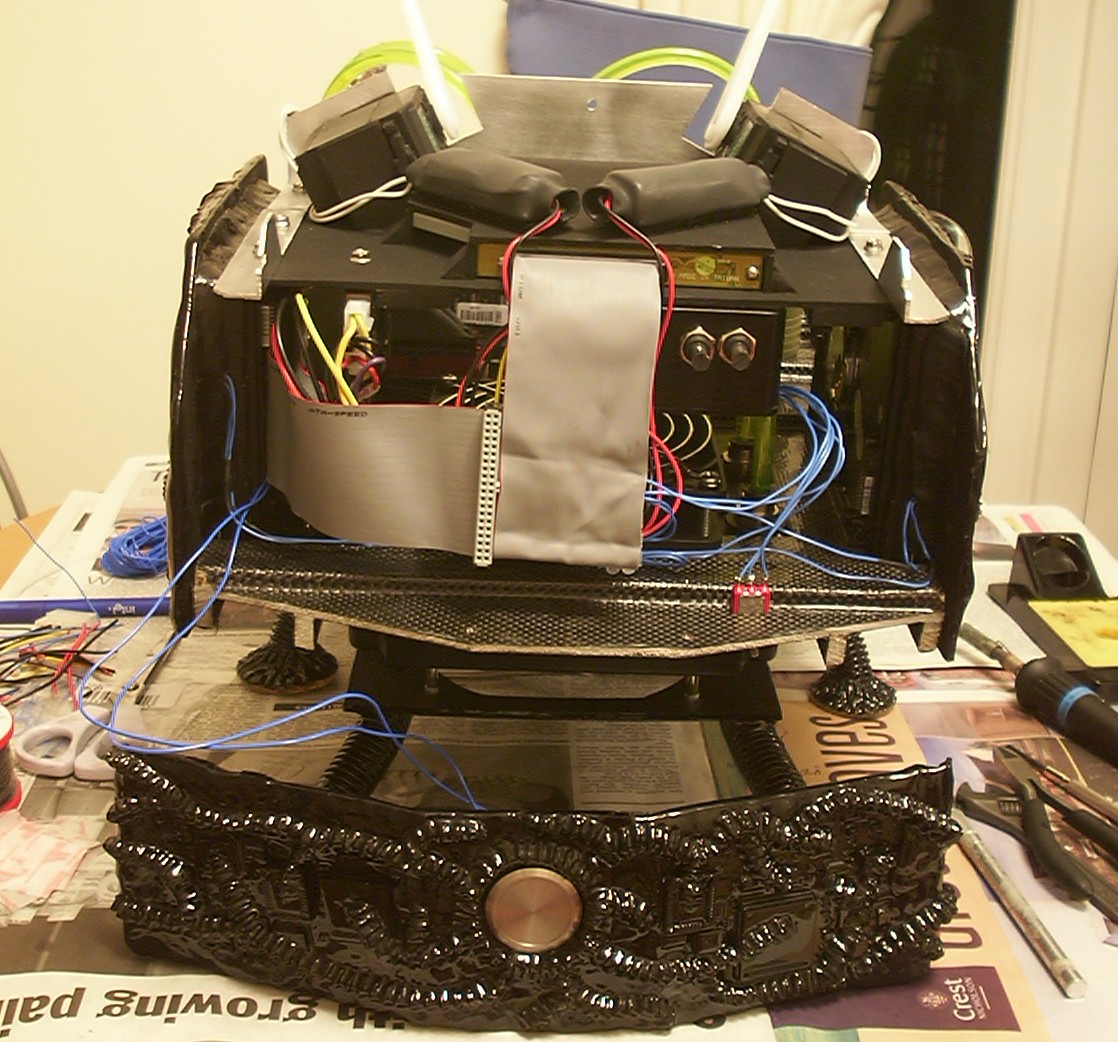
The wire management of this project comes to an end with the installation of two 4" UV CCFLs of which you only can see the inverters.
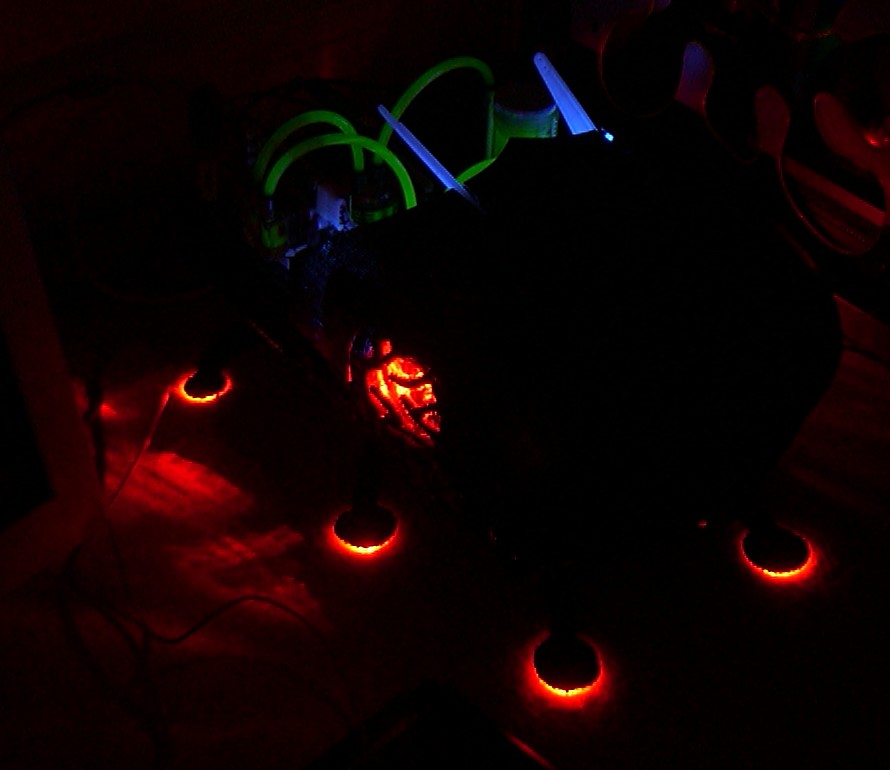
To make sure that all cables were connected correctly the bug was powered up once again. It was a surprise to see that the servo arms were UV reactive, not good at all since blue wasn’t a planned colour to use. They will probably end up painted black after they are attached to the wings.
Part 18
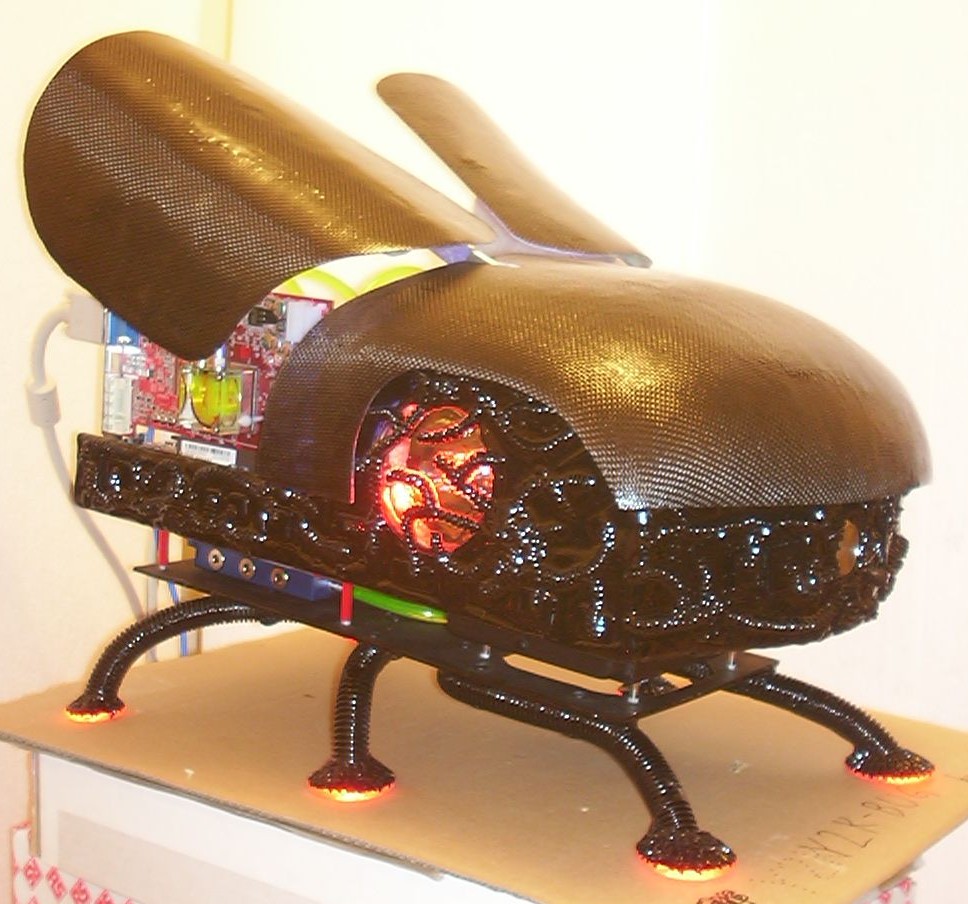
The wings have been installed, this was a full days work to measure, cut and tap two aluminium profiles to use as arms. The plastic arms were replaced for two reasons - being UV-reactive and due to the shape making the install of extra mounting surface difficult.
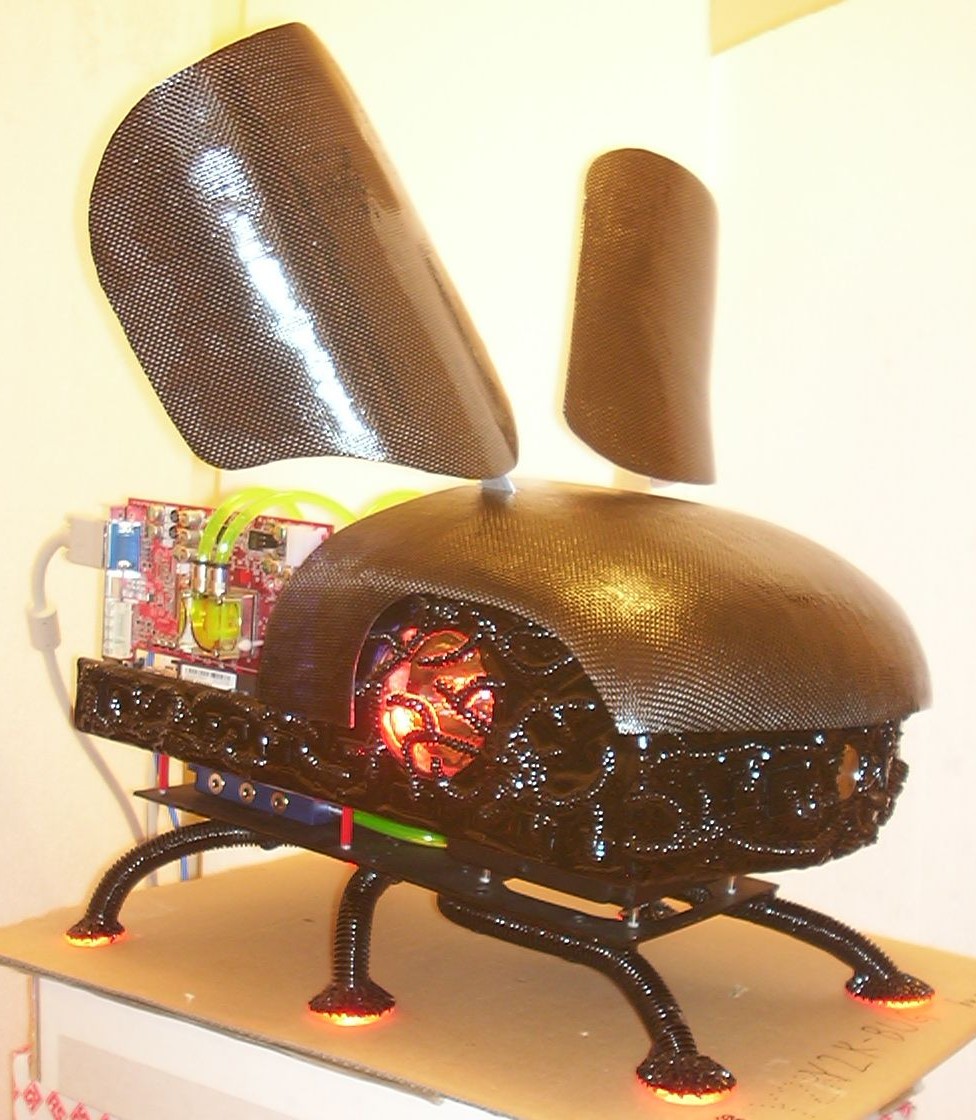
This is how the wings looks like in the lower of the two “ON” positions. When the bug is off the wings are completely folded along the body.
And this is the result when the switch is flicked to the other “ON” position giving easy access to the DVD drive inside the back of the head.
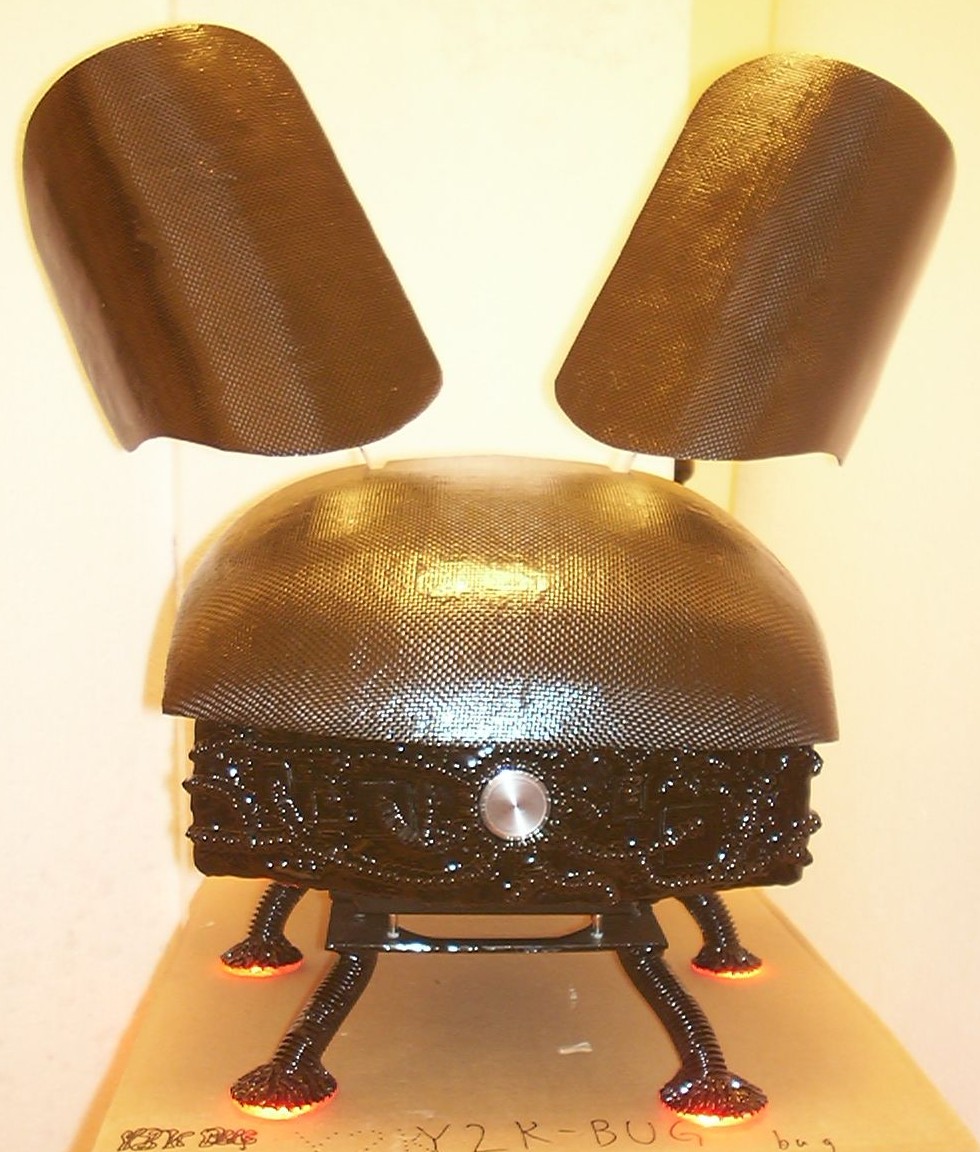
The carbon fibre is still looking rough since the final layer of clear resin isn’t added yet.
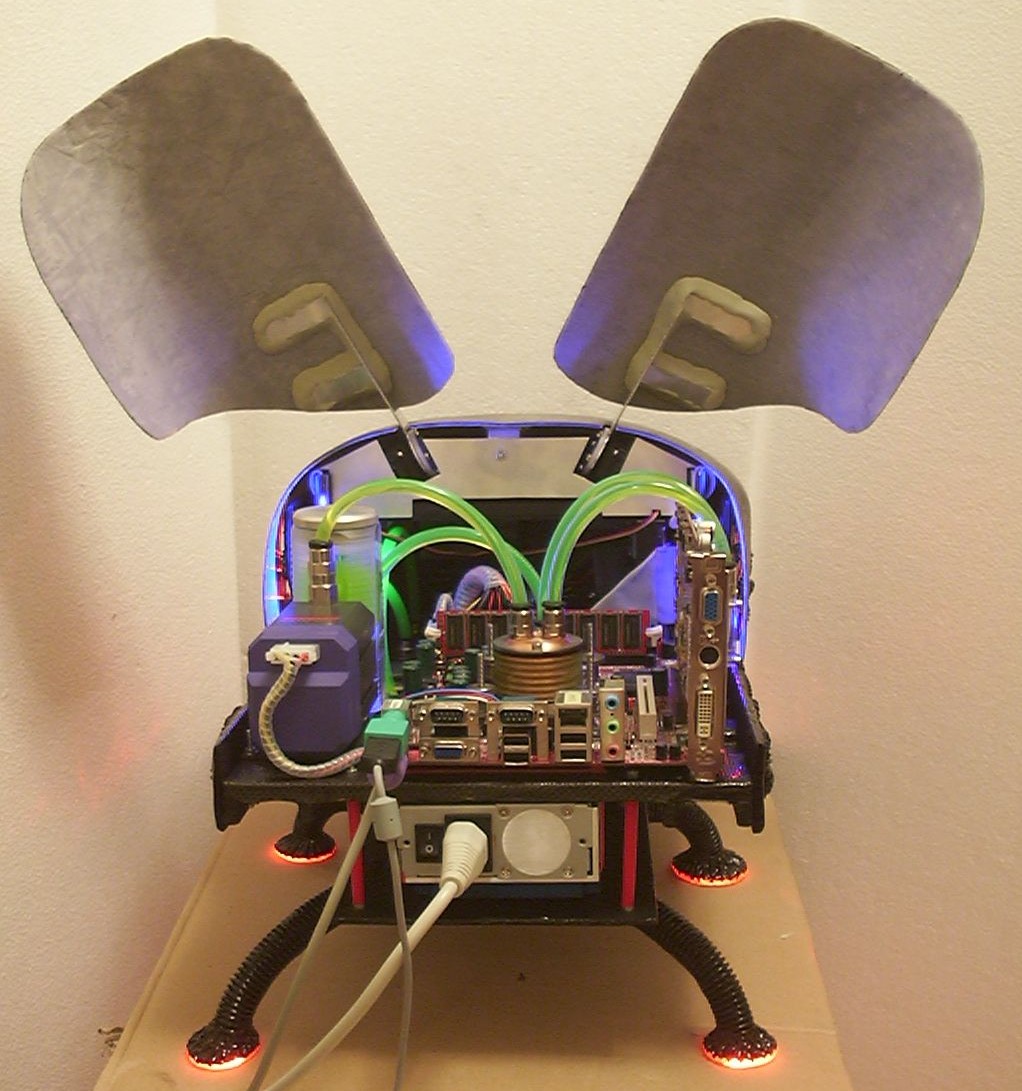
Here is a view of the inside, you can see how the aluminium arms are glued to the shell with yet again - Milliput.
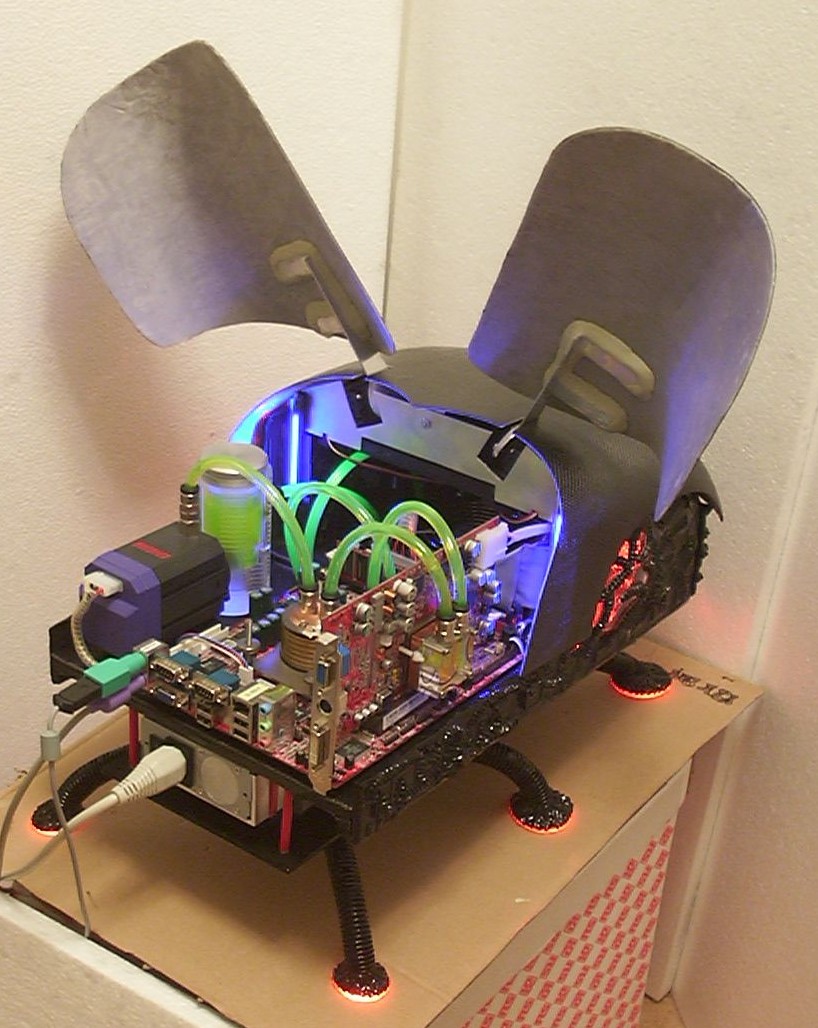
The inside of the wings and the shell will get a coat of matt black. A pattern of UV paint might be added if time permits. Next on the list is to do is a rear panel that will cover the PSU and hold the cards in place.
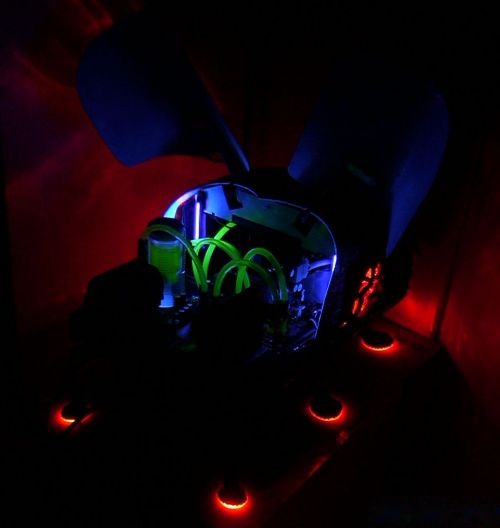
Not much fun adding a lot of pretty lights if not taking a shot in the dark.
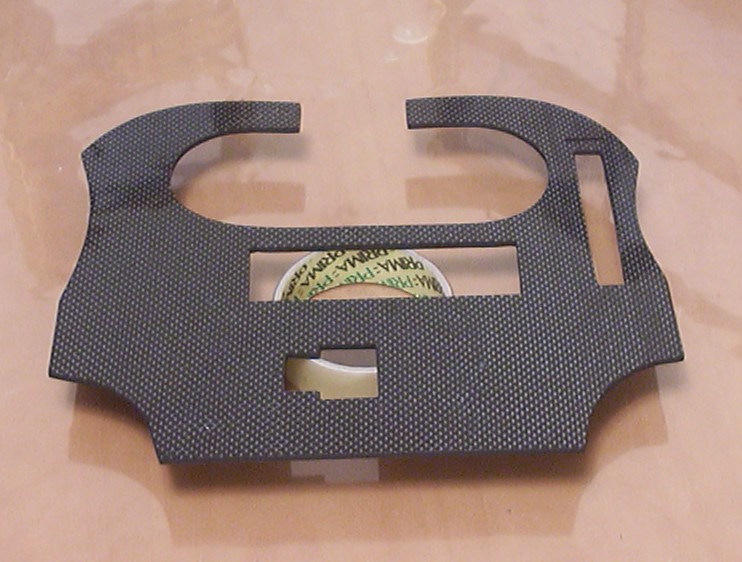
The piece that started off as a carbon fibre guide got some more work put into it, ending up as the rear panel for the bug.
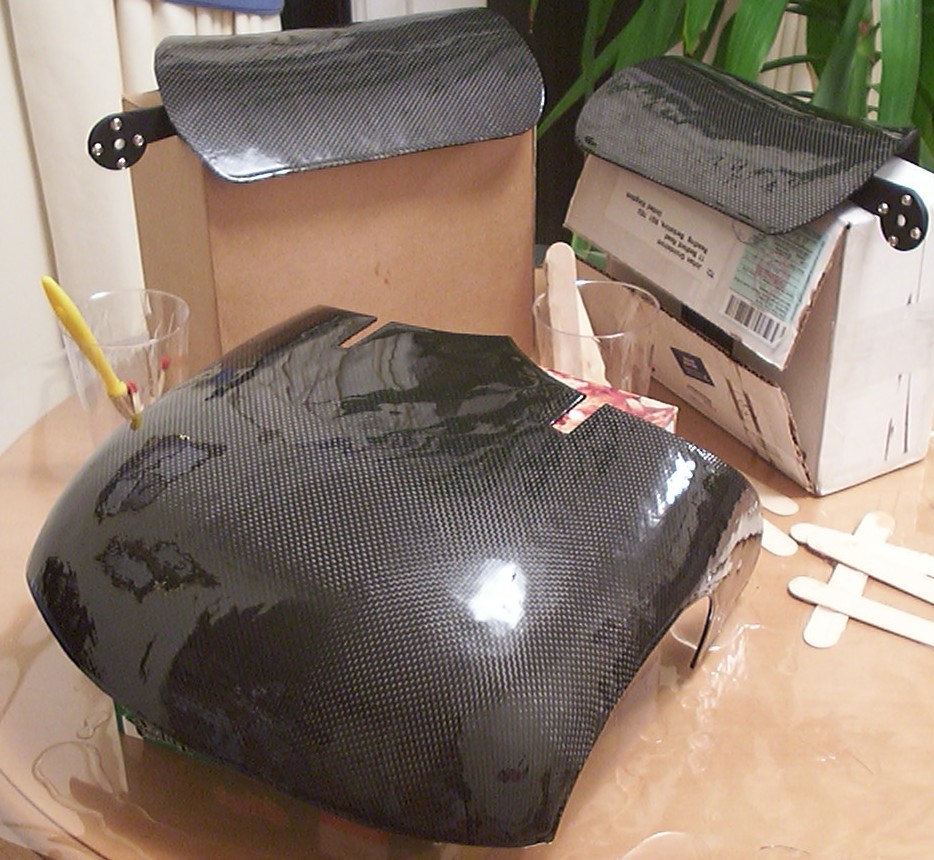
The carbon fibre shell got a thick layer of resin added of the same kind as used on the techno organic side panels. Almost hard to imagine the two layers of t-shirts underneath…
Part 19
What has a beginning has an end…
The Y2k-bug is finally done after 6 months and many hundred hours of work.
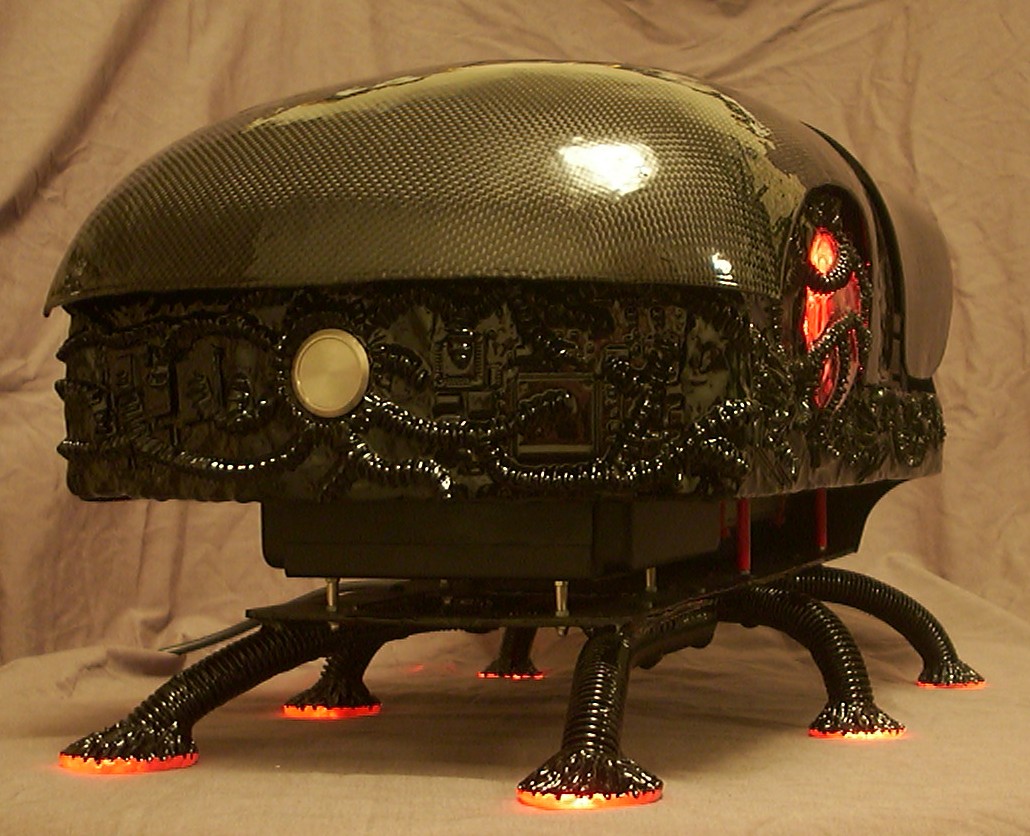
All red LEDs are on as long as the mains lead is connected to the socket and completely independent of the status of computer itself.
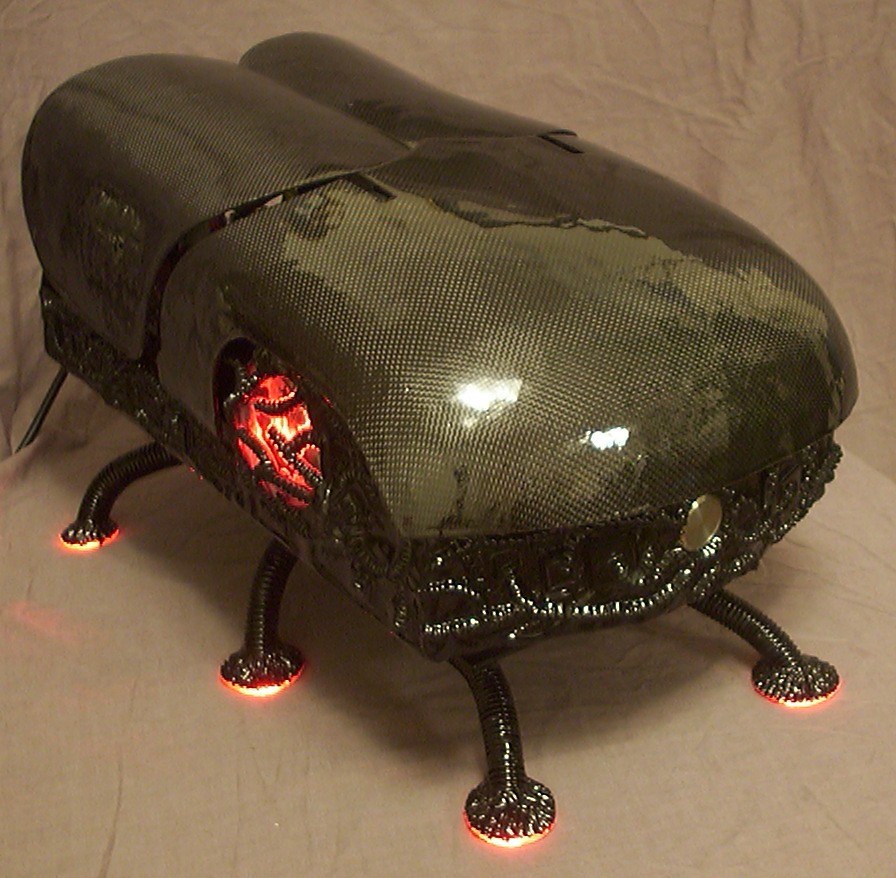
After all what is the need of a power LED…
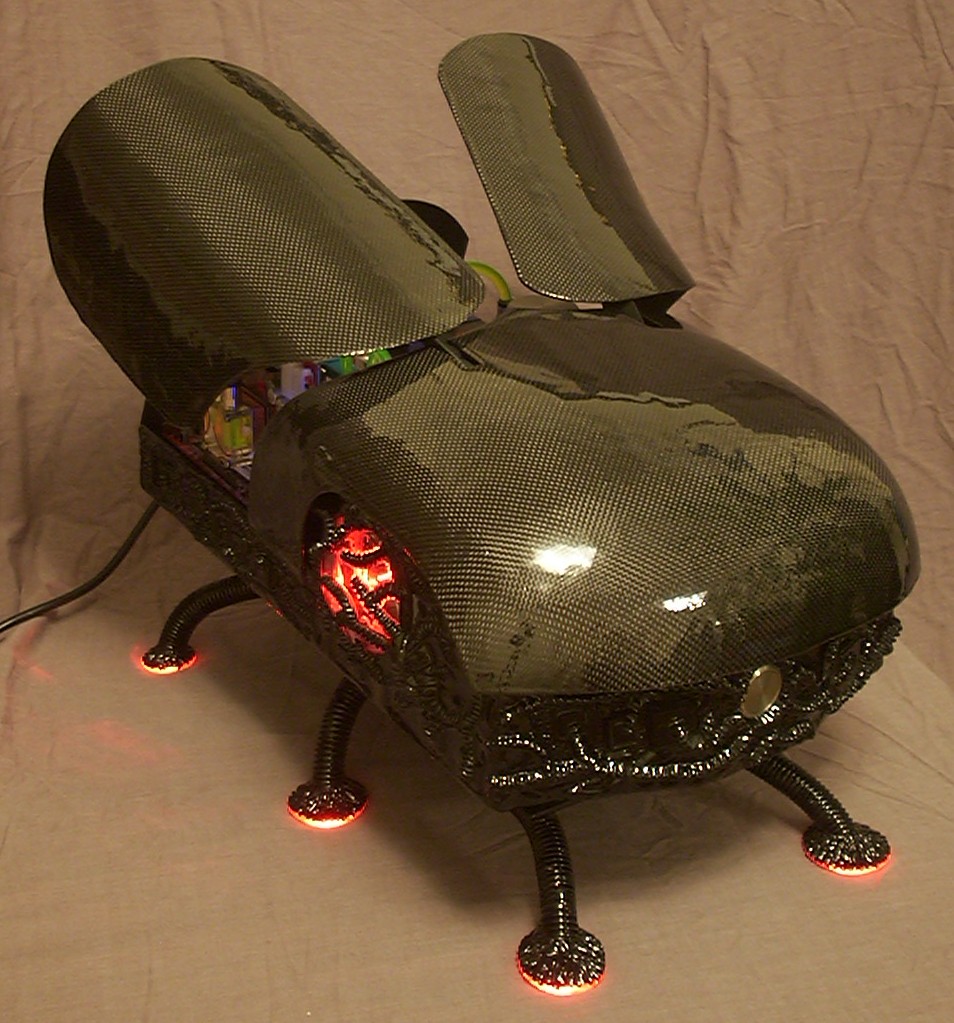
When you only have to check the position of the wings to see that the computer is inside is running or not.
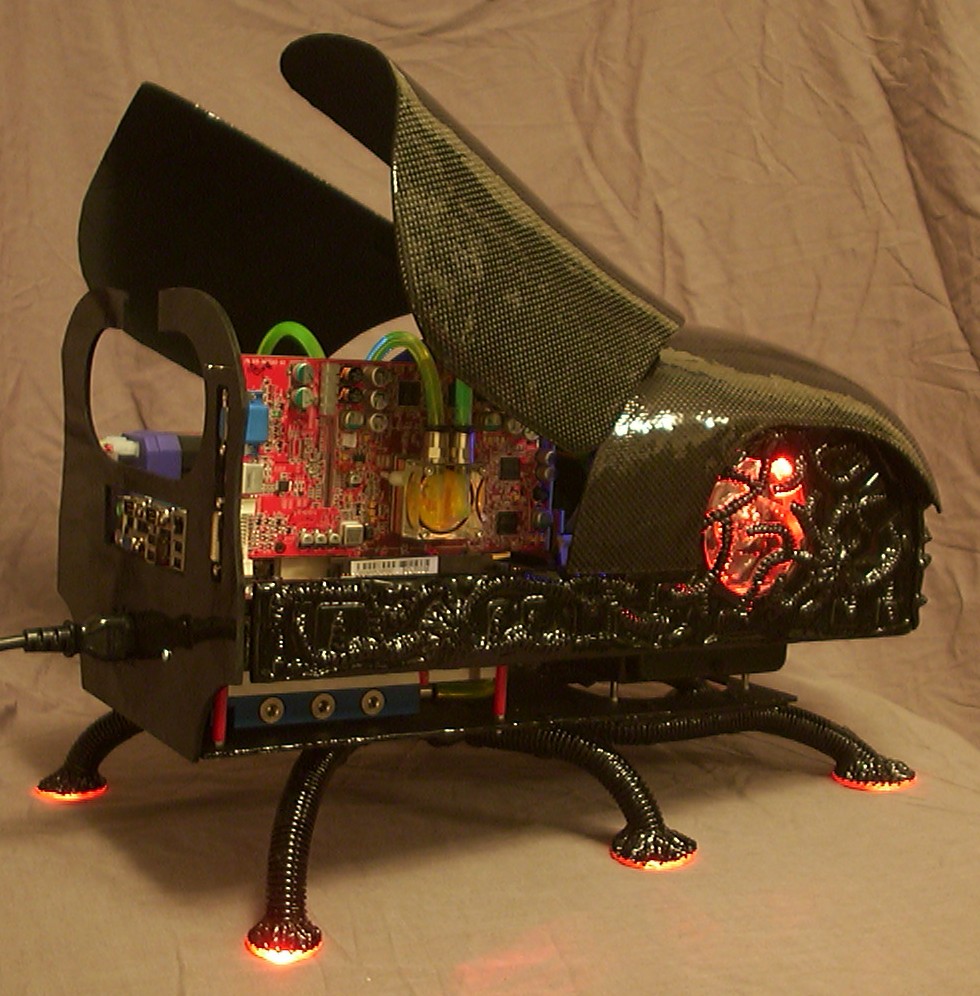
This is the lower of the two wing positions hiding most of the internals.
But with the flick of a switch the wings move up to the higher position which is my personal favorite.
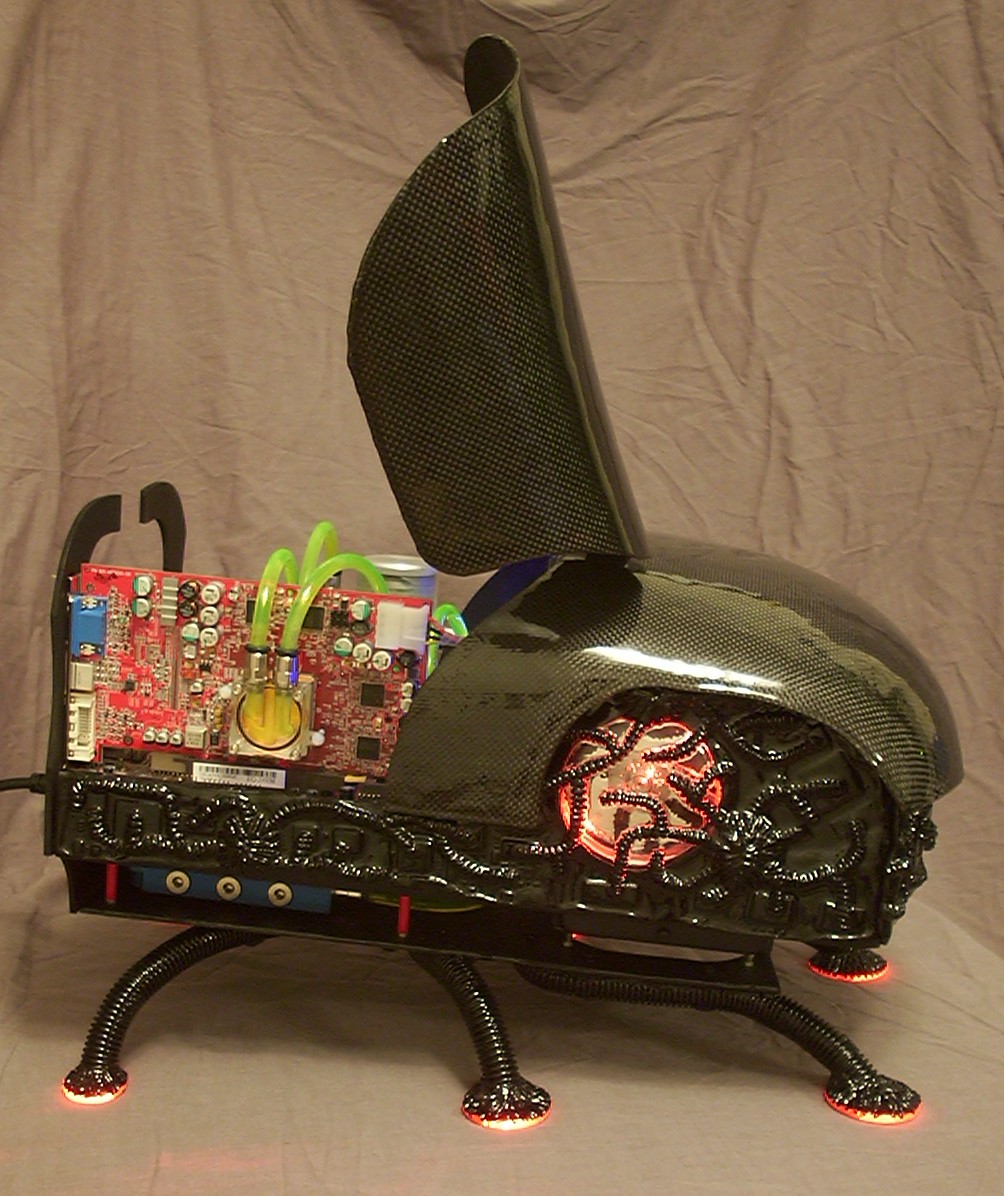
Much easier to get a good view of the internals in this position.
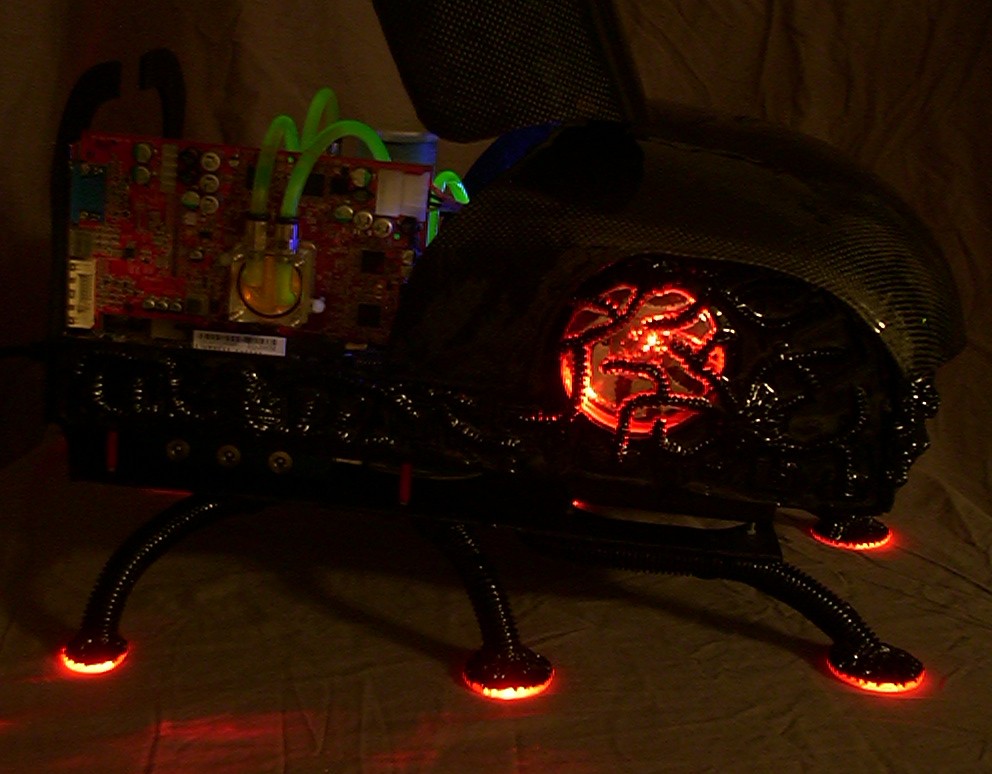
With the lights off it is easier to see the green UV-reactive “organs”.
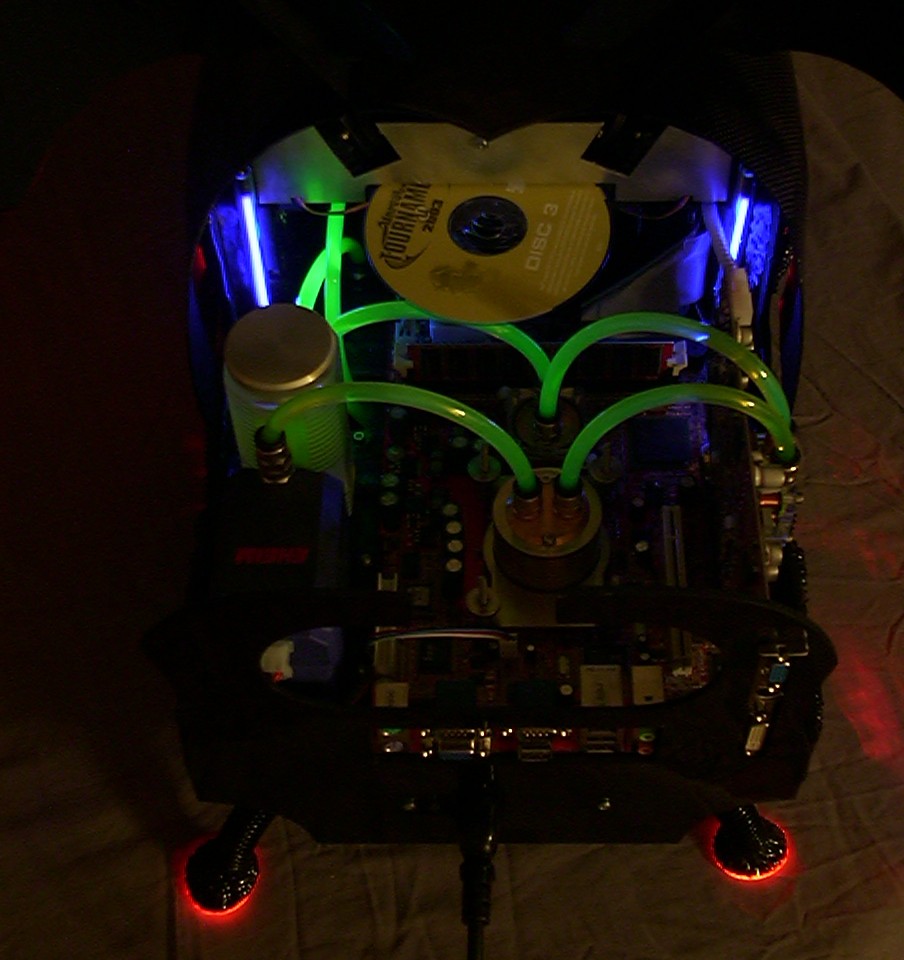
A better view of the UV goodness.
Part 20
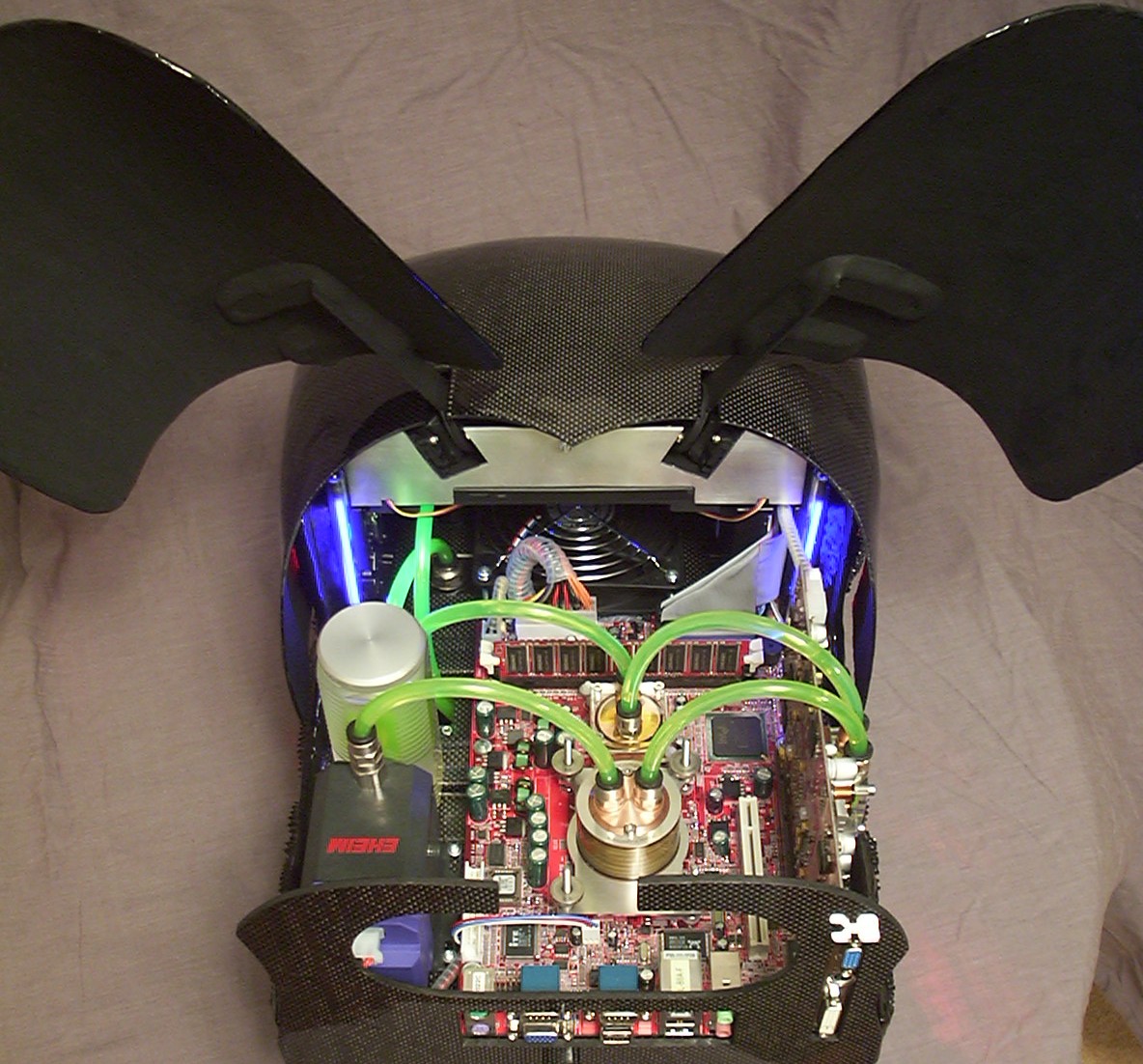
You might wonder where the DVD-ROM/CDRW ended up.
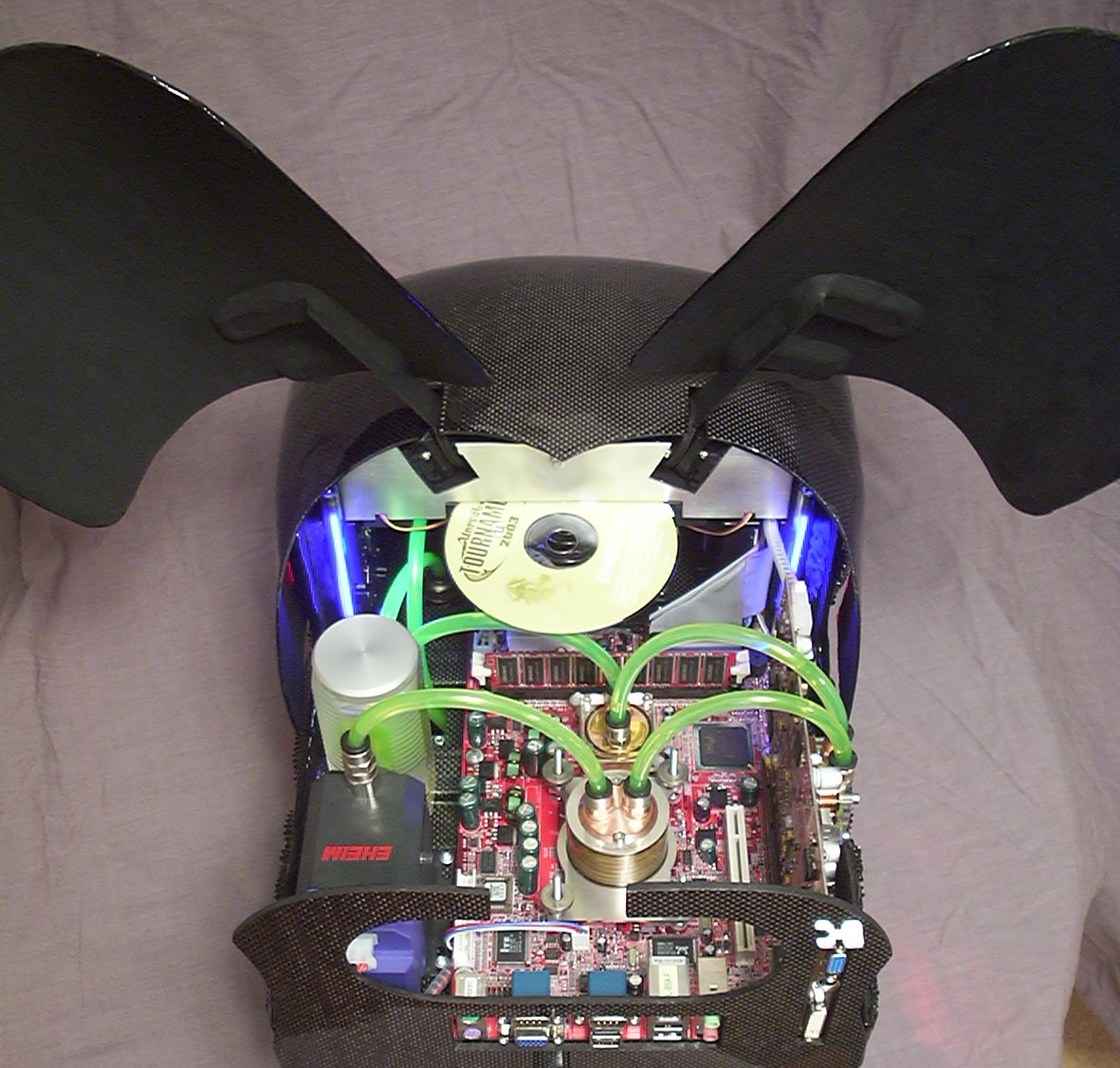
Well there it is, easy to access when the wings are in the upper position.
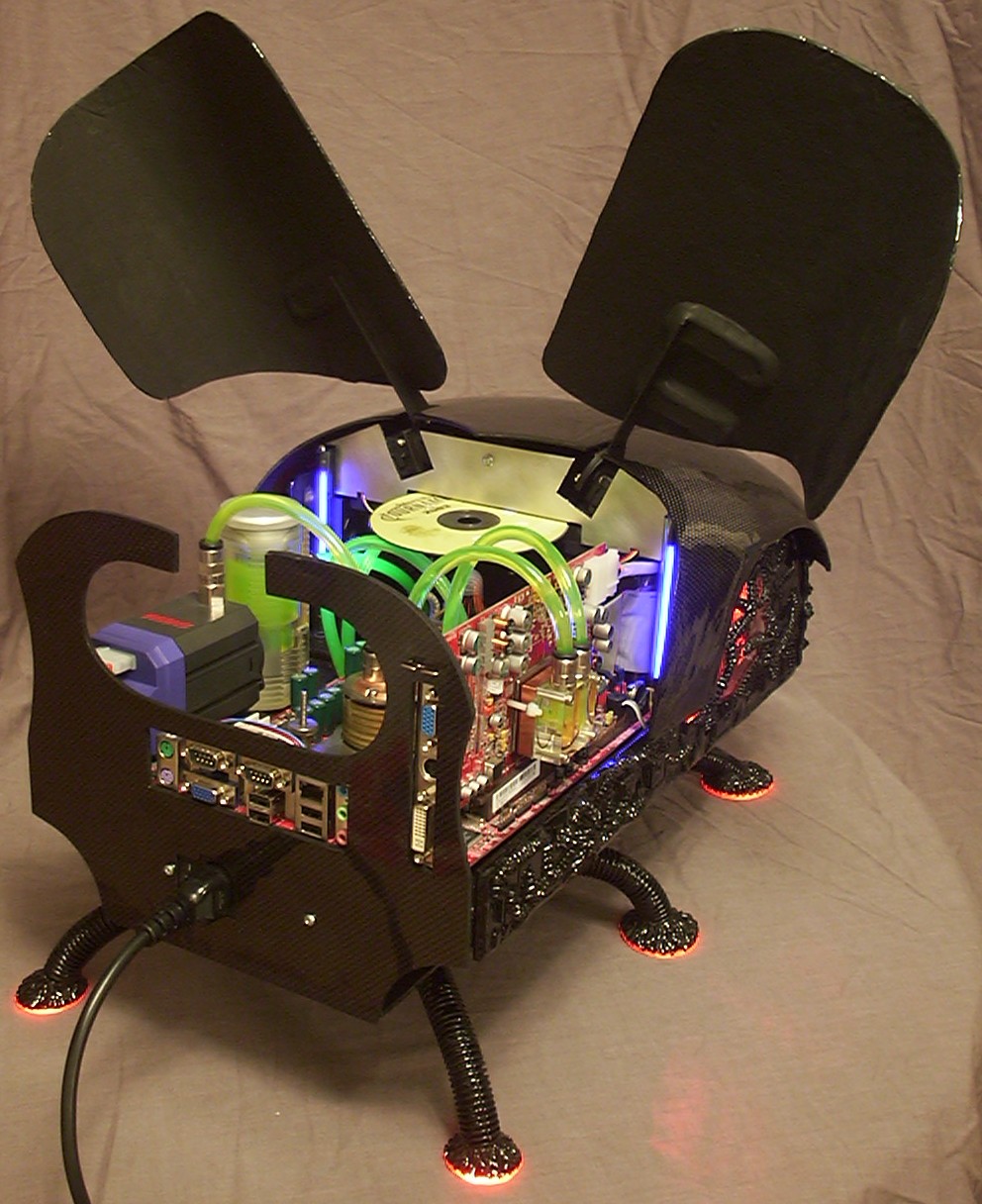
Just a random pic of the rear right side.
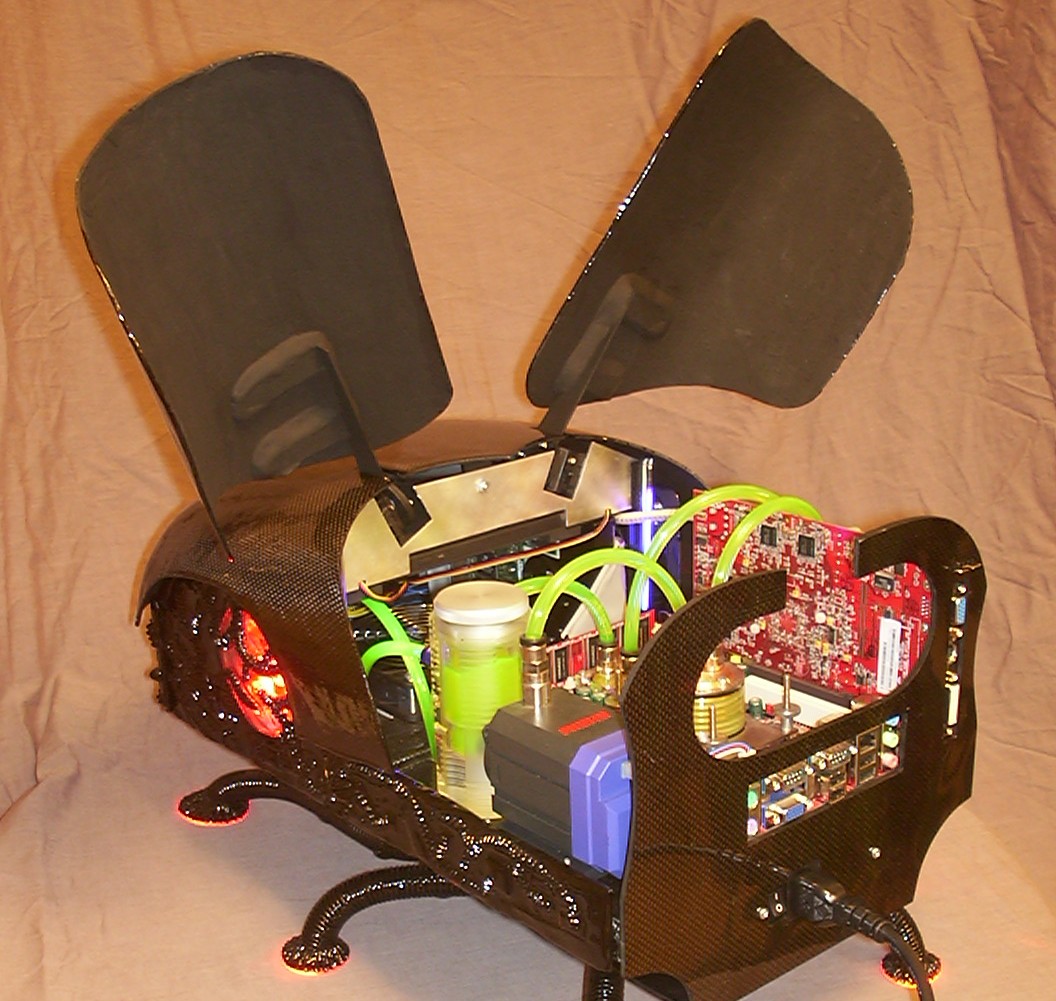
The cutout of the hole in the rear panel made it a fair bit less obtrusive compared to when it was solid.
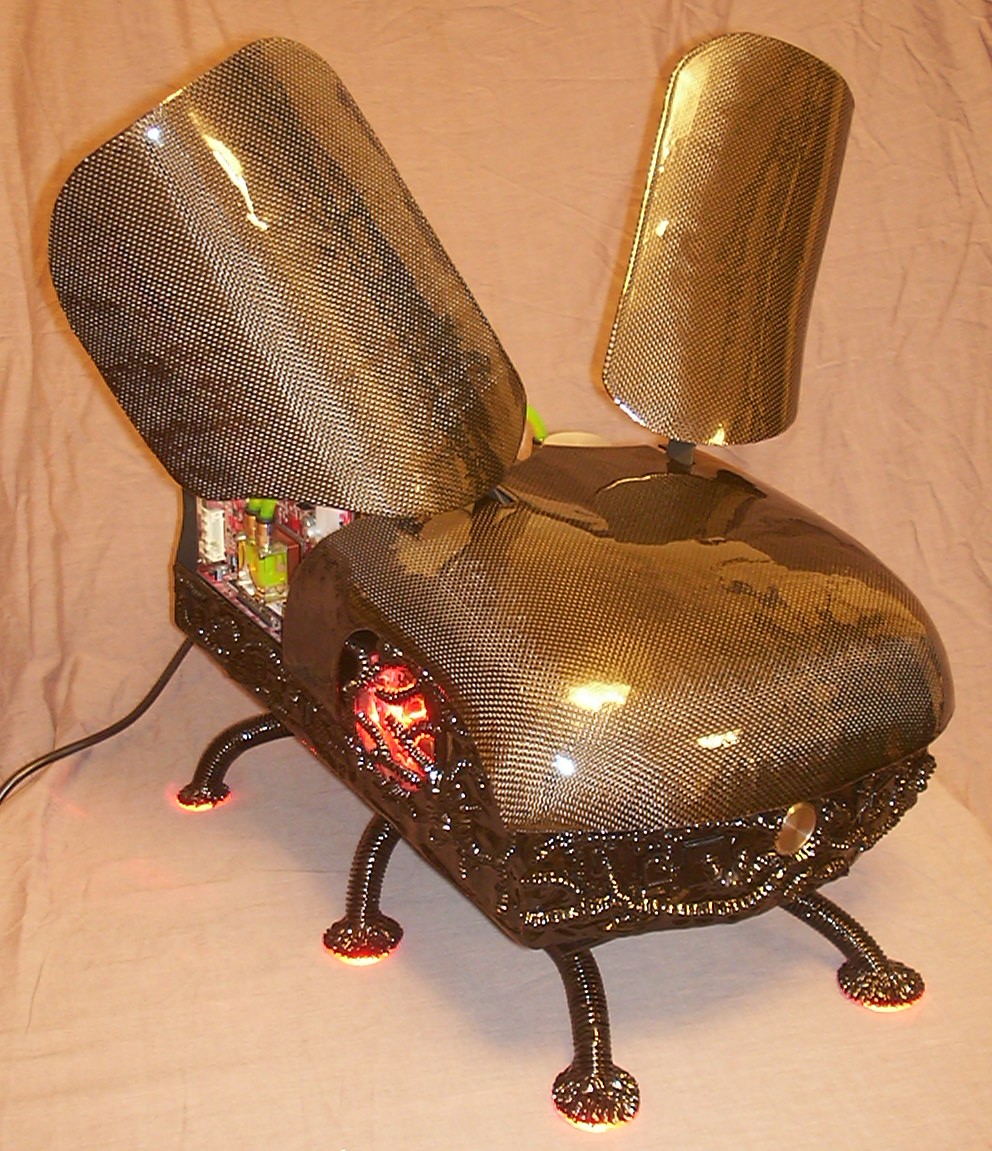
One of the many nice features with carbon fibre is the way it reflect light from camera flashes.
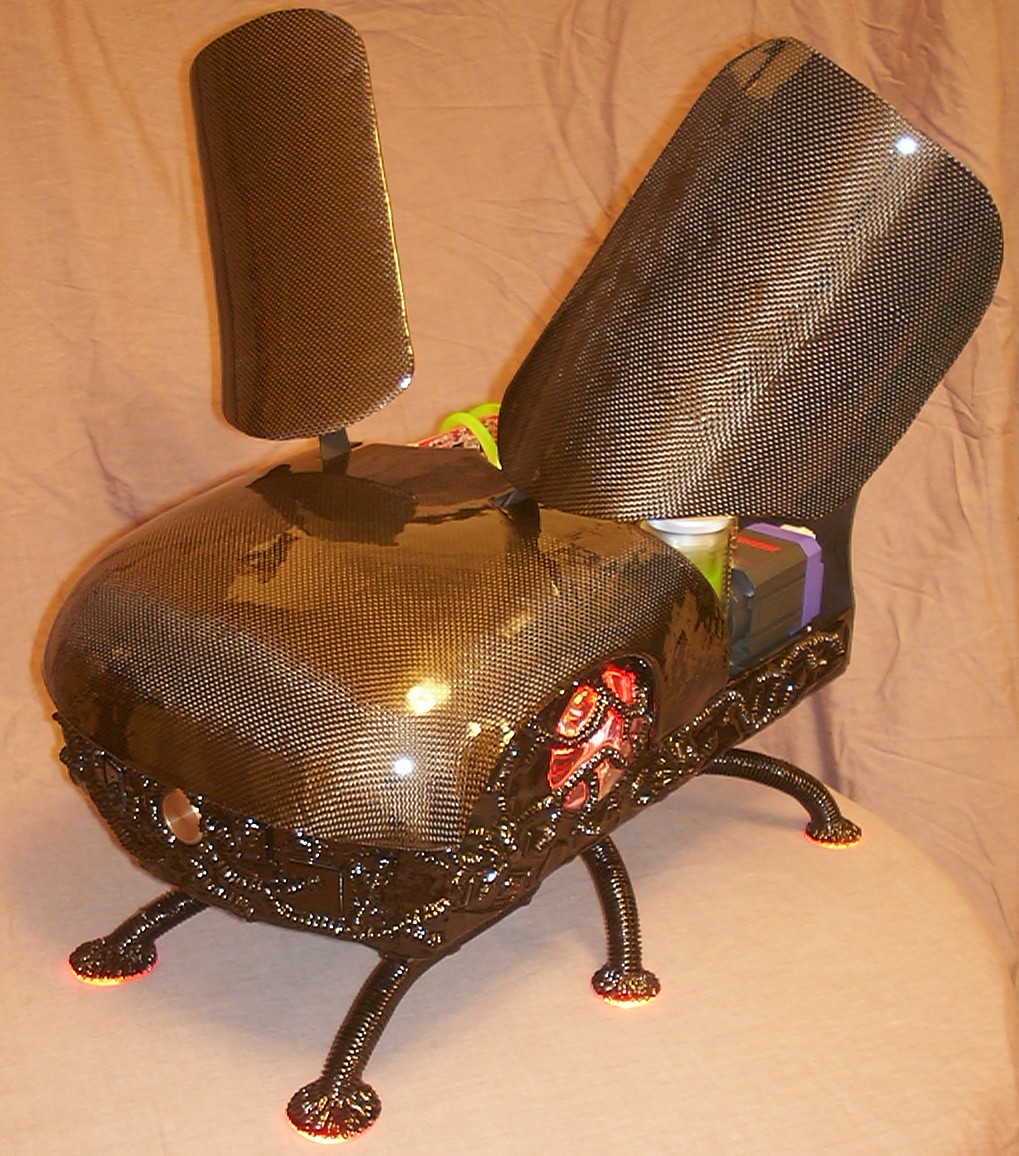
This one is added just for the fun of it.
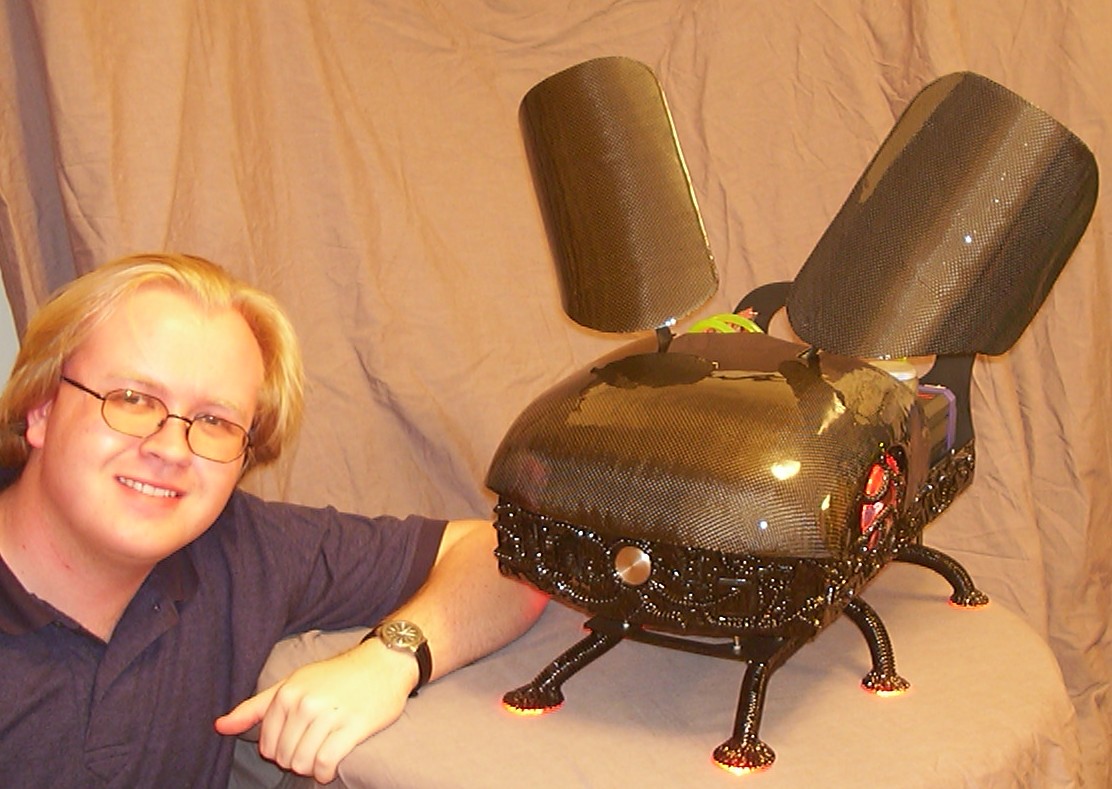
And this, this is the person responsible for you reading 20 pages and looking at 140+ images.
This is the end of the original worklog but thanks to the muppets at American Airlines the worklog will continue on the next page…
Part 21
I didn’t plan to make any further updates in this worklog but it seems American Airlines almost succeeded with what most contractors failed with 4 years ago - to kill the Y2k-bug…
So this is how the bug looked like when it was taken out of it’s sturdy flight case:
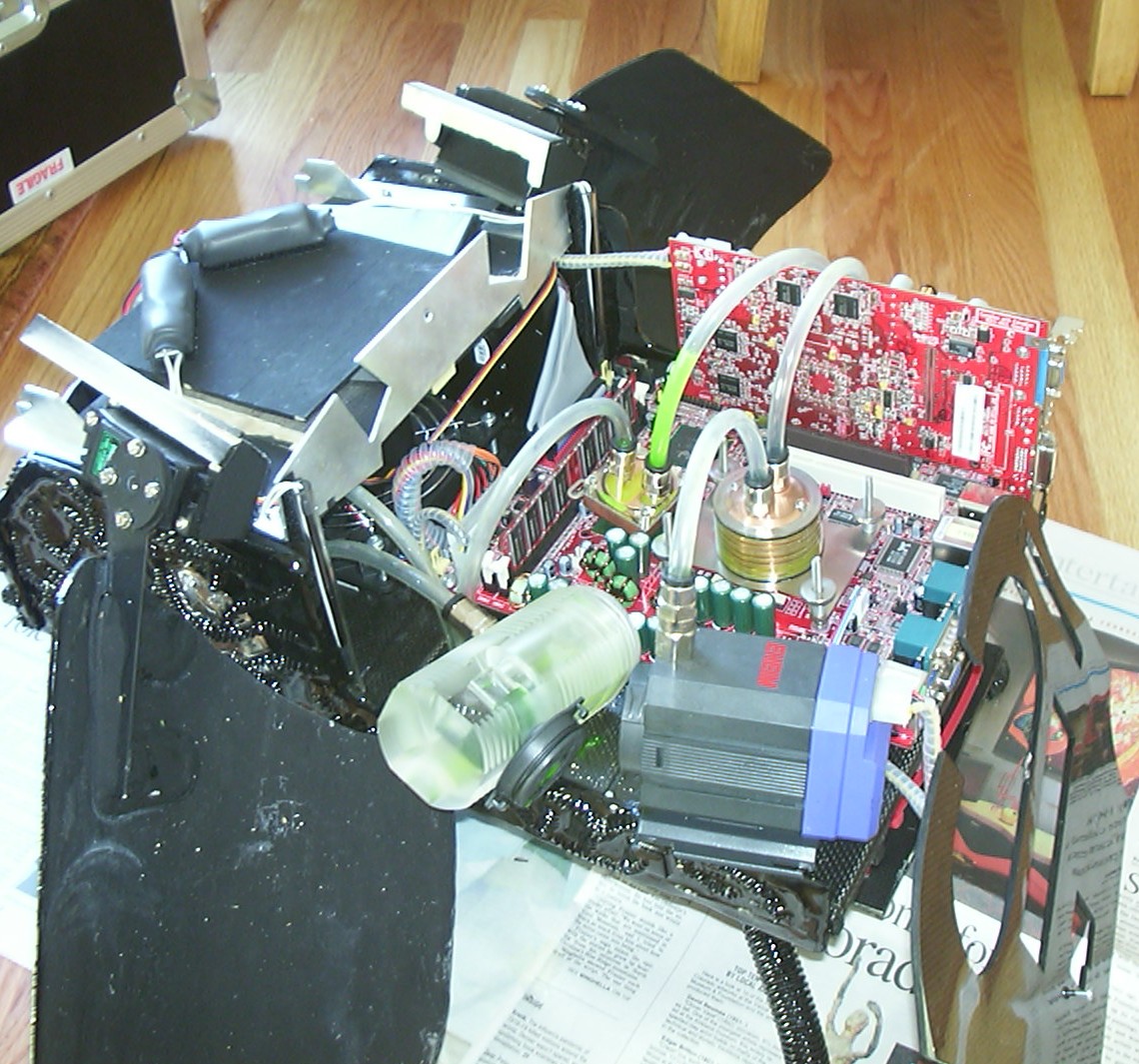
Damages from left to right: The balsa section around the CDRW / under the servos is crushed. The aluminium over the CDRW is bent. The northbridge block got one screw snapped. The pumphouse has been unscrewed and all the screwmounts on the pump are ripped off. The rear panel has been torn away from the PSU that it was screwed to.
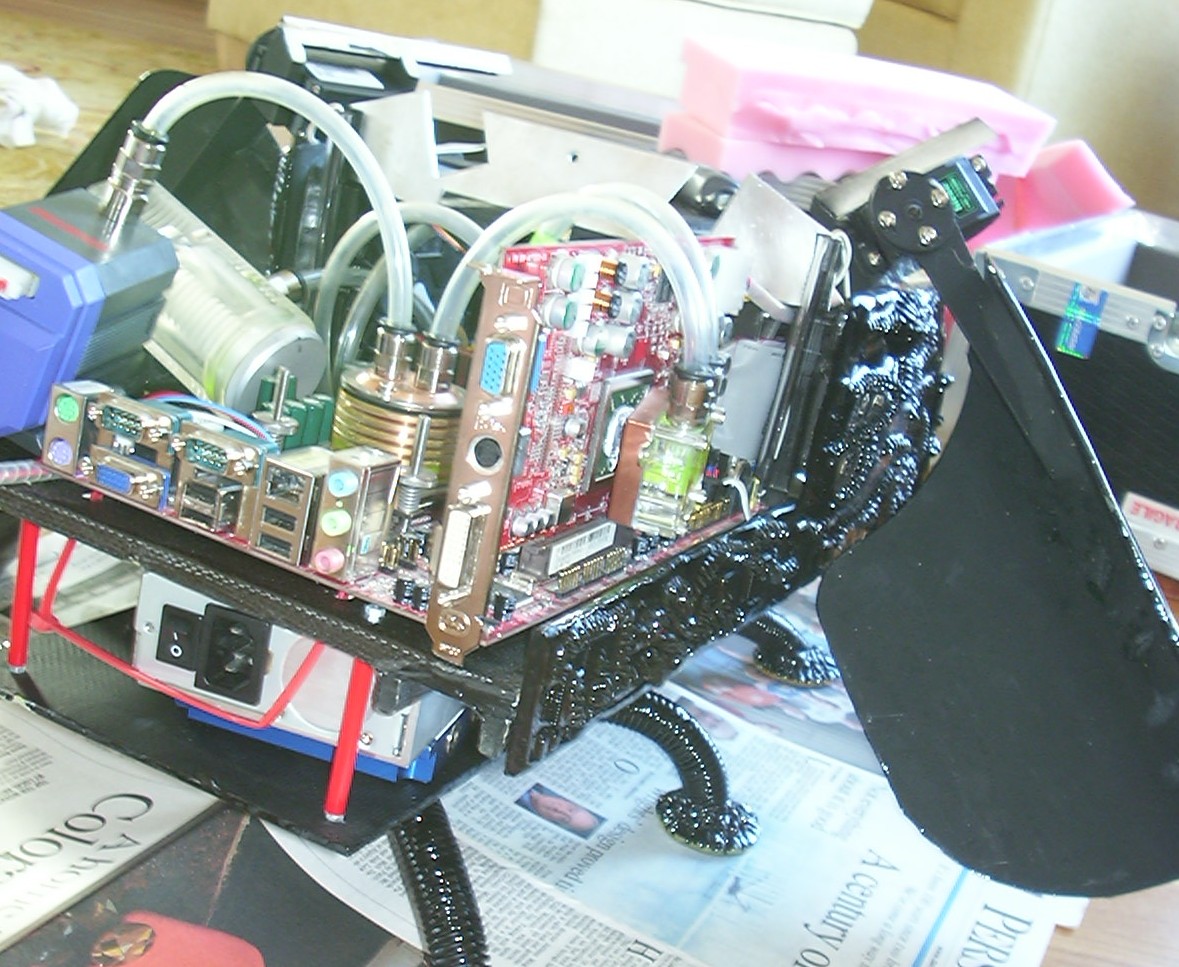
The GFx block is torn off as well, the left stack of USB ports are bent upwards, no other visible damages seen on the motherboard or GFx card. The PSU got relocated by snapping off some heavy duty zip ties and the two screwholes at the back of the PSU has been cleaned from any thread.
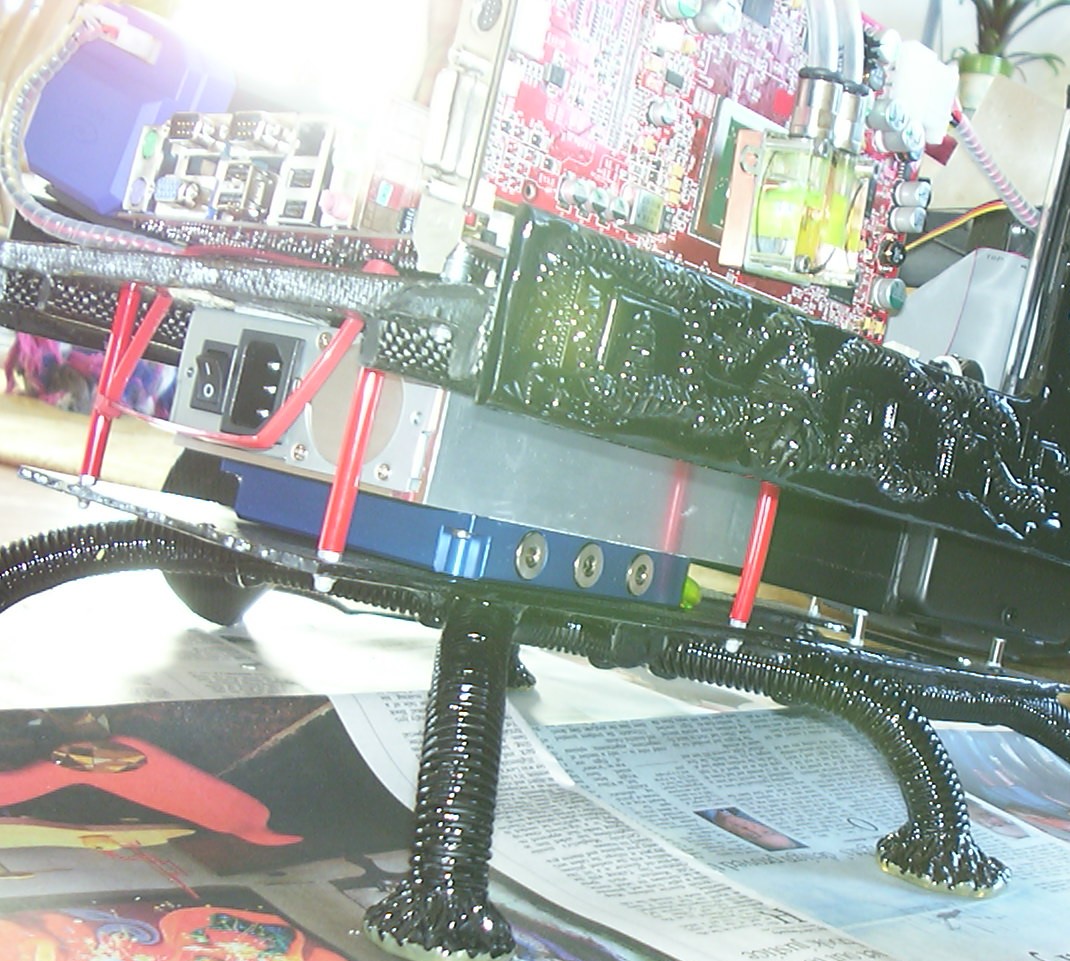
The three legs closest to the camera are off, the epoxy inside the plastic tubes has cracked.
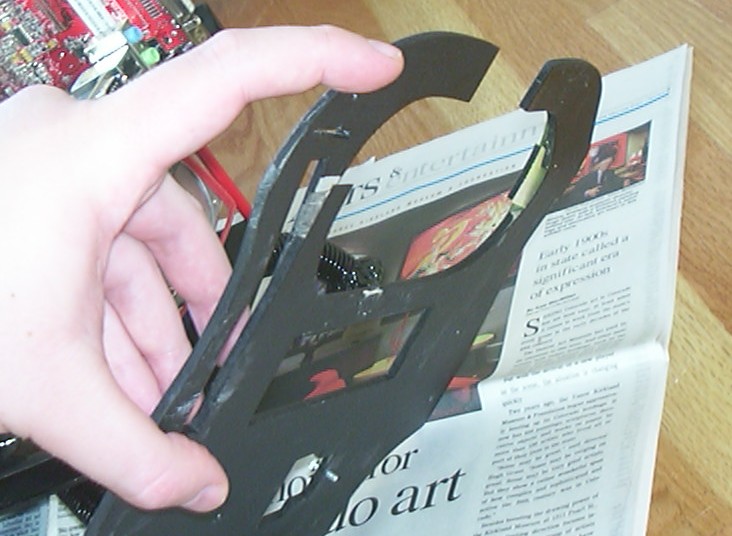
Carbon fibre is supposed to be strong but apparently it wasn’t strong enough for the cargo people…
The HDD, CDRW and the PSU has been tested ok. The faith of the motherboard and GFx is unknown, luckily enough the bug was upside down when the reservoir decided to leave the pump.
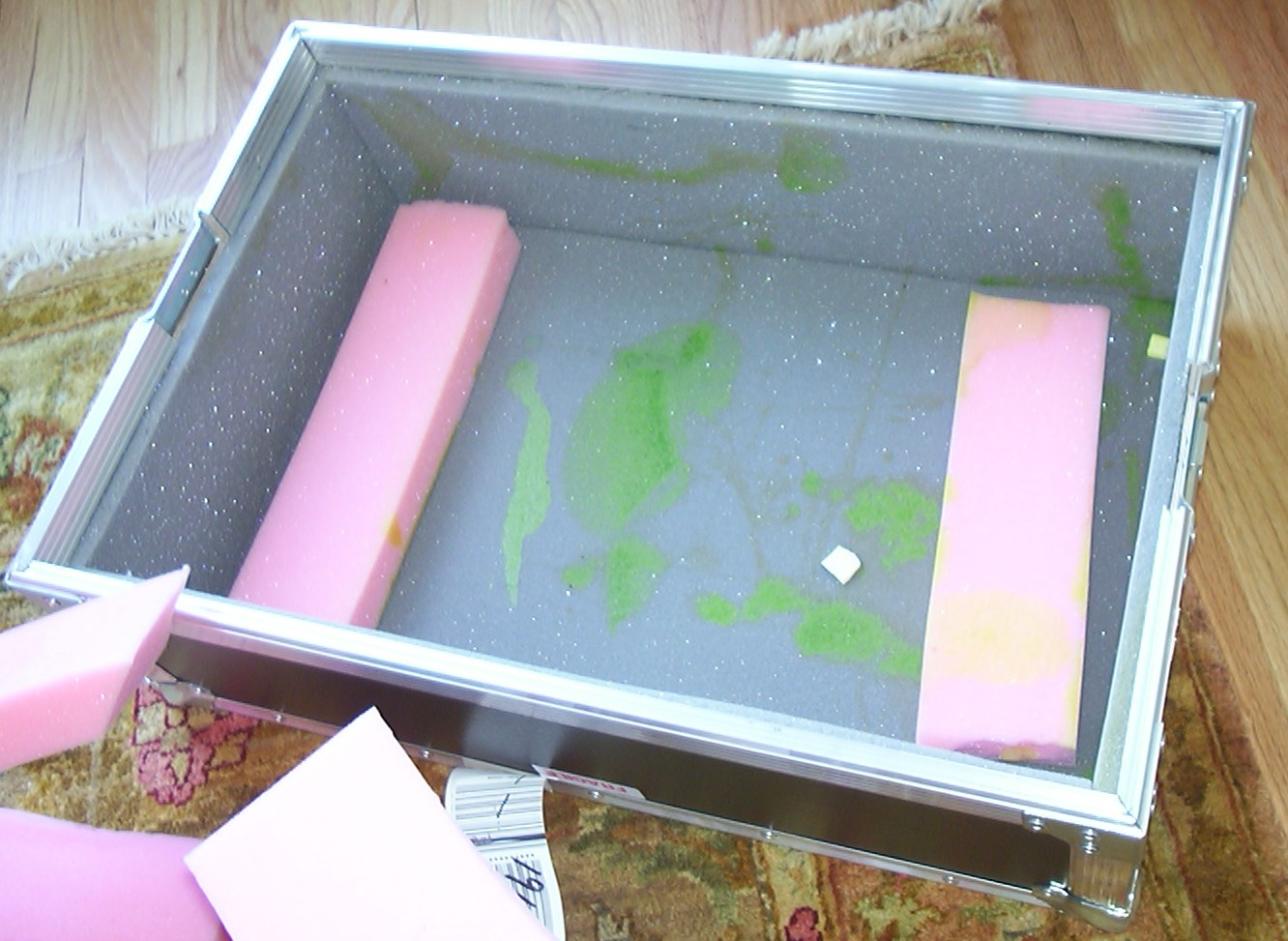
This is the flightcase used, very strong and sturdy, hardly any scratches on the outside.
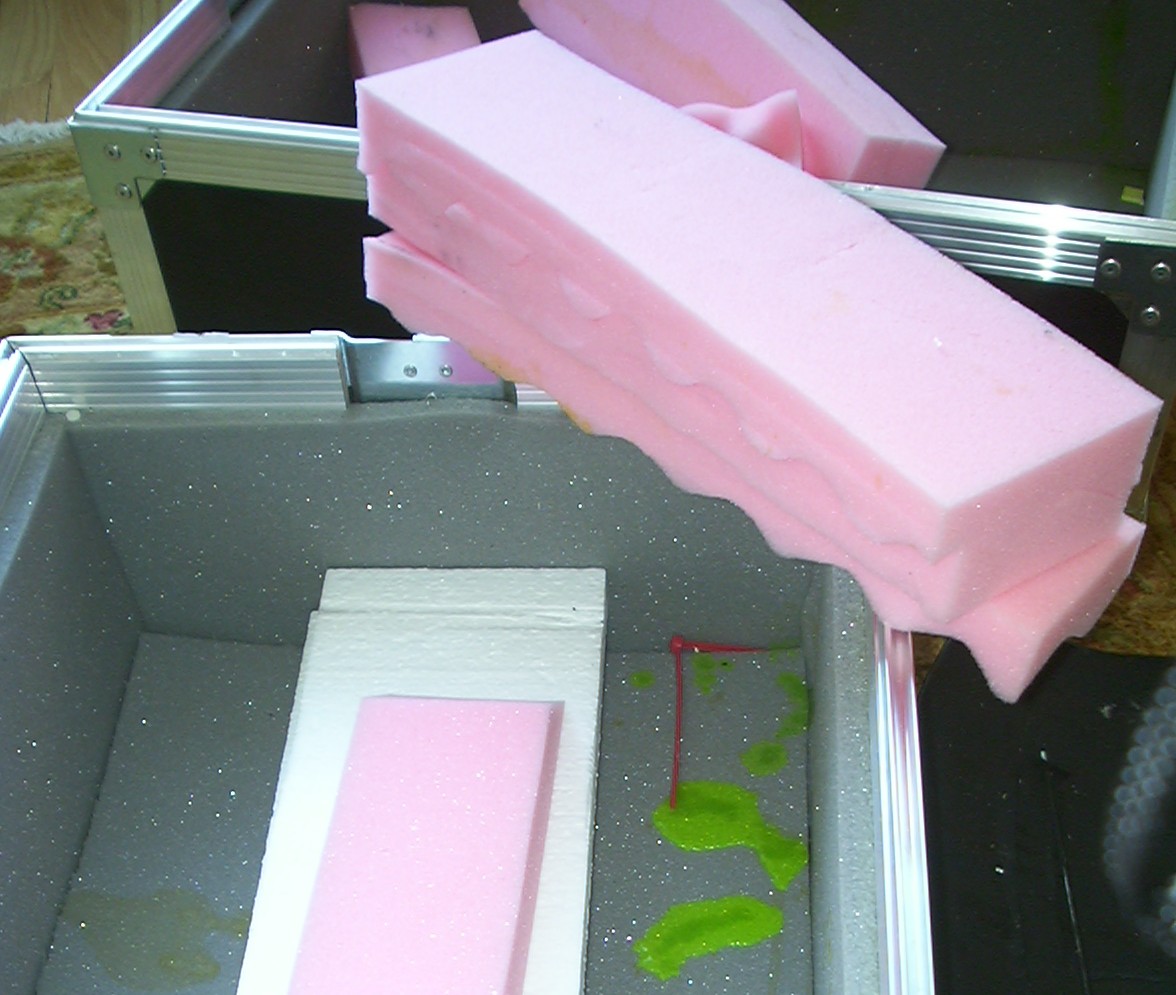
But on the inside you can see traces of bug blood everywhere. The bug got smashed against the insides of the case when it got dropped from a great height a couple of times. I really wonder what part of the word “FRAGILE” that the cargo people failed to understand.
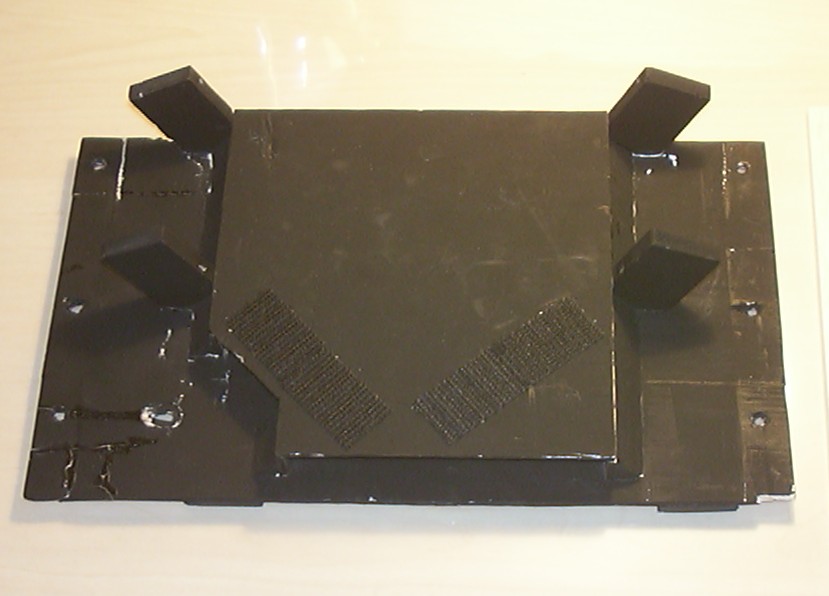
So after the bug was dismantled it was time to start the repair, first out was the upper baseplate holding the CDRW and the servos. All 20 pieces of wood were glued back in place.
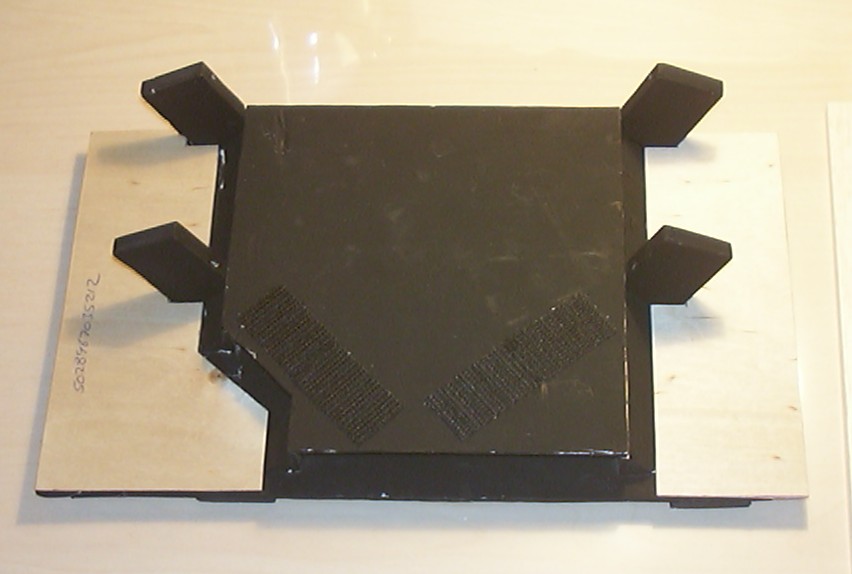
Due to the extent of the damages the balsa wood will be reinforced with 1/32" plywood.
Part 22
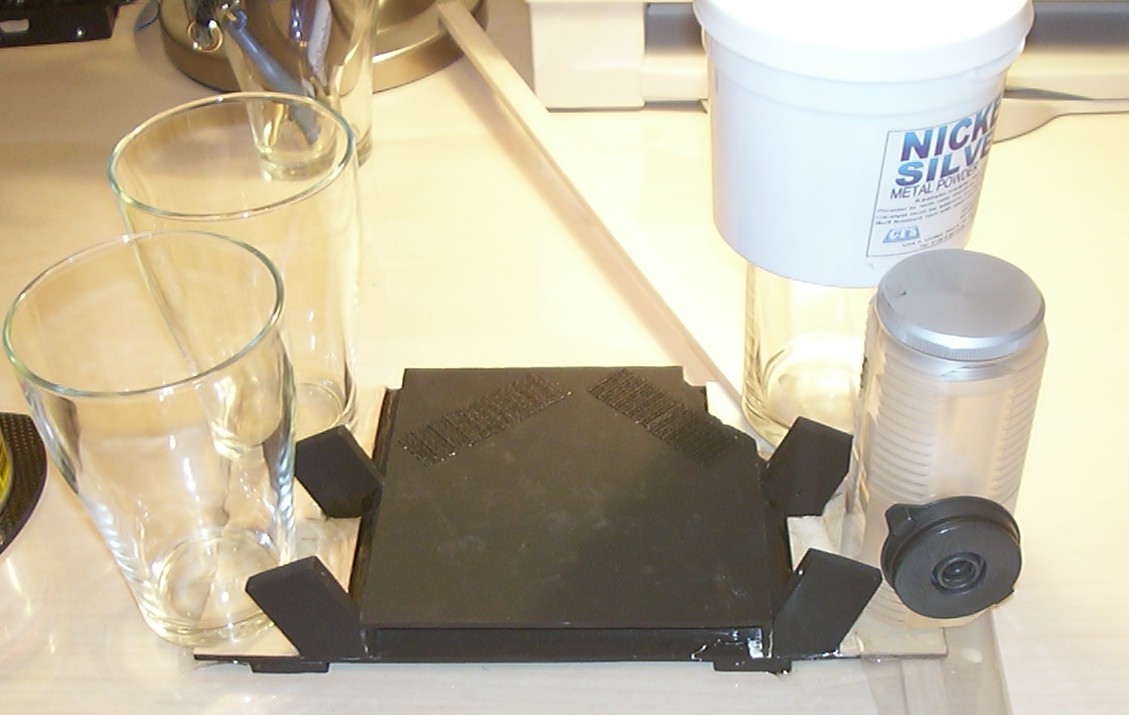
To make sure the plywood would stay in place it was attached with Carbon Fibre epoxy.
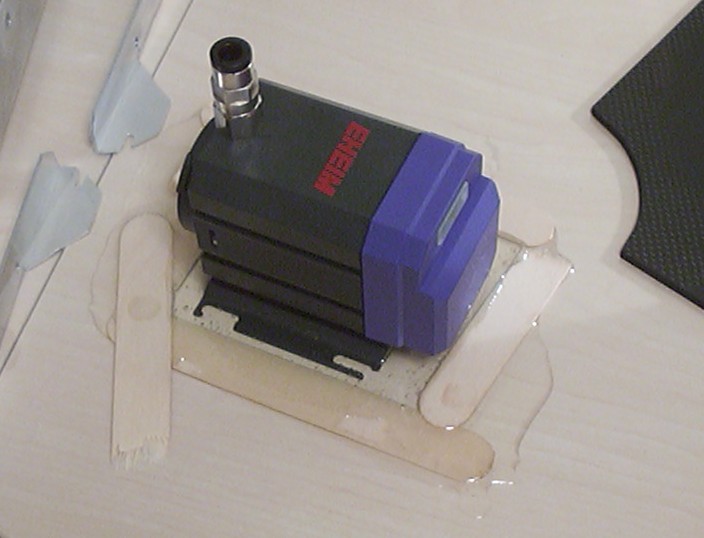
The pump got a new mounting plate made out of some more epoxy, the medispats are only providing a border to keep the layer of epoxy thick enough to be usable.
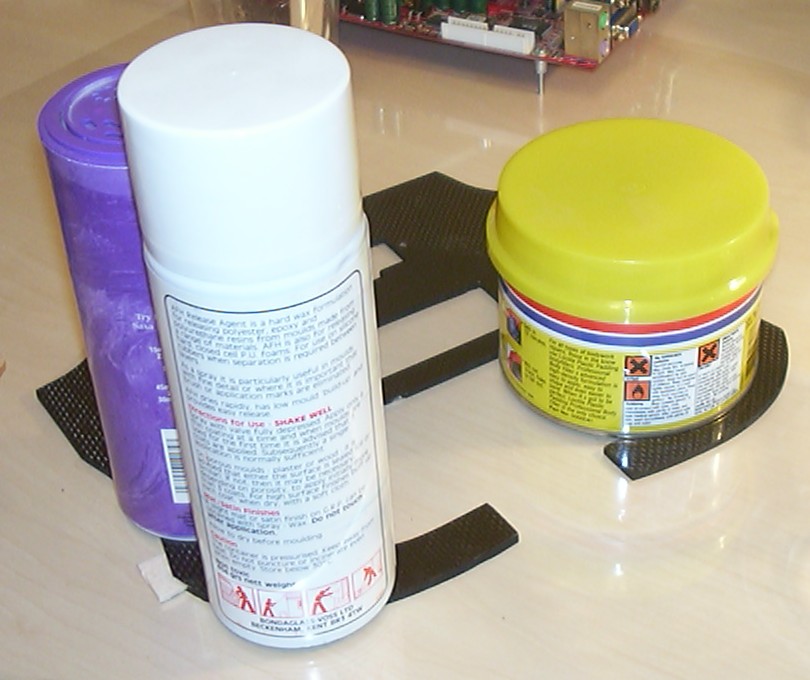
The rear panel got pieces of balsa cut in shape to fill the holes from bits that had fallen out. Then epoxy was added between the balsa and the carbon fibre. This solution is a lot less work than making a new panel from scratch.
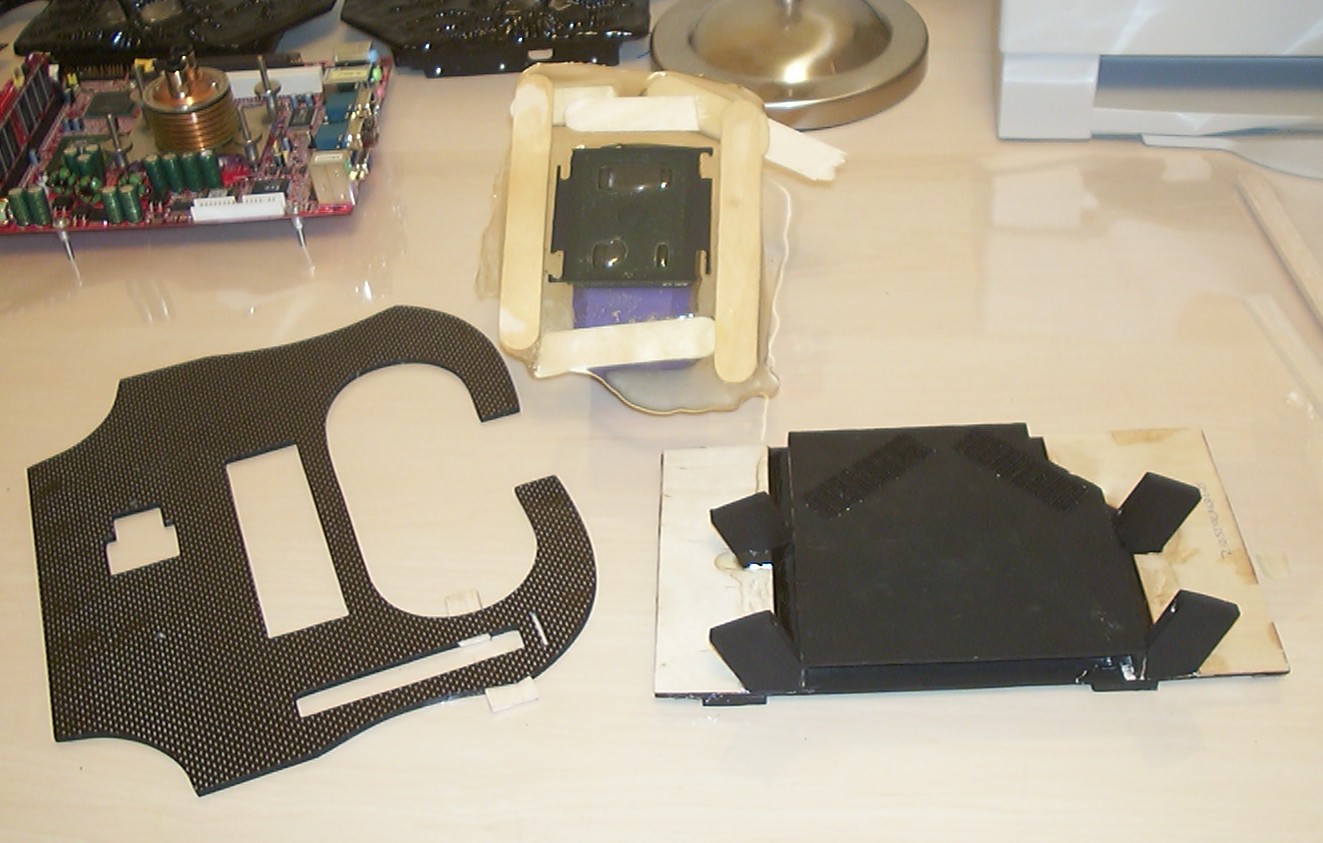
With the epoxy cured for a few hours the weights were removed and the result inspected. After that the epoxy had to set for a full 24h before the work continued.
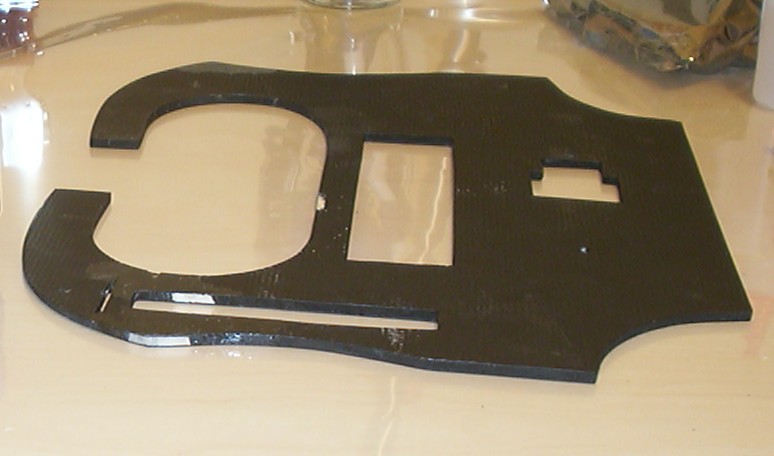
The rear panel got the balsa patches trimmed to size and ready to be painted.
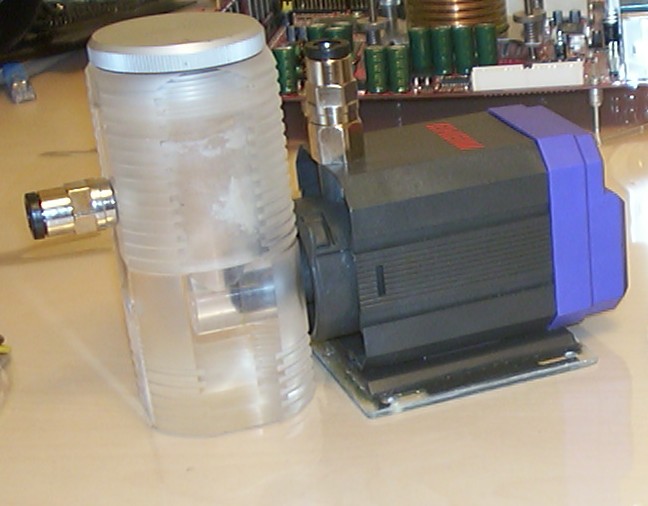
The new pumpmount made out of epoxy has been cut, drilled and ready to use.
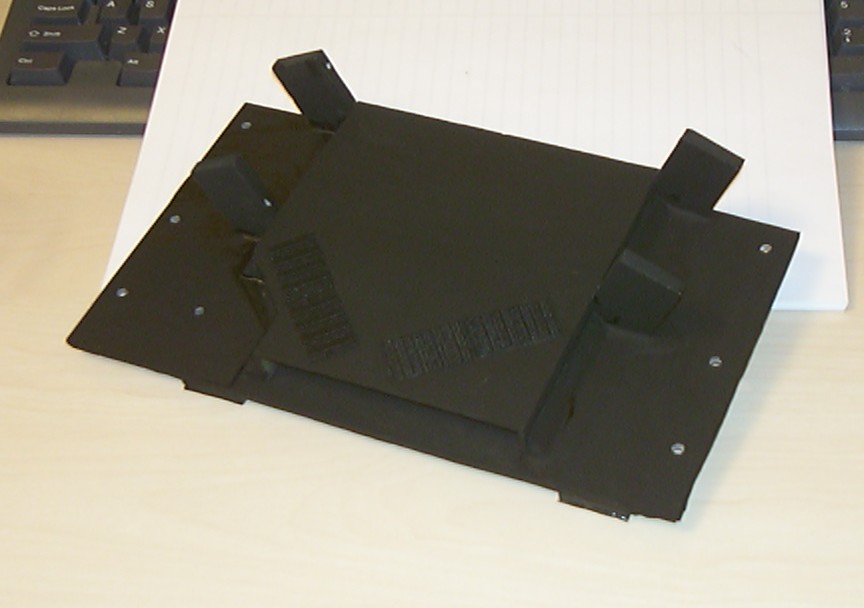
The upper baseplate is drilled and painted, must say it seems better than it did new…
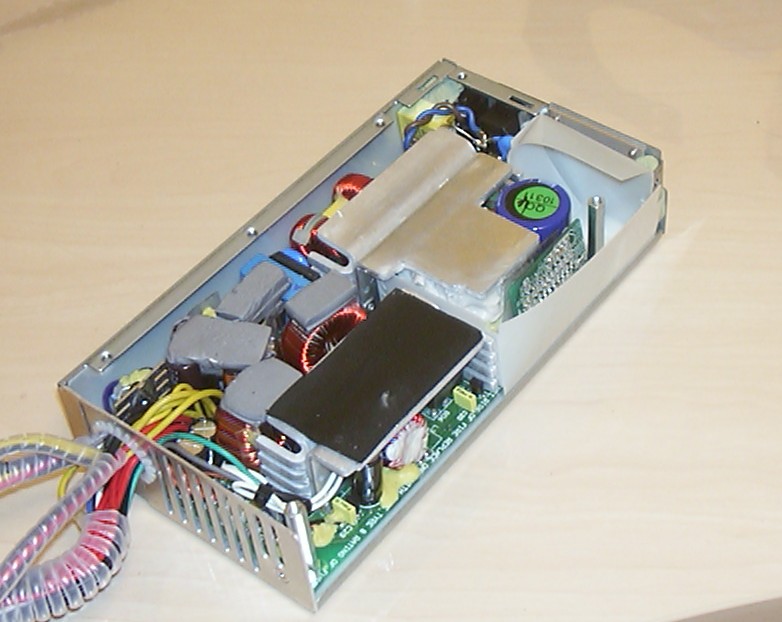
Got a tricky problem, the two M3 threaded holes at the back of the PSU became clean holes when the screws were ripped out. The solution was to fill the two corners behind the screwholes with Milliput, you can almost see it at the two top corners in the pic.
Part 23
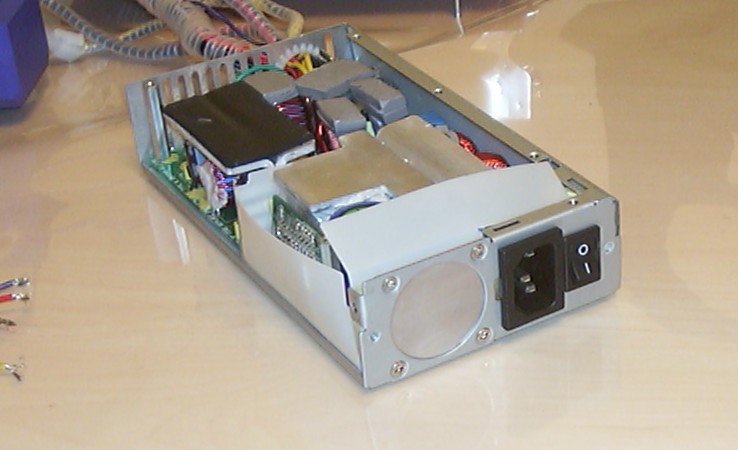
When the Milliput was all set it didn’t take long to drill and tap the holes.
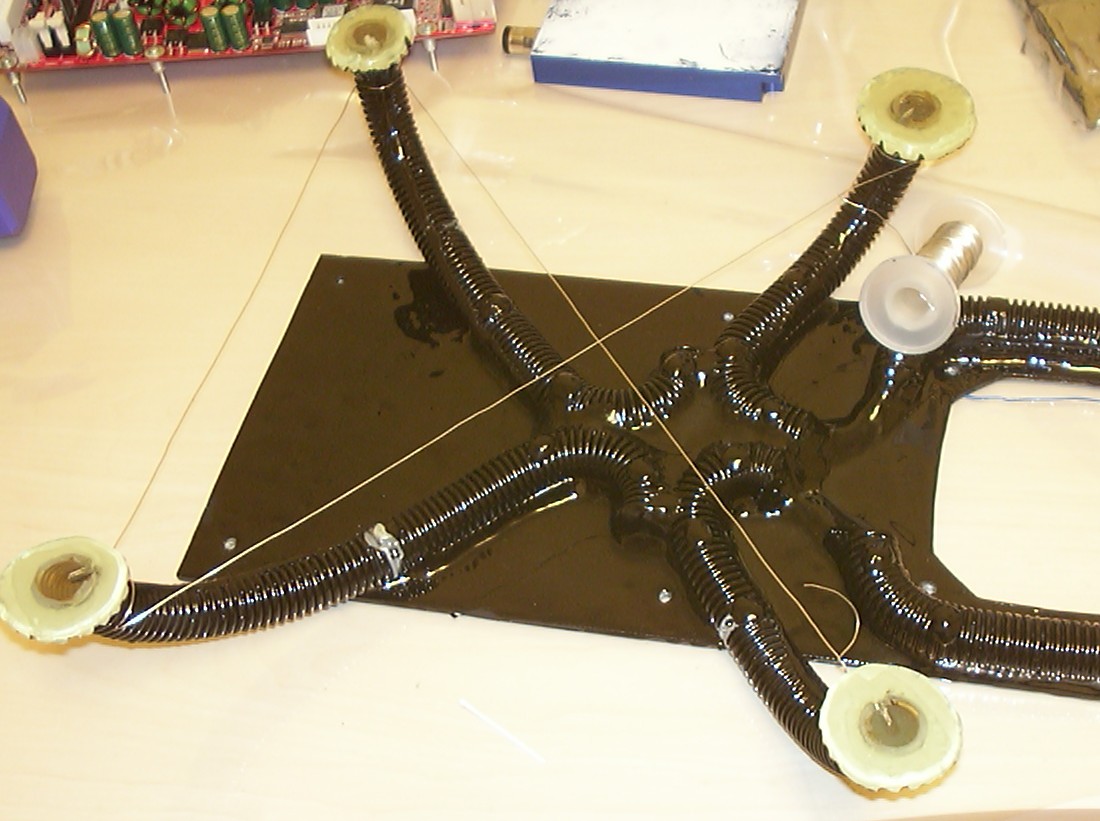
Advanced bug surgery, I used the view hole technique for the broken legs. A hole was drilled straight through the break surface in the epoxy core side the outer plastic tube. Then it was filled with some new fresh epoxy and was worked in properly by moving the broken piece back and forward. When done steel wire was used to keep the legs in the right position.
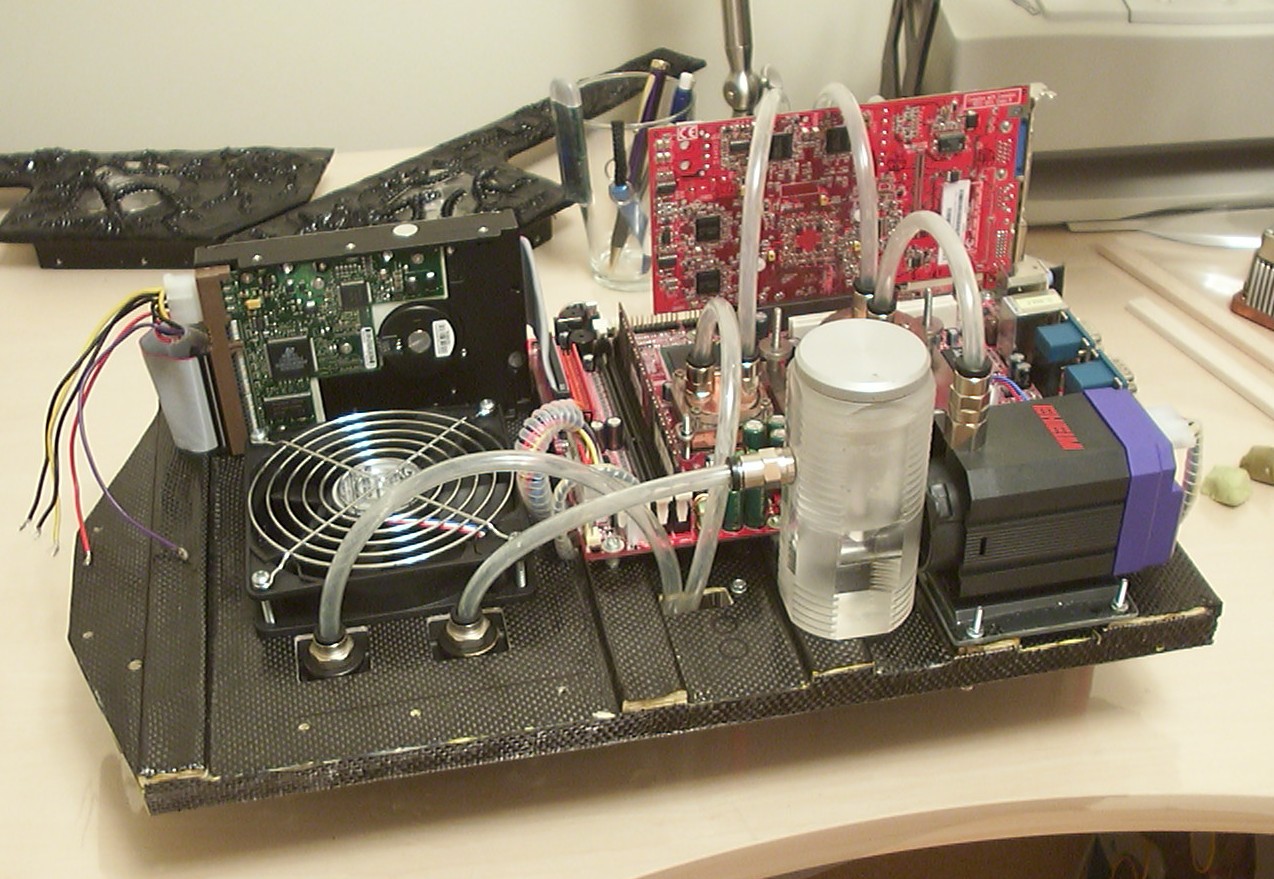
A minimalistic assembly done to test if all components still are alive. After water was added I booted up just to learn that the sweet ATI 9800 Pro was dead…
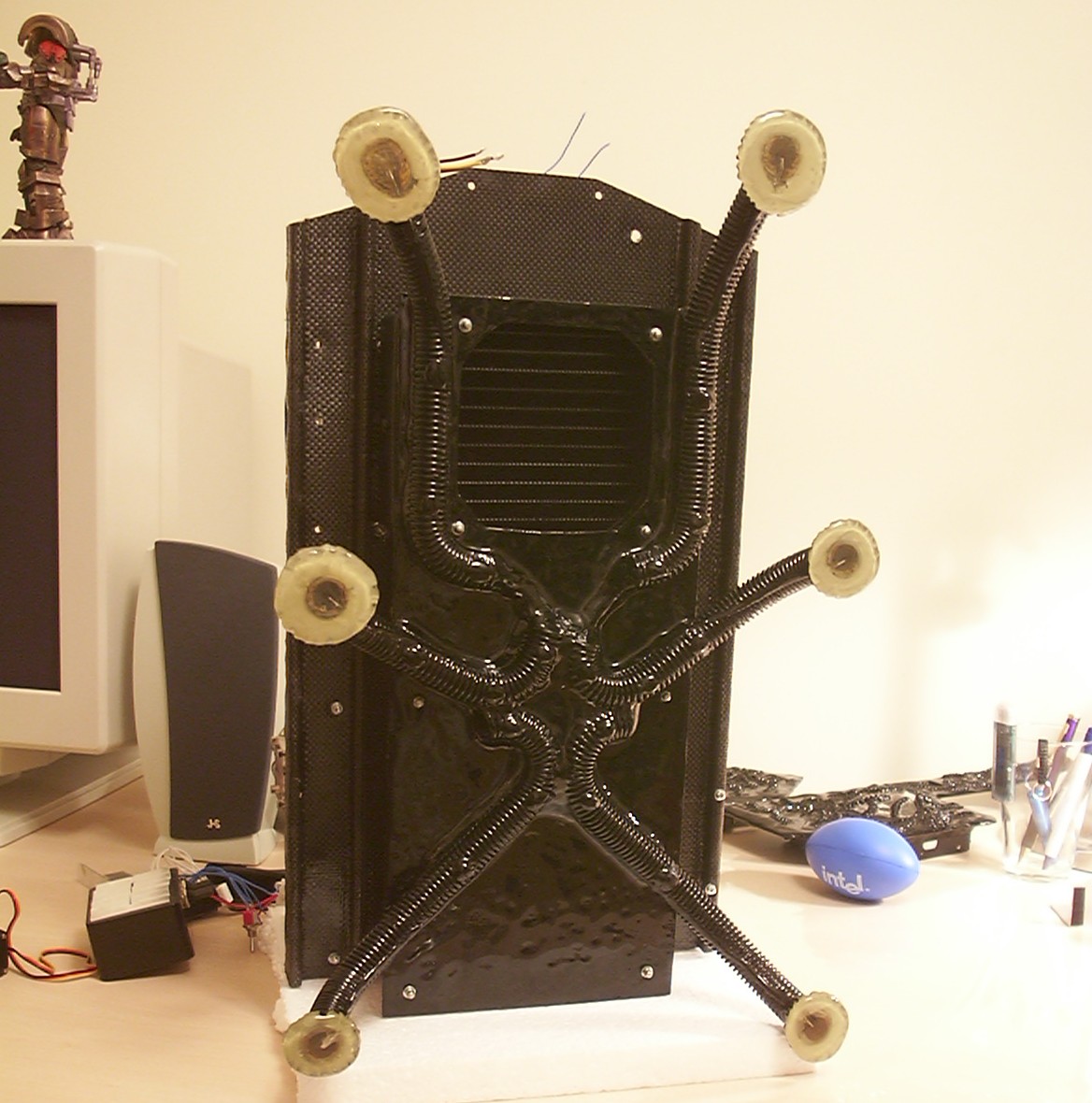
This is a view not seen in the original worklog, how the bug looks like from underneath when assembled.
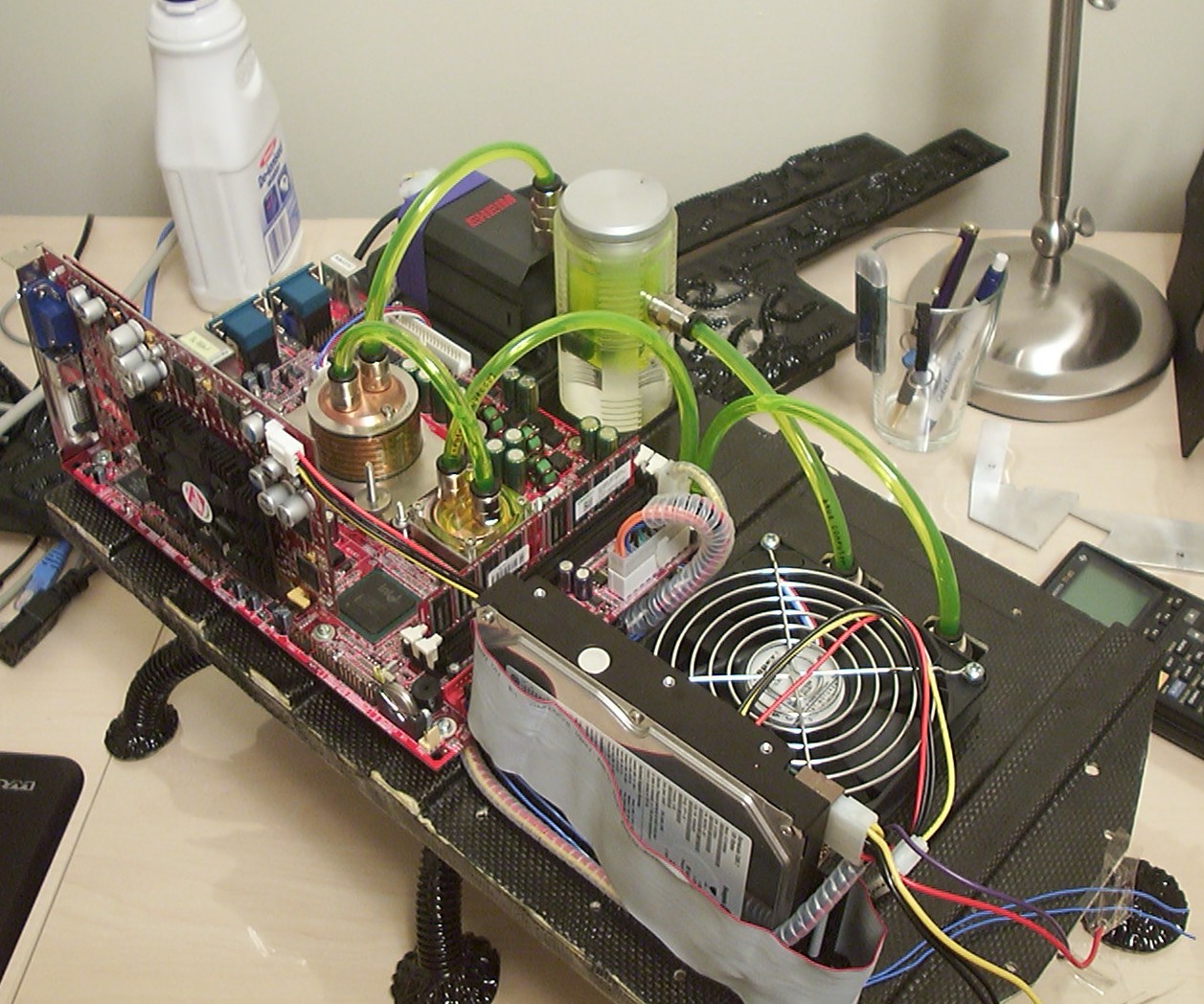
After talking with ATI they were very kind to send over a 9800 XT to replace the dead 9800 Pro. Since the XT isn’t suitable to watercool the waterloop got some minor changes. It is a 9700 Pro in this pic as the new card still was in the mail.
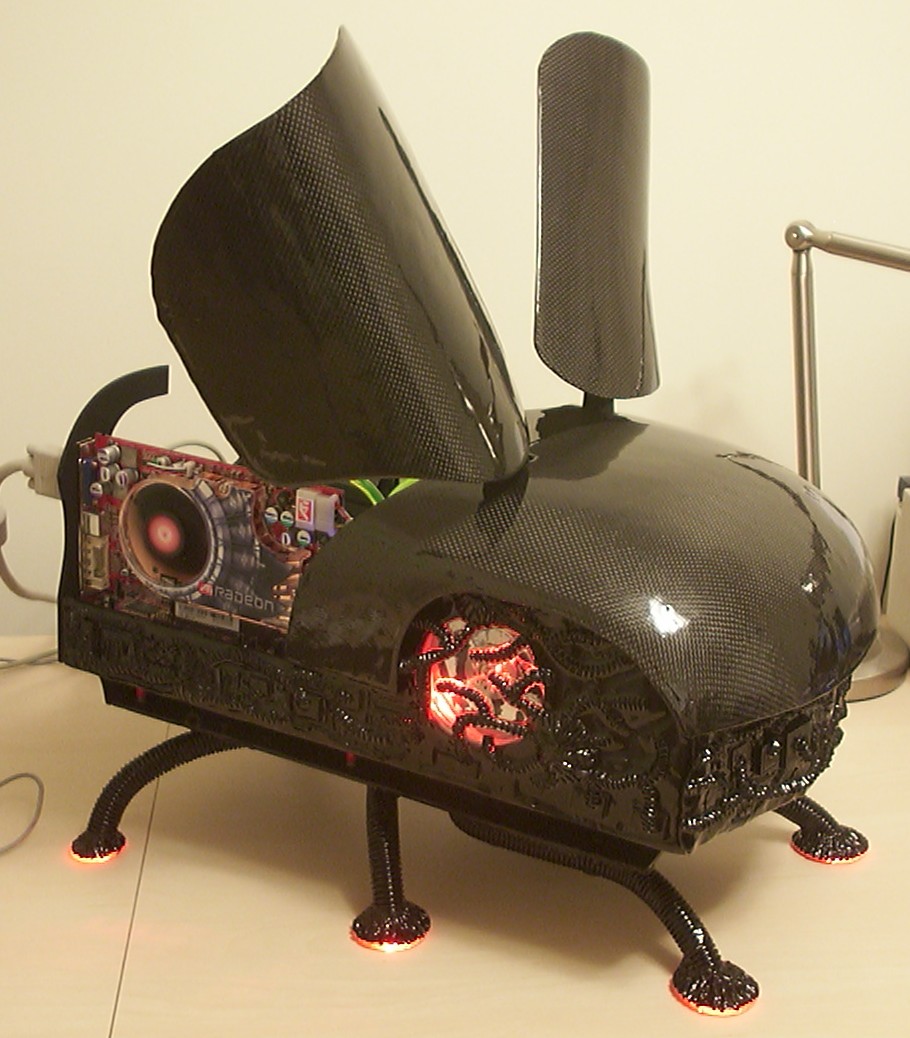
The Y2k-bug is done again!
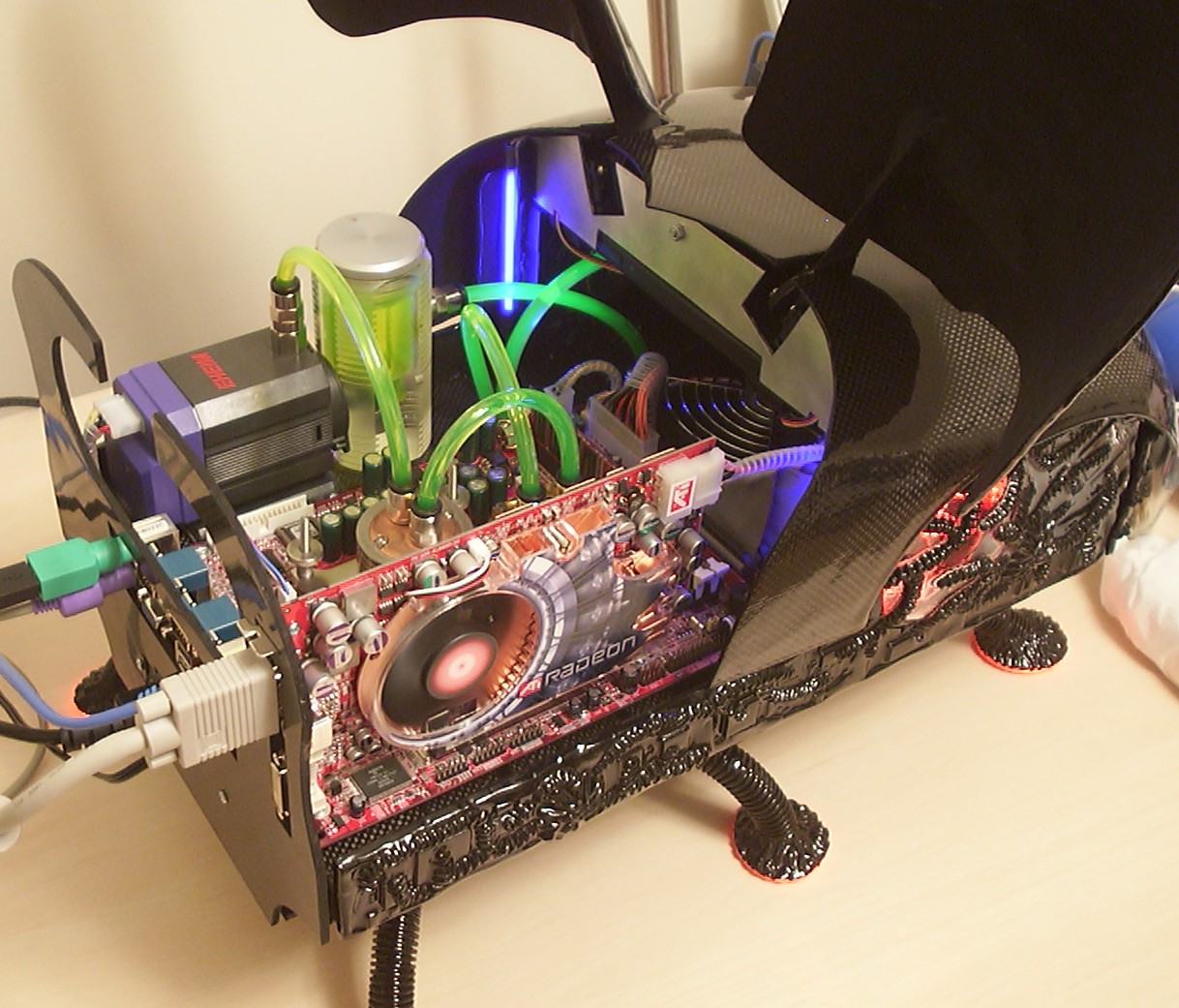
You can see the XT in it’s full glory. It was quite nice to notice that it didn’t add much noise at all over the fan on the radiator which itself is nearly silent.
So you thought you reached the end of the worklog now?
Wrong, one more page with new additions has been added including a few videoclips.
Part 24
Thanks to Sapphire and the continued evolution of video graphics I got the opportunity to yet again make the Y2k-Bug fully watercooled.
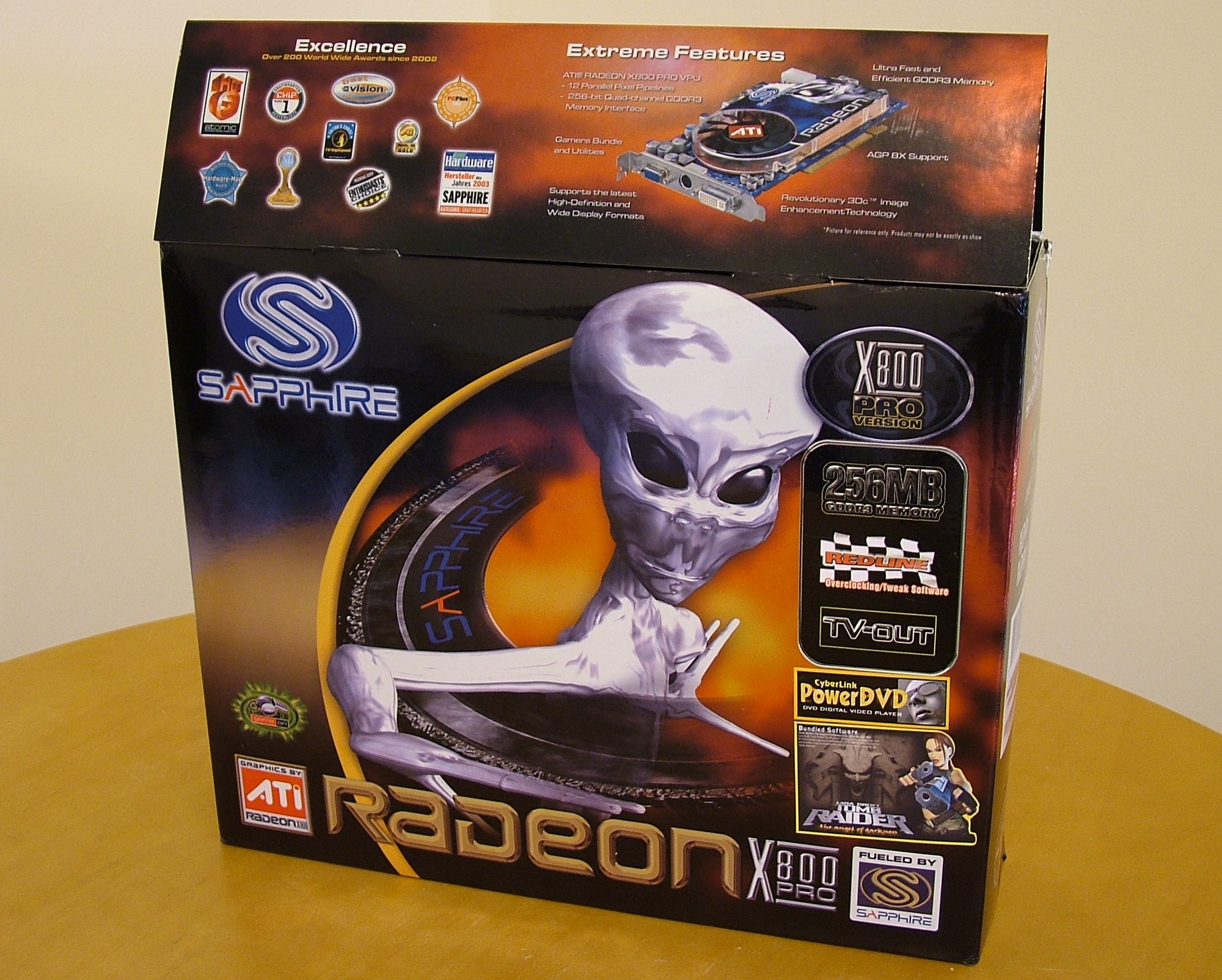
The old ATI 9800XT did prevent any easy watercooling since it needed active cooling of the DDR2 RAM. However the content of this box, a brand new Sapphire X800Pro, using cool running GDDR3 RAM will make watercooling a breeze.
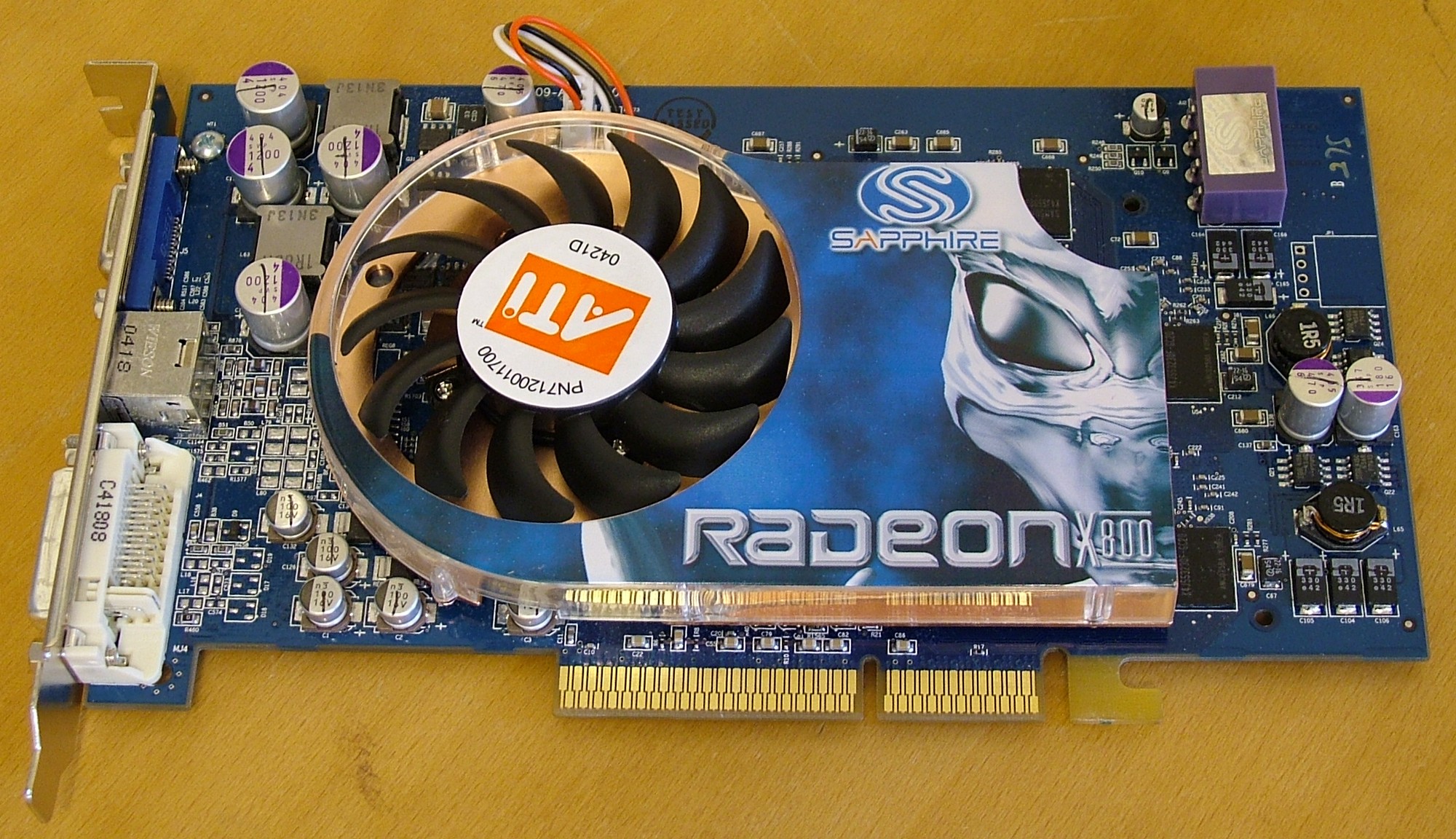
When opening up the box this is what we find, a blue card with an alien staring at you. That violet Molex connector is a great improvement over the previous ATI cards, for once you don’t have to worry about ripping the connector off the board when you try unplugging the power.
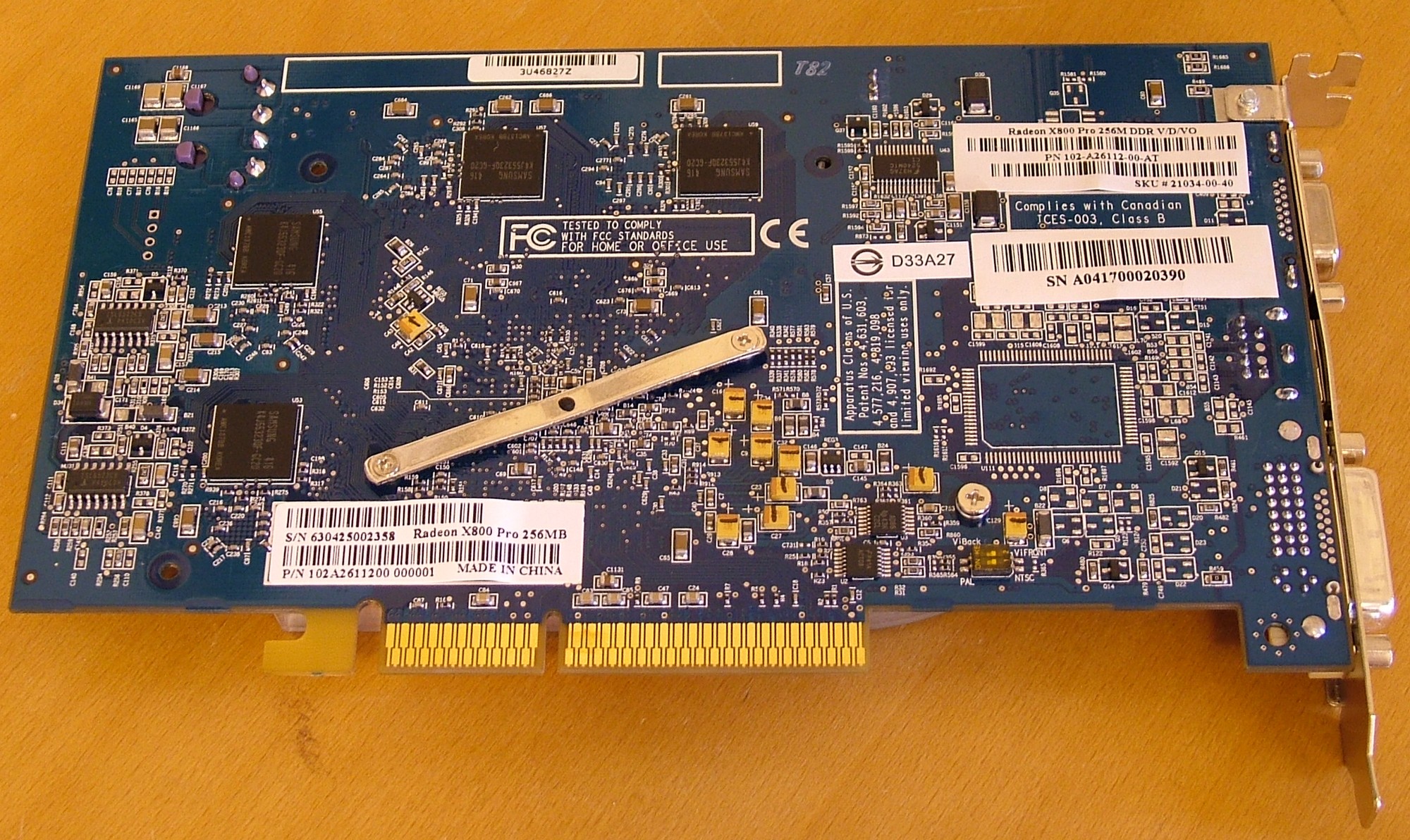
Well this is about modding so how do we get this thing apart?
The two small screws in the metal bar and the screw to the bottom right is all. Just watch out with the screws in the bar, it is spring loaded and to find the screws on a carpet is not easy, trust me…
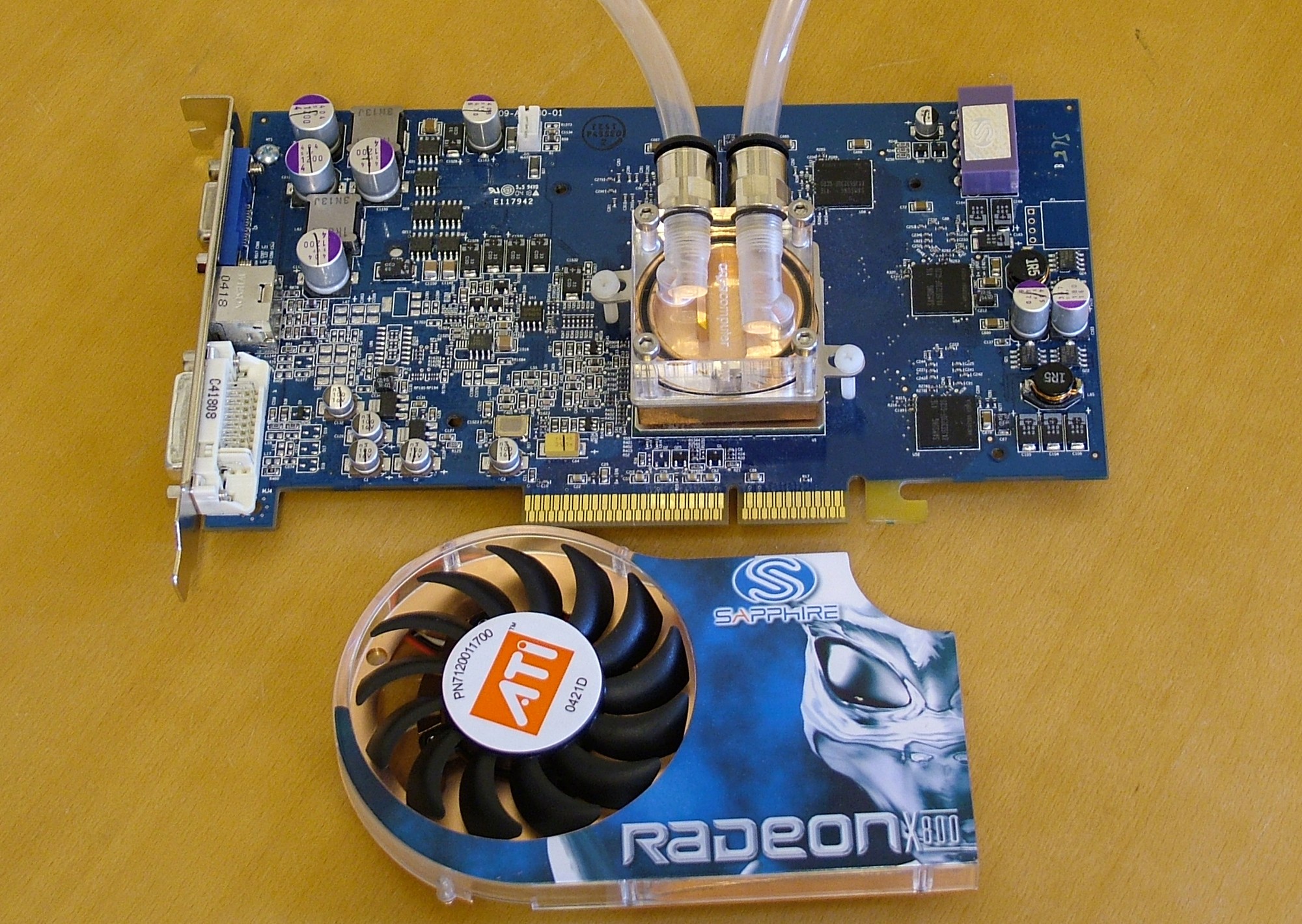
Five minutes later the heatsink is off and the AquaComputer waterblock used for the original 9800Pro is installed. Thank you ATI for keeping the same hole layout between generations, makes it so much easier to add aftermarket cooling solutions.
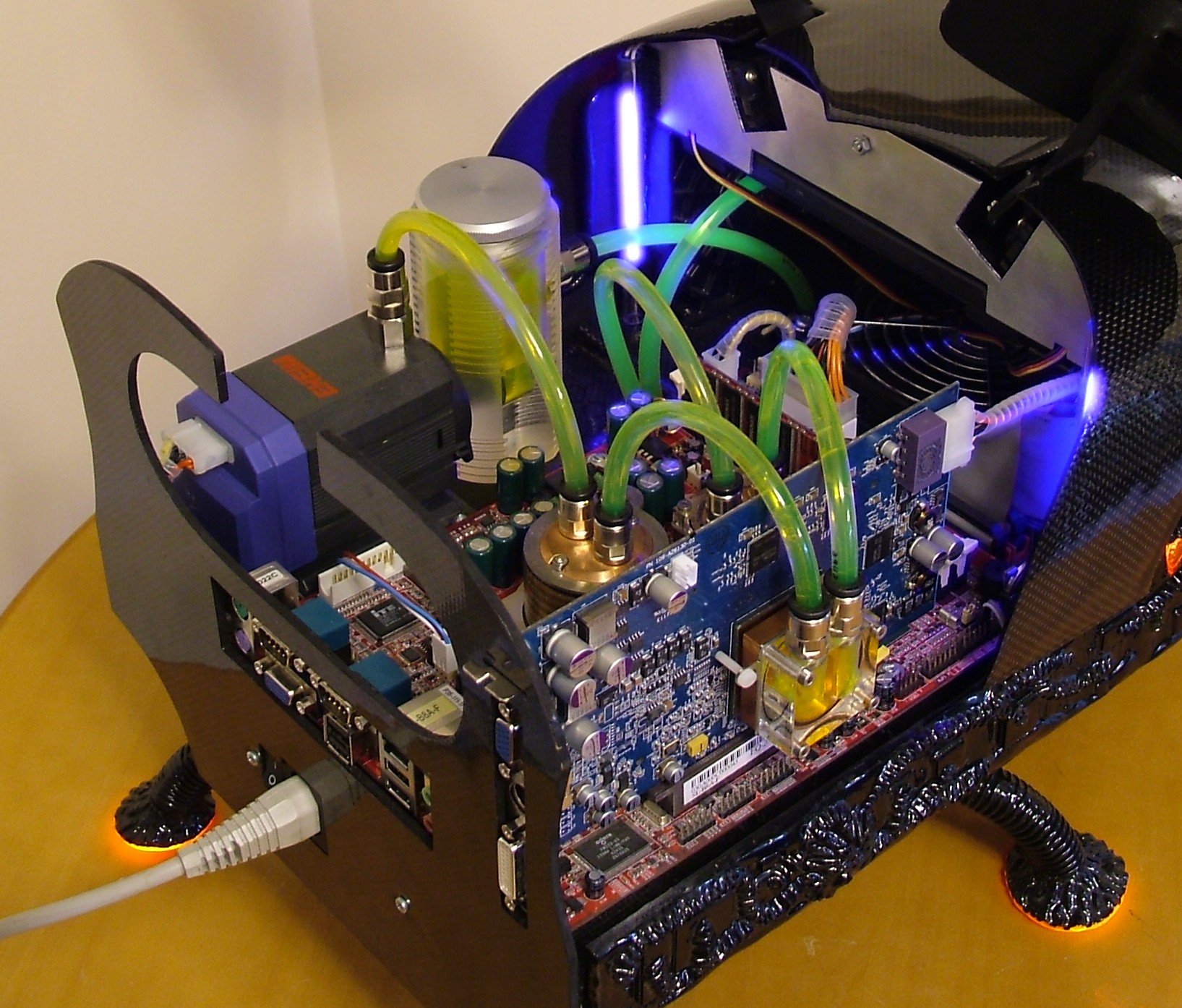
I noticed a nice feature when moving the tubes, for some reason the system was under pressurized so when I disconnected the old bypass tube from CPU to northbridge the tube section got sucked dry. So with the system still full not a single drop of water went out. The VGA block was connected and the computer was started. While running the water was topped up in the reservoir. Was a bit surprised it went that easy.
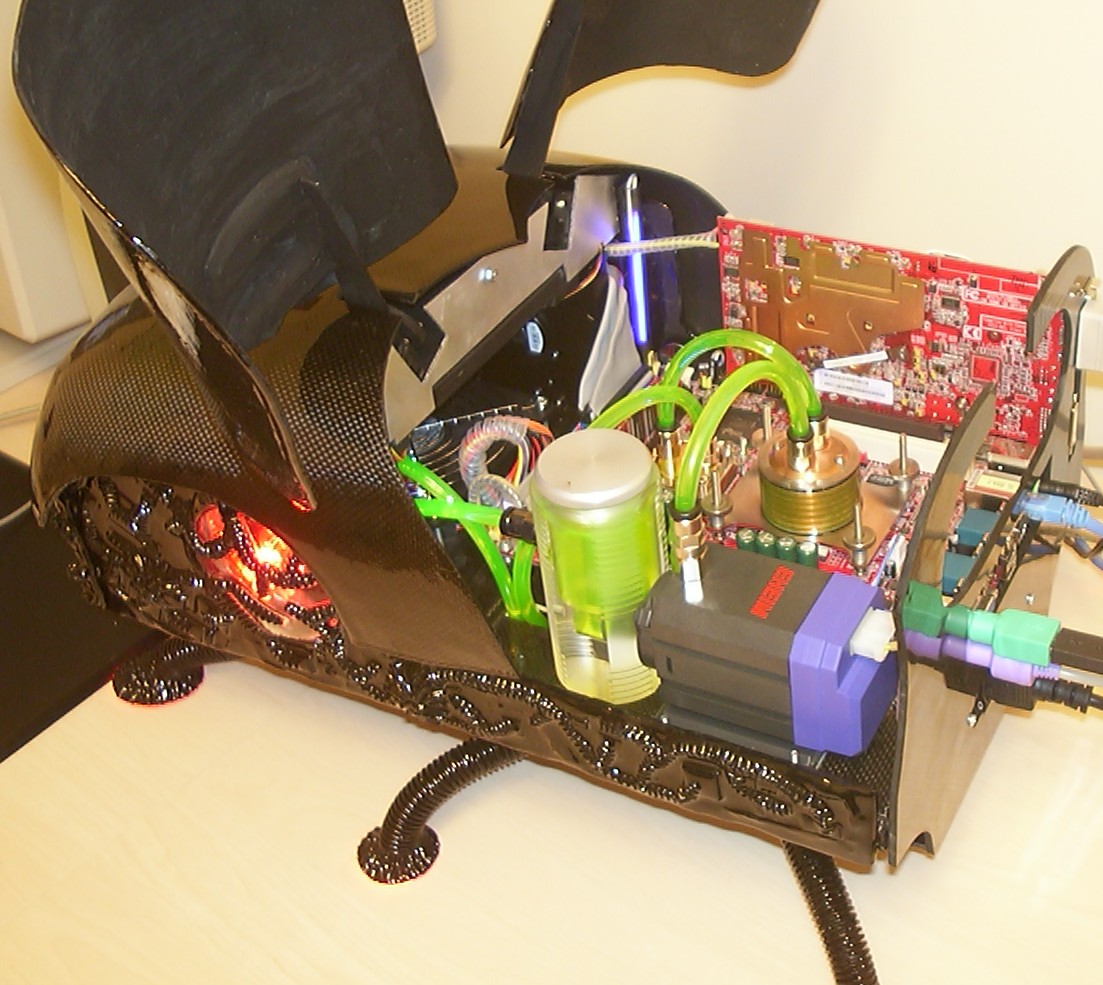
The green arches are back in action at last.
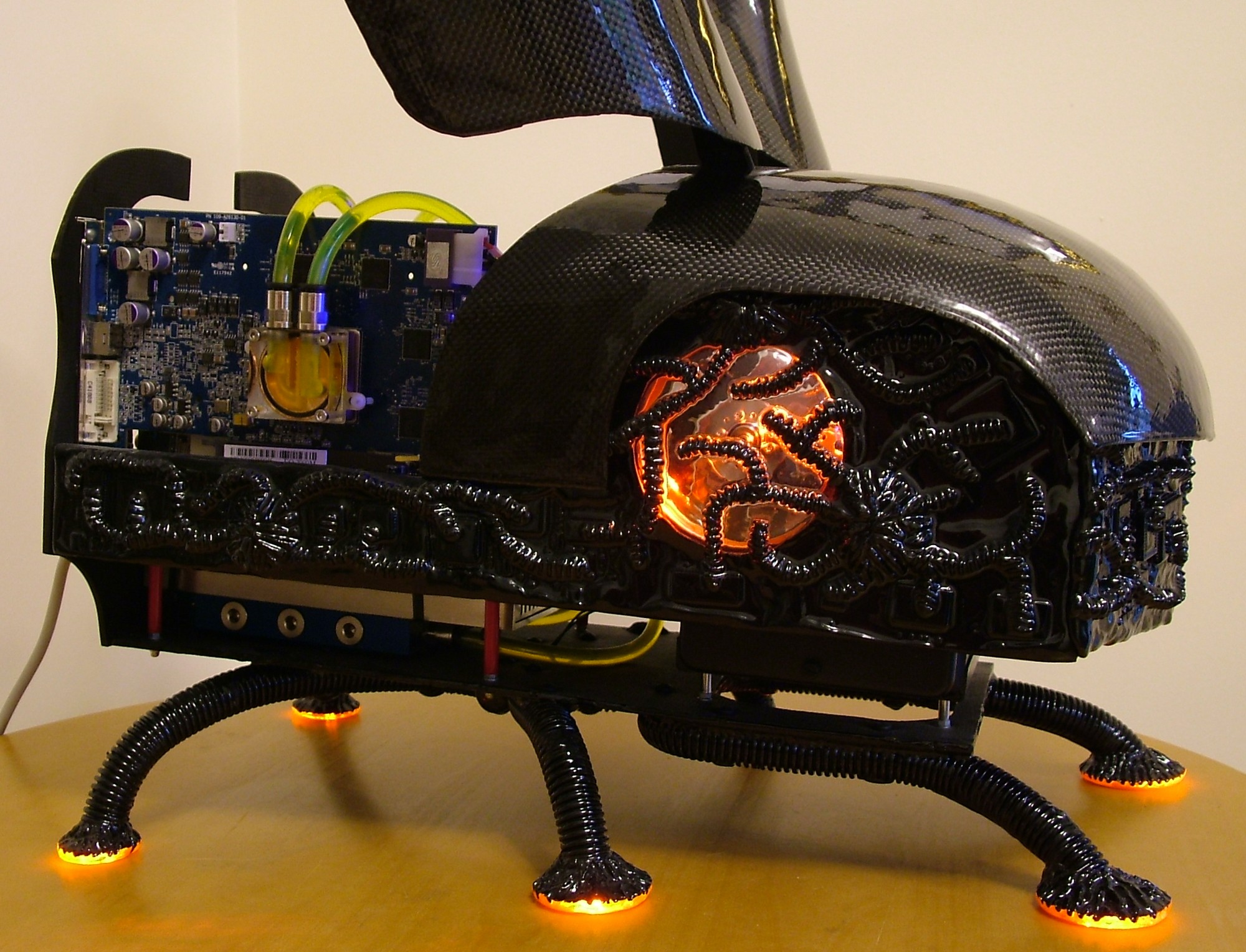
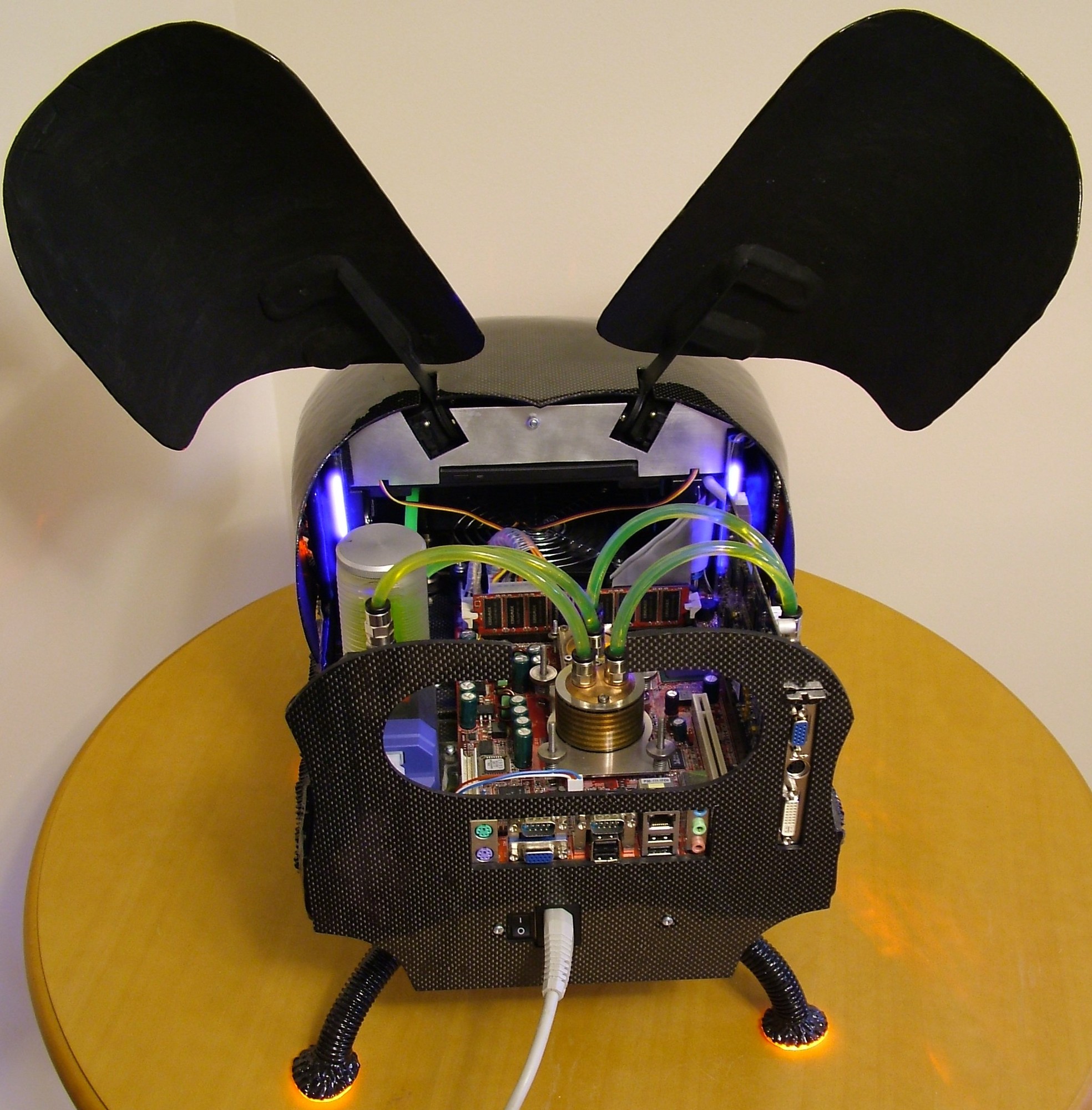
Ok, so the colour theme is dented now with motherboard and RAM in red, but seen in this angle you see it do match the blue waterblock on the PSU nicely.
Congratulations, you have reached the end of this worklog. I hope you have enjoyed the ride, at least I have. See you again in a future project.